


Sony boosts PlayStation Portal Quality with new update

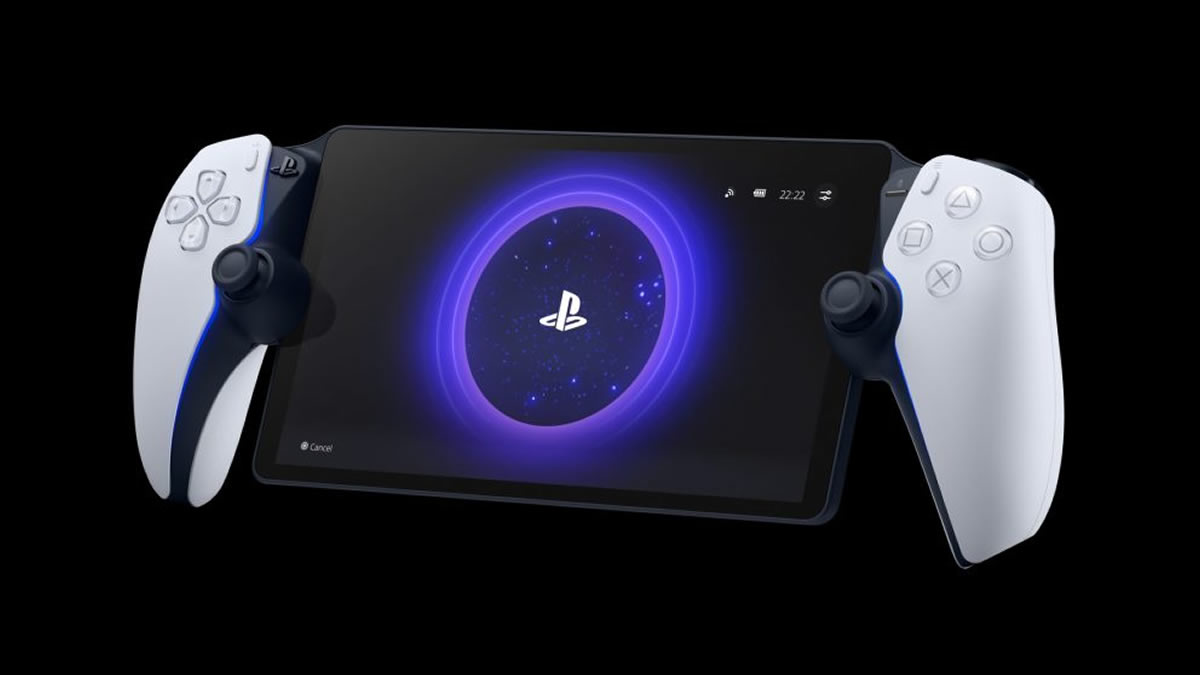
Sony makes its PlayStation Portal streaming device even better with its new “High Quality Mode”
On March 18th, Sony will be giving its PlayStation Portal a major upgrade. Soon, owners of Sony’s game streaming device will gain access to “1080p High Quality Mode” for both Remote Play and Cloud Streaming, boosting the device’s image quality. This is a must-download update for the PlayStation Portal.
While this new mode will require a stronger home network and/or internet connection, it will give gamers a notable improvement in image quality. Gamers will see fewer compression artefacts and clearer visuals, addressing some of the complaints that users have about the device.
Additionally, Sony is rolling out an improved onboarding experience, making it easier for gamers to get started. Furthermore, Remote Play users will enjoy an improved UI with clearer game invite and game Trophy notifications. The device will also feature an improved search screen.
1080p High Quality mode
Players can now select a 1080p High Quality mode during Remote Play and Cloud Streaming. This new mode enables players to enjoy games at a higher bitrate compared to the default 1080p Standard mode, providing a smooth and high-fidelity experience.
- To enable the mode, go to [Quick Menu] > [Max Resolution] and select [1080p High Quality] during Remote Play or Cloud Streaming.
- You can apply the change by restarting the Remote Play / Cloud Streaming session.
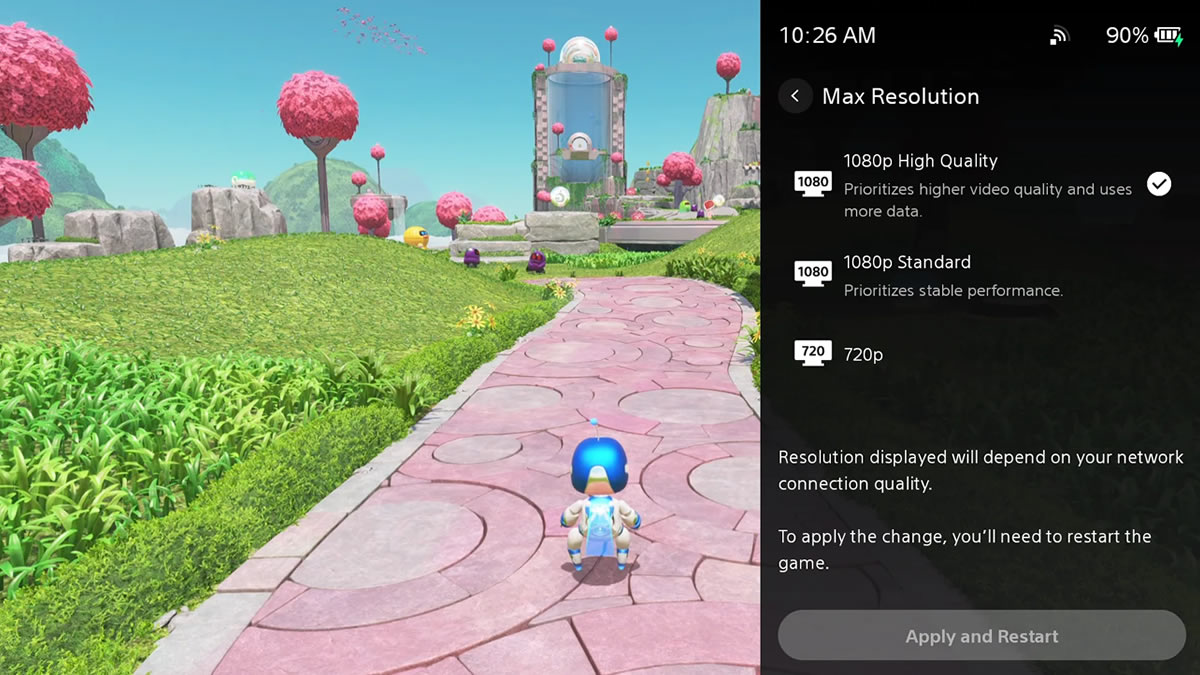
Streaming quality has been a complaint for the PlayStation Portal since day 1, so it’s great to see Sony addressing it with a higher-quality/bitrate mode. Sony states that Remote Play requires a WiFi connection of at least 5 Mbps. However, Sony recommends a minimum speed of 15 Mbps for a “better play experience”.
You can join the discussion on the PlayStation Portal’s new 1080p high-quality mode on the OC3D Forums.
