


Microsoft PowerToys adds Automatic light/dark mode switching and more

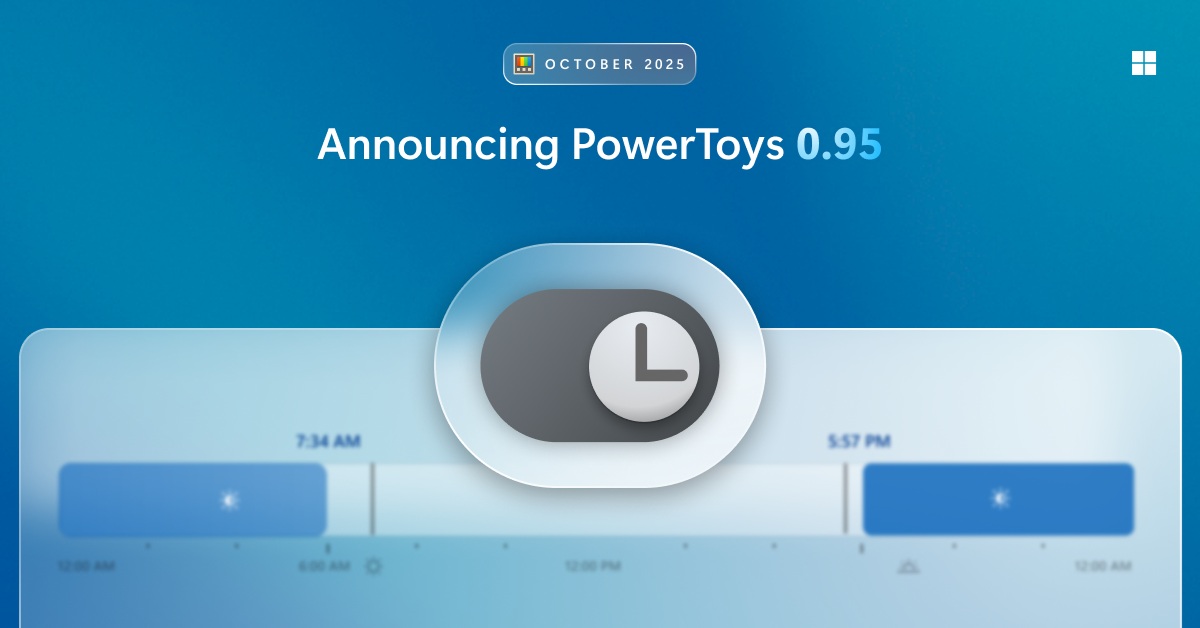
PowerToys 0.95 now has an automatic light/dark mode switcher and other new features
Microsoft has released PowerToys 0.95, giving Windows power users access to more tools that can improve/customise Windows 10 and 11. New features for this version of PowerToys include automatic light mode and dark mode switching. Additionally, the Command Palette has been sped up significantly.
With Automatic light/dark mode switching, Windows users can set a time for PCs to switch between both modes. This allows light mode to be used during the day, while dark mode is used at night. A shortcut can also be used to toggle between both modes.
Below is a list of additional improvements to PowerToys 0.95
- Peek with the Space bar added
- Find My Mouse now supports transparency (with adjustable slider)
- Ignore shortcut conflicts option added
- Gliding Cursor can now be canceled with the Esc key.
- Added a Welsh layout with acute, grave, and dieresis variants for vowels in Quick Accent.
- ZoomIt now supports smooth image zooming.
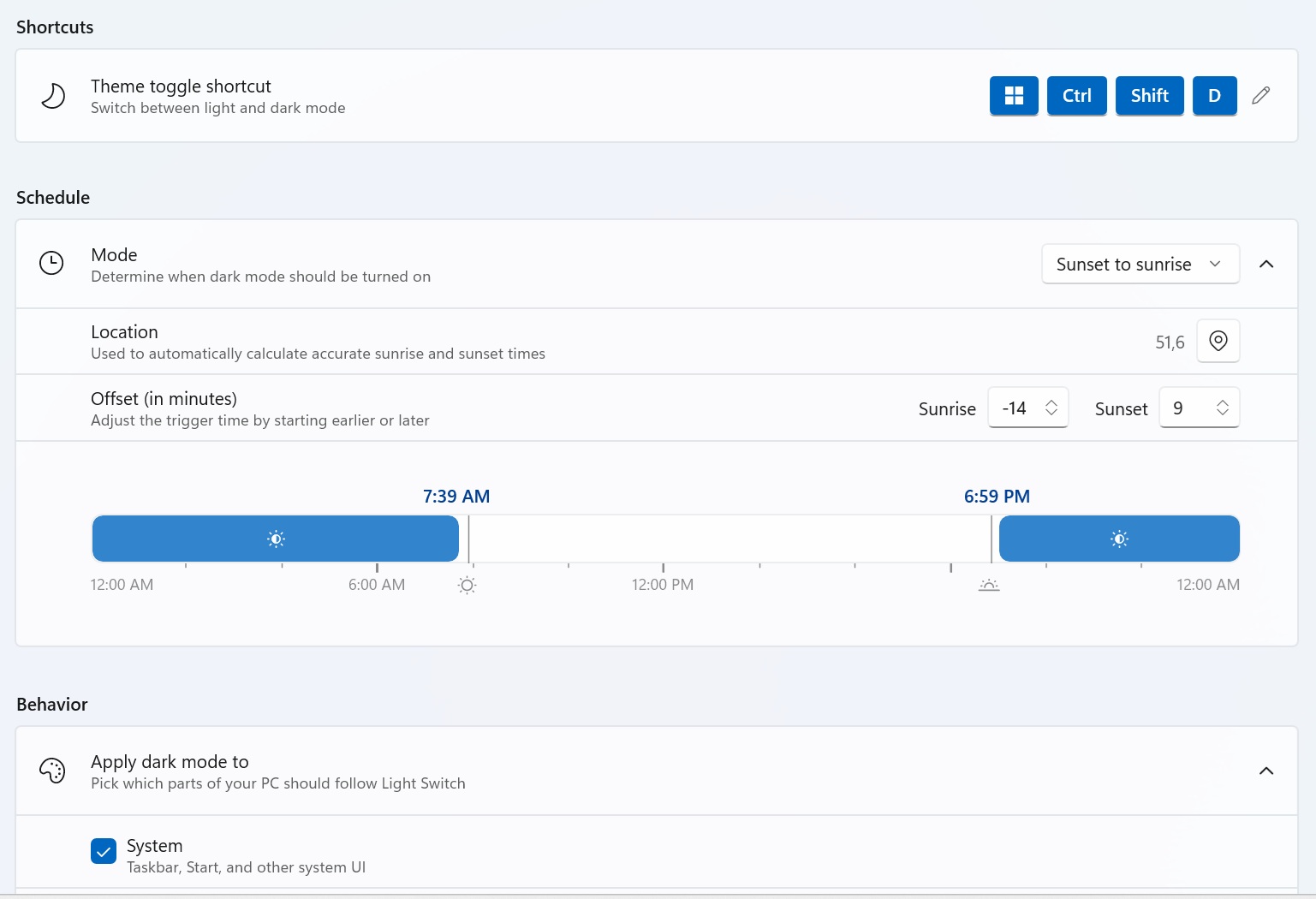
(Light and Dark mode scheduling – PowerToys 0.95)
Microsoft is already planning its next PowerToys release, with plans to release “revamped Keyboard Manager UI”. Additionally, “Advanced Paste” and further “Command Palette improvements” are in the works. Note that Microsoft has not revealed an ETA for its next PowerToys update.
More information on PowerToys 0.95 is available here.
You can join the discussion on PowerToys gaining automatic light and dark mode switching tools on the OC3D Forums.
