


Microsoft preps Internet Speed Test for full Windows release

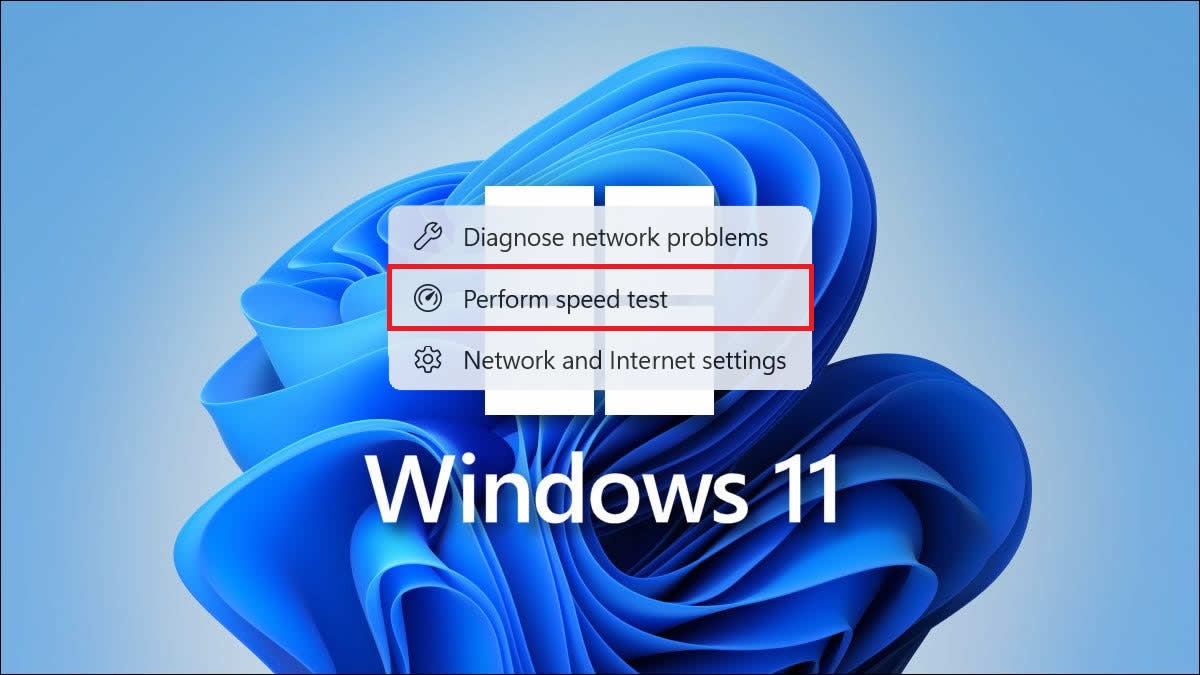
Windows 11 Release Preview gains Internet Speed Test and more
Microsoft has released a new Windows 11 Insider build that adds several new features and upgrades to the OS. For starters, this new version of Windows 11 will add an internet speed test to the OS’ taskbar, allowing users to test their internet connection on their preferred browser.
Alongside this internet speed test, Windows 11 is gaining support for Emoji 16, adding new emojis to the OS, new backup and restore functions, and several smaller OS improvements. For starters, the performance of scanning temporary files has improved. Windows’ Update Settings page is reportedly more responsive. Next, Windows’ Print Service is reportedly smoother, with changes preventing slowdown during “high-volume” printing. File Explorer has also gained an “extract all” option within its command bar for non-ZIP files.
New! A built‑in network speed test is now available from the taskbar. Open it from the Wi‑Fi or Cellular Quick Settings, or by right-clicking the network icon in the system tray. The speed test opens in the default browser and measures Ethernet, Wi‑Fi, and Cellular connections. This feature helps check network performance and troubleshoot issues.
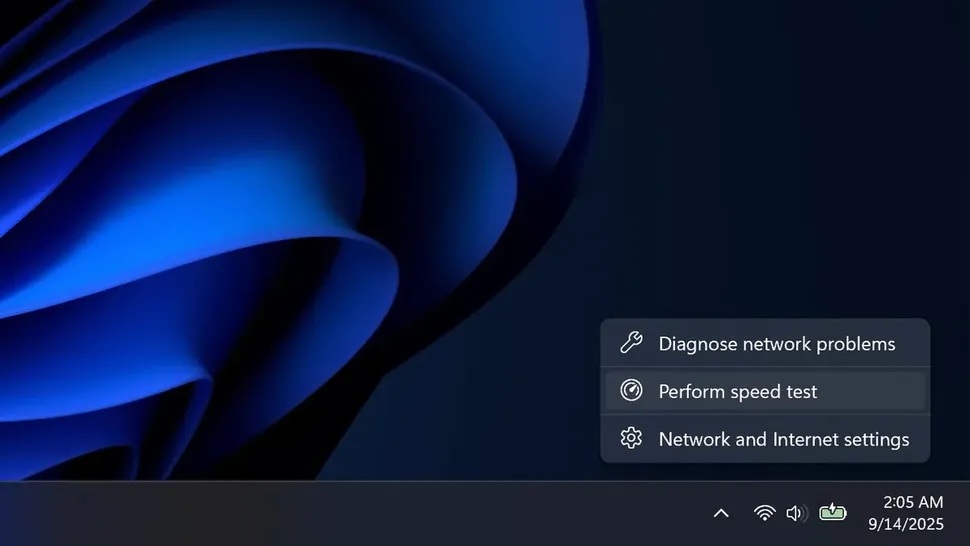
(Windows 11’s upcoming Speed Test option – via Windows Central)
Overall, Windows 11’s new release preview contains some solid upgrades. That said, these changes will do little to change opinions on Windows 11. Windows’ favourability is at an all-time low, and Microsoft needs to make dramatic changes to its OS if it wants to maintain its market dominance.
Nothing in this new update is revolutionary, but it does address a few bugbears. A steady stream of updates that add useful features and welcome speed/reliability improvements will be welcomed by all users. Let’s just hope that none of these updates introduce any new bugs or issues…
You can join the discussion on Windows 11’s upcoming “Speed Test” functionality on the OC3D Forums.
