


Nvidia GeForce 581.29 is a big bug fixing driver

Nvidia’s newest GPU drivers are ready for Borderlands 4 and Dying Light: The Beast
Nvidia has officially released its GeForce 581.29 WHQL driver for Windows 10/11 PCs. With this driver, Nvidia has added “Game Ready” optimisations for both Borderlands 4 and Dying Light: The Beast. Both of these games will launch with support for Nvidia’s DLSS 4 technology and Multi-Frame Generation.
Another key aspect of this driver is its many bug fixes. This new driver addresses a performance regression in Marvel: Rivals using GeForce 581.xx series drivers. Additionally, it addresses a memory leak for users using NVENC hardware encoding. Full release notes for this driver are available below.
Note that Nvidia has listed video exporting issues in Adobe Premiere as an “open issue” within its newest drivers. This freezing issue only happens when hardware encoding is enabled and should be addressed with a future Nvidia driver release.
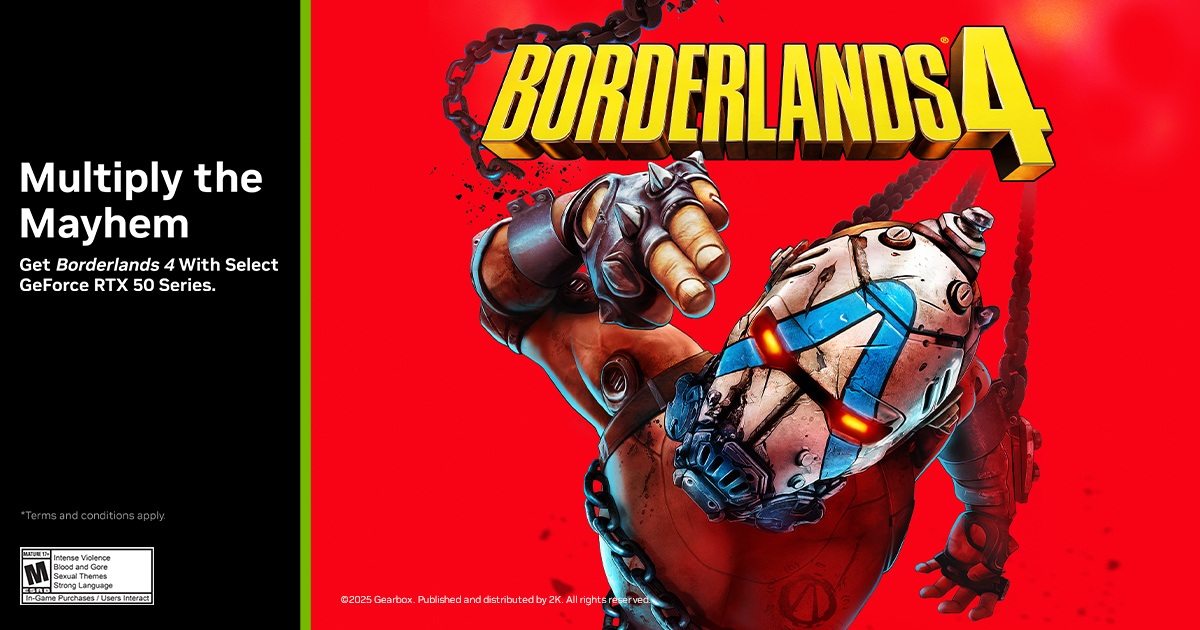
Nvidia GeForce 581.29 WHQL GPU Driver Release Notes
This new Game Ready Driver provides the best gaming experience for the latest new games supporting DLSS 4 technology including Borderlands 4 and Dying Light: The Beast.
Applications
The September NVIDIA Studio Driver provides optimal support for the latest new creative applications and updates including support for Microsoft TRELLIS NIM, providing optimized performance on RTX GPUs.
Fixed Application Bugs
- Cyberpunk 2077: Crash when using Photo Mode to take a screenshot with path tracing enabled [5076545]
- Marvel Rivals: Negative performance impact when using some 581.xx drivers [5444816]
- Forza Motorsport: Game crashes if using Smooth Motion while bringing up NVIDIA App overlay statistics [5412757]
- Gray Zone Warfare: Game stability issues [5371781]
- ARK: Survival Ascended: Game stability issues [5441616]
- Marvel’s Avengers – The Definitive Edition: Game crashes to desktop on startup [5350712]
Fixed General Bugs
- Potential memory leak when using NVENC hardware encoding [5442678]
- Power cycling monitor can result in monitor flickering when NVIDIA App is installed [5434811]
- NVIDIA App game filter issues after driver update [5429651]
- Certain monitors may display a random flicker when hot plugged over HDMI [5280259]
Open Issues in Version 581.29 WHQL
- Counter-Strike 2: Text may appear slightly distorted when in-game resolution is lower
than the native resolution of the display [5278913] - Adobe Premiere Pro: Some system configurations can freeze during export using
hardware encoding [5431822] - Like a Dragon: Infinite Wealth: Light flickering after driver update on some system
configurations [5432356]
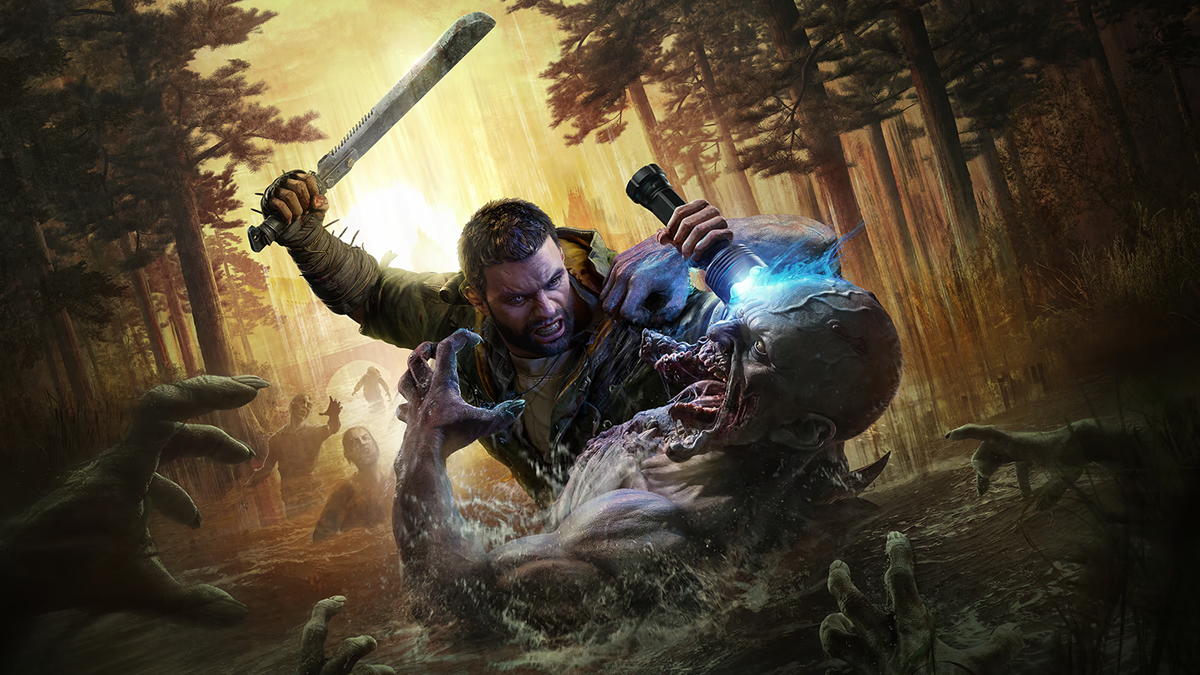
Nvidia’s GeForce 581.91 Game Ready driver is available to download here.
You can join the discussion on Nvidia’s GeForce 581.29 WHQL driver on the OC3D Forums.
