


ASUS launches its ROG Strix XG129C secondary touchscreen monitor

ASUS challenges Elgato with its ROG Strix XG129C Touchscreen display
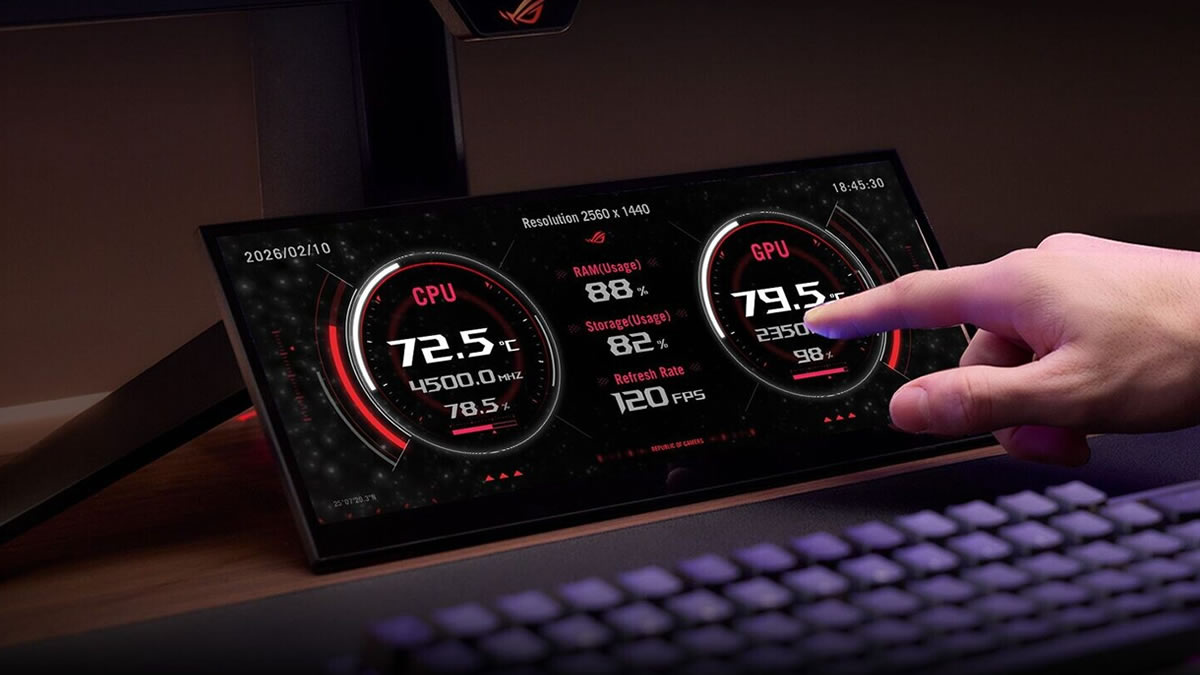
ASUS has officially launched its ROG Strix XG129C secondary display, a 12.3-inch touchscreen that is designed for app control and system monitoring. Users can use their primary display for gaming and applications, and use this secondary screen for chats, system monitoring, and widgets.
The ROG Strix XG129C is a 1920 x 720 IPS screen that operates at 75Hz. The screen features a 24:9 aspect ratio, making it perfect for sitting under your primary display. With its 10-point touchscreen, users can provide precise multi-finger inputs for quick screen interactions. The screen can be used for hotkey execution, app management, or streaming interactions.
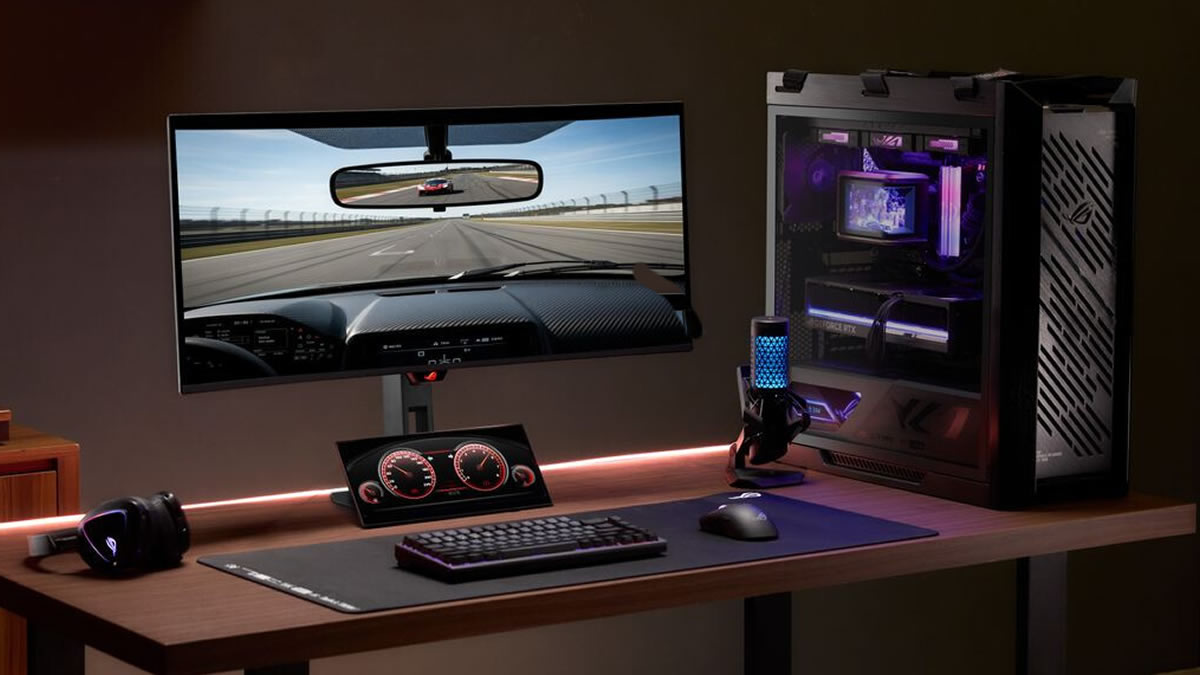
With 125% coverage of the sRGB colour space and 90% coverage of the DCI-P3 colour space, this screen boasts strong colour performance for what’s supposed to be a “secondary” display. This screen includes a one-year subscription to AIDA 64 Extreme for real-time hardware monitoring. Note that this software typically costs €59.95 per year. This will allow users to monitor their CPU and GPU thermals and loads alongside fan speeds, memory usage and more. This screen also fully supports ASUS’ DisplayWidget Center software and ASUS’ Control Panel software.
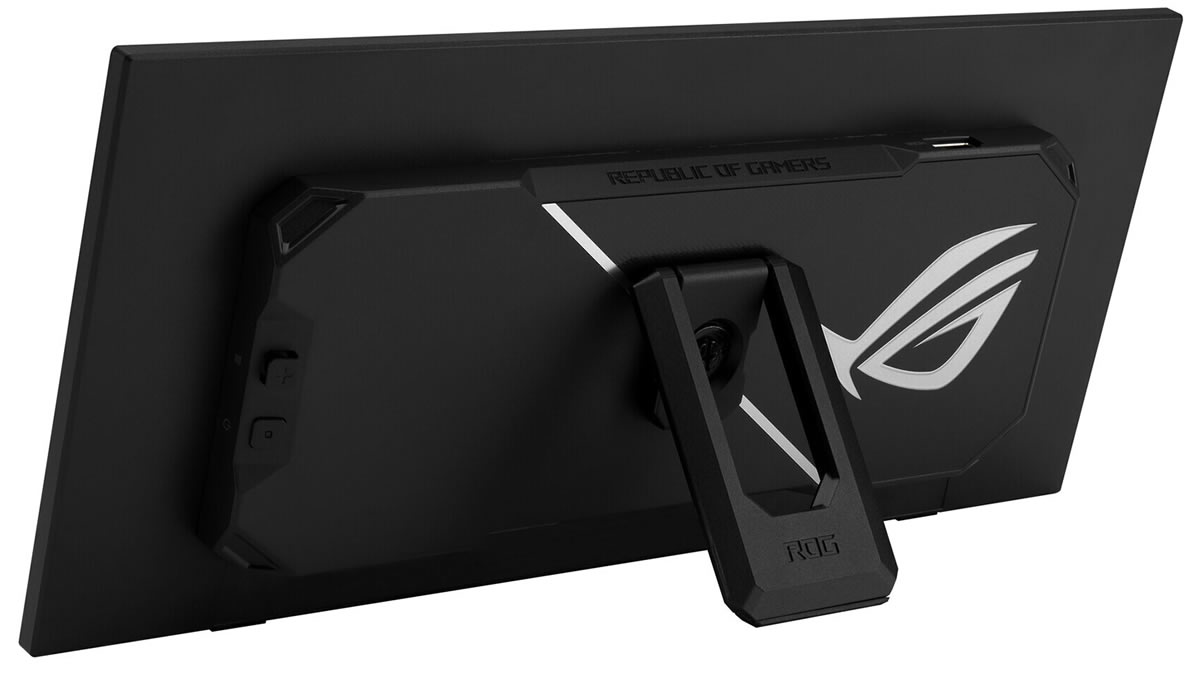
Powering this screen is a USB-C port that handles power, video, and touchscreen data. A secondary USB-C connector delivers 20W of power, while an HDMI 1.2 port provides stronger compatibility with a wide range of other devices. After all, not all devices can handle USB-C screens.
With its adjustable kickstand, users can adjust this screen wit perfectly within their setup. Additionally, this monitor features a tripod socket for alternative mounting. Sadly, ASUS has not provided official UK pricing for this new secondary monitor.
You can join the discussion on ASUS’ ROG Strix XG129C secondary display on the OC3D Forums.
