


Here’s how Microsoft’s finally fixing Windows Update

Microsoft’s finally fixing Windows Update – Here’s how
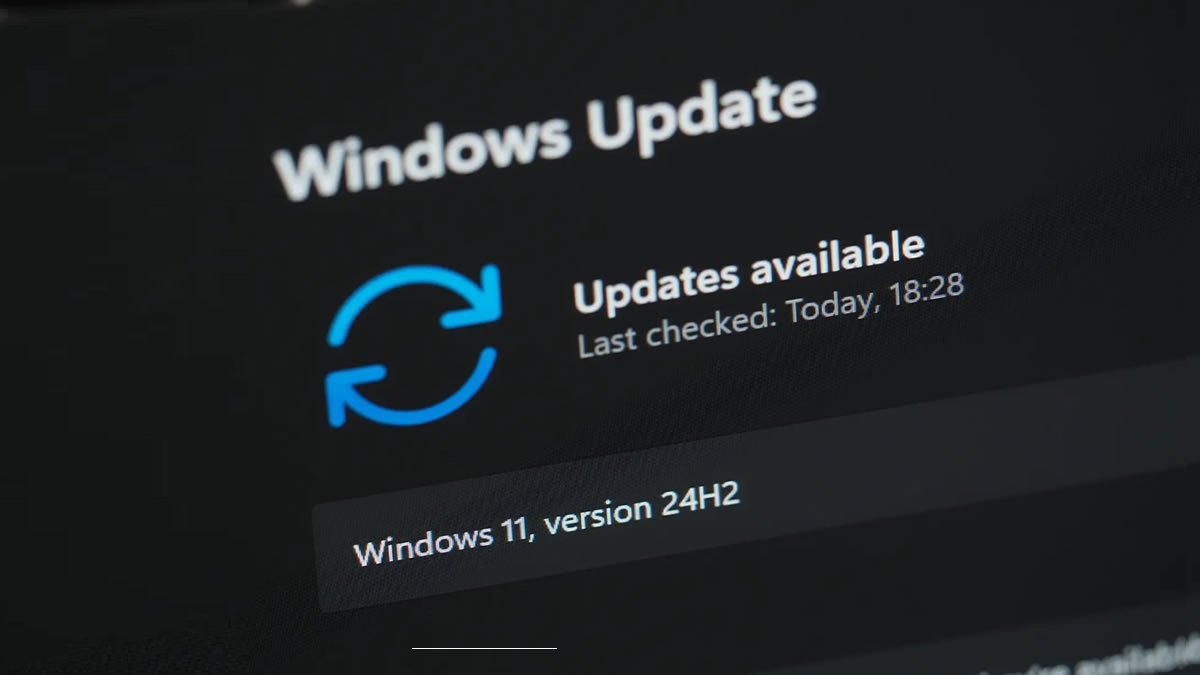
Microsoft’s finally listening to feedback. Windows users are finally getting more control over Windows Update. Starting now, with Windows 11’s Dev Channel and Experimental versions, users have new options that give them control over Windows updates. In time, these changes will roll out to all Windows 11 users.
With these new updates, Microsoft aims to address the problems caused by previous updates. Primarily, these are the annoyances caused by untimely updates and the irritation caused by having little to no control over OS/software updates. Soon, Windows users will be given more control over Windows updates, which is great news for everyone.
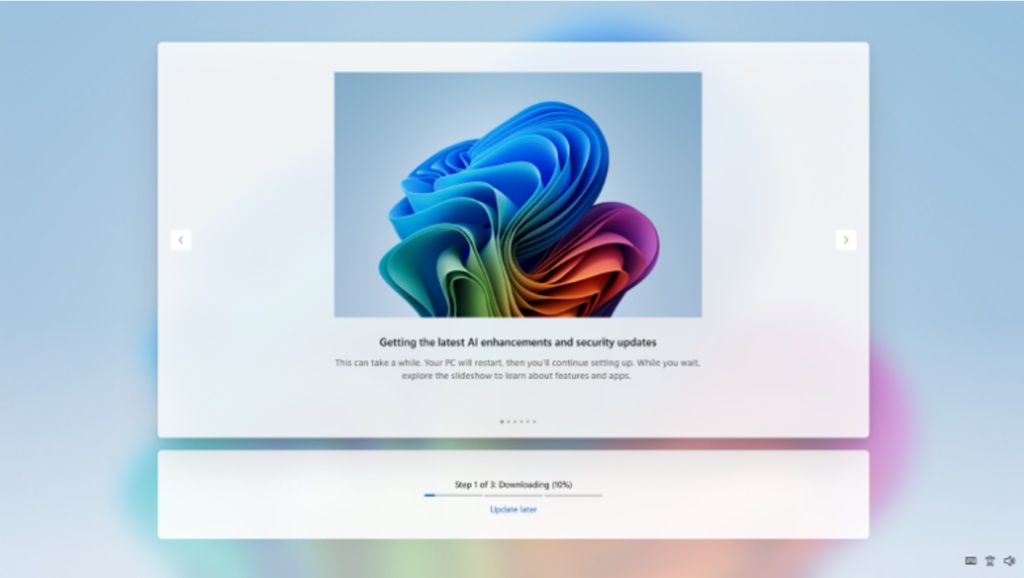
No more mandatory updates for the Out-Of-Box-Experience
Earlier this year, Microsoft introduced the ability to skip updates during a device’s Out-Of-Box-Experience (OOBE). This allows Windows users to start using their PCs faster by delaying updates until later. Before then, Windows 11 was updated to the latest version during the OOBE. This forced users to wait until their PC was ready, which was a lengthy process.
Note that this new option is not available to commercial devices where the OOBE is managed.
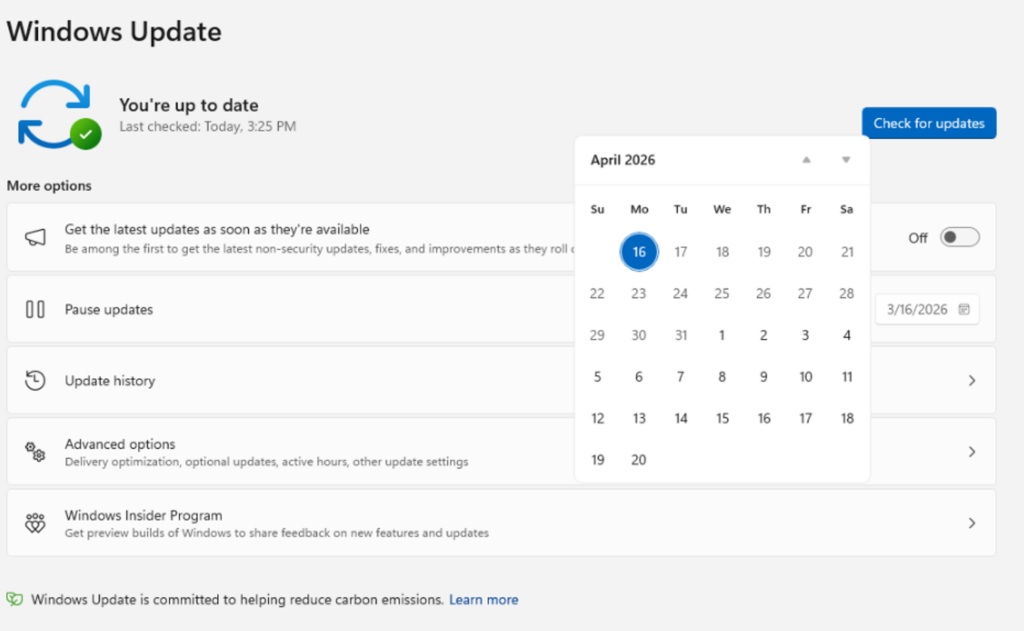
Pause updates forever, kinda
Windows 11 users will soon be able to pause updates for up to 35 days. This allows users to avoid updates while travelling, during busy times, or for other events. If 35 days are not enough, users can extend their update pause as many times as they want. Windows 11 users will be able to re-pause for up to 35 days at a time. This means that Windows 11 users will be free to delay updates indefinitely, provided they keep delaying them each month or so.
Microsoft wants users to update their OS, as it’s necessary to provide strong OS security. This is why Windows 11 updates cannot be delayed by more than 35 days at a time.
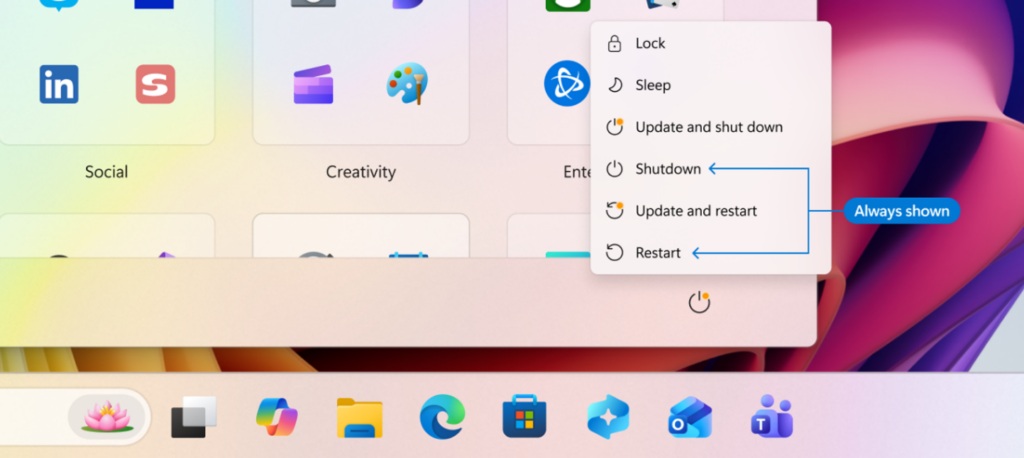
Shutdown and Restart will always be options
Microsoft has seen the light and finally realised that shutting down and restarting your PC should always be easy. Soon, Windows 11 will always show “Shutdown” and “Restart” as options, even when there are updates waiting to be installed. This will allow users to choose whether to “update and shutdown” or “update and restart,” or simply “shutdown” or “restart”. This gives users full control of their systems.
2026 is the year that Microsoft started taking Windows seriously again. Microsoft is finally reading its users’ feedback and addressing the problems they’ve complained about for years. Let’s hope that they can continue this momentum moving forward, because we’ll need more than improved update controls to fix Windows.
You can join the discussion on Microsoft fixing Windows update on the OC3D Forums.
