


Hitman 2’s Latest Patch Add a Benchmark Option and Razer Chroma Support

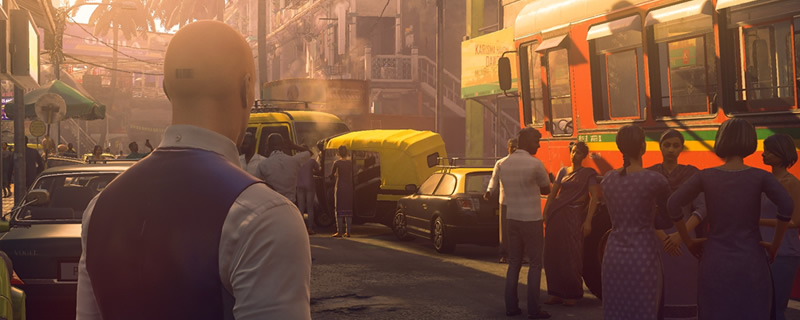
Hitman 2’s Latest Patch Add a Benchmark Option and Razer Chroma Support
Hitman 2’s Snow Festival will be available on the game’s legacy Hokkaido map and will be playable between January 22nd and February 12th. Those who complete this limited time mode will receive the Snow Master Challenge Pack, unlocking the game’s Ice Pick weapon and Snow Festival Suit costume.
With the game’s latest patch IO Interactive promises a range of fixes and tweaks which are designed to improve the Hitman 2 experience across all modes, though our brief testing has left us concluding that game performance remains similar to the game’s launch when using maximum in-game settings.
PC players of Hitman 2 will now be able to use the game’s PC exclusive “Benchmark Mode”, which allows players to test the game’s performance in Hitman 2’s Mumbai and Maimi locations. These offer a decent approximation for general game performance, including the dips that players will experience in demanding locations.
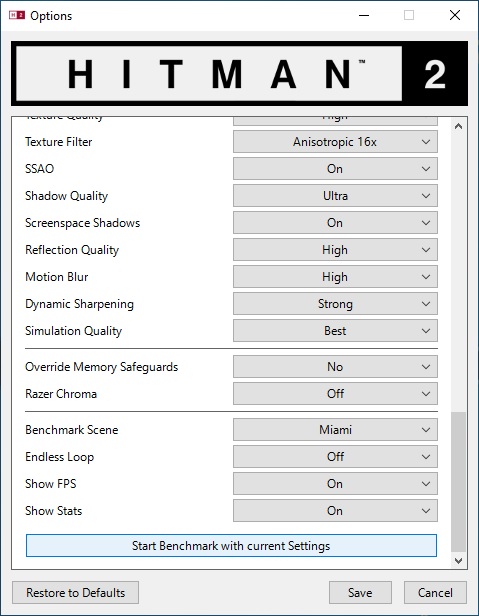
Razer Chroma support has also been added to Hitman 2, allowing Razer’s RGB accessories to react to in-game actions, with colour changes happening when players are in combat, gain the attention of NPCs and mark key prompts in select circumstances. More information about Hitman 2’s Razer Chroma support is available here.
Our initial PC Performance Review of Hitman 2 is available to read here. Full release notes for Hitman 2 patch 2.13 are available to read here.
You can join the discussion on Hitman 2’s Latest Patch offering PC players a Benchmark Mode and Razer Chroma support on the OC3D Forums.