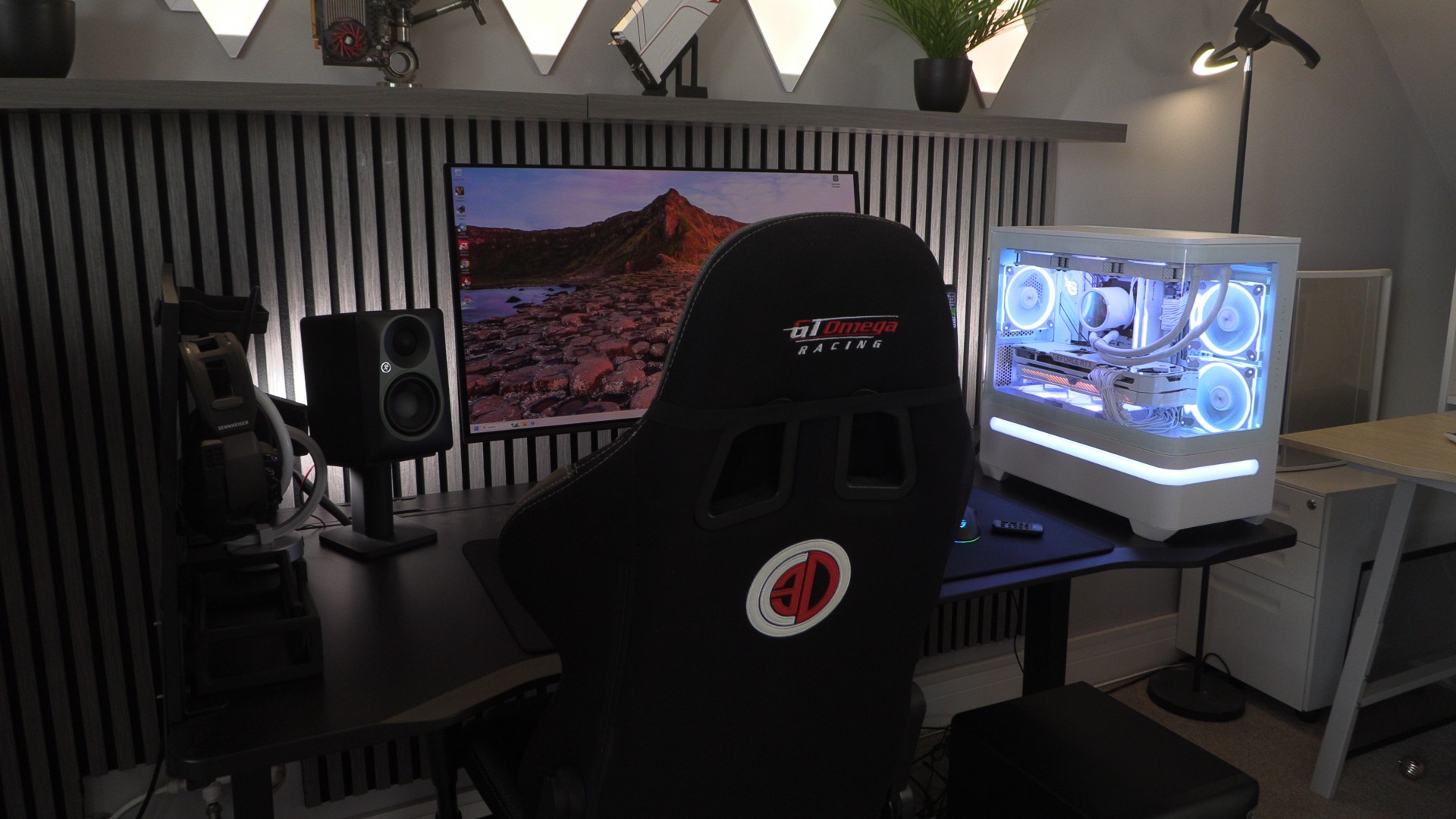
ASUS PRIME AP202 ARGB PC Case Review

Up Close with the ASUS PRIME AP2020 ARGB
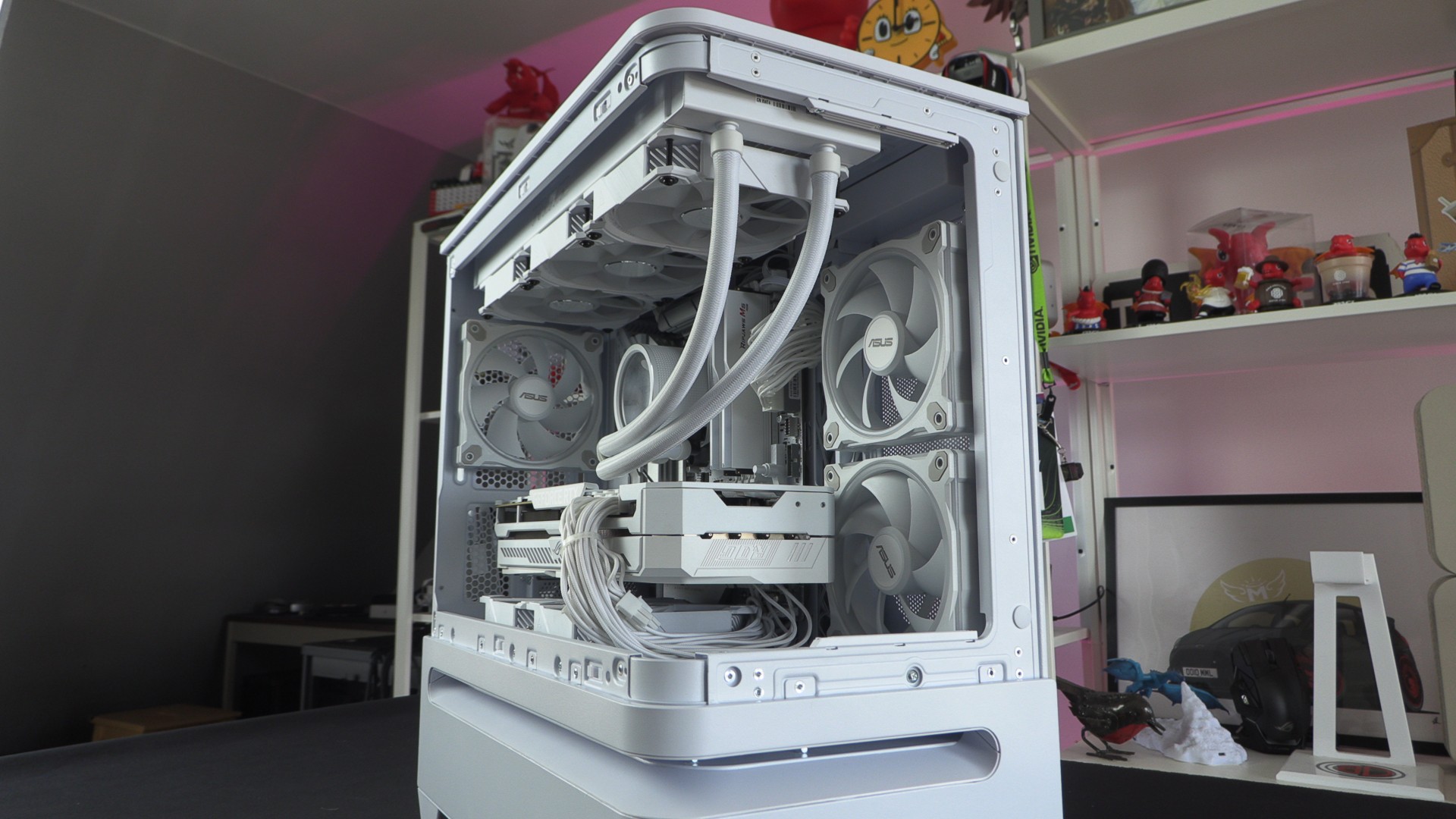
Up Close with the PRIME AP202 ARGB
Starting at the top of the PRIME AP202 ARGB, we have a removable mesh section and the cass I/O. At the top of the case, we have a power button, a reset button, a mic/headset port, two USB Type-C ports, and a USB Type-C (20 Gbps) port.
Note that this case’s reset switch is far away from the case’s power button, preventing accidental presses.
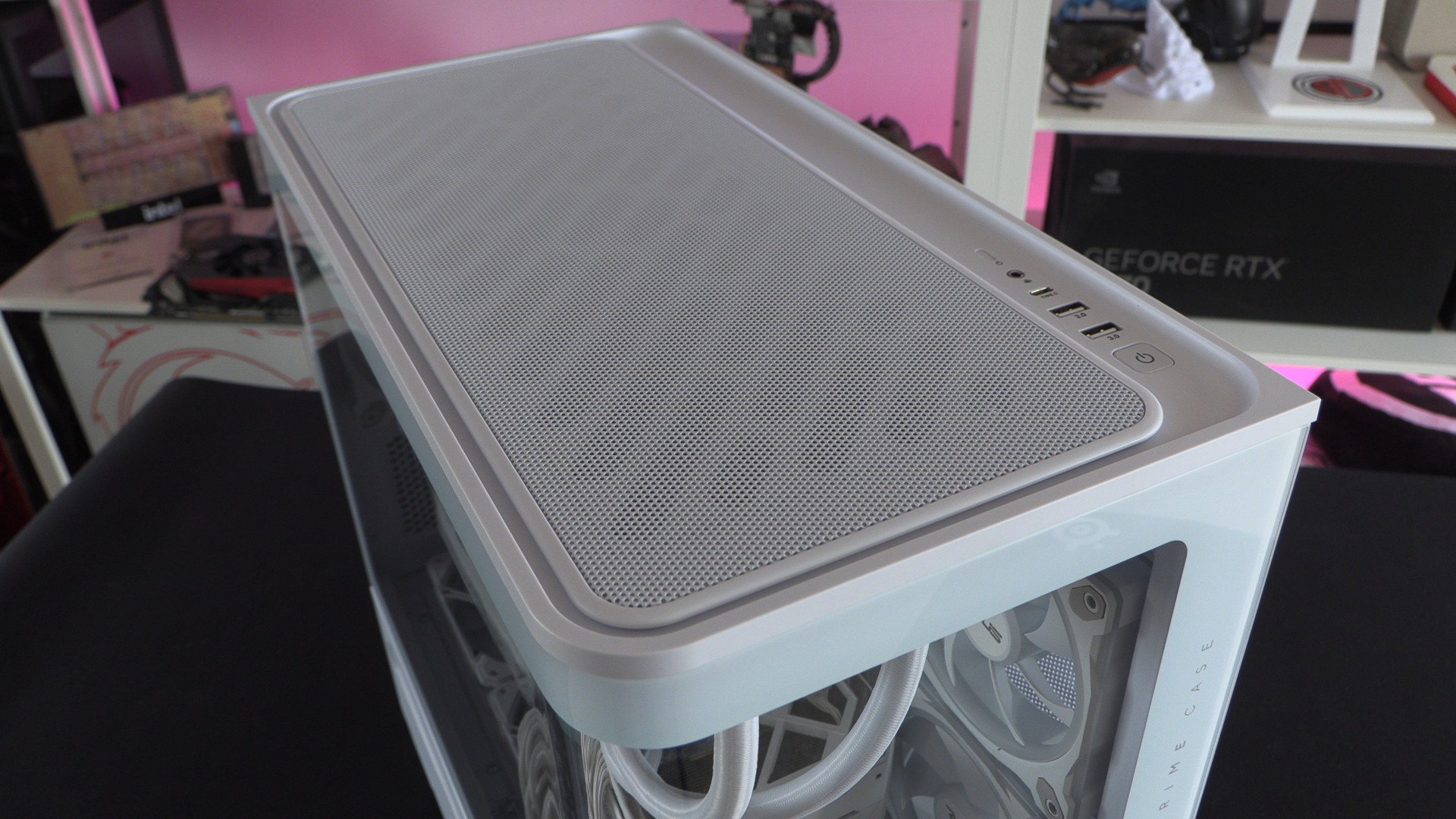
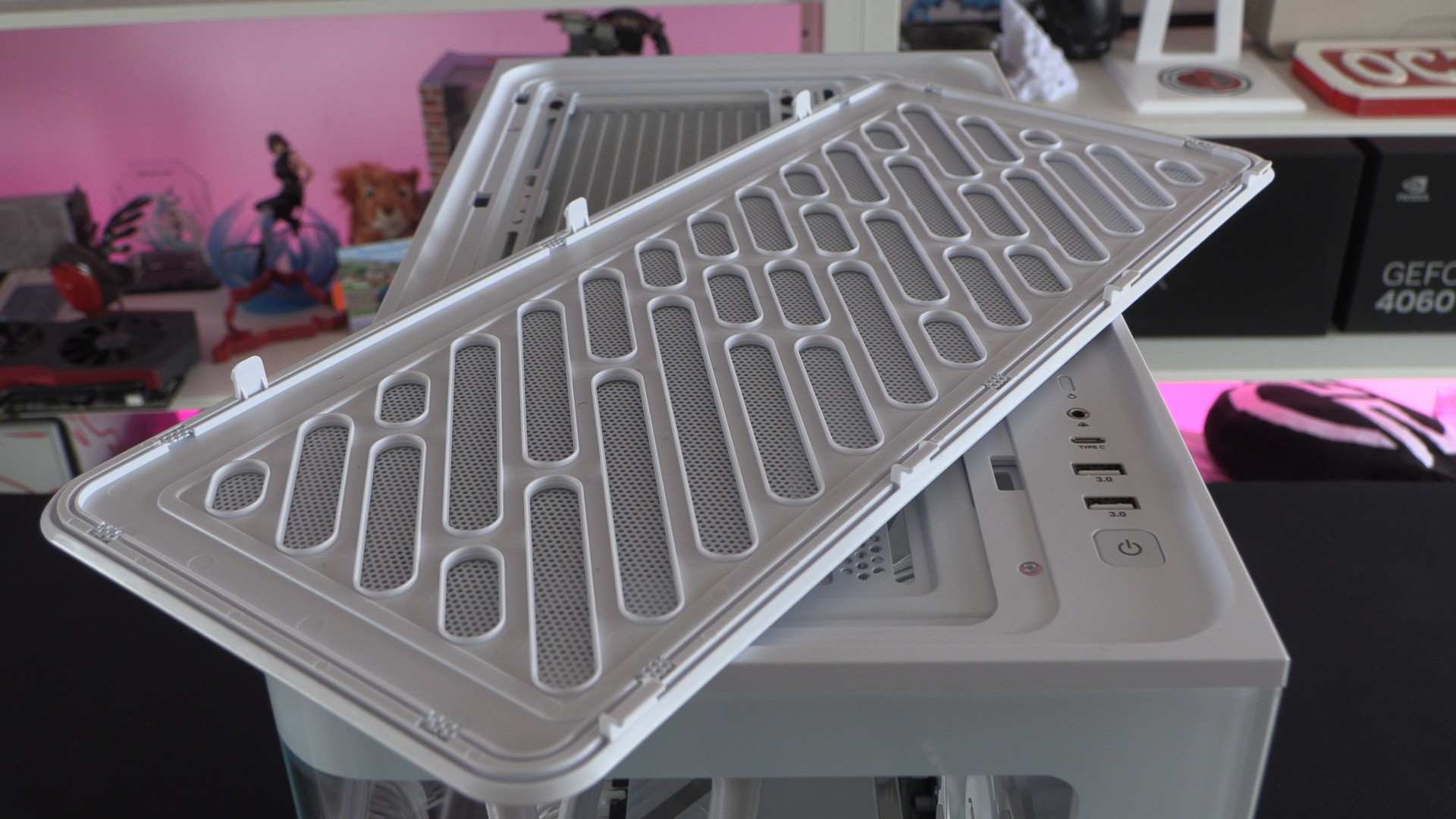
The AP202’s top mesh is easy to remove. This showcases this case’s space for up to two 140mm fans or three 120mm fans. For our PC build, we have mounted a 360mm CPU liquid cooling solution in this location.
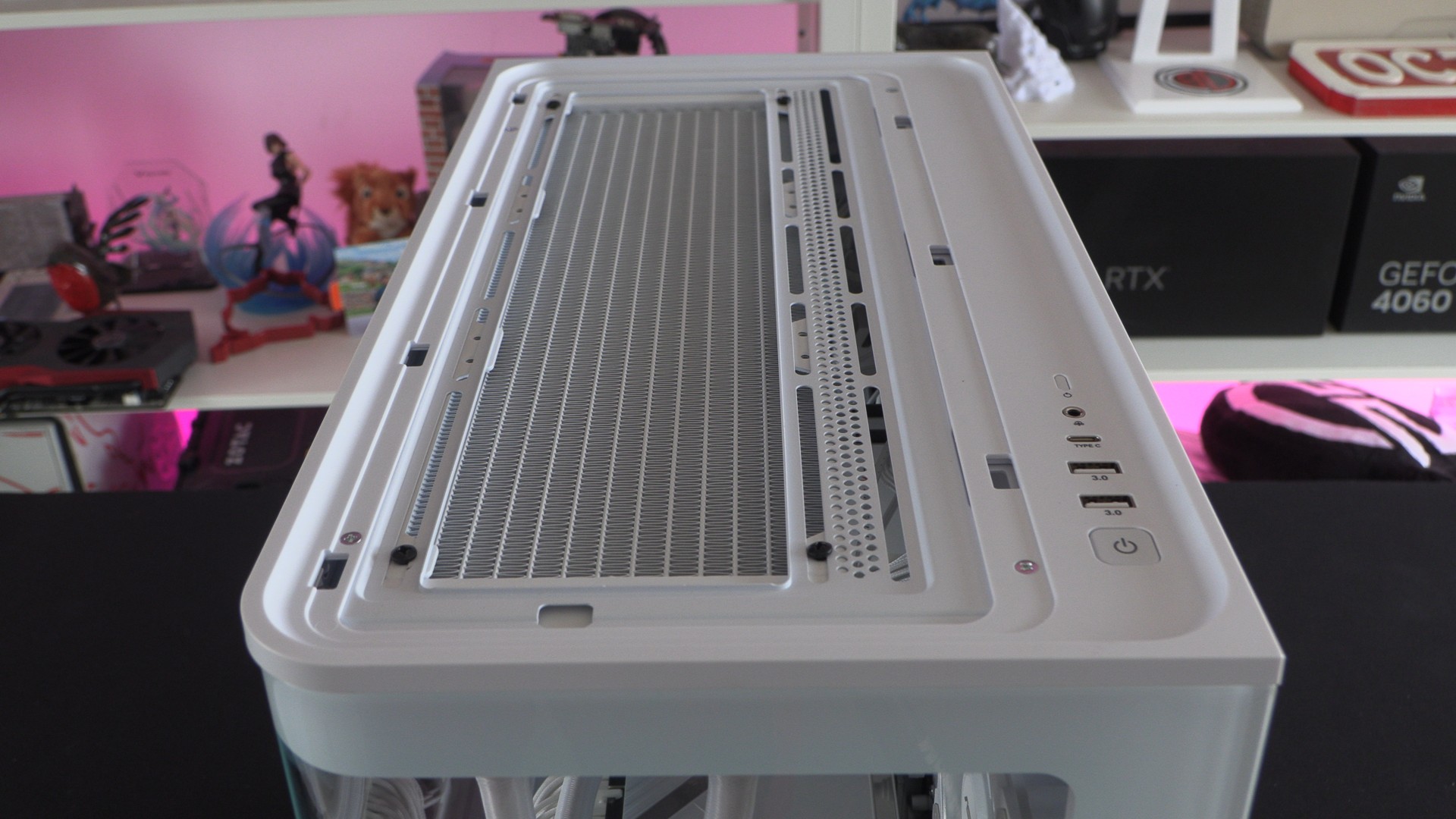
The top mesh panel of this case can be fitted using the tabs shown below. This mesh panel can be easily removed by hand with a tug.
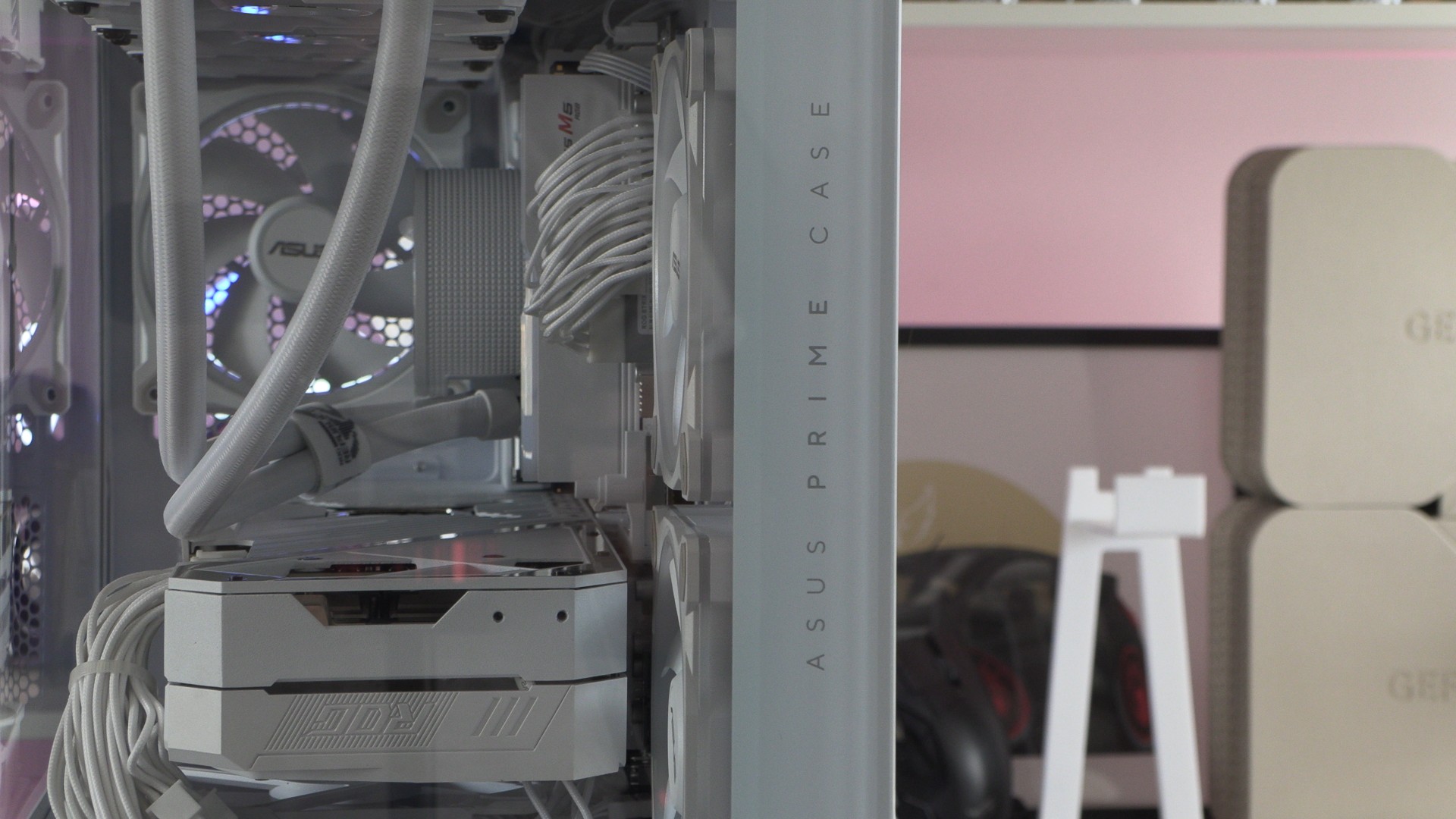
Minimal branding
As mentioned before, this case has minimal ASUS branding. Aside from this case’s subtle ASUS PRIME CASE lattering, there are no signs of ASUS branding. ASUS knows that they don’t need to lean on this case’s branding for it to sell.
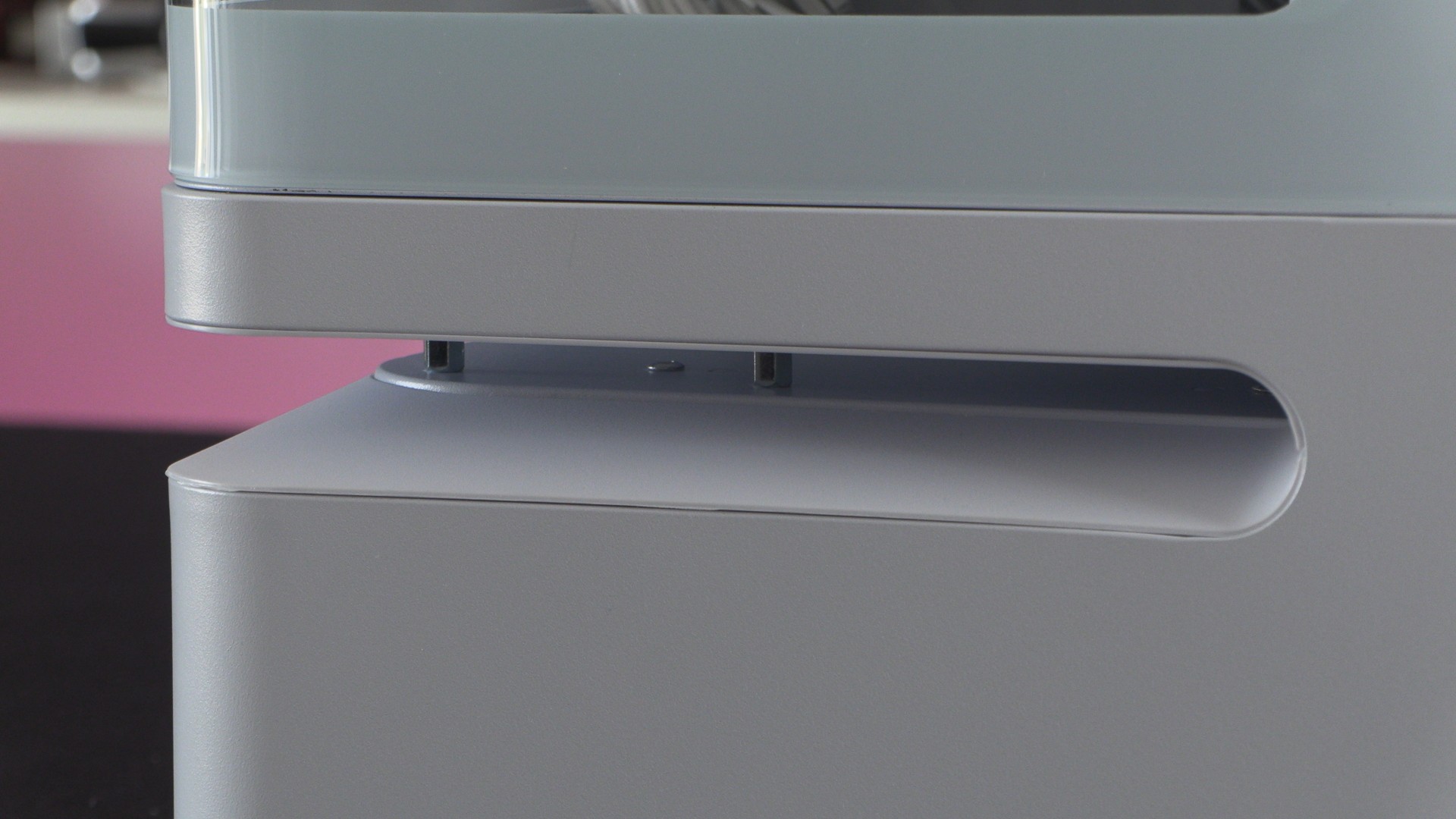
ASUS’ patented Slot vent
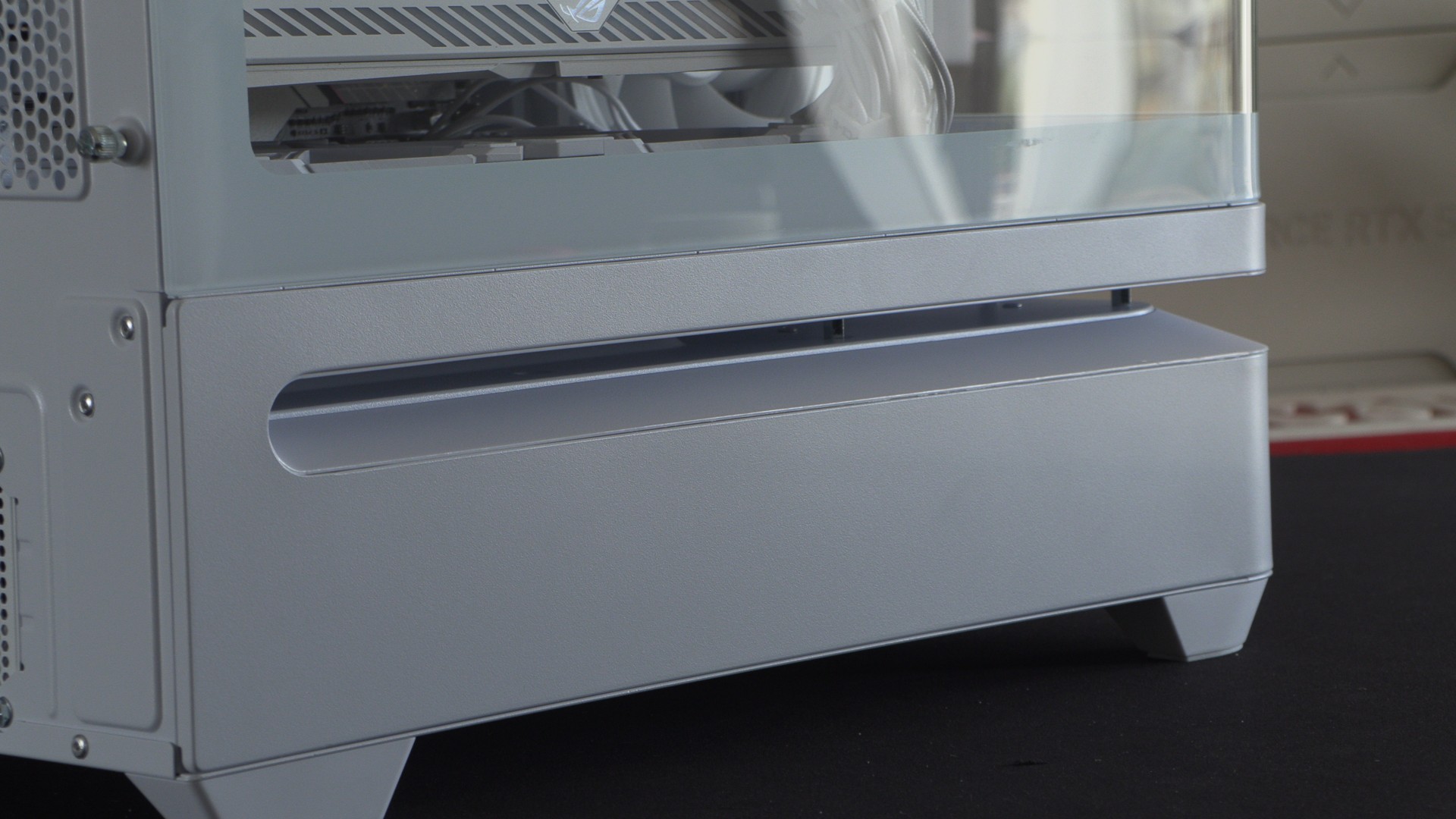
At the front and left sides of the case, the ASUS PRIME AP202 ARGB has a slot vent that feeds the three 120mm fan mounts at the base of the case’s main chamber. This area allows cool air to enter the case, intaking air directly under this system’s graphics card.
This vent also has ARGB lights mounted above it, creating a cool lighting effect when your PC is turned on.
MATX – Limited PCIe slots
Like all MATX PC cases, users will only have a limited number of PCIe slots. This case only has three PCIe slot covers. That means that users of large graphics cards will have very few options if they want to use PCIe add-on cards.
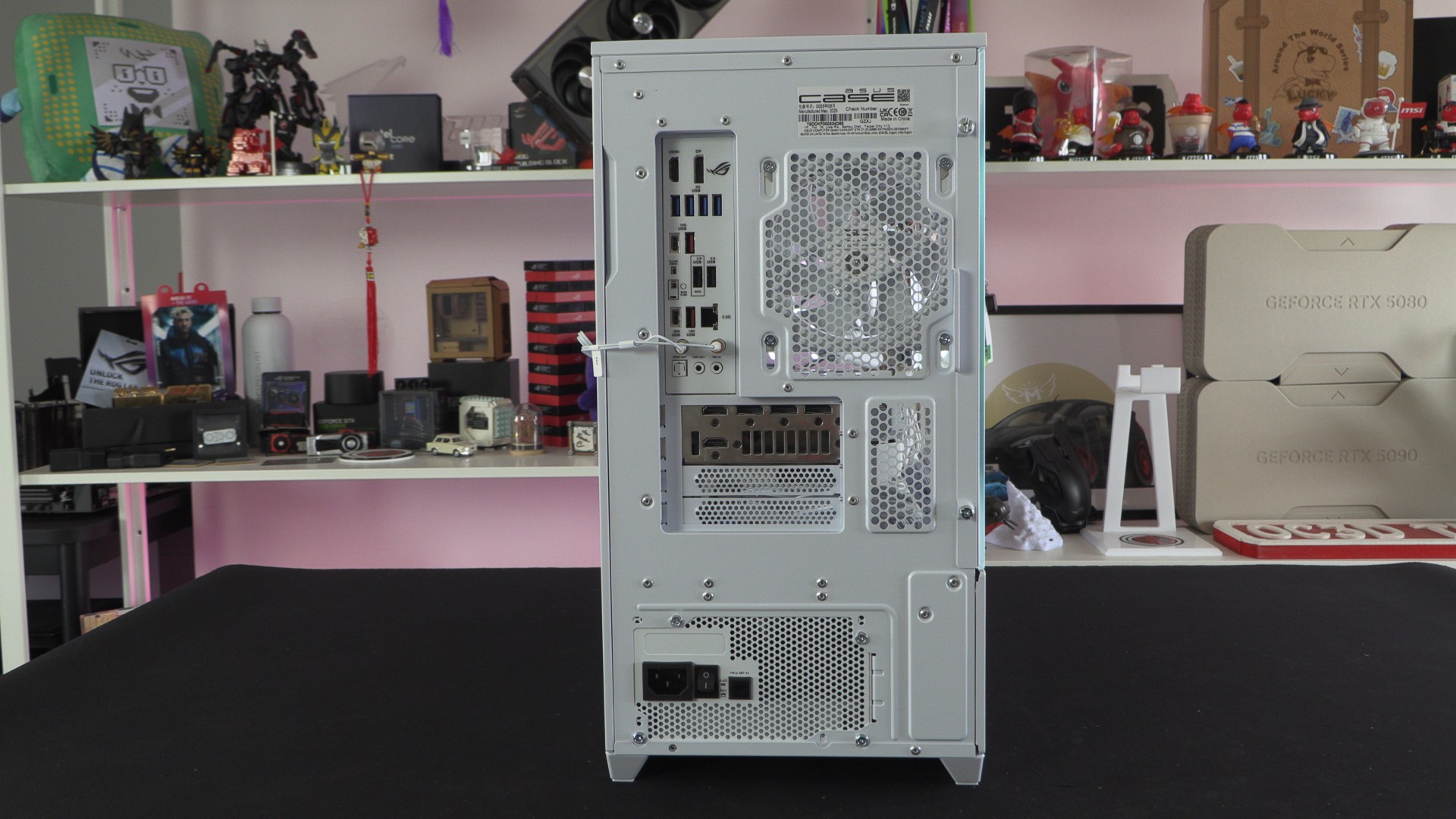
At the right side of this case, we have a simplistic side panel design with some ASUS PRIME printing and ventilation holes for the case’s side-mounted fans.
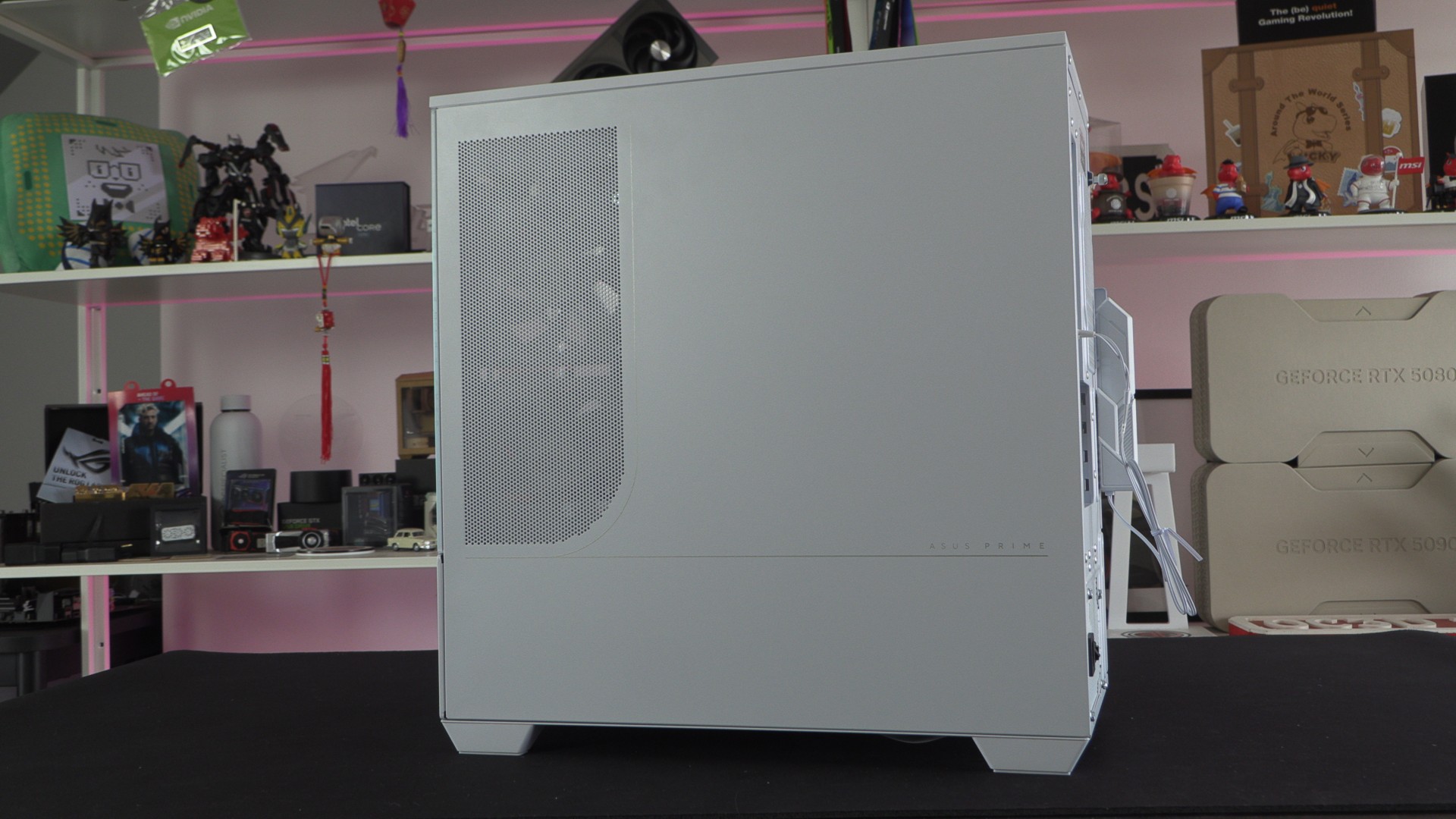
With 30mm of space behind this case’s motherboard tray, AP202 users have plenty of space for cable management. With all of our fans using RGB LEDs and a GPU that used three 8-pin PCIe power cables, this PC has a lot of cables to manage. To this case’s credit, we were able to fasten all of our cables with little effort. No, this cable management job won’t win any awards for tidiness, but this case can easily handle large cable volumes.
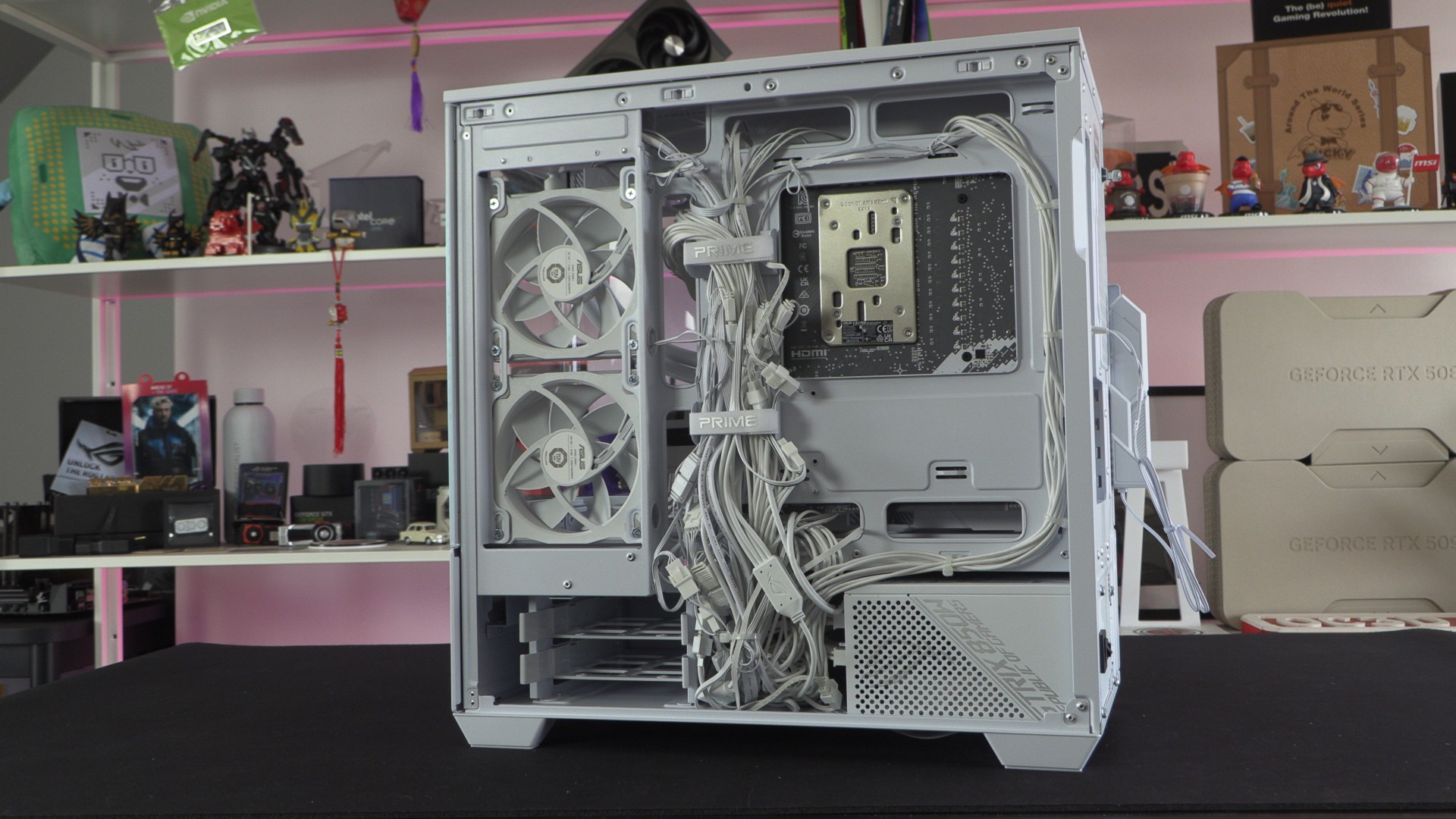
No BTF Support
As mentioned before, this case does not support ASUS BTF motherboards. That’s a shame, as ASUS’ BTF hardware can be used to create great-looking systems. Typically, we expect a high level of brand synergy in cases like this. Sadly, this isn’t the case for the PRIME AP202. Although ASUS hasn’t created many MATX BTF motherboards, it is a shame that this case wasn’t built with BTF hardware in mind.
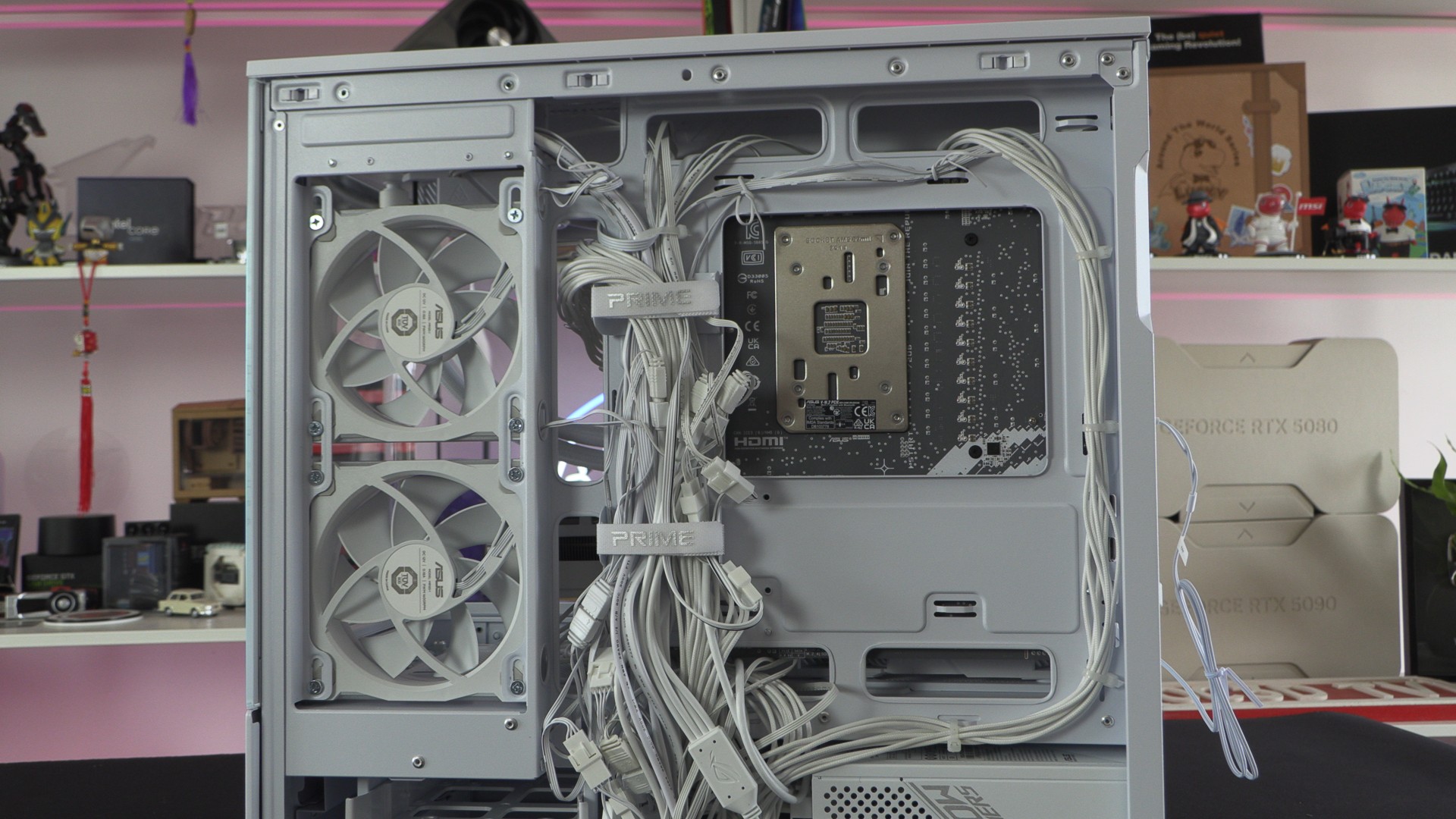
Note that the 2.5-inch/3.5-inch hard drive tray in the AP202 is not removable. This part is riveted into the case. Making this part removable would have created a great space for hiding power cables. Simply using screws instead of rivets would have made this space more useful to many PC builders.
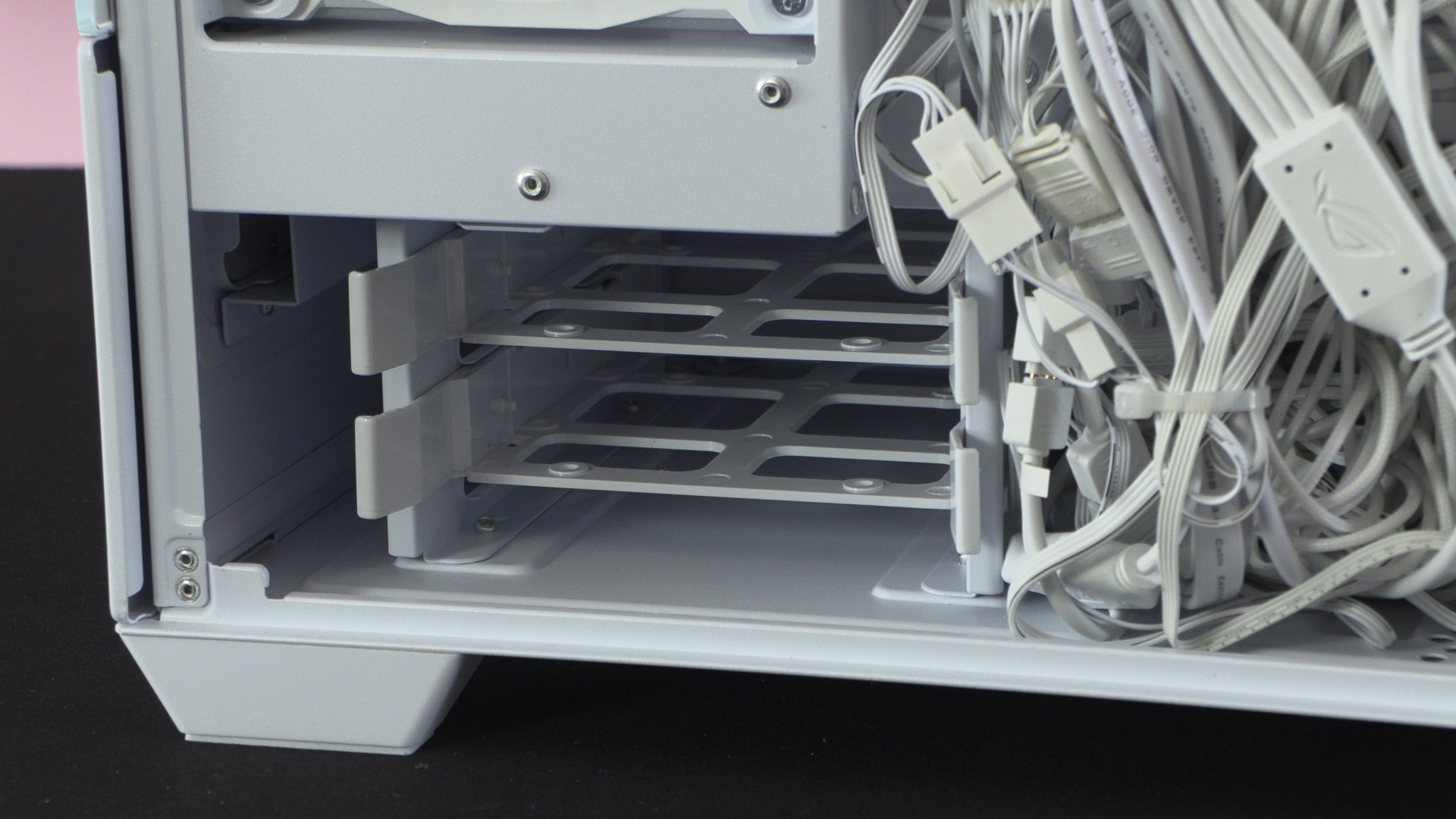
Again, it is a shame that ASUS has used rivets instead of screws here. Here, we can also see that this case uses a basic dust filter for its PSU air intake.
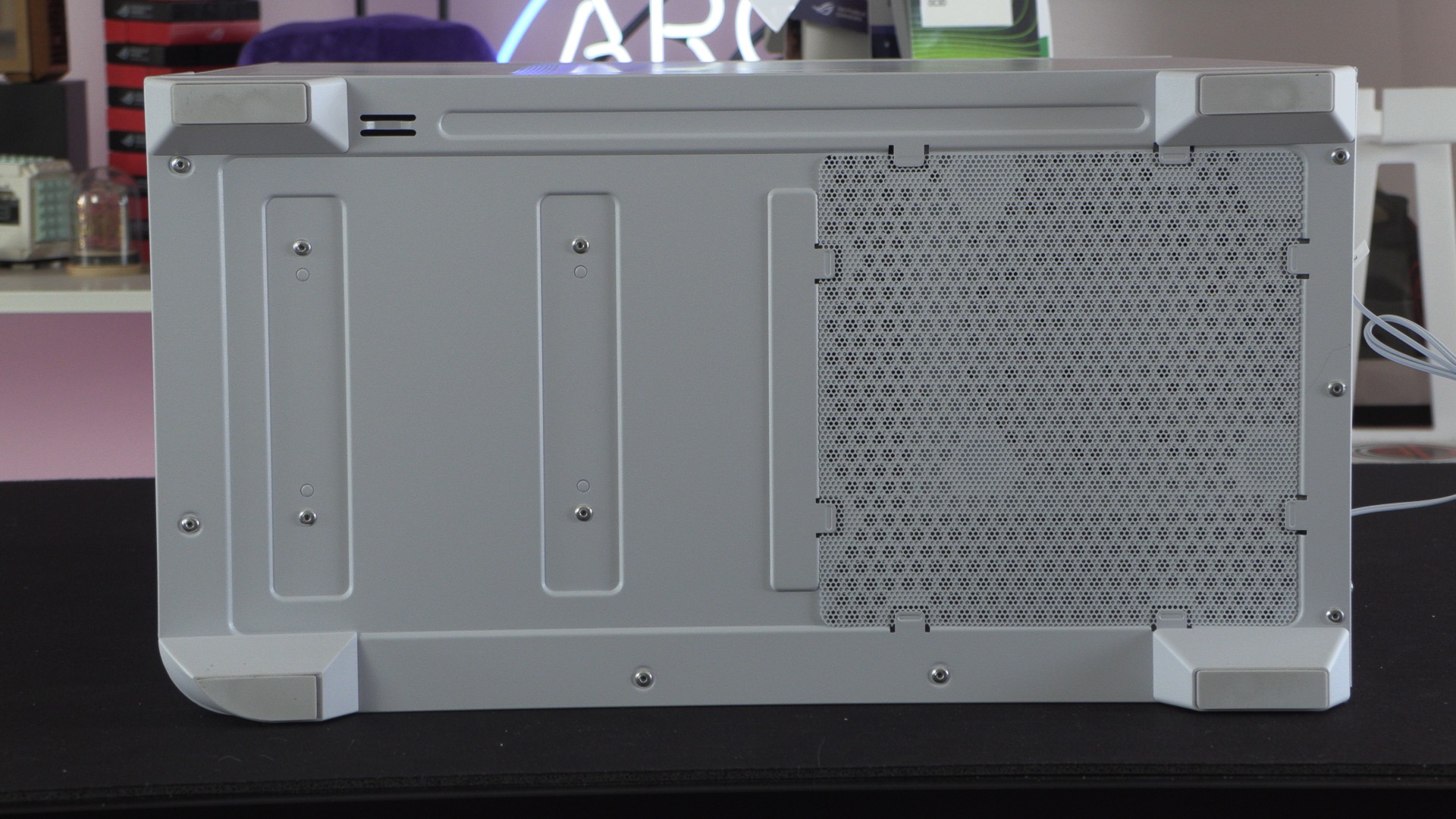
Glass installation rails
The A202’s curved tempered glass can easily be installed and removed using the case’s “easy-detach rail” system. This rail system allows this case’s glass panel to be added and removed using specific movements, preventing it from detaching unless you want it to. This is a clever design, as it makes the glass easy to remove, but also provides a strudy install.
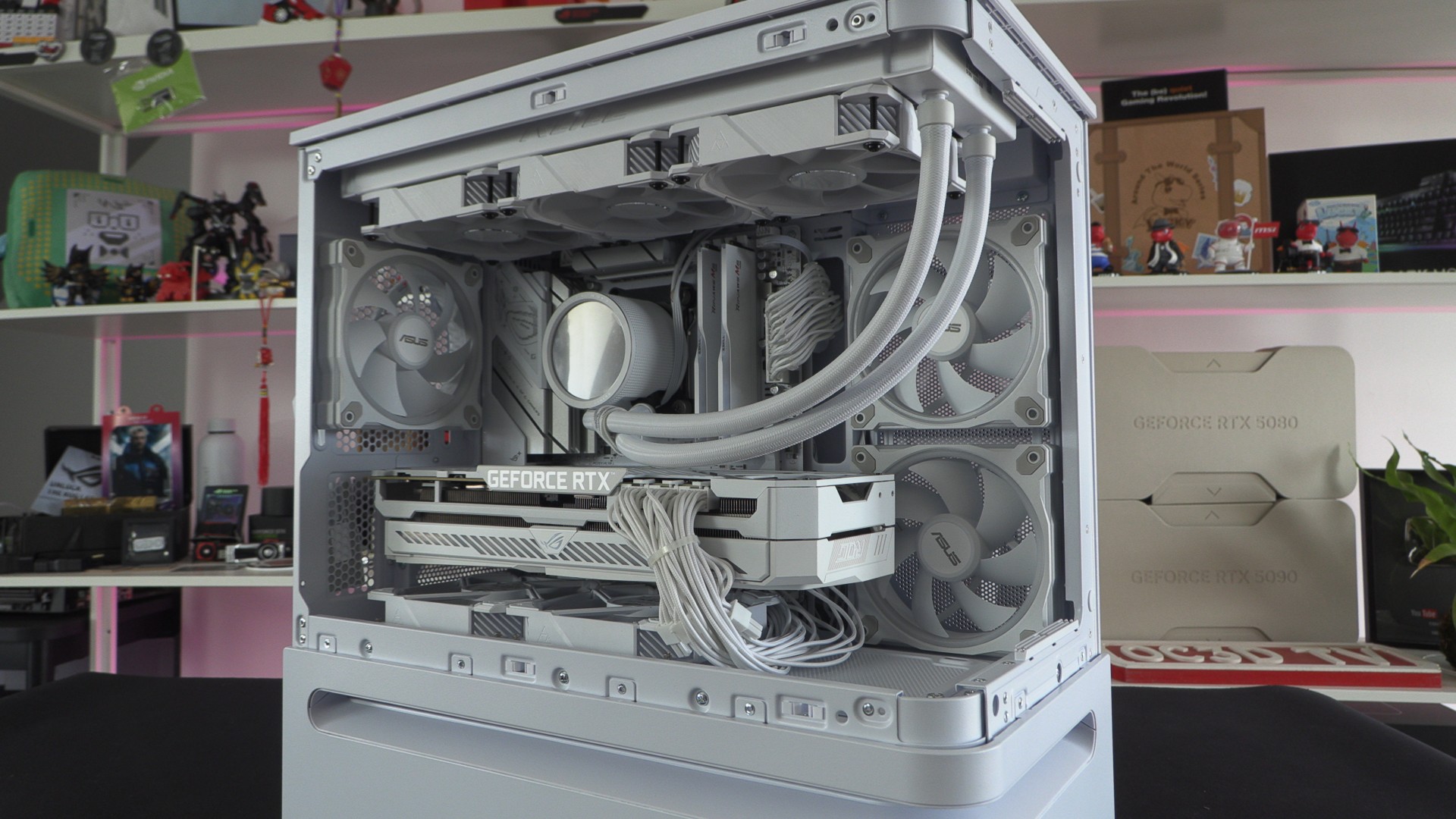
Note that the front open section of the AP202 has added bracing. This significantly firms up the PC case, making the area hard to bend or flex. The same isn’t true for the longer left side. The top, where the radiator is mounted, can be easily bent or flexed when a radiator or fans are not installed. This makes this area of the case feel a little flimsy, making us think that this area deserves some added bracing. That said, this issue is minimised when a liquid cooling radiator or fans are installed here.
GPU Cable Management
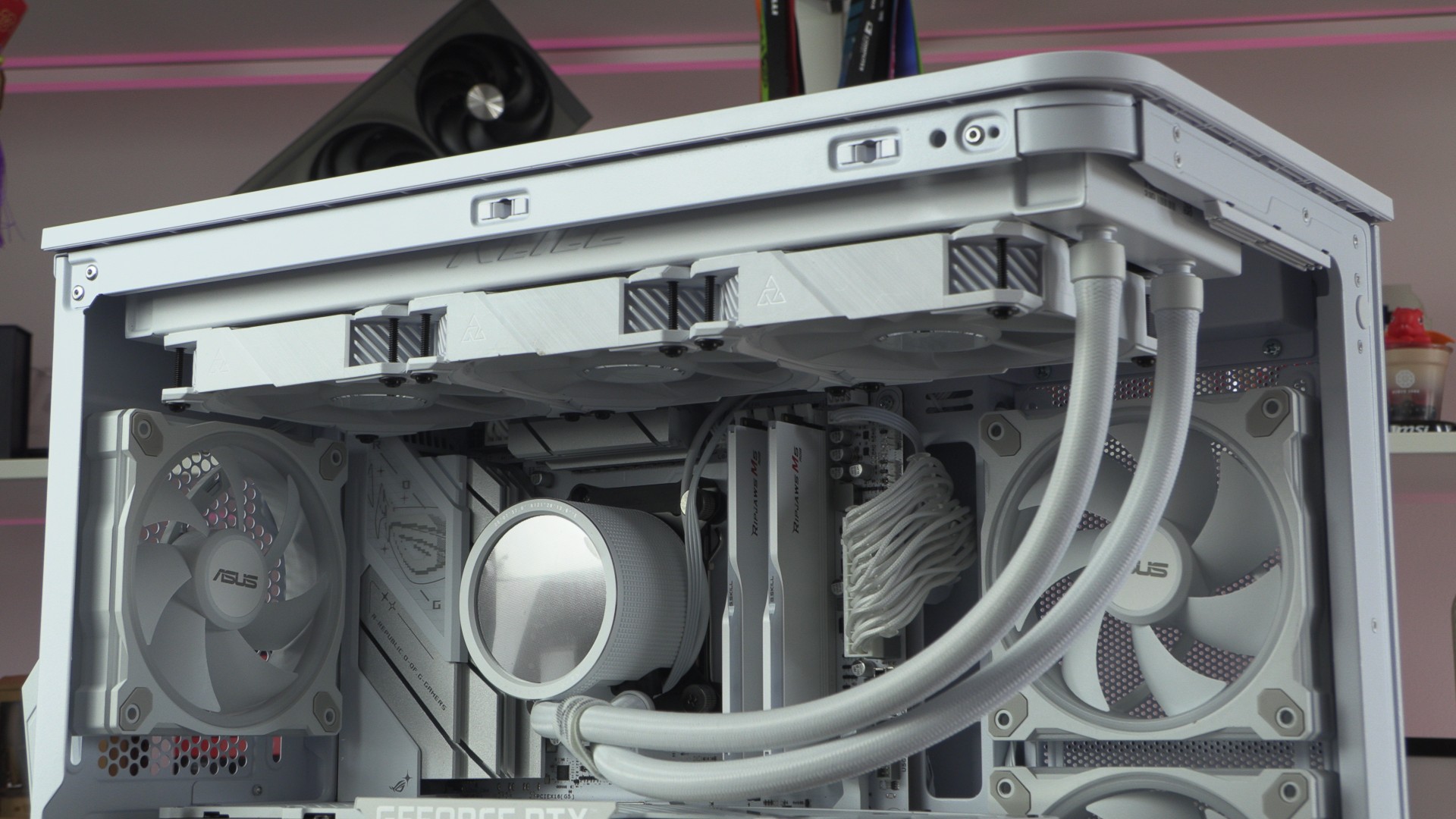
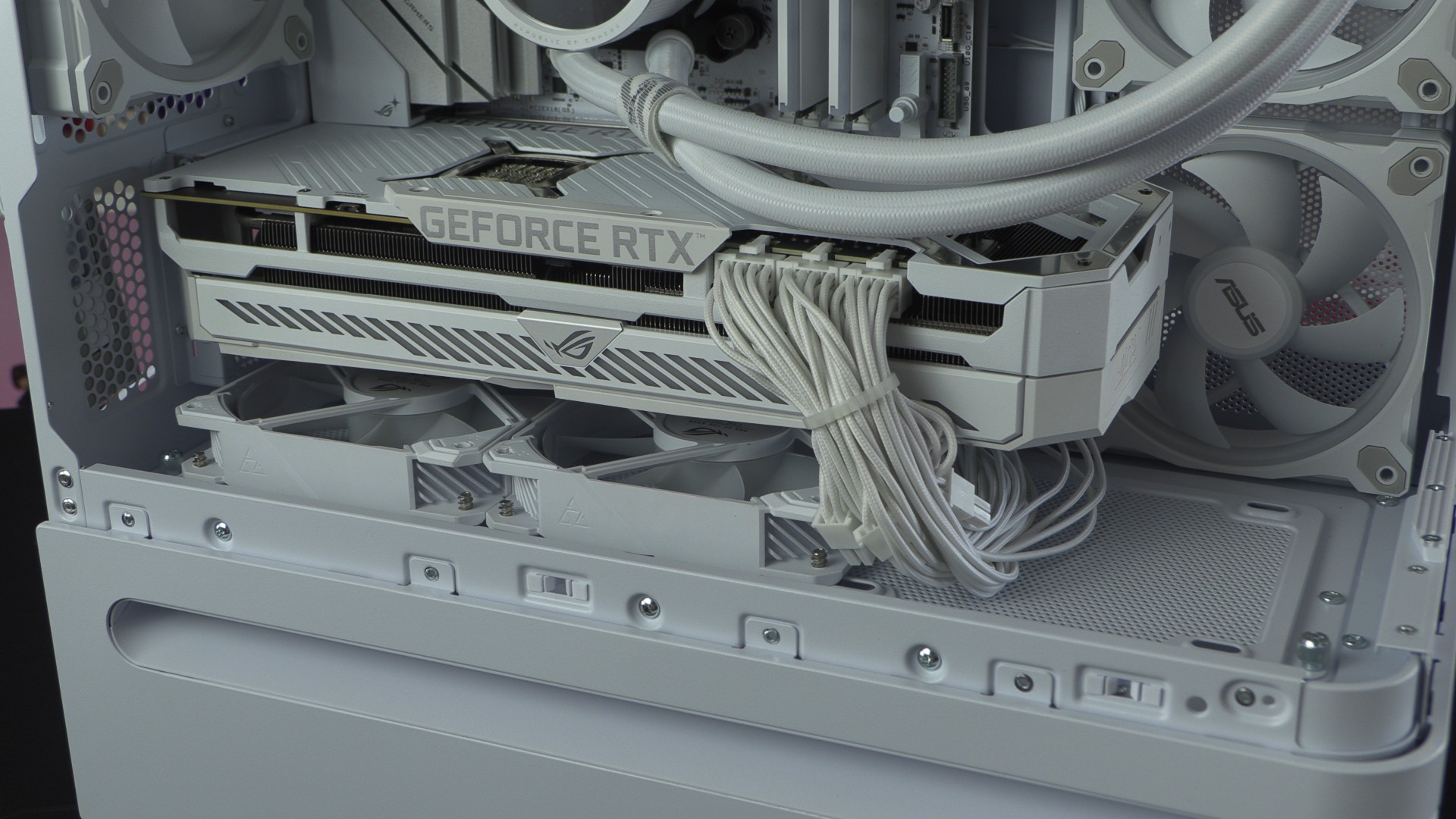
We installed an ASUS ROG Strix RTX 3080 White GPU inside this system, and it requires three 8-pin PCIe power connectors. By doing this, you can see how this GPU’s cables make it difficult to install a 3rd 120mm fan at the bottom of this case. While this isn’t a big issue when using a single 12V-2×6 (16-pin) power connector, it is something that we feel is worth highlighting. After all, there are plenty of modern GPUs that use three 8-pin PCIe power connectors (like any higher-end AMD’s RX 9070 XT GPU models). Yes, we can avoid this issue by routing our GPU cables around the GPU’s backplate, but users may not want to do this for aesthetic reasons.
Again, this makes me wonder why ASUS has built this case without BTF support. a BTF GPU would look great inside this PC case!
Overall, the ASUS AP202 is a stunning PC case. It looks great on our desk. You can see our cooling results on the next page.