bequiet Dark Rock 3 Review

Fitting
Fitting the Dark Rock 3 is exactly the same process as for the other bequiet coolers we’re recently reviewed, in fact as a little experiment showed, the mounting mechanisms are actually to a greater degree interchangeable. First job is to attach the mounting brackets to the base plate, with separate brackets being supplied for both Intel and AMD. Next up, we screw in the double ended bolts. If you’re using anything other than 2011 you’ll also be using the universal back plate, so let’s hope your motherboard tray has a nice cut out in the rear.
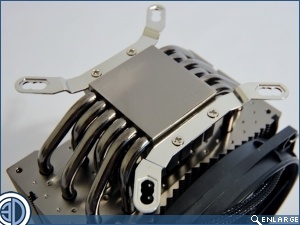
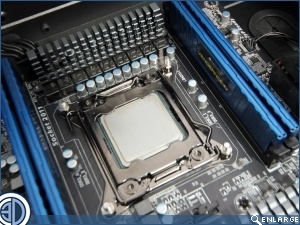
The bulk of the cooler is then located atop the mounting bolts and screwed down tight. We’ve removed the RAM and the fan to make it easier to get at the bolts.
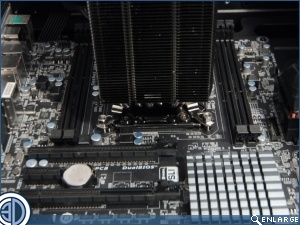
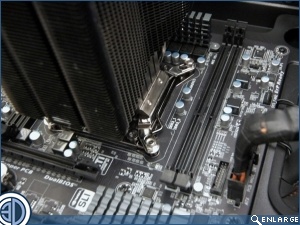
Although the Dark rock 3 isn’t the thickest cooler in the world it does in fact come right up against the RAM when it’s re installed, Not actually overhanging, but most definitely abutting.
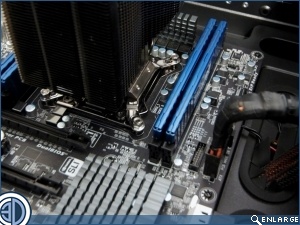
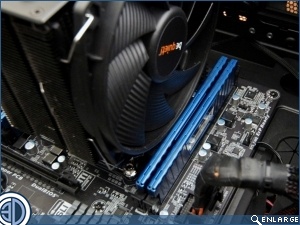
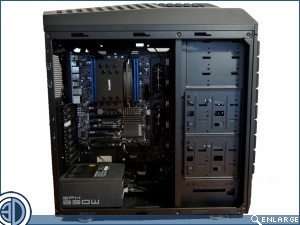
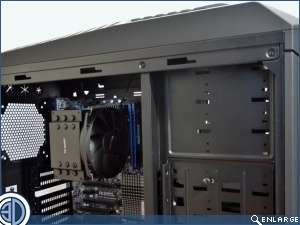
The Rock 3 fills the cavernous interior of the Cooler Master “Test Trooper” reasonably well. Shame they couldn’t make it so the badge was the right way up though.