

Ashes of the Singularity II PC Review

Ashes of the Singularity II has arrived
Ashes of the Singularity II is now available on PC
I love strategy games. That’s what brought me into PC gaming. When I built my first PC, the first games were Command and Conquer, Total War, and Crysis. Yes, Crysis isn’t a strategy game, but I’m allowed to enjoy other genres. Today, we are looking at Ashes of the Singularity II, the sequel to 2016’s Ashes of the Singularity. This is a large-scale RTS that enables battles on a scale that’s larger than practically everything else. Huge armies clash across continent-scale maps as multiple players (or AIs) battle for dominance.
Ashes of the Singularity II is an RTS style that’s underserved in today’s gaming market. The game focuses on Macro, not Micro. If you do not know what those terms mean, Macro refers to big-picture strategy, and Micro refers to small-scale control. Both matter in strategy games, but most focus on one or the other. If your game requires hotkeys for unit abilities, fast reactions, and lots of mouse clicks, it’s micro-heavy. If a game focuses on army building, resource gathering, and tech progression, it’s more macro-heavy. While many RTS games require both, such as StarCraft, Ashes of the Singularity 2 is a macro-focused game, and unashamedly so.
In this game, focus on building big armies with a strong unit composition, positioning them well, and building a strong economy to support them. Armies will conduct battle without much need for interference. You’ll tell them where to go and what to attack, but you won’t need to be furiously clicking your mouse to use your army effectively. In this regard, Ashes of the Singularity 2 is downright relaxing to play compared with StarCraft or Command and Conquer.
Watching big armies go BOOM
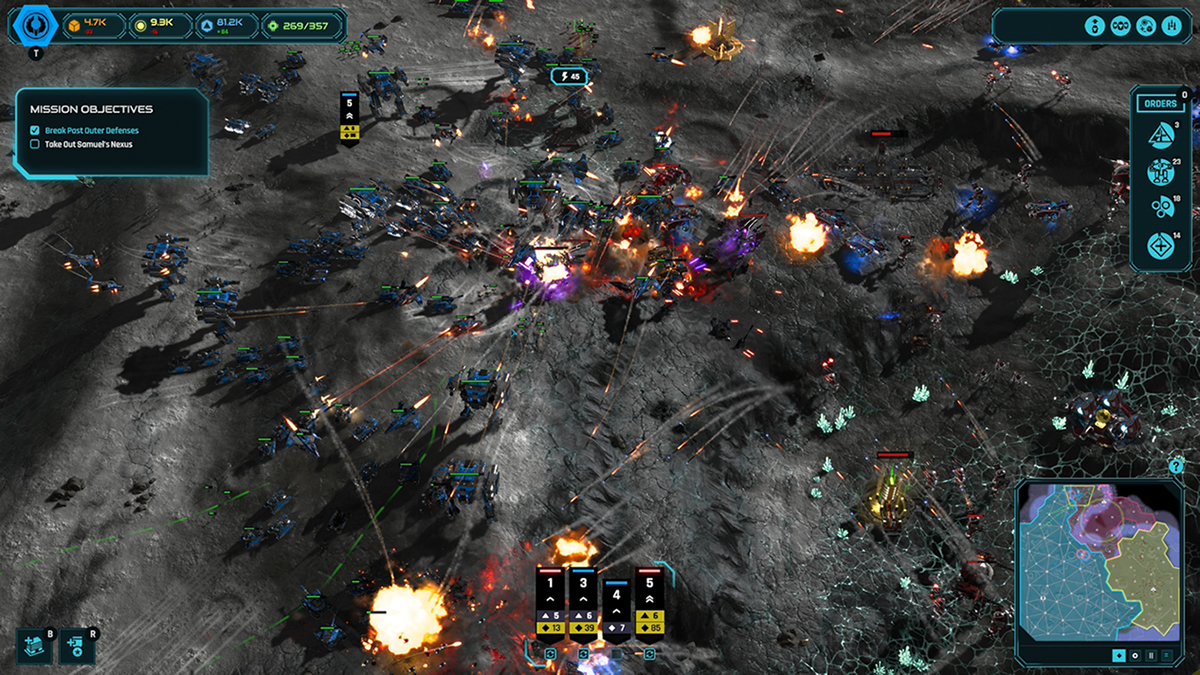
There is something glorious about seeing huge armies go to battle. Squads of infantry, tanks, and giant mechs, supported by artillery and aircraft, clashing with the robotic forces of the PHC and Substrate. That’s what Ashes of the Singularity II’s campaign is like. No modern RTS game is quite like it, and the game’s macro focus lets you sit back and watch the battles unfold. Well… at least some of the time. This is an RTS after all; you’ll likely need to oversee battles across several fronts.
In this review, we will mostly focus on PC performance, but I’ve had a lot of fun here. The campaign is solid, though cutscenes can be a little stagnant/boring, and mission variety isn’t this game’s strong suit. Even so, it is a solid experience, and a good way to learn the game. The game’s main strengths are its multiplayer and skirmish modes. That’s where all three factions are playable, and where you’ll find the most gameplay variety.
Wait, no benchmark?
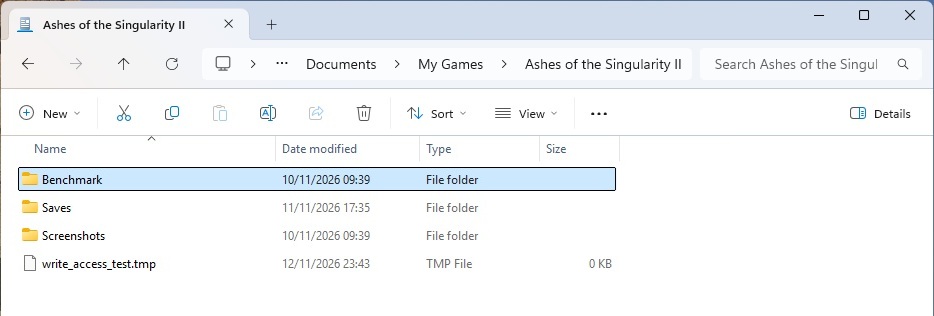
Among PC hardware enthusiasts, the first Ashes of the Singularity quickly became known as “Benchmark of the Singularity” or “Ashes of the Benchmark”. The game was one of the first PC games to support the AMD Mantle API, and later DirectX 12 and Vulkan. While its sequel launches without a benchmark, the game stores its save files beside an unused folder called “Benchmark”. While including this folder could be a mistake, it could also signal that an official benchmark is planned.
For today’s performance benchmarks, we’ll use a late-game section of a mid-to-late game campaign mission. This benchmarks a demanding battle between multiple large armies. While not the largest possible battle that this game can produce, it is representative of a large battle sequence.
No VSYNC Options?
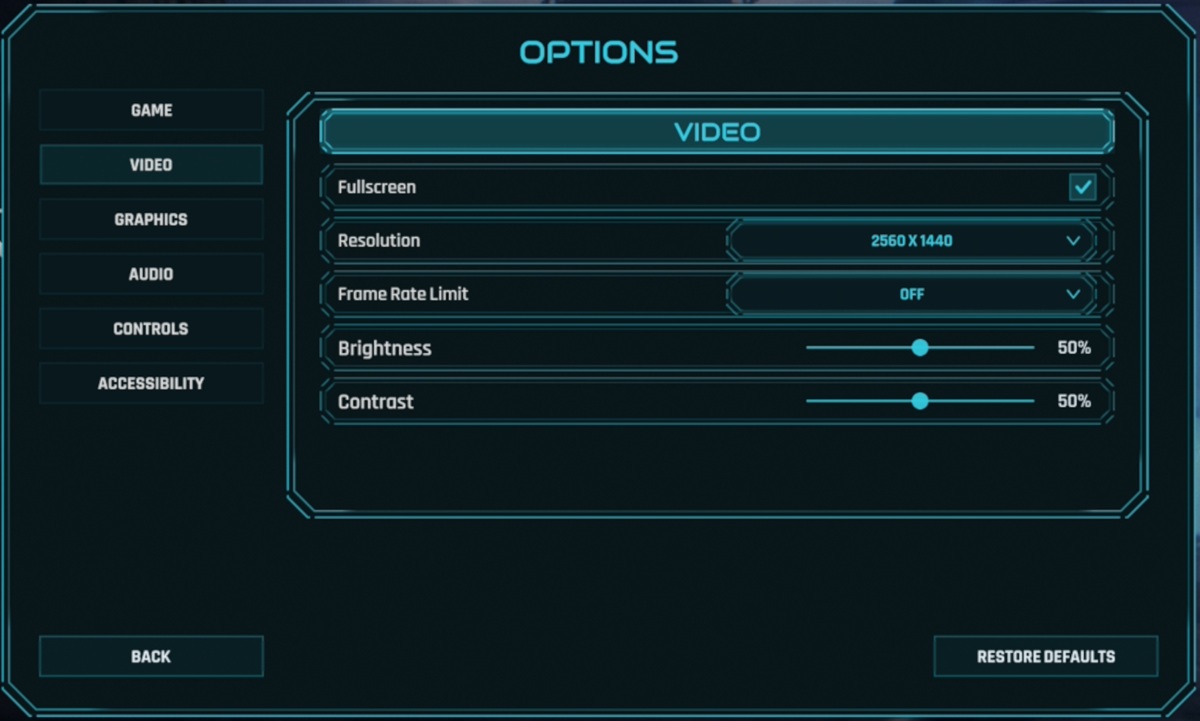
Strangely, Ashes of the Singularity II has no V-Sync option in its graphics menu; it’s enabled by default. For our benchmarks, we have disabled V-Sync within AMD Software and the Nvidia App. Honestly, I am a little baffled that this option isn’t there, though it shouldn’t be an issue for users of VRR displays.
MSAA, in 2026? No Upscaling?
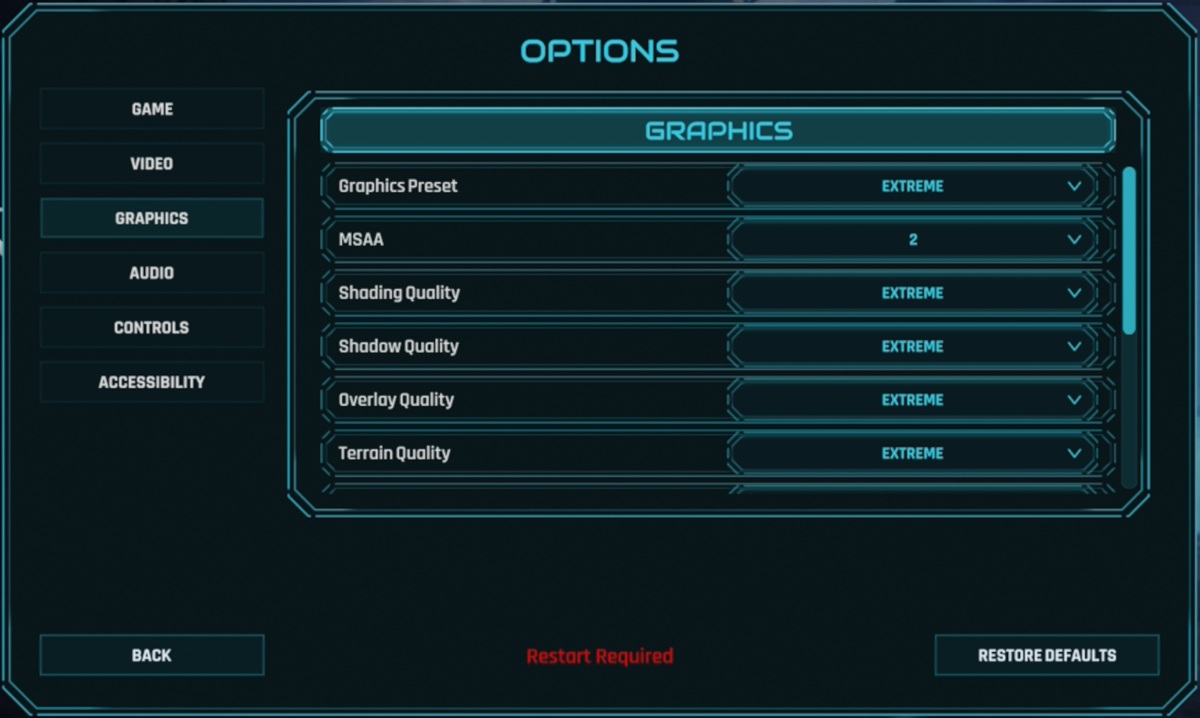
Ashes of the Singularity II lacks support for modern AI-enhanced upscaling. That means that the game doesn’t support DLSS, FSR, or XeSS. The only anti-aliasing option is MSAA, with Off, 2x, 4x, and 8x options. Honestly, this is a rather large shortcoming, especially for users of lower-end GPUs. The game also lacks support for any form of Frame Generation.
GPU Drivers
When testing Ashes of the Singularity II, we used the latest Nvidia and AMD GPU drivers available at the time of testing. These drivers were AMD Software 26.11.1 and Nvidia’s GeForce 621.24 driver for Windows 10/11.
Test Setup – OC3D’s Gaming Test Rig
Thanks to Corsair, Intel, and ASUS, we built a new testing system that lets us properly test new graphics cards and the latest PC game releases. This system features Intel’s i9-13900K processor and a ROG Strix Z790-F Gaming motherboard, with all other components coming from Corsair.
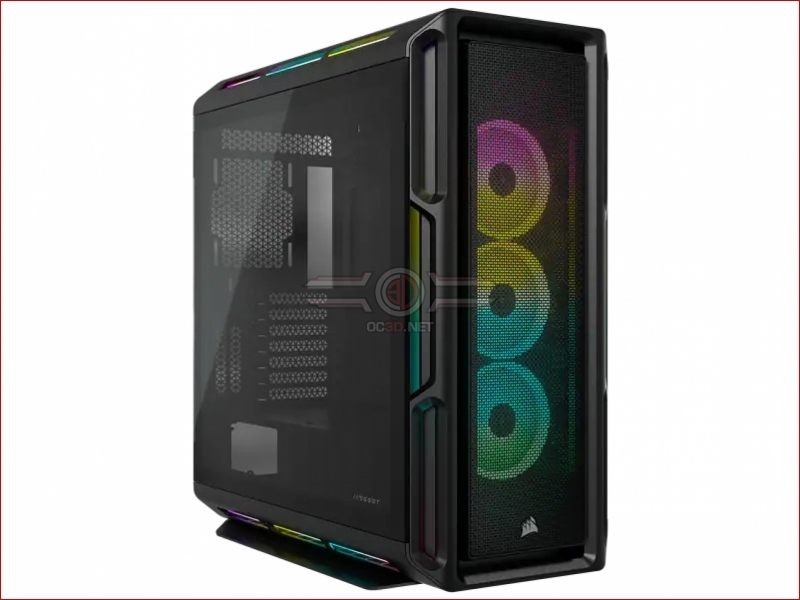
Our new test system is powered, cooled, and operated using Corsair components. The OS we will be using is Windows 11, and the case we will be using is Corsair’s airflow-optimised iCUE 5000T.
System Specs
Below are the full specifications of our new GPU/Games testing system and links to all the components we used.
OC3D GPU/Games Test System Specifications (Affiliate Links below)
CPU – Intel i9-13900K
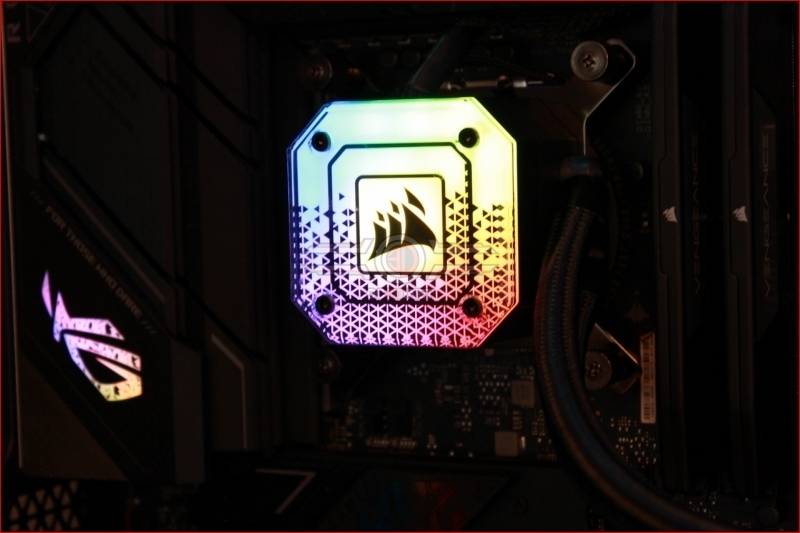
Cooling – Corsair iCUE H150i Elite CAPELLIX XT
Motherboard – ASUS ROG Strix Z790-F Gaming WiFi
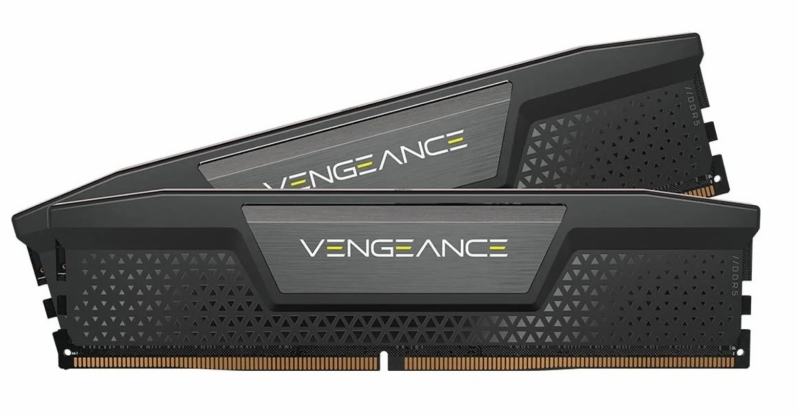
Memory – Corsair Vengeance 2x16GB (32GB) DDR5-6000 CL36 Memory
Storage – Corsair MP600 PRO NH 2TB PCIe 4.0 SSD
Case – Corsair iCUE 5000T RGB
Power Supply – Corsair HX1500i
OS – Windows 11
Nvidia GPUs Tested
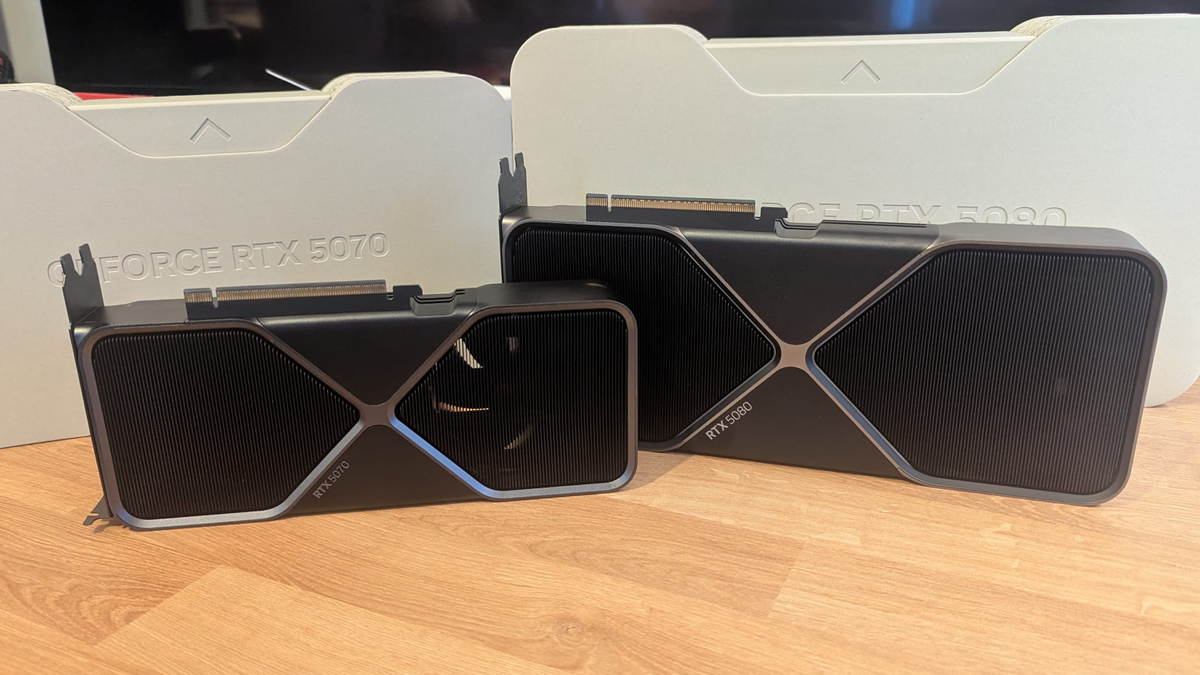
When testing new games, we like to use a large number of graphics cards to see how well titles run on both old and new PC hardware configurations. To do this, we use a large selection of AMD and Nvidia graphics cards, including GPUs from Nvidia’s RTX 50 series and RTX 20 series.
- Nvidia GeForce RTX 5080 FE
- Nvidia GeForce RTX 5070 FE
- Nvidia GeForce RTX 2070 SUPER Founders Edition
AMD GPUs Tested
On the Radeon side of the GPU spectrum, we can test the following GPUs. Our testing includes data from AMD’s RX 9000 series (RDNA 4) and RX 6000 series (RDNA 2).
- Sapphire RX 9070 XT Pulse
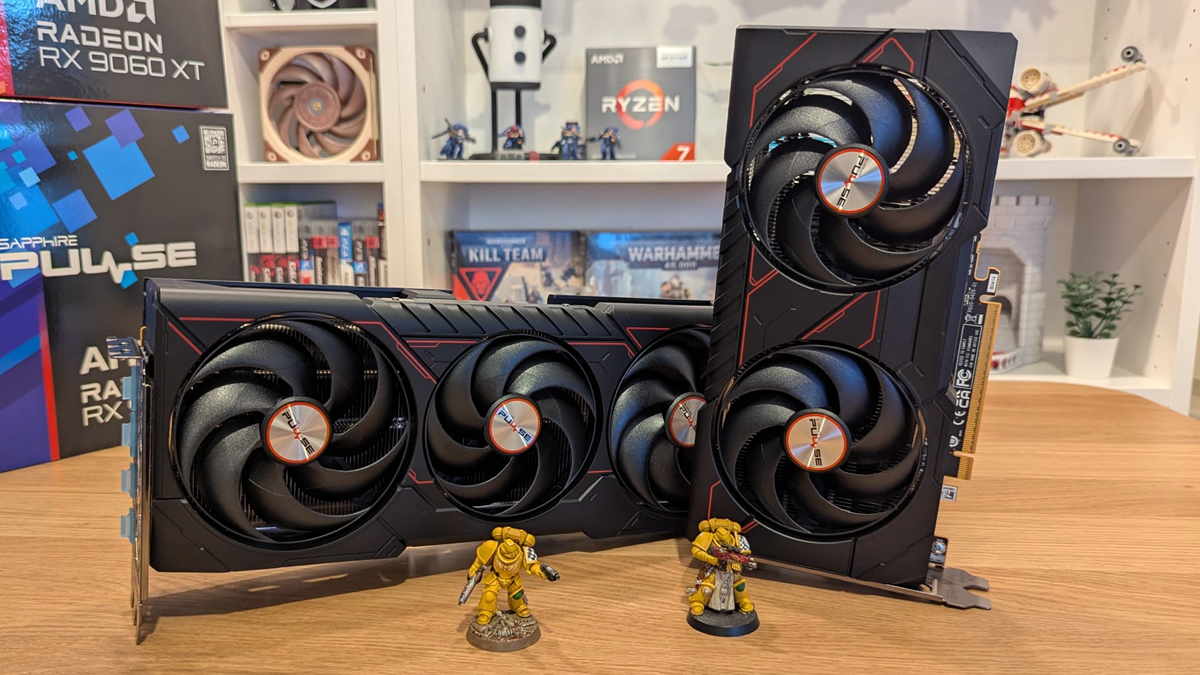
- Sapphire RX 9060 XT Pulse
- ASUS ROG Radeon RX 6600 XT Strix