MSI MAG 272QP QD-OLED X50 Review

X50 Up Close
X50 Up Close
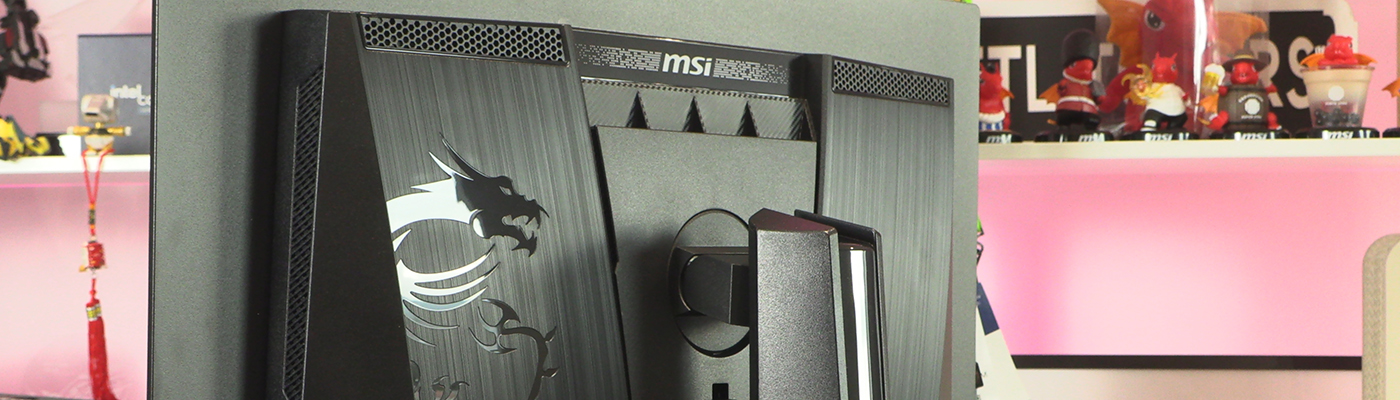
Packaging generally goes unremarked upon unless it’s something amazing. Whilst this is by no means unique, we will always laud a company for going for a plain box. After all, we care about the contents and this box will sit in a spare room for a couple of years. Just until the warranty runs out. Why waste the planet’s resources?
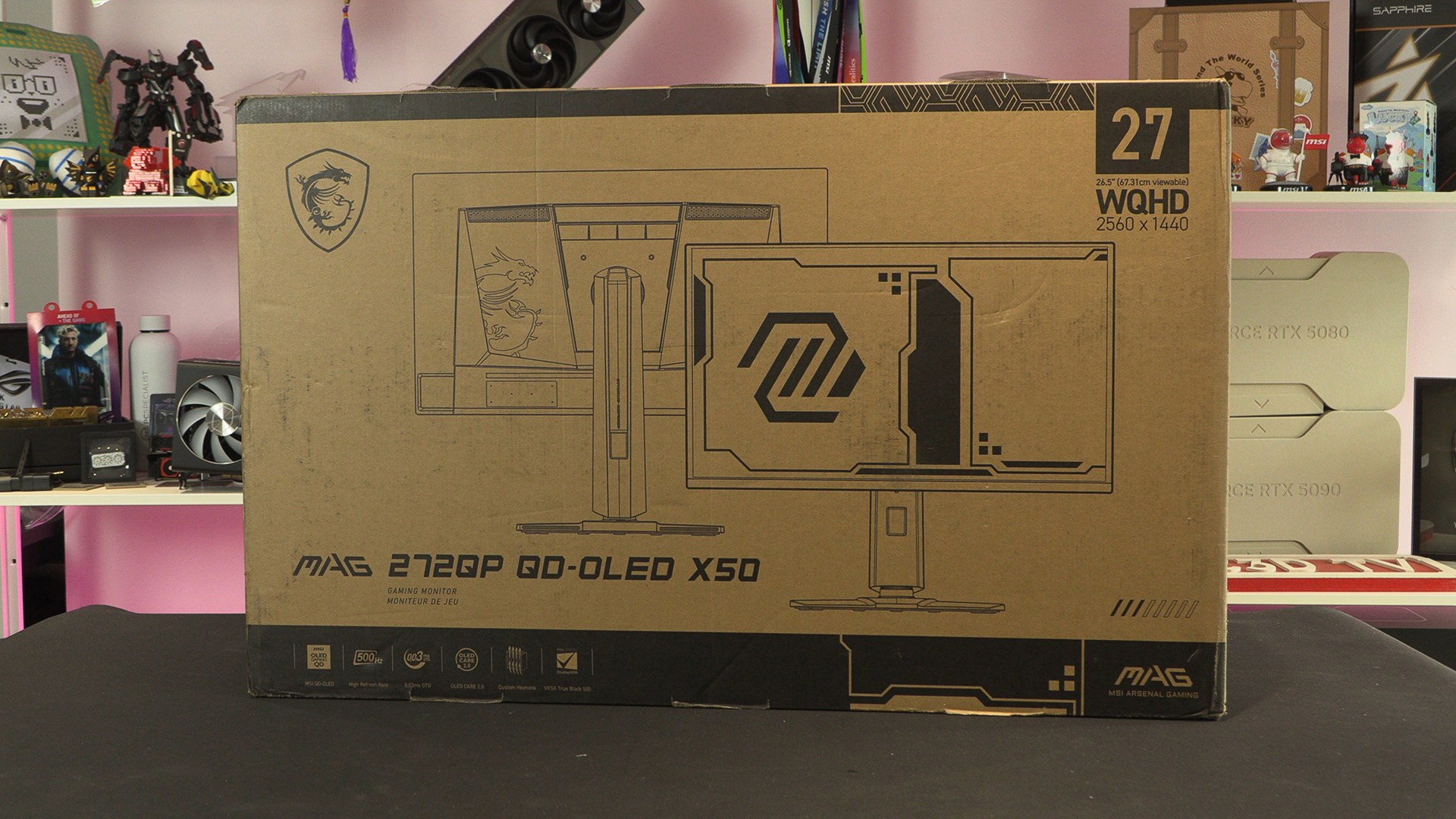
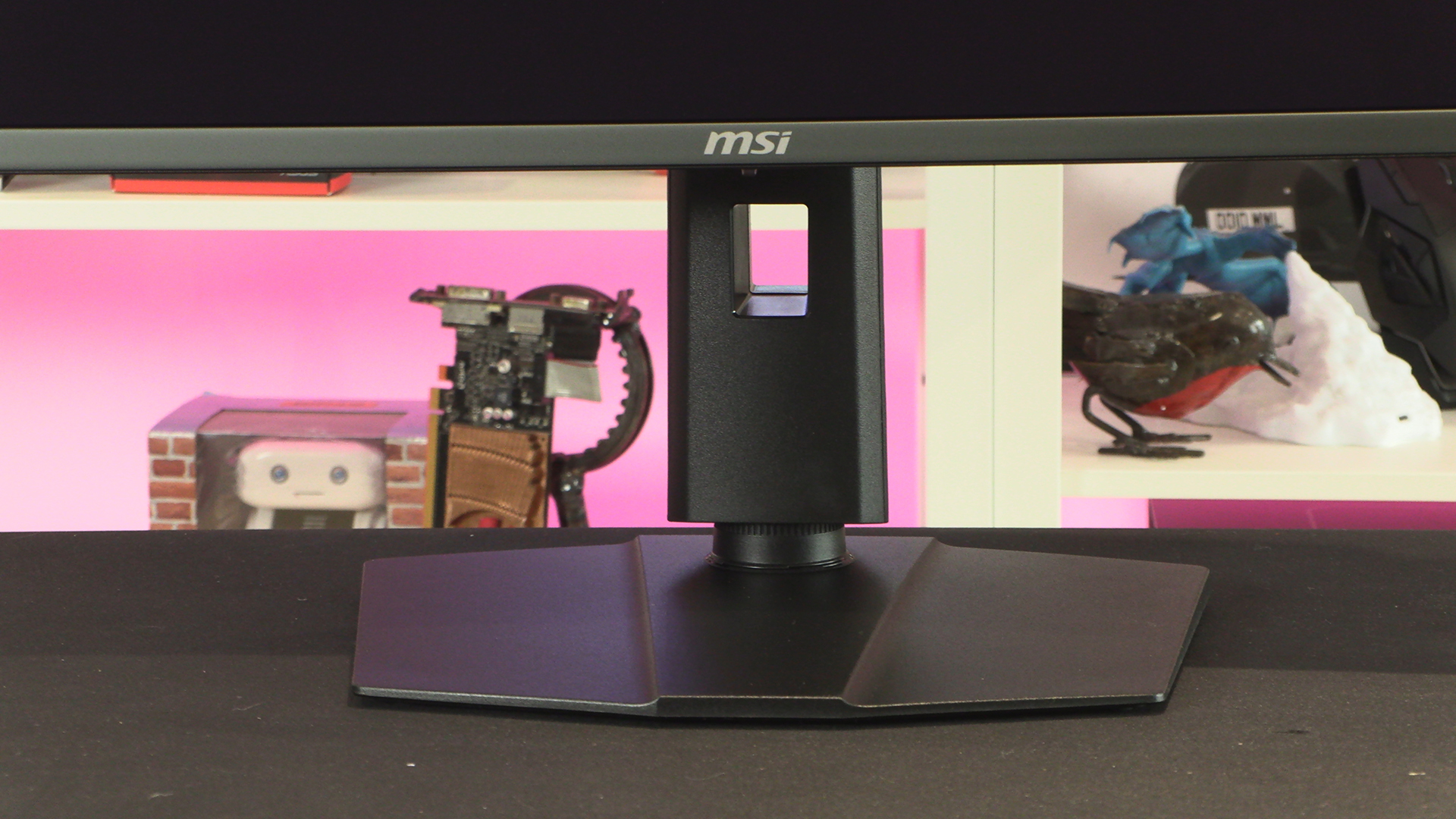
If you’ve read any of our previous MSI OLED display reviews then the looks of the X50 will be very familiar. After all, the changes are under the hood. If you haven’t though, here it is. Yes, we know. Hardly a stand that will win the Turner Prize. But it doesn’t need to be. You should be looking at the screen not the stand. If you do so you’ll spot how incredibly good the anti-reflection coating is. You should see us, and our lighting, and the camera. Kudos, MSI.
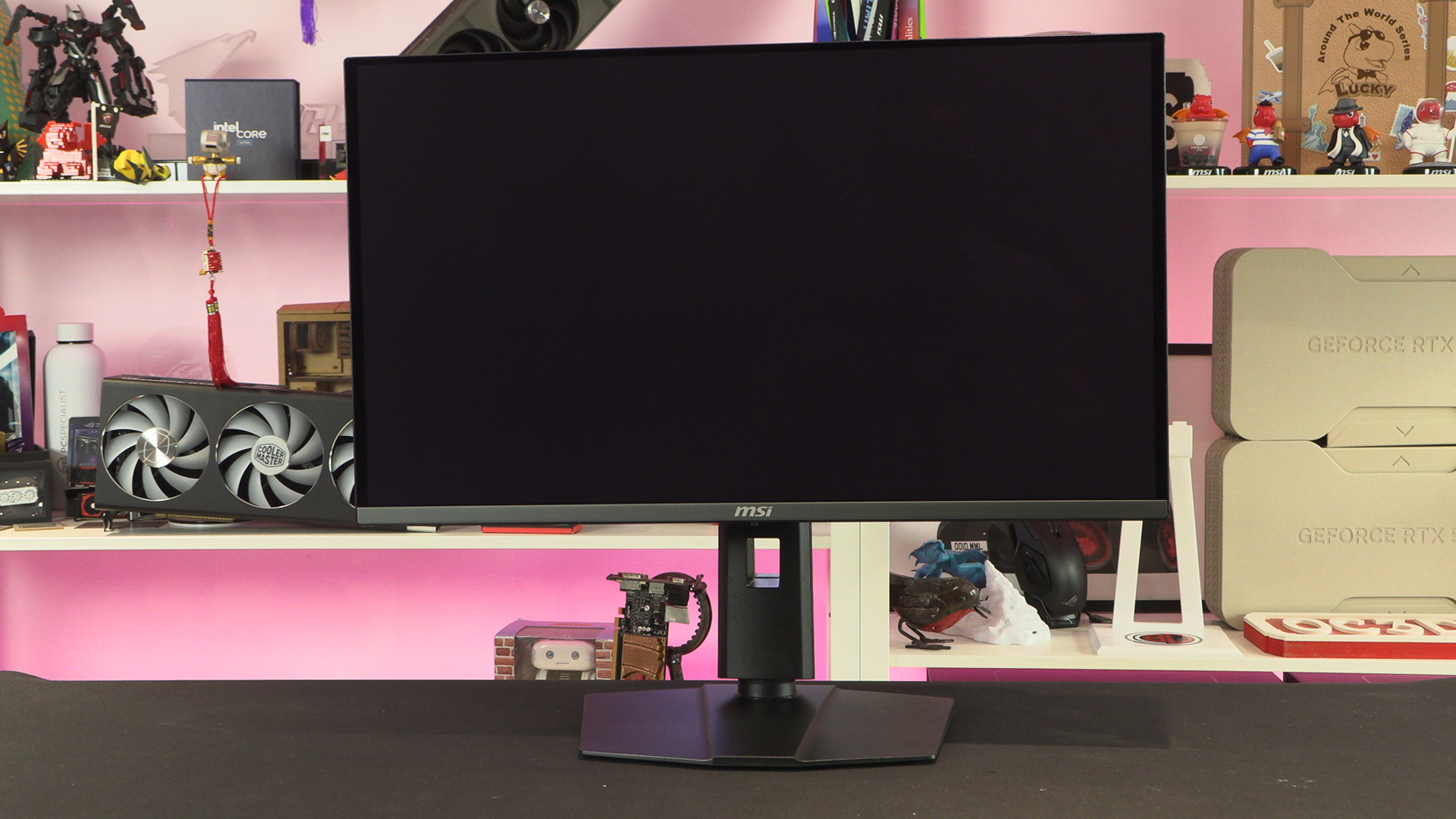
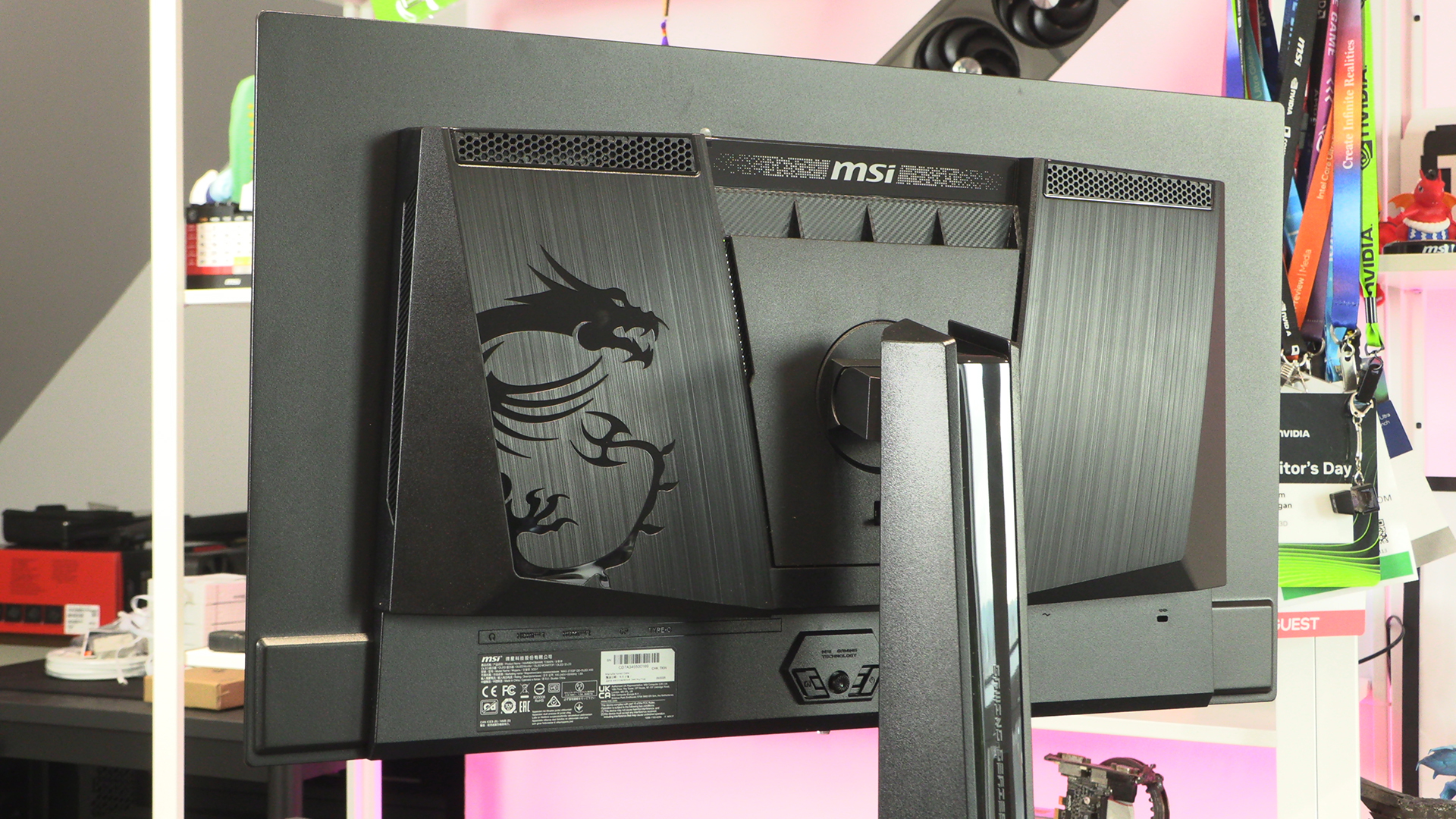
We’ve always chuckled at heavily designed back panels. They’re up against the wall. You’ll never see them. Still, the designer has to have something to do. Fortunately if yours is visible the large MSI Dragon and multiple textures keep the X50 looking fly.
Stand adjustment is key for comfort. Especially during those marathon sessions. The supplied stand offers 110mm of height adjustment. Although less useful you also get 180° of pivot, 60° of swivel and 25° of tilt. No matter the placement you should find a spot that minimises shoulder and neck ache during lengthy spells at the desk.
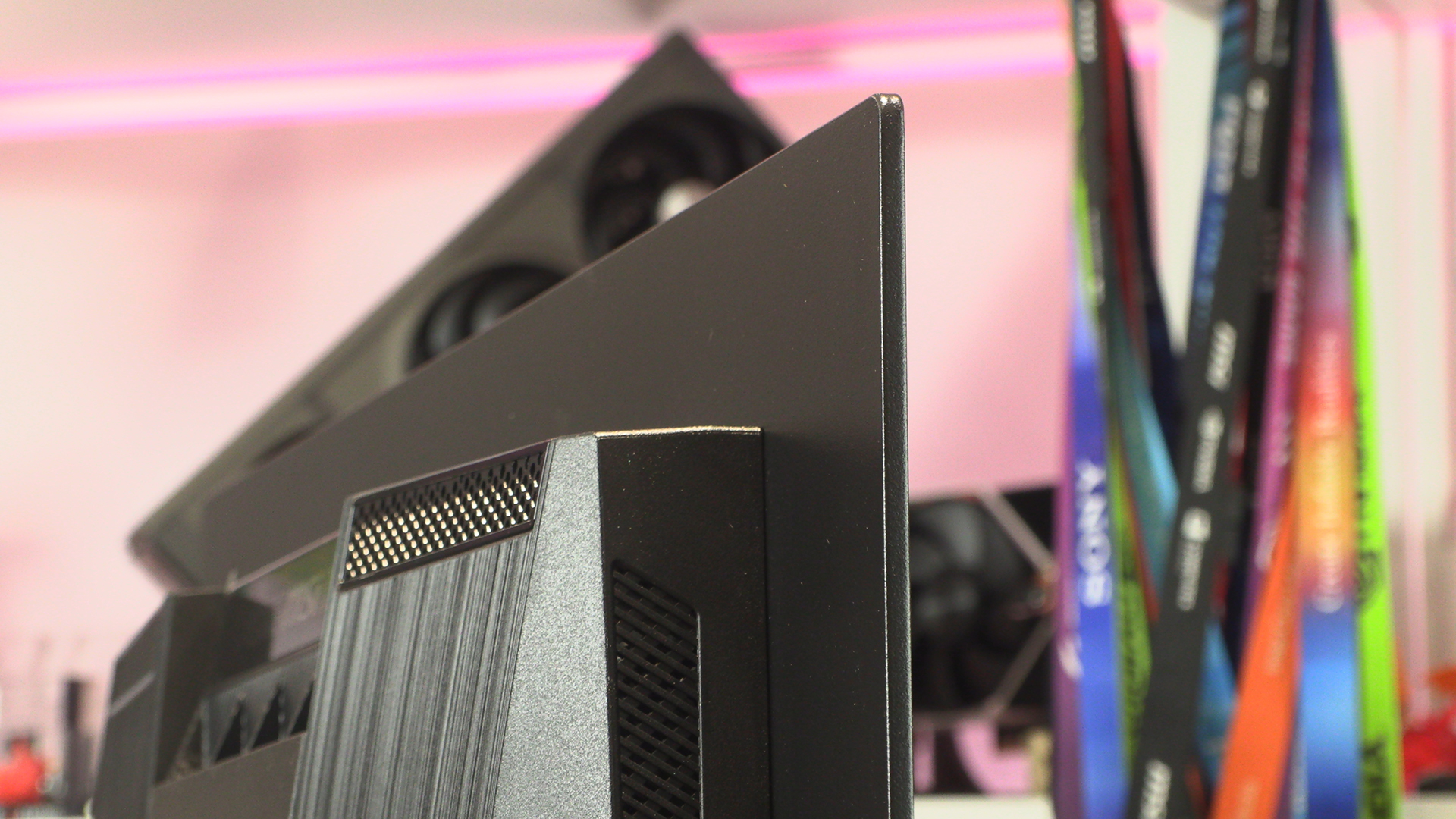
The benefits of OLED isn’t just from the front, but thinness too. We know that thinness can be overrated, after all the back ensures that no matter how thin the actual display is it’s still not paper thin overall. It does, however, look the business. If you’ve not experienced it you’ll be surprised how futuristic an OLED panel feels.
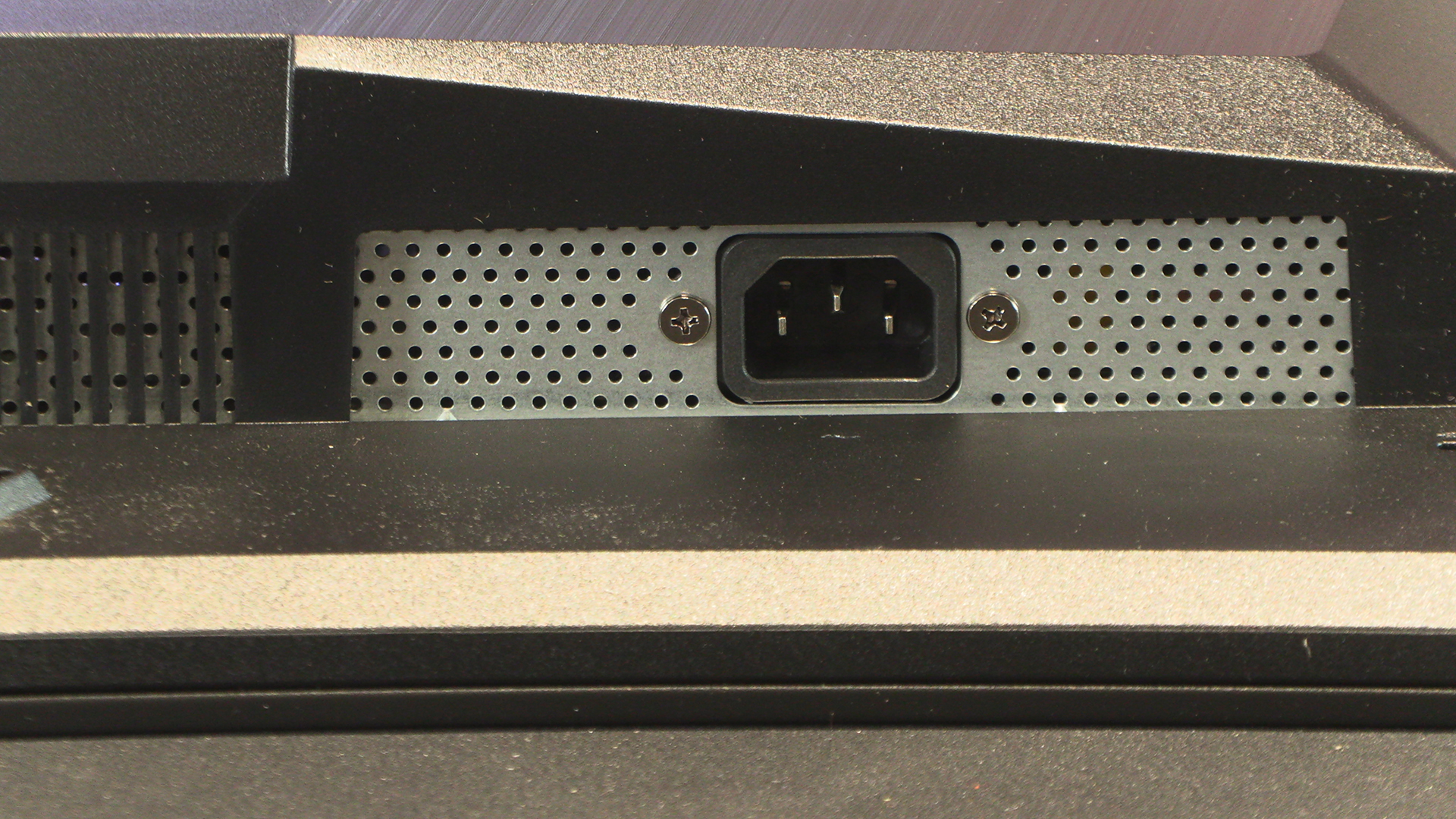
Speaking of futurism, a 3 pin kettle lead supplies the power. Funny how a simple, robust solution is enough. It beats finding room for a power brick somewhere.
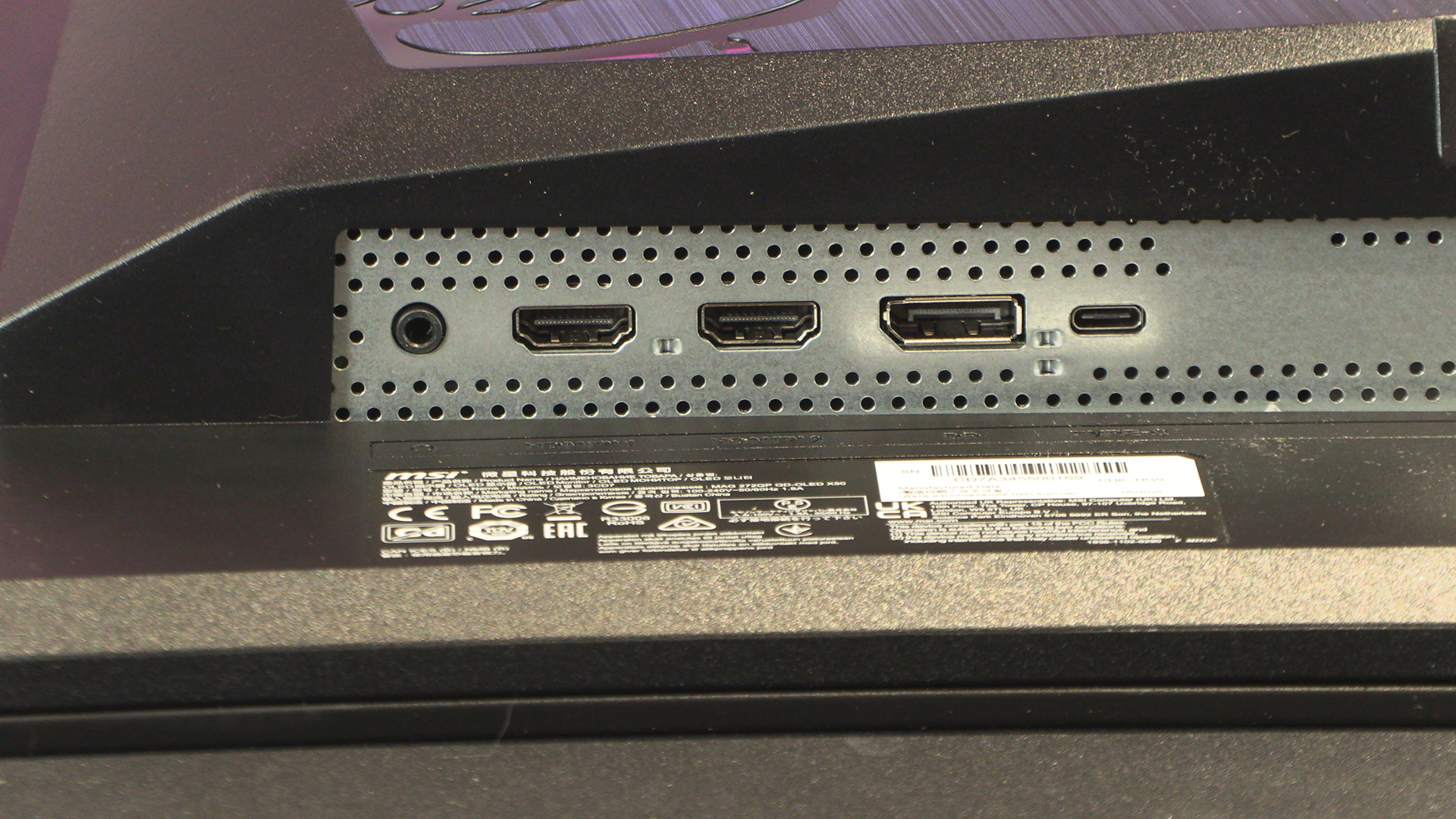
Two HDMI 2.1 ports are capable of handling the full abilities of the 272QP X50. AKA WQHD @ 500Hz. Sweet. The DisplayPort 1.4a is hardly short of bandwidth either. The 15W Type-C port and headphone jack bracket the main input sources.
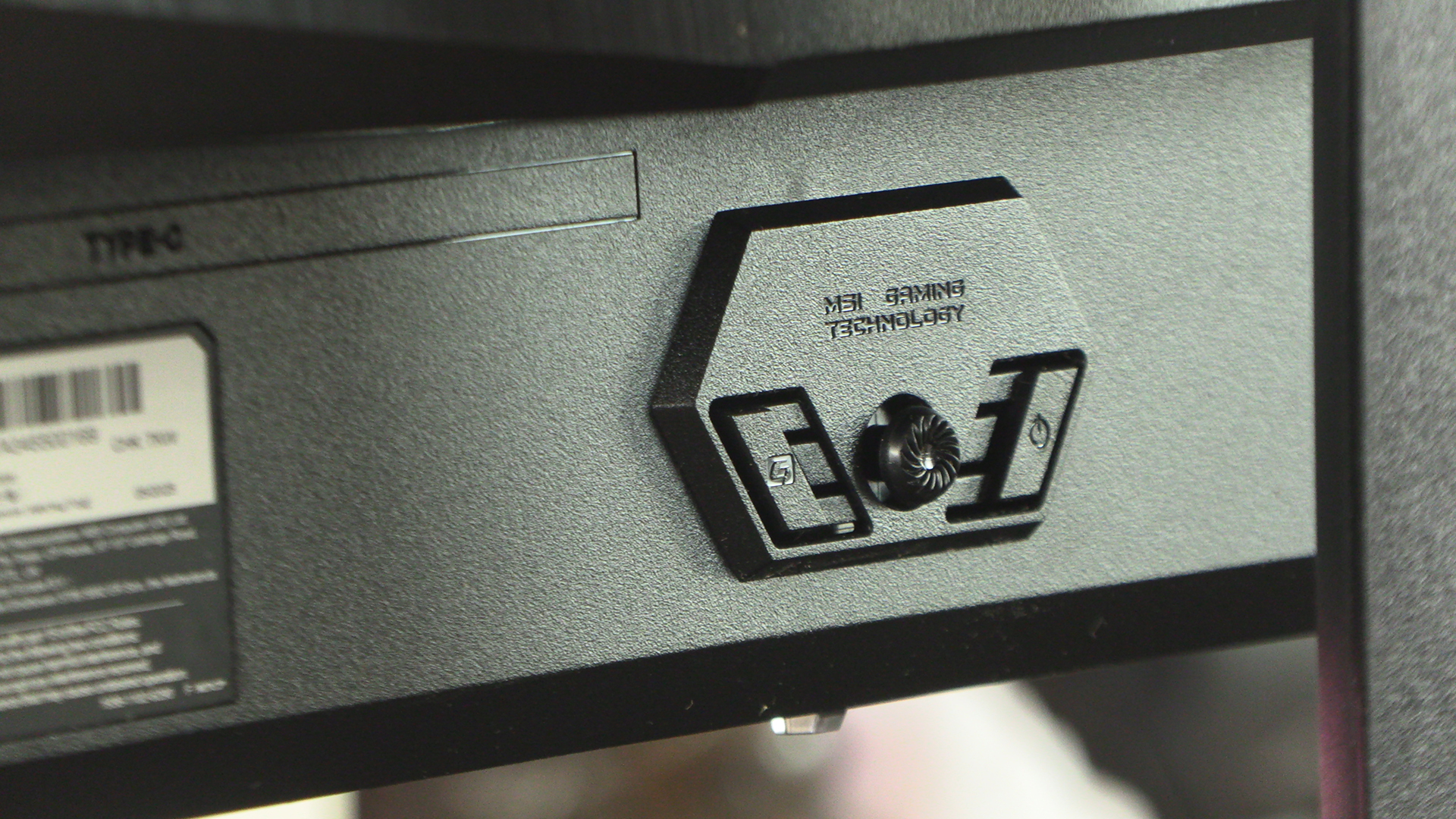
Lastly around the back we have the OSD control. Obviously you need to fine tune things to make the most of your environment. Nevertheless it’s worth noting that the “out of the box” settings are surprisingly usable. The days when you had to spend an afternoon calibrating are, thankfully, behind us.