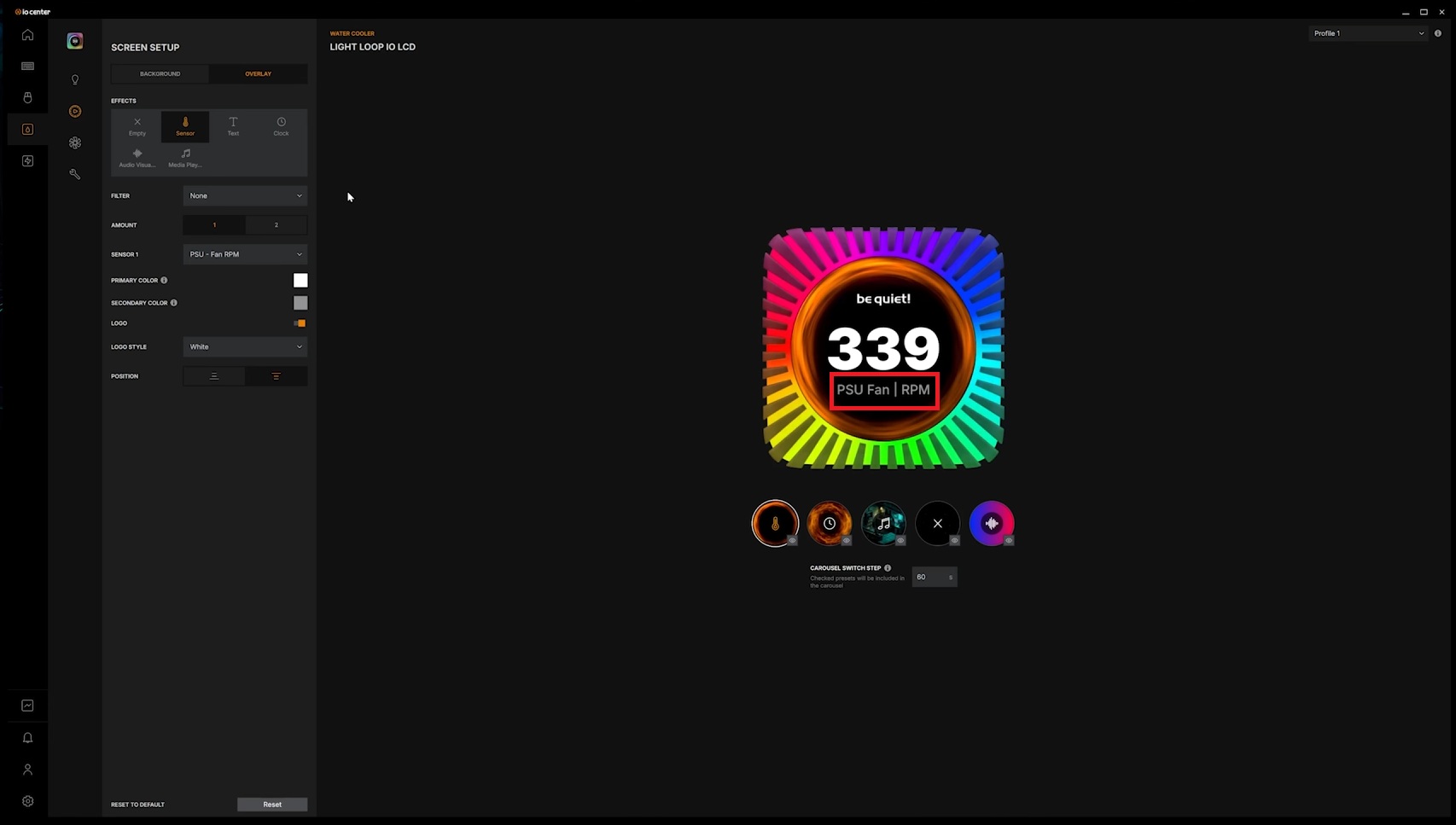
be quiet! Dark Power Pro 14 IO 1600W PSU Review

What’s IO? be quiet adds data analytics to its Dark Power Pro platform
What does be quiet’s IO Software add to its Dark Power Pro 14 IO 1600W PSU?
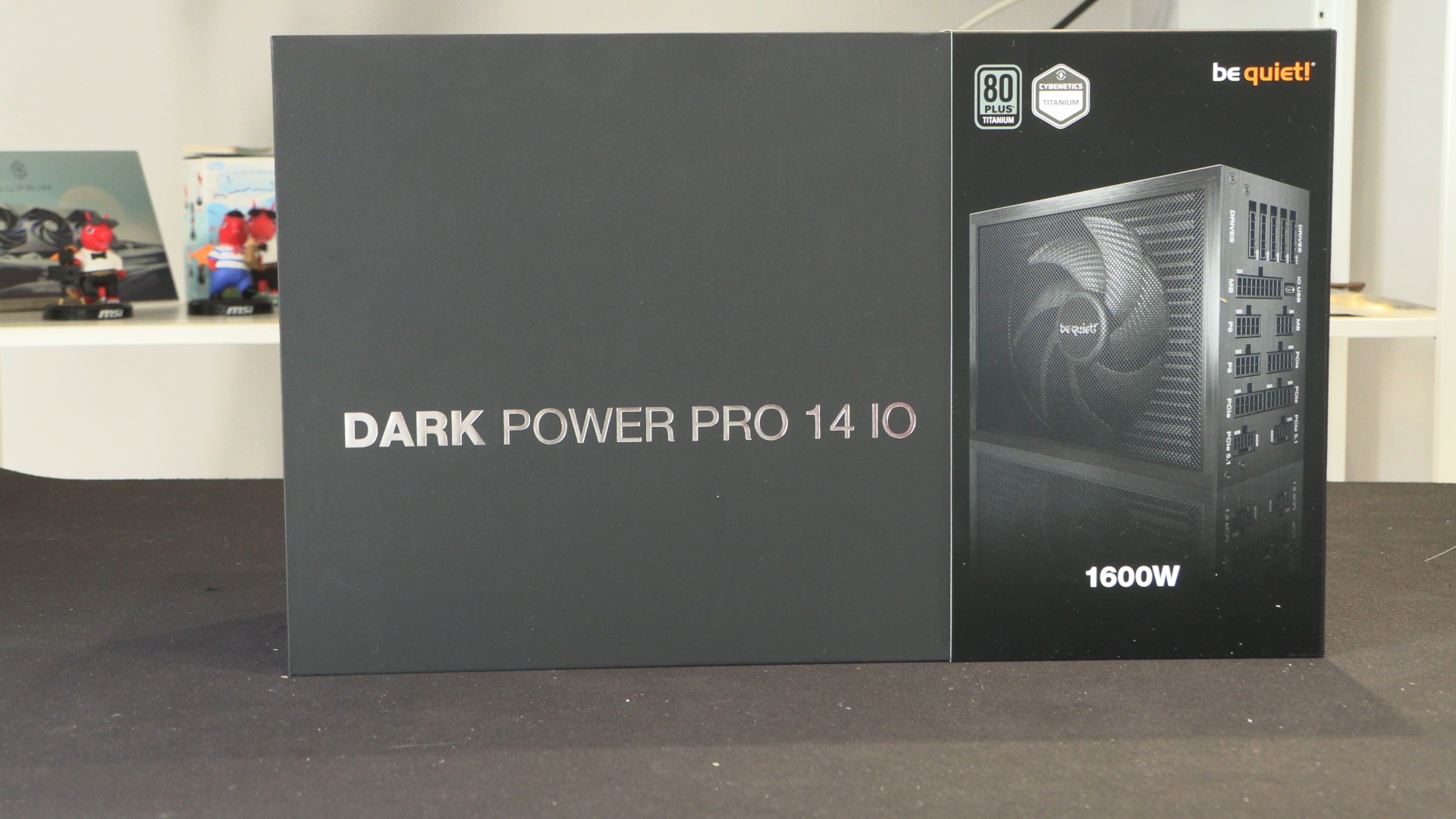
One of the key selling points of be quiet’s Dark Power 14 IO is its software. be quiet’s IO software is available as a standalone Windows app and as a web app for Chromium-based browsers. This means the company’s IO feature set is available on Windows, Mac, and Linux. That said, you can’t build a modern Mac with this PSU, so Mac support is useless for this product.
Using be quiet’s IO software allows users to access PSU configuration options and data analytics. Below we can see PSU efficiency charted alongside power in, power out, PSU fan RPMs, and what each PSU rail is doing.
Software features and Power Cost Estimates
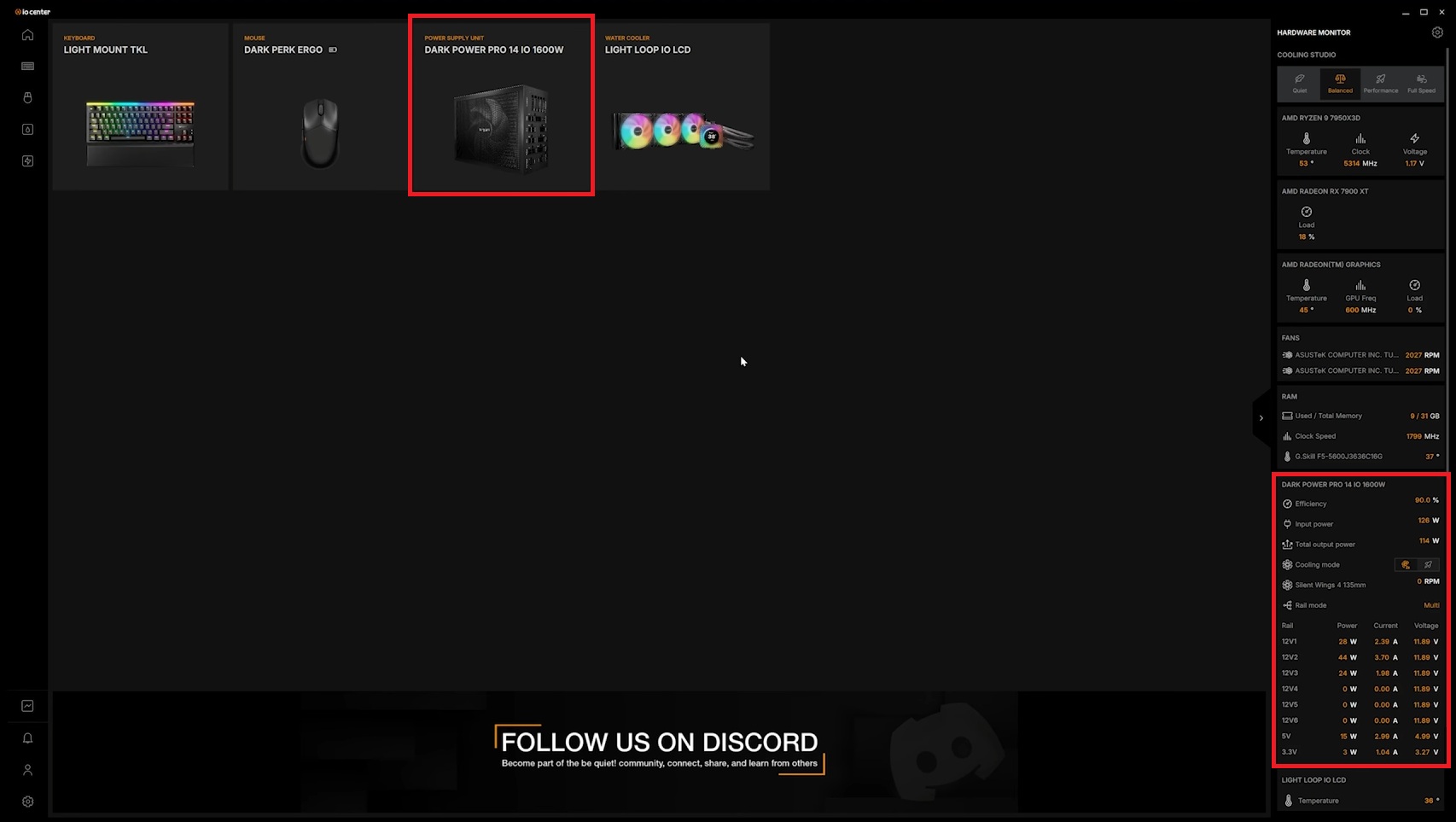
In be quiet’s IO software, users can choose whether their Dark Power Pro 14 IO runs in single-rail or multi-rail mode, and whether their PSU fan runs continuously or uses zero RPM mode. Users can also add their electricity costs to estimate their system’s power use. If you have variable power costs, this option may not be very useful. That said, anyone with fixed power costs may find this data to be useful. It can estimate your system’s power costs since the IO app launched, the system’s lifetime power costs, and monthly cost (once a month has passed since the app was first used).
Dark Power Pro 14 IO PSU data can be showcased using other be quiet IO products
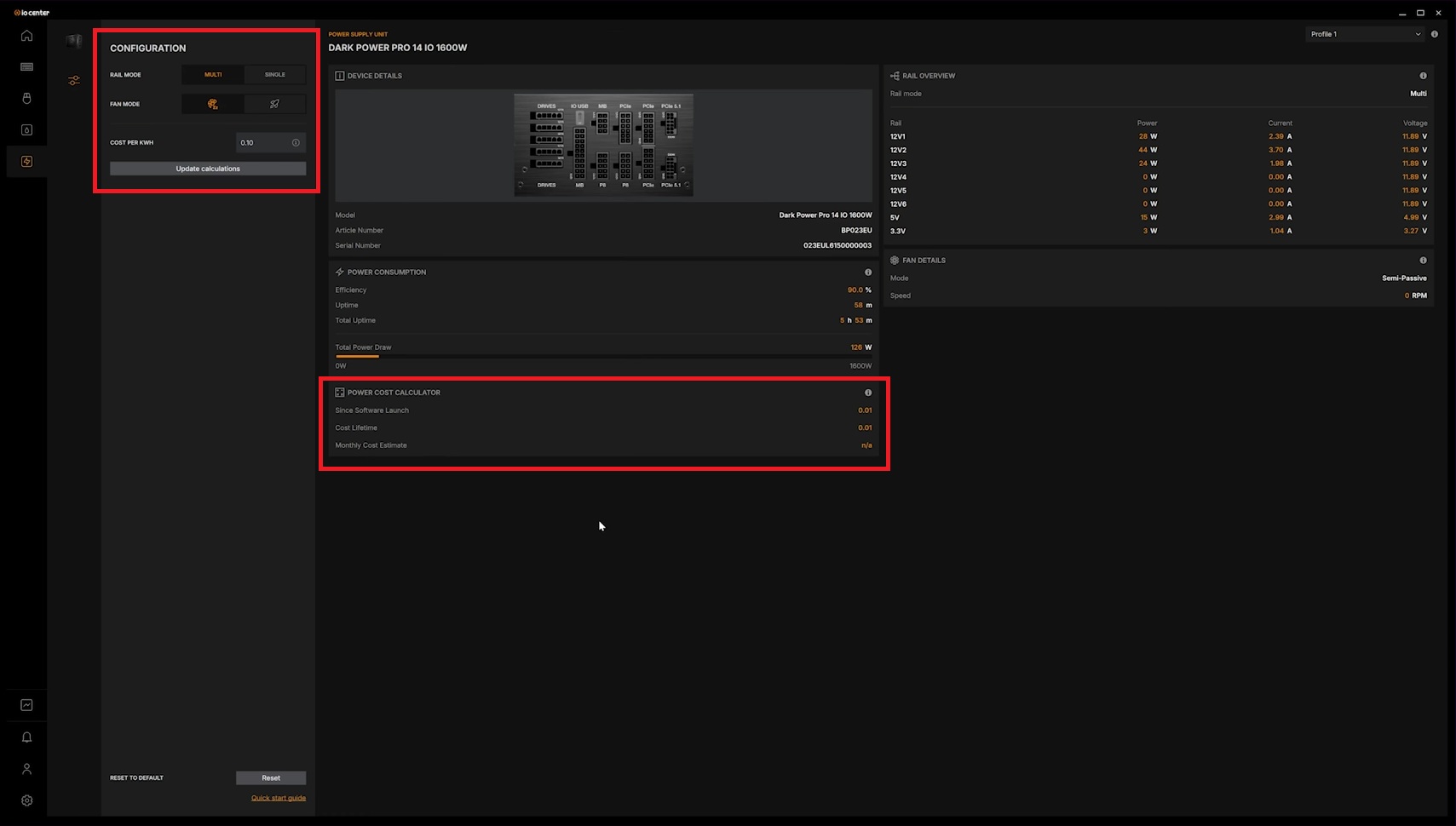
If you own LCD-clad be quiet IO devices, you can use your screen to show PSU data. This includes system power draw, PSU fan speeds, and whatever else you may want to showcase.