


Intel’s latest GPU drivers can optimise game graphical settings

Intel’s latest GPU drivers can optimise game graphical settings
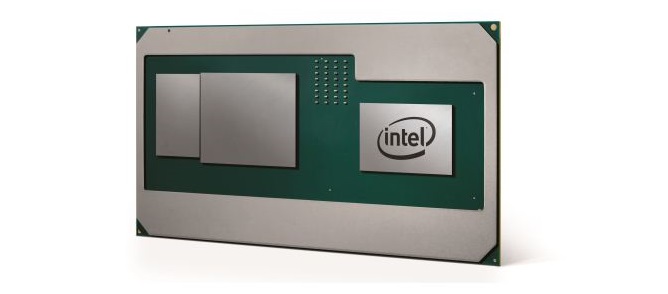
In recent months, Intel has been upping their driver game to support some of today’s recent releases while also improving their video encoding capabilities and other features. Jump-starting their graphics game is the release of Intel’s 8th Generation mobile CPUs with Radeon RX Vega M graphics, which utilises an AMD processor with an Intel-skinned driver set to offer a unique mobile gaming experience.
Intel’s latest graphics drivers for Skylake and new processors offer a new feature that optimises games for use with Intel (or Intel+Radeon Vega M) graphics, giving their users a one-click option that will tune their favourite games within the Intel graphics control panel. Right now only a handful of games are supported, though this list will become larger in time.
Intel is introducing a new feature with the ability to automatically configure game settings for Intel Graphics on 6th Gen Core Processors or higher (including upcoming systems with 8th Gen Core Processors with Radeon RX Vega M Graphics). Look for the ‘Gaming icon’ in the Graphics Control Panel. This feature is still in beta so game availability and functionality is limited. We’d love to hear your thoughts on this new feature, you can provide your feedback here.
While many will laugh this feature off as a button that sets every game to its lowest settings and resolution, this feature will be extremely useful when it comes to getting gamers to trust Intel in the graphics market, especially when combined with Intel’s products with Radeon Vega M graphics. Right now AMD doesn’t offer a similar feature, which places Intel beside Nvidia on the “can I click a button to optimise my games” front, which should help draw more people to Intel’s 8th Gen + Vega products.
Today only Skylake or newer products are supported by this feature and just ten games are supported including; Battlefield 1, Battlefield 4, American Truck Simulator, Call of Duty WWII, Destiny 2, DOTA 2, Grand Theft Auto V, League of Legends, Overwatch and World of Tanks.
Intel’s latest GPU drivers can be downloaded here. Release notes are available to read here.
You can join the discussion on Intel’s latest graphics drivers on the OC3D Forums.