ASUS ROG THOR III 1200W Platinum PSU Review

Meet the ASUS ROG THOR 1200W Platinum III
Meet ASUS’ ROG THOR 1200W Platinum III
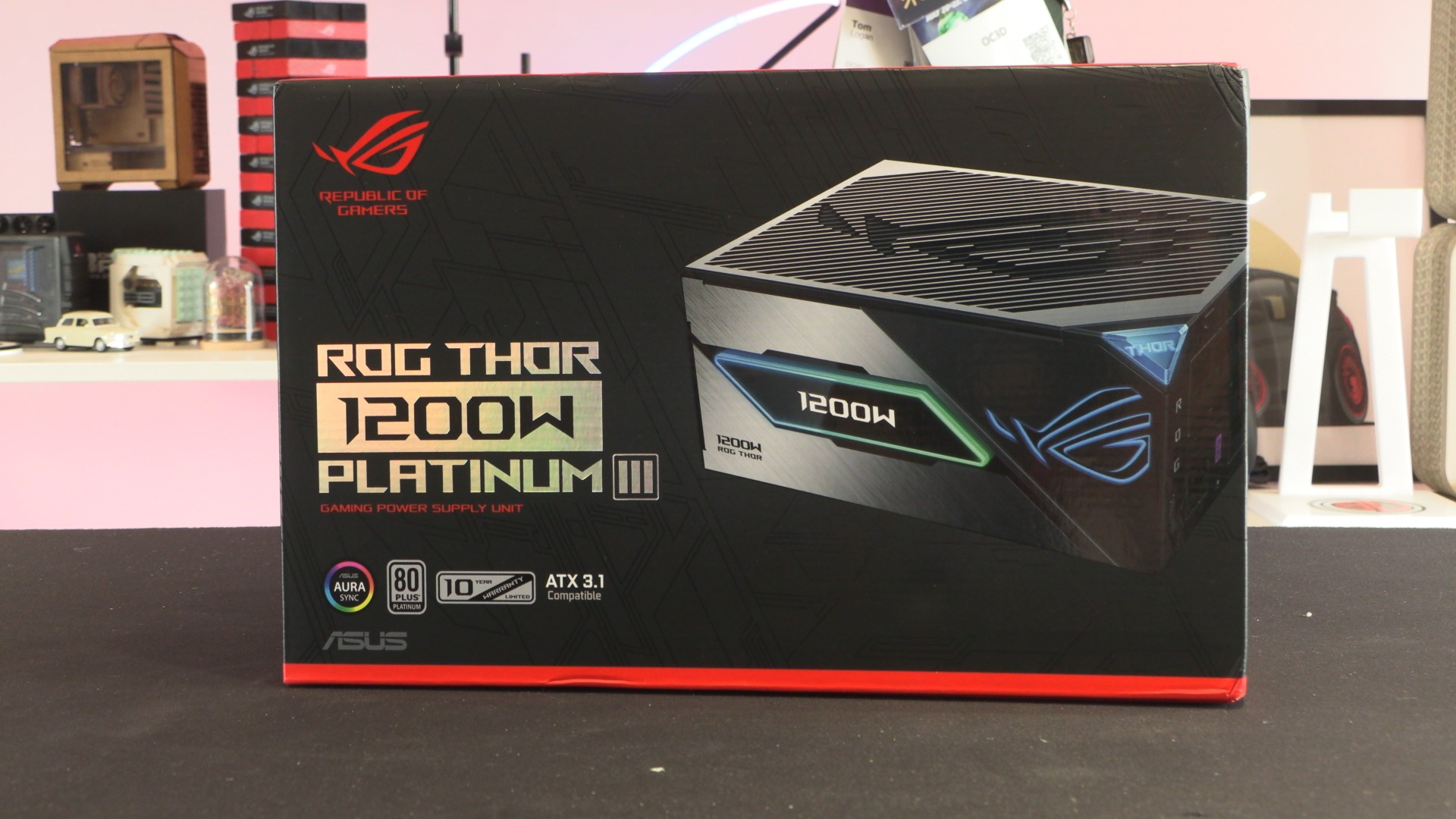
ASUS’ ROG THOR series has always been a little bit different. When ASUS entered the PSU market, many eyebrows were raised, especially when the ROG team started designing units. What could the Republic of Gamers bring to the PSU market? The newest answer to that question is the ROG THOR III Platinum 1200W, ASUS’ quietest and most feature-rich power supply to date.
Premium ROG Quality
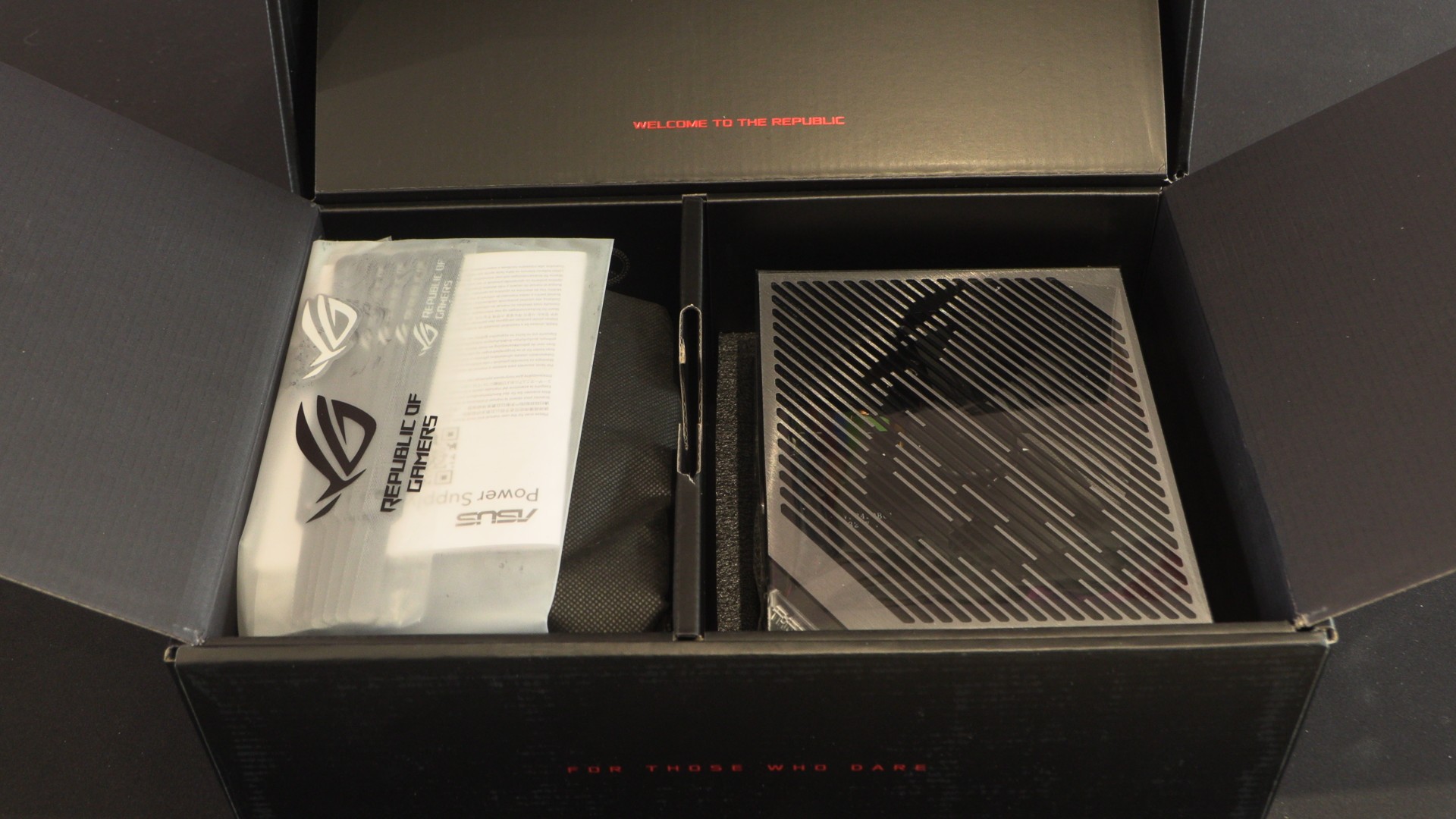
ASUS knows how to give PC builders a good unboxing experience. The ROG THOR III is satisfyingly weighty, and its box is substantial enough that no courier would damage the hardware inside during transit. The ROG THOR series has always been built with quality in mind. That’s they they use custom ROG heatsinks and premium packaging. Yes, these changes have costs, but ROG has never been about building things as cheaply as possible, and it never should be.
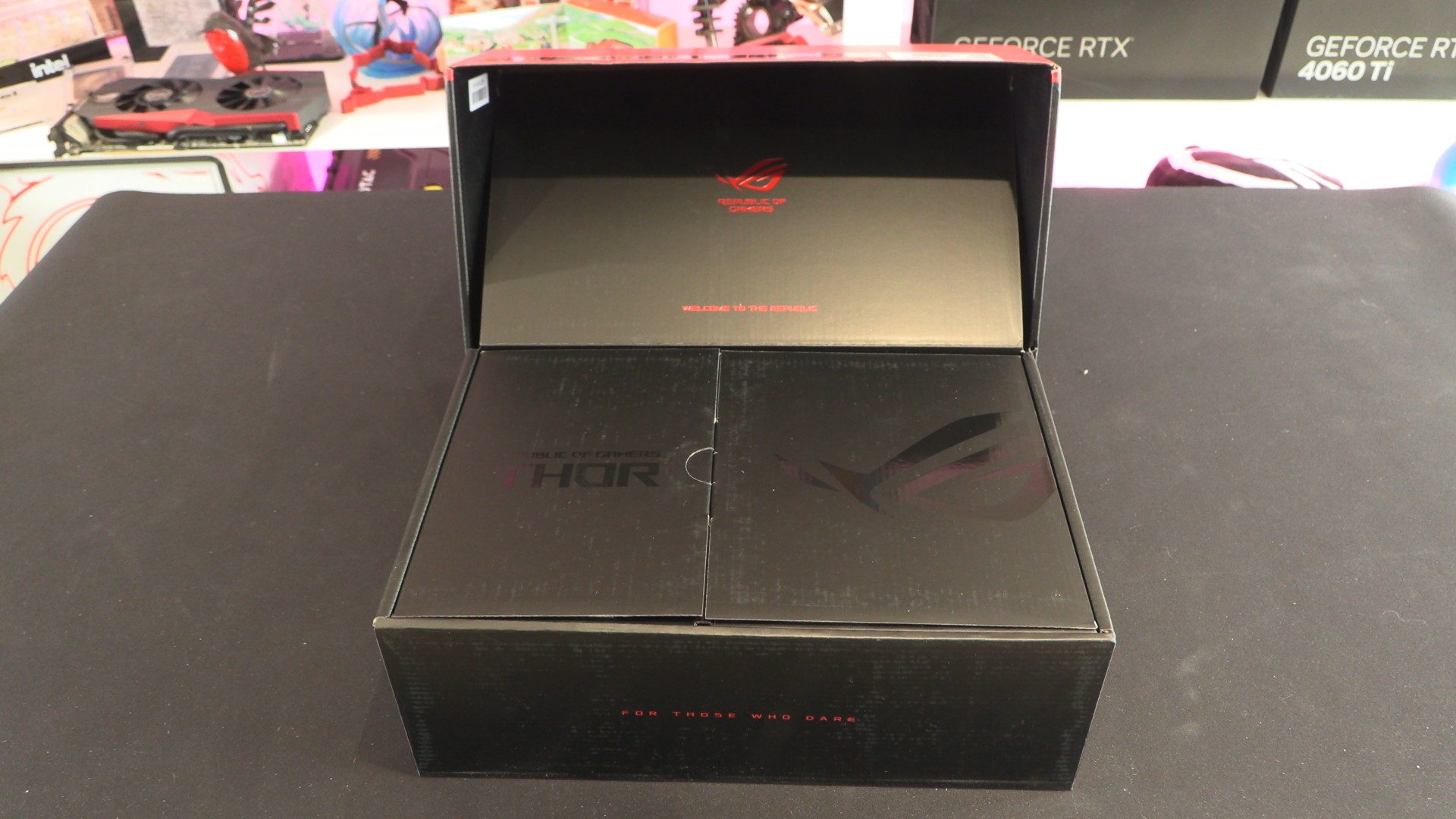
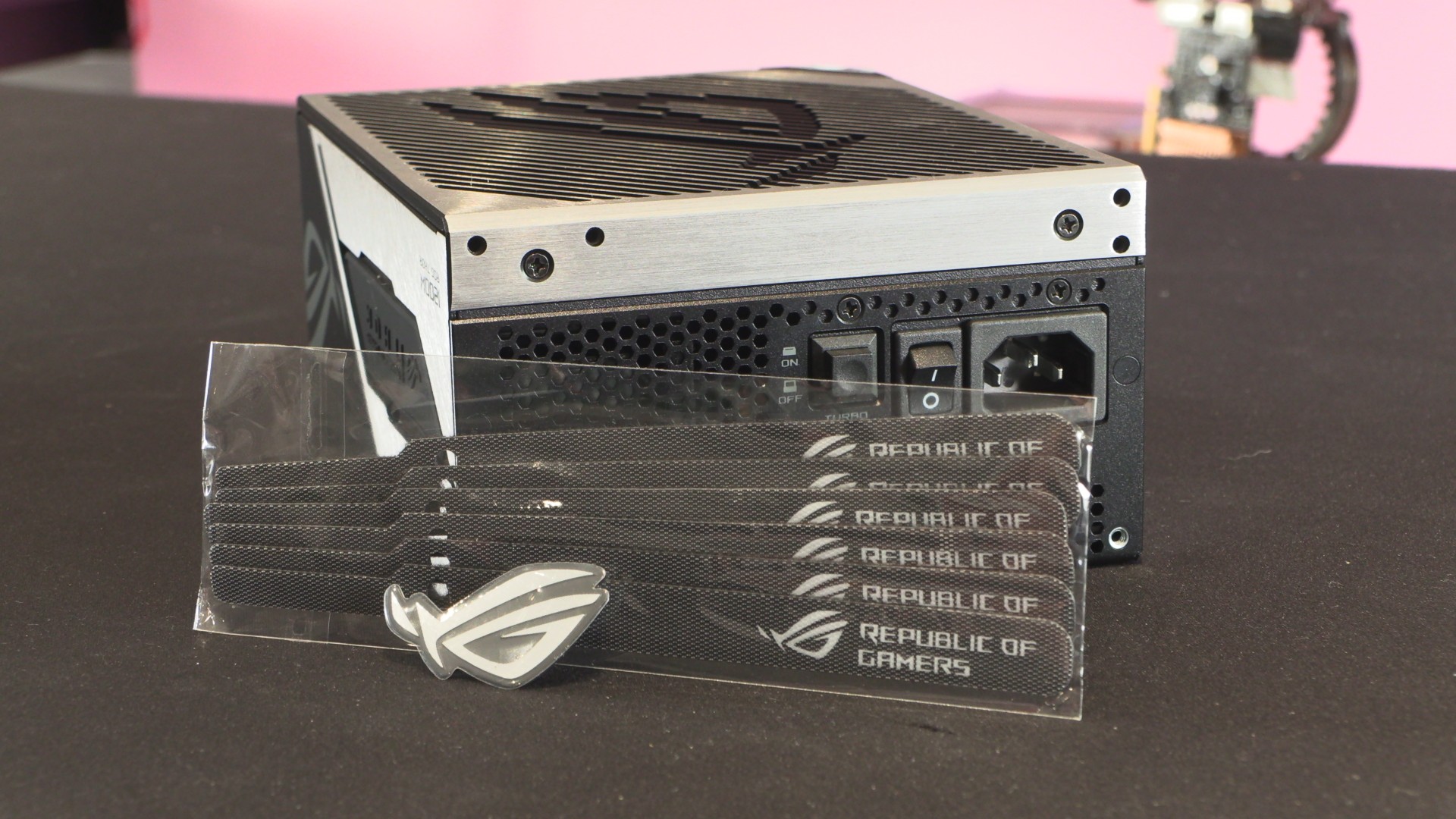
At one side of the package we have the ROG THOR III 1200W, and on the other side we have a package containing its cables and other accessories. This includes a power chord, ROG sticker, a selection of ROG cable ties, PC case screws, a user manual and an ARGB cable/connector.
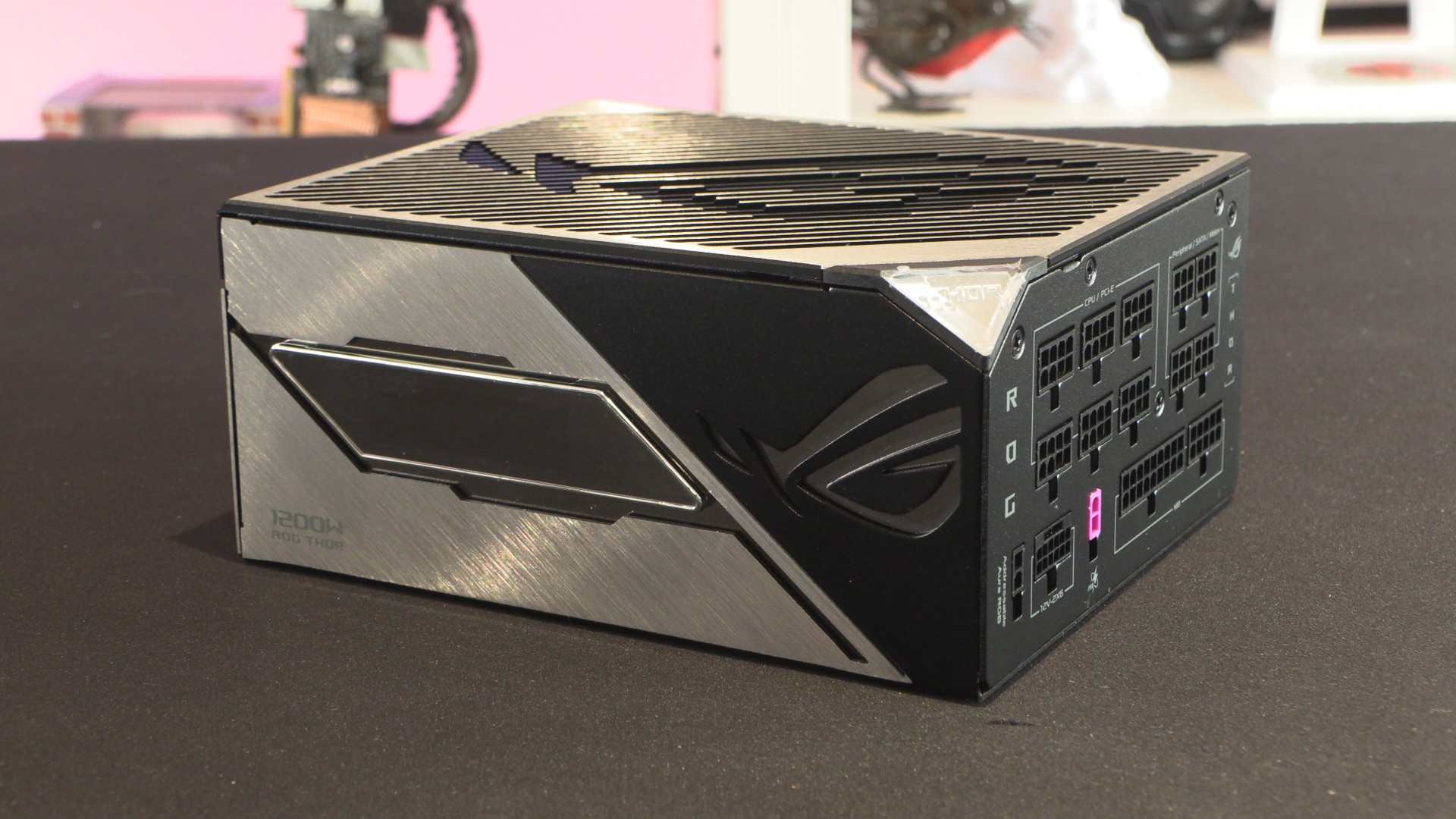
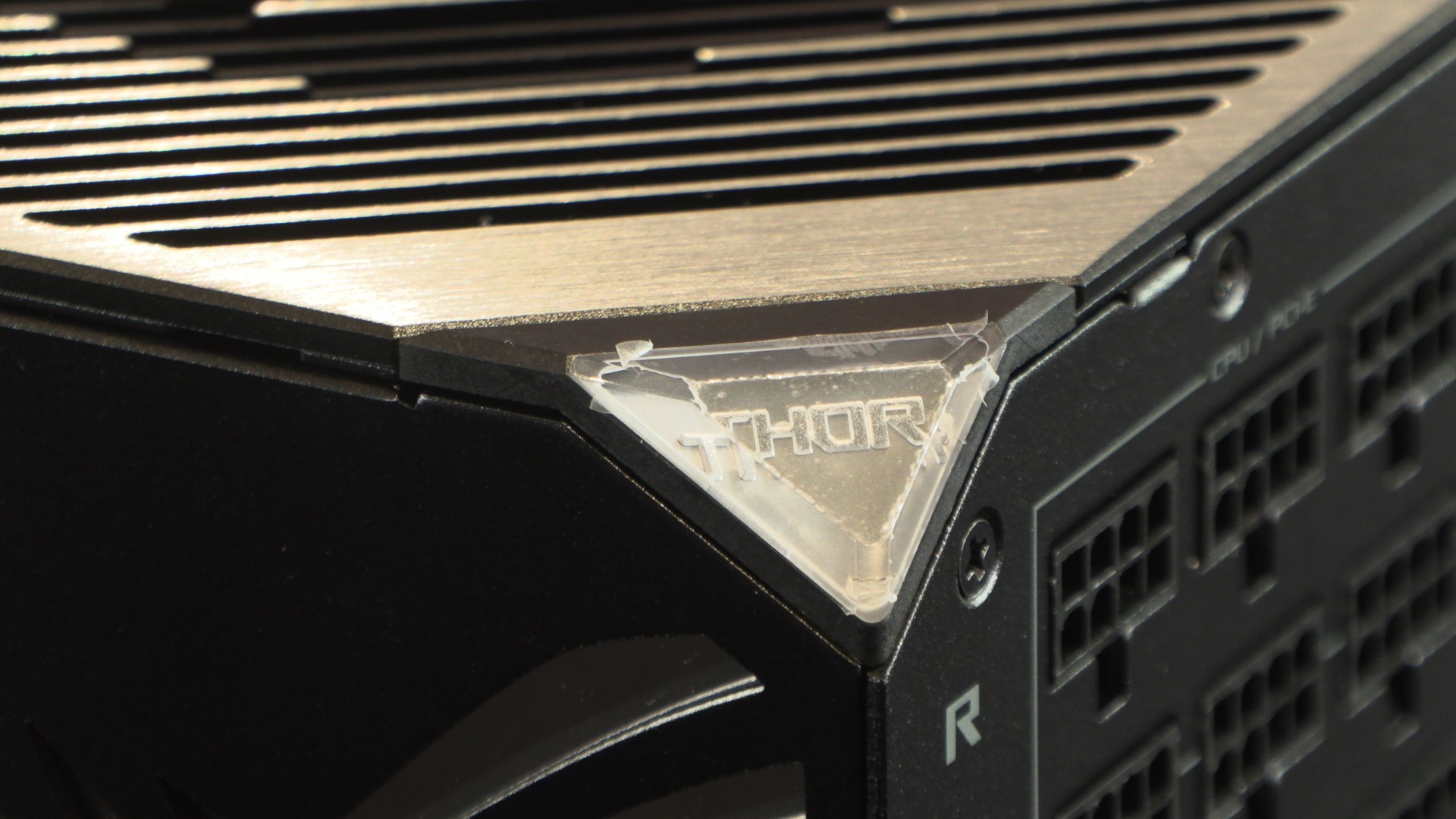
It’s the little details that make ASUS’ ROG-branded products special. Does this PSU need an illuminated “THOR” badge on its corner? No! Does it look great when powered on? Yes! It’s unnecessary, but it’s these flurries that can make custom PCs special. The same can be said for RGB, you can call it unnecessary, but it doesn’t mean that we all don’t want it.
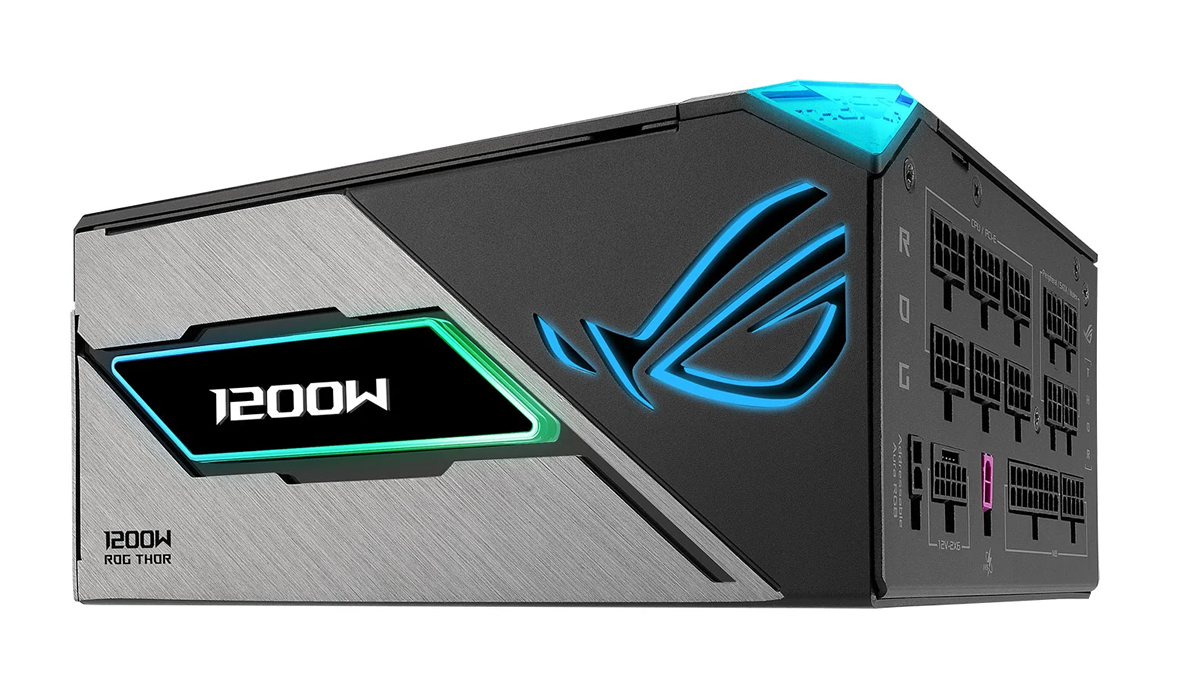
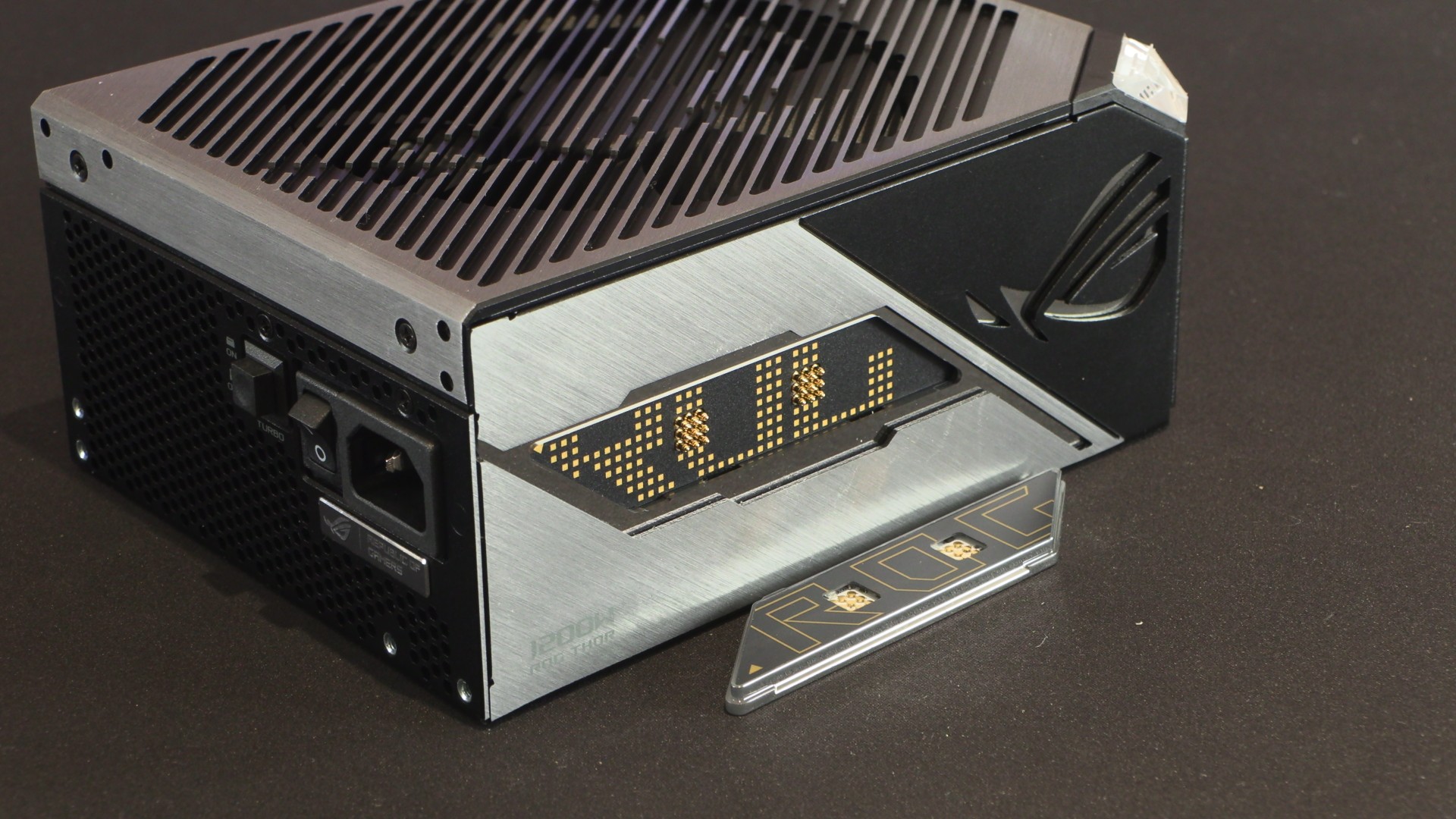
At the side of this PSU is a removable OLED screen that acts as this PSU’s power monitor, and an RGB illuminated ROG eye logo. Nice flurishes for those who want to show-off their power supply.
ROG THOR III 1200W ARGB Lighting and OLED Screen
Most modern PC cases go out of their way to hide your power supply. ASUS’ ROG THOR series stands against this trend by being a power supply that’s worth looking at. With its RGB lighting and OLED power-monitoring screen, the ROG team has given this PSU the same premium look and feel as the company’s premium cases, motherboards, and graphics cards. This is perfect for an all-ROG PC build, and for PC builders who want a PSU that looks better than the black boxes that most brands produce.
Note that the OLED screen on this power supply can be moved to the other side of the unit if necessary. However, it should be noted that this side of the PSU does not feature an ARGB illuminated ROG eye logo.
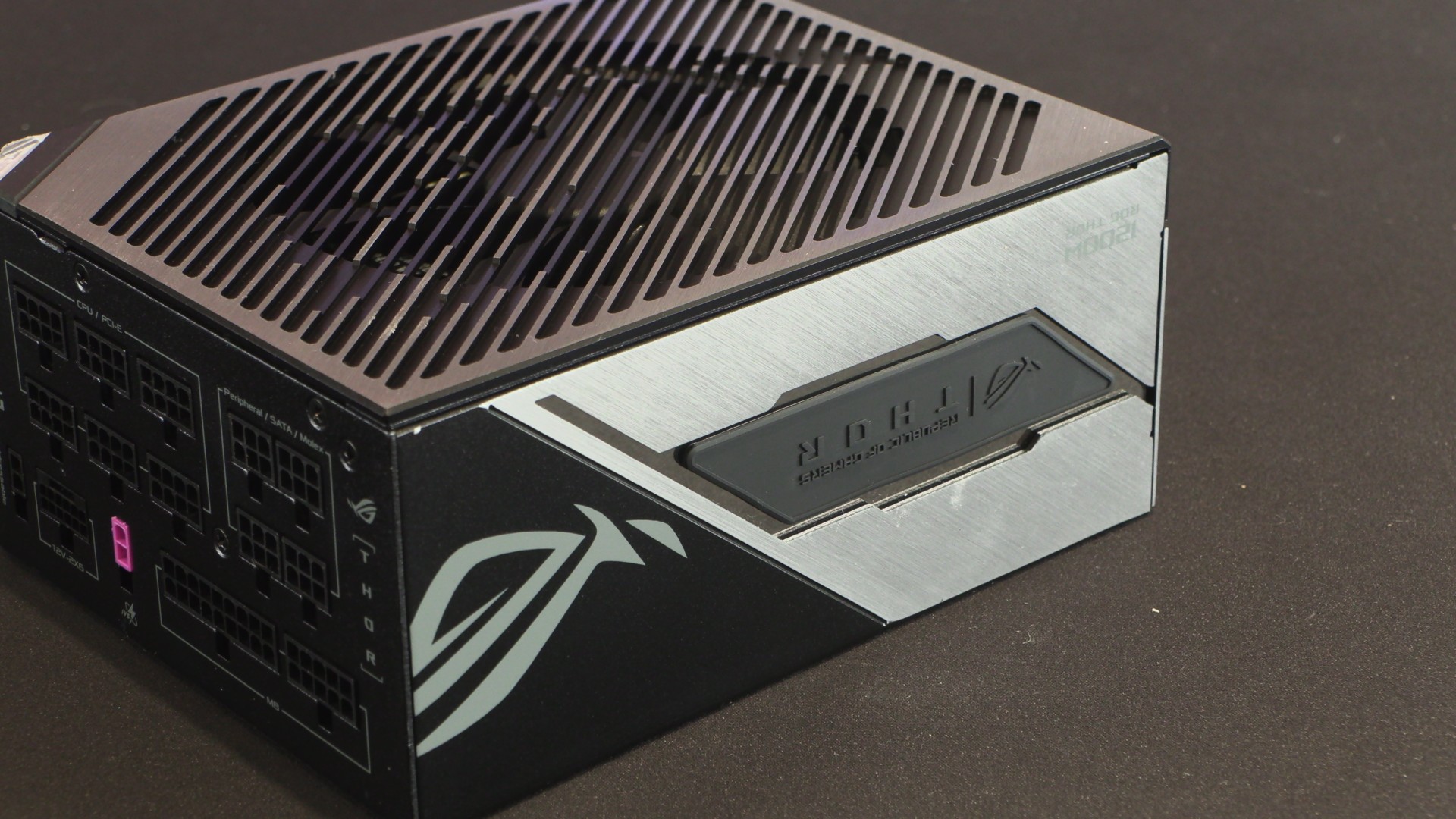
Users can take off the ROG-blank piece off this side of the PSU and mount ASUS’ power-measuring OLED screen.
Pricing
At the time of writing, ASUS’ ROG THOR III 1200W PSU is available at the following prices at the retailers below. Note that pricing may have changed since this review was written.
- ASUS ROG THOR III 1200W Platinum PSU – £406.18 – Amazon UK
- ASUS ROG THOR III 1200W Platinum PSU – £ – Overclockers UK
- ASUS ROG THOR III 1200W Platinum PSU – £ – Scan Computers UK UK
ASUS’ “GPU-First” voltage stabilisation
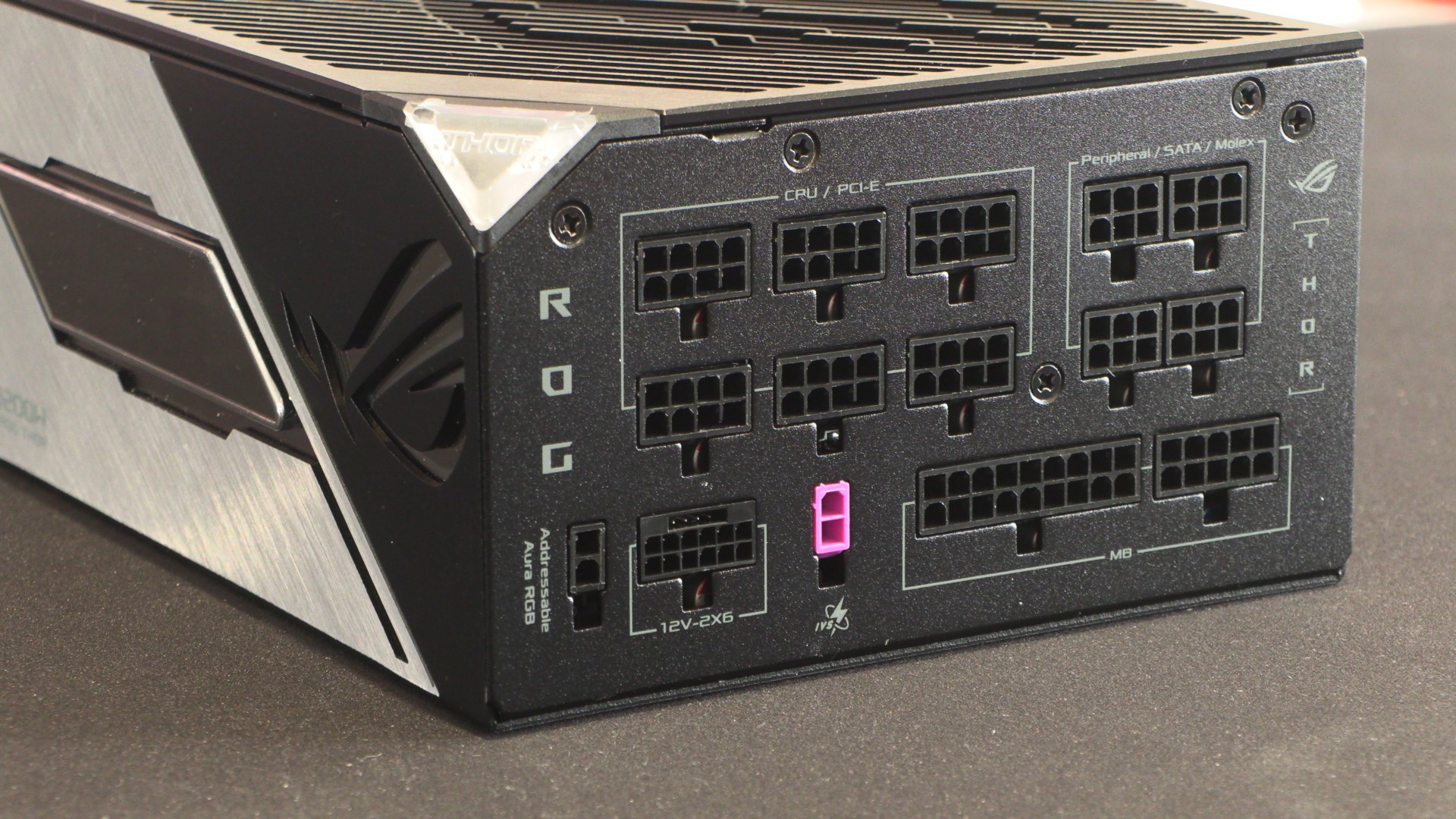
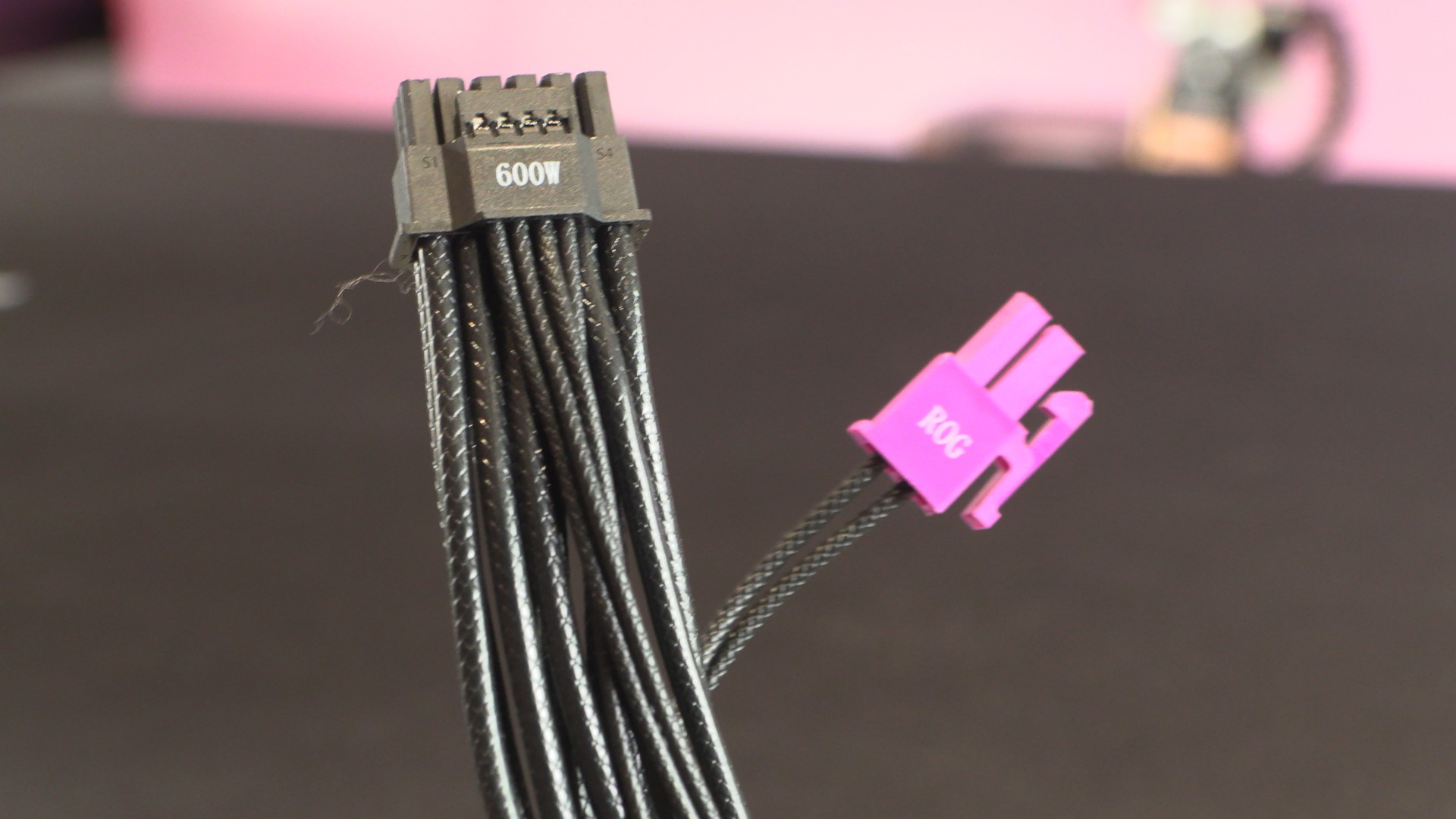
A unique feature on ASUS’ ROG THOR III power supply is its “GPU-First voltage sensing with patented intelligent voltage stabiliser.” This feature enhances GPU voltage stability to make power delivery up to 45% smoother. This feature is enabled by using this PSU’s pink IVS cable. For users who want traditional CPU-focused voltage sensing, you just need to disconnect this cable.
Since modern GPUs consume way more power than modern CPUs, it makes sense for this cable to be focused on. That said, this PSU’s voltage stability is fine as-is. Either mode is adequate for day-to-day use. Regardless, this GPU-focused stabalisation feature could prove very useful to overclockers.
High-end PCIe and 12V-2×6 power connectors
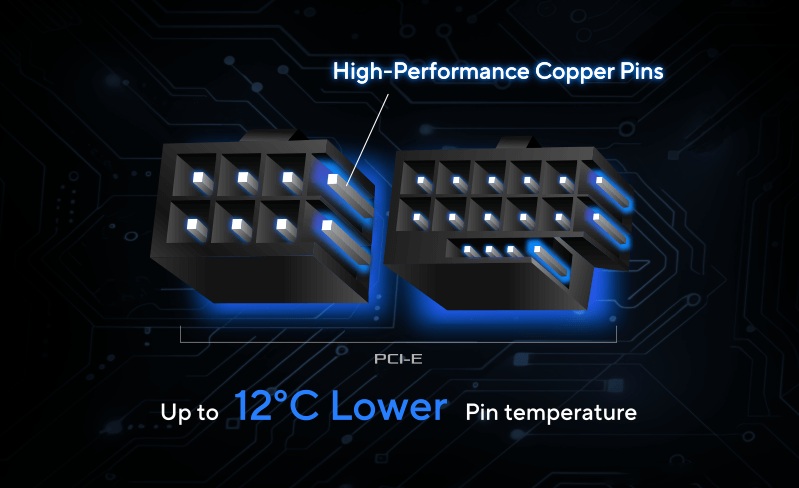
On the PSU side of this power supply, ASUS has invested in “high-performance copper pins” to enable superior thermal conductivity. This allows heat to move away from this PSU’s PCIe 8-pin and 12V-2×6 power connectors faster, resulting in up to 12.3 degrees (Celsius) lower thermals.
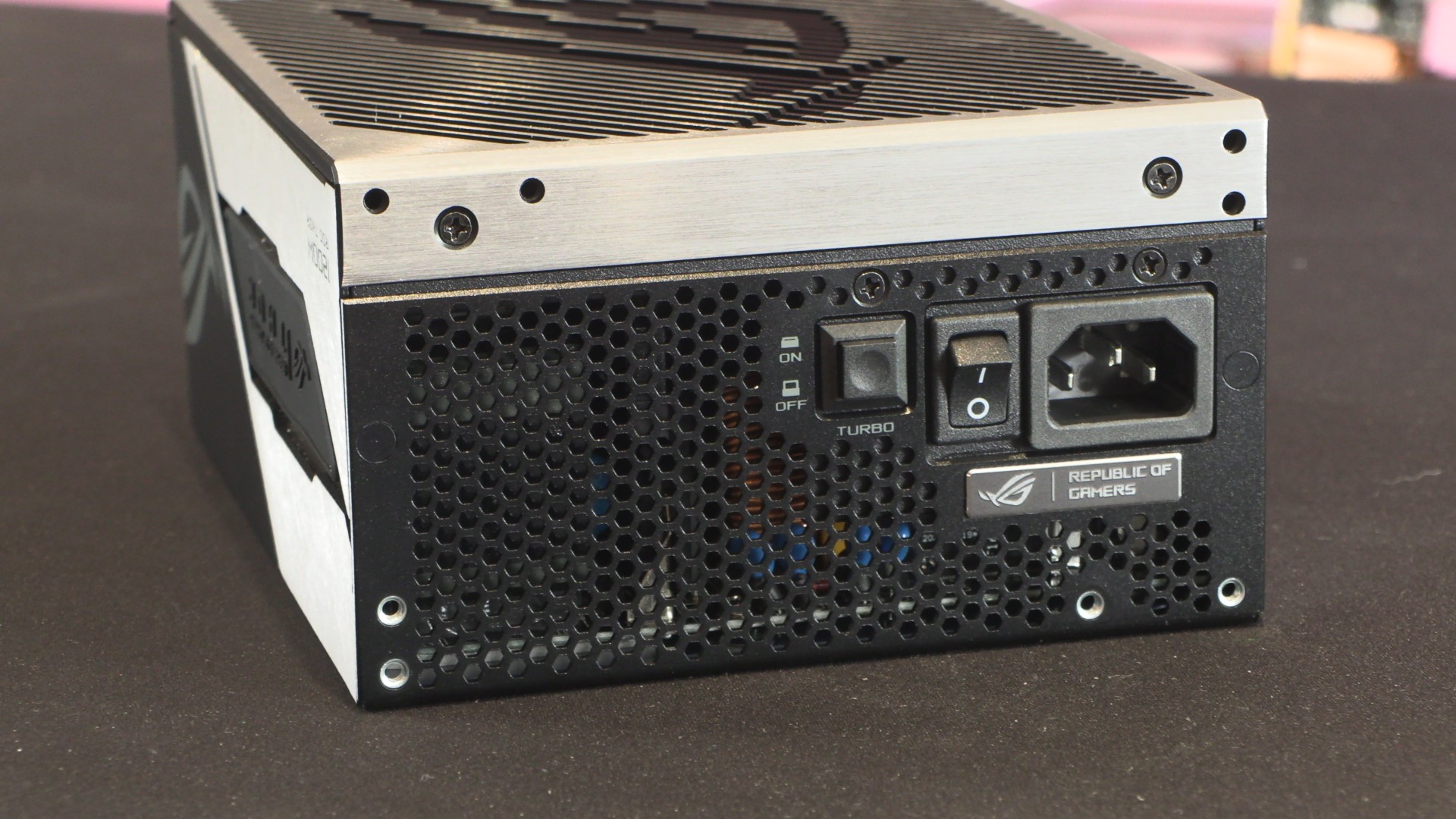
By default, this PSU runs with its fan disabled until it hits 30% loads. In other words, the fan doesn’t spin until at least 360W of power is drawn. When turbo mode is enabled, this PSU’s fan will always be turned on. This will allow users to see if this PSU’s fan is working under low loads, or give users peace of mind if they dislike “0dB” fan features.
Turbo mode also allows for 3x longer 160% power excursions. This extends this PSU’s 160% power excursion limit from 10ms to 30ms. Again, this change could be a big deal for heavy overclockers.
Add-ons and cables
As mentioned before, this PSU comes with ASUS ROG-branded cable ties and an ASUS ROG Sticker.
Note that this PSU has a custom 12V-2×6 cable. The pink connector shown is what enables this PSU’s GPU voltage stabilisation feature.
Note that these cables are not braided; they use an etched plastic covering that gives them the appearance of braided cables. While it does look good, it doesn’t look as good as custom braided PSU cables.
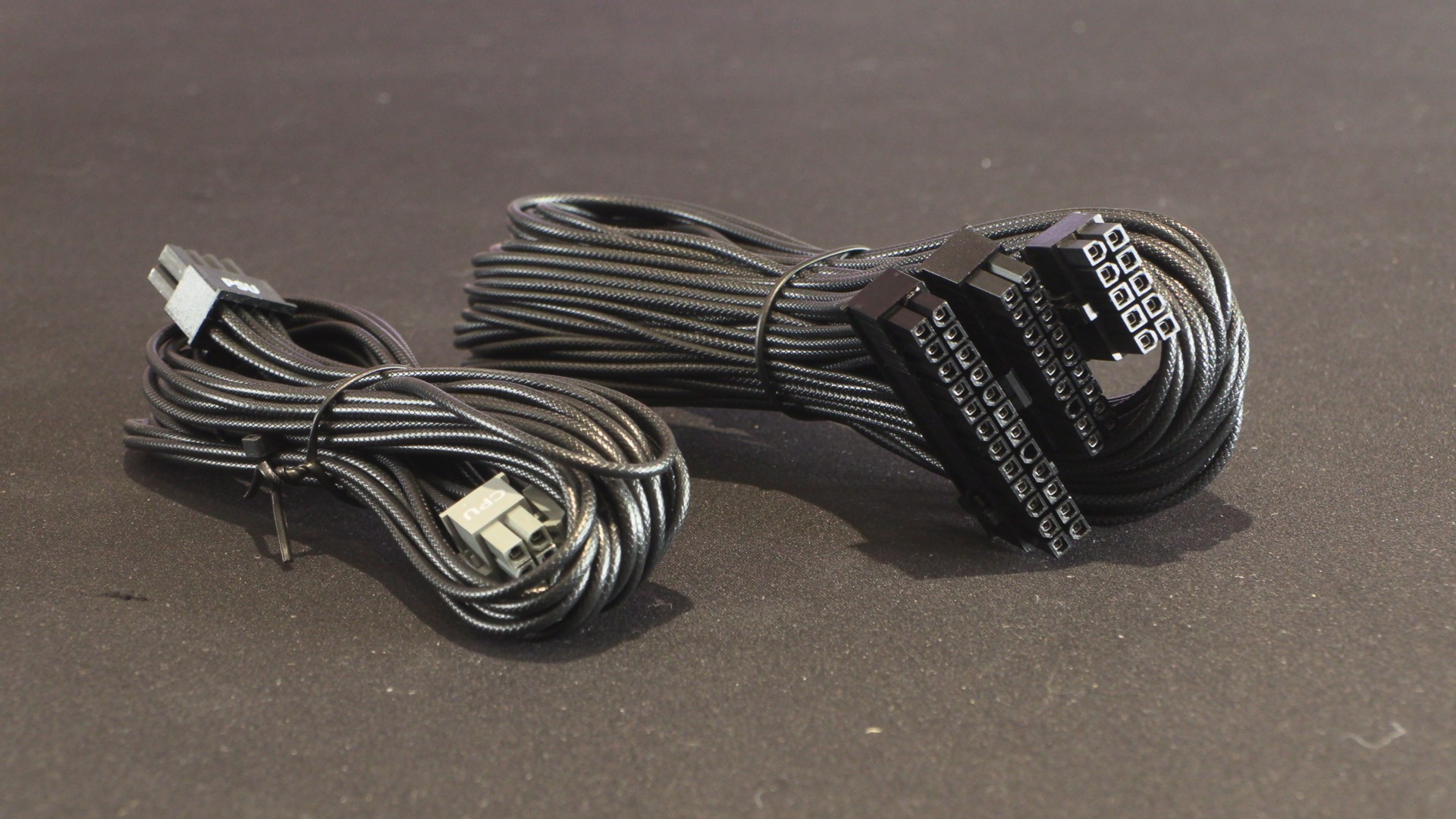
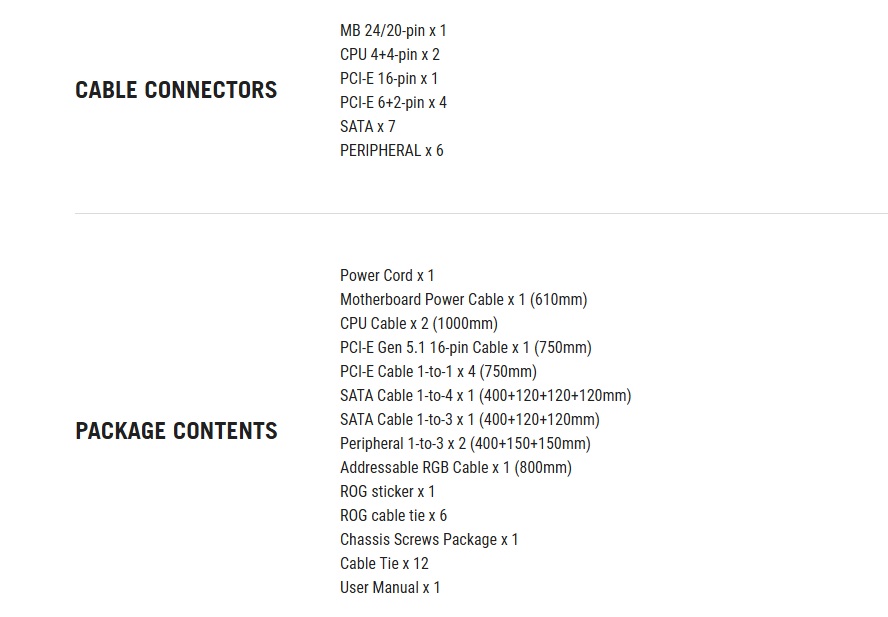
For those who are interested, here’s a list of this PSU’s included cables and accessories. This list even included the lengths of each PSU cable. This is a nice touch, as it allows users to make sure that this PSU is suitable for ultra-large PC cases, or fully custom PC cases. This is a detail that most PSU manufacturers do not list on their websites.