


This script wipes away Windows 11’s unwanted AI features

“RemoveWindowsAI” could be the script that AI-hating Windows users have been waiting for
A developer called zoicware has created “RemoveWindowsAI” to remove all of Windows 11’s AI features. Over time, the developer plans to update this script to keep pace with Windows AI updates, taking down new Windows AI features as they are added.
To use this script, all Windows 11 users need to do is type and execute a simple Powershell command. Users can opt to disable all AI features or target specific ones. Users can also choose to back up their settings, allowing them to revert all changes if necessary. A guide for all of this is available on the RemoveWindowsAI GitHub page.
The current 25H2 build of Windows 11 and future builds will include increasingly more AI features and components. This script aims to remove ALL of these features to improve user experience, privacy and security.
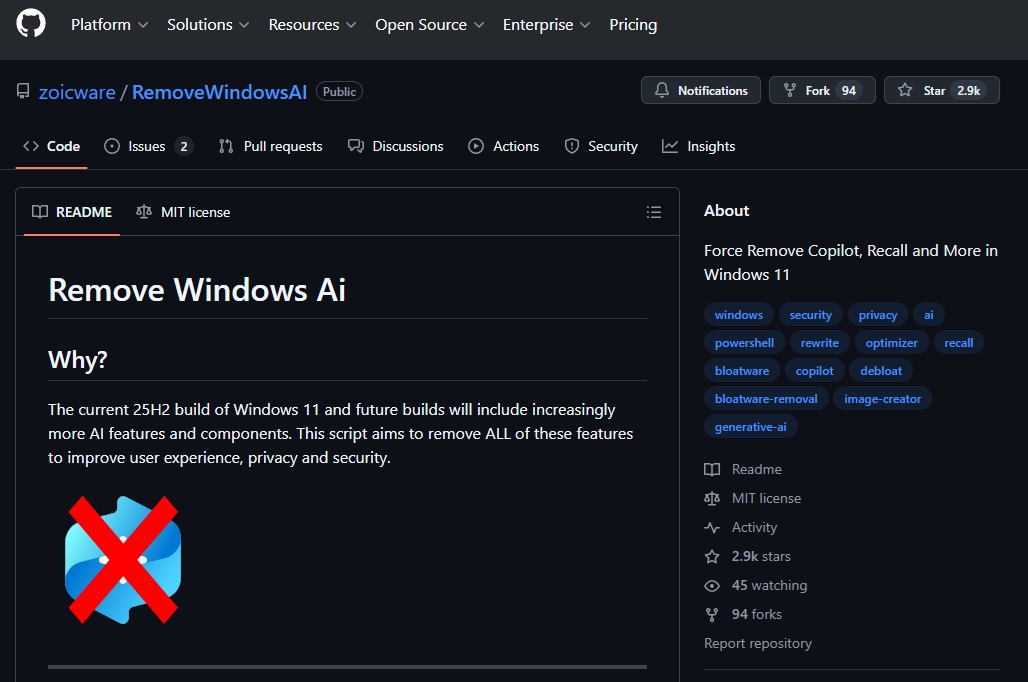
Sadly, not all AI features will be taken down by this script, as some will require manual intervention. Thankfully, zoicware has a guide for this process on GitHub.
Since Microsoft is unwilling to give Windows users the ability to say no to AI, “RemoveWindowsAI” appears to be a useful option for Windows 11 users. Ultimately, users should be in charge of their computers. If Microsoft won’t give PC users options, the PC community will find a way. “RemoveWindowsAI” is giving Windows users a choice, and that is a good thing. We wish zoicware luck in keeping up with Microsoft’s AI onslaught.
You can join the discussion on “RemoveWindowsAI” on the OC3D Forums.
