


It’s official! Windows 11 now has a movable taskbar

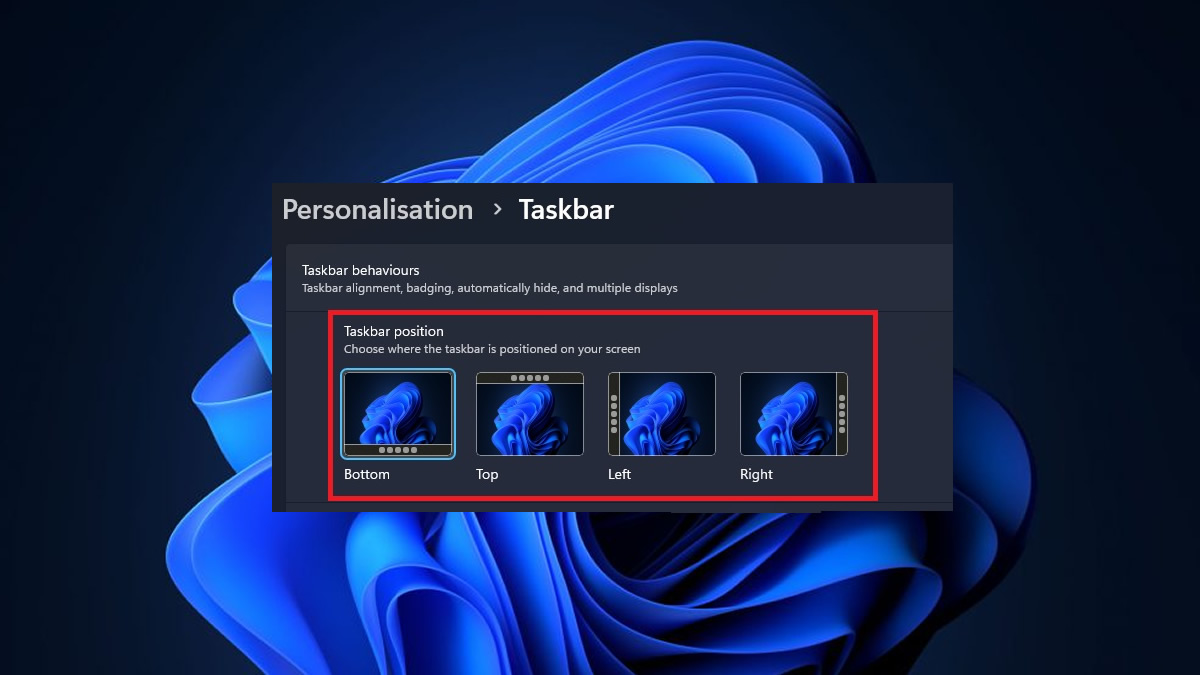
After five years, Windows 11 finally has a movable taskbar
It’s been almost five years since Windows 11’s release, and Microsoft has finally acted on a feature request users have made since day 1. Windows 11 now has a movable taskbar. September 8th’s Patch Tuesday added a movable taskbar to the OS, giving users top, bottom, left, and right position options.
With a movable taskbar being available in Windows 10, the feature’s absence in Windows 11 has always seemed strange. Users of the feature in older OS have begged Microsoft for years to re-implement it, and this week’s update proves that there was no technical reason why Microsoft couldn’t. If nothing else, this addition proves how little Microsoft has listened to Windows users’ feedback, at least until very recently.
New Taskbar options
If users have updated to Windows 11’s newest version with update KB5124008 (or newer), they can right-click their taskbar and select “Taskbar Settings”. This gives users access to Windows 11’s new Taskbar position options and lets them change their taskbar size.
Windows 11’s Taskbar can take up a lot of screen space on low-resolution displays. This makes Microsoft’s new “small” taskbar option a great option for low-end laptop users. It is also a good choice for users who want to use as many of their monitor’s pixels as possible.
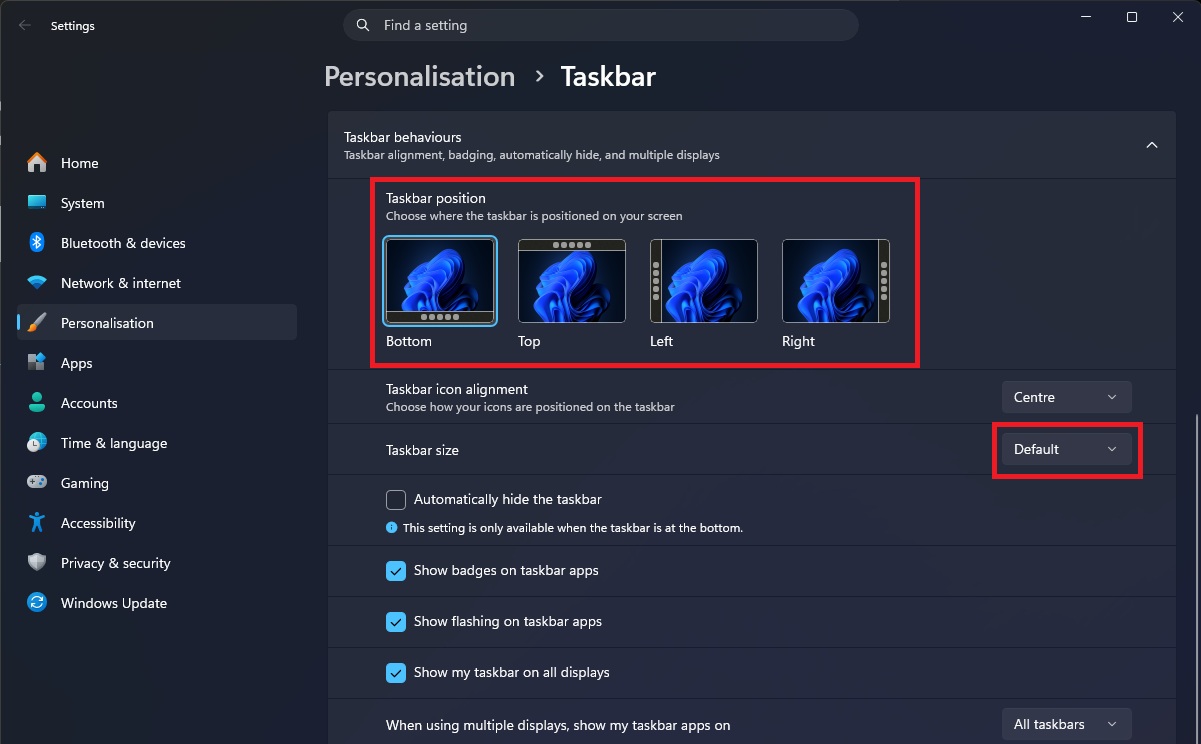
Since this is a controlled feature rollout, some Windows 11 users may not have access to Microsoft’s new taskbar options today (even if their system is fully updated). Microsoft will enable these options over time as it confirms the update is stable. While there are ways to force this feature to activate, we won’t cover that here. If your system isn’t part of the current rollout, the best option is to wait. The feature will unlock over the coming days or weeks.
Join the discussion on Windows 11’s new taskbar options on the OC3D Forums.
