


Portal 2 has been updated to improve local co-op on PC

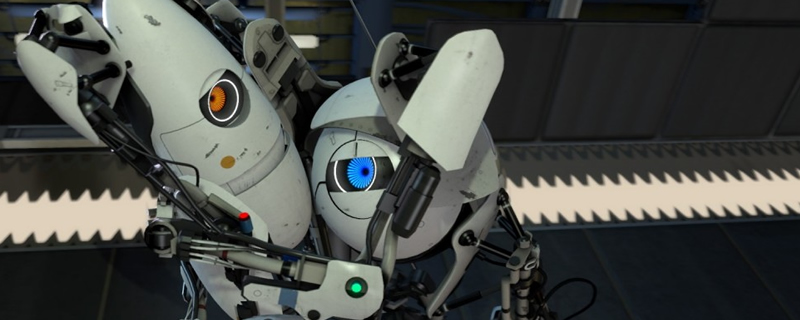
Portal 2 has been updated to improve local co-op on PC
For starters, this patch is designed to improve Portal 2’s local co-op mode, allowing PC gamers to have one player on mouse/keyboard while another is using a gamepad. This option was previously impossible, at least without mods or workarounds. This local co-op is also available within the community co-op map queue. Sadly, this feature is not supported in quickplay at this time.
Another neat addition to Portal 2 comes with Steam’s new Remote Play Together update, which will allow PC gamers to play split-screen Portal 2 over the internet. This even allows gamers who don’t own Portal 2 to join in on the fun. Yes, online co-op is possible for two players that own the game, but Valve’s Remote Play Together feature allows the same functionality to be achieved with only one copy of Portal 2.

Below are the full patch notes for Portal 2’s latest update.
Windows
– Fixed an issue where in-game audio caption language would use the system language setting instead of the Steam language setting.
Controller support
– Improved camera control through Steam Input – the sensitivity scale has changed so you may need to increase your configuration’s sensitivity.
– Add local coop support for one controller player and one Mouse/Keyboard player.
– Add local coop support from the community coop map queue. Quickplay is still not supported.
– Fix XInput related options being hidden when connecting a Steam Input enabled controller using a Gamepad configuration.
– Fix the challenge mode screen not having enough footer buttons available through Steam Input.
– Fix several more bugs where the incorrect action set could be set in Steam Input.
– Fix several cases where having a controller connected but not active would affect the glyphs and settings screen options.
You can join the discussion on Portal 2’s co-op update on the OC3D Forums.