Airflow Beast! Cooler Master HAF II 500 PC Case Review

Up Close with the HAF II 500
Up Close with the HAF II 500
As always, we will start at the top with this case’s front I/O options. These include a single USB 3.2 Gen 2×2 Type-C port, two USB 3.2 Gen1 Type-A ports, and a 3.5mm audio in/out jack. The case also has a power and reset switch, with the power button being the central button with an integrated power LED.
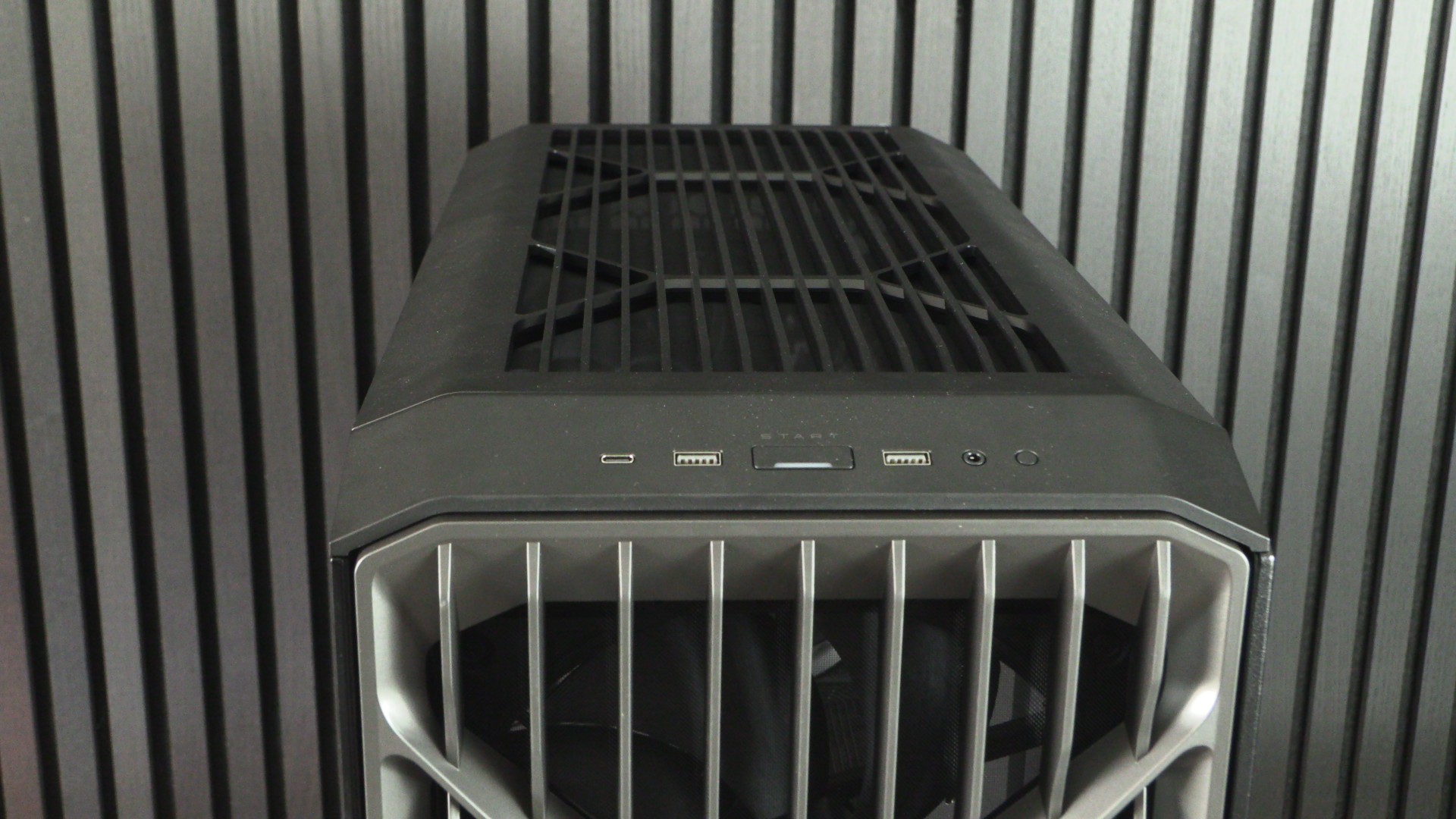
The top panel of the HAF II 500 is rather plain. While it has a similar “double X” pattern, it is much less aggressive than the HAF II’s front panel. This design is better if you are the kind of person who may temporarily set something on top of your PC case (a flat top is better for this), but it does give this case a mixed aesthetic.
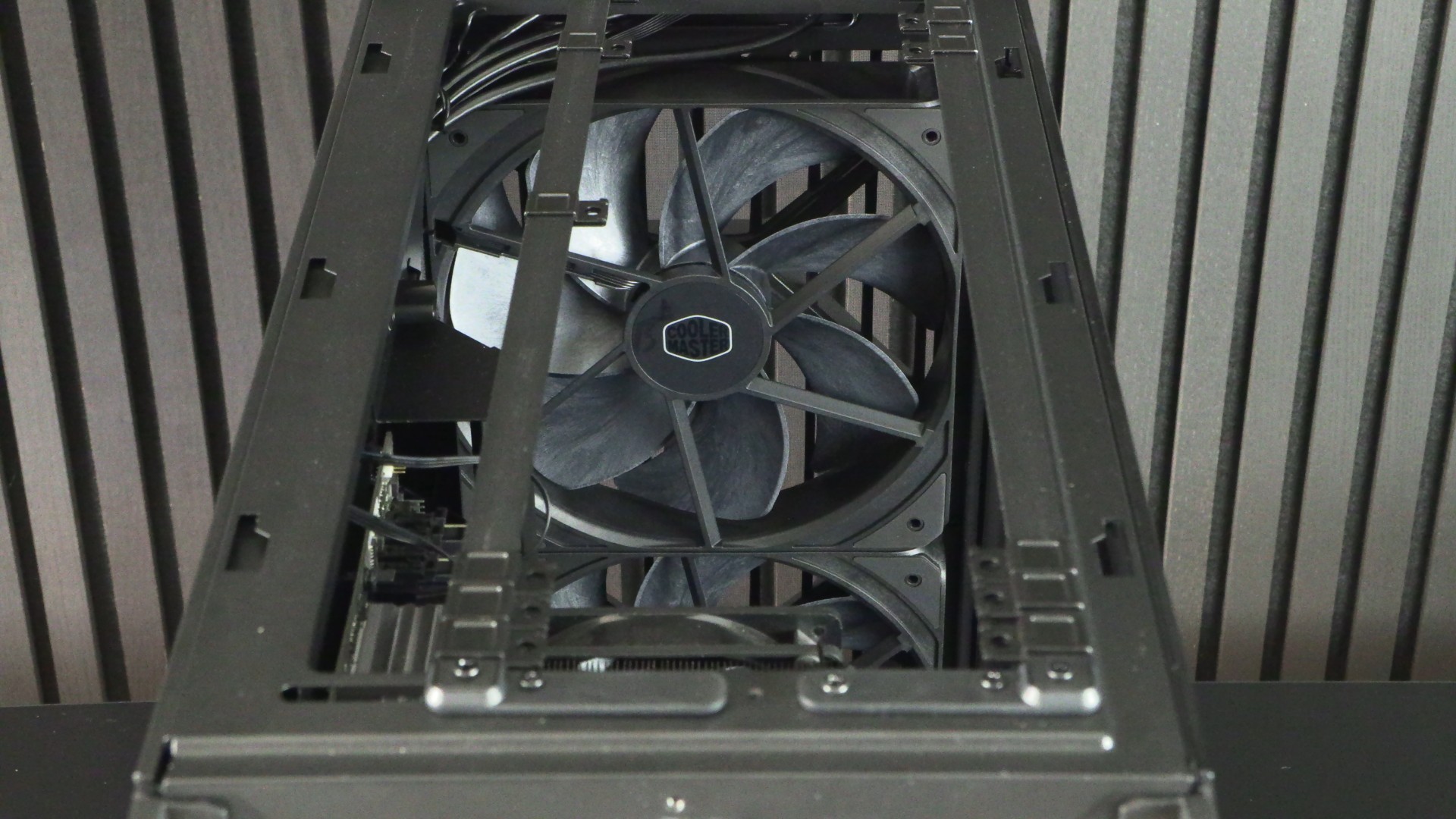
This top panel can be removed by removing a screw at the back of the HAF II 500. Below we have an open area with two movable fan supports. These can be configured to support two 160mm or 180mm fans or three 120mm or 140mm fans. The top of this case does not support Cooler Master’s 220mm Mighty40 fans.
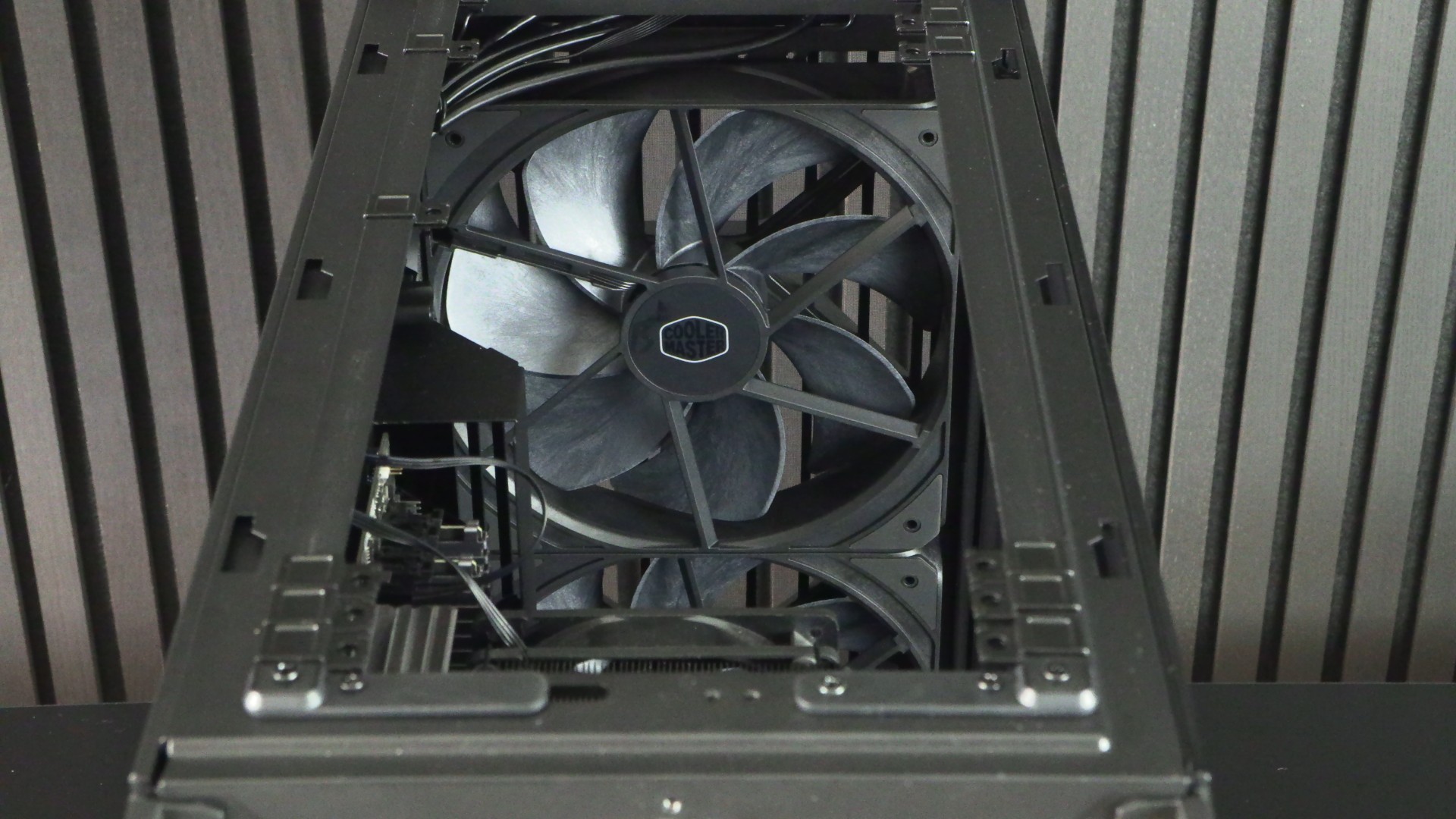
This case’s configurability allows it to support a huge variety of PC case fans without blocking any of their airflow. This avoids the usual pitfalls of pre-cut case panels. The design is more complex, but it delivers the high airflow performance tha HAF fans crave.
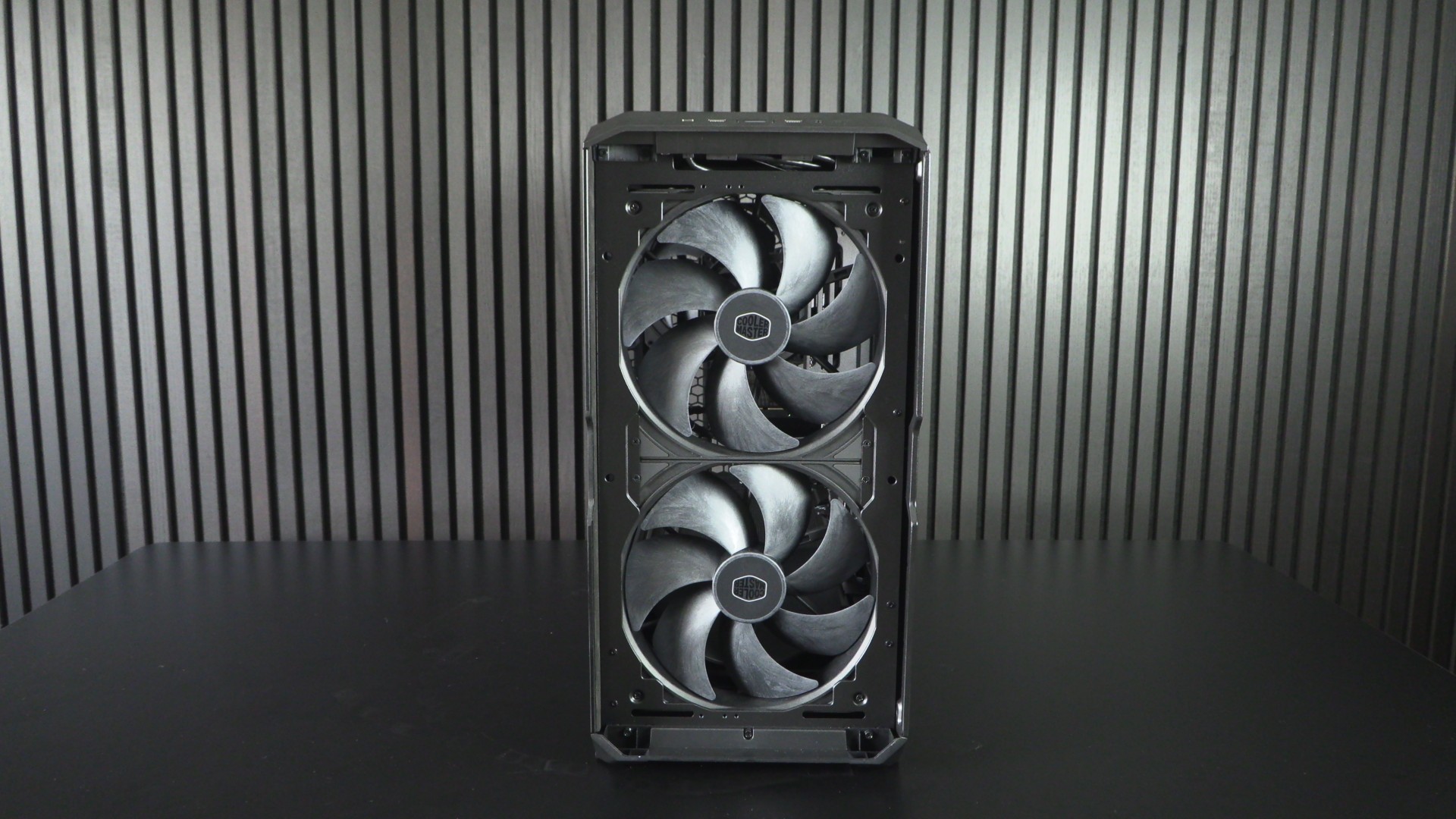
The front – Where only the biggest fans will do!
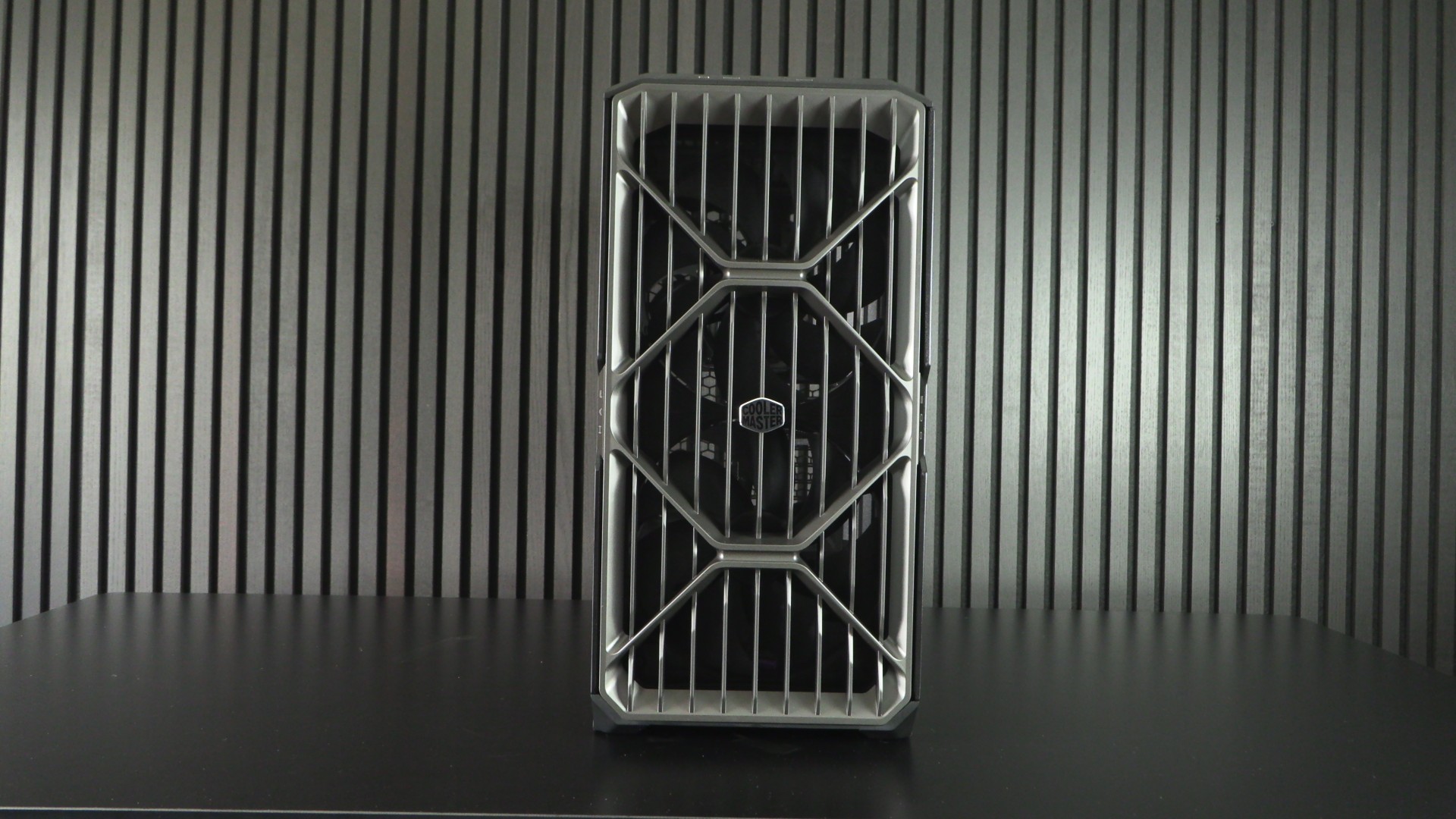
The front of the HAF II 500 boasts huge intake vents, minimising potential airflow interference for this case’s HUGE Mighty40 fans. Simply put, Cooler Master couldn’t have installed larger fans inside this PC case. It’s almost as if Cooler Master built this case around their new 220mm fans. There is no reason to remove these fans and install anything else. Well, unless you want to add RGB lighting into the mix.
These fans are large and thick. Normal fans are 120mm wide and 25mm thick. These fans are 220mm wide and 40mm thick. These scaled-up fans can push more air at lower fan RPMs and deliver high levels of static pressure to ensure that this air is pushed deep into the HAF II 500.
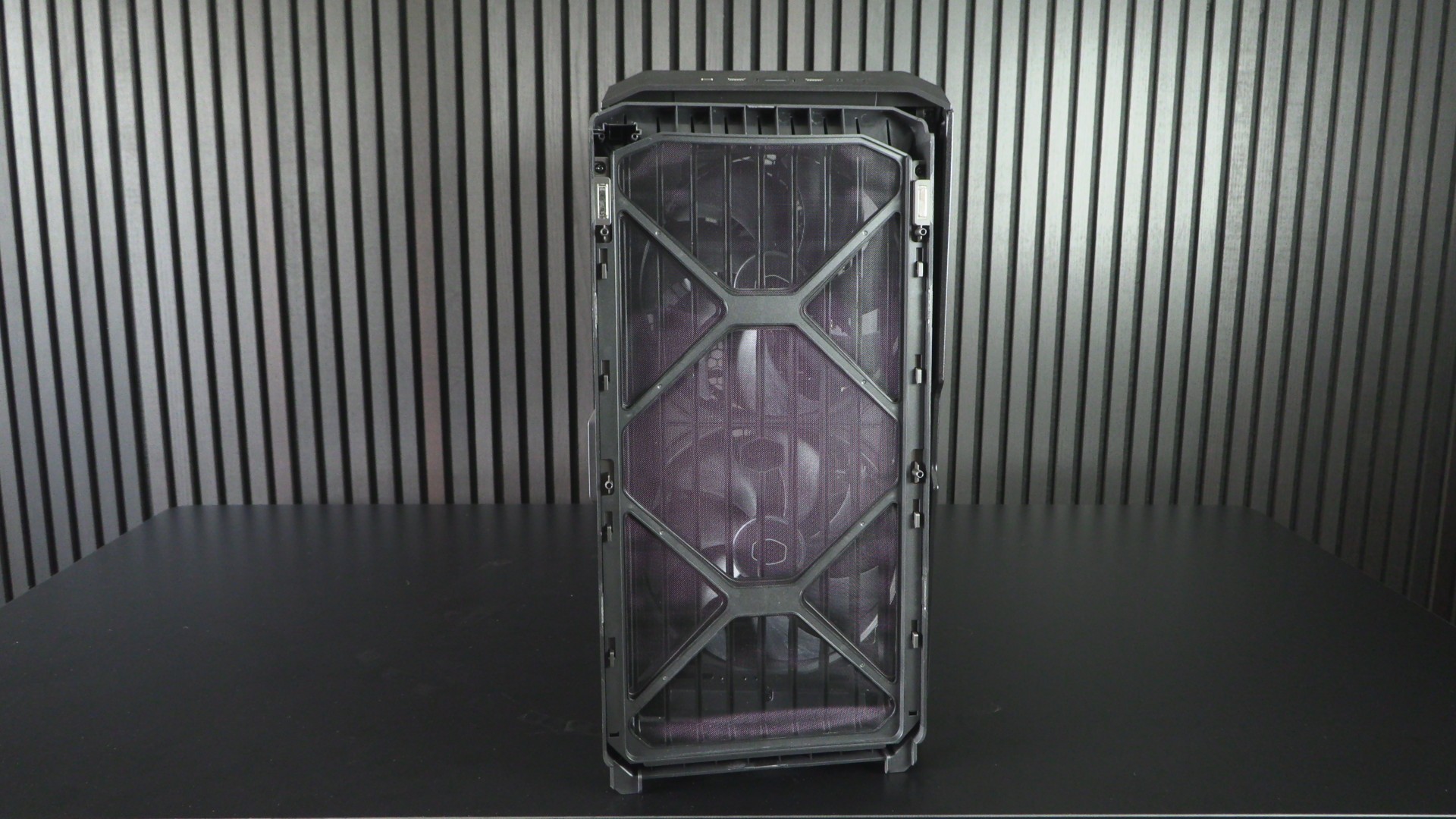
The front panel of the HAF II 500 is magnetically attached. This makes this panel very easy to remove. This case’s dust filter is removable, making it easy to clean.
Inside the HAF II 500
The HAF II 500 is only available in black, and it comes with a slightly tinted tempered glass side panel. This makes this PC case ideal for a stealthy all-black PC build. If you hate RGB, this may be the perfect case for you.
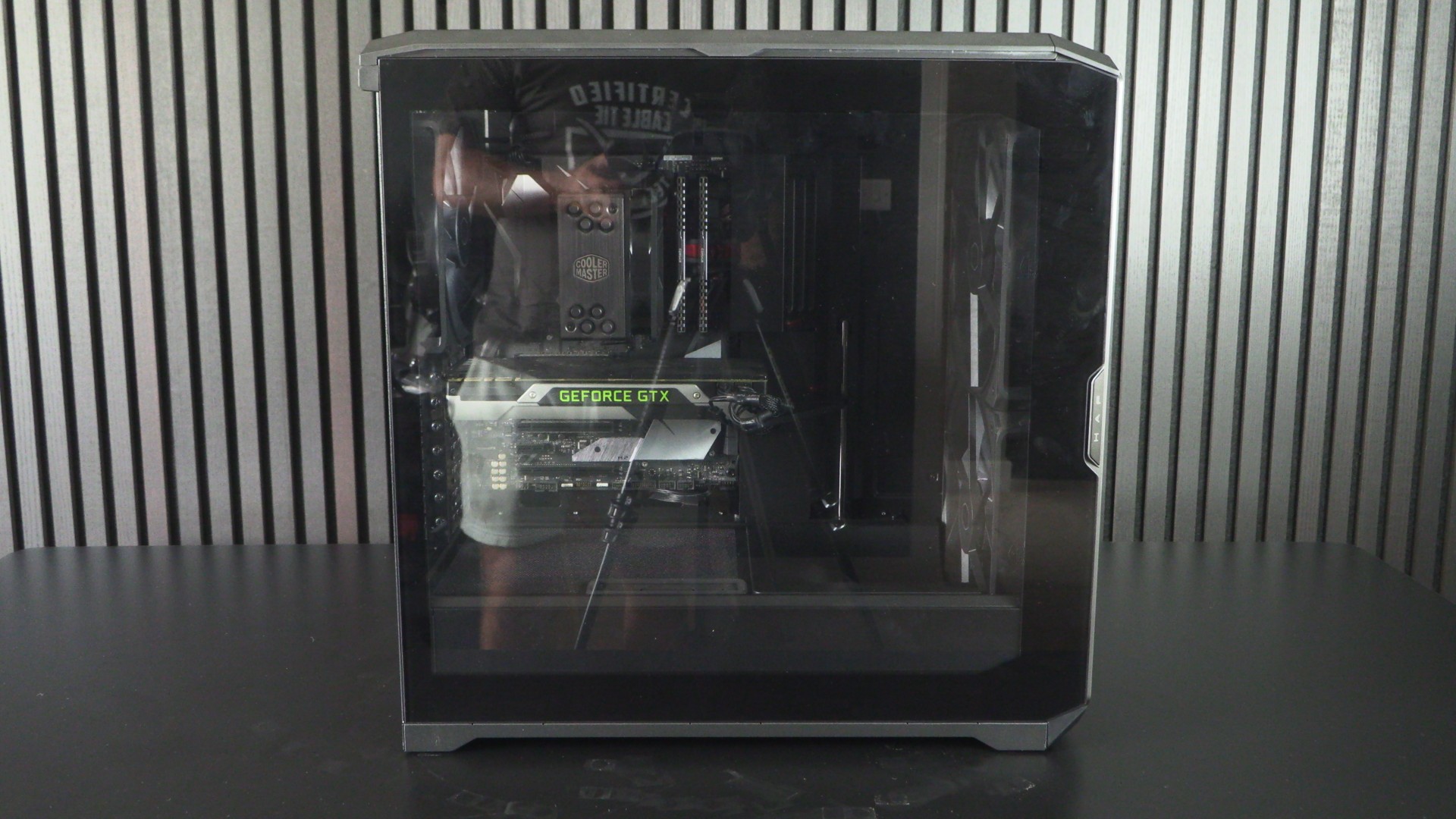
Removing the side panel, we can see that this case has covers/baffles that hide the most visible cables inside of a PC case. Note that this PC case does not support “Back-connect style motherboards. That means that this PC case will not support ASUS BTF, MSI PZ (Project Zero), or Gigabyte Stealth motherboards (at least without heavy modification).
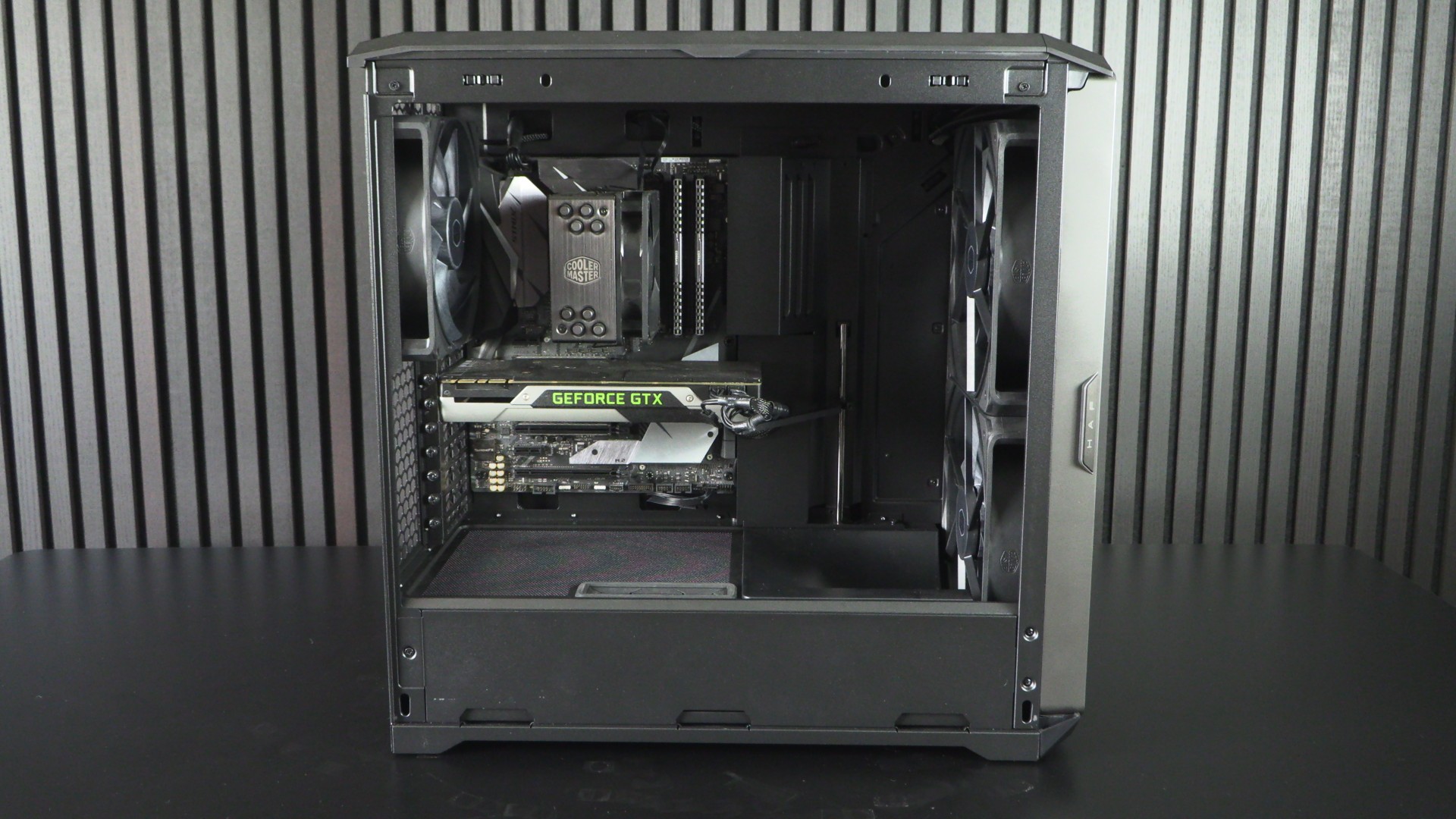
Once again, this case’s Mighty40 fans are a prominent design element. Their scaled-up nature makes other PC components feel small by comparison.
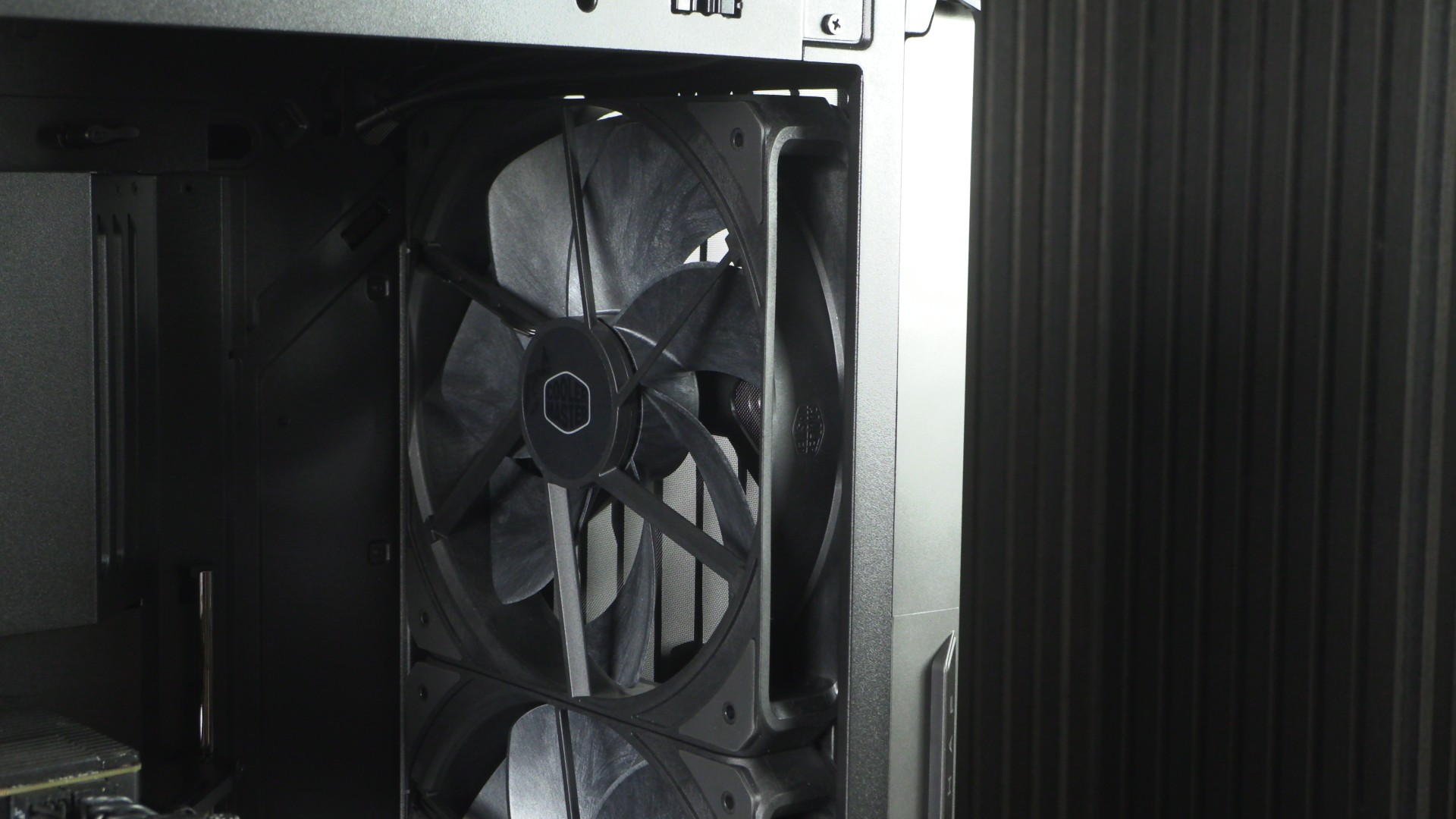
Note Cooler Master’s addition of airflow direction panels that push air where it is most needed. This panel directs air towards our graphics card and other PCIe add-on cards. This does not direct all airflow from this fan, as some airflow is directed under the panel towards this case’s HDD mounting area and PSU. This area’s cooling hasn’t been ignored.
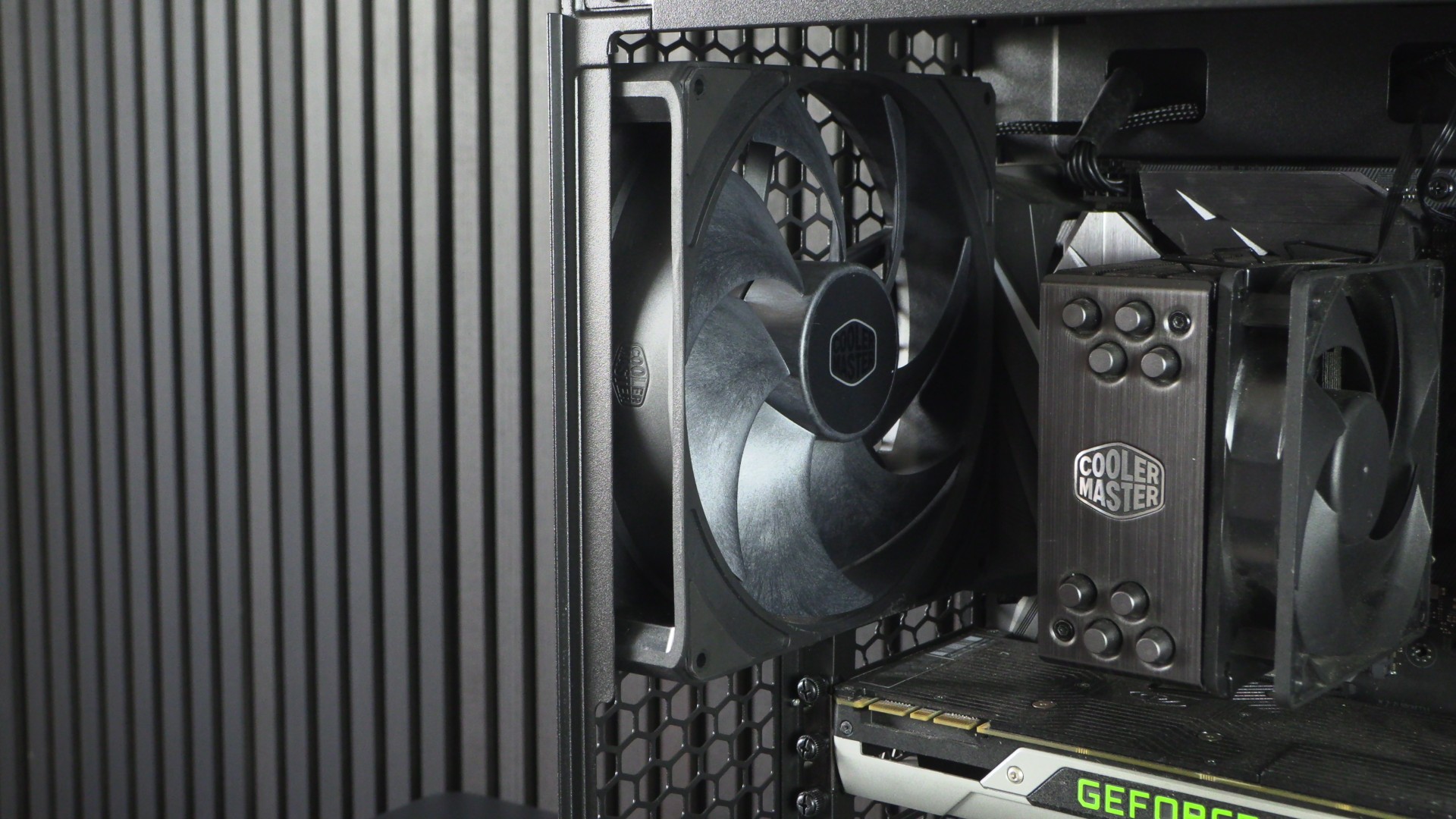
This case’s rear fan is 180mm in size, much larger than the standard 120mm or 140mm fans that most PC cases mount in this location.
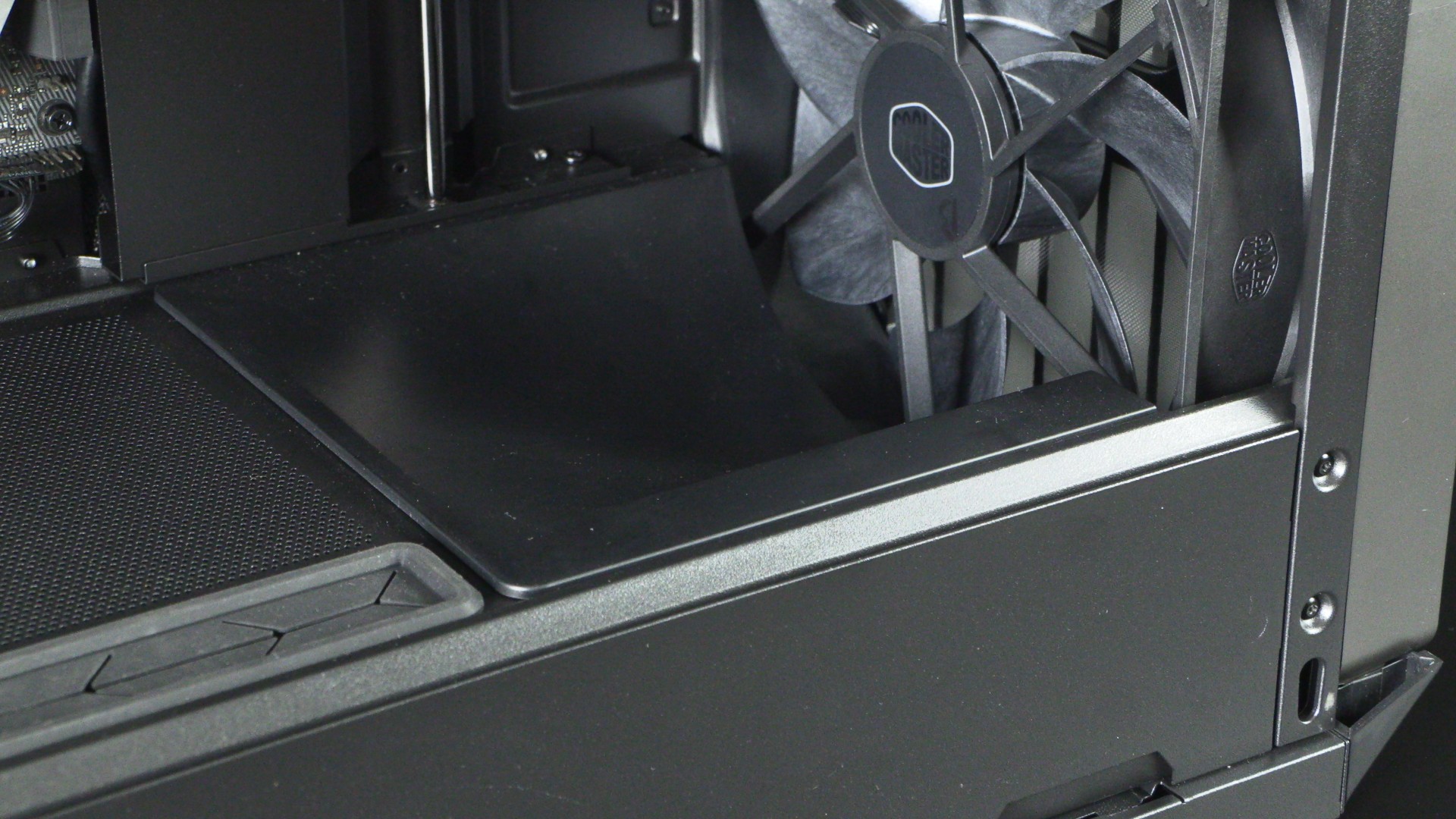
Note that the area above this case’s PSU is perforated to encourage airflow. This means that users of this case can choose to have their PSU with its fan facing up or down.
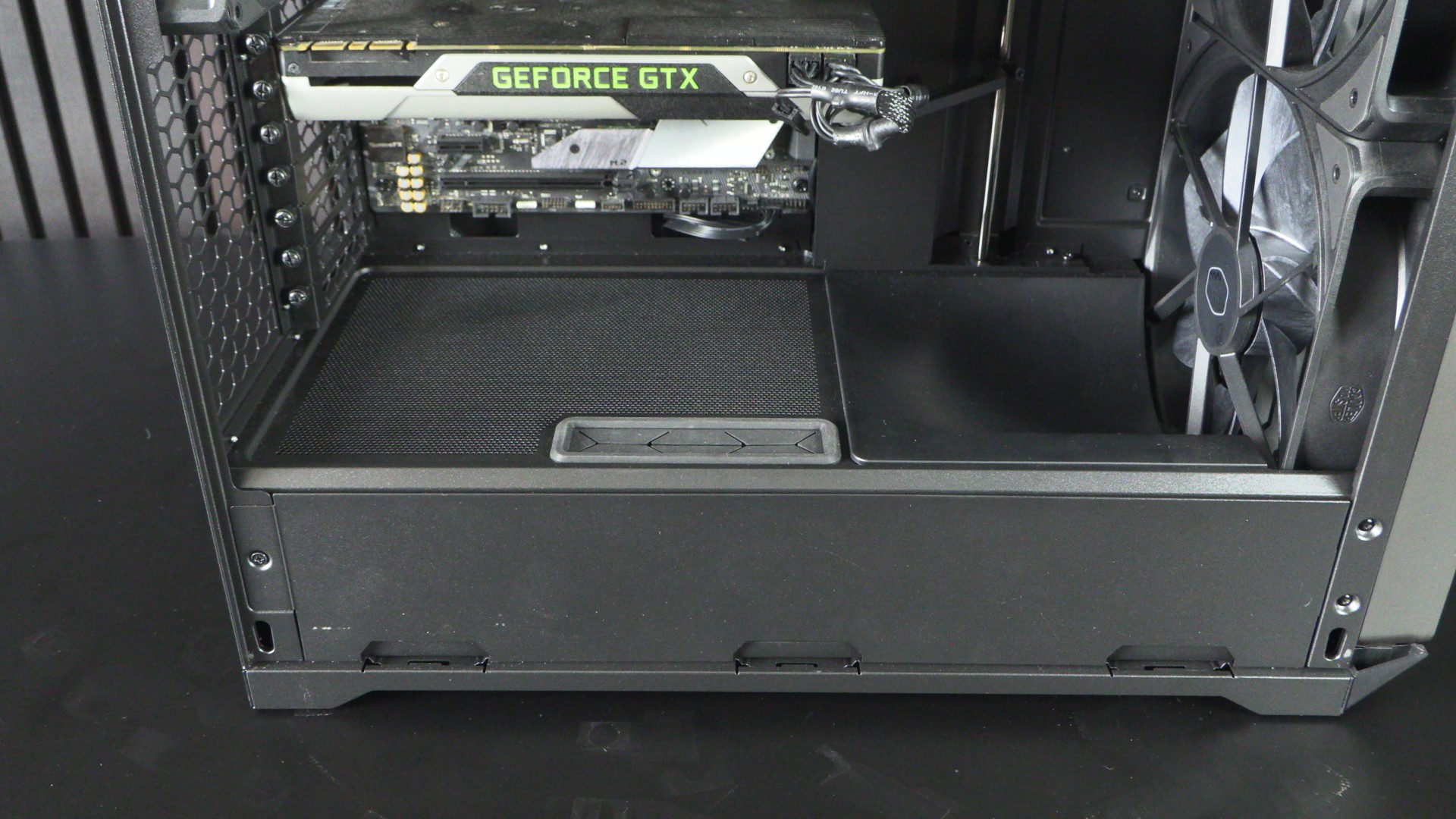
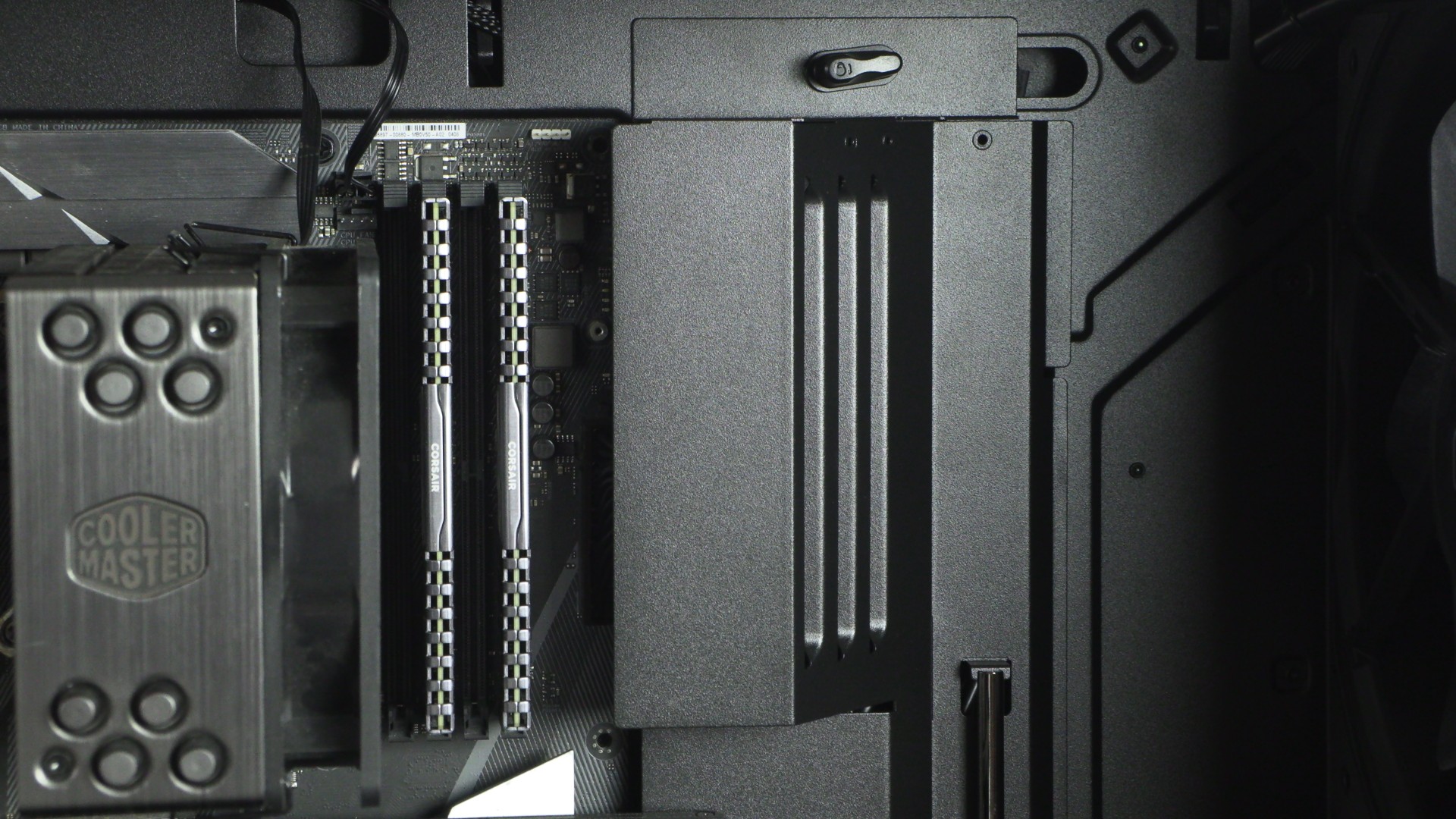
Note that this airflow director prevents airflow interference around your motherboard. This design pushes air towards your CPU cooler and has cut-outs to enable dedicated RAM airflow. It also hides a lot of unsightly cables. A truly clever design element.
Note that this case also has a GPU support bracket that can support up to two graphics cards. That’s good news for workstation users. Does anyone else miss CrossFire and SLI?
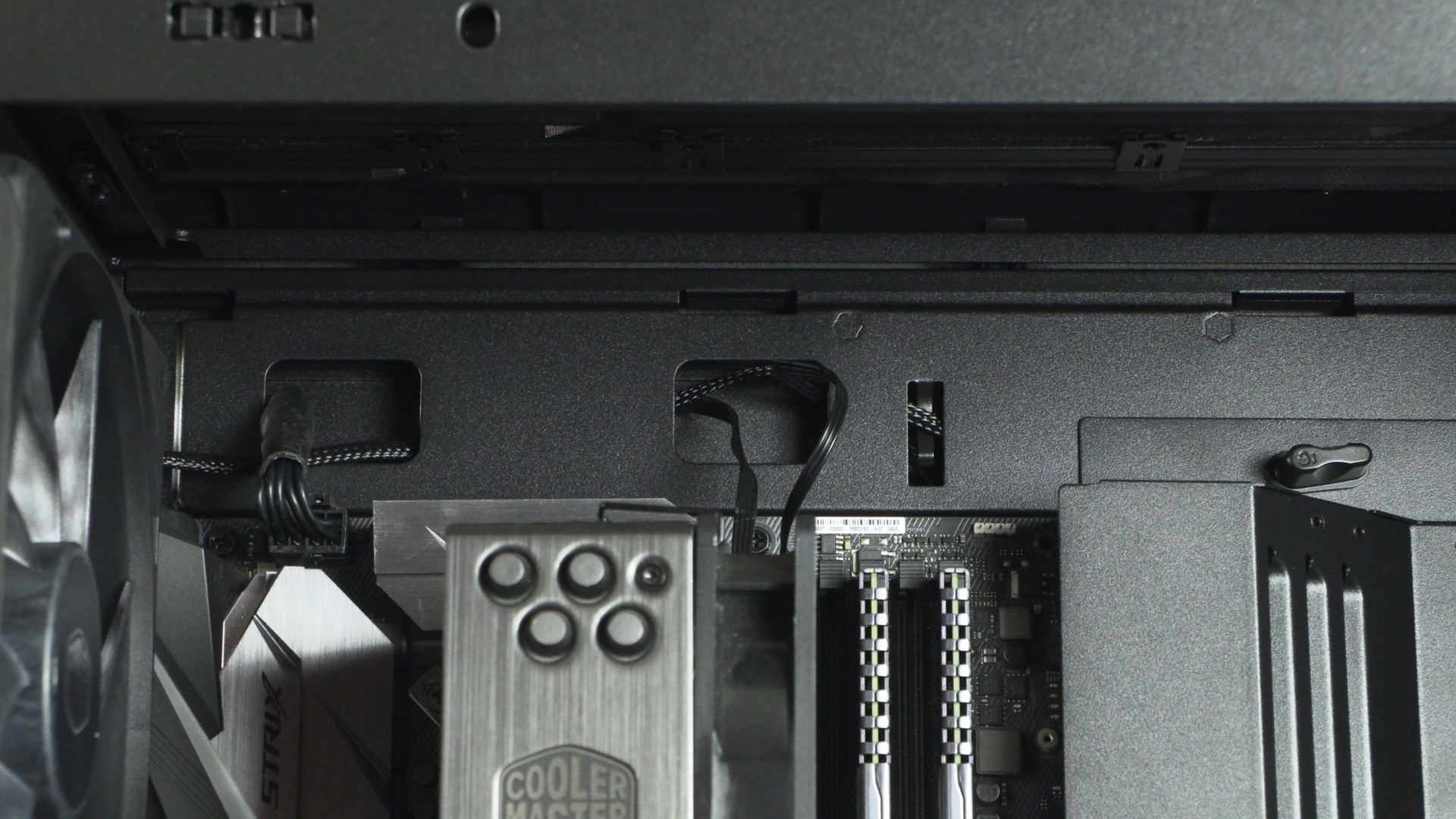
Note that cables at the top of the HAF II 500 are clearly visible. This is not an issue for users of liquid cooling solutions, as these coolers would cover this area.
Cable Management and Fan Control
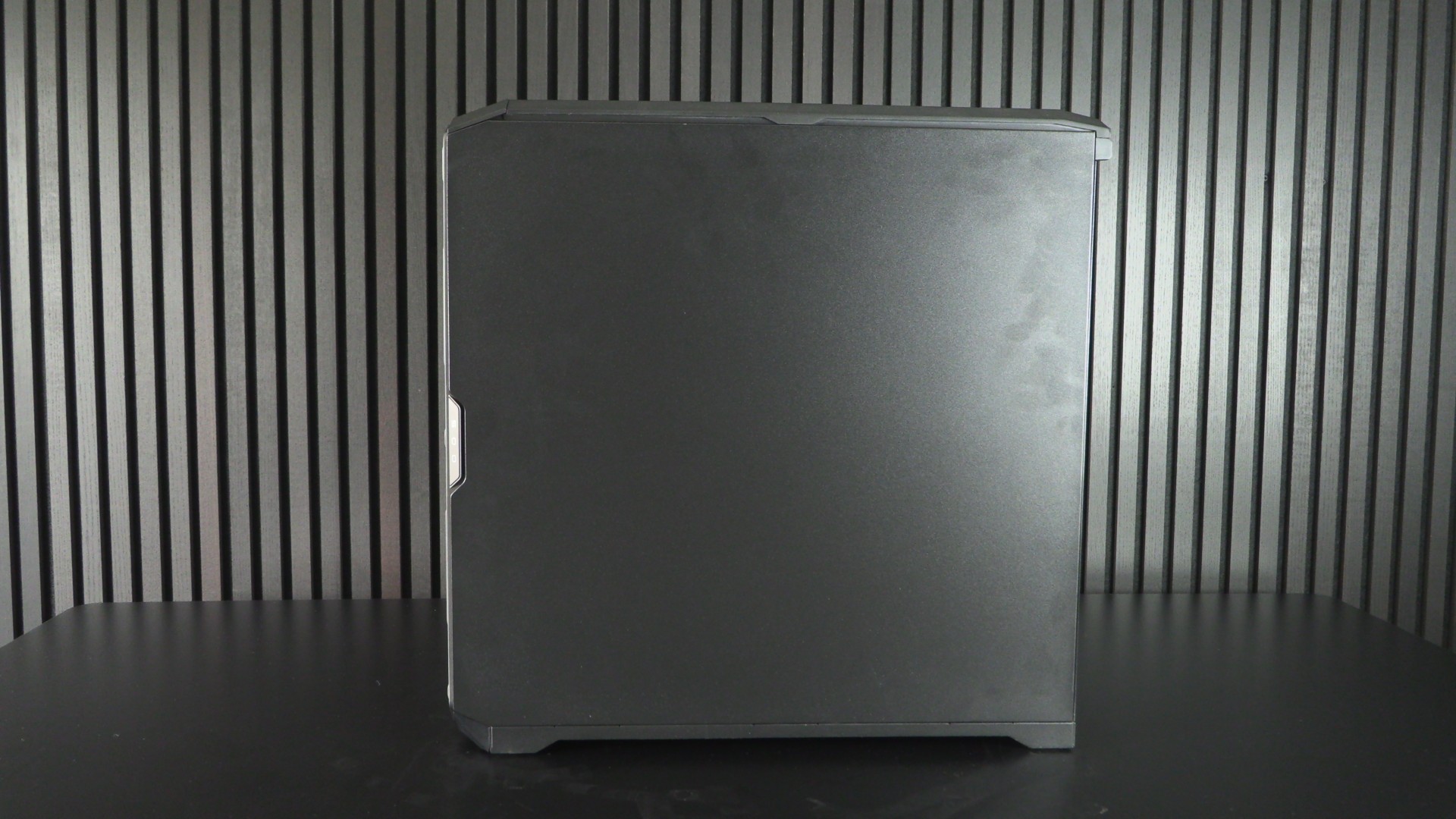
The right side panel of the Cooler Master HAF II 500 is pretty standard. No side-mounted fans or any weirdness to account for, just a standard side panel. Yes, before anyone asks, I will tell Tom to wash his hands… In his defence, our lighting setup does make fingerprints a lot easier to spot than in real life.
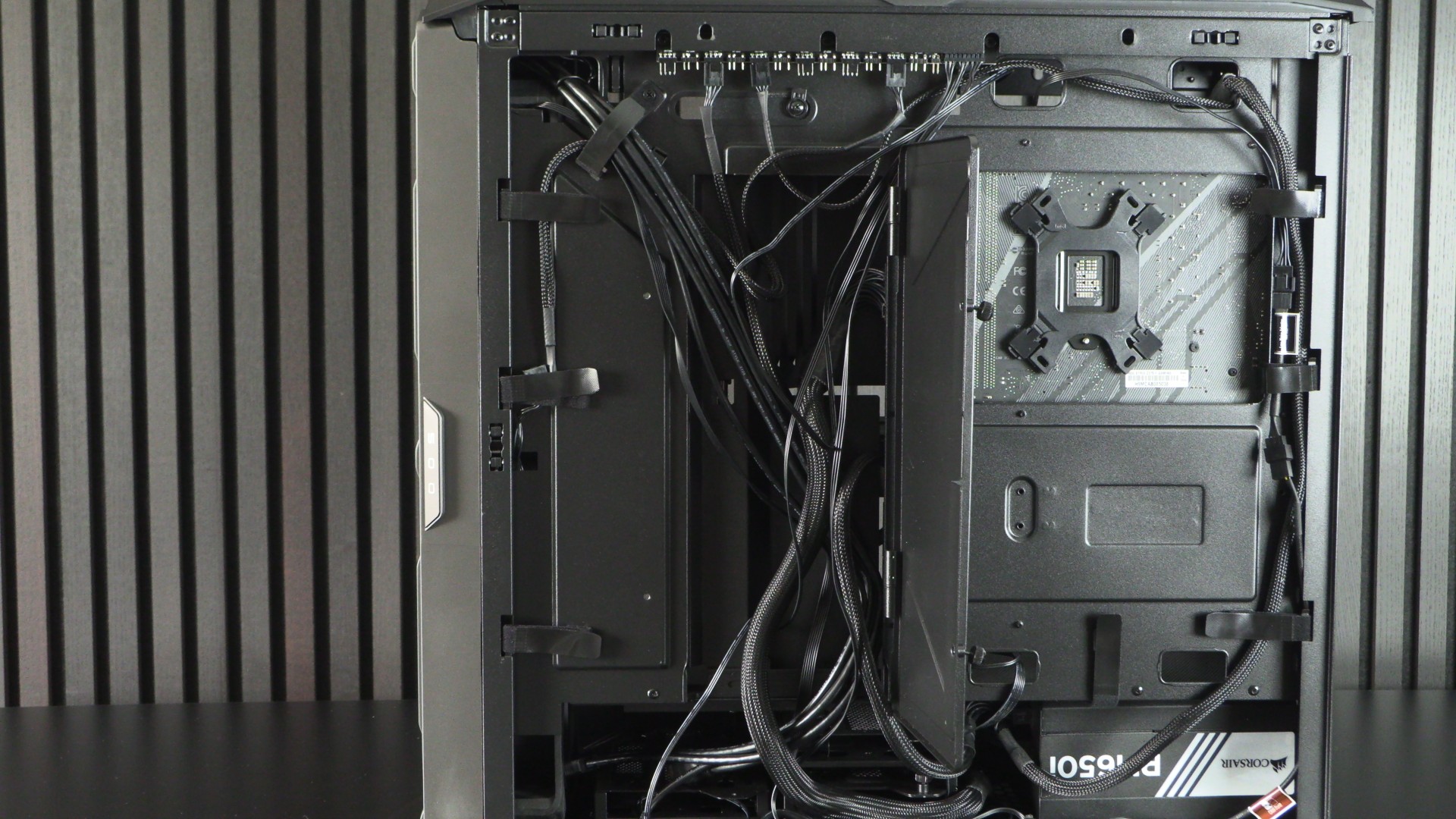
Once we take this panel off, we can see that Cooler Master has taken cable management seriously. We have a panel that can be used to hide cables, lots of velcro cable ties and plenty of space under this case’s PSU shroud. Note that the base of this case has space for up to three 3.5-inch drives.
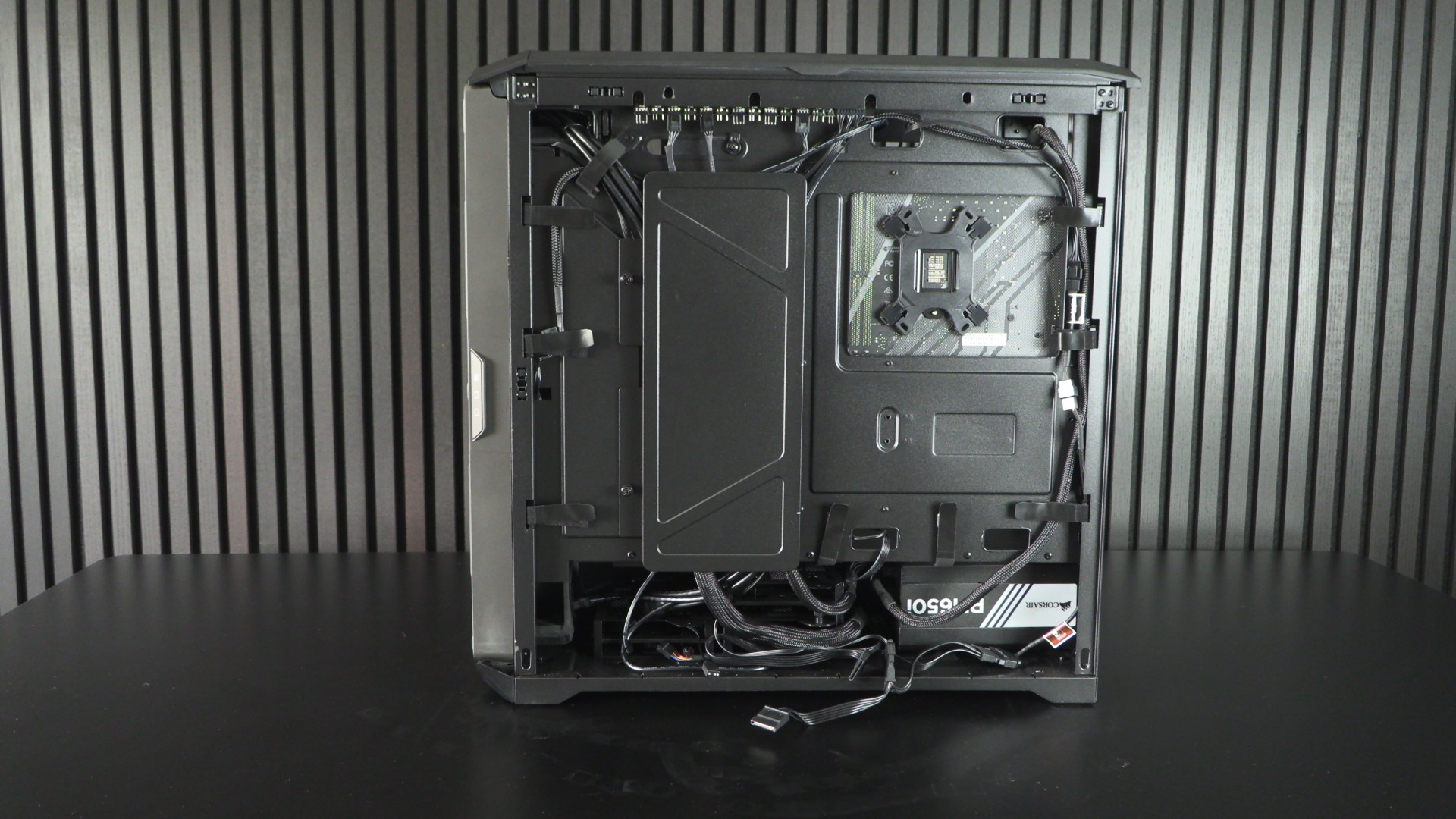
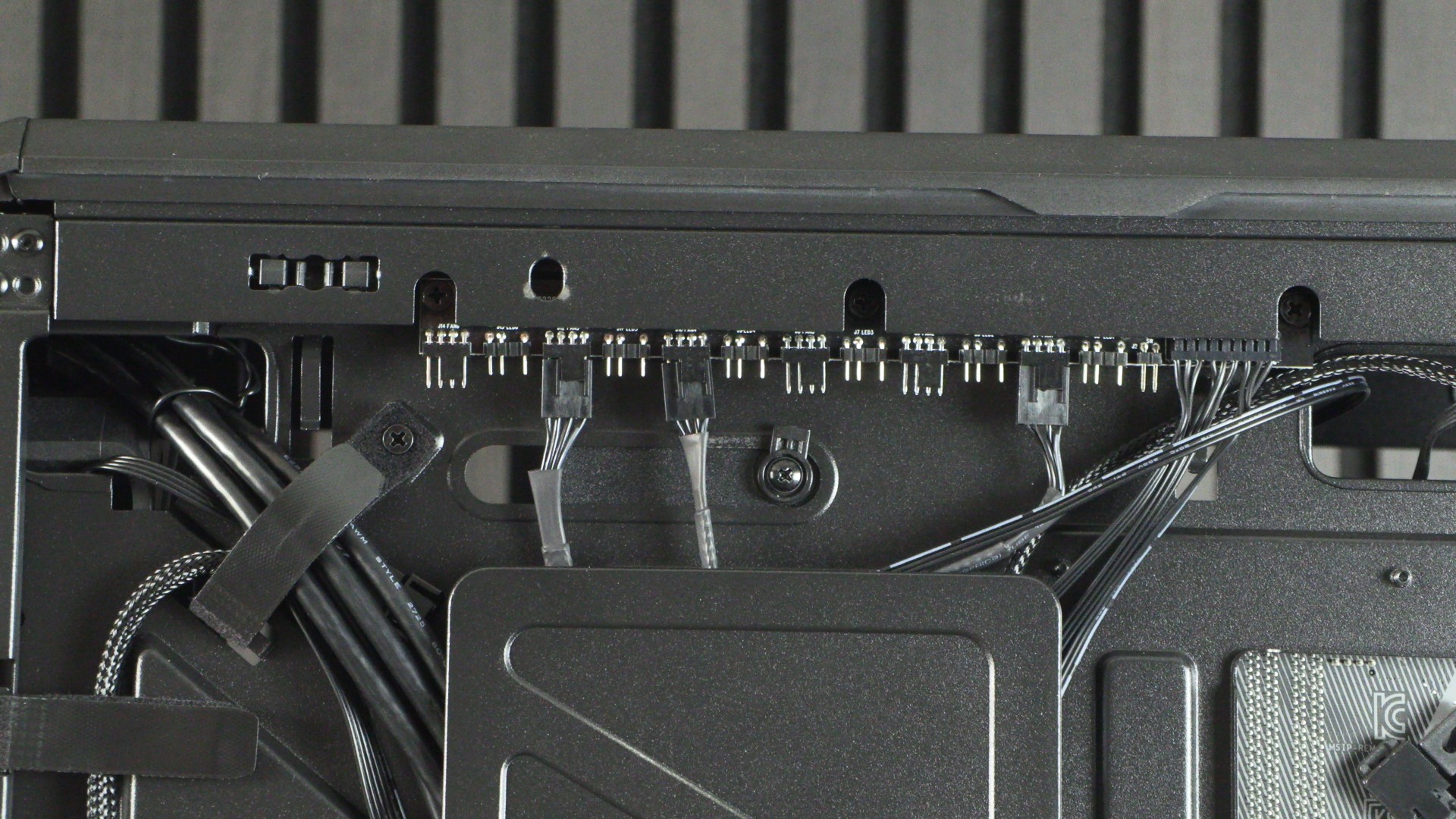
Integrated into the HAF II 500 is a fan controller that supports up to six PWM fans and six ARGB connections. Hmm, does the existence of ARGB ports here imply that an ARGB version of this case is planned?
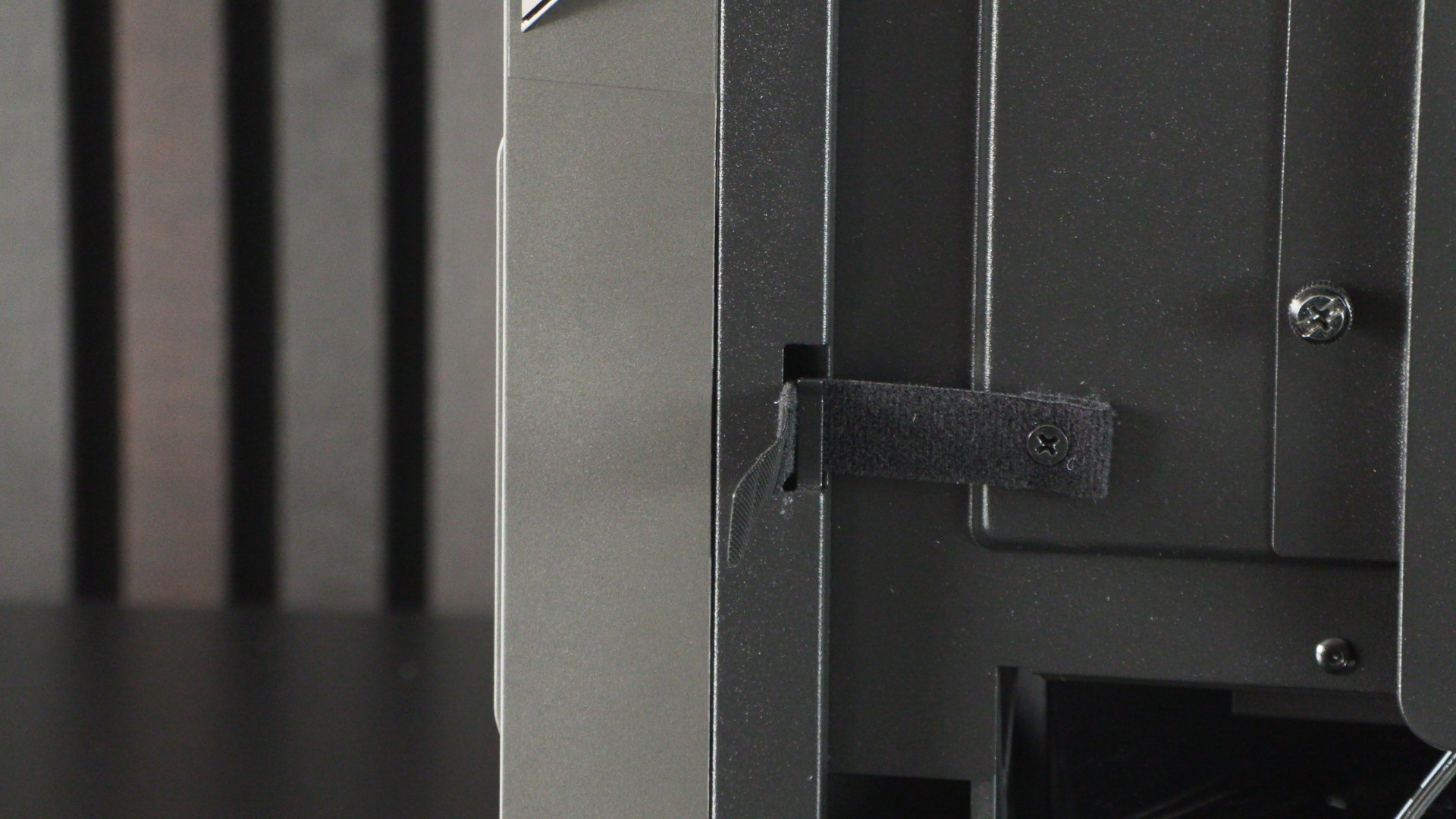
I love this!
Cooler Master’s velto tie design must be commended. The open-top nature of these mounts makes these cable ties easy to remove and re-add. Seriously, this is a huge ease-of-use upgrade. If you’ve ever needed to remove and re-thread a velco cable tie through a standard hole, you will know that it is a pain to do.
Removing Cooler Master’s cable hiding panel reveals most of our PC’s cabling. This clever panel makes good cable management easy. It makes me wonder if Cooler Master has considered a version of this PC case with two glass panels?