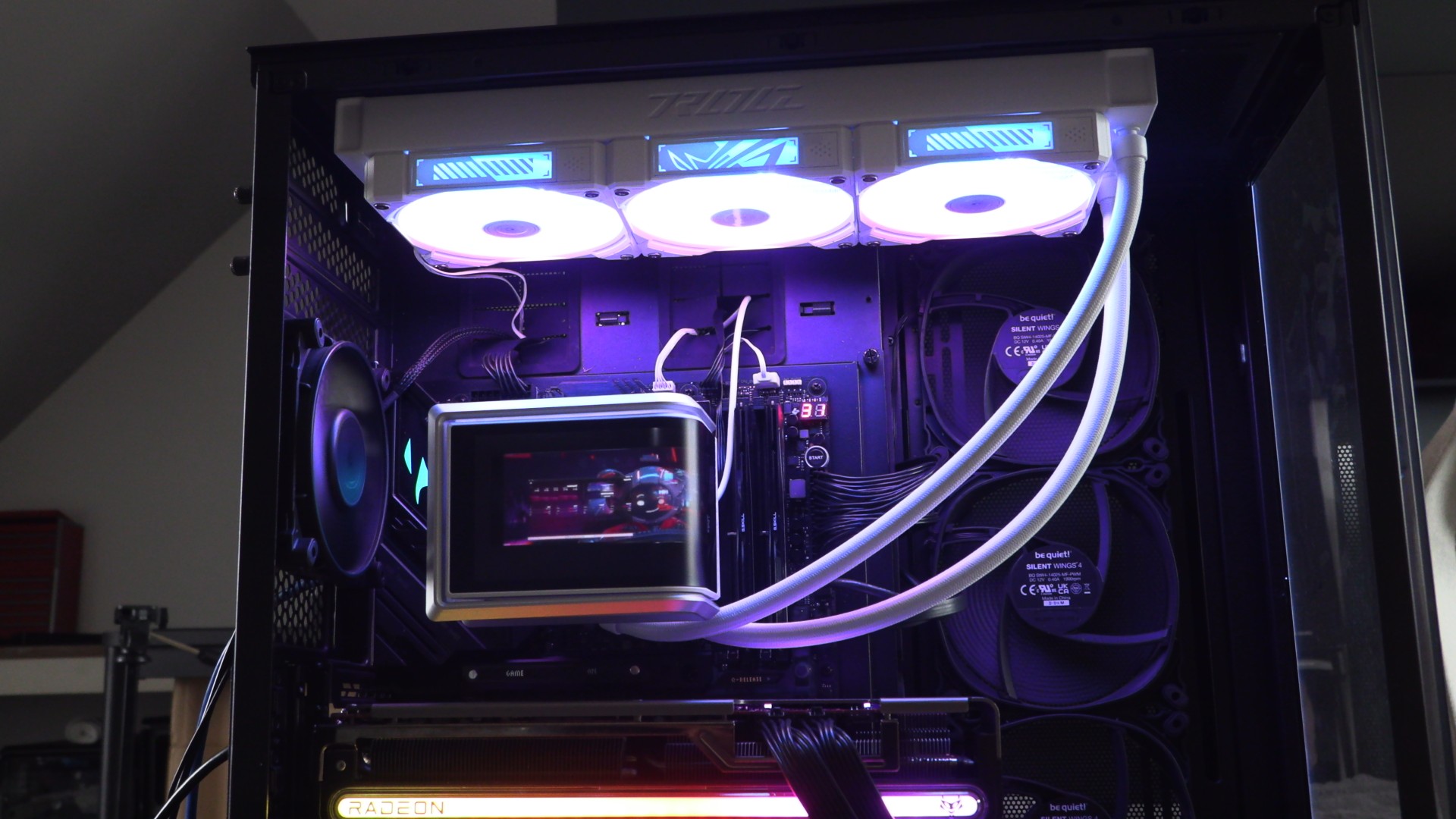


ASUS ROG RYUO IV 360 ARGB CPU Liquid Cooler Review

Up Close
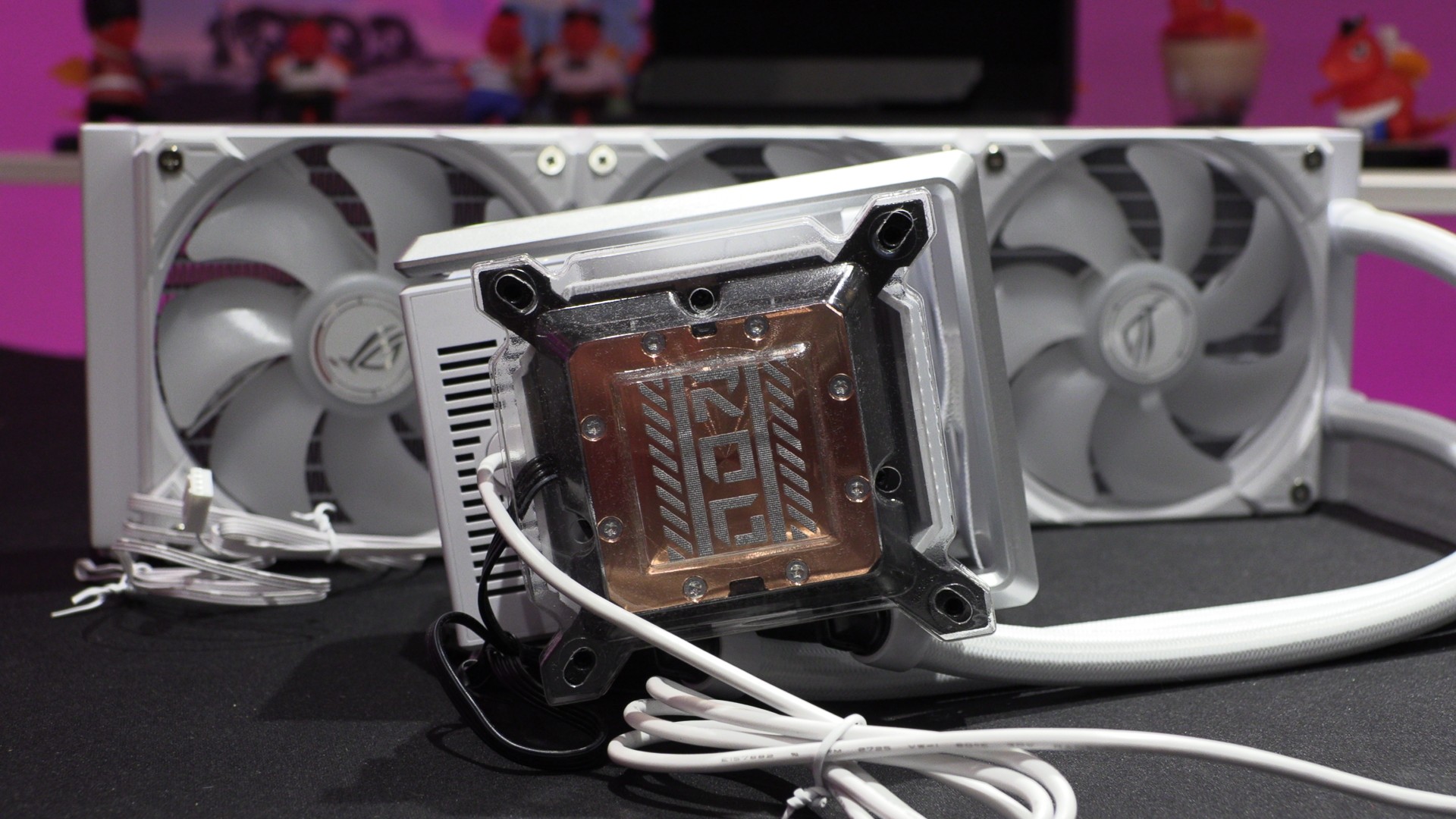
Up Close with the ASUS ROG Ryuo IV 360 ARGB
Out of the box, ASUS’ ROG Ryuo IV SLC has its fans and thermal paste pre-installed. This makes installation an easy process. However, unlike this cooler’s SLC variant, we didn’t need to reinstall the cooler’s fans to improve our cable routing.
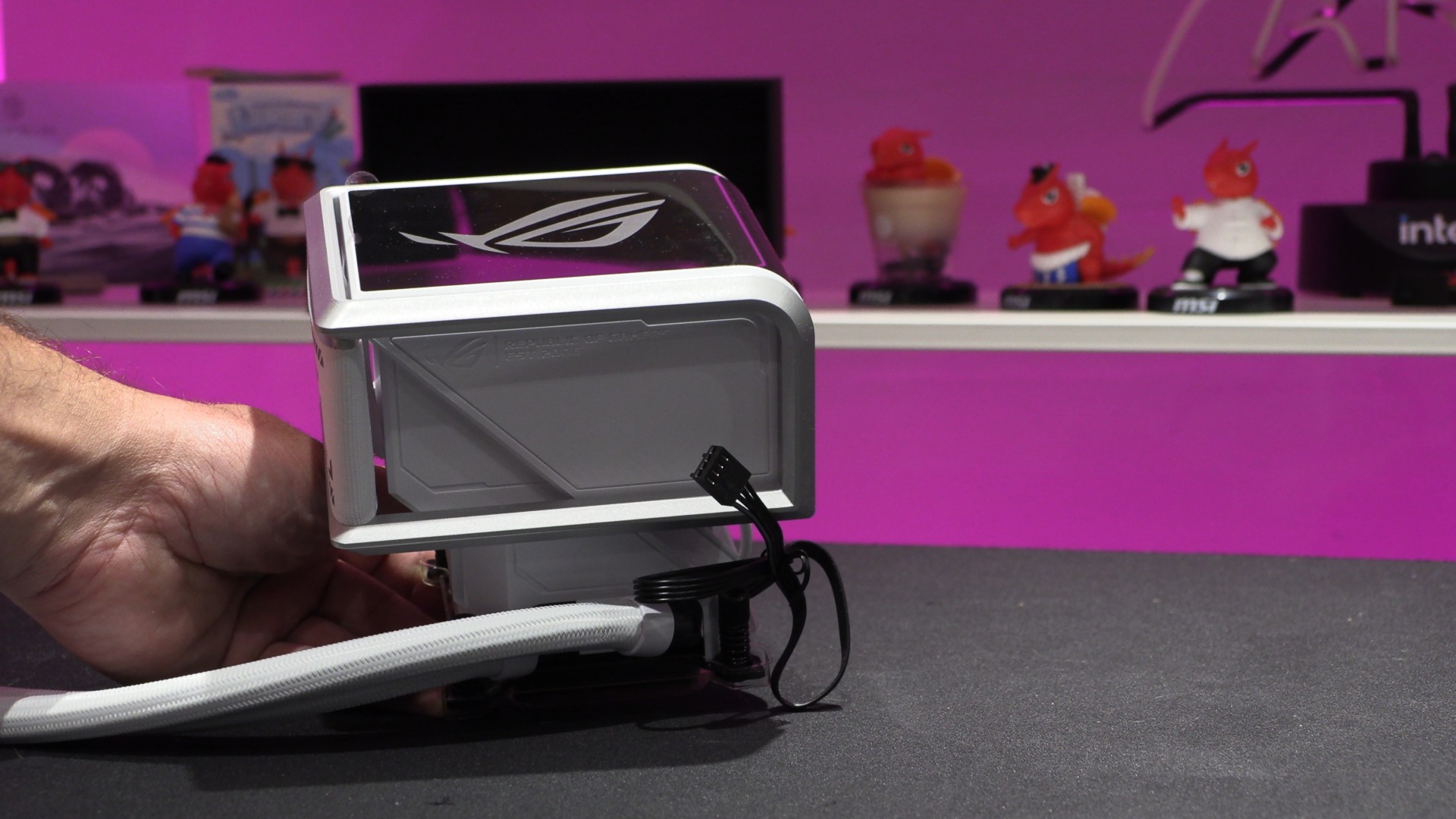
As mentioned before, this cooler’s screen is removable. This is why you cannot see the screen below. What we have here is a frame that holds the screen unit. The screen attaches magnetically to this cooler’s pump housing.
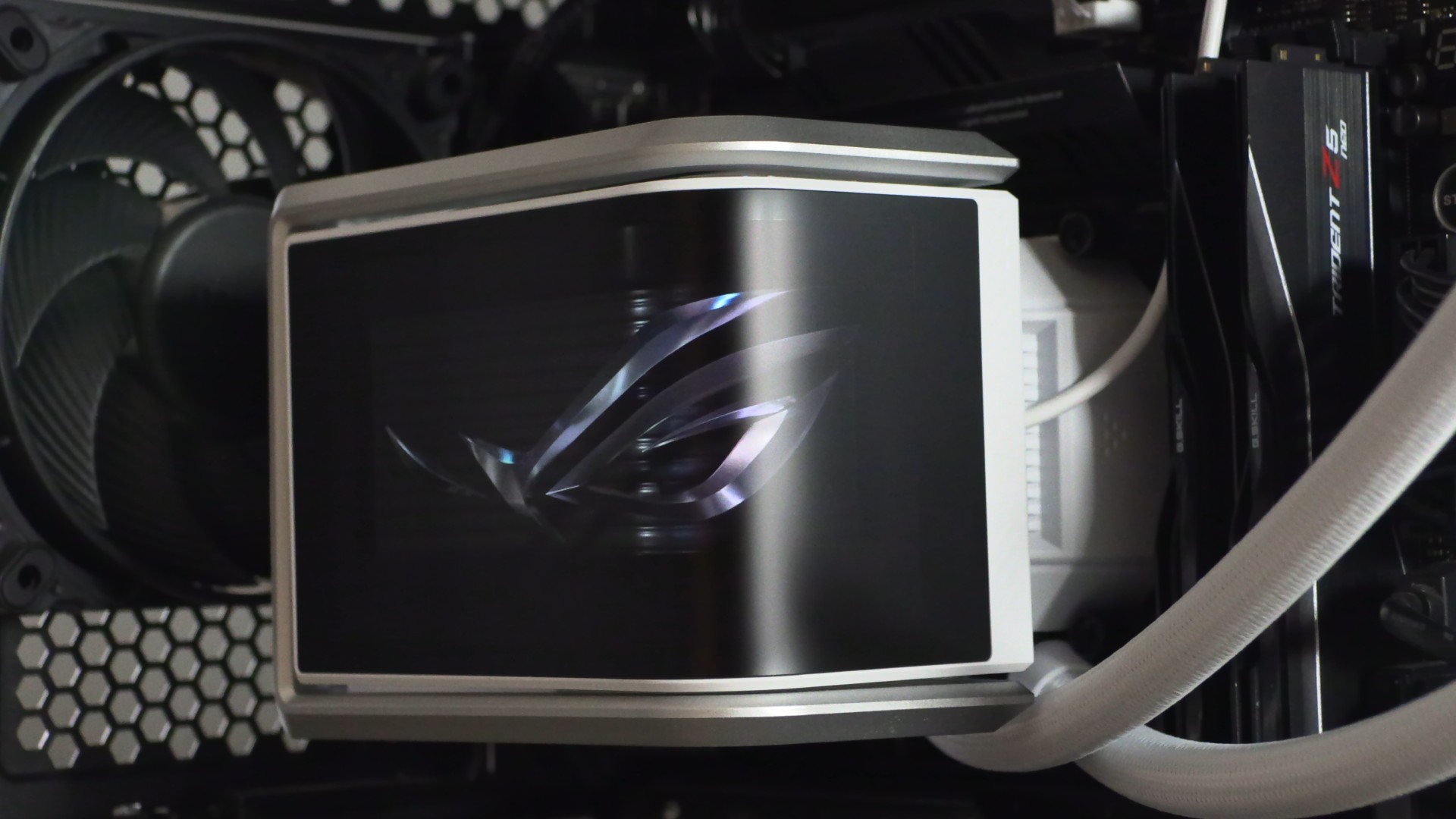
The AMOLED screen on the Ryuo IV features a satin finish. This makes it less prone to reflections than most AIO cooler screens. This is an excellent feature for this screen, given its curved nature, since a glossy screen can show reflections from all angles.
A standard radiator, unlike this cooler’s SLC variant
Unlike this cooler’s SLC variant, the ASUS ROG Ryuo IV SLC has a standard liquid cooling radiator and tubing layout. This makes this cooler compatible with more PC cases than its SLC counterpart, which uses a wider radiator and non-standard routing for its tubing.
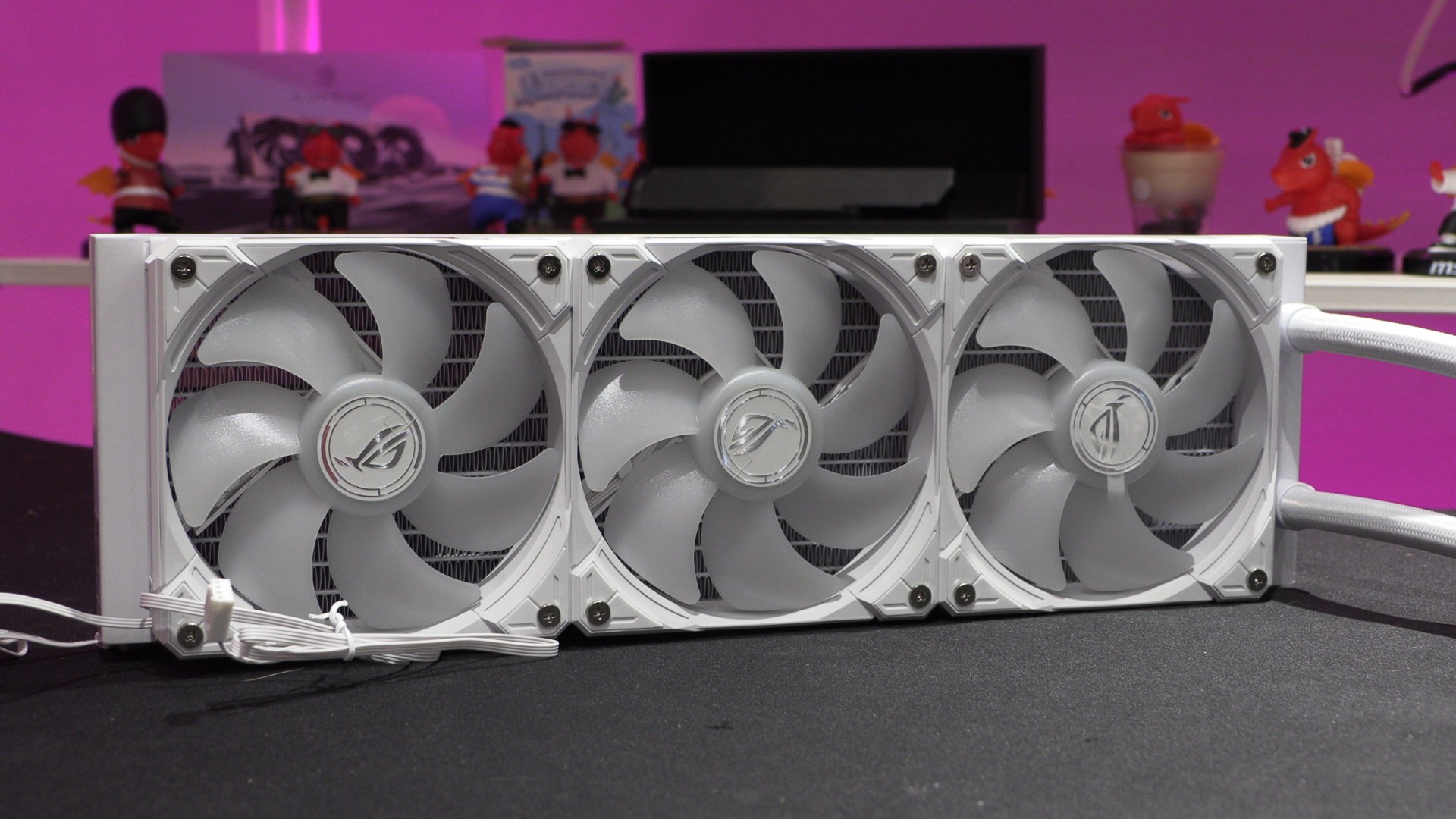
ASUS AURA Edge Fans
The RYUO IV features three 120mm Aura Edge fans, which are daisy-chained to minimise cable management. Note how the RGB lighting extends to the edge of these fans. Note that these fans ran at up to 2200 RPM in our test system, giving users plenty of headroom if they want to maximise their PC’s airflow.
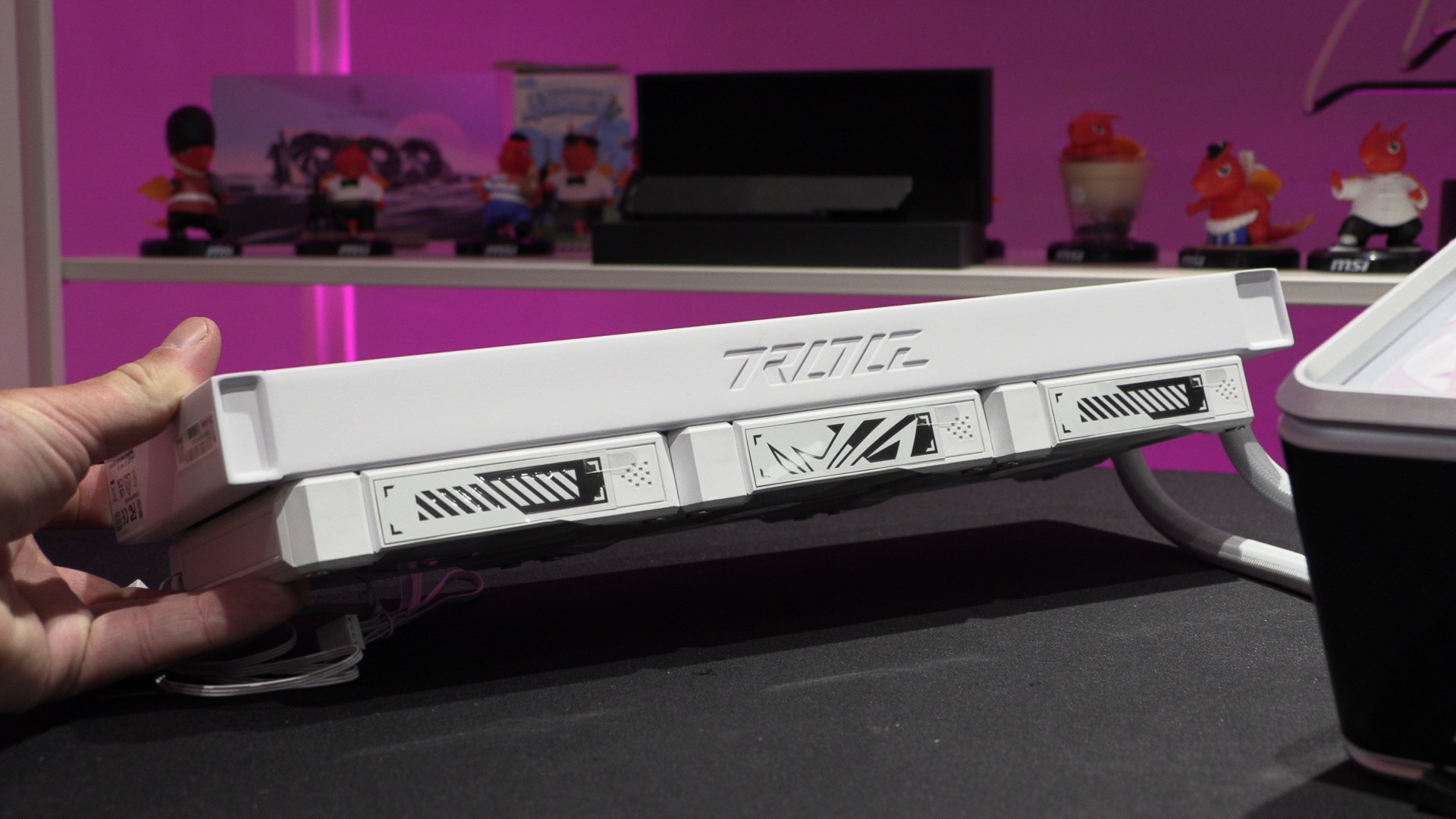
Overall, the ROG Ryuo IV 360 is a great-looking CPU cooler. The cooler’s tubing is much more noticeable than the SLC model, but it is compatible with far more PC cases.