be quiet Light Base 500 LX PC Case Review

Up close with the be quiet Light Base 500 LX
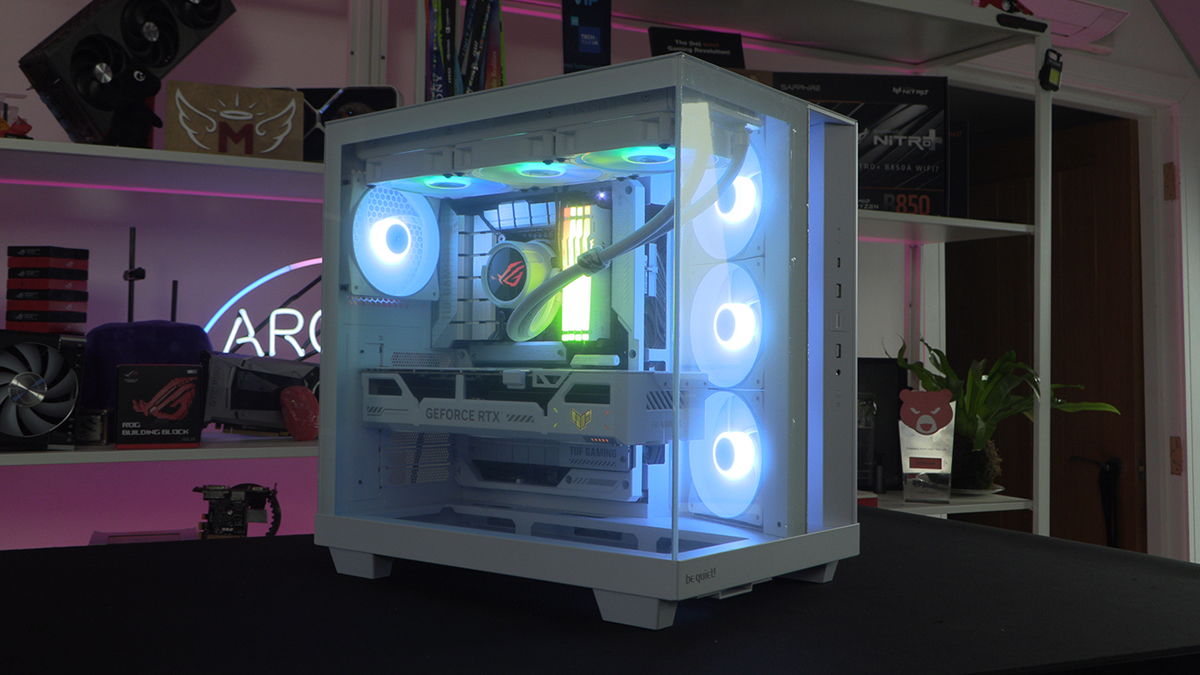
Up close with the be quiet Light Base 500 LX
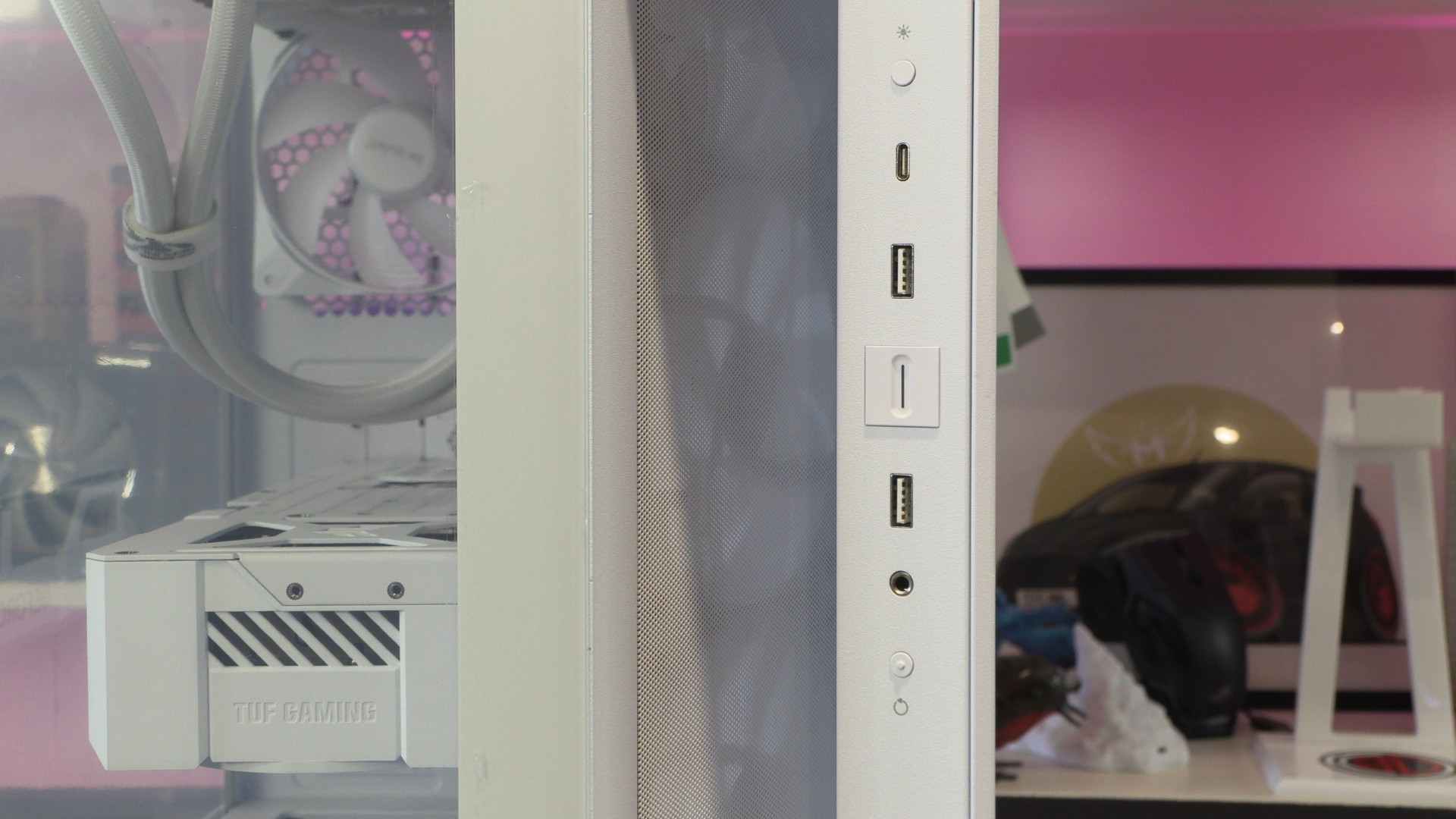
Starting at the front of the be quiet Light Base 500 LX, we have an IO panel that includes two USB 3.2 Type-A ports and a USB 3.2 Gen 2 Type-C port. Additionally, we have an audio in/out jack, an LED control button, a power switch, and a reset switch.
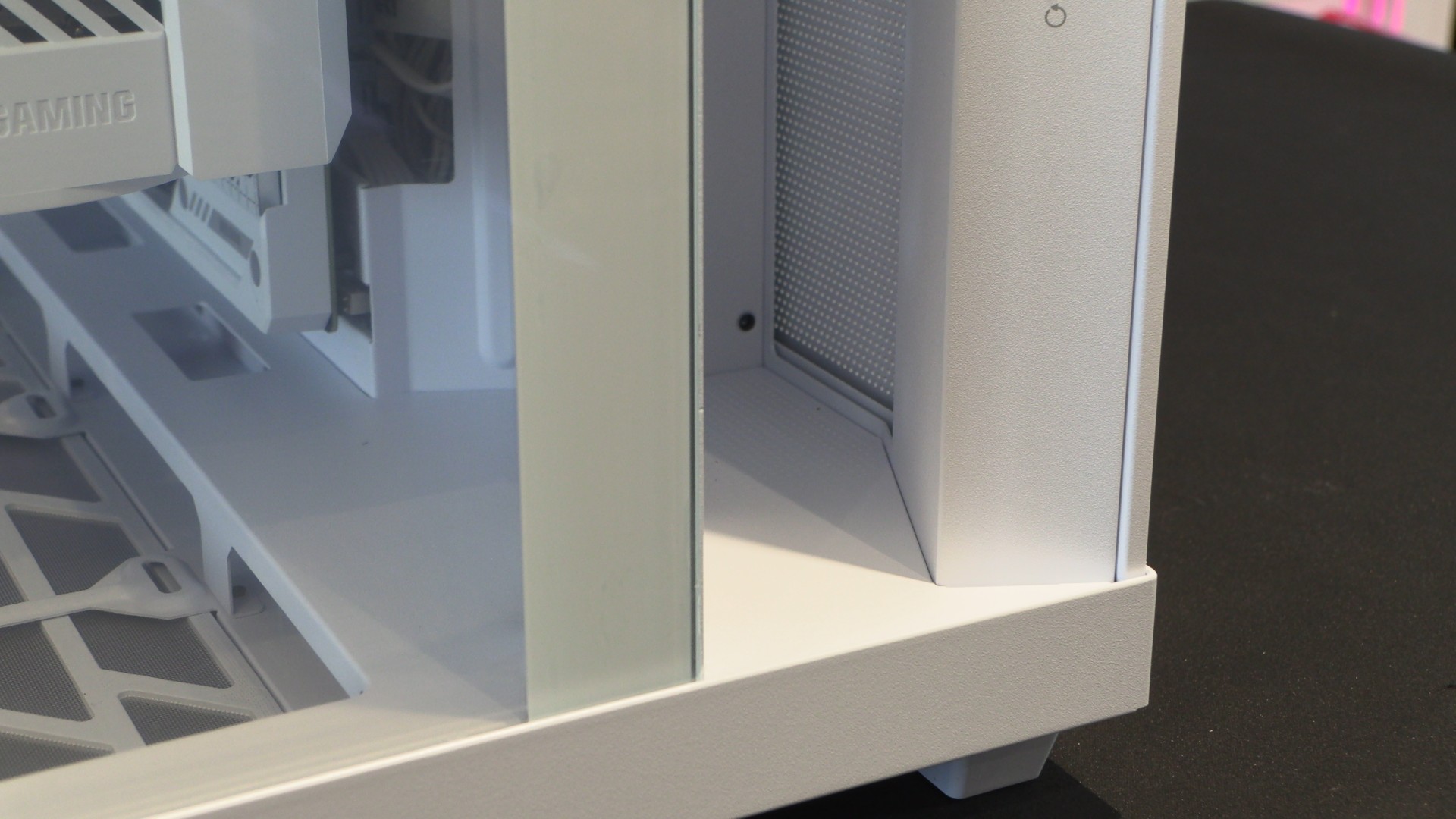
One of the most striking aspects of the Light Base 500 is its “pillar.” This design gives this case’s side-mounted intake fans more breathing space and gives it a unique aesthetic. However, I do not like how this case’s side panel extends to this pillar. The pillar could have been a standalone element with free airflow on both sides. There was no reason why the side panel needed to cover this section.
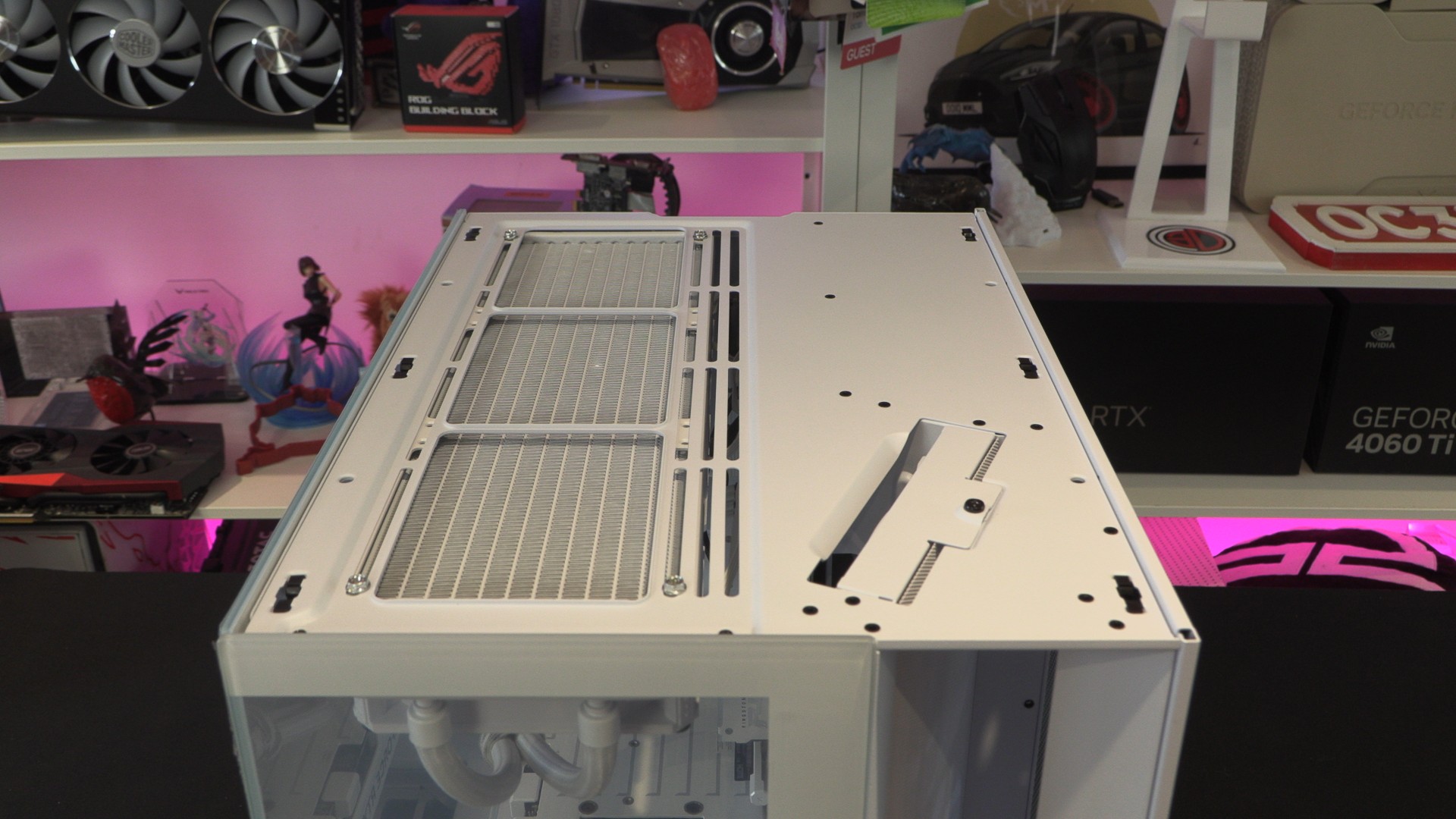
At the top of the Light Base 500, we have space for two 140mm fans or three 120mm fans. Note that this case only officially supports 120mm, 240mm and 360mm liquid cooling radiators at the top. 280mm liquid cooling radiator support is not guaranteed.
If you want to remove this case’s side-mounted fans, this can be done using the screw at the bottom right of this image. Once this screw is undone, you can pull the case’s fan mounting plate up and out of the case. However, it should be noted that this is a tight-fitting piece. You should expect to exert a lot of force to remove this panel.
Dust filtering
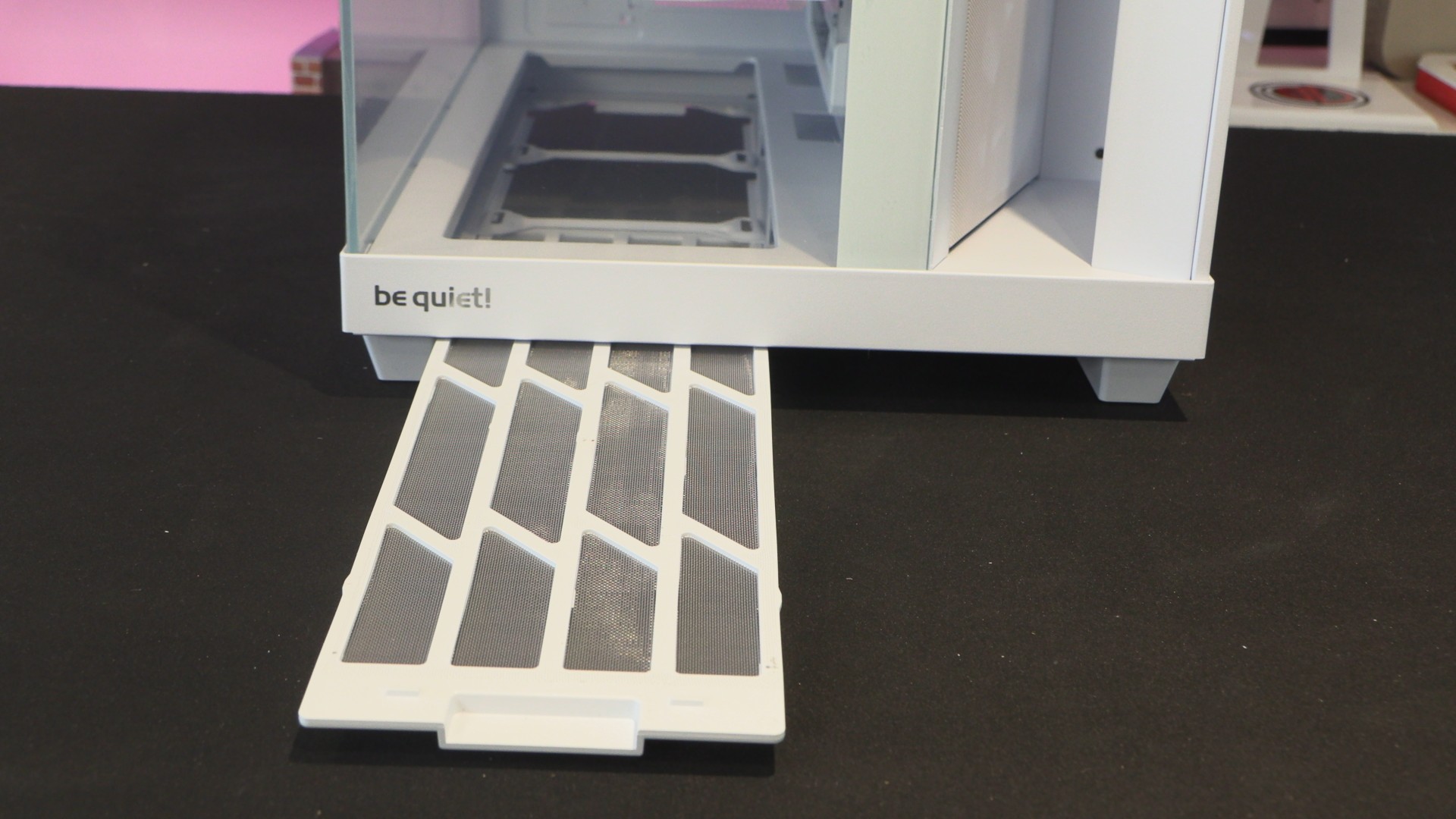
All of the Light Base 500’s primary intakes are dust-filtered. Note that the bottom fan mounts of the case have a dust filter that can be accessed at the front of the case, making it extremely easy to access. Just pull it out, give it a clean, and reinstall. Easy.
Two PSU mounts
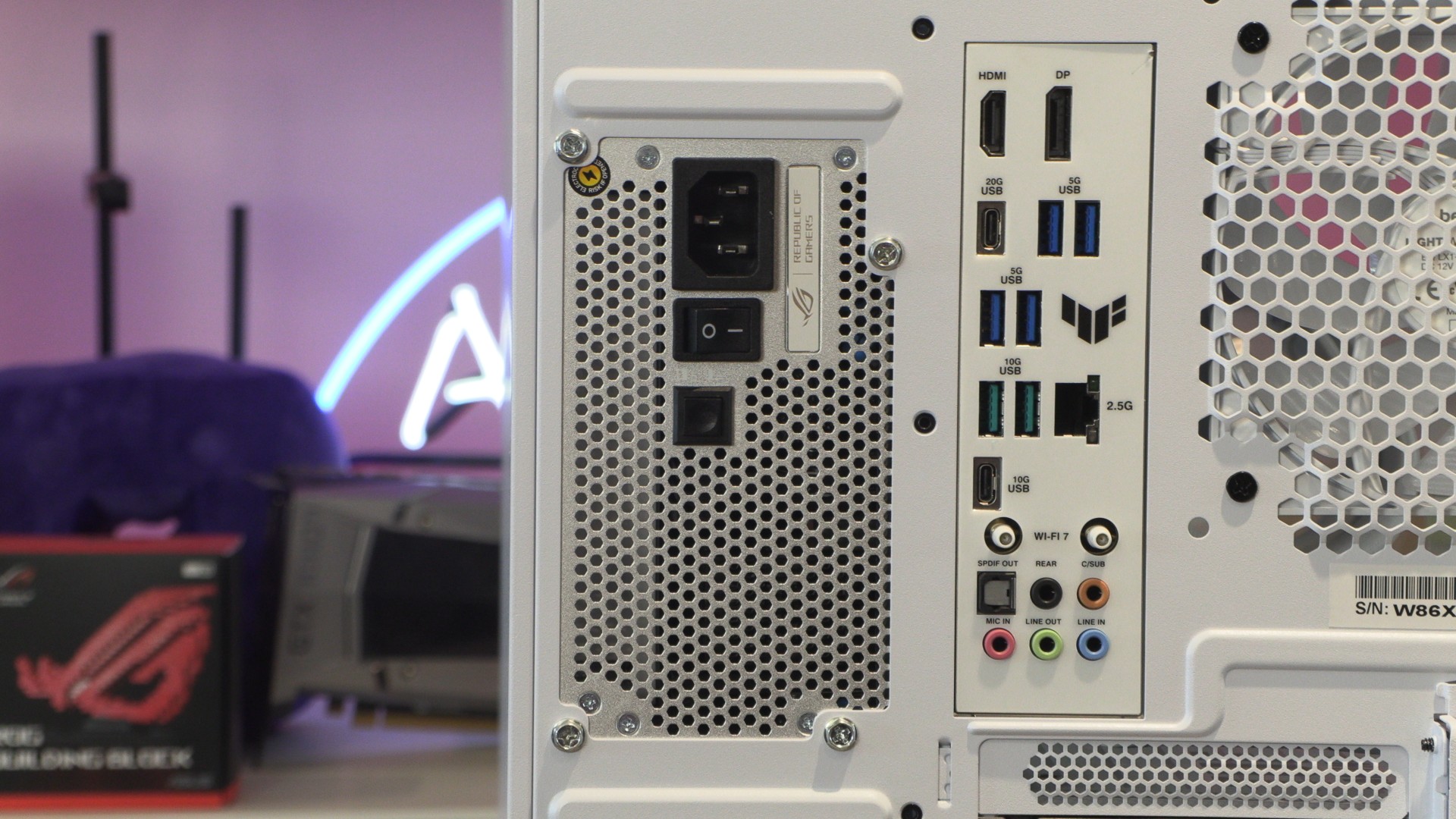
The Light Base 500 features two PSU mounts. No, this case isn’t intended to be used with two power supplies. These mounts enable back-connect support and give PC builders a little more control over how they build their systems. We will talk more about this later.
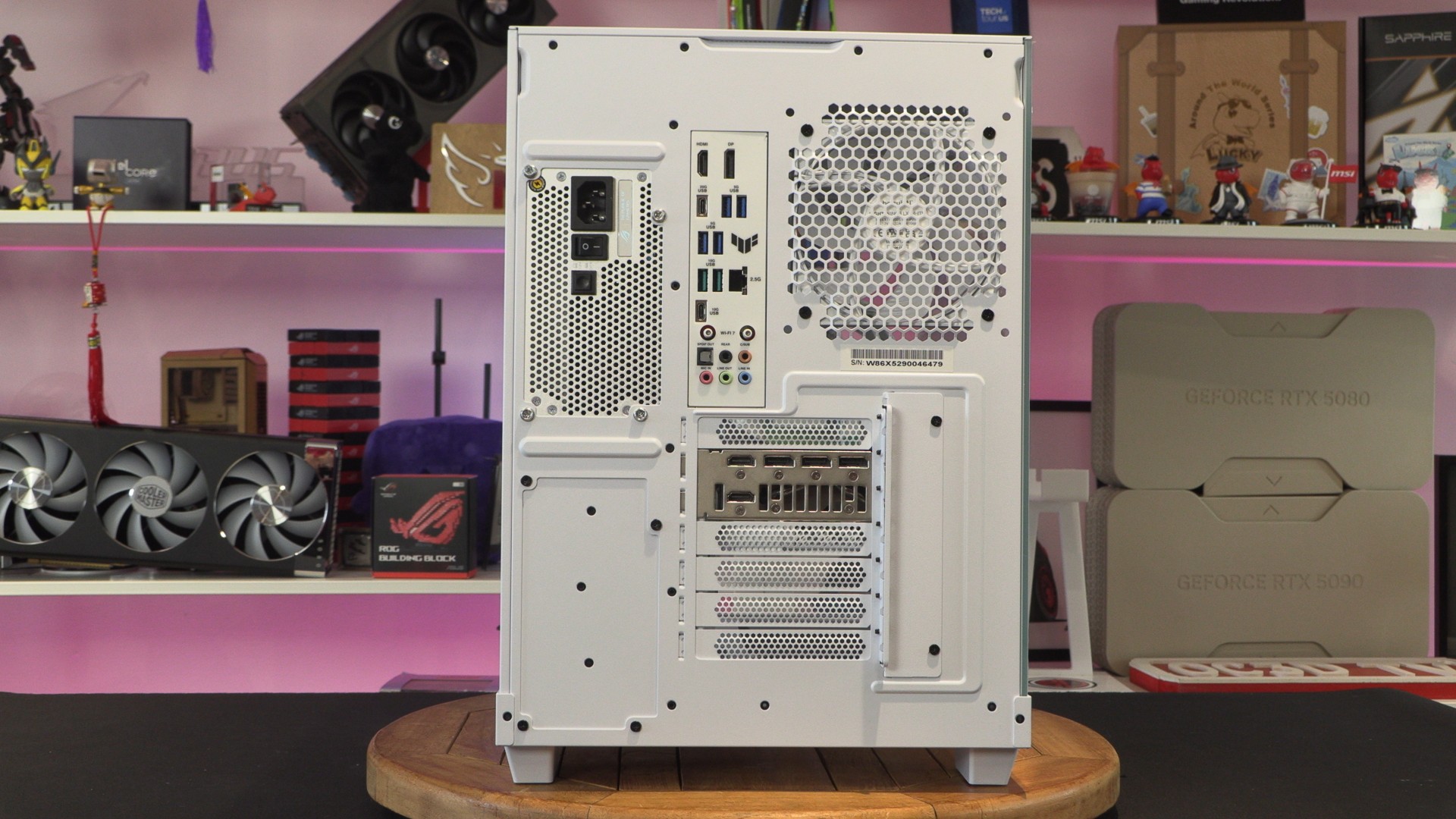
The Light Base 500 supports standard ATX PSUs up to 200mm long. Longer PSUs are not compatible with this PC case.
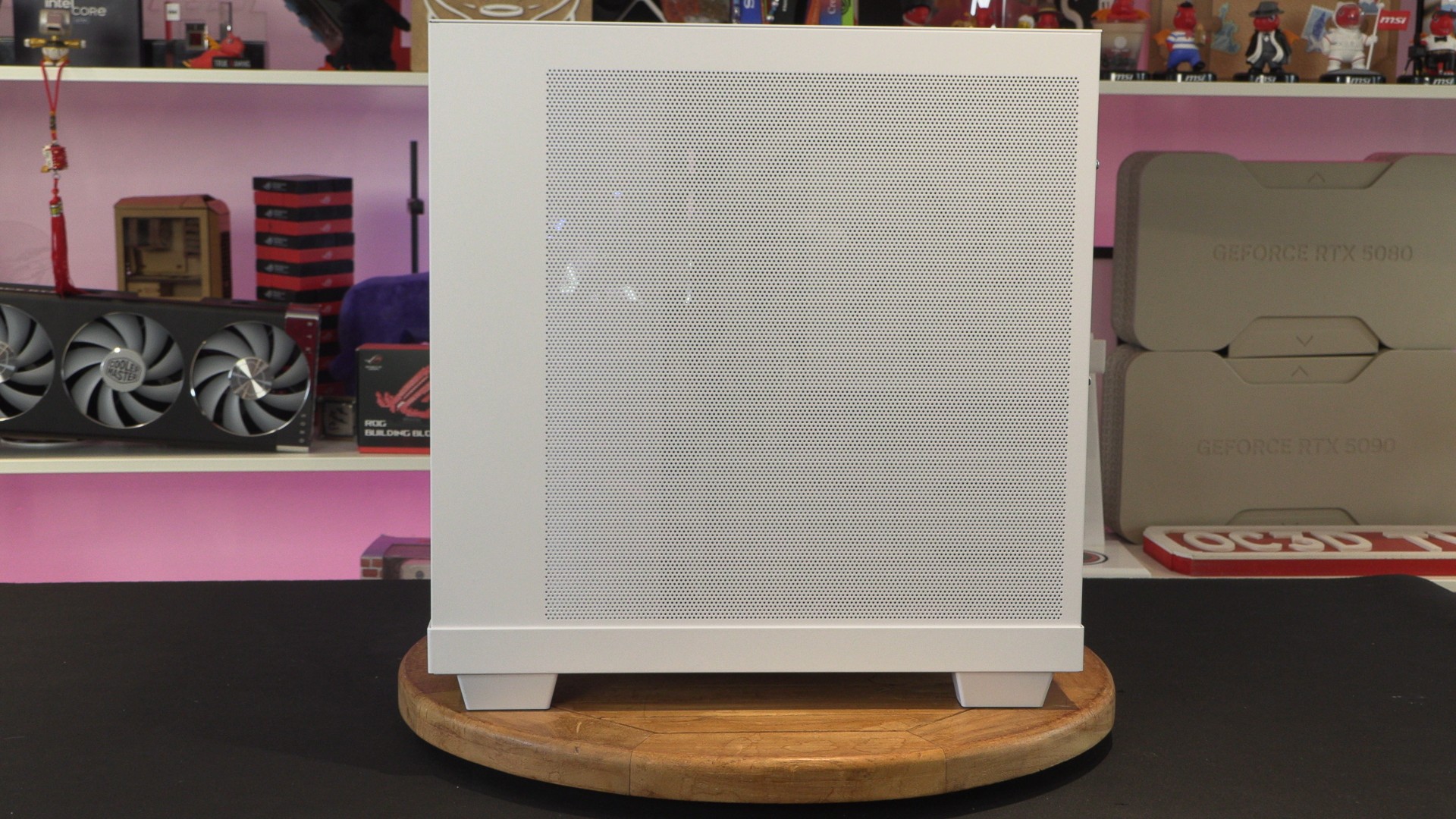
Mesh side panel
The Light Base 500 features a full-length side panel that is perforated along most of its surface. Honestly, I think this is a bad design element. The area between this case’s “pillar” and the rear second chamber should have been opened up. This would have made the pillar a standalone aesthetic feature, adding to this case’s unique look.
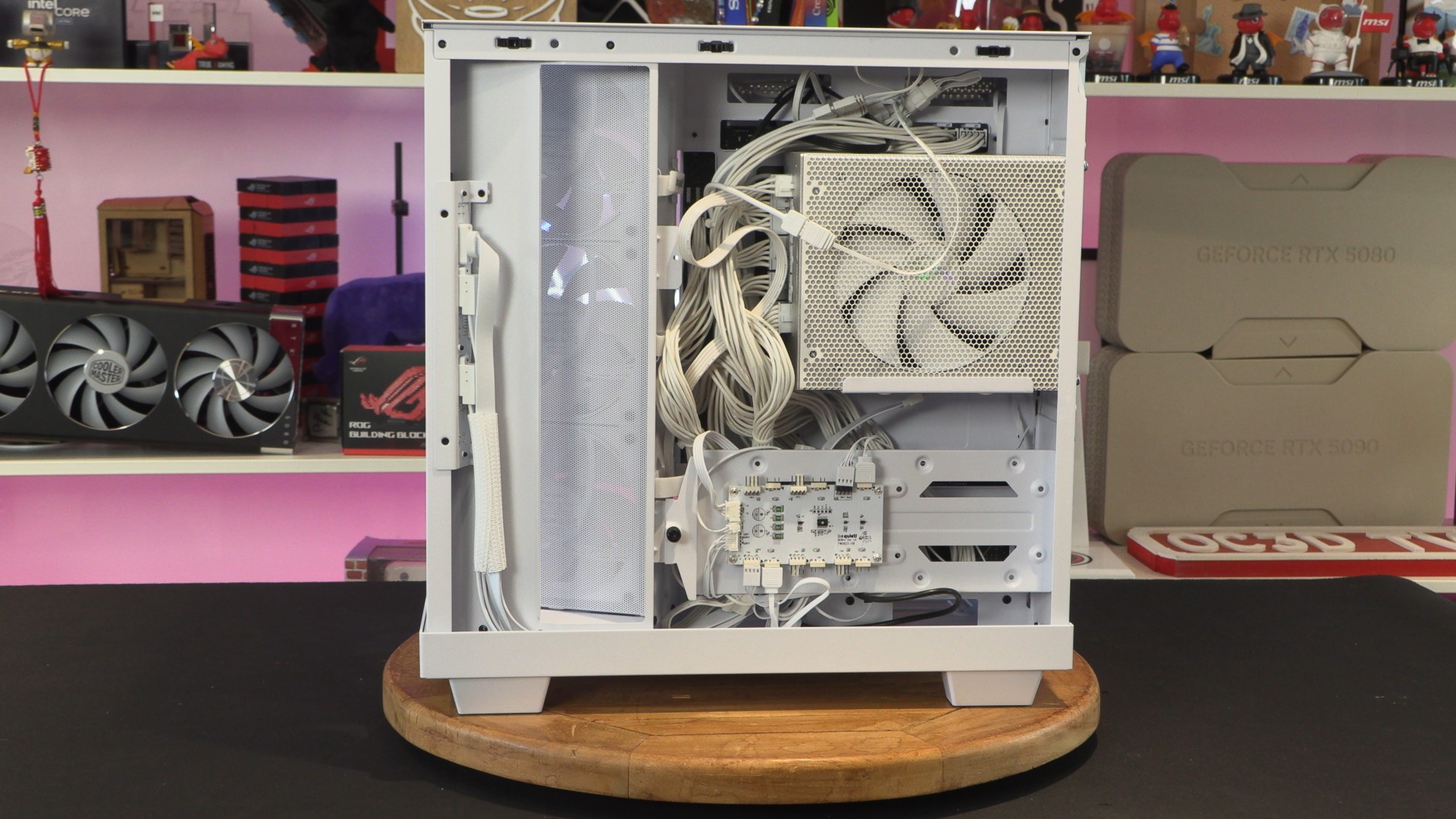
In the rear chamber of this case, we have an HDD/SSD mounting tray and a PSU mount. IO cables are carefully routed within the case’s “pillar”.
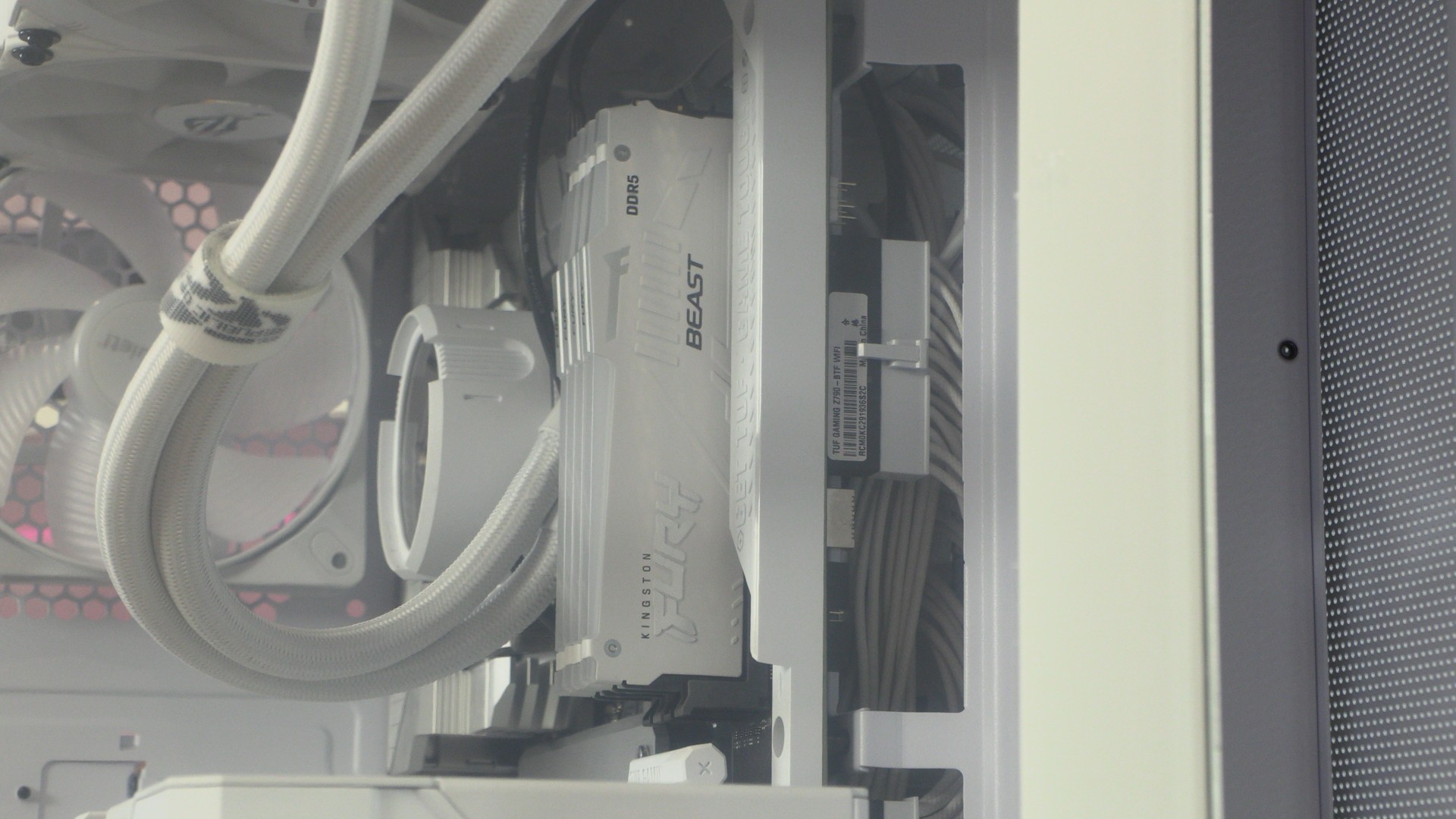
Note that we have installed this case’s PSU in its upper position because we have an ASUS BTF motherboard inside this system. If we used our PSU in this case’s lower mount, we would not be able to access our motherboard’s bottom IO connectors.
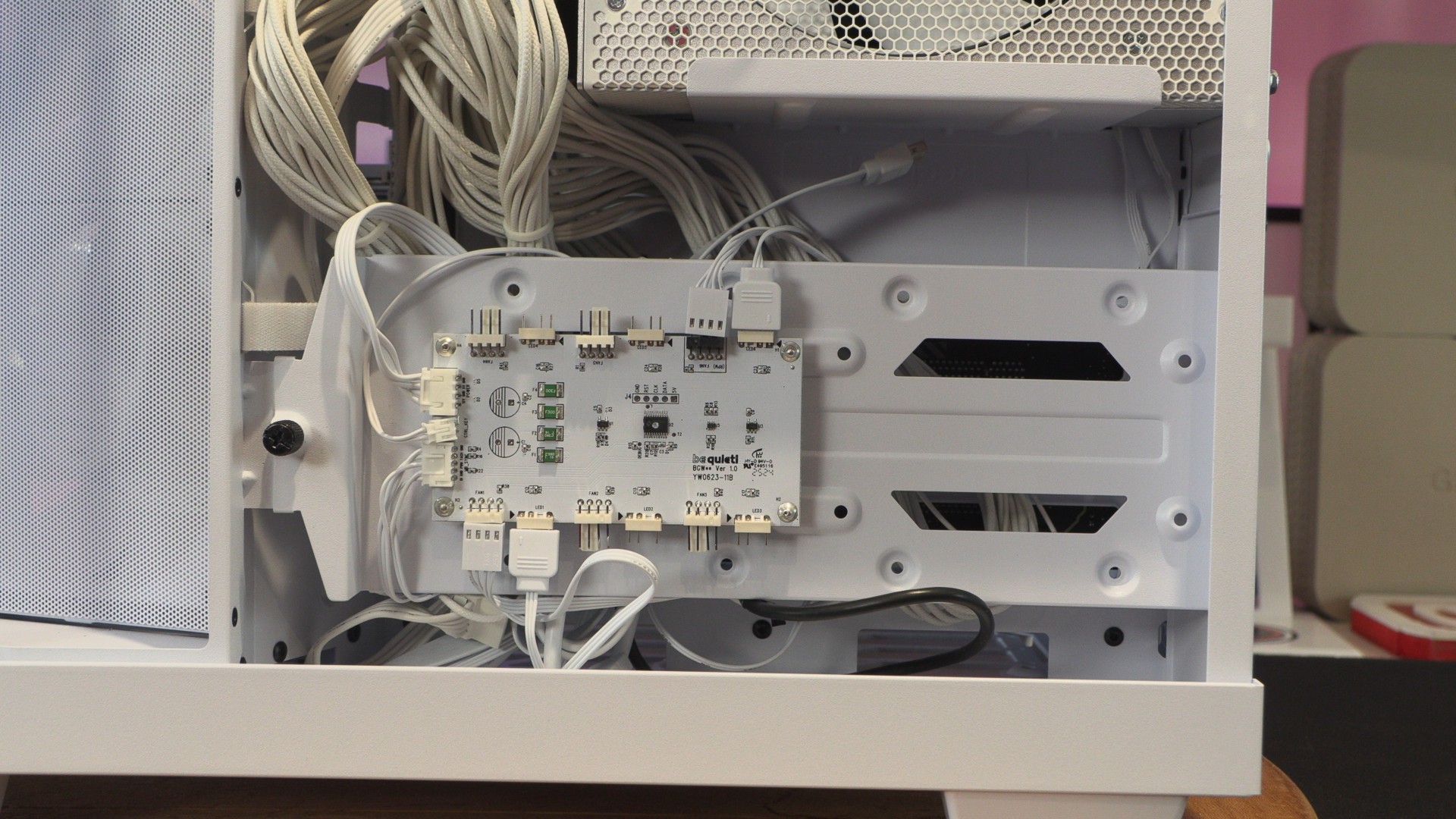
RGB Controller and HDD mounting plate
On the Light Base 500 LX, we can install two 2.5-inch devices and one 3.5-inch device on the tray below. This tray also includes this case’s fan/ARGB controller. For the non-LX Light Base 500, an extra 3.5-inch device can be installed where this controller is placed.
Note that this controller/HDD/SSD bracket is riveted onto this case’s rear PSU cover plate. This means that removing the thumb screw alone will not allow this panel to be removed. You need to use a screwdriver and remove four extra screws to remove this plate. This can make cable management a chore. If I were to change anything about this case, it would be to make this part removable without removing this case’s HDD cover plate.
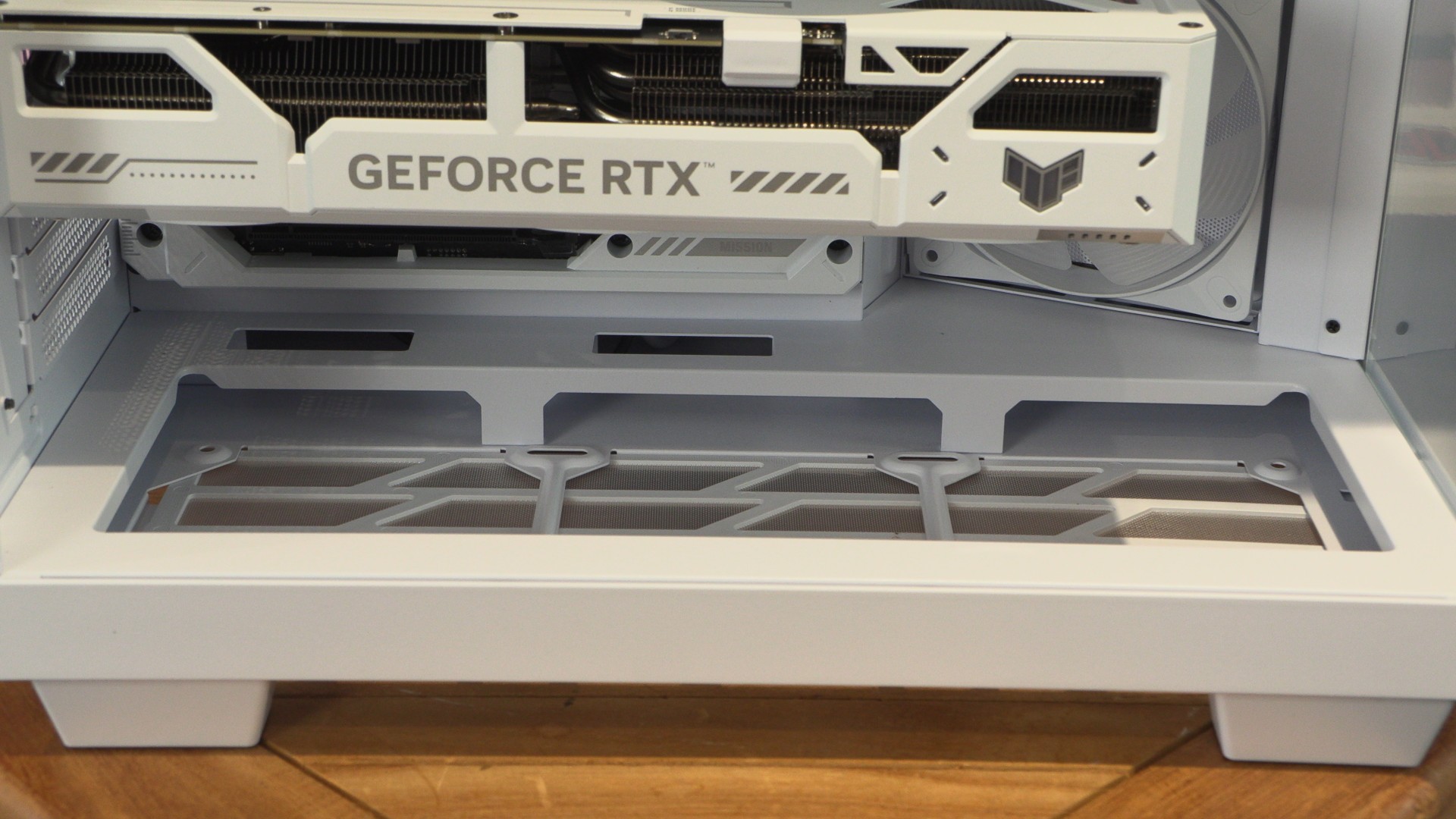
When used with back-connect PC hardware, PCs inside the Light Base 500 look ultra clean. That said, I think we need to add three bottom-mounted fans to complete the look of this case.
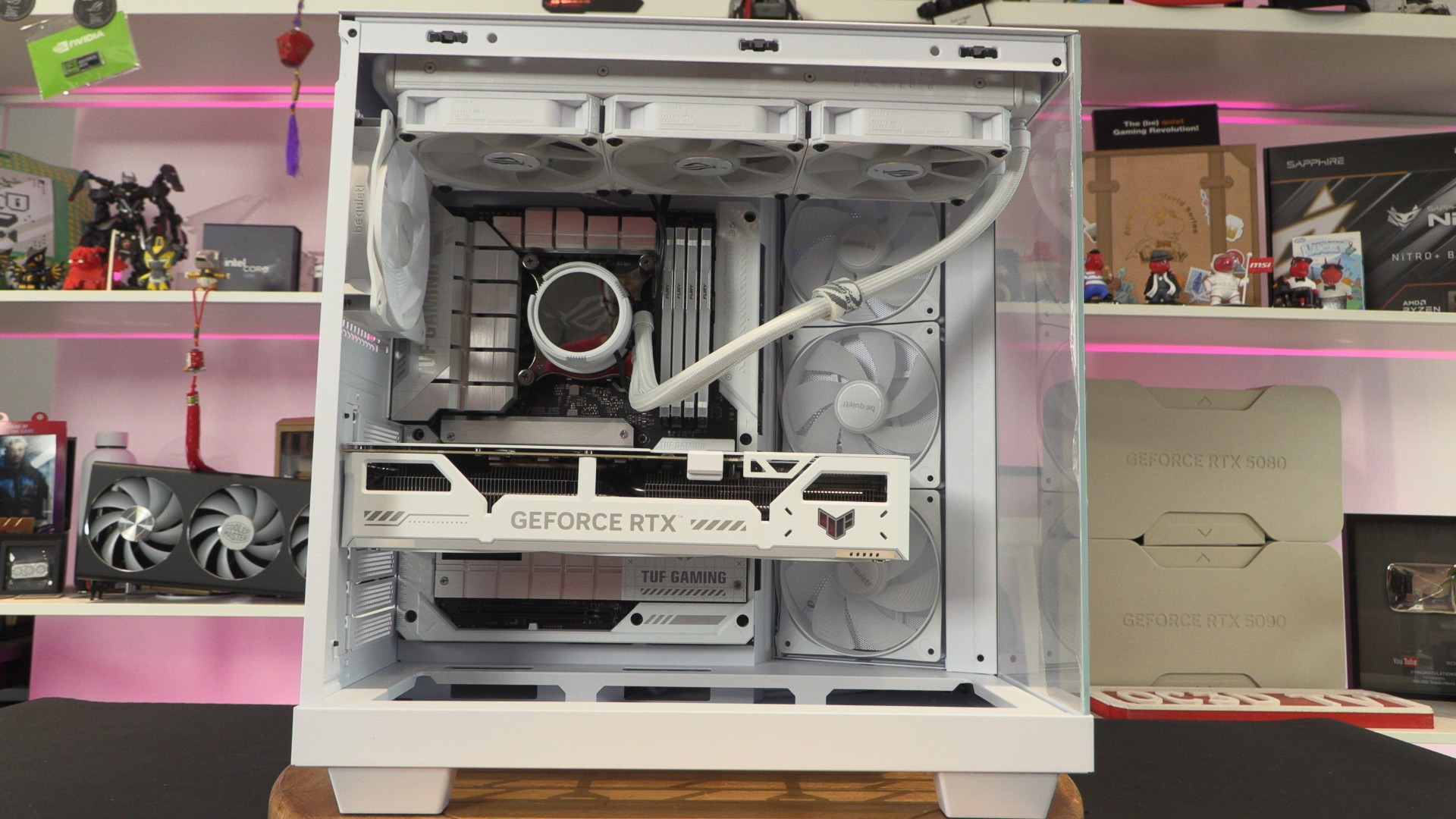
Honestly, this case looks a little bare without fans at the bottom. Adding three reverse-blade fans here would take this case to the next level.
Not-so-hidden BTF connectors
Sadly, the cut-outs on the Light Base 500 leave the power connections on our back-connect motherboard visible. Users should be able to hide this with some kind of cover. The whole point of ASUS BTF and MSI PZ motherboards is that these connectors are hidden. Modders can easily fix this with some plasticard, but be quiet should have thought of this already.