be quiet Light Loop IO LCD 360mm Liquid Cooler Review

LCD Screen and Software
be quiet IO Center and IO Center Web
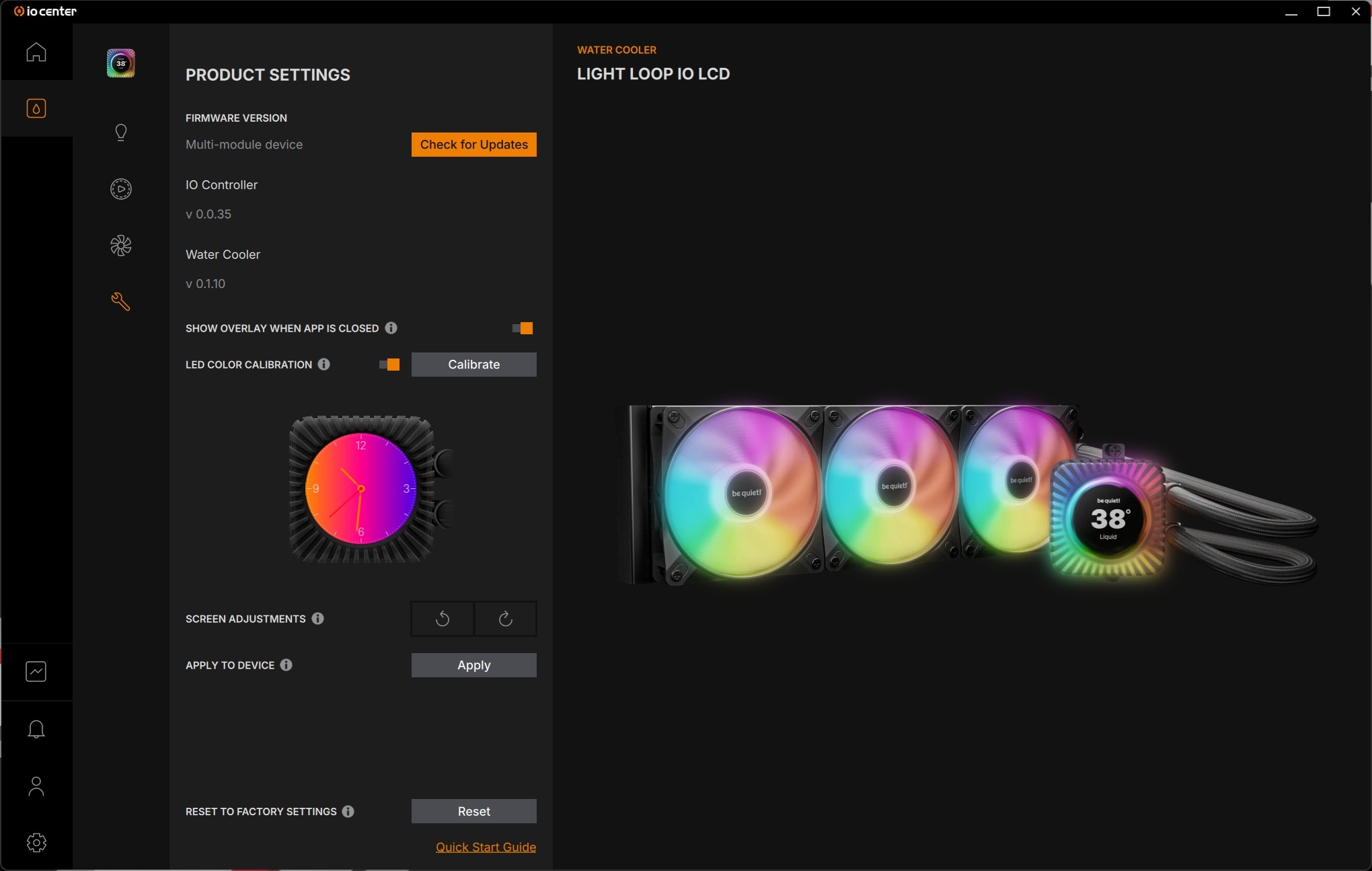
be quiet’s IO Center is available as a standalone app and as a web app. The web app allows IO Center to be used on Windows, MacOS, and Linux using Chromium-based browsers. The standalone IO Center app is only available on Windows and contains some features that the web app lacks.
IO Center
IO Center can be used to detect your liquid cooler (or other compatible be quiet hardware) and to adjust your cooler’s RGB lighting, fan speeds, and LCD screen. It can also be used to update the firmware of your be quiet hardware.
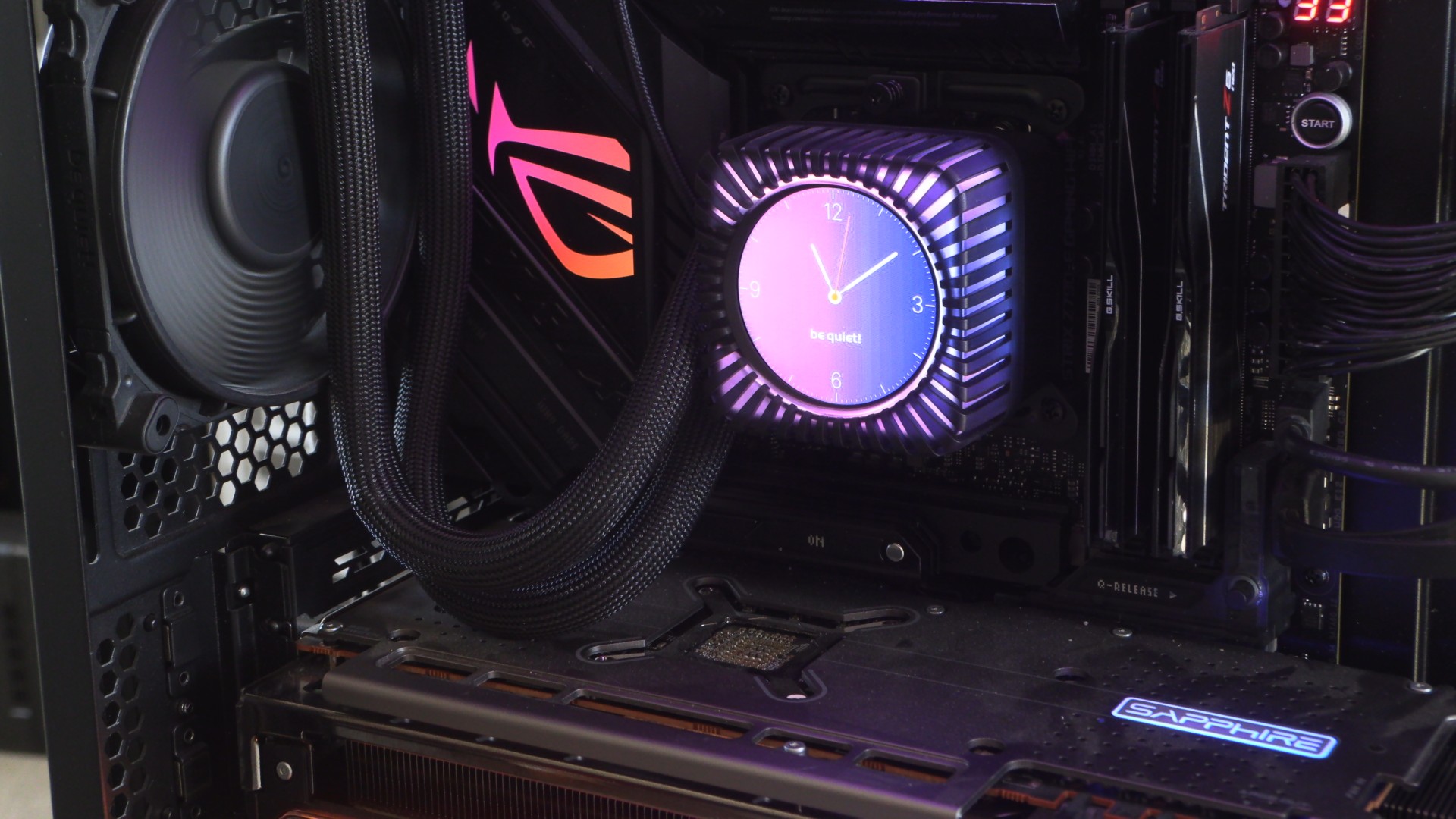
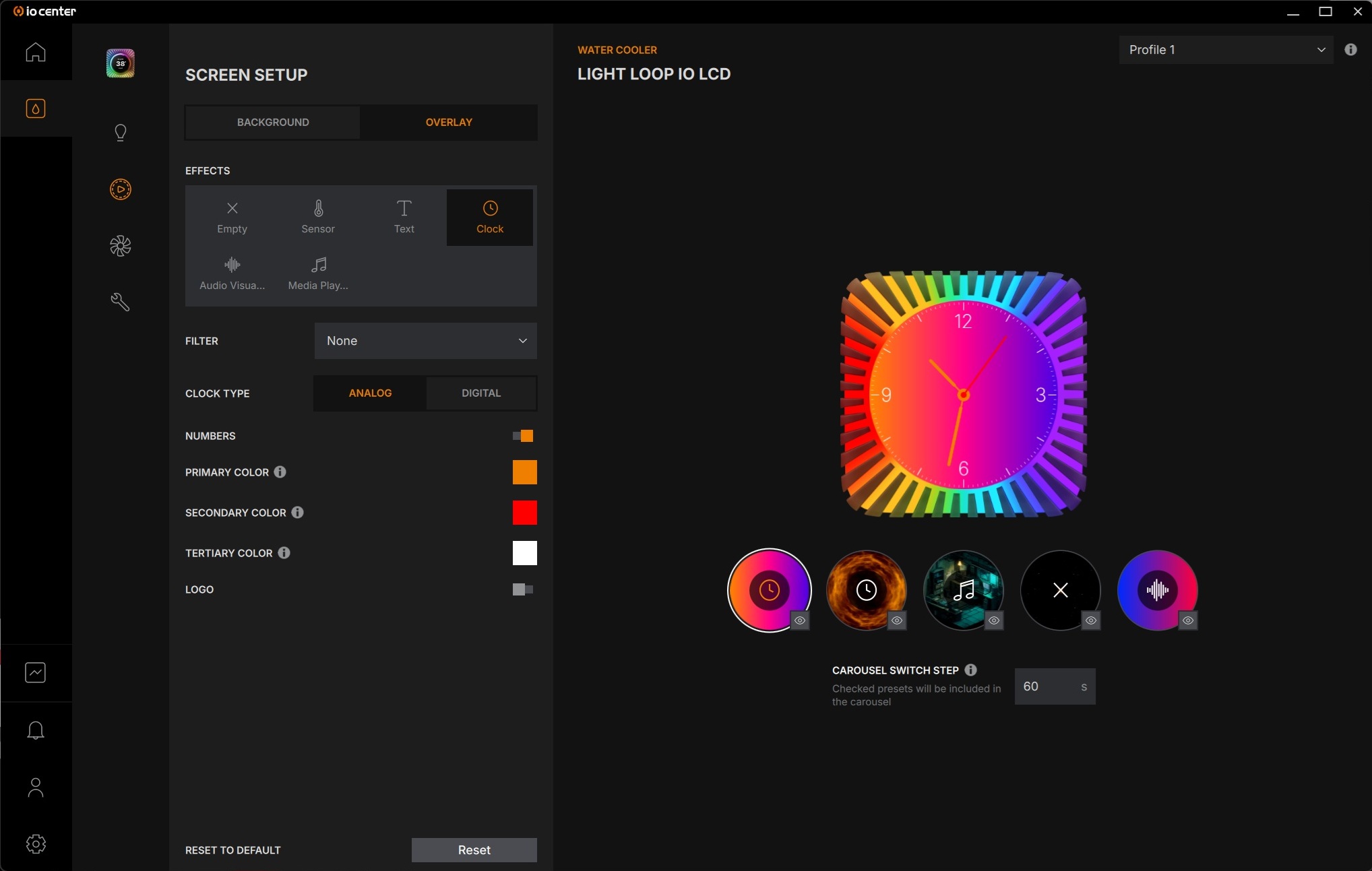
be quiet’s LCD screen can be used to showcase time, system information, play media (show what song is currently playing on your PC, etc), and display static images or colours. The screen can display separate backgrounds and overlays, giving users a lot of customisability. GIPHY support is integrated, allowing users to quickly find animated GIFs to display on their screens.
IO Center can also be used to define fan and cooling block RGB lighting. Users can make their coolers single-colour, multi-colour, or showcase various patterns or effects.
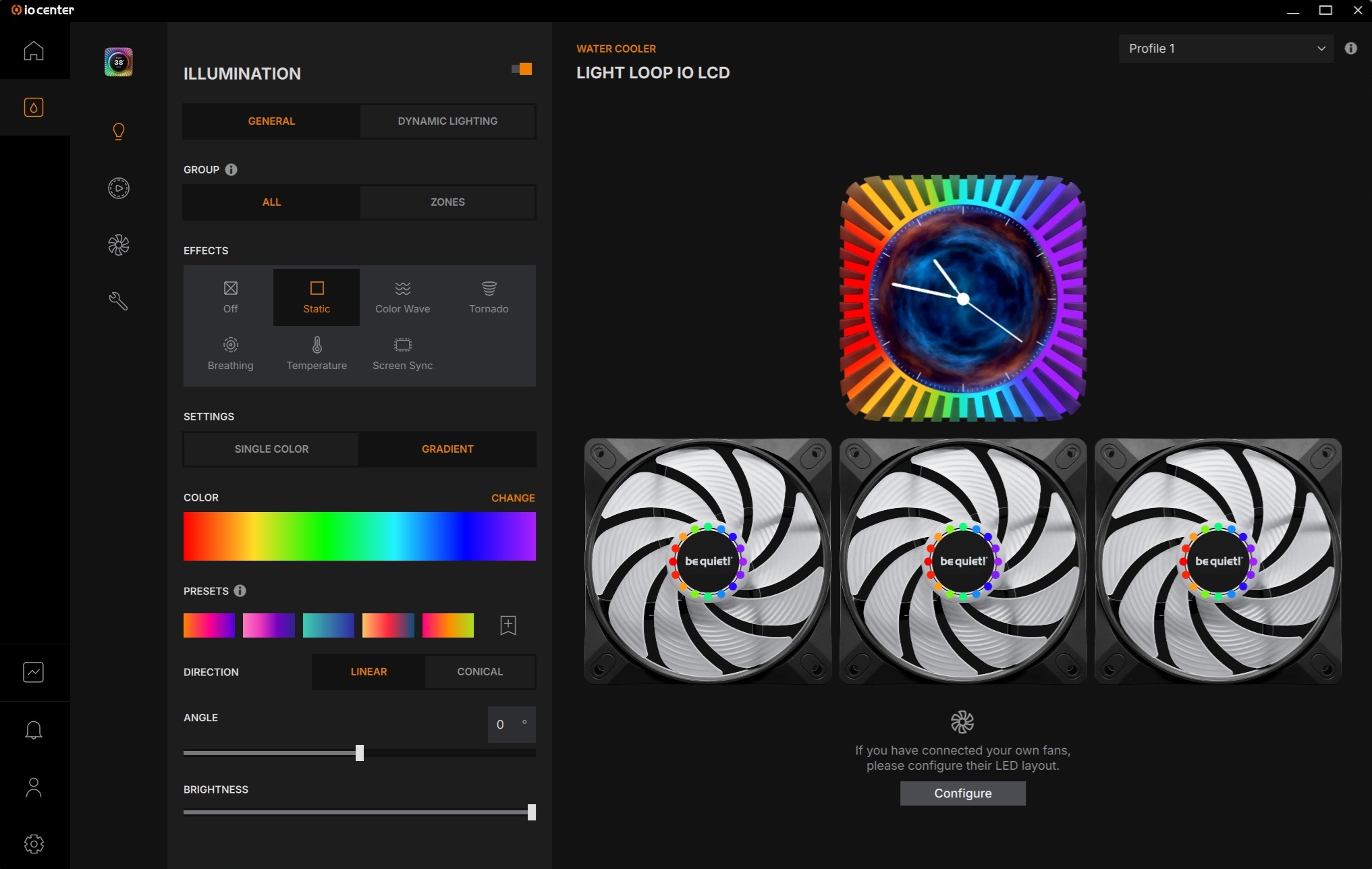
Fan control – An annoying issue
IO Centre can be used to control your cooler’s fan and pump speeds. In-app control is available, though support for control through external applications is available through PWM mode. However, we will note that PWM mode sets all fans and the cooler’s pump to the same percentage value in PWM mode. In other words, if you set this thing to 75% speeds in an external app, both its fans and pump will run at 75%. Controlling both separately with an external app is not possible, at least right now on our test system.
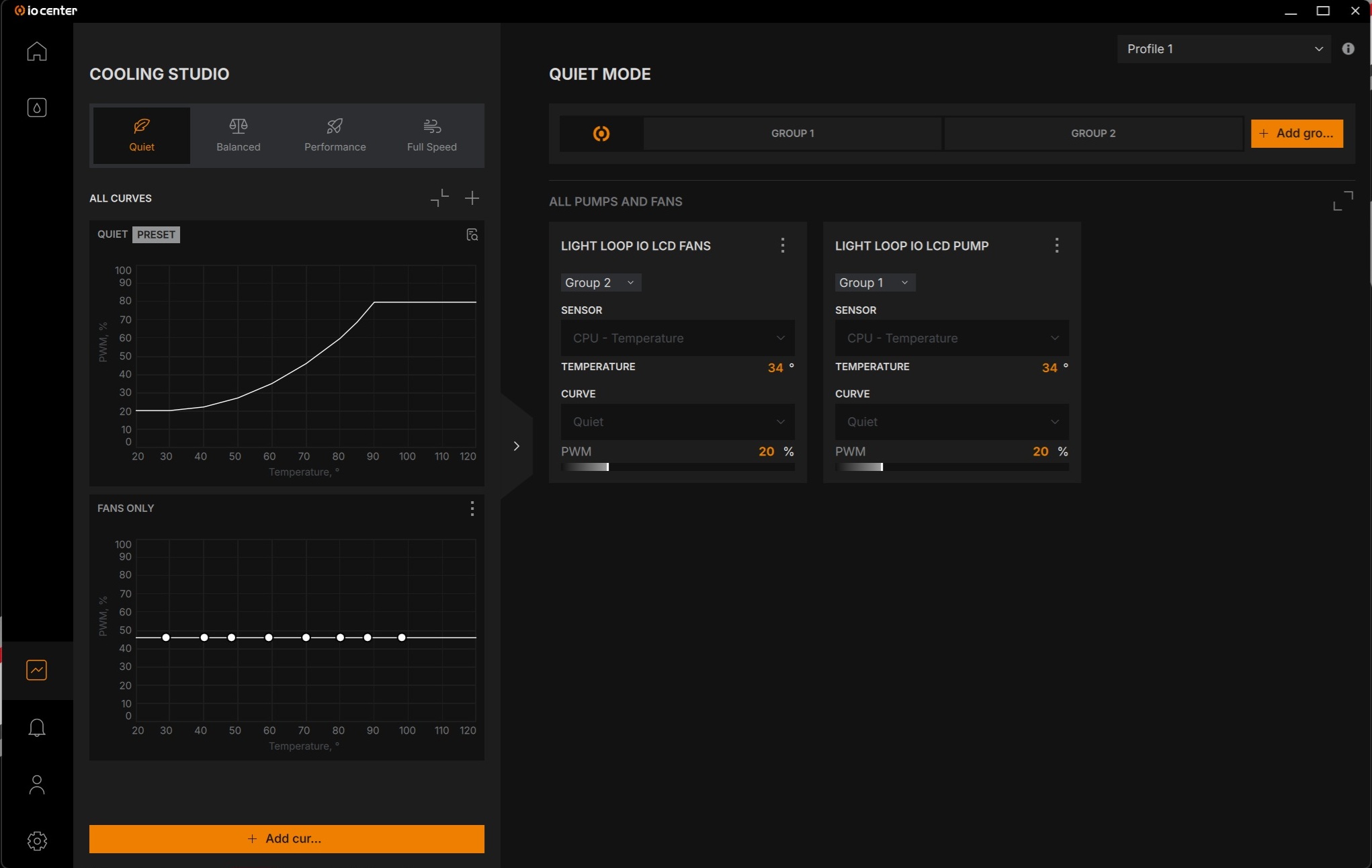
Thankfully, all of these options are configurable separately using the IO Center app. Furthermore, this is only an issue for tinkerers. If you plan to use this cooler with its pre-defined performance profiles, this will be a non-issue for you. Additionally, it is worth remembering that users of this cooler will need to use IO Center for screen control. In this sense, using IO Center is unavoidable.
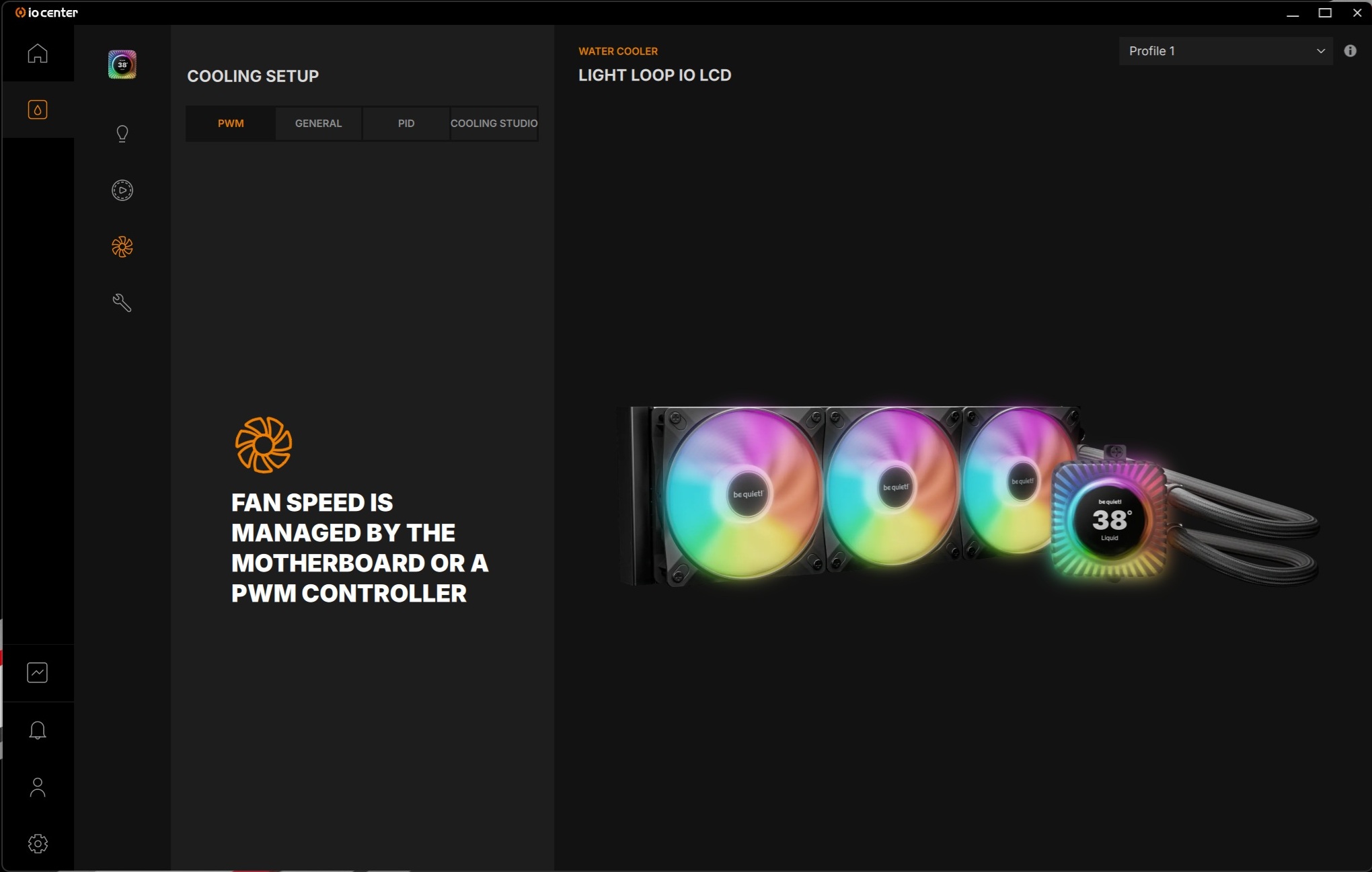
With IO Center, users are free to create their own performance profiles, or use be quiet’s quiet, balanced, performance and full speed profiles. The IO Center app offers a great level of customisability. That said, this cooler has limited usability with 3rd party fan control apps, which is a shame.
IO Center Web
With IO Center Web, most of IO Center’s features are available online. That said, technical limitations prevent some features from being available. For the most part, these settings are for features that require ongoing monitoring. Cooling Studio is also not available through the web app.
The following features are not available in IO Center | Web due to technical restrictions:
- General:
– Hardware Monitor - Illumination Settings
– Temperature-based lighting
– Screen Sync
– Microsoft Dynamic Lighting - Screen Setup
– Background: Dynamic
– Overlay (without the background service, Light Loop IO LCD shows the liquid temperature in °C or °F, based on the app settings) - Cooling Setup
– Sensor selection (IO Center | Web only supports setting the cooling mode based on liquid temperature)
– Cooling Studio
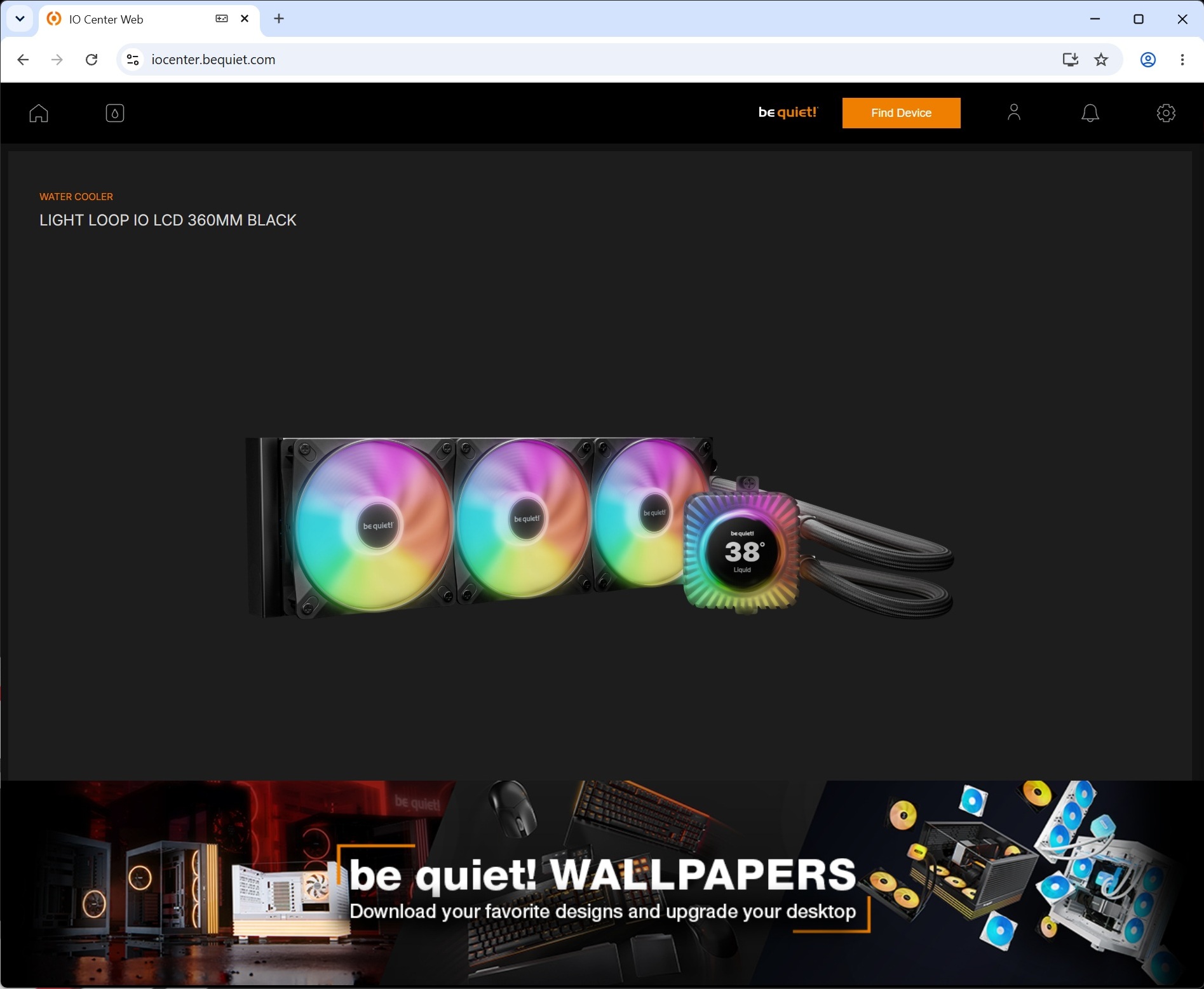
Overall, the web app is very useful, especially for users who want to avoid installing dedicated control software. Linux users will also be glad that they can control their coolers. Some brands offer no Linux support.
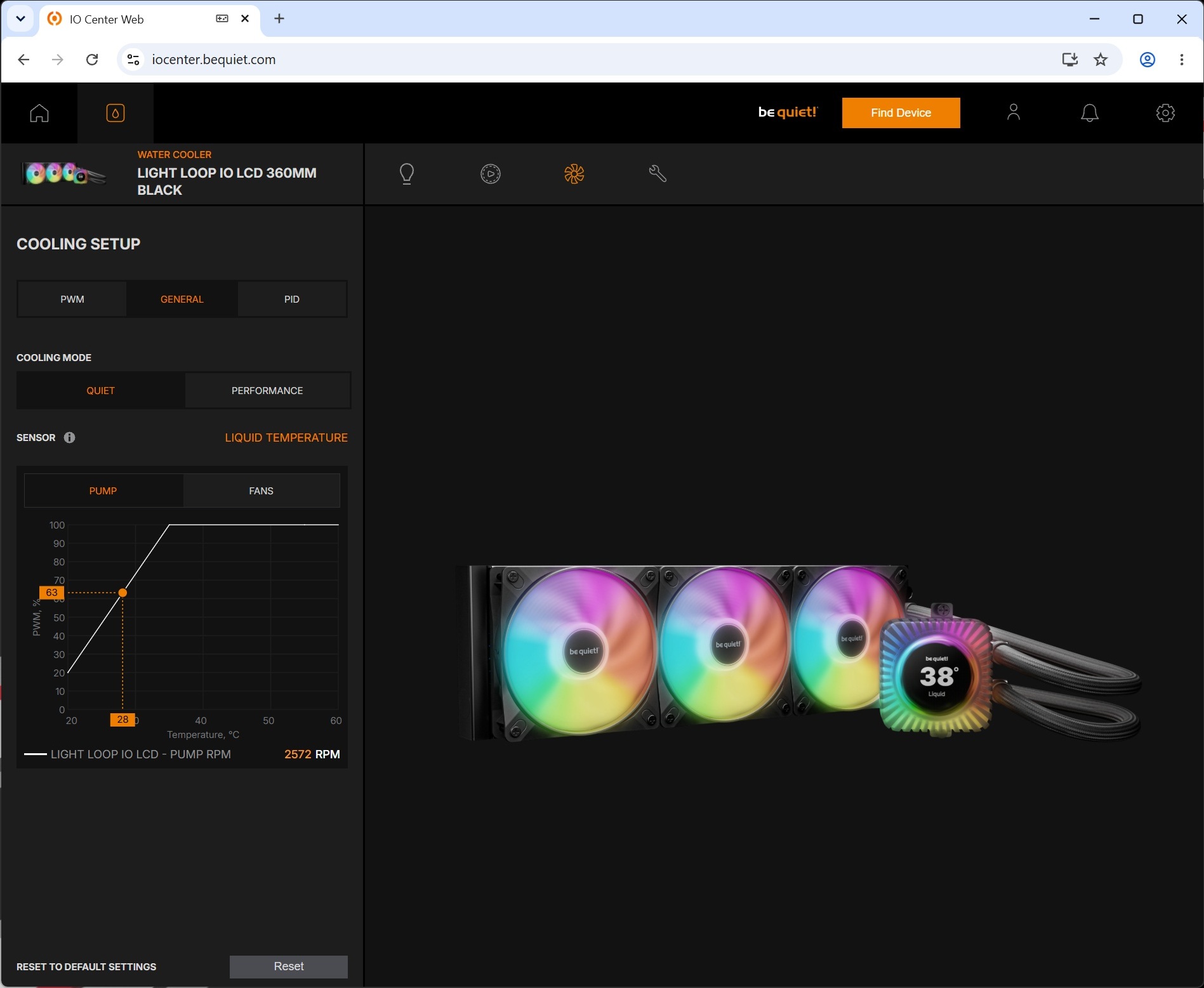
LCD control is available through the web app. That’s a win for Linux gamers.
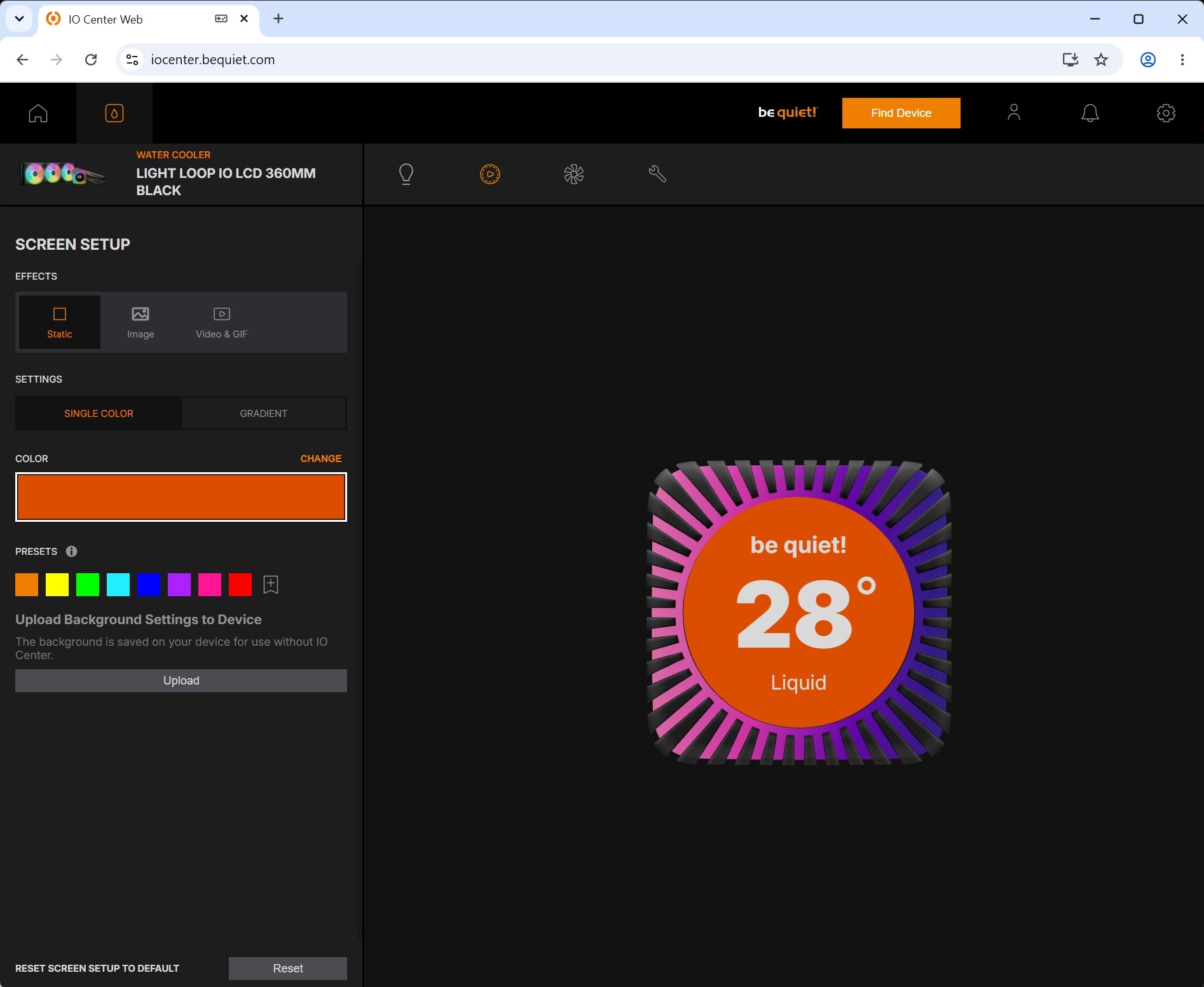
RGB/illumination control is also available.