Corsair FRAME 5000D PC Case Review

Up Close with the Corsair Frame 5000D
Up Close with the Corsair FRAME 5000D
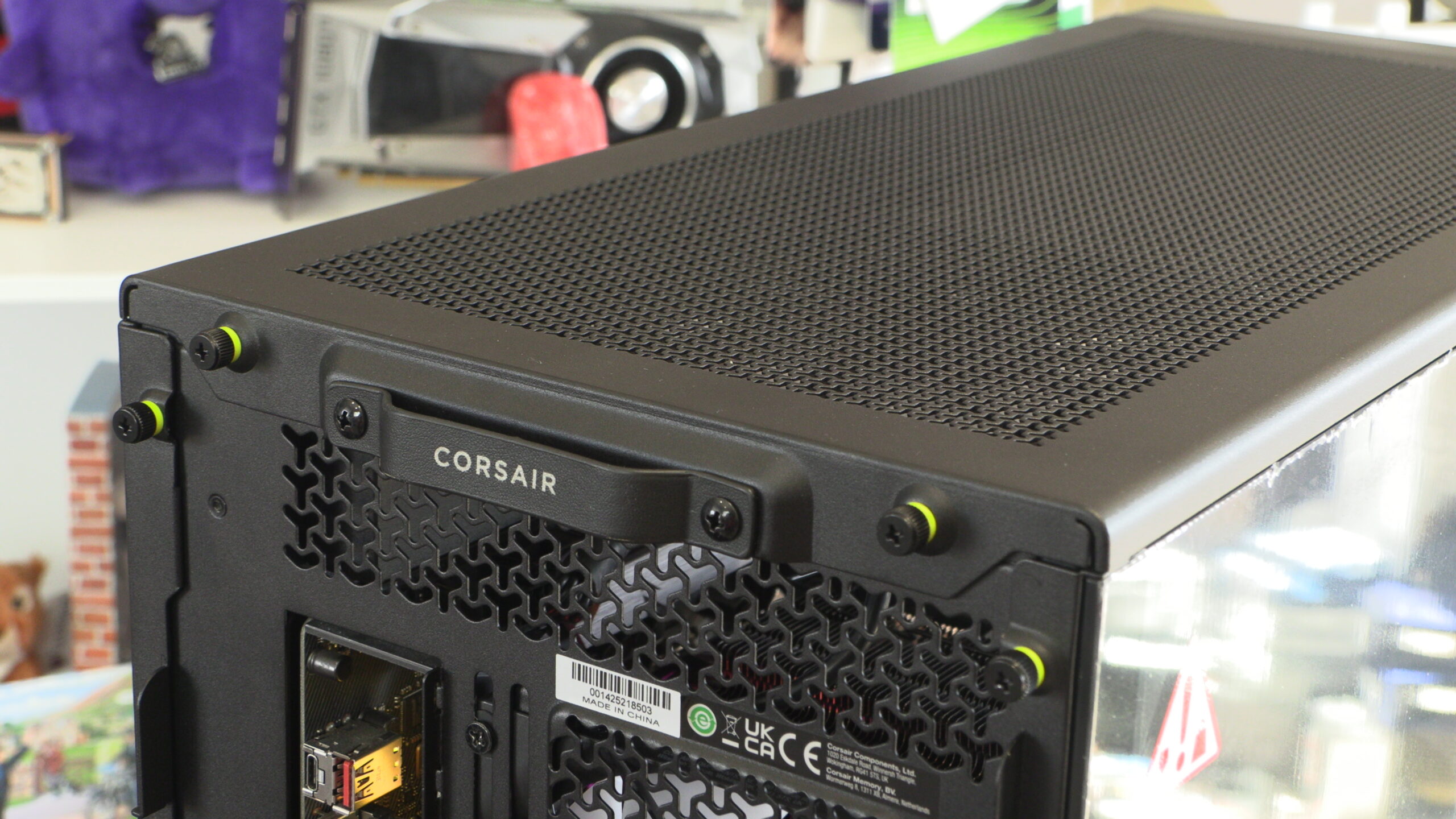
Externally, the Corsair FRAME 5000D resembles the FRAME 4000D in size. That’s to be expected. It’s a little taller, it’s a little wider, and it’s a little longer. These changes give the 5000D a much later overall presence, and gives users a lot more space to play with when building their systems.
Corsair Infinirail
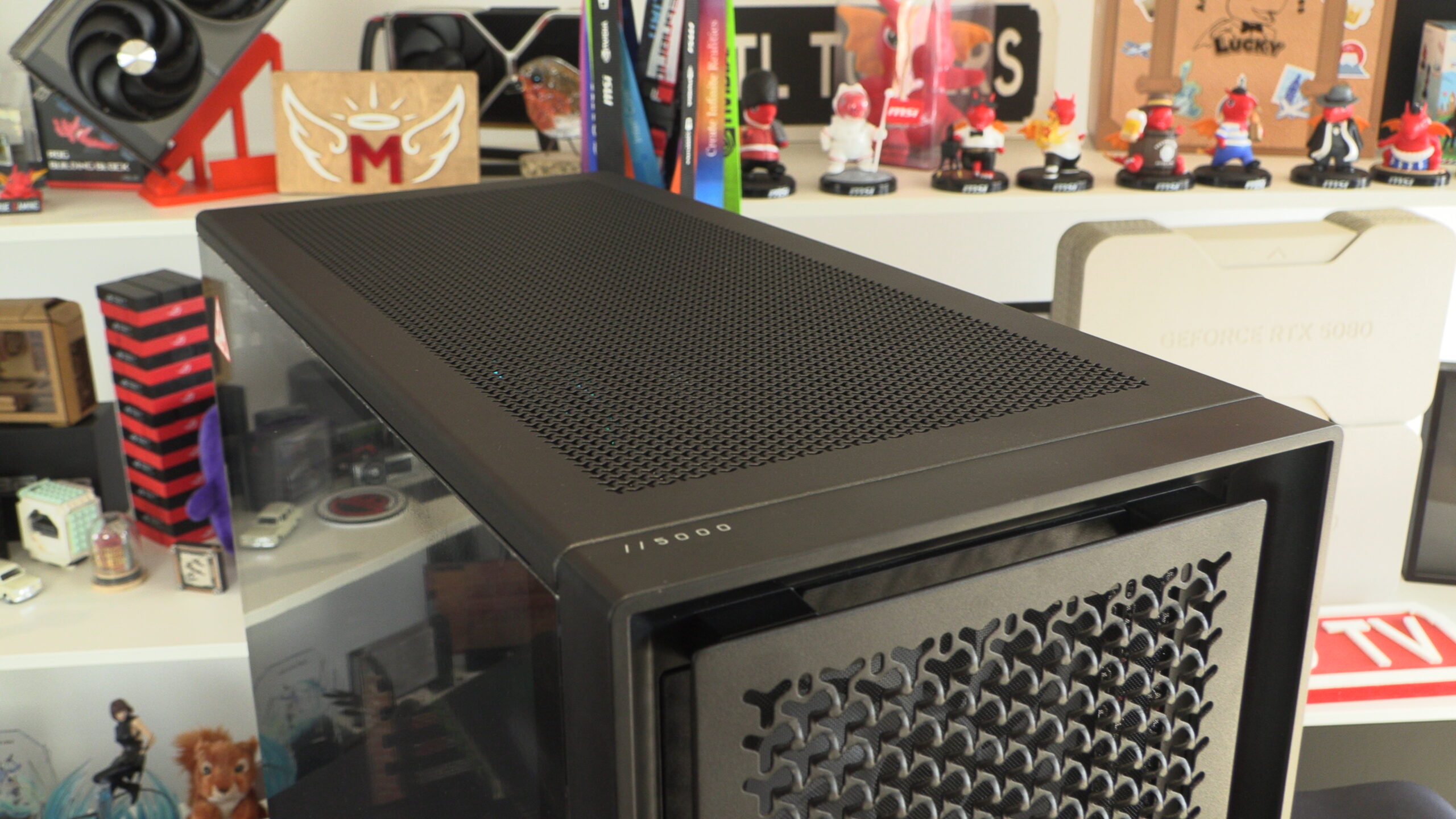
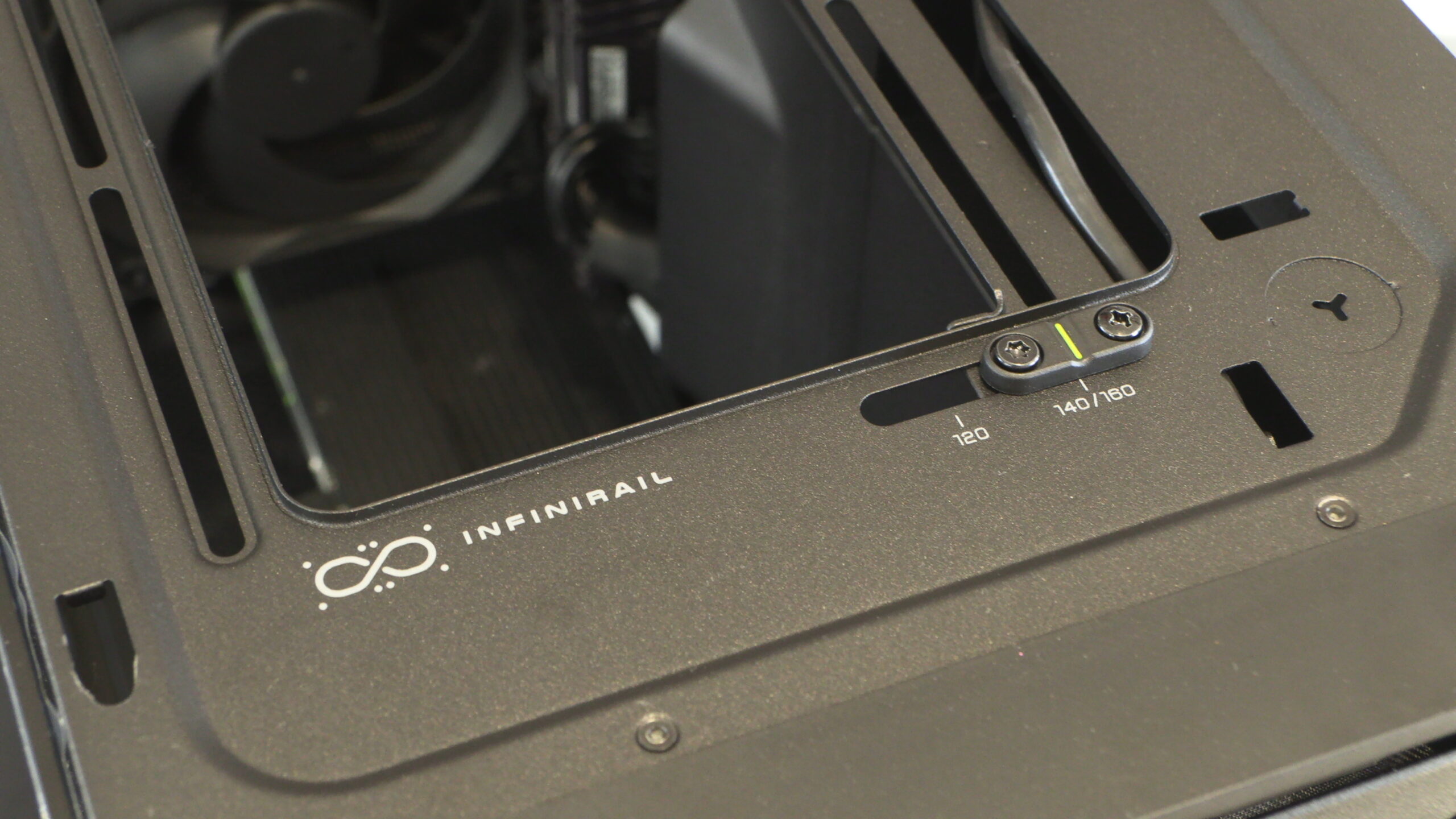
Like the FRAME 4000D, the FRAME 5000D features Corsair’s “Infinirail” system. This system simplifies radiator/fan mounting/airflow by adding a movable rail to the case’s top and front fan mounts. There are no additional fan mounts covering your chosen fans, delivering optimal airflow to users of this case.
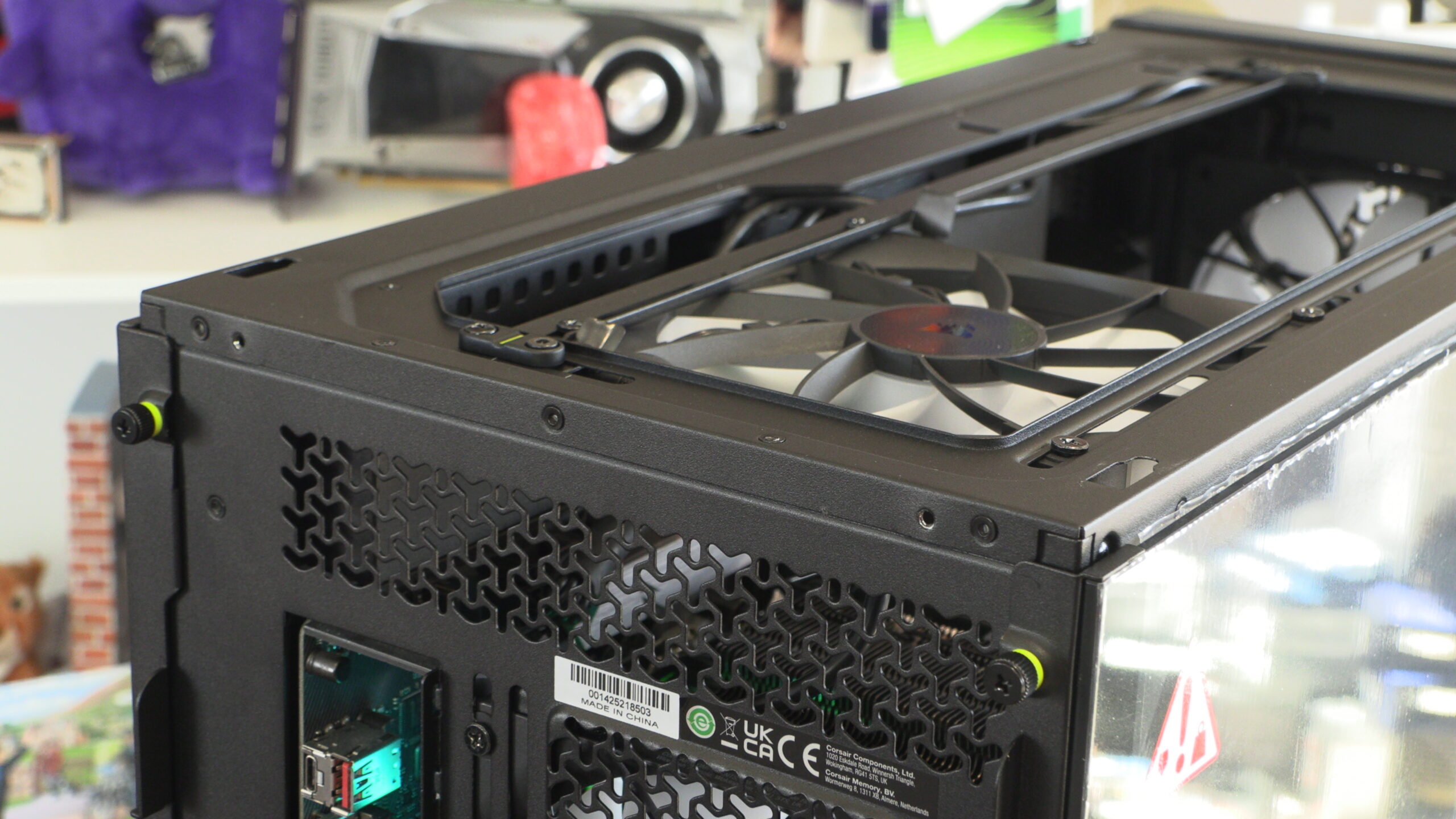
Corsair’s Infinirail can be used to install 120mm fans or 140mm fans. Corsair also says that this mount supports 160mm fans, despite the fact that Corsair doesn’t currently ship 160m fans. Are 160mm fans launching in the near-term future?
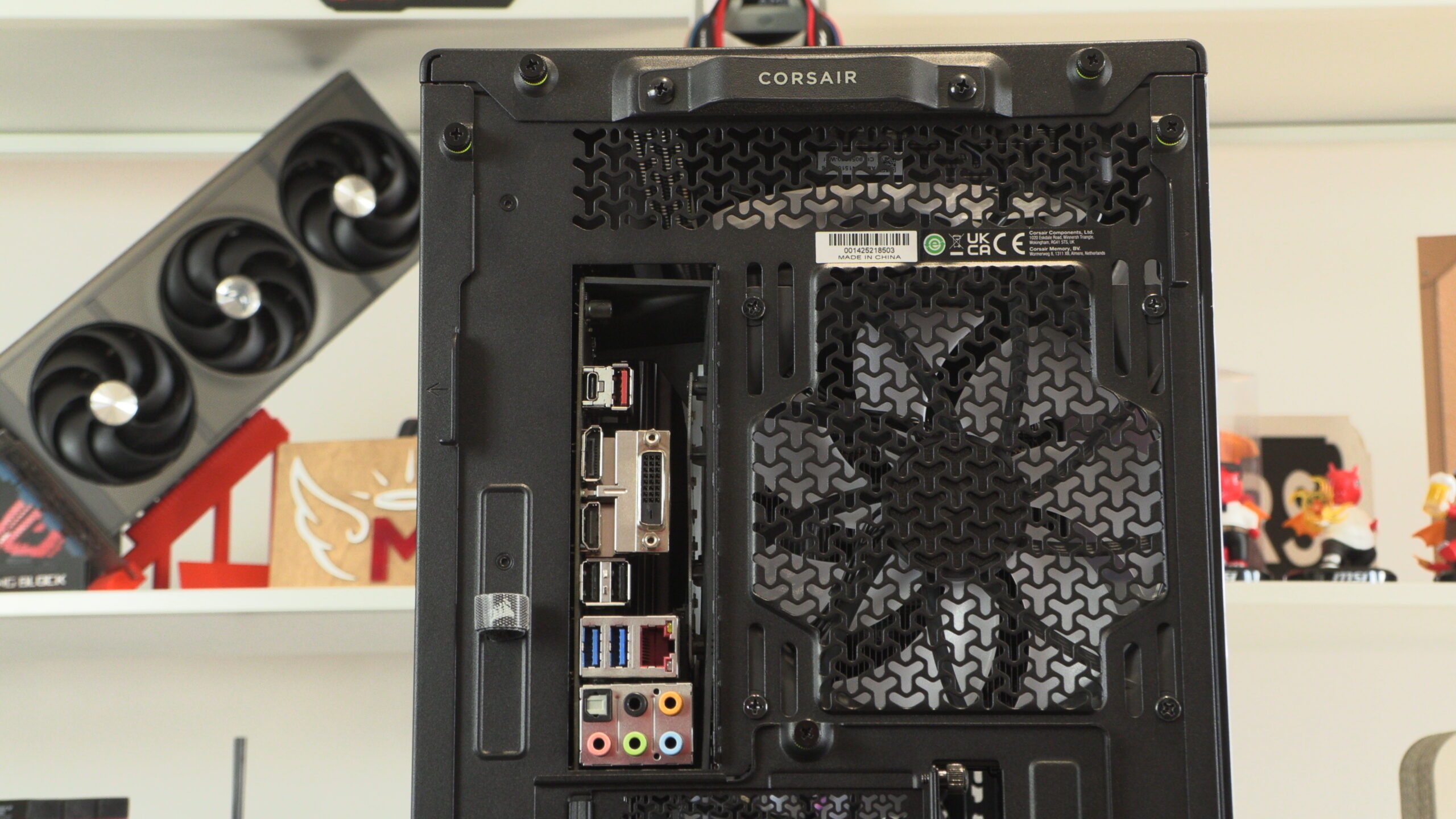
FRAME 5000D Rear
At the rear of the FRAME 5000D, we have a pre-installed 140mm exhaust fan, cable routing options for your PC’s rear I/O, and thumb screws that can be used to secure or detatch the case’s side and top panels.
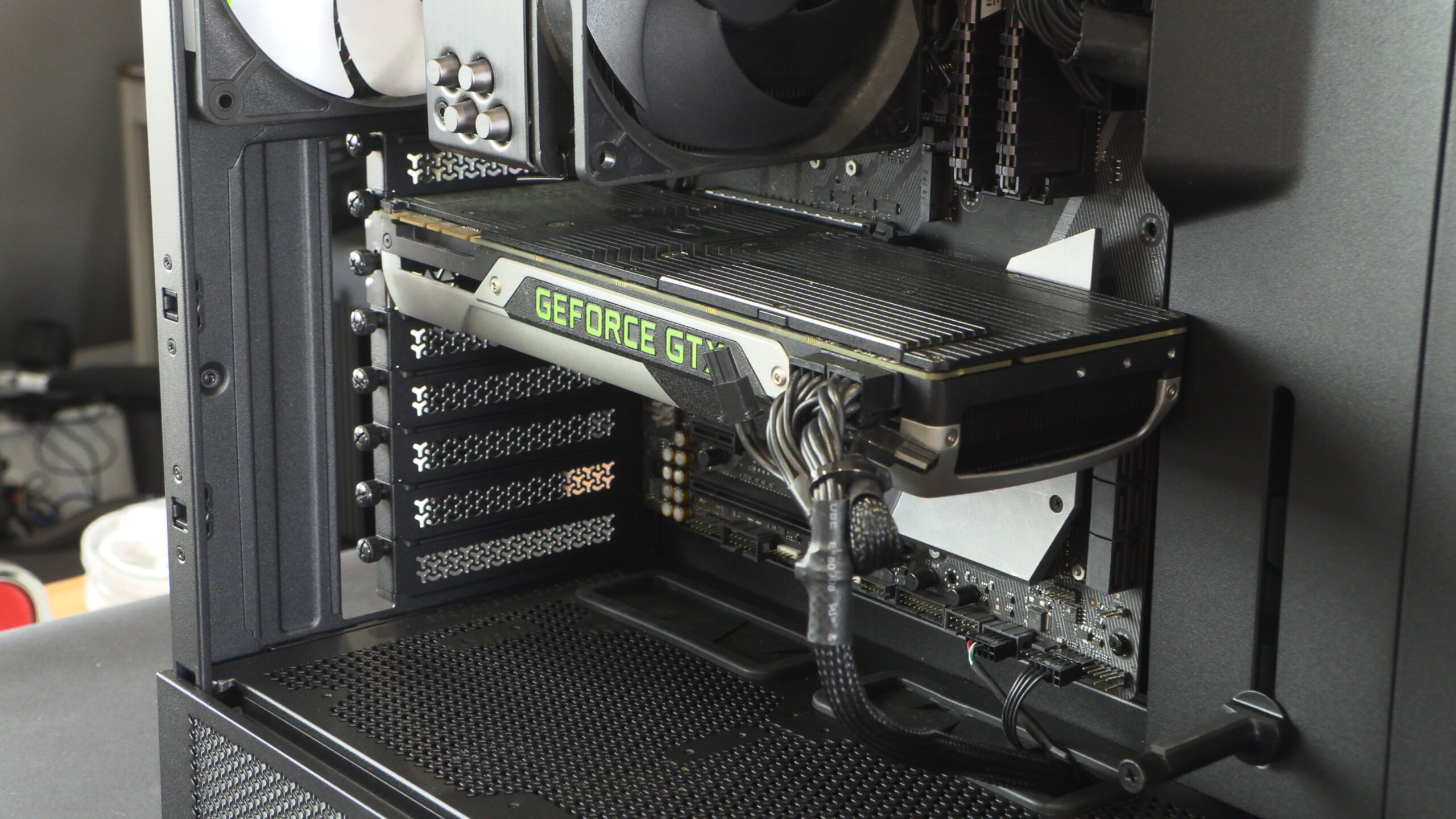
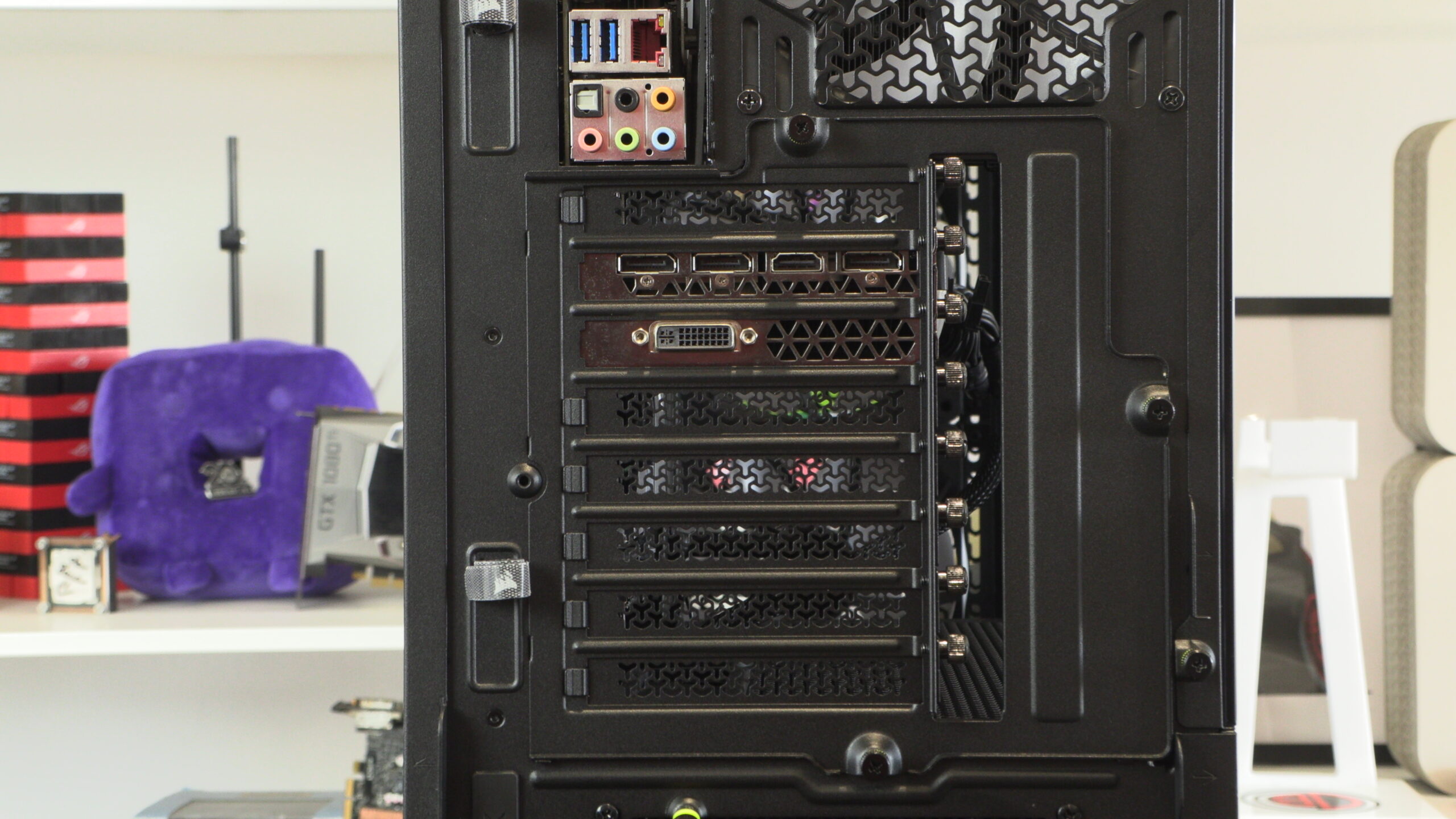
Moving lower, we have a rotatable bank of PCIe slots. This allows this case to support vertically mounted graphics cards without issue. All you need is a PCIe riser card.
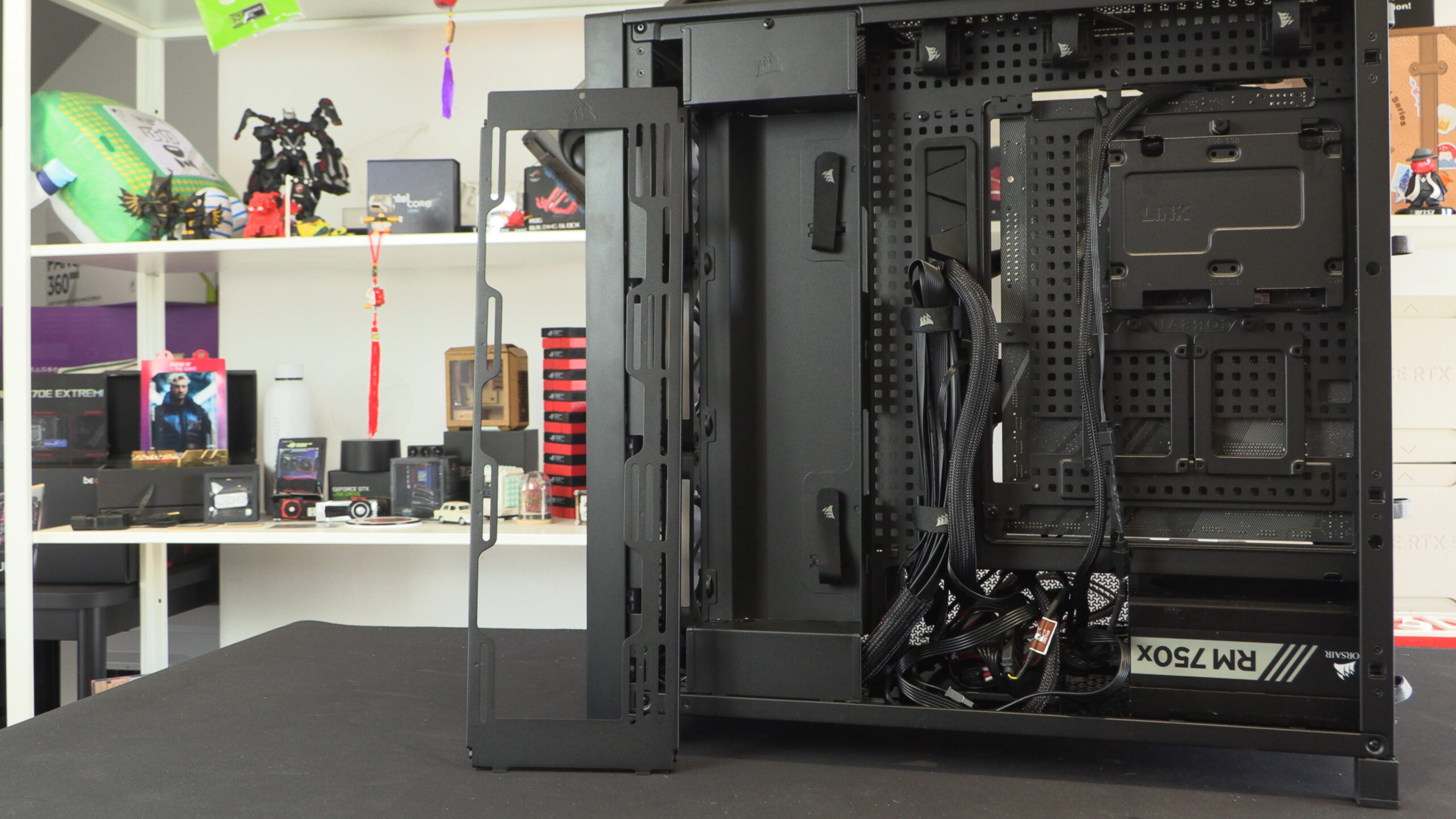
Moving inside the case, 5000D users have the option to install an alternative side plate that allows users to install up to three 140mm fans. by default, this location has a cover plate that can be used for cable stashing/routing.
By default, Corsair’s FRAME 5000D supports both standard and back-connect motherboards. This includes ASUS BTF, MSI Project Zero, and other “hidden connector” motherboard designs.
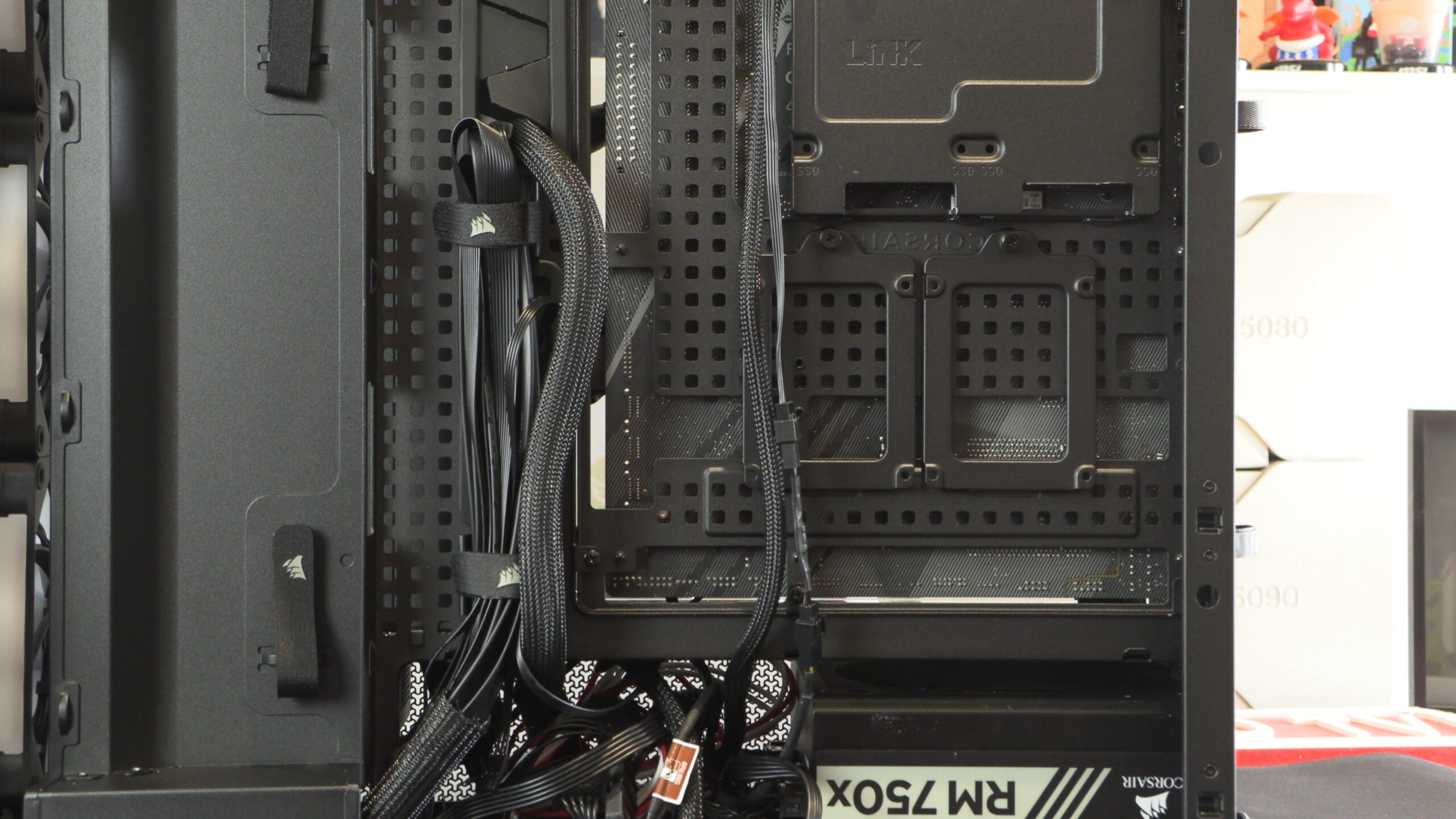
Poor 8-pin CPU power cable placement
The cable routing hole for CPU power cables is poorly located on Corsair’s FRAME 5000D. It is at the top right of the case, and is far away from the edge of the motherboard. Our PSU, a Corsair PSU, didn’t have a long enough cable to use this cable routing hole. As such, we needed to use the retro method of using other motherboard cut-outs to route this cable. This shouldn’t be necessary for a modern PC case. Corsair could have placed the cable routing hole much closer to the motherboard than it is. We shouldn’t need PSU extensions to use a Corsair PSU (albeit an old one) with a Corsair case.
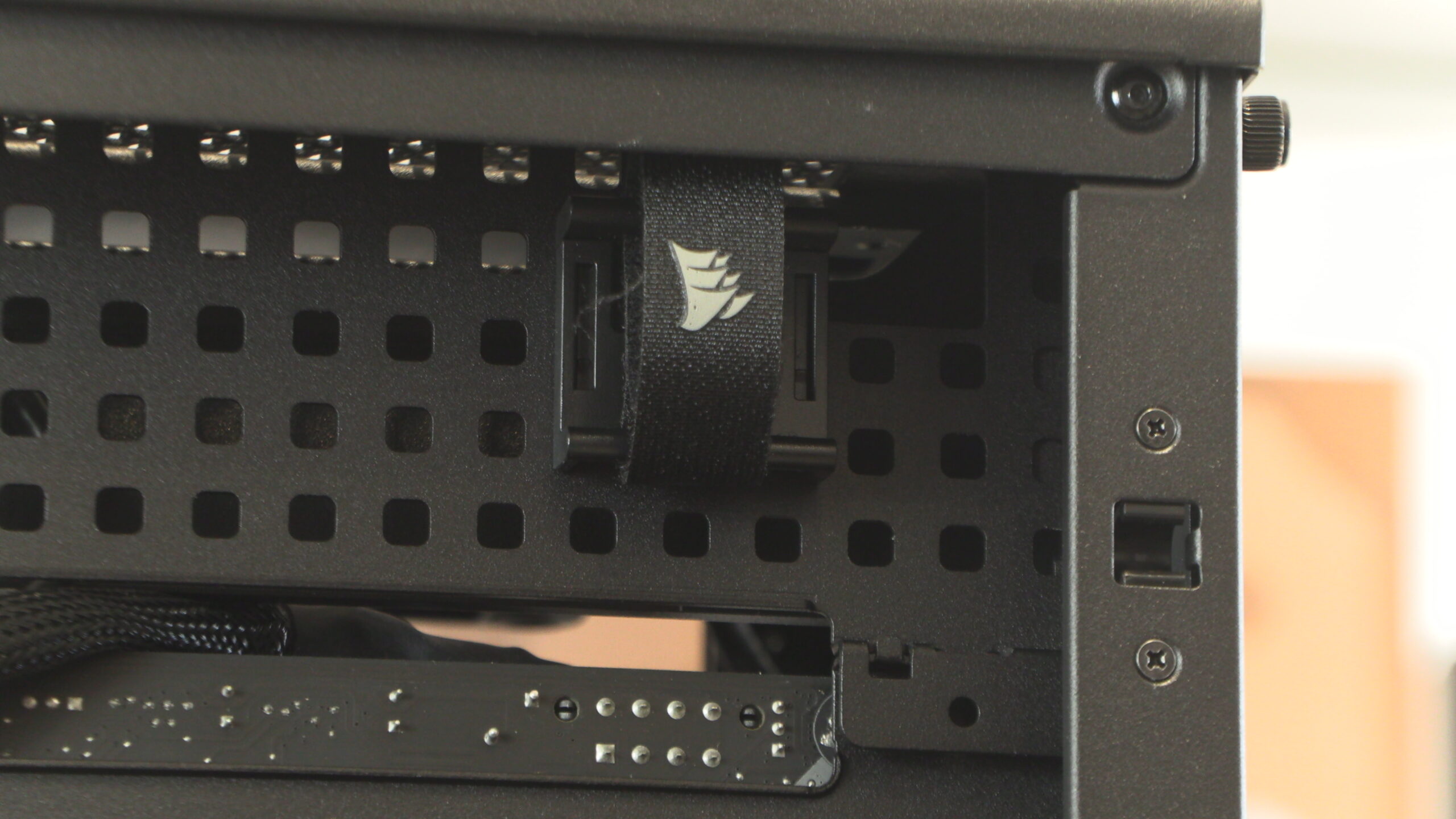
Below, we can see the intake for the 5000D’s optional side fan mounts.
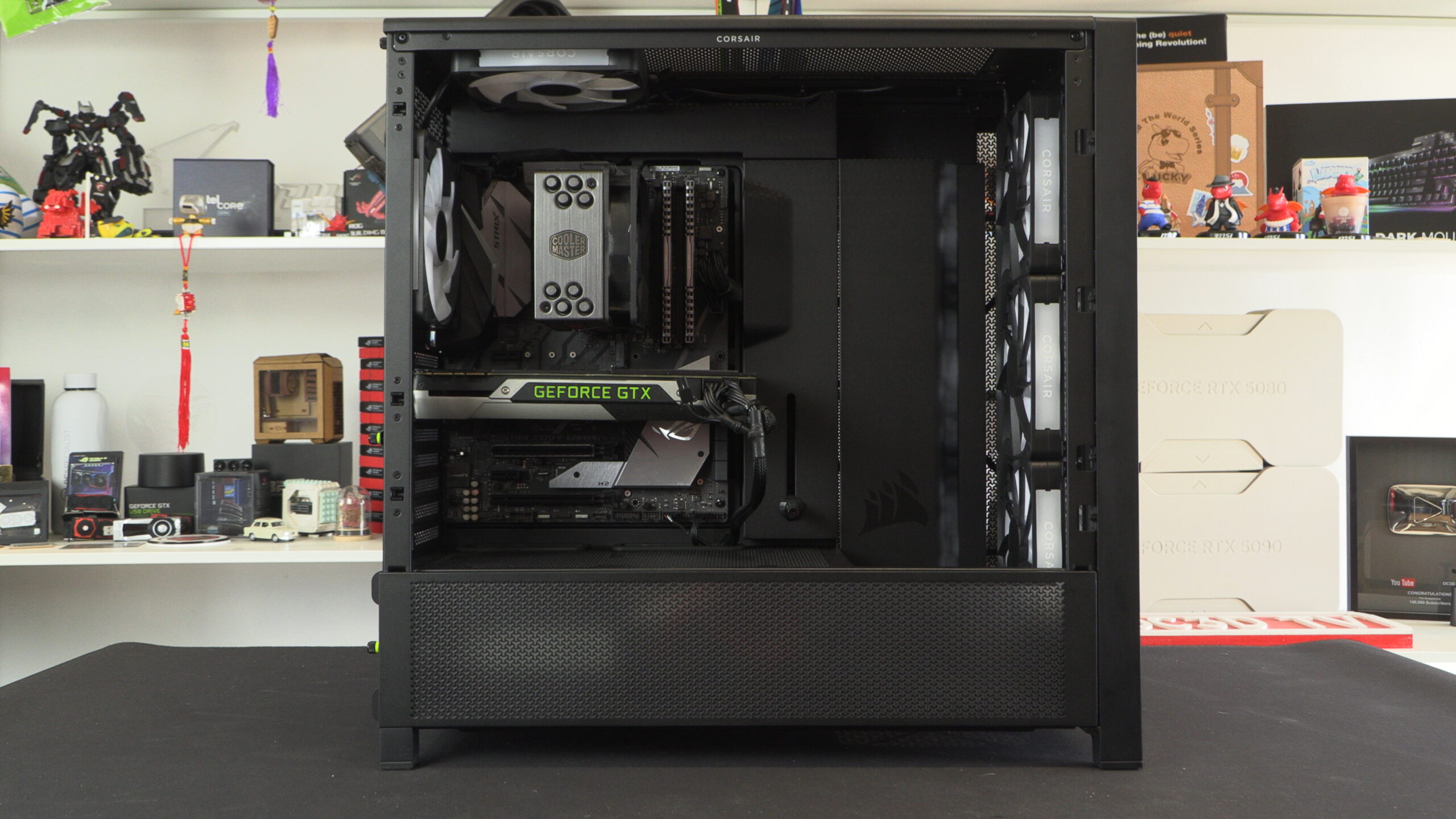
A clean system
Thanks to the FRAME 5000D’s cable routing options and cover plates, PC builders will have an easy time building a tidy PC inside this case. Well, for the most part. In some ways, these cable hiding plates are restrictive, and they could benefit from additional cutouts. A few more cable routing options would have gone a long way, especially at the top right of the case. The lack of cable routing options here makes this location within the case a dead zone.
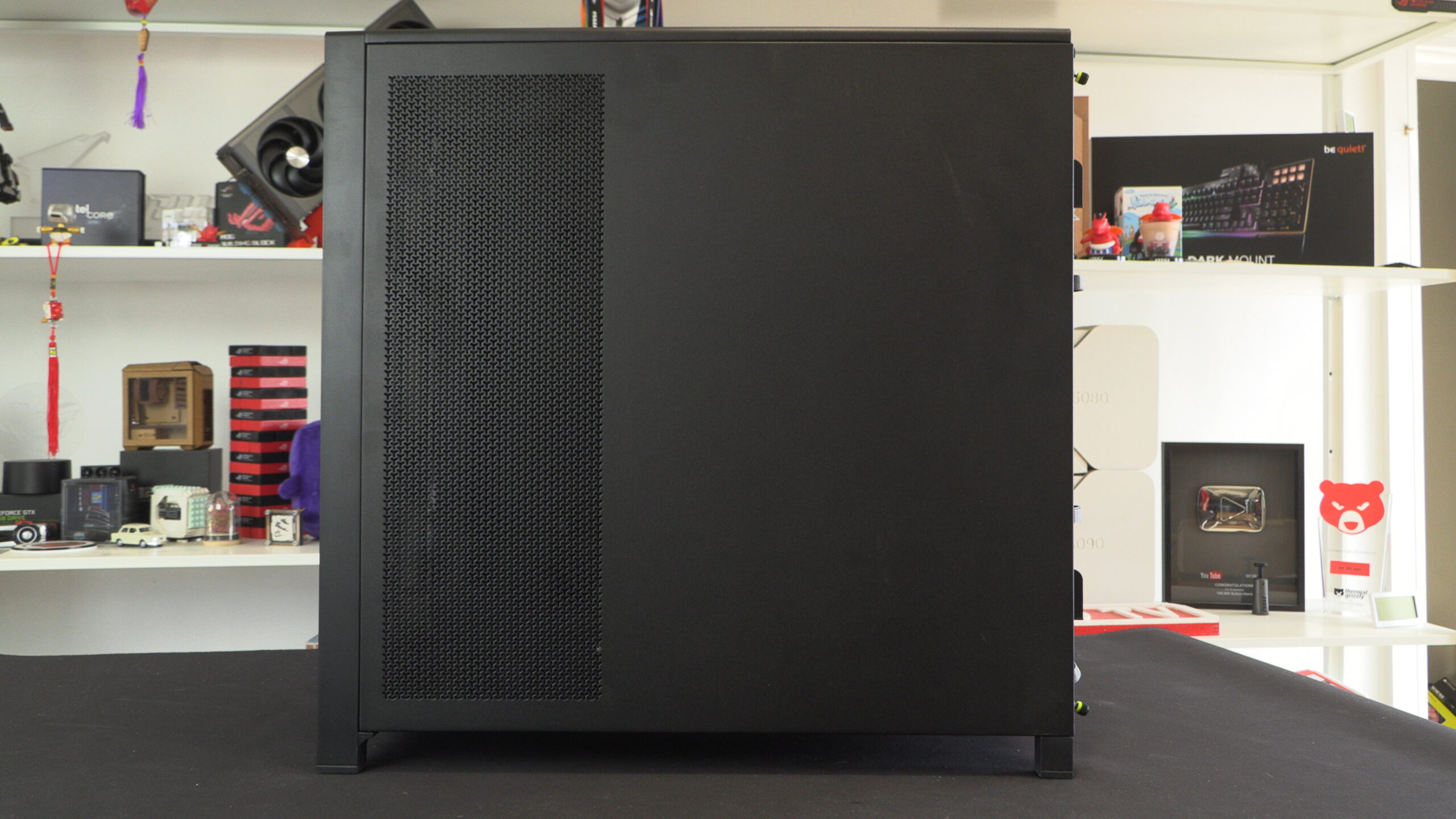
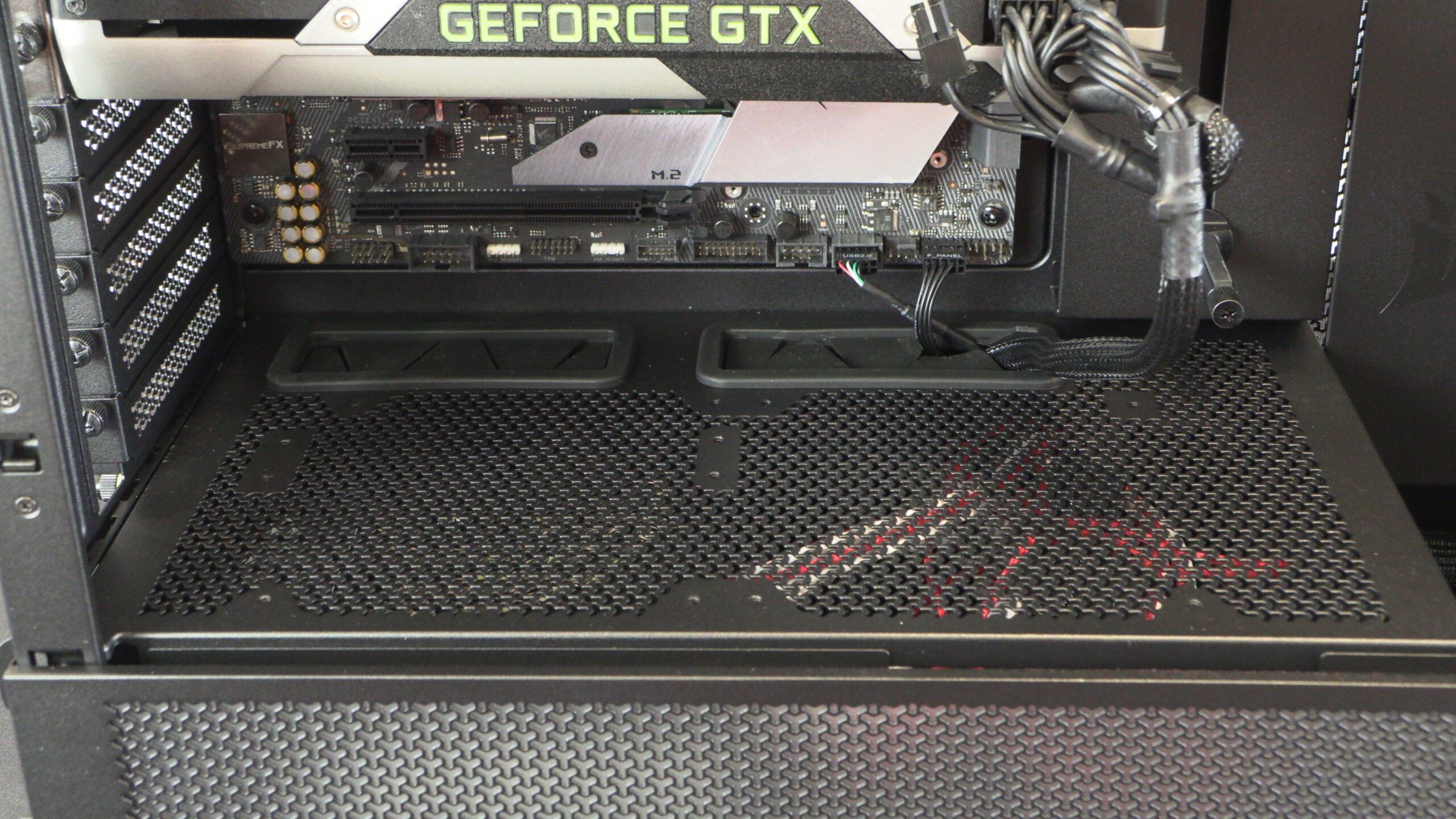
At the bottom of the new 5000D is space for two fans, and the side of the case is perforated to enable additional airflow.
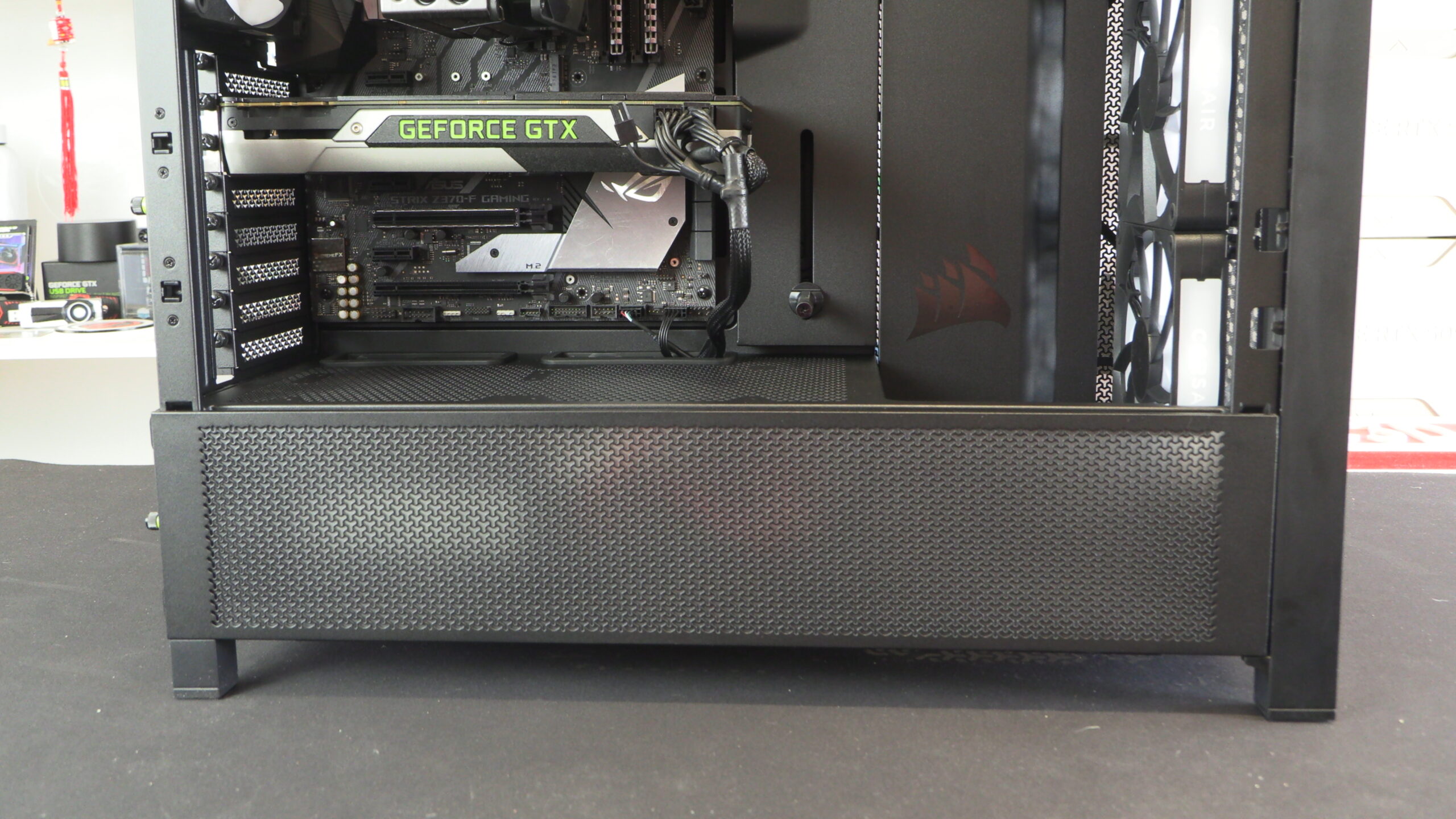
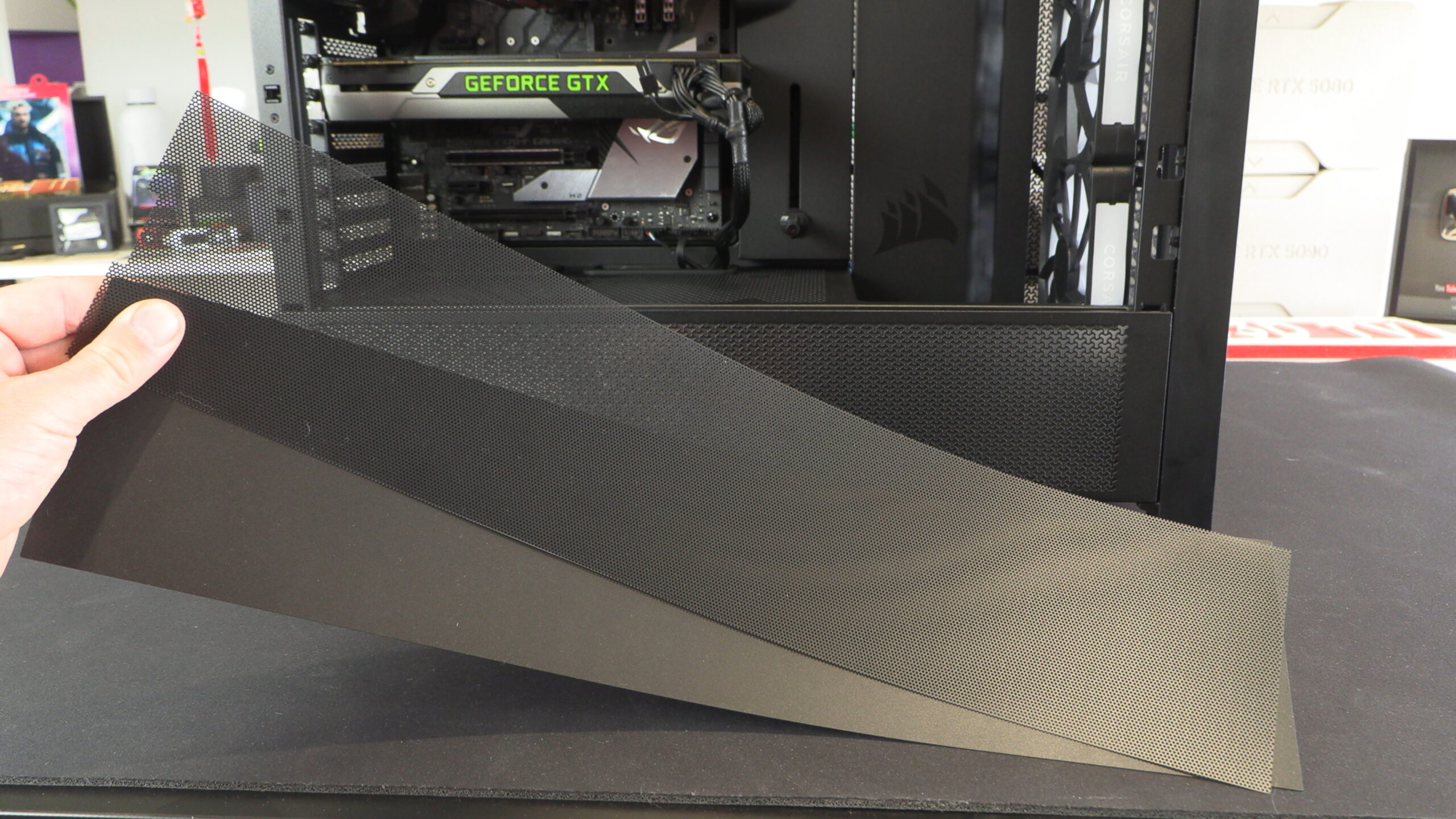
Note that this perforated side has three cover plates. One is perforated and can act as a dust filter, while the other two are solid and are either black or clear. The solid options blanks out this perforated section of the case, preventing airflow. The clear model allows RGB lighting to shine through, while the black option blocks light.
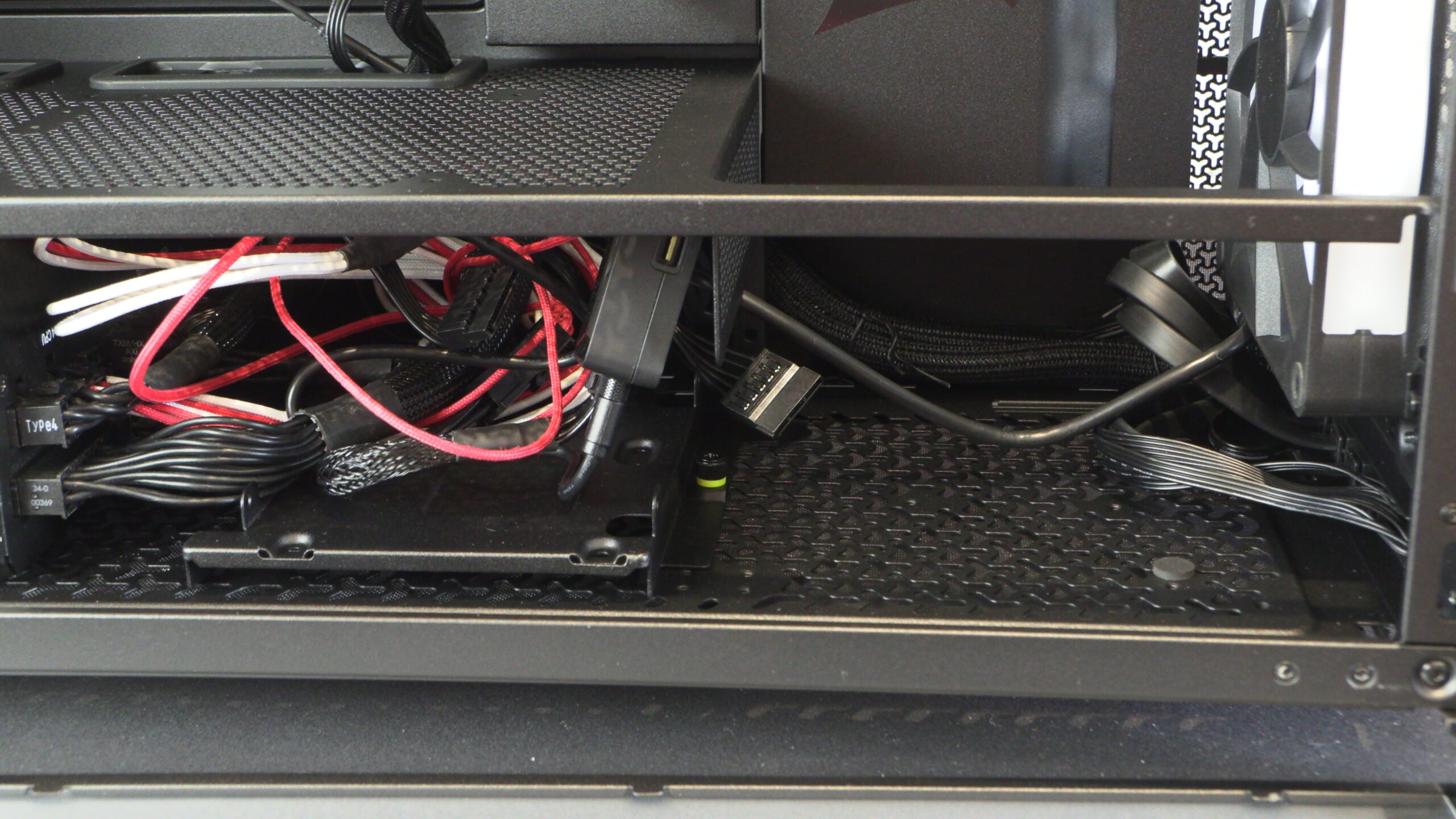
The base of the 5000D can be used to mount storage drive, or extra intake fans. We used it to stash our cables and a fan/RGB controller.
The top of the 5000D’s PSU shroud can be used to install two fans that blow air directly onto your graphics card and other add-on cards. This is a great addition for users of hot-running GPUs.
Tidy cables
The cable hiding plates on Corsair’s new 5000D allow users to create tidy-looking PCs with minimal effort.
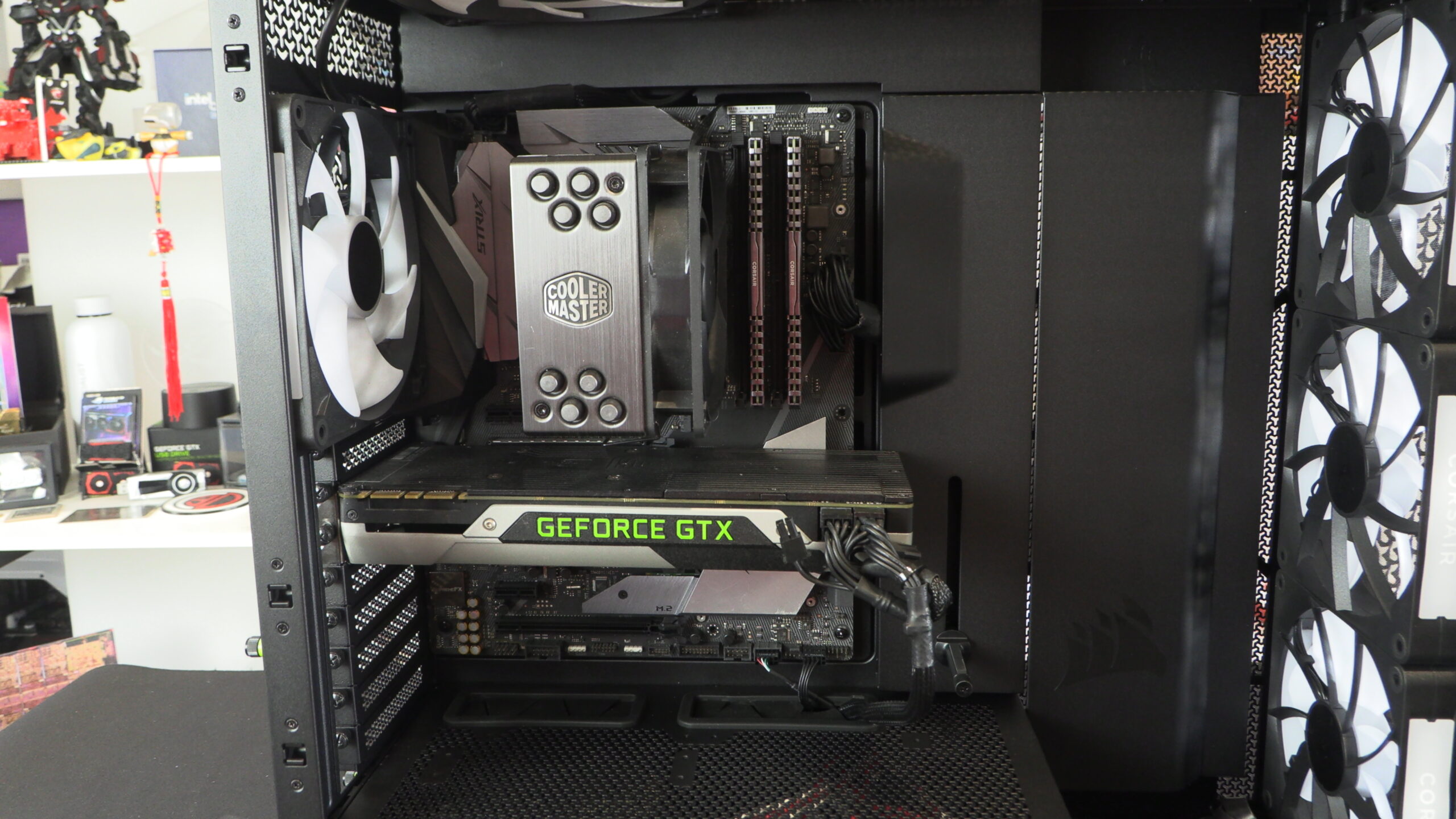
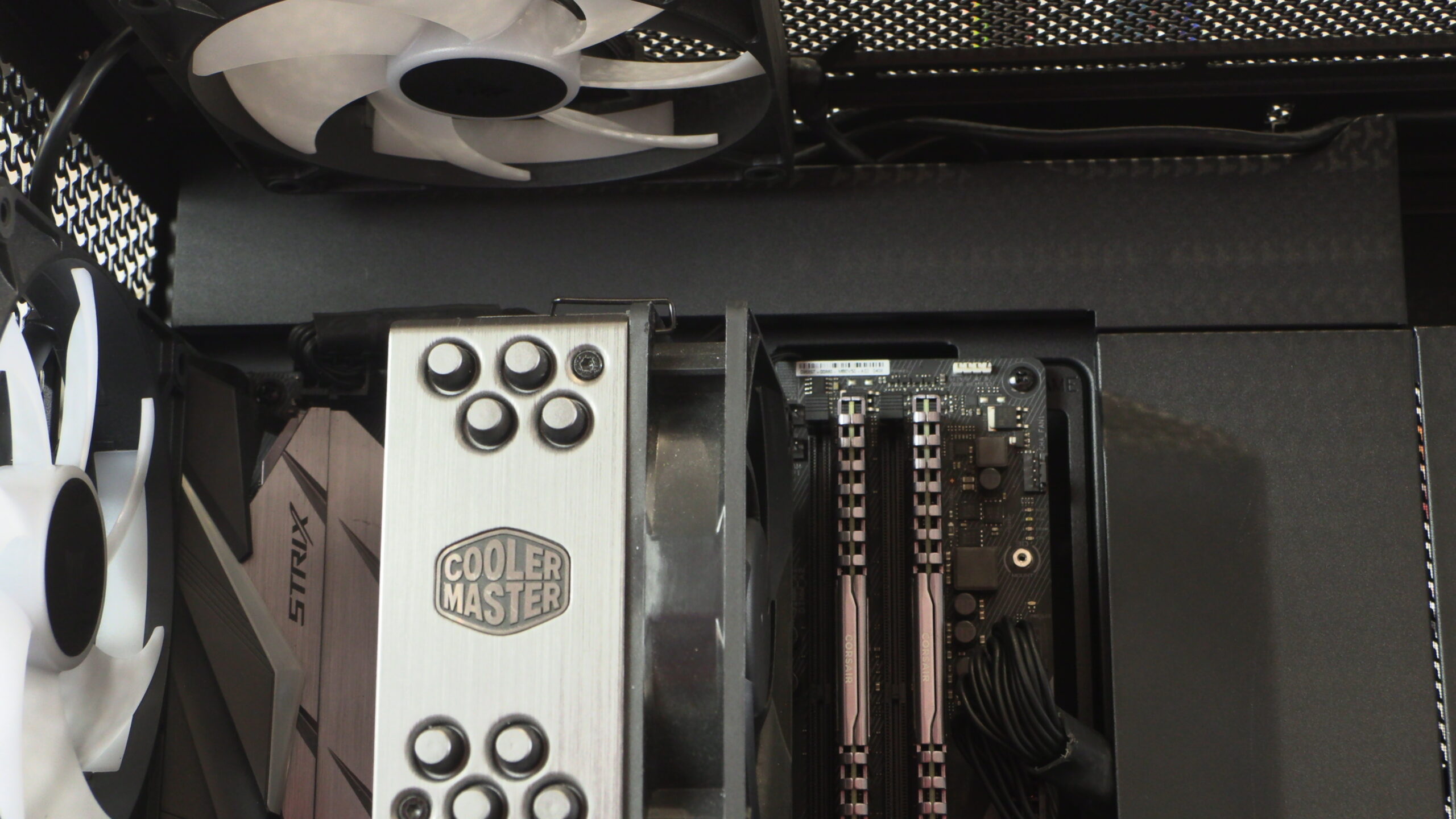
The top of the 5000D has plenty of space for liquid cooling solutions. A standard liquid cooling radiator can be fitted here without any fear of interference with your motherboard or DRAM. The top of the FRAME 5000D supports liquid cooling radiators up to 420mm in size.
Note that Corsair’s 5000D features a GPU support. This support is too short to support our system’s GPU, though it is optimally located to support today’s longer graphics card designs.