MSI MEG CoreLiquid E15 360 CPU Cooler Review

Screen and Software
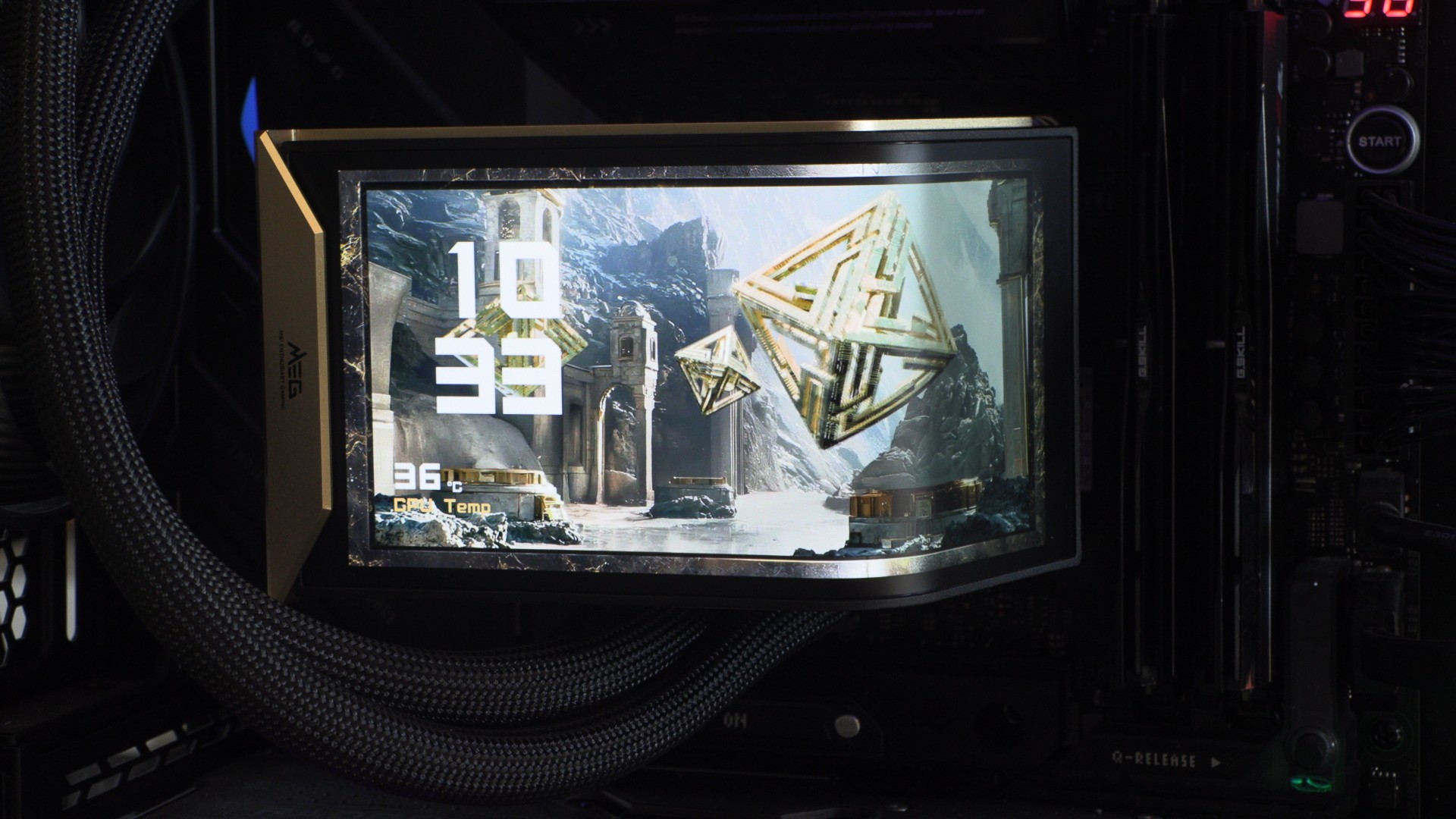
The Screen
MSI’s MEG CoreLiquid E15 ships with a 2K screen that attaches to the cooler using magnets and pogp-pins. This allows this cooler to be installed without its screen. This means users cannot damage their screens during hardware installation, when the screen is most vulnerable.
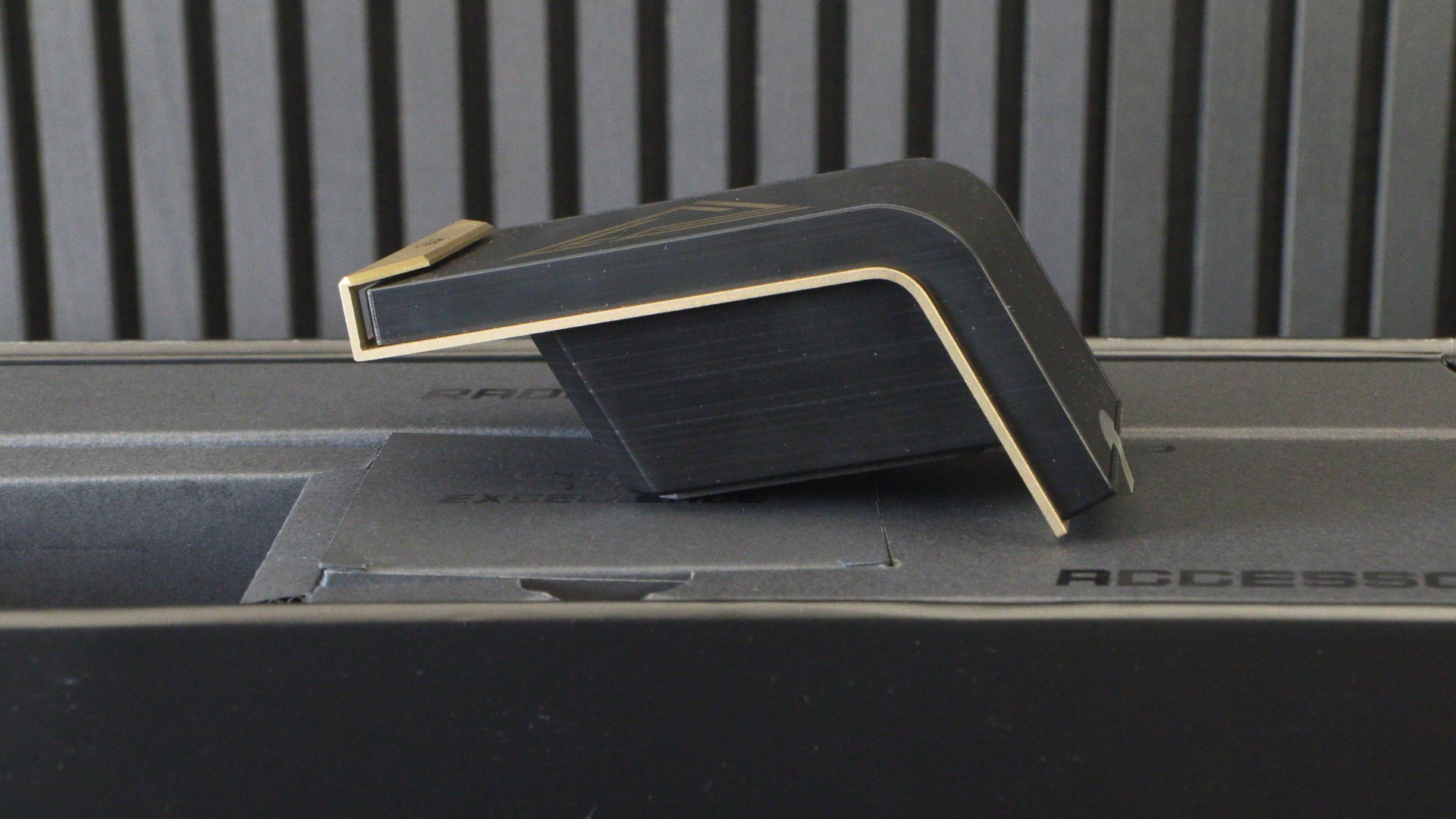
As mentioned before, this screen features a 110-degree curvature. This allows the screen to deliver naked-eye 3D effects and to act as two separate displays, with the bend serving as a dividing line.
As mentioned before, this cooler’s MEG-gold aluminium element adds rigidity to the screen housing and serves as a heatsink, which should help boost screen longevity. This element gives this screen a premium feel. MSI told us they wanted the MEG CoreLiquid E15 to feel well-crafted, and they succeeded.
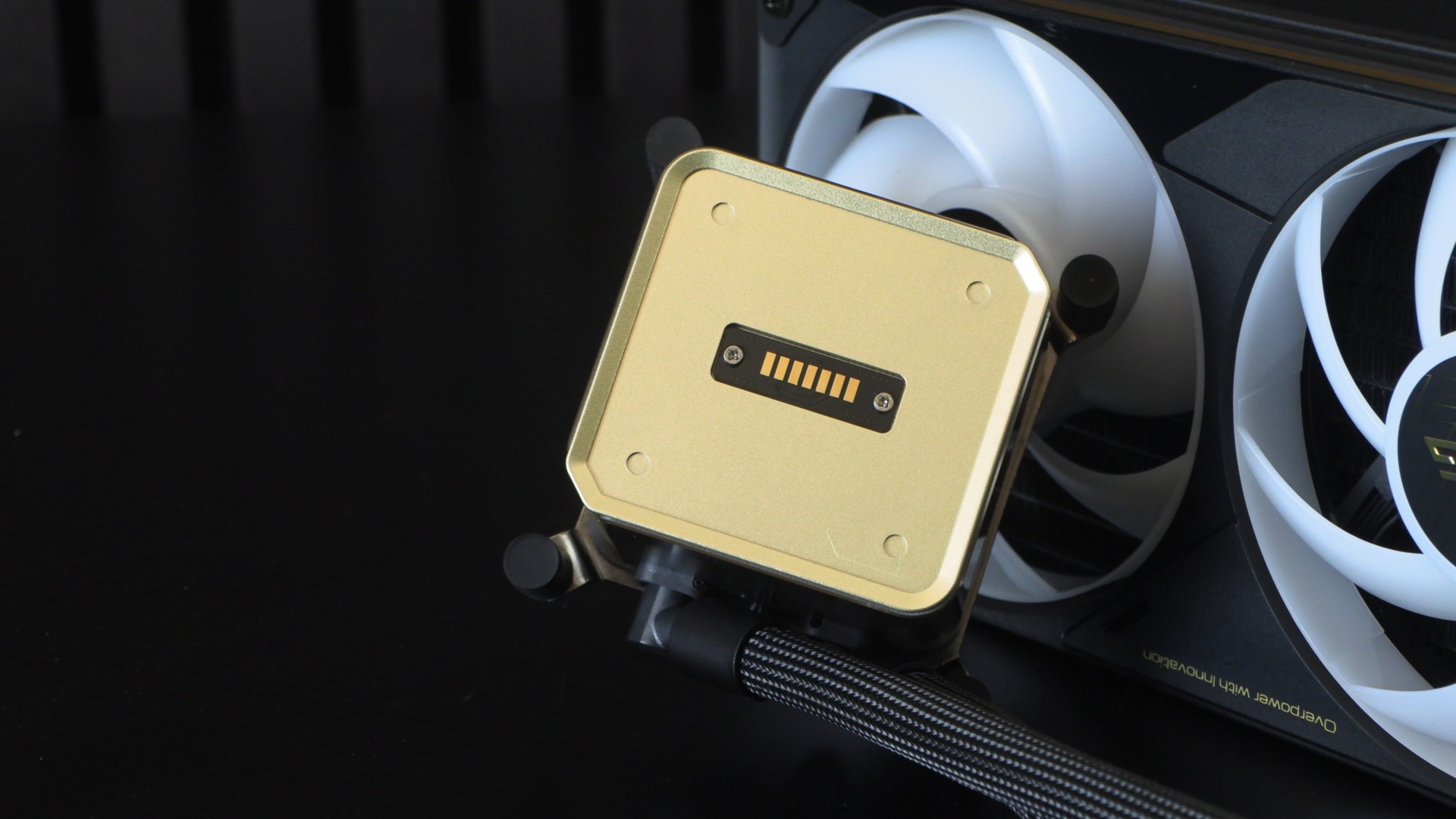
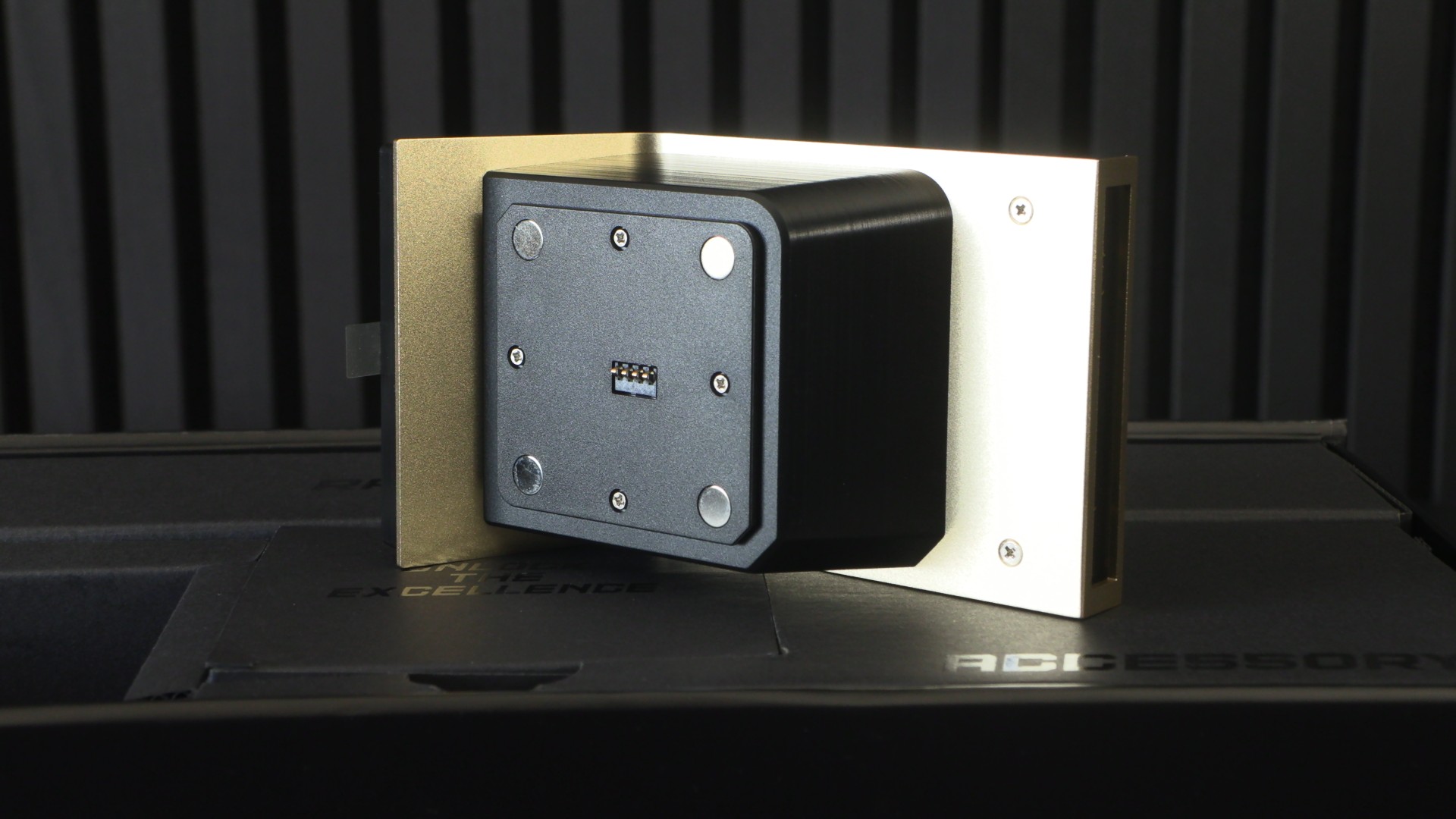
Under the screen we can see MSI’s magnets and pogo pins. These pins provide power and data to the cooler, eliminating the need for other power/data connectors. That means that this screen requires no visible cables to work.
Three Screen Modes
MSI’s MEG CoreLiquid E15 360 has three screen modes. We have “Full Screen Mode,” where the screen acts as a single, controllable display; “Split Screen Mode,” where the screen acts as two separate displays; and “extended mode,” where the screen acts as an extension of your PC’s monitors.
With full-screen and split-screen mode, users can choose to display media and system information. In Full Screen mode, this includes support for naked-eye 3D effects.
Note that MSI’s screen has 16GB of integrated memory, which helps MSI deliver a smoother experience by relying less on your PC’s compute to display content. Media displayed on this cooler must be less than 500 MB.
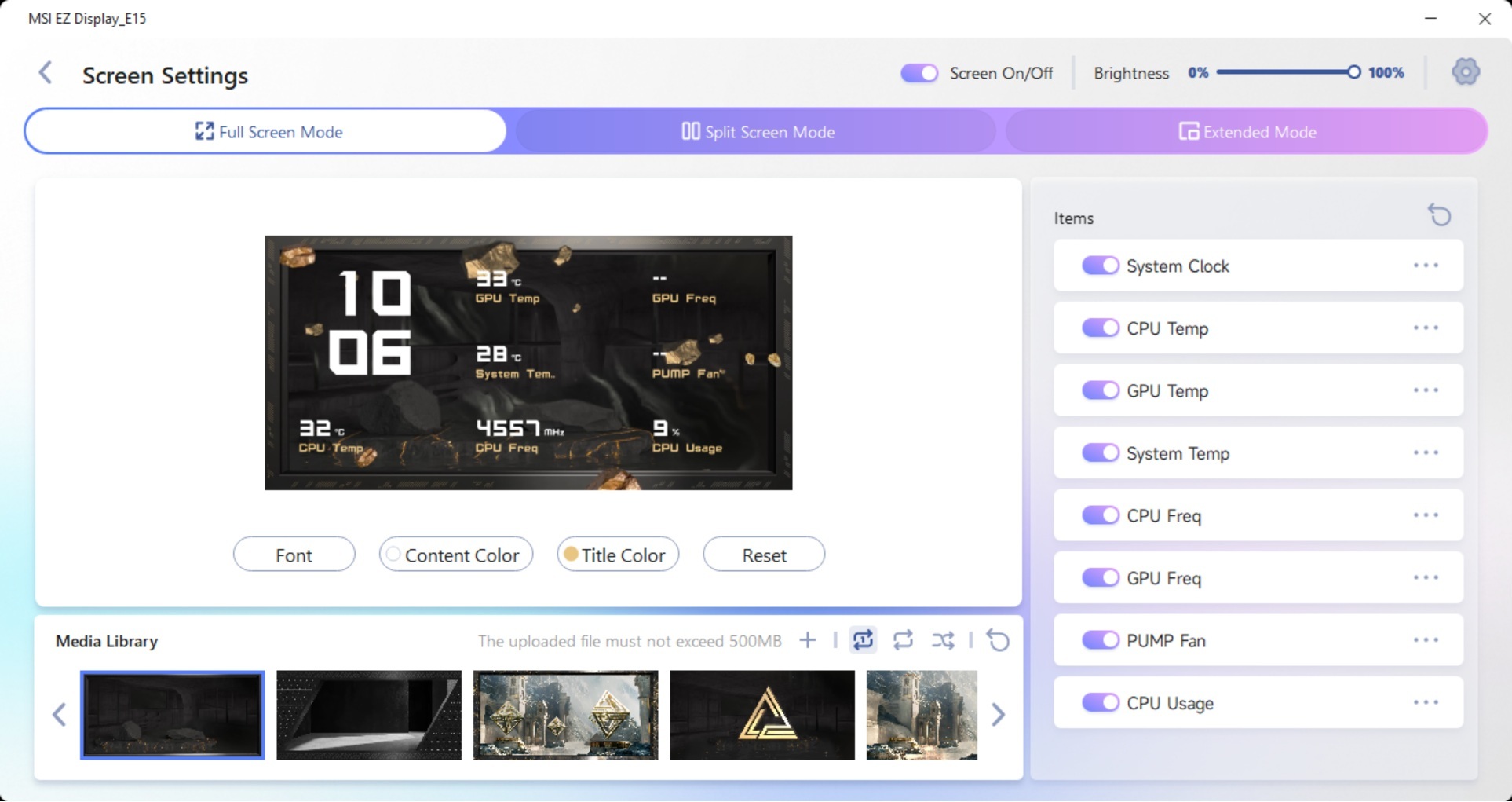
MSI’s app offers some customisation options. Users can choose the content and title colour for their system information displays. They can also choose what system information to showcase. That said, we feel that MSI could do better with their software. Drag-and-drop functionality for moving system information details is a must. As is the ability to resize these details. As it stands, only the system clock can be big. The lack of these features makes MSI’s software feel somewhat limited.
It would also have been nice to see MSI ship this device with a larger stock media library, community design-sharing options, and integration with a GIF-sharing platform for easy access to GIFs. These would go a long way in making this screen software feel more premium.
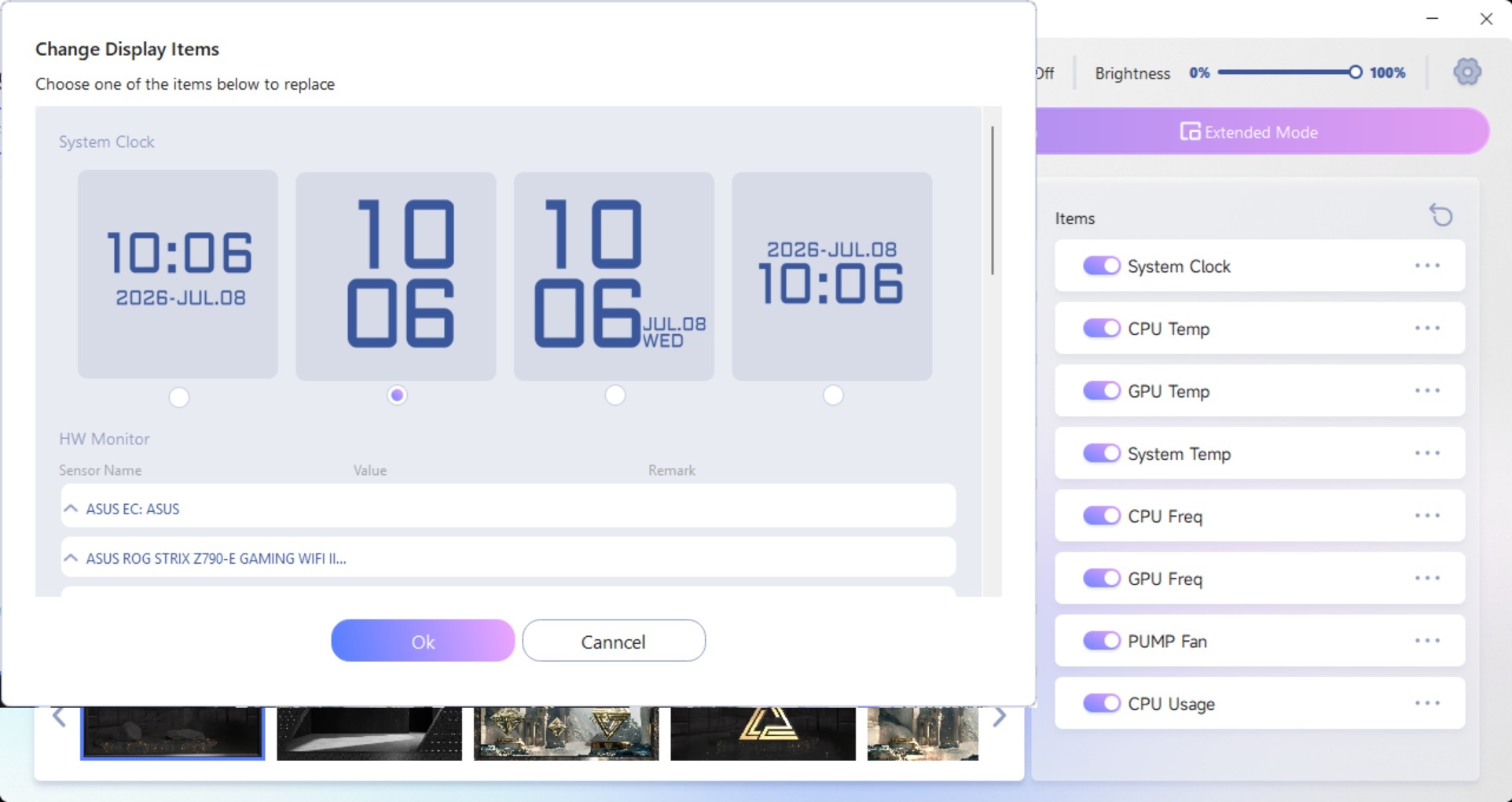
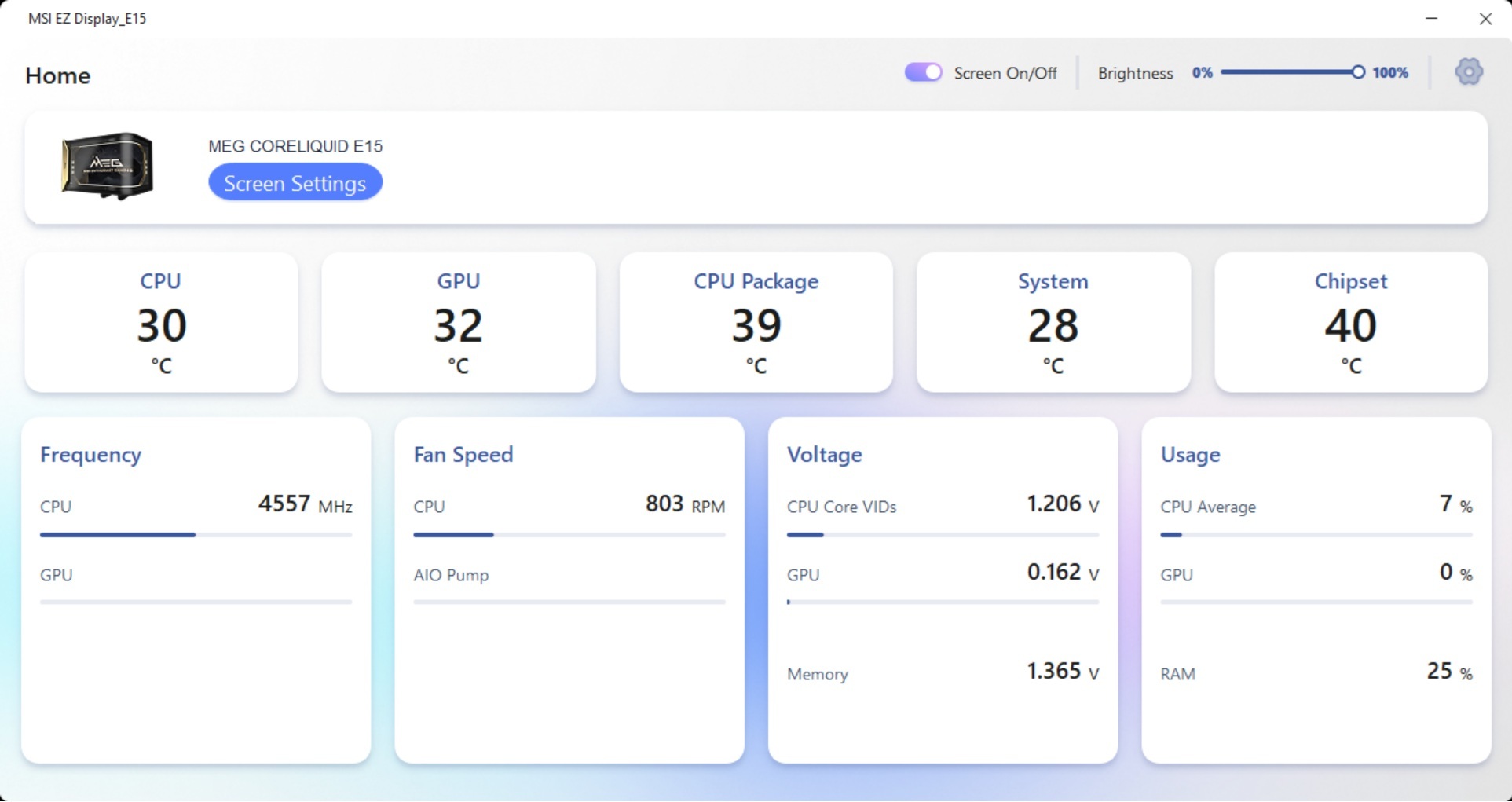
MSI’s EZ Display Home page acts as a PC command center, with detailed system information on display and easy access to thermal control information.