NZXT Performance Fan Series Review

Thermal and Noise Level Testing
Testing NZXT’s new Performance Series fans
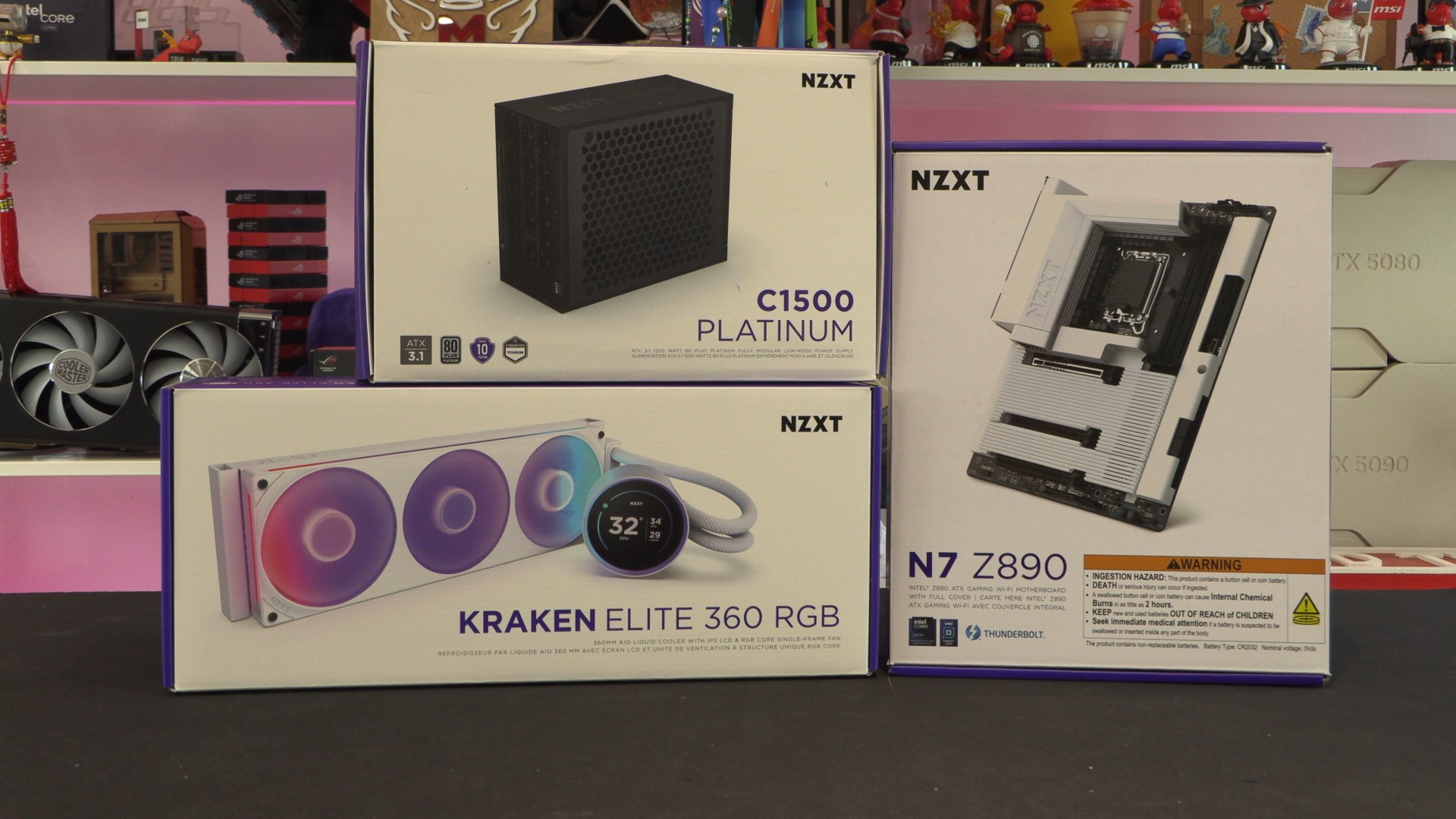
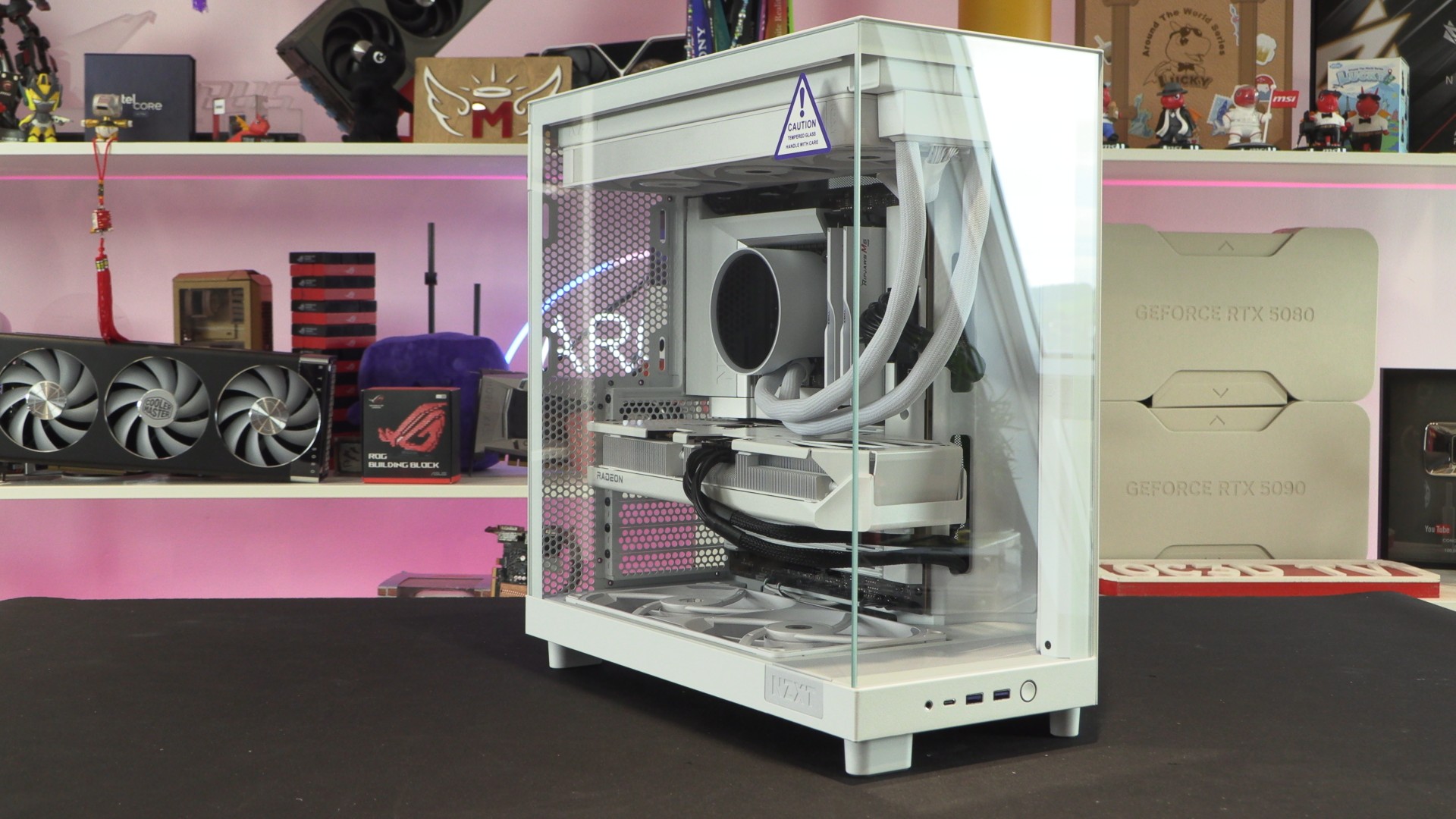
For today’s review, we are directly comparing NZXT’s new RGB Core and Performance series fans. We have built an all-NZXT system with a Powercolor RX 9070 XT Hellhound white graphics card. This system uses NZXT’s H6 Flow PC case (review here) and other NZXT components. Specifications for our test system are available below.
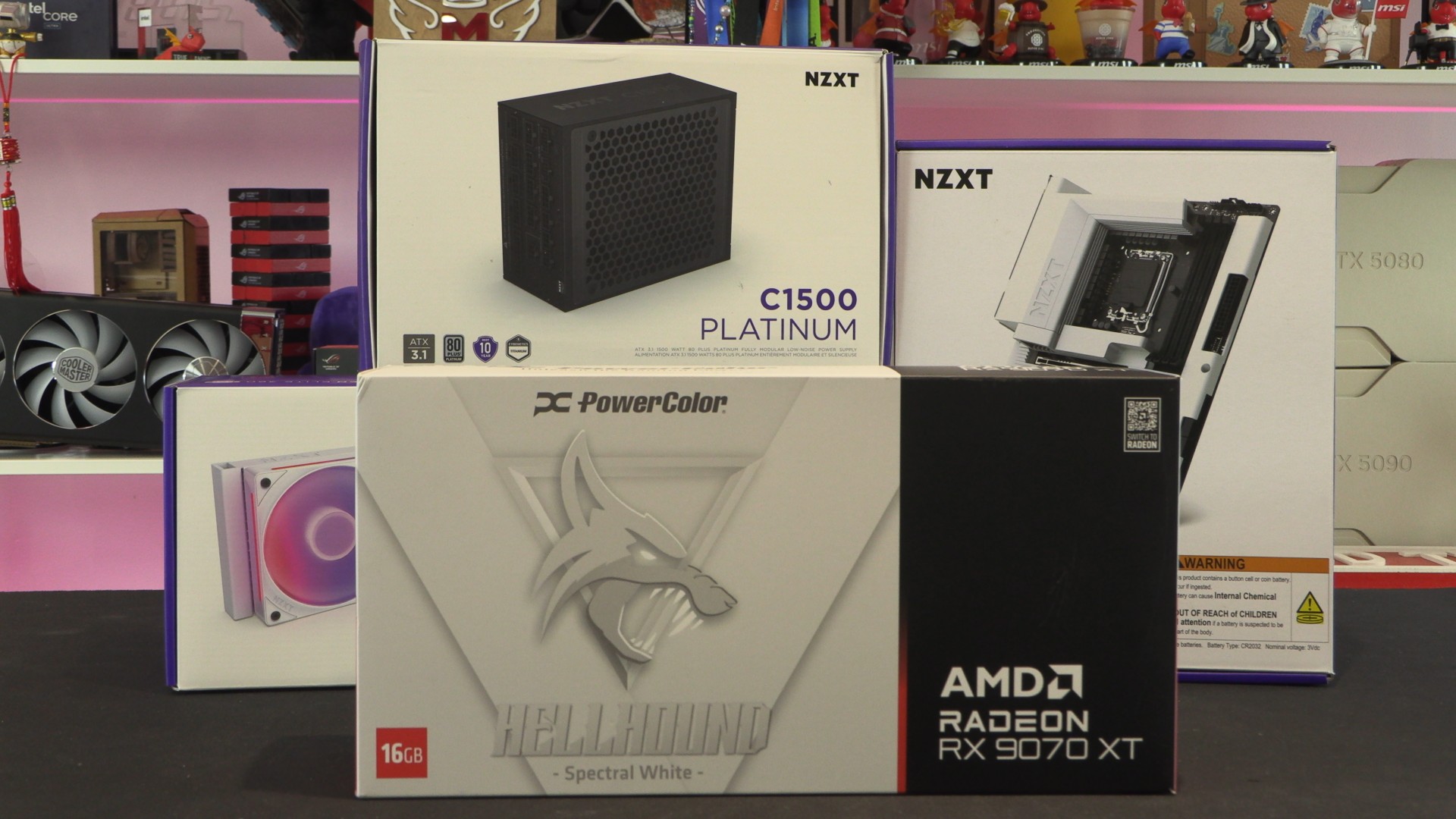
For our performance numbers, we are only changing NZXT’s fans from their Core RGB models to their new Performance variants. This will enable us to assess the impact of NZXT’s improved fans. Note that we have set our GPU to a fixed fan speed of 30% to ensure that only NZXT’s fans can alter its load thermals.
Test System Specifications
- CPU – Intel Core Ultra 9 285K
- Case – NZXT H6 Flow
- CPU Cooler – NZXT Kraken Elite 360
- Motherboard – NZXT N7 Z890
- GPU – PowerColor Radeon RX 9070 XT Hellhound White (Fan speeds fixed to 30%)
- PSU – NZXT C1500 PLATINUM
- Fans – NZXT Core RGB Series or NZXT Performance Series
Methodology
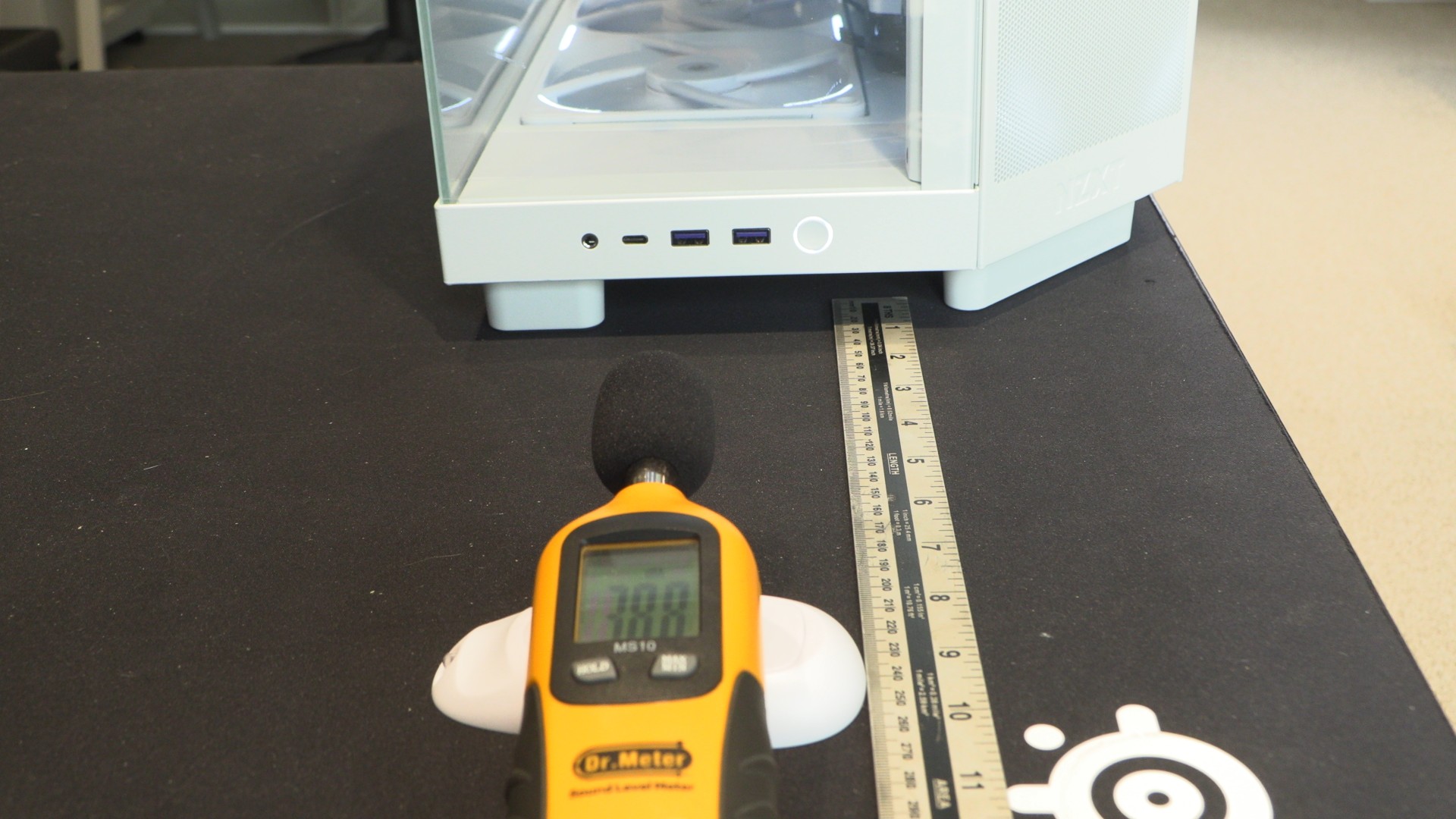
For noise testing, we are using a standard noise meter at a fixed distance away from our test PC. All other PCs were turned off during our test to minimise ambient noise, and we even held our breath during measurements to help minimise variation. Despite this effort, the lowest noise levels we achieved in our space were 38.8 dB. While not exceptionally low, this highlights the difficulty of achieving low ambient noise levels in a home office environment.
Thermal Testing
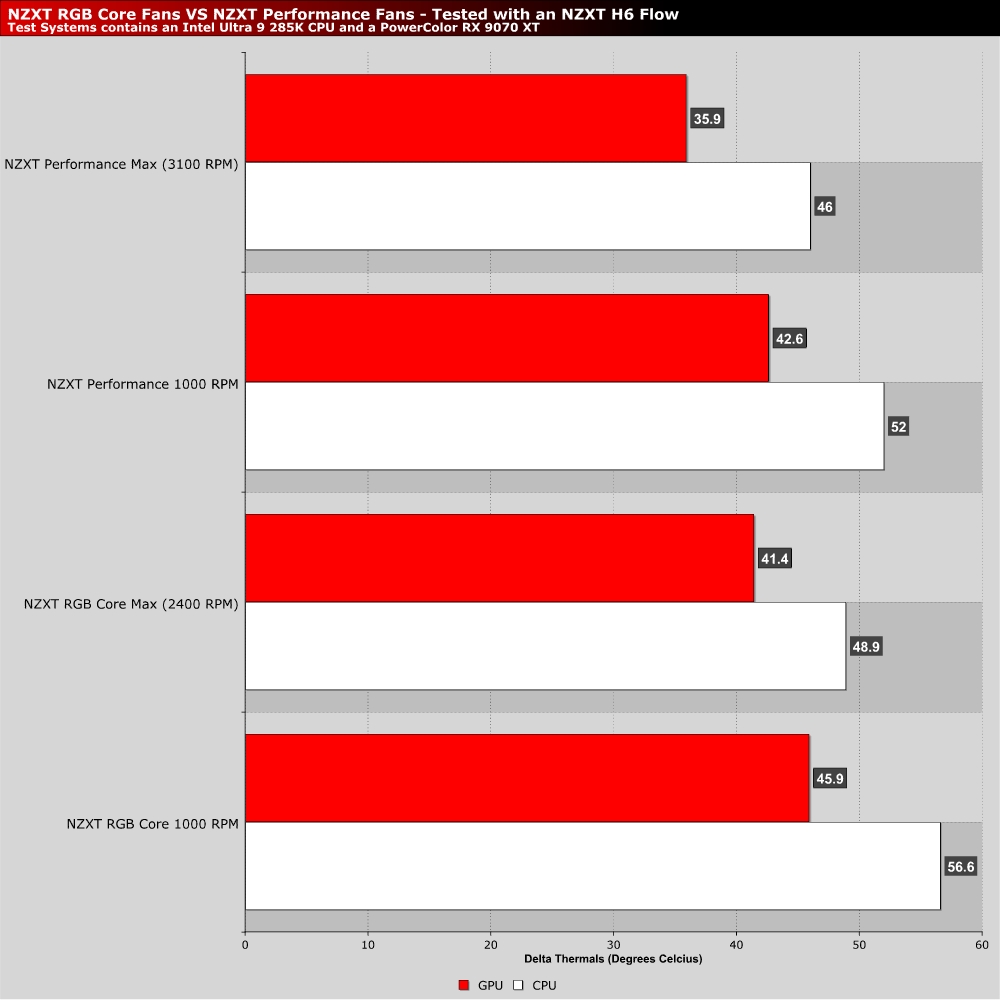
Honestly, I’m quite impressed with NZXT’s new Performance series fans. When all fans are set to 1000 RPM, they deliver similar thermals to their Core RGB counterparts running at their maximum speeds. At their maximum speeds, they deliver significantly lower thermals, which is to be expected given their higher RPM values. That said, it’s the performance at low RPMs that impresses us. After all, most PC gamers want a quiet PC beside them, not a jet engine.
With strong low-RPM fan performance, NZXT’s new Performance series fans can deliver stronger thermal results without being noisy. That’s good news for PC builders who want their systems to be cool and quiet.
Noise level testing
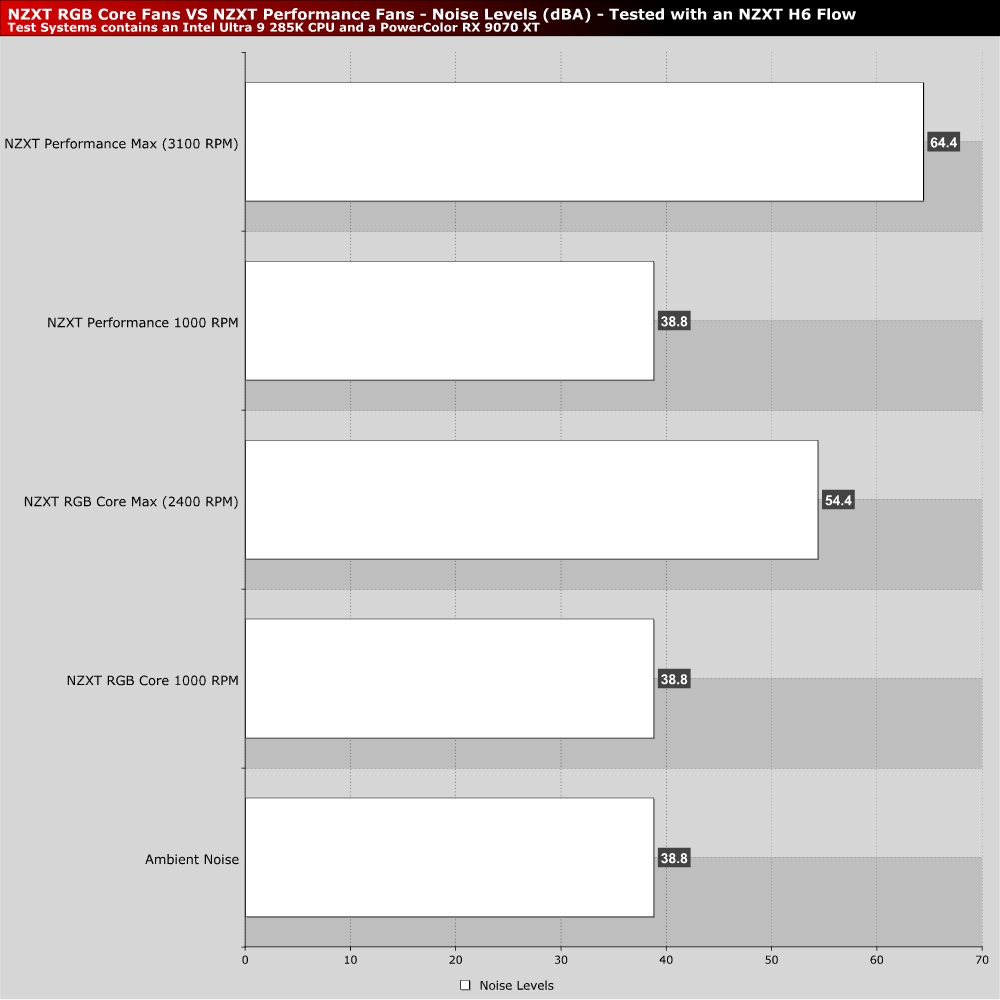
Sadly, our noise level testing is limited by the quietness of our space. We don’t have a dedicated “quiet room” here at OC3D. That means that we have to make do with our ambient noise level of 38.8 dBA. At 1,000 RPM, NZXT’s Performance and RGB Core fans are quiet. They didn’t increase the noise level in our room. These fans only had an impact on our noise detector at higher RPMs.
With max speeds of 2400 RPM for the RGB Core fans, they are loud. These fans hit 54.4 dBA on our detector. With maximum speeds of 3,100 RPM, NZXT’s new performance fans were even louder, reaching 64.4 dBA. Note that all fans in our system were pushed to their maximum RPMs; altogether, that’s eight fan blades spinning at crazy speeds.
While these fans can spin at these absurdly high RPM values, I wouldn’t recommend these speeds for 24/7 use. If you want a quiet system, you need to lower your fan speeds. Thankfully, NZXT’s new performance fans will be able to maximise your system’s airflow and cooling performance at these speeds.