ASUS Prime X670E-Pro WiFi Review

Up Close
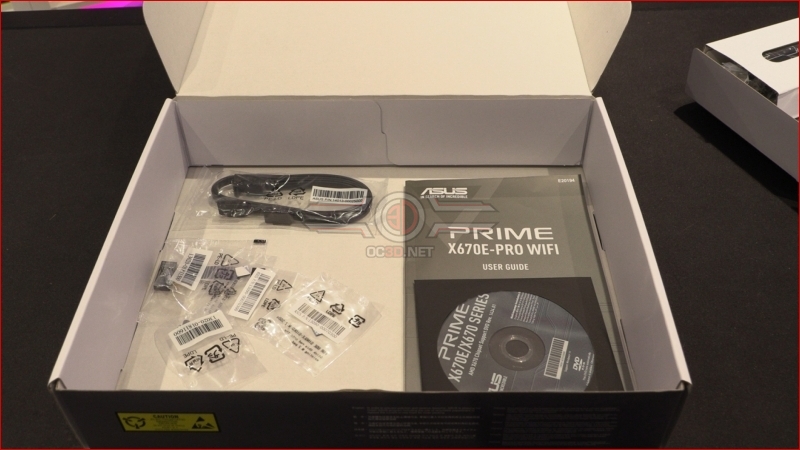
As always with motherboards that aren’t at the peak of the price bracket, there are a few areas where you can almost guesstimate how much it costs just by looking at it. The included accessories, IO backplate and SATA port designs are the three key places that give things away. The Prime, whilst not bereft of accessories, has nothing like the selection we’ve seen from the ROG ones. Then again, do you want to pay an extra fifty quid for a sticker sheet and some cables for niche features you’ll never use?
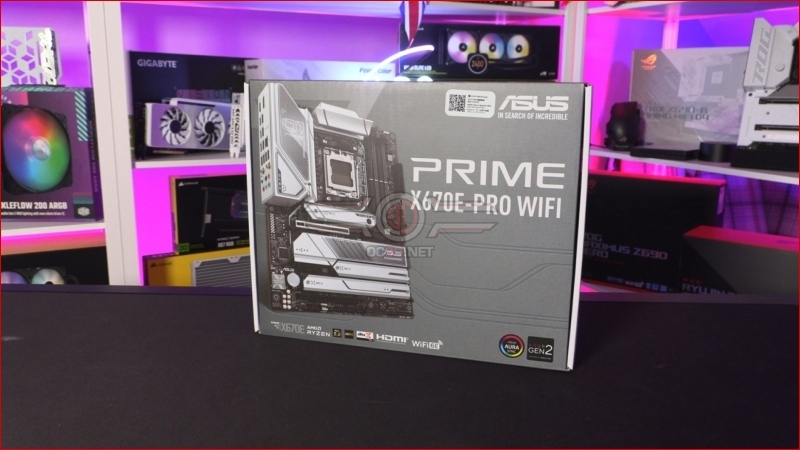
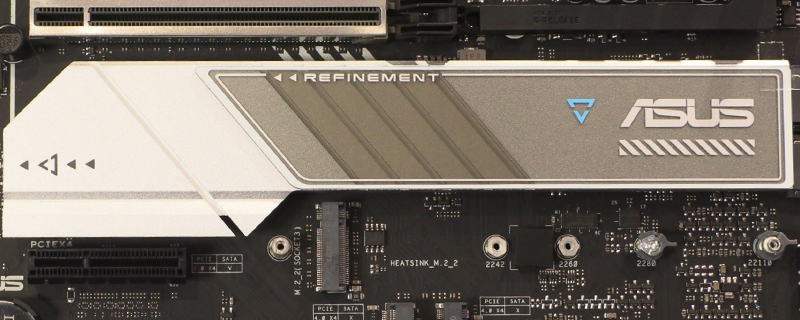
Another example of how the Prime has evolved in recent years. Instead of committing fully to an all white motherboard, or even the full cover white heat spreaders we’ve seen before, the X670E is a little more silver, a little less covered. How much this bothers you is a matter of personal taste.
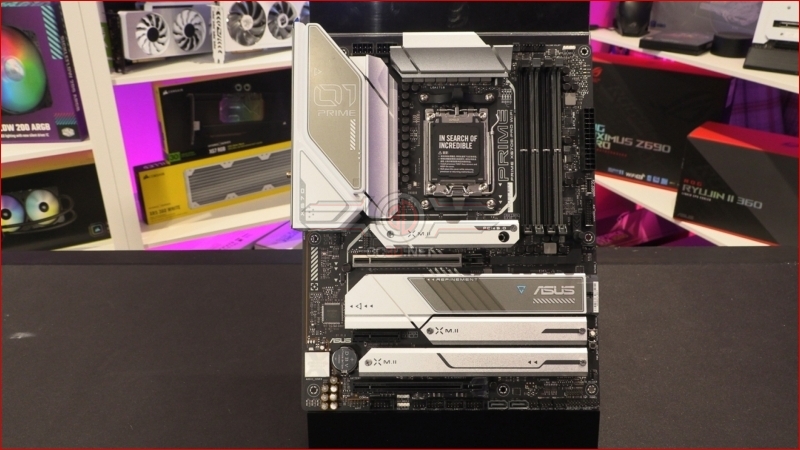
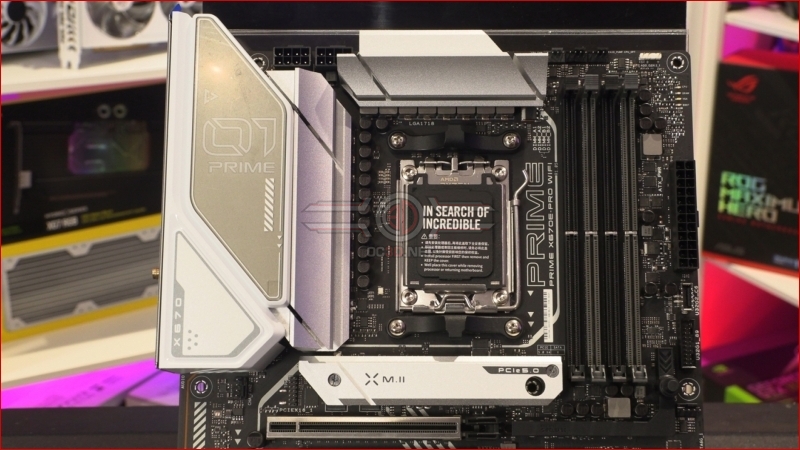
The VRM heatsinks are fairly simple in their design. Just a couple of slashes to increase the surface area of some otherwise nondescript chunks of metal. Thankfully the ampage rating of the power stages below them are on the lower end so shouldn’t place too much of a thermal load through the system.
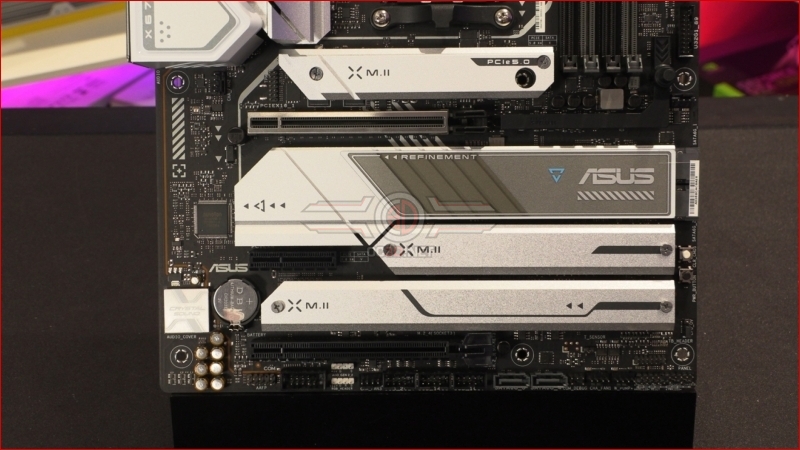
The cost and speed of M.2s is now utterly undeniable and even the most miserly user should ensure that their OS drive at minimum is running on an M.2. With four M.2 slots spread over a single PCIe 5.0, two PCIe 4.0 and a single PCIe 3.0 should cover all your storage needs.
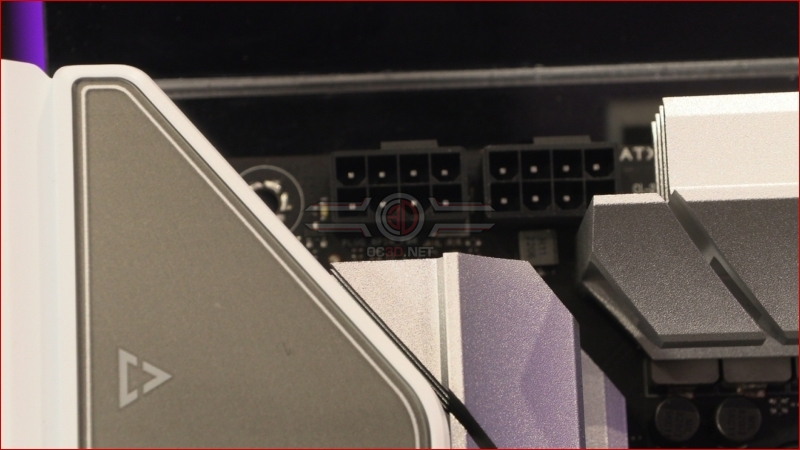
As always the 12V CPU power inputs – here in 8+8 form – are tucked in to a corner. Not having the two VRM heatsinks tied together by a heatpipe is a bold choice.
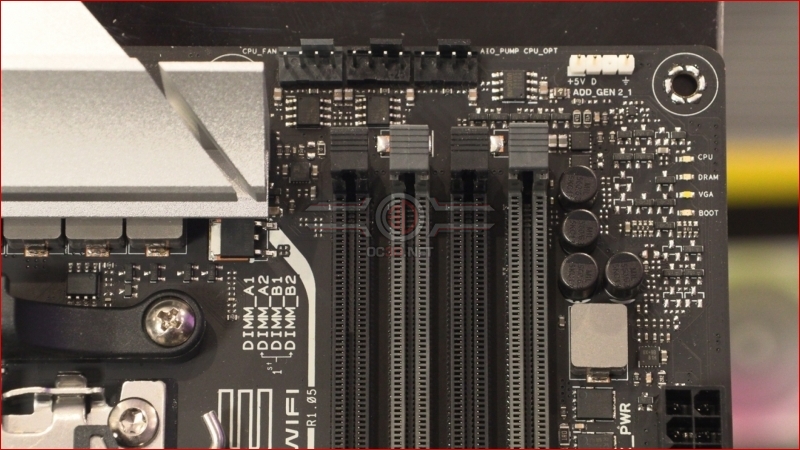
In the top right corner we have the ASUS QLED diagnostic system in lieu of a full 7 segment display. There is the popular AIO + 2 fan CPU cooling headers, although we note only a single ARGB up here instead of the usual ASUS RGB + ARGB pairing.
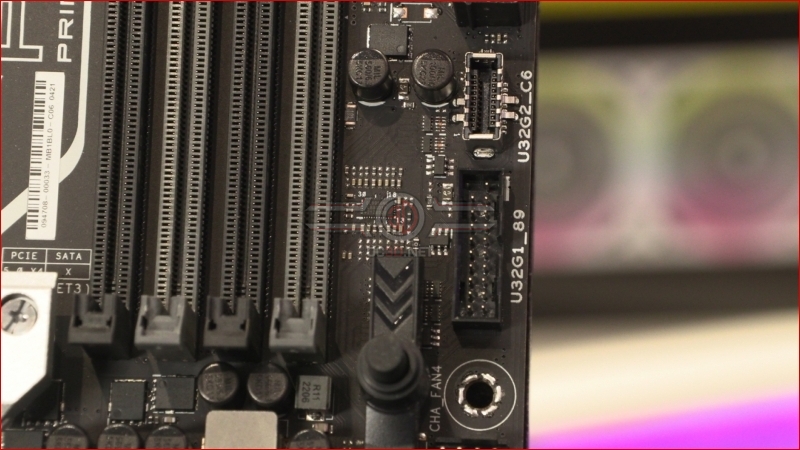
Front panel USB is available in both Type-C and Type-A options, covering you regardless of your chassis choice. Grab a drink and let’s move on to the rest of the Prime on the next page.