ASUS Prime X670E-Pro WiFi Review

In Detail
Next to the fan header is the recent addition to the ASUS design philosophy, the Q Release for the PCI Express cards. No longer do you need to push a lollypop stick next to your GPU to unlatch it, but instead you just push this handy, uncovered button and it releases the card. Small, but extremely handy.
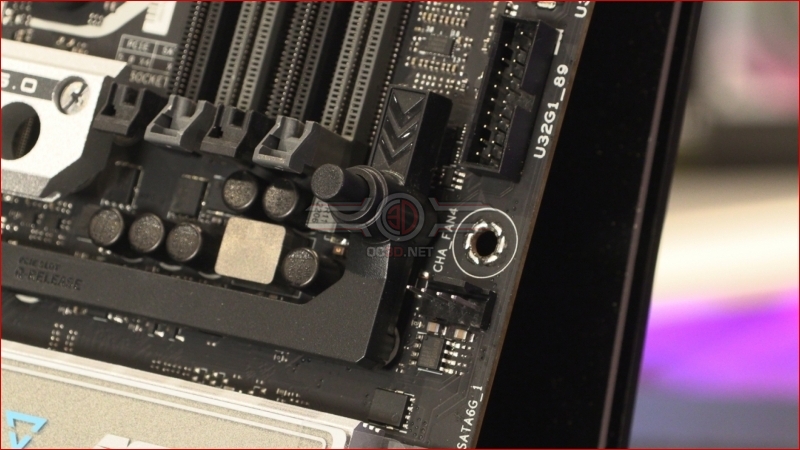
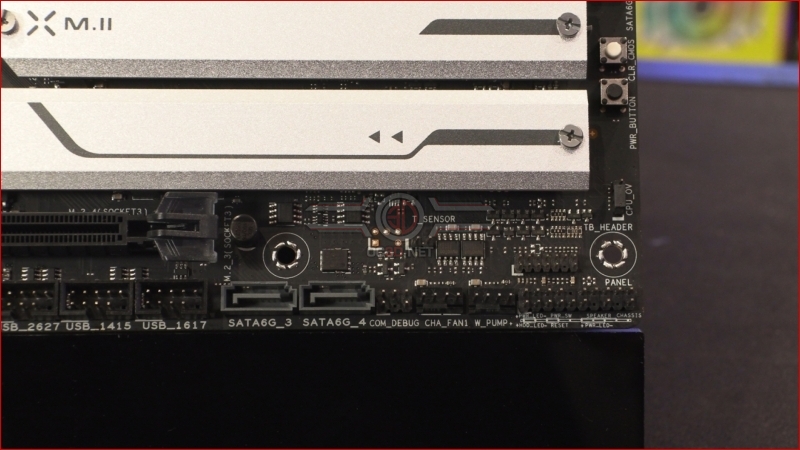
We said earlier how you can get a feel for the price point of a motherboard by looking at the SATA slots, and the Prime Pro is no exception. Two horizontally mounted ones here on the side are matched up with two we’ll show you in a moment.
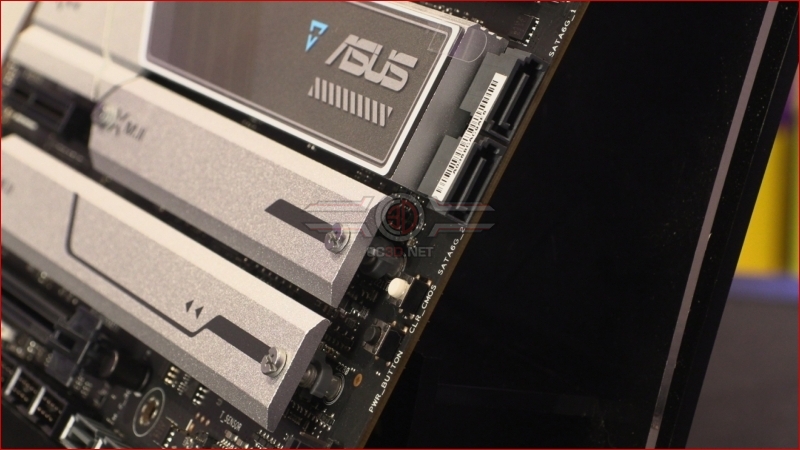
The other two are here. Vertical SATA ports. The sign of a motherboard designed to a price point if ever there was one. We’re not being dismissive of the Prime for this, just pointing out how it’s a universal truth that vertical SATA ports aren’t found on high end (price wise) motherboards. Onboard CMOS clear and power button are perfect for those initial boot tests, whilst another pair of fan headers down the bottom help keep your fan cables tidy.
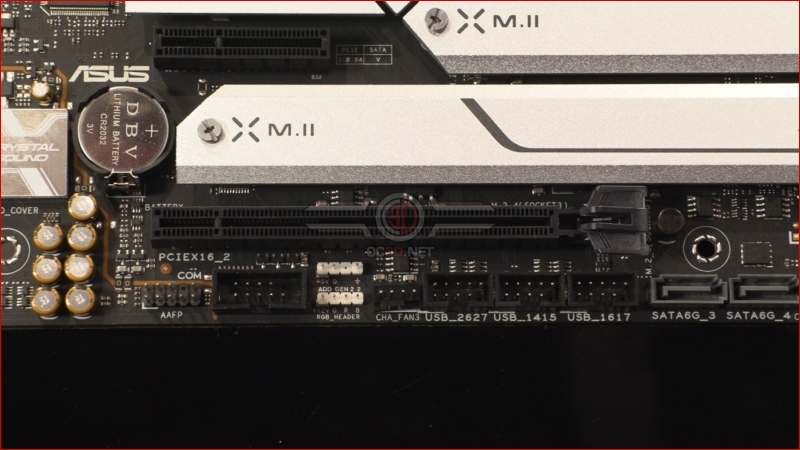
Three USB 2.0 headers are a common sight now as more and more AIO coolers and their ilk utilise them for RGB control. Squeezed between them and the RGB+ARGB AURA headers is yet another fan header. Lovely.
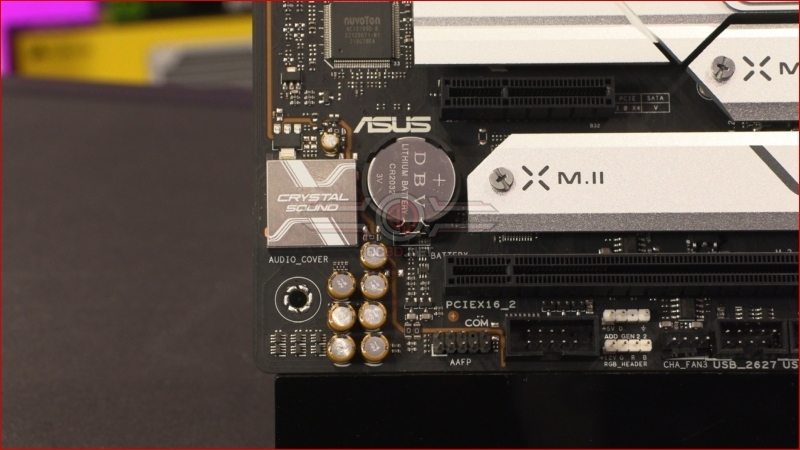
The audio is handled by the Realtek S1220A 7.1 CODEC, a popular audio choice.
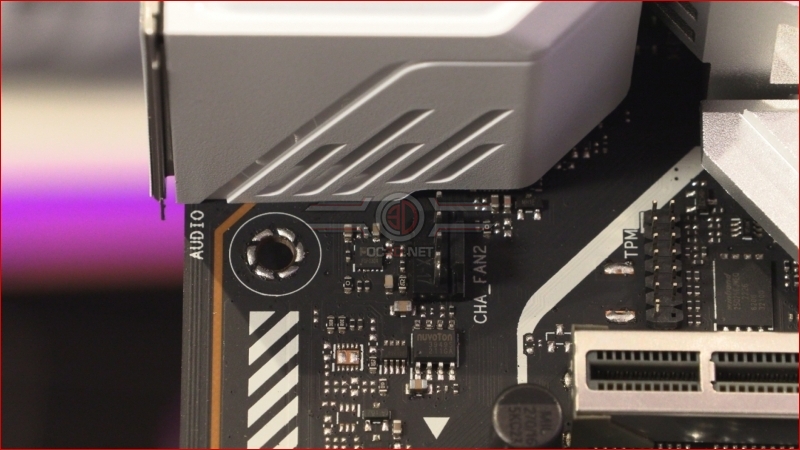
The last fan header is just below the IO section, a perfect spot for your exhaust fan.
The ASUS Prime X670E-Pro WiFi has a 14+2 70A Power Stage. With the high speed, high core Ryzen 9 requiring a fair bit of juice it will be interesting to see whether the Prime can maximise their performance and, if it can, why the ROG models use the more expensive 105A ones. We’ll find out in a couple of pages time.

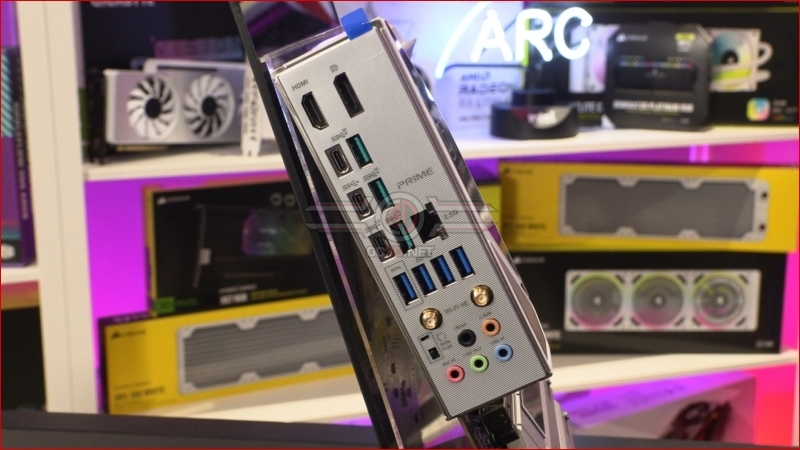
Lastly around the back there is a whole host of USB 3.2 ports in various combinations of Gen1 and Gen2, as well as Type-A and Type-C. Should you require display options there are both DisplayPort and HDMI. Networking is the now popular combo of 2.5G LAN and Intel WiFi 6E.