


Gigabye GA-X79-UD5 Preview

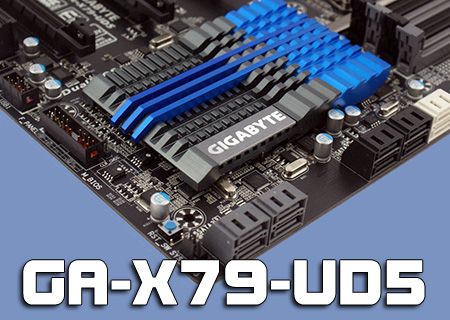
In Detail
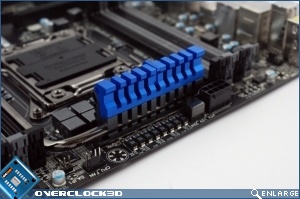
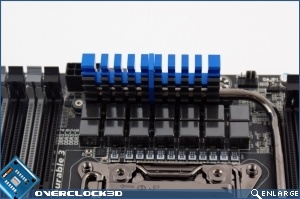
Above the CPU socket is the Gigabyte 3D Power. This is a Digital Power controller which, as the name implies, has three parts to it. One of the bank of DIMM sockets on the left, another for the DIMM slots on the right, and finally one to control the CPU power. This also includes vDroop protection for the Memory, something we normally see only applied to the CPU.
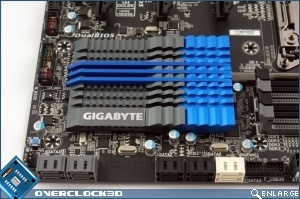
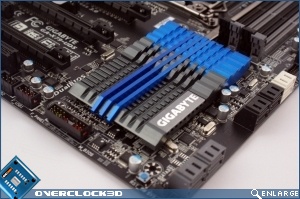
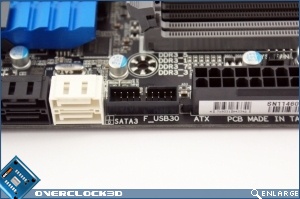
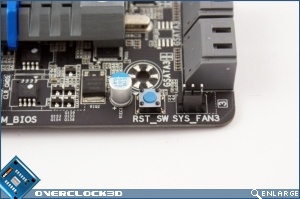
Placement of your headers is something that can make a big difference when trying to cable your system in a tidy fashion, so it’s nice to see the front-panel USB 3.0 expansion places on the right hand edge of the UD5. Equally the placing of a fan header right at the corner is perfect for the now ubiquitous front intake fan on your case. It is odd to see the Reset Switch located right down here instead of up with the Power Switch though.
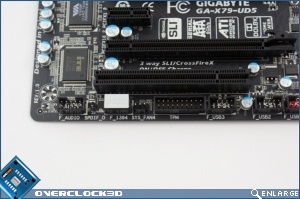
Almost the antithesis of the above design choice, the front panel audio is as far from the front of your case as possible, although this absolutely isn’t a Gigabyte only thing, as every motherboard does this.
Keep an eye on our front-page for a full review of the X79-UD5 shortly. Until then, let us know what you think in our forums.
