


ASUS ROG Strix SLC IV 360 ARGB LCD CPU Cooler Review

Meet the ROG Strix SLC IV 360 ARGB
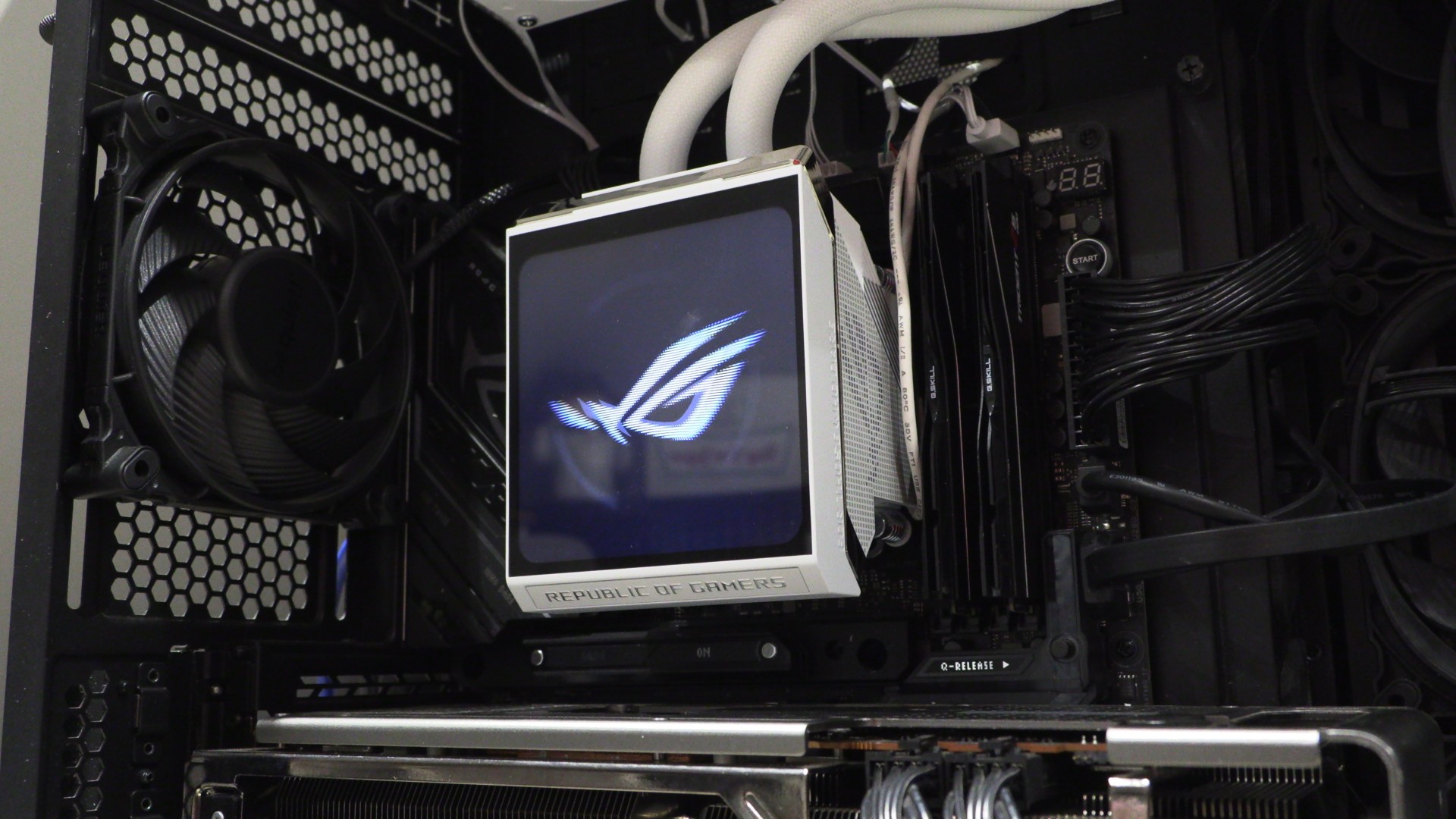
Now that’s a nice-looking CPU cooler!
ASUS has sent us their ROG Strix SLC IV360 ARGB LCD liquid cooler, and it has some exciting new additions. With its SLC variant, this cooler features shorter tubing, minimising the visual impact of the tubing inside a system. It also features ASUS’ “cable-free” AIO Q-Connector system, which eliminates the need for AIO power/data cables when used with compatible motherboards. Add on this unit’s 5.08-inch LCD screen, and you get something that looks fantastic.
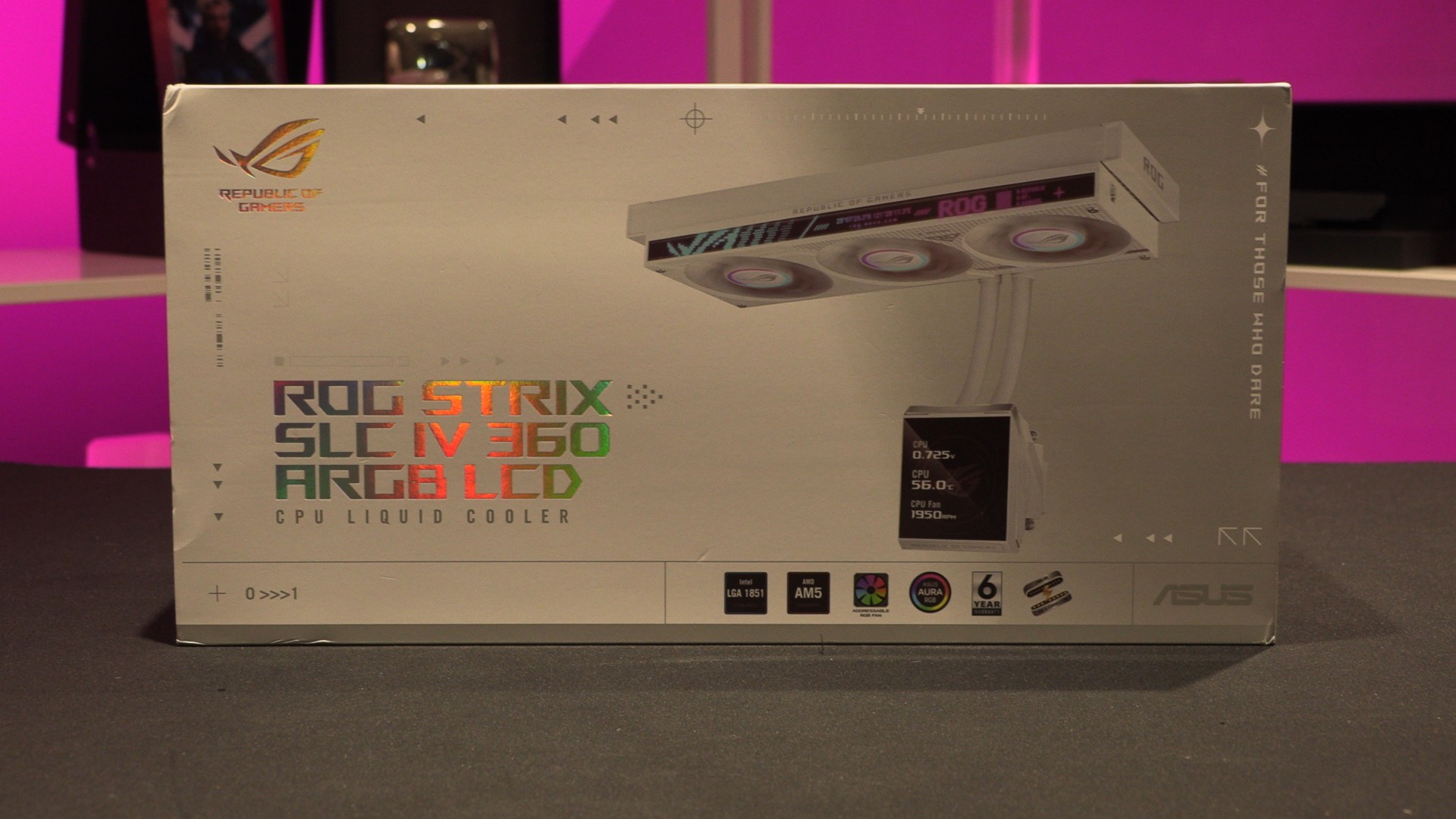
Cable-free liquid cooling?
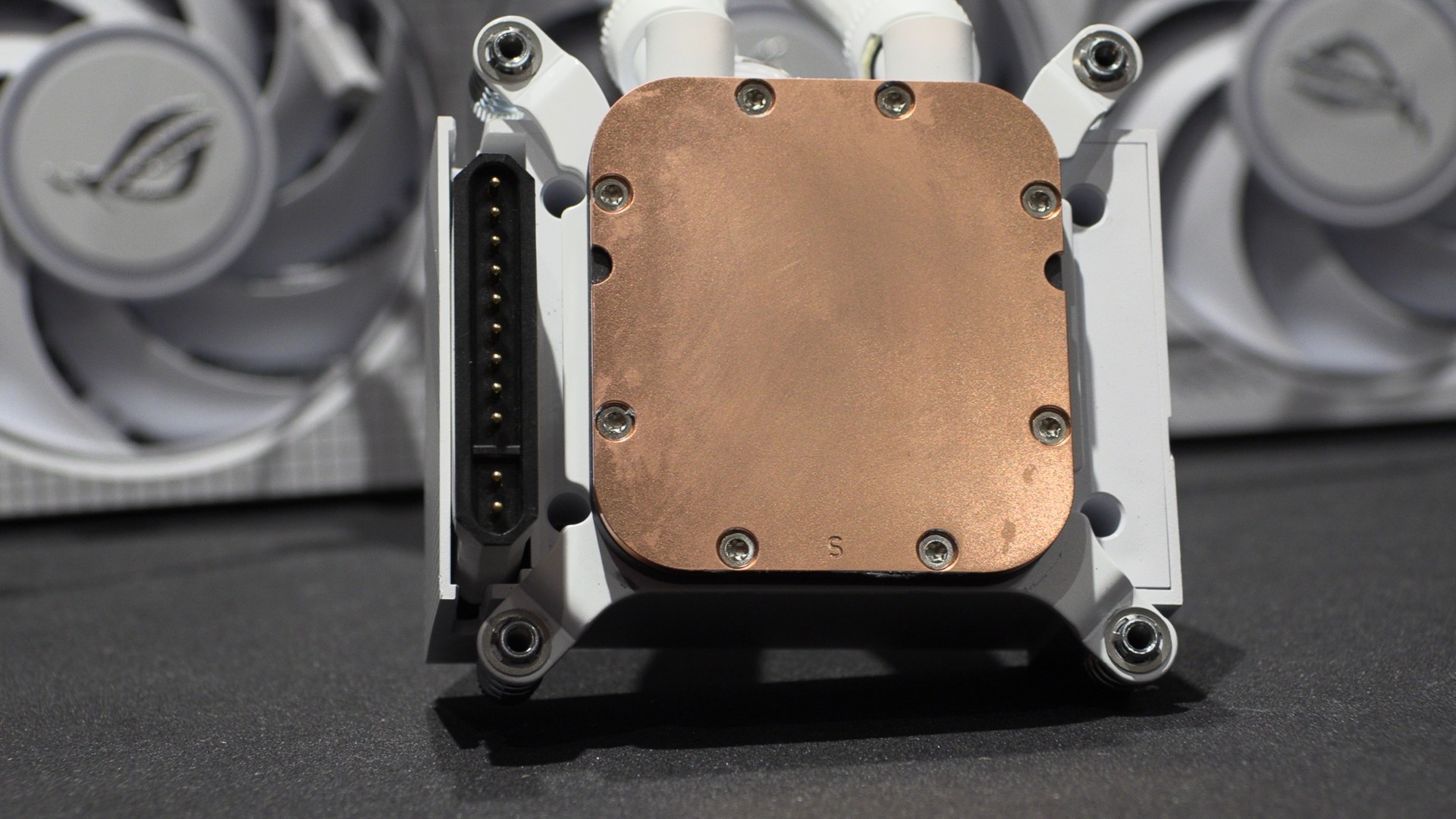
This liquid cooler supports both ASUS’ new AIO Q-Connector and standard liquid-cooler pump and data connectors. With compatible motherboards, like ASUS’ ROG Crosshair X870E 2006, this liquid cooler can be operated in a “cable-free” way.
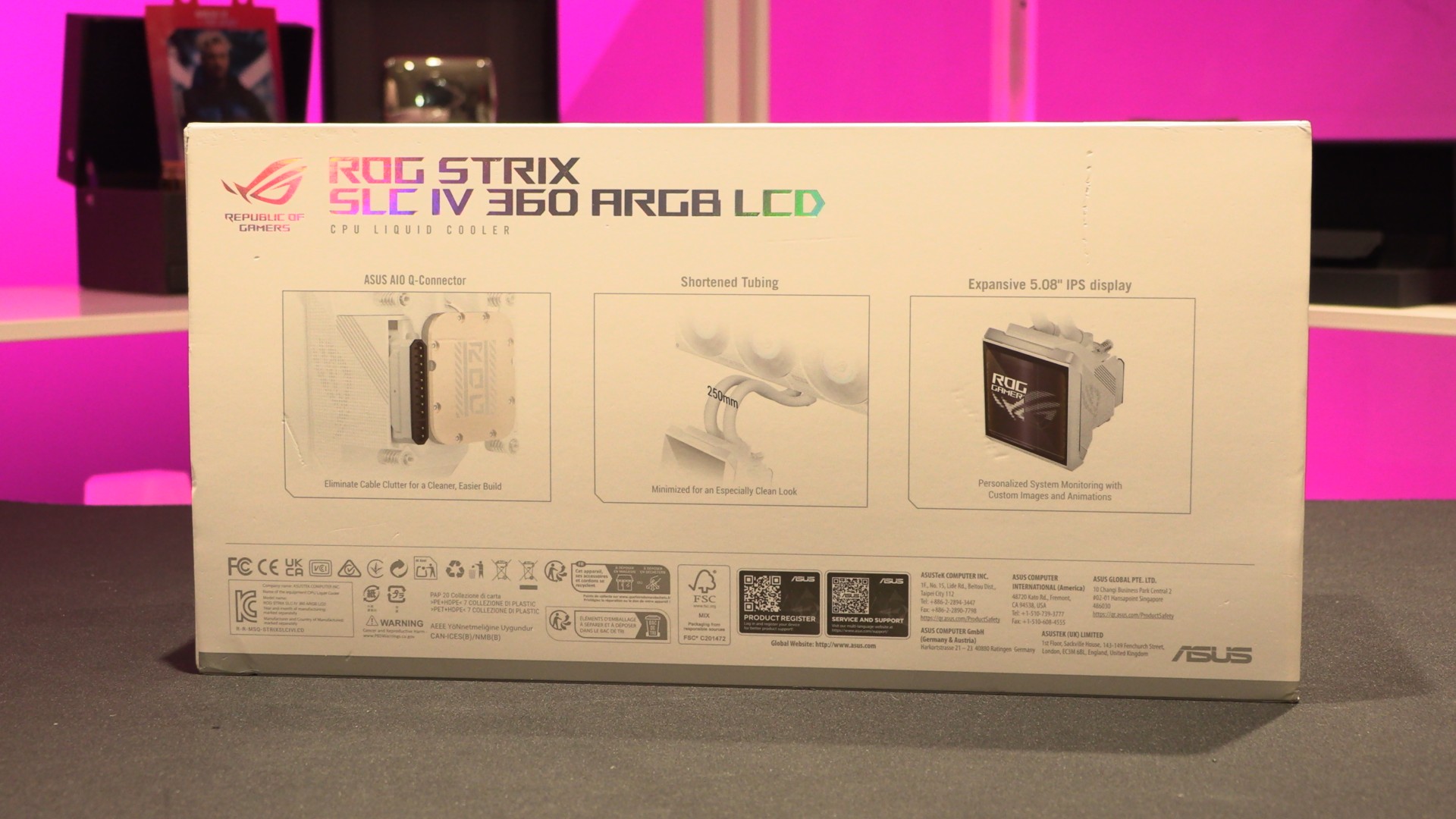
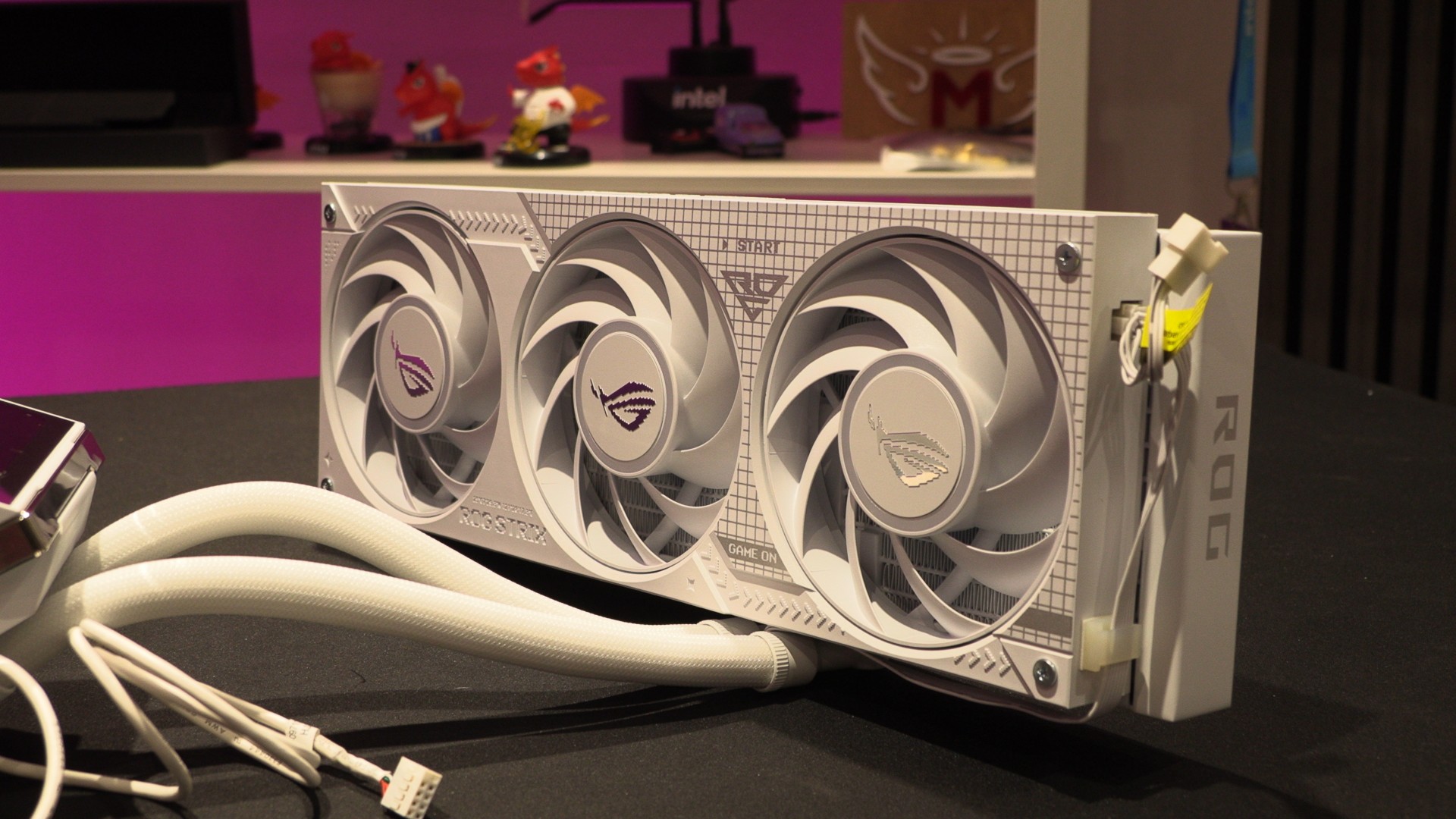
If you use a Q-Connector-compatible motherboard, the only cable users will need to deal with is ASUS’ fan cable. The good news is that this unit uses a unibody design, meaning the unit’s three 120mm fans are built into a single frame and powered by a single connector. This connector can be connected to either side of this unit’s fan frame.
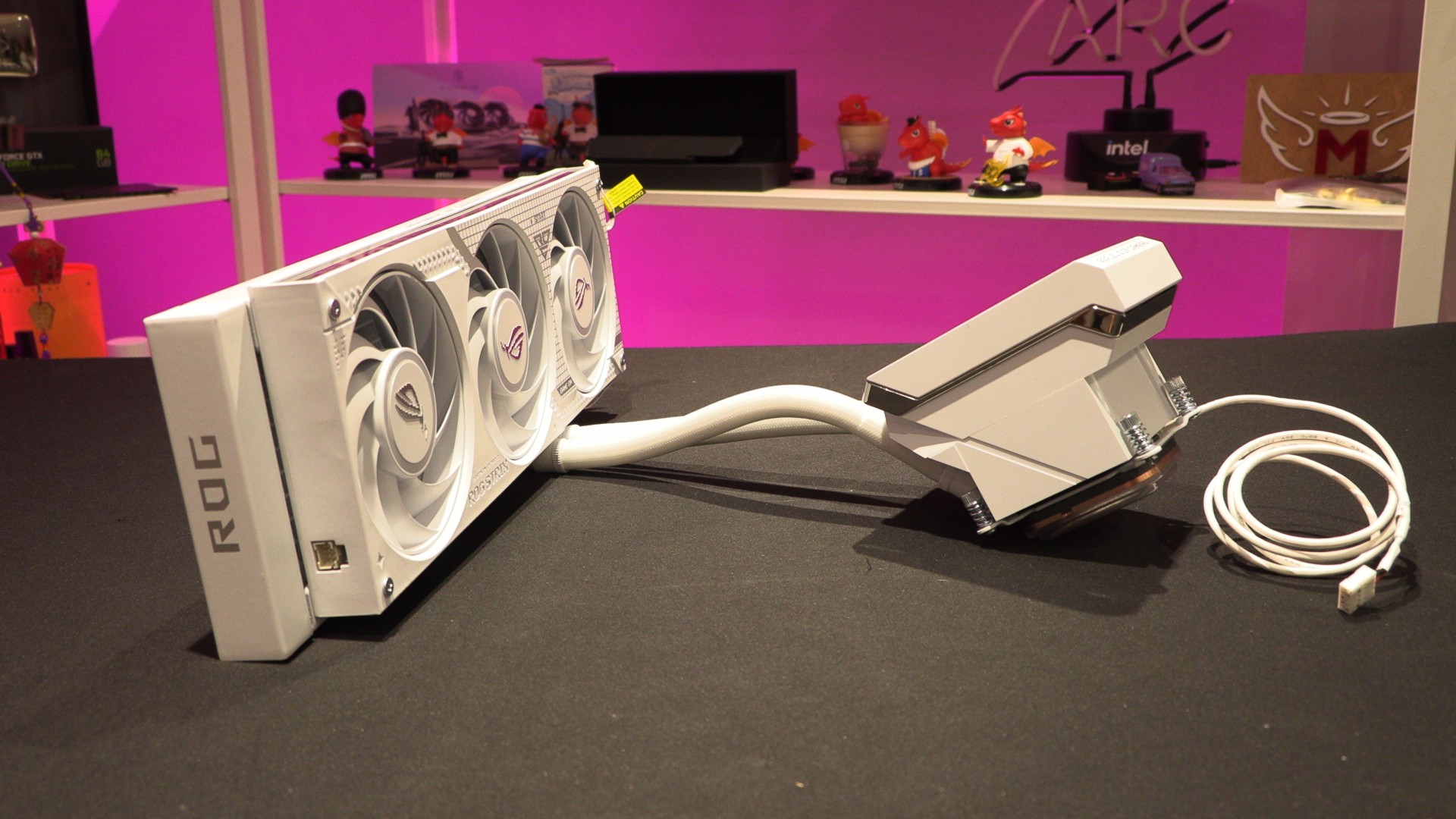
Fan Cable Management
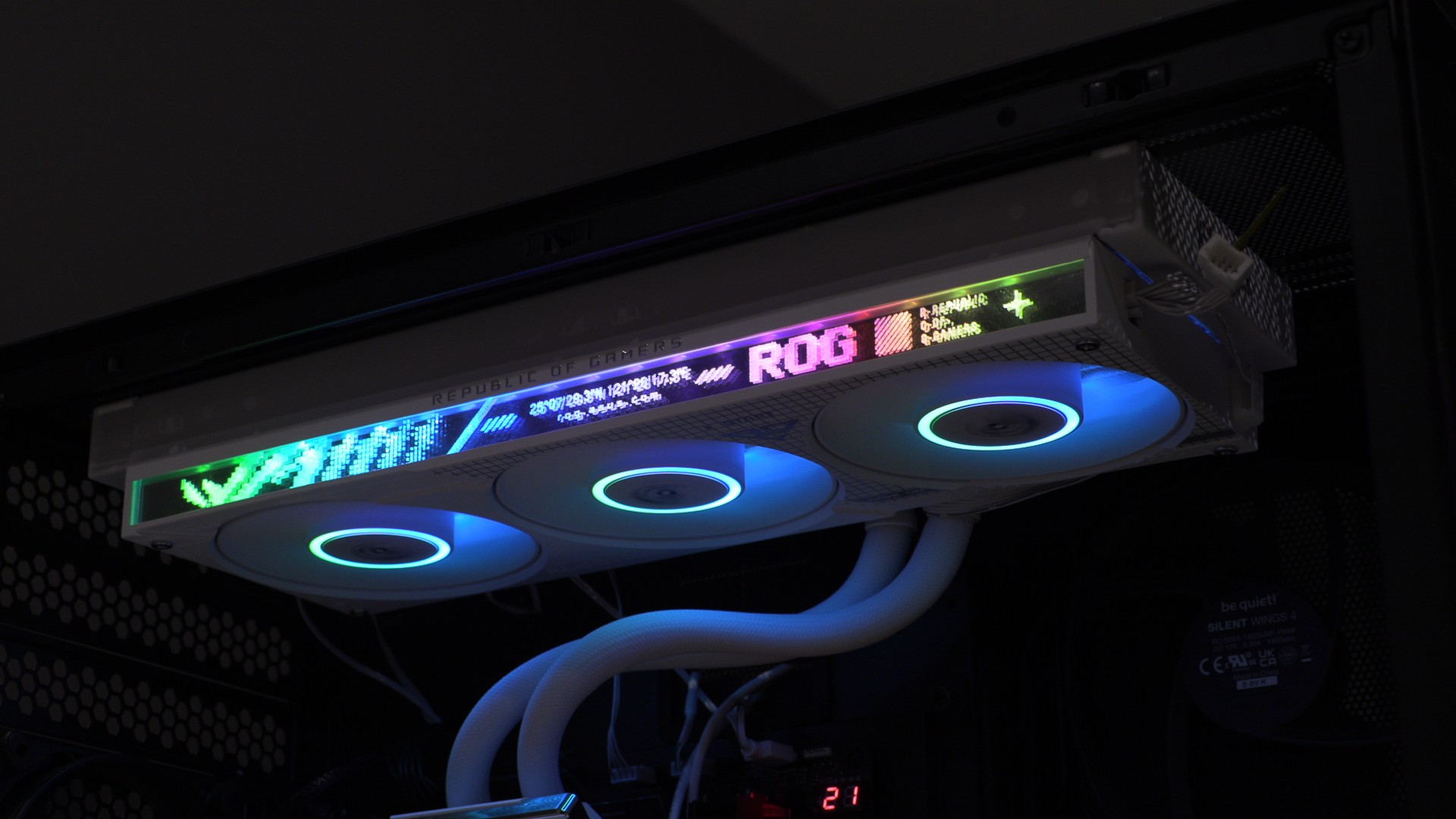
As mentioned before, ASUS’ three integrated 120mm fans use a unibody design. These fans feature RGB illumination in each fan’s hub and along the edge of the three-fan frame. ASUS calls this their “Aura Fan Edge”.
ASUS’ fan connector appears to support daisy-chaining. Note that we think that this AIO’s fan connector would have been better placed at the other side of the AIO by default, as that side of the fan is more likely to be hidden inside most gaming PCs.
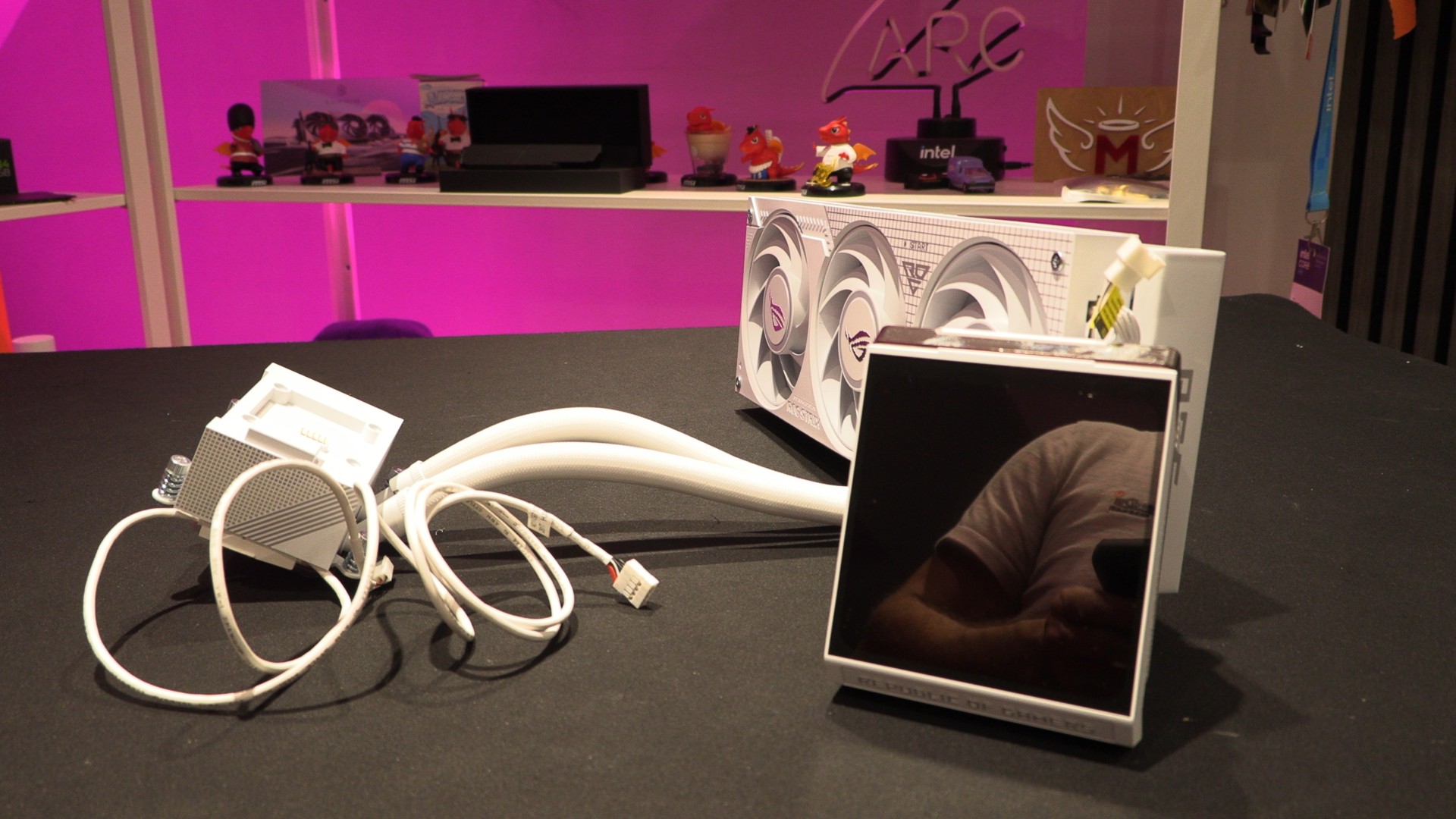
The LCD screen on ASUS’ CPU block/pump unit is removable. This reveals the cooler mounts for the ROG Strix SLC IV 360 ARGB.
LCD Screen
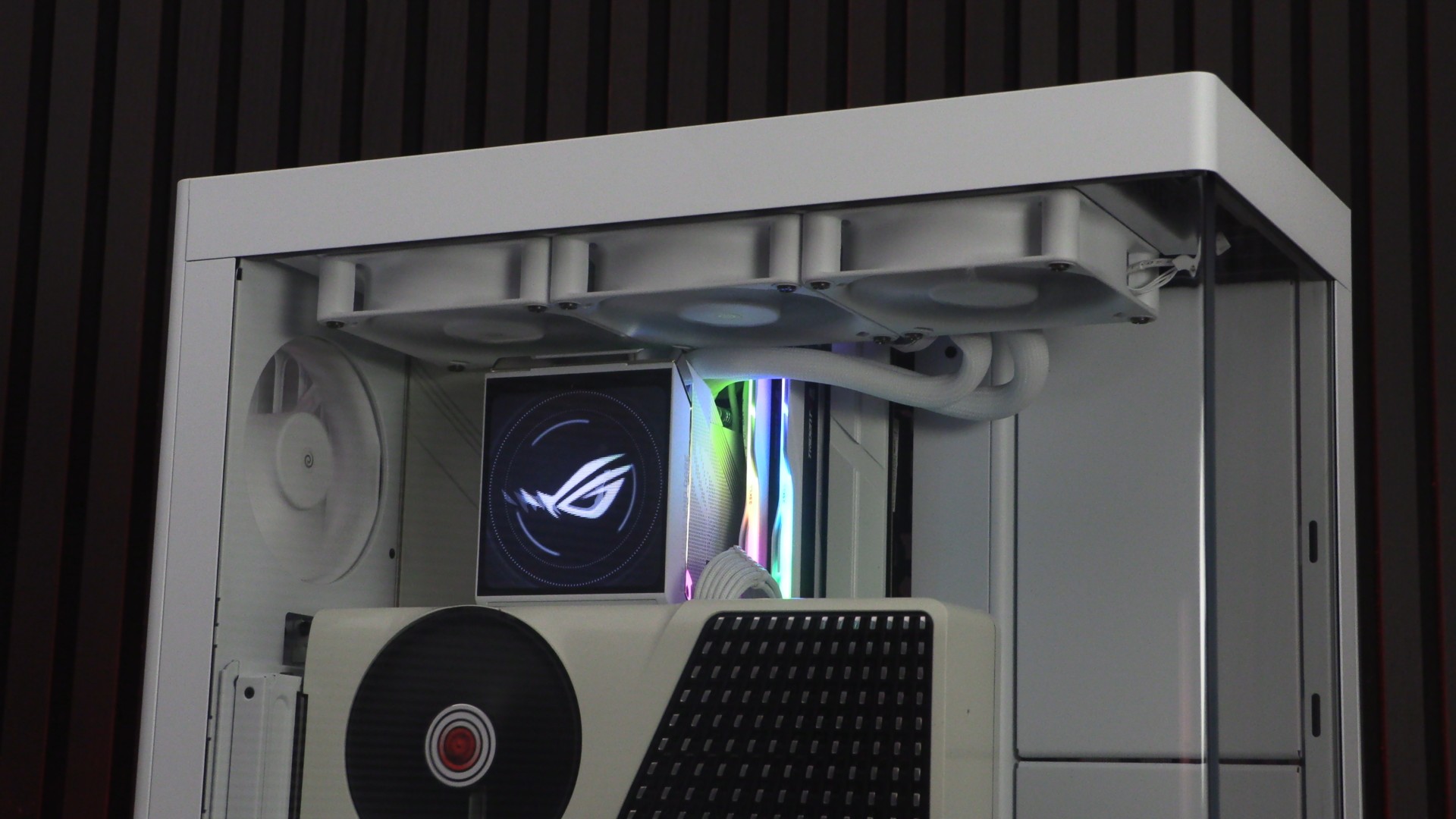
The LCD screen on ASUS’ ROG Strix SLC IV 360 ARGB cooler is 5.08 inches in size and features a 720p resolution. This screen is much larger than most competing liquid cooling solutions, giving it much more impact inside a gaming PC. The screen can be controlled using ASUS’ InfoHub application, which allows users to customise the display.
Note that ASUS says that this screen supports PNG, JPG, GIF, MP4, and AVI formats.
Pricing
ASUS’ ROG Strix LC IV 360 ARGB LCD liquid cooler is available in LC (standard-length tubing) and SLC (short tubing) forms, both priced at £199.99 in the UK. Both models are available in black and white. Scan Computers currently stocks all models.
Pump Connector Options – Standard and ASUS AIO Q-Connector
To power/control ASUS’ newest CPU cooler, users can use standard power/control connectors or ASUS’ AIO Q-Connector. By default, this cooler has standard power connectors installed. This makes sense, as only a handful of motherboards currently support ASUS’ AIO Q-Connector.
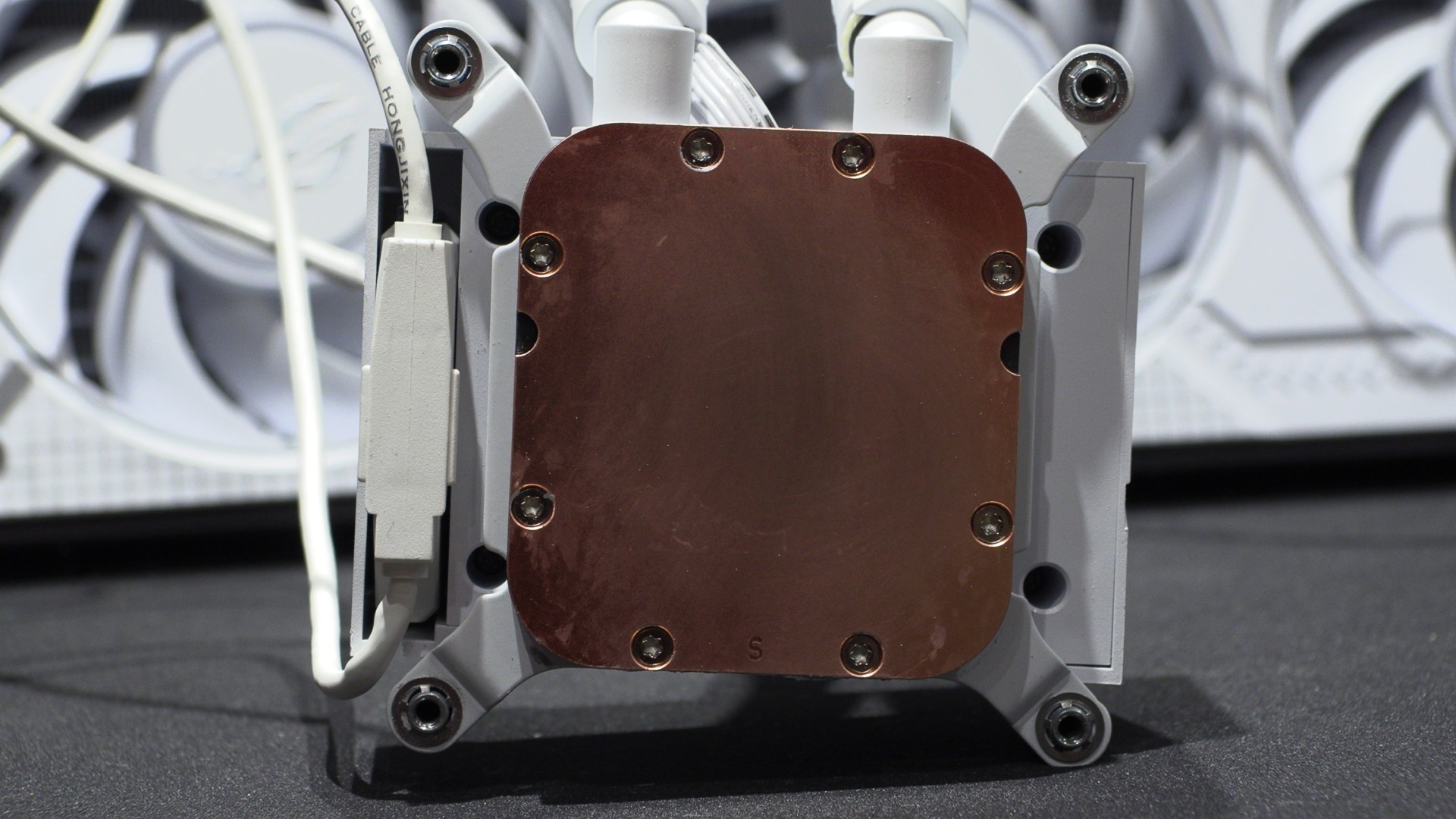
To use ASUS’ AIO Q-Connector, all you need to do is swap the interface. Below is ASUS’ Q-Connector board.
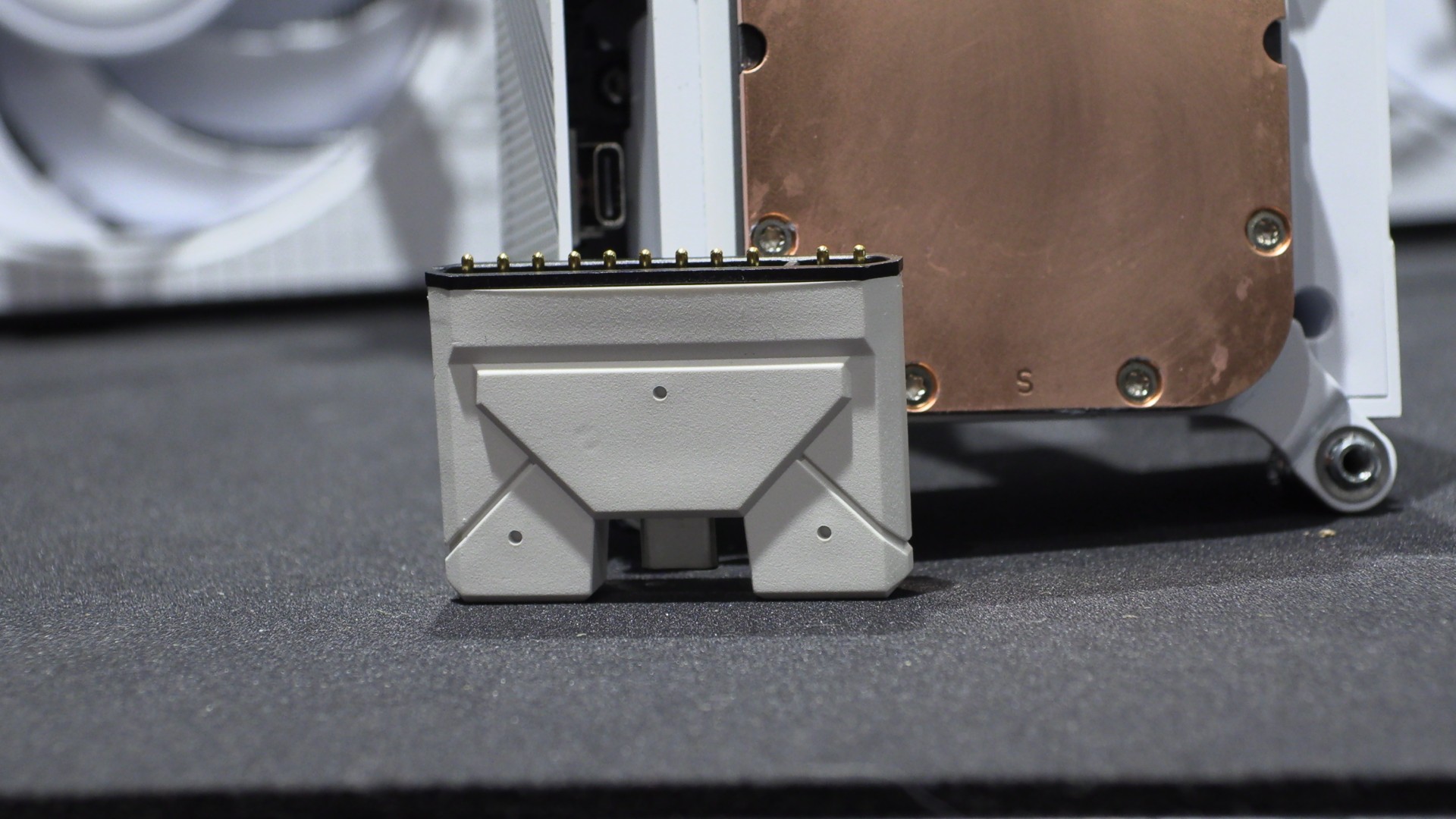
Install this part, and your AIO will be powered/controlled directly from your motherboard, assuming it is compatible.
OC3D CPU Cooler Test Rig Specifications
Last year, we built a new PC for CPU cooler testing. This new PC has a newer, hotter-running CPU, a more power-hungry graphics card, and a cooling layout that is common for today’s gaming PCs. Simply put, we have moved to more modern hardware so that we can better test modern CPU cooling solutions.
Note that we add an extra top-mounted 120mm fan at the top/rear of the case when testing air-based CPU coolers. This fan is not necessary for this review, as the be quiet Light Loop IO LCD is a liquid cooler, and its radiator occupies the top of our PC case.
CPU: Intel i5-14600K @1.27V (Fixed)
Motherboard: ASUS ROG Strix Z790-E Gaming WIFI
Case: Custom Lian Li O11 EVO XL
Memory: G.Skill Trident Z5 Neo DDR5-6000 32GB (2x16GB)
GPU: Sapphire RX 7900 GRE Nitro+
PSU: be quiet Dark Power 1,000W
Fans: 4x be quiet Silent Wings 4 fans