


Gigabyte X470 Aorus Gaming 7 WiFi Review

Up Close Part 2
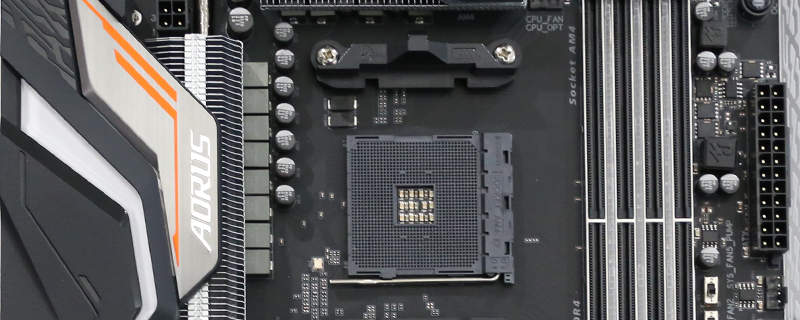
Gigabyte are the only company who support the WRGB type of LED strip, and anyone who has attempted to get white from a regular RGB strip will understand how hard that is and how much of a boon having a dedicated white channel is. At the top we find two fan headers and no dedicated pump header. That’s off to the side and on the picture below this one. A strange decision but the space for the RGB strip on the right hand side of the PCB has to be found from somewhere.

Just because there are only two where we’d normally find the CPU fan headers doesn’t mean that Gigabyte have scrimped on them though. A careful bit of cable routing will allow you to take full advantage of the three below the ATX 24pin and just above the USB 3.1 front panel.

The front panel connector has always been easy to use on a Gigabyte motherboard. It might seem like a small thing, and if you build your system once and forget about it then maybe it is, but for those of us who build these things all the dang time or if this is your first time then it’s a little touch that’s much appreciated. For those of you with SATA III storage the Gaming 7 is equipped with six 6Gb/s ports.

There are yet more fan and pump headers on the bottom edge of the Gaming 7. It might be a small thing but we’ve always been fans of the Gigabyte headers which have what they’re for imprinted in the middle. It certainly beats peering at tiny font printed on a dark PCB in the darkness of our case internals.


Lastly around the back we find the usual selection of connection options, from the power switch and BIOS clear at the top, via the 5 GHz AC WiFi and USB 3.0 ports, to USB 3.1 Gen 2 in both flavours and even the DAC Up feature which lets you tweak the onboard sound to your own personal preferences.
Let’s have a quick look at the lighting before move on to the all important benchmark results.

