Gigabyte Z68AP-D3 Review

Bios and Utilities
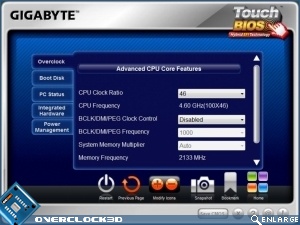
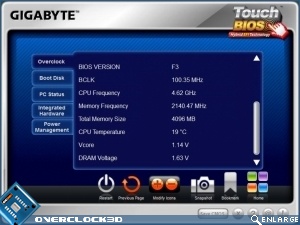
As we have often seen the BIOS on the Gigabyte ZX68AP-D3 is the usual design we’ve all seen before a million times and the EFI side of things is handled by the Gigabyte Touch BIOS utility. Although we’re giving away the results of our overclocking in this screen shot it’s worth it as it is so surprising we don’t mind showing it twice.
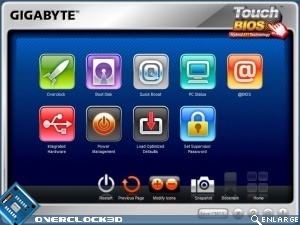
The D3 supports the amazing IRST, so if you’ve got a small cheap SSD lurking around somewhere you can really boost your HDD performance.
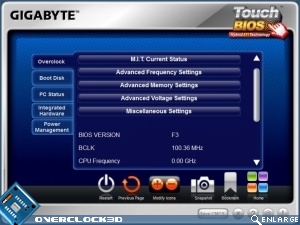
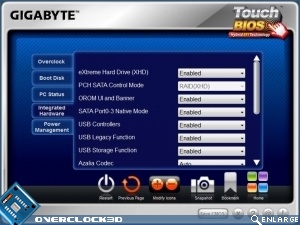
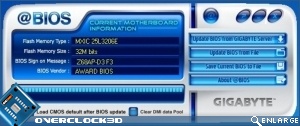
Although it’s not a ‘live’ tuner, you can play with the BIOS and then reboot with those settings. The @BIOS live updater is probably the best around as it not only checks for online updates but allows you to upgrade the BIOS manually, whilst giving a clear indicator of what version you’re currently running.