


MSI X299 SLI Plus Preview

Up Close
The biggest way you can get a feel for the pricing of a particular motherboard is in the accessories. We wouldn’t go so far as to suggest that the MSI selection is paltry, but a couple of SATA cables, a hard SLI bridge and a DIY IO Shield are all the things you get to play with upon opening the box. Speaking of the box it is entirely free from shouty graphics and the only thing that stops it resembling a Spinal Tap album cover is the three coloured flashes which hint at the included Mystic Light lighting.


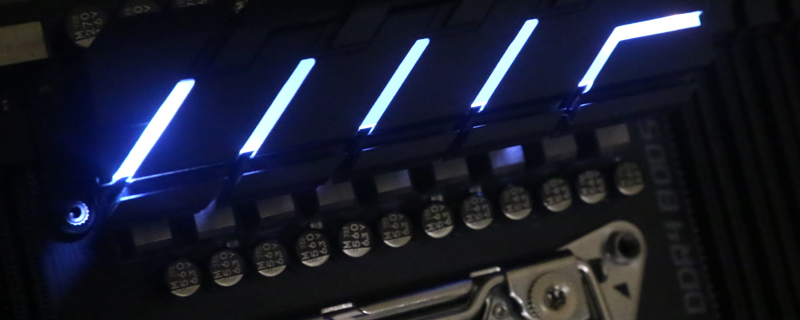
After the lovely looks of the Pro Gaming Carbon we think it is fair to describe the SLI Plus as utilitarian. Of course these days even the worst looking motherboard is still lovely, and the all black looks of the SLI Plus are just asking to be buried in the darkness of your case to allow your lighting choice to shine.


In keeping with the no frills approach to the SLI Plus, there are enough headers at the top of the PCB to handle your CPU cooling needs whilst not pushing the boat out for more. Although, as you can see from the picture above, the lower edge of the PCB has plenty of headers. Worth paying attention to your fan cable lengths if you plan on running a lot of intakes at the front of your case.


