MSI Z68A GD65 G3 Review

BIOS and Software
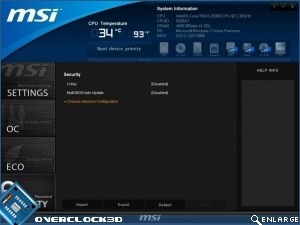
Some motherboards have a UEFI BIOS equipped, and some have the mouse GUI BIOS enabled as a software utility. The MSI GD65 G3 has both a UEFI BIOS and a utility version. The best part is that both work and look exactly the same.
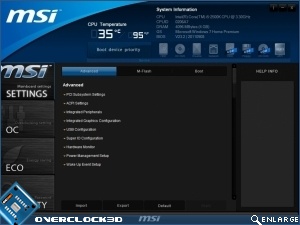
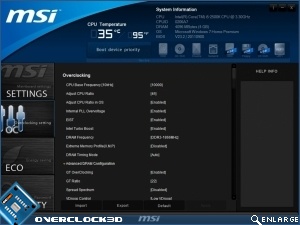
It’s all very usable well designed with everything pretty much where you’d expect it to be and certainly a big improvement upon the legacy style.
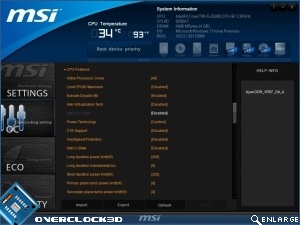
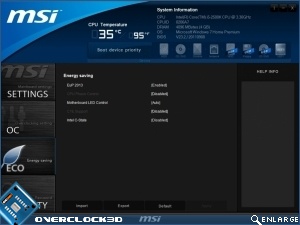
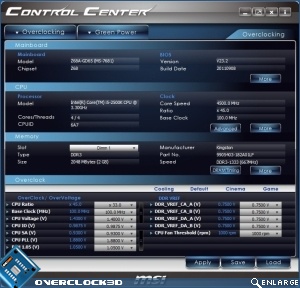
As well as the Click BIOS existing as a utility, there is a ‘live’ way of overclocking using the MSI Control Center. Being able to skip that troublesome Windows boot part of the equation should let you reach higher clockspeeds and nail down a stable overclock a lot quicker than the endless “into BIOS, reboot, test, into BIOS” routine we’re all so familiar with.