MSI Z87 MPOWER MAX Review

MSI Z87 MPOWER MAX

BIOS

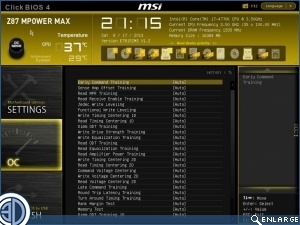
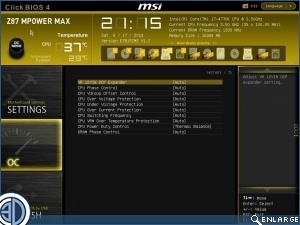
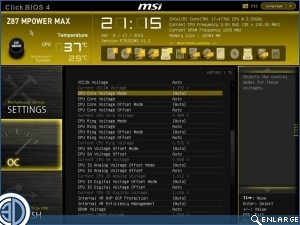
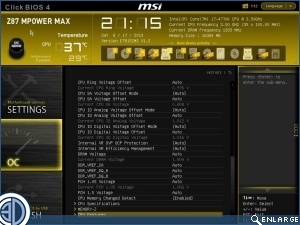
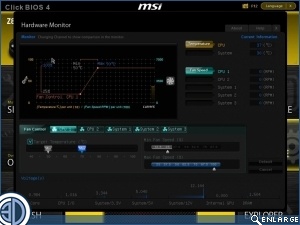
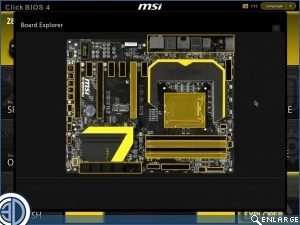
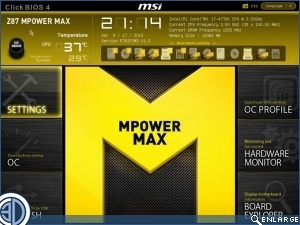
The BIOS is skinned in an eye-catching/retina-burning yellow depending upon your preference. In general it’s similar to every other BIOS you see. Certainly there are slight adjustments in where you find particular tweaks, but it wont take you longer than a moment to get used to it.

The bottom two images provide the biggest talking points. The monitor and fan control screen is a far cry from the simple number output of old, and far more attractive. It’s always nice to have a visual representation of your settings. Speaking of which the Board Explorer allows you to see at a glance what you have installed, where, and therefore fault-find a lot faster.
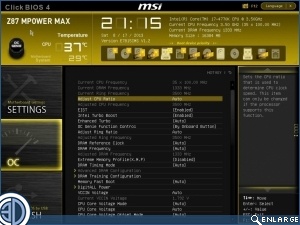
MSI Z87 MPOWER MAX BIOS     MSI Z87 MPOWER MAX  

MSI Z87 MPOWER MAX     MSI Z87 MPOWER MAX  

MSI Z87 MPOWER MAX     MSI Z87 MPOWER MAX  

MSI Z87 MPOWER MAX     MSI Z87 MPOWER MAX  

Uh-oh! It looks like you're using an ad blocker.

OC3D relies on ads to provide free content and sustain our operations. By white listing us on your ad blocker, you help support us and ensure we can continue offering valuable content without any cost to you. We only run our own hand picked ads from Industry brands like MSI, BeQuiet, Sapphire and PC-Specialist - meaning they are all relevent to the content you are reading.

We truly appreciate your understanding and support. Thank you for considering whitelisting OC3D