


QPAD DX80 Mouse Review

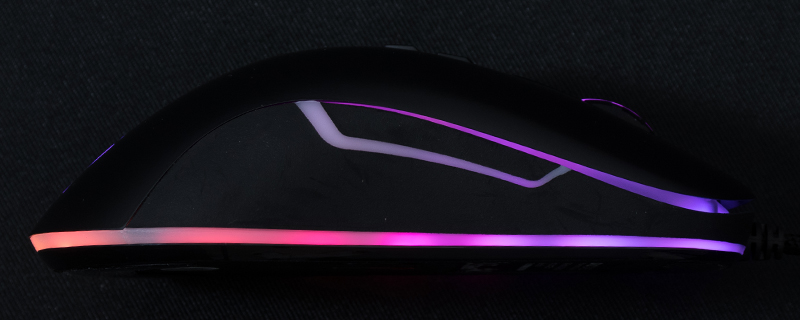
Up Close
The packaging style of the QPAD DX80 should be familiar to anyone who has seen one of their boxes before. Clear product images combine with a quick run down of all the major features. Certainly the front is lovely, the back is a dense wall of text that gives away the “one box for every language” design. This is probably a cost cutting measure but as the DX80 strolls out the gate at a penny under £50 we’re not sure that we want costs cut. Still, as long as the money has been spent on the product rather than the packaging which you’ll open once and never see again, that’s okay with us.

We’re almost certain the QPAD quick start guide is based off of a template as the QH25 headset we recently reviewed came with the “qiuck start” [sic] typo and the DX80 does too.

The DX80 mouse itself is an ambidextrous design, albeit one from the old school where the buttons were on one side. There is a smooth finish to the coating and it feels very nice and light in the hand. The scroll wheel is textured for extra grip and behind that we find the two buttons which handle DPI changes as well as, with a long press, lighting mode changes.

On the underside we find the toggle for the polling rate which used to be used for compatibility reasons but we’re fairly sure these days everyone just sticks it to 1000Hz and forgets about it forever. There are two low friction pads fore and aft to help it glide across your mat, and coupled to the light weight it certainly should make the most of the PWM 3325 sensor.

Lastly at the sides we have a pair of back/forward buttons on the left and plenty of lighting spaces almost everywhere, as you can see from the image at the top of this page.


