MSI Roamii BE Pro Twin MESH Review

Setup
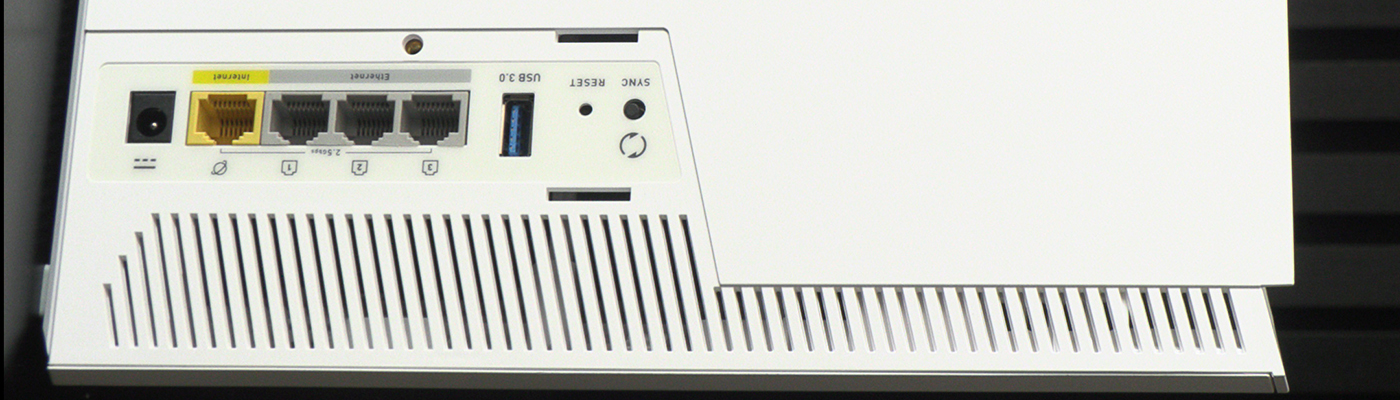
Setup
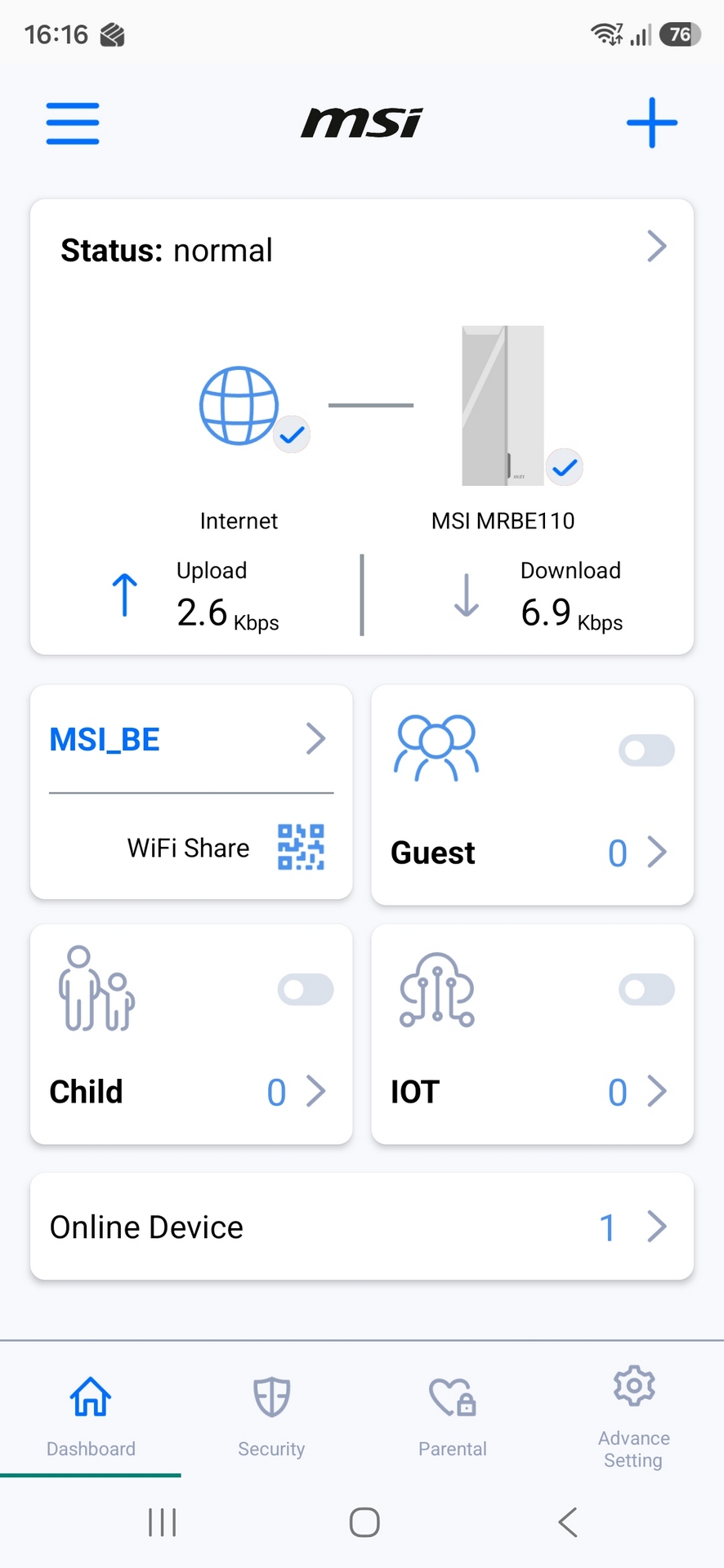
There are routers which offer incredibly complex setups. This is not one of those. It has user-friendliness out the wazoo. A simple app walks you through initial setup, and also helps you keep control over who has access, what level of access they have, and lets you share your connection quickly as easily. First up, the landing page.
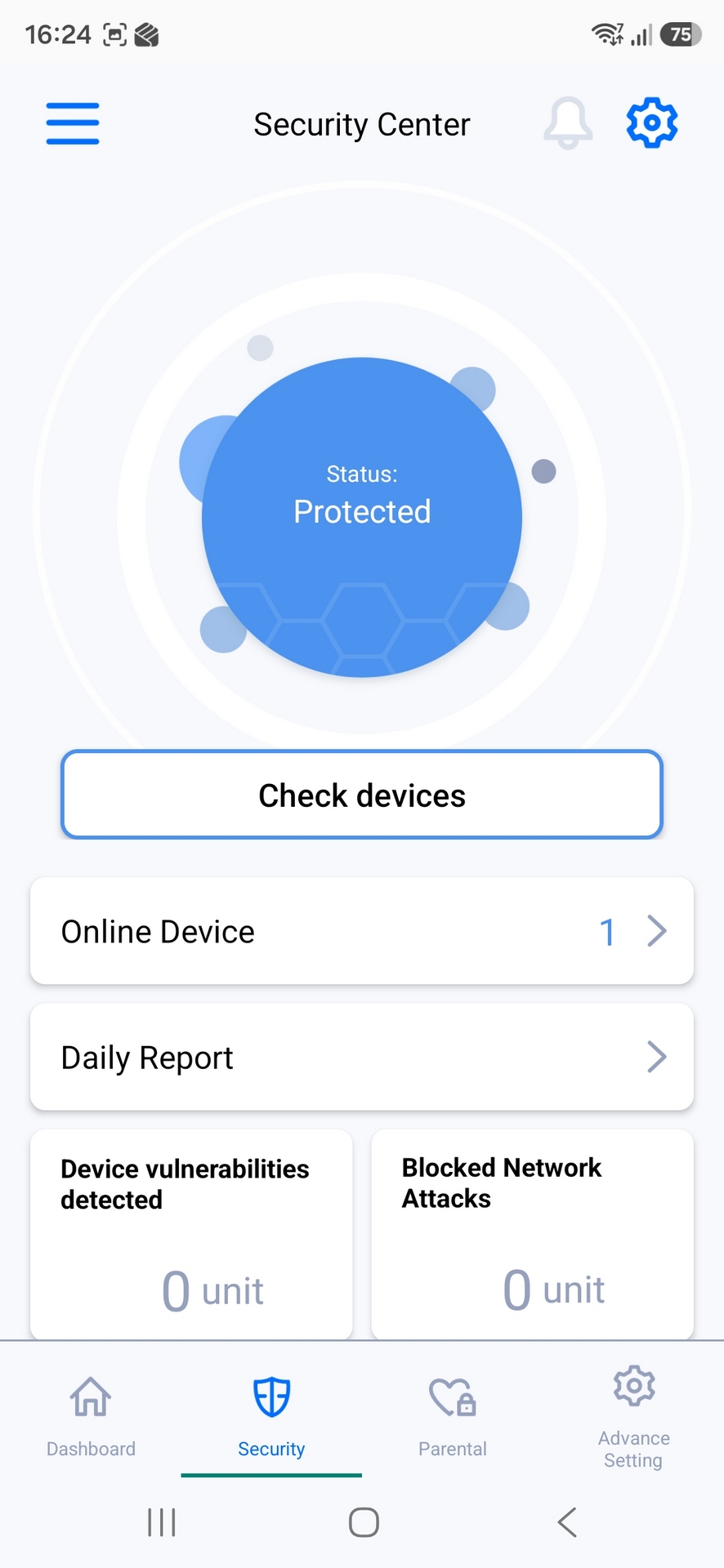
Behind the scenes the FortiSecu protection keeps your connection safe and secure. Unlike alternative options this is costless and subscription free. Nice.
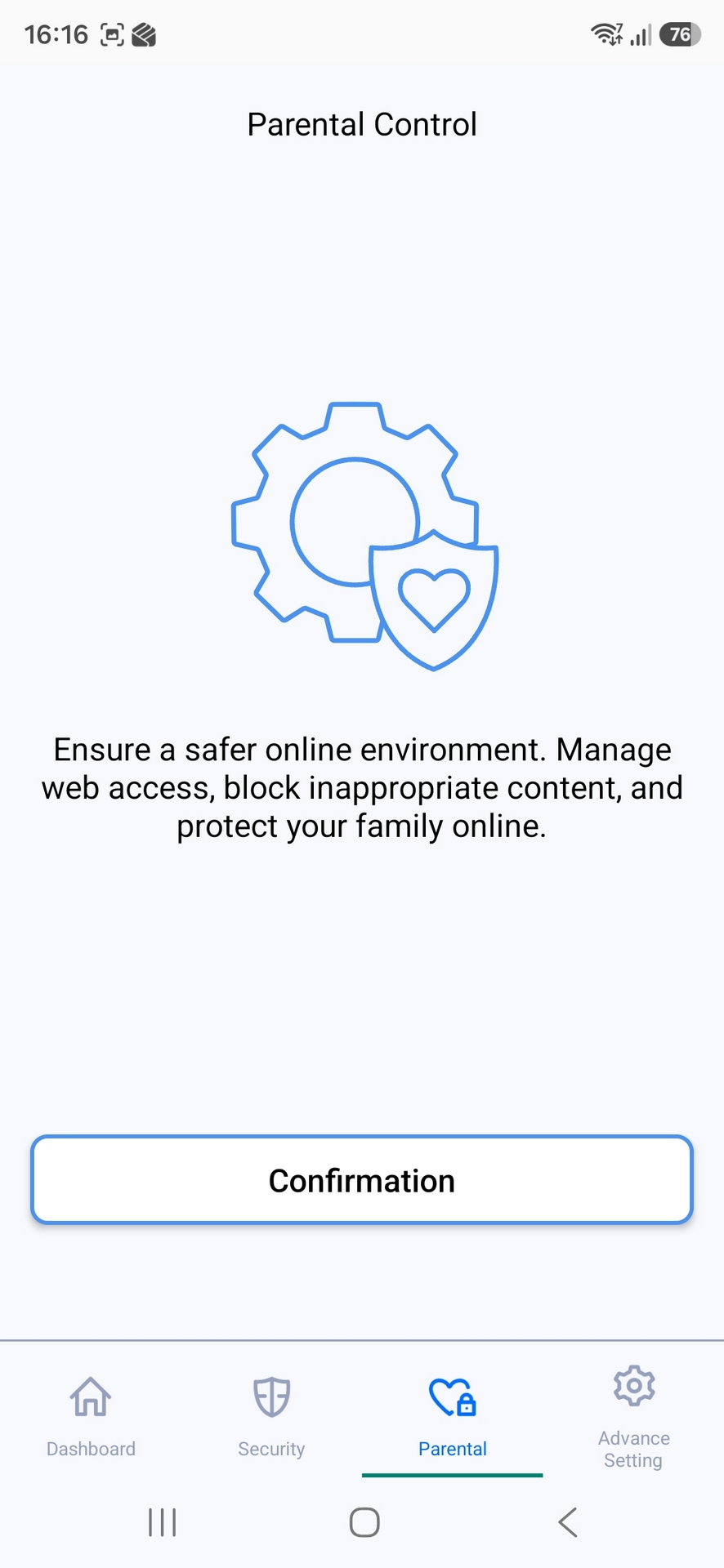
Got children? Don’t feel like you want to hand over all their details to the government watchdogs to prove their age either way? The MSI Roamii BE Pro makes parental controls a breeze.
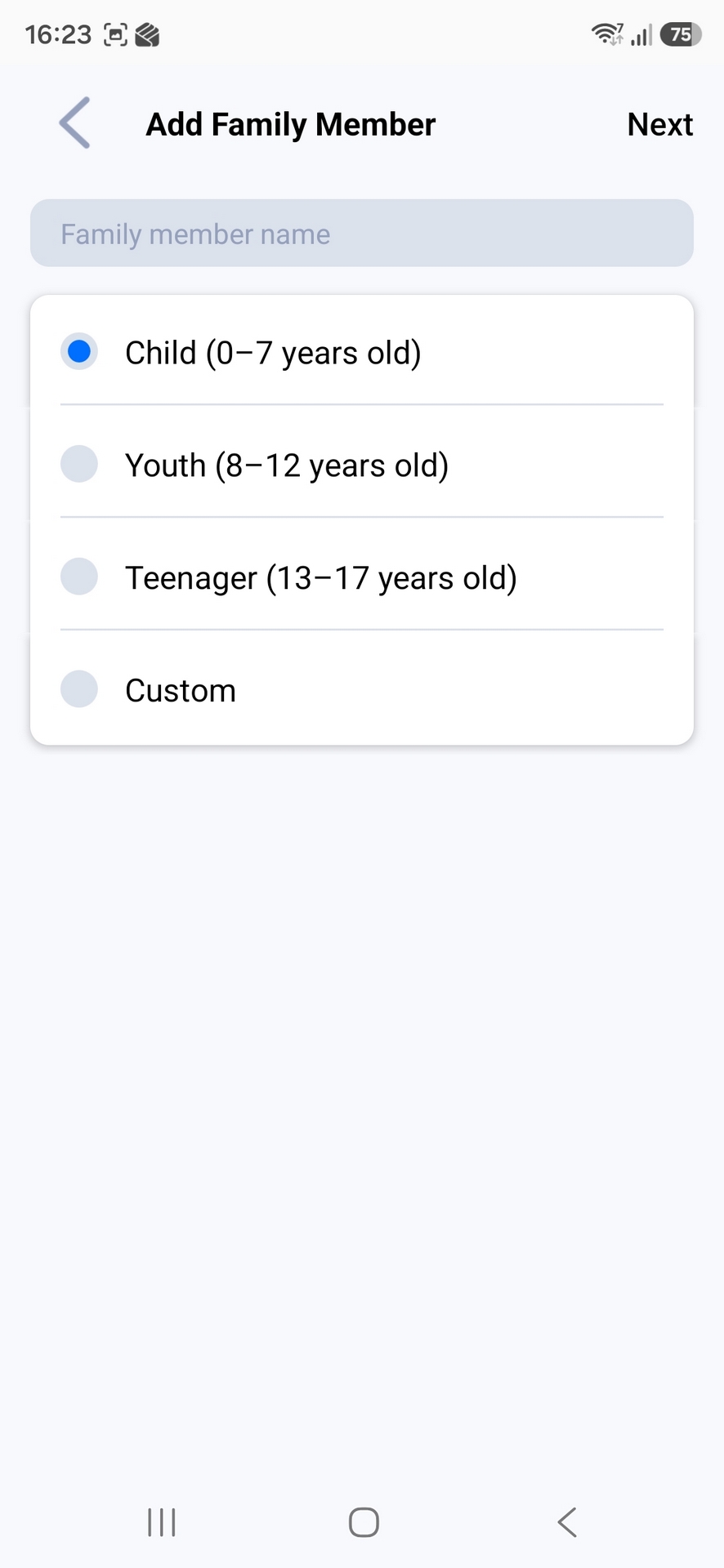
Add a person here, and pick their age group.
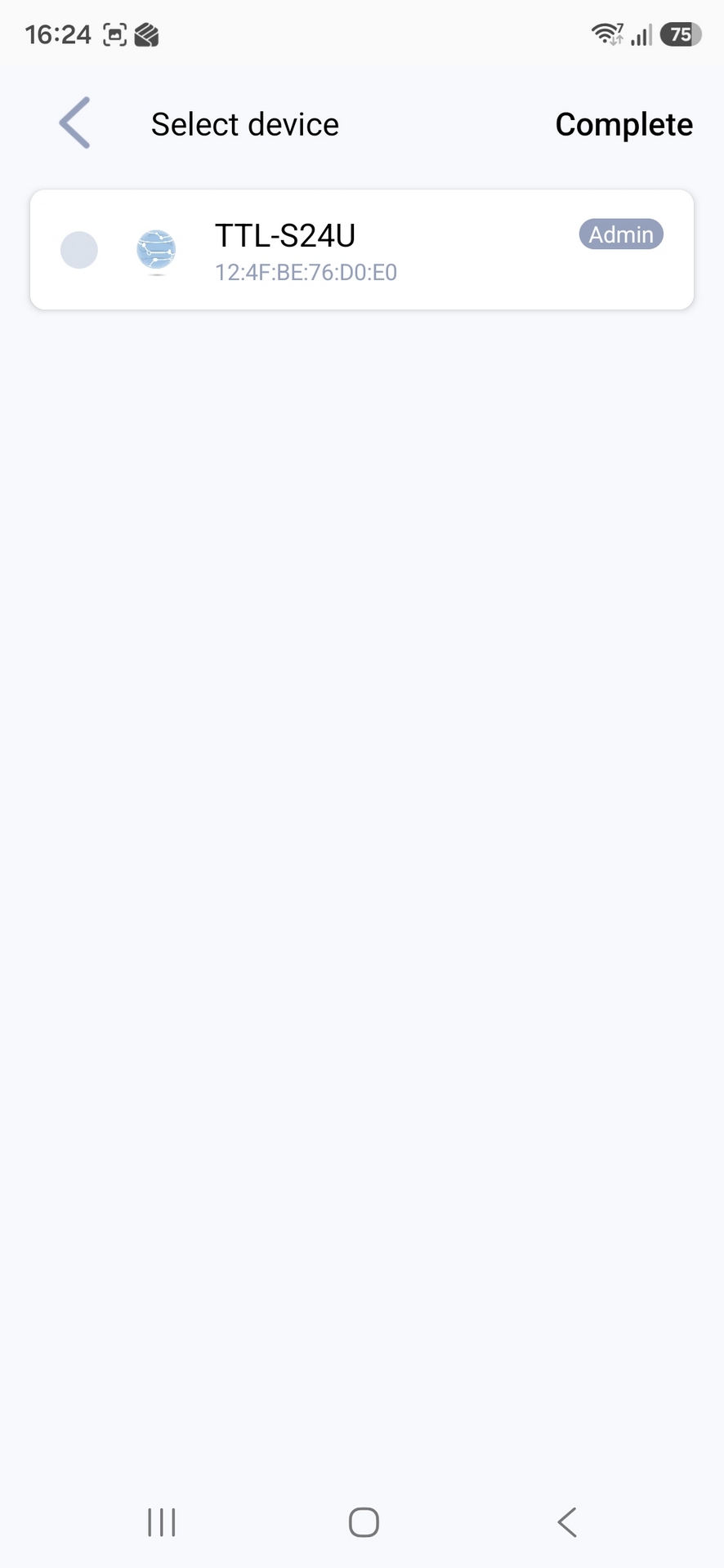
Select which device it is they’re using. Their phone, tablet, TV, console, whatever. And that’s it. Couldn’t be easier.
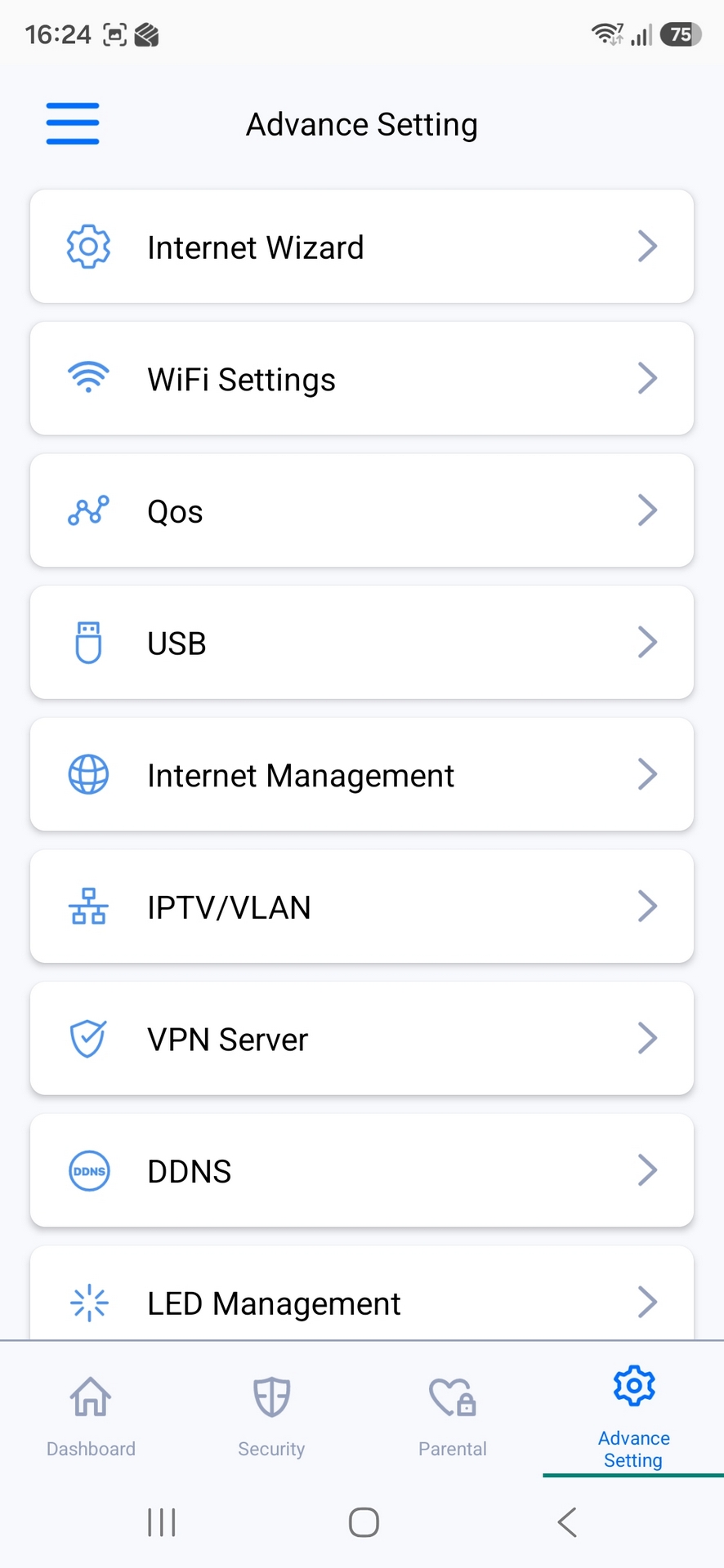
Whether you want to fiddle with the complexities of your Dynamic DNS settings, or just give your connection a funny name, the software has you covered.