


Synology NAS DS211 & DS411j Review

Disk Station Manager 3.0
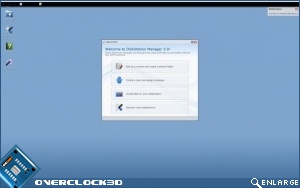
Don’t be fooled by DSM 3.0 as it is certainly not your average web interface. You will quickly find that it has a lot more in common with a linux based Operating System. It is very responsive, aesthetically pleasing and has an extensive set of features and diagnostics. Over the next few pages we’ll cover what exactly these features are.
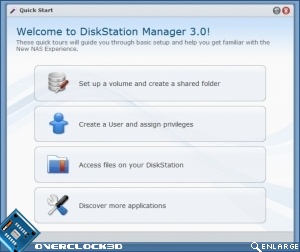
Upon first log in, you will be greeted by a Quick Start Menu. This offers direct access to key areas which any new adopter of the device will need to visit.
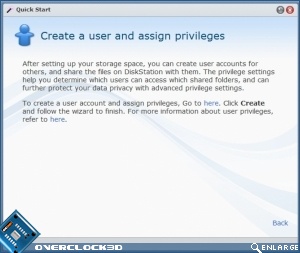
Quick Start is orientated towards new users as well as technology novices in general. Each action within Quick Start is associated with a brief description, outlining what the feature does and how the user is supposed to configure it.
Unless stated otherwise, the Quick Start window will appear upon every visit to DSM. Once familiar with the system, it is likely that the end user will disable this facility and use the conventional control panels instead.
