


MSI bring AMD EXPO ULL performance to standard DDR5 memory with “High Efficiency Mode”

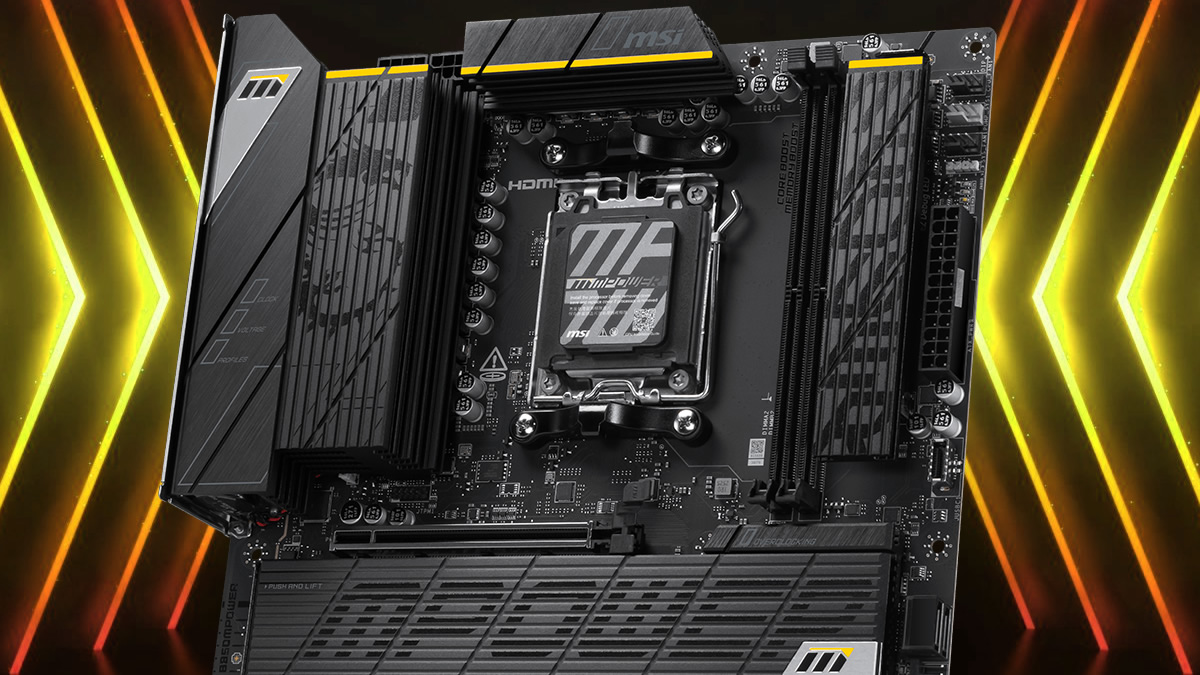
MSI brings standard DDR5 memory closer to AMD EXPO ULL kits with new memory settings
MSI has confirmed that it has added new “High-Efficiency Mode” settings to its AMD AM5 motherboards. These settings can enable tighter memory timings on DDR5 memory modules, bringing them closer to AMD’s new EXPO ULL DDR5 memory kits. While these settings are not guaranteed to be stable, they can deliver a significant performance boost.
MSI knows that most PC gamers will not be investing in new memory anytime soon. While AMD EXPO ULL memory can deliver improved gaming performance, memory is simply too expensive to replace right now. For this reason, MSI has created its “High Efficiency Mode” to give similar benefits to the masses. They have even given gamers four presets, allowing users to select an optimal mode for their memory kit. These modes are Tightest, Tighter, Balanced, and Relax.
With memory prices skyrocketing, you don’t need to rush out and buy an AMD EXPO Ultra Low Latency (EXPO ULL) kit to enjoy lower latency. Instead, you can enable MSI High-Efficiency Mode to reduce memory latency and achieve performance close to Ultra Low Latency.
– MSI
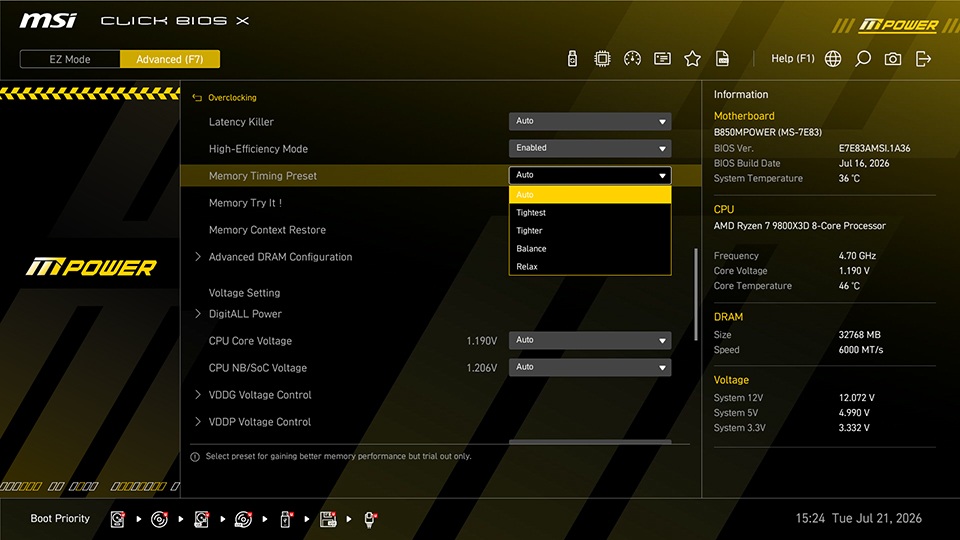
(MSI’s new Memory Timing Preset settings)
In MSI’s testing, using their High-Efficiency Mode can lower DDR5 memory latencies from 79.4ns to 71.6ns. This gives MSI similar performance to an AMD EXPO ULL memory kit. This means users of standard DDR5 memory modules can achieve performance levels similar to dedicated AMD EXPO ULL memory kits.
High Efficiency Mode can also be used on DDR5 ULL memory kits, though the performance gains are very limited.

With AMD’s EXPO ULL memory delivering 4% gaming performance gains over standard AMD EXPO memory, MSI’s “High Efficiency Mode” is a feature that is worth enabling. Achieving similar performance gains with a simple button click is an exciting prospect. It’s basically a “free upgrade” button, assuming your memory is stable after it’s enabled. If you are willing to test your memory’s stability, this is a setting that PC enthusiasts will love tinkering with.
You can join the discussion on MSI’s new “High Efficiency Mode” DDR5 memory setting on the OC3D Forums.
