


ASUS ROG RYUO IV 360 ARGB CPU Liquid Cooler Review

Meet the ASUS ROG RYUO IV 360 ARGB
Longer tubing and better case compatibility – Testing the ROG Ryuo IV 360 ARGB
We’ve already tested ASUS’ ROG Ryuo IV SLC 360 ARGB CPU cooler, but since we have the non-SLC version in the office, we couldn’t pass up the chance to test it. Will this cooler’s standard radiator and longer tubing result in stronger or weaker thermals? Will it make no difference at all? We were curious, so we had to test it.
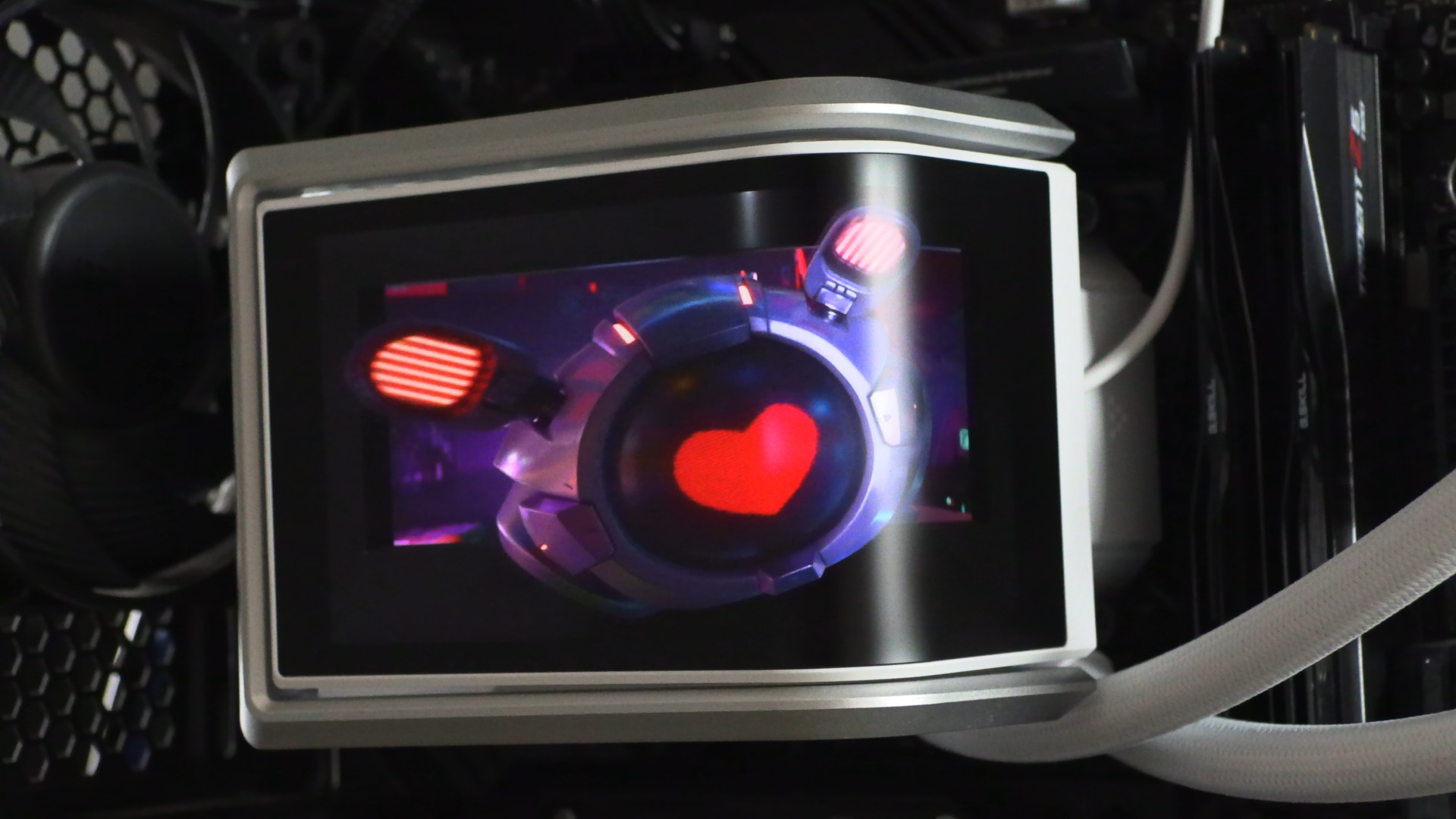
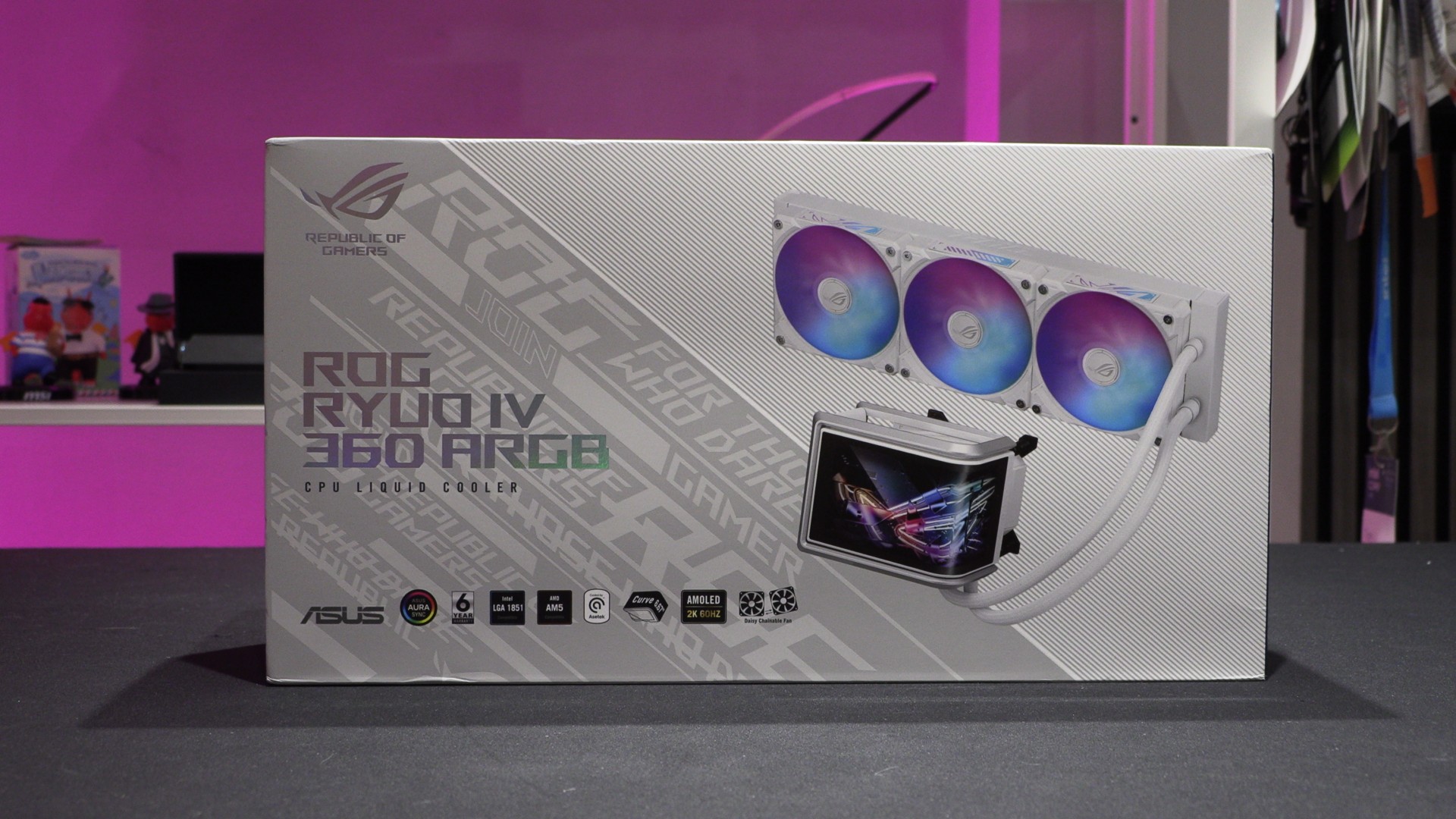
Like its SLC counterpart, this cooler’s main draw is its large 2K 6.67-inch AMOLED display and daisy-chained RGB fans. This is a great-looking cooler, especially in white.
Improved PC case compatibility
With a standard 360mm liquid-cooling radiator and standard tubing lengths, this CPU cooler is compatible with any PC case that supports 360mm all-in-one CPU liquid-cooling solutions. It has no non-standard parts that would make installation difficult. Unlike this cooler’s SLC variant, this model doesn’t require any extra compatability considerations before purchasing.
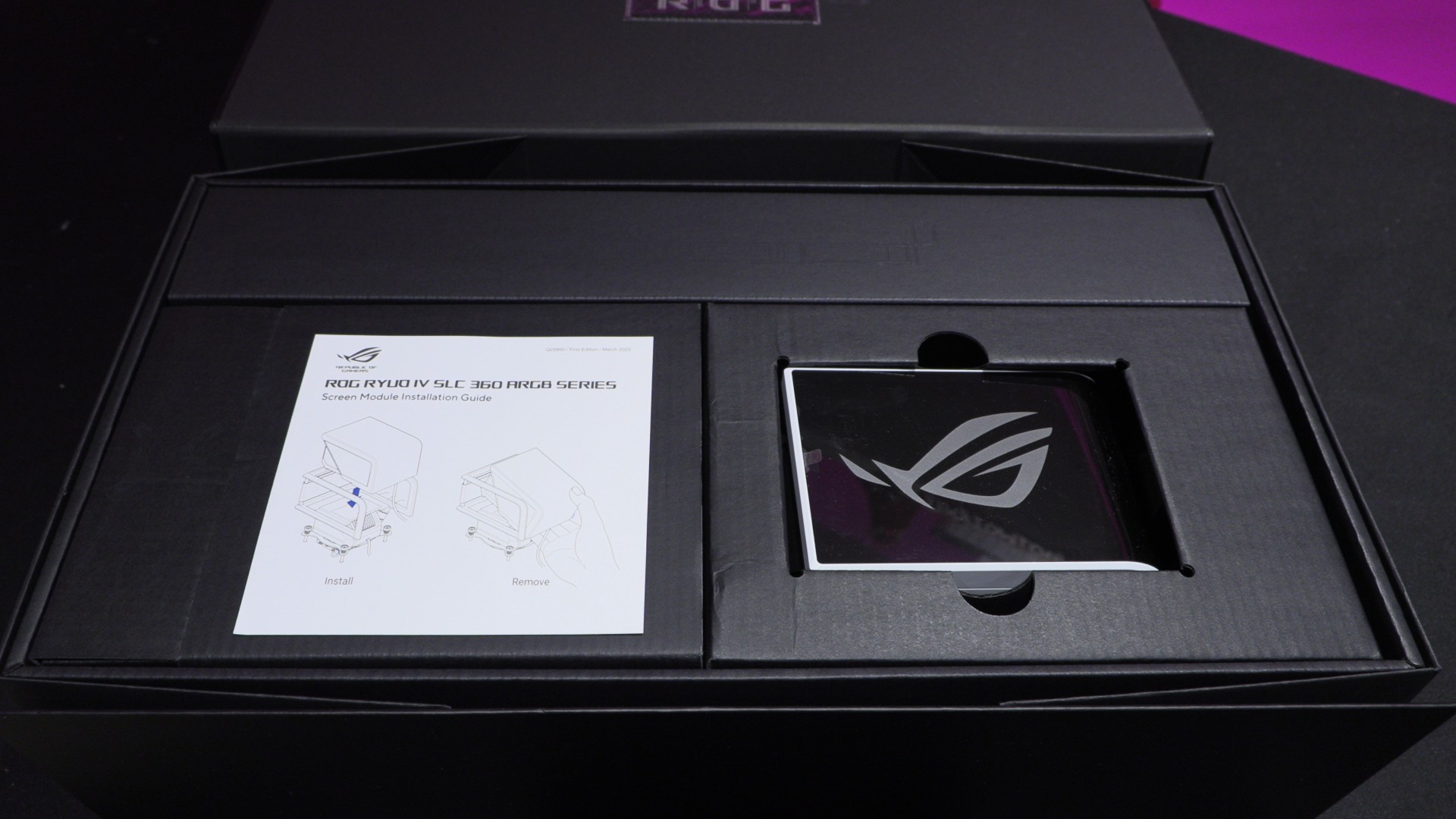
One thing to note about the OMOLED screen on ASUS’ RYUO IV is that it is a removable part. This modularity makes ASUS’ RYUO IV easy to install, as users can remove the cooler’s large screen to give them easy access to the cooler’s mounting system.
We will note here that we had issues with the mounting system of ASUS’ ROG Strix SLC-IV 360 ARGB CPU cooler. Specifically, its mounting plate/backplate would not stay in place during installation. While the Ryuo IV has a near-identical mounting system, we had no issues installing this cooler. Clearly, its mounting system was built with finer tolerances. Thankfully this means that PC builders don’t need to grow an extra arm (to hold the backplate) to install this CPU cooler.
ROG thermal paste?
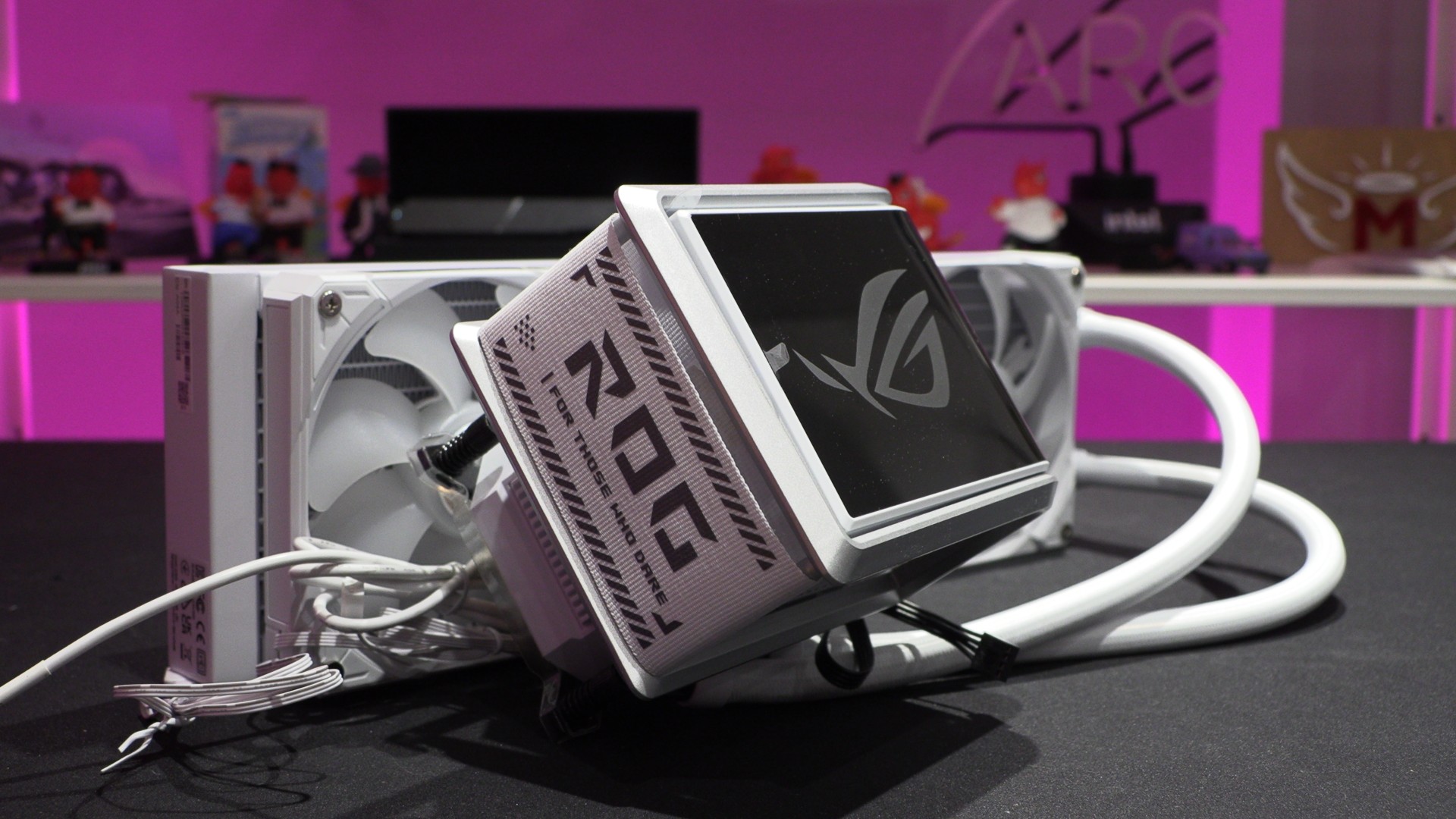
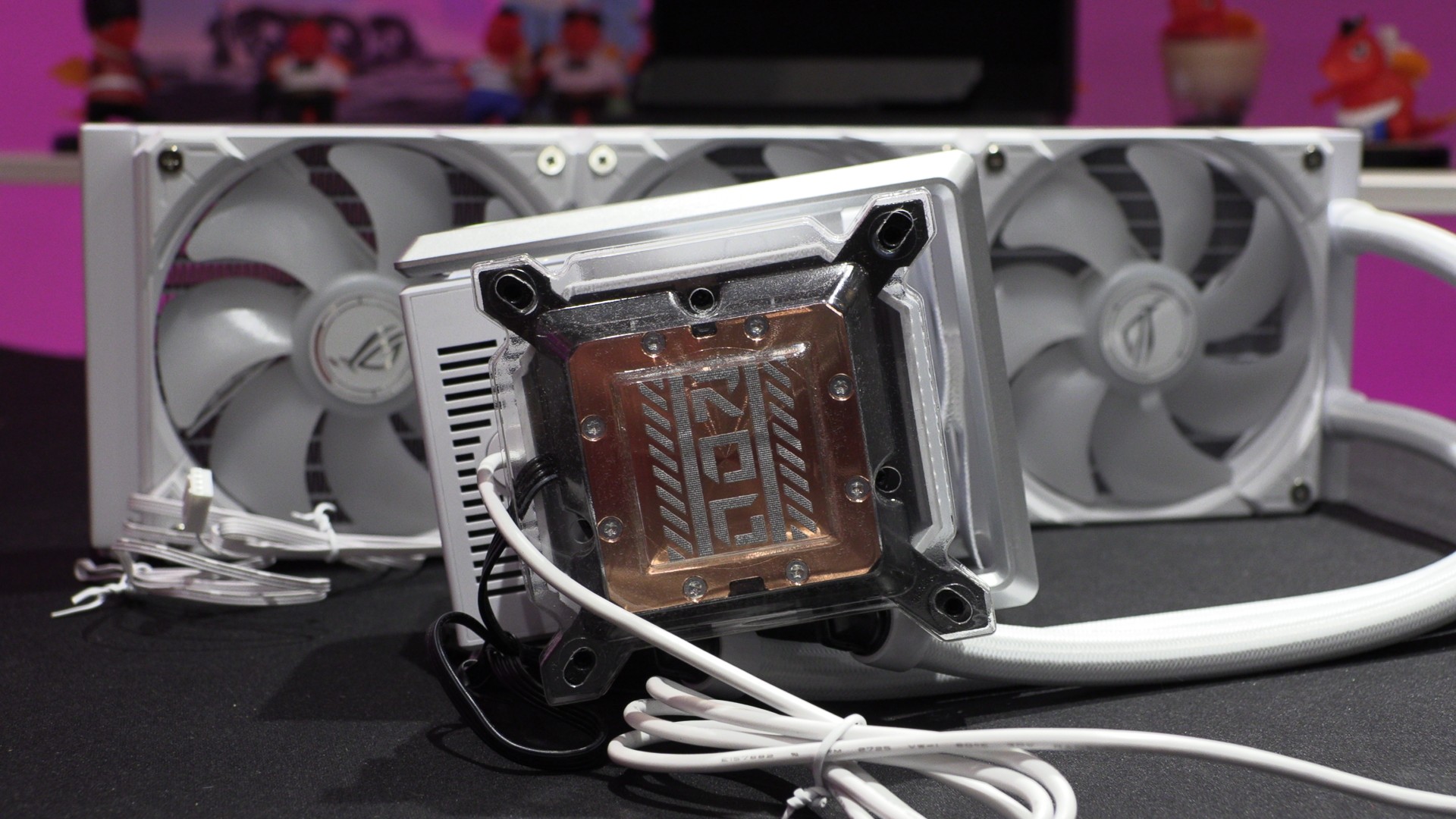
Like most modern CPU coolers, ASUS has pre-applied thermal paste. Strangely, ASUS has opted to print their paste onto their coolers with an ROG logo. This is a good thing, as the design lets the paste spread and form a thinner layer across your CPU’s IHS.
Sliding Screen
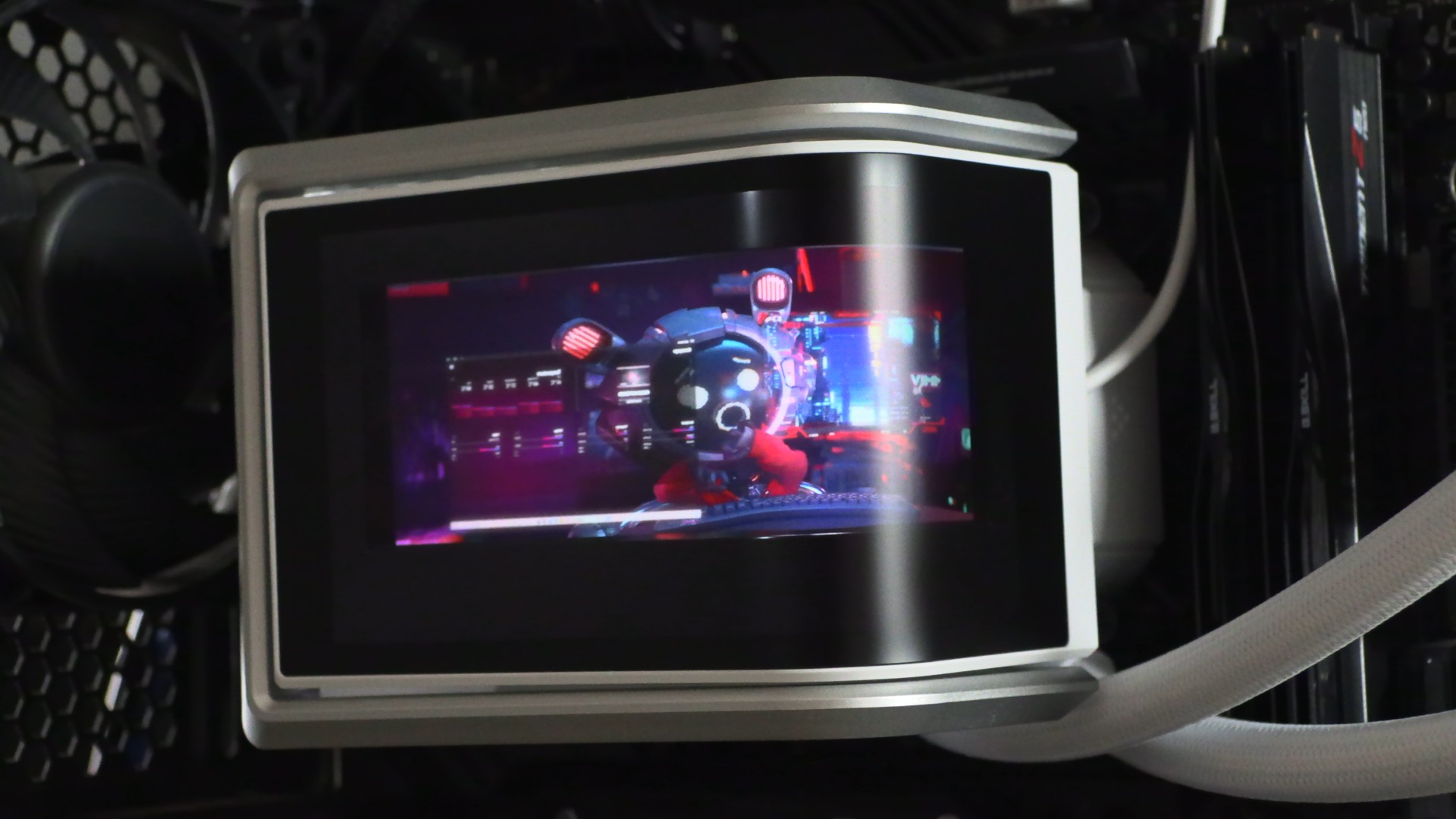
The screen mount on the ASUS Ryuo IV 360 ARGB uses rails, letting you position the screen in an optimal location. You can place it to the left, near your motherboard’s I/O ports, or to the right, over your motherboard’s DRAM slots. Users can place the LCD screen where it looks best inside their system.
ASUS InfoHub Software
ASUS’ Ryuo IV 360 ARGB is controlled using ASUS’ InfoHub software. This is a strange decision, given how ASUS Armoury Crate is supposed to be ASUS’ everything app.
With InfoHub, we can control what’s displayed on the Ryuo IV’s screen, be it custom media or pre-made ASUS media. Users can display system information, including voltages, CPU and GPU frequencies, CPU and GPU usage, and more. This data can be displayed alongside custom media and ASUS media.
Because the Ryuo IV’s 6.67-inch screen is curved, users can use it as a single screen or two independent screens. This can allow the screen to be used to display two images, GIFs, or videos at the same time.

OC3D CPU Cooler Test Rig Specifications
Recently, we built a new PC for CPU cooler testing. This new PC has a newer, hotter-running CPU, a more power-hungry graphics card, and a cooling layout that is common for today’s gaming PCs. Simply put, we have moved to more modern hardware so that we can better test modern CPU cooling solutions.
CPU: Intel i5-14600K @1.27V (Fixed)
Motherboard: ASUS ROG Strix Z790-E Gaming WIFI
Case: Custom Lian Li O11 EVO XL
Memory: G.Skill Trident Z5 Neo DDR5-6000 32GB (2x16GB)
GPU: Sapphire RX 7900 GRE Nitro+
PSU: be quiet Dark Power 1,000W
Fans: 4x be quiet Silent Wings 4 fans