


AMD releases their Radeon Software Crimson 17.2.1 driver


AMD releases their Radeon Software Crimson 17.2.1 driver
Radeon Software Crimson ReLive Edition is AMD’s advanced graphics software for enabling high-performance gaming and engaging VR experiences. Create, capture, and share your remarkable moments. Effortlessly boost performance and efficiency. Experience Radeon Software with industry-leading user satisfaction, rigorously-tested stability, comprehensive certification, and more.
Radeon Software Crimson ReLive Edition 17.2.1 Highlights
Support For
- For Honor
- Up to 4% performance improvement measured on Radeon RX 480 series products when compared to Radeon Software Crimson ReLive edition 17.1.2
- Up to 5% performance improvement measured on Radeon RX 480 series products when compared to Radeon Software Crimson ReLive edition 17.1.2.
Multi GPU profile added for DirectX 11:
- For Honor
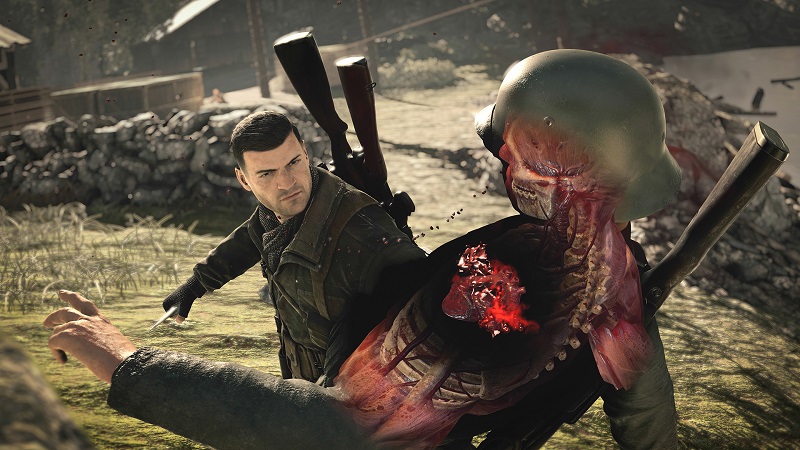
- Sniper Elite 4
Fixed Issues
- For Honor™ may experience an application crash when switching to fullscreen or menus in gameplay on Multi GPU configurations
- On some Radeon GCN products DXVA H.264 encoded video may experience corruption when fast forwarding or seeking through content
- AMD FreeSync™ technology mode may fail to enable itself on some fullscreen applications.
- Counter-Strike™: Global Offensive has incorrect default slider values with Radeon Chill enabled. Users can modify these values to suit the experience they want.
- Graphics processor information may be missing from system information overlay on Radeon ReLive captured videos.
- DayZ may experience an application crash when Radeon ReLive Instant Replay/Recording is active or the feature may not work as expected.
- Memory clocks may become locked at low states on Radeon R9 380 series products.
- Radeon ReLive recording in fullscreen with Windows Media Player or Power DVD may experience flickering.
- AMD Radeon HD 7900 series products may experience shadow corruption when shadows are disabled in Civilization™ VI.
- GRID™ Autosport may experience an application hang when enabling the advanced lighting graphics option
Known Issues
- For Honor™ may experience game menu flickering issues or fail to render after performing a task switch in 4x Multi GPU system configurations.
- Adjusting Radeon WattMan settings on some Radeon R9 380 series products may cause display flickering or application hangs.
- AMD FreeSync™ technology mode may not be compatible or function with Sniper Elite™ 4.
- Enabling supersampling in Sniper Elite™ 4 may cause image cropping.
- Radeon Settings may crash on switching Windows® user after toggling AMD CrossFire™ technology mode.
- A small amount of apps may still experience issues with Borderless Fullscreen mode and AMD FreeSync™ technology if other applications or game launchers are running on the primary screen in the background.
- Counter-Strike™: Global Offensive and World of Warcraft™ may experience flickering or performance issues the first time the game is launched on a system boot with AMD FreeSync™ technology enabled. Workarounds include exiting and restarting the application or task switching (alt+tab) in and out of the game to fix the issue.
Known Issues for Radeon ReLive
- The XBOX™ DVR application may cause conflicts with Radeon ReLive, users are suggested to disable XBOX™ DVR if Radeon ReLive is experiencing issues.
- Radeon ReLive may fail to install on AMD APU Family products or experience a system hang or failure to record when using the recording feature on AMD APU Family products.
- Radeon ReLive may stop working after hot unplugging of a secondary display.
- Radeon ReLive may experience minor graphical corruption for the first few recorded frames when launching UWP applications.
- Radeon ReLive will not allow recording settings to change with Instant Replay enabled. A workaround is to disable Instant Replay and change settings then enable Instant Replay.
- Vulkan™ applications may experience a game hang when using Radeon ReLive to record.
- Radeon ReLive will not notify an end user of low disk space during recording.
- System information overlay is only generated on first run and will not be repopulated when system configuration is changed.
- Radeon ReLive may not function when Hyper-V is enabled on Windows.
Supported Desktop GPUs
Radeon Desktop Product Family Compatibility ?
Radeon RX 400 Series Graphics AMD Radeon R7 300 Series Graphics AMD Radeon Pro Duo AMD Radeon R7 200 Series Graphics AMD Radeon R9 Fury Series Graphics AMD Radeon R5 300 Series Graphics AMD Radeon R9 Nano Series Graphics AMD Radeon R5 200 Series Graphics AMD Radeon R9 300 Series Graphics AMD Radeon HD 8500 – HD 8900 Series Graphics AMD Radeon R9 200 Series Graphics AMD Radeon HD 7700 – HD 7900 Series Graphics
Download Links
-
– Windows 10 (32-bit | 64-bit)
-
– Windows 8.1 (32-bit | 64-bit)
– Windows 7 (32-bit | 64-bit)
You can join the discussion on AMD’s Radeon Software Crimson ReLive Edition 17.2.1 Driver on the OC3D Forums.