


RT On! Dying Light The Beast update 1.4 enabled ray tracing

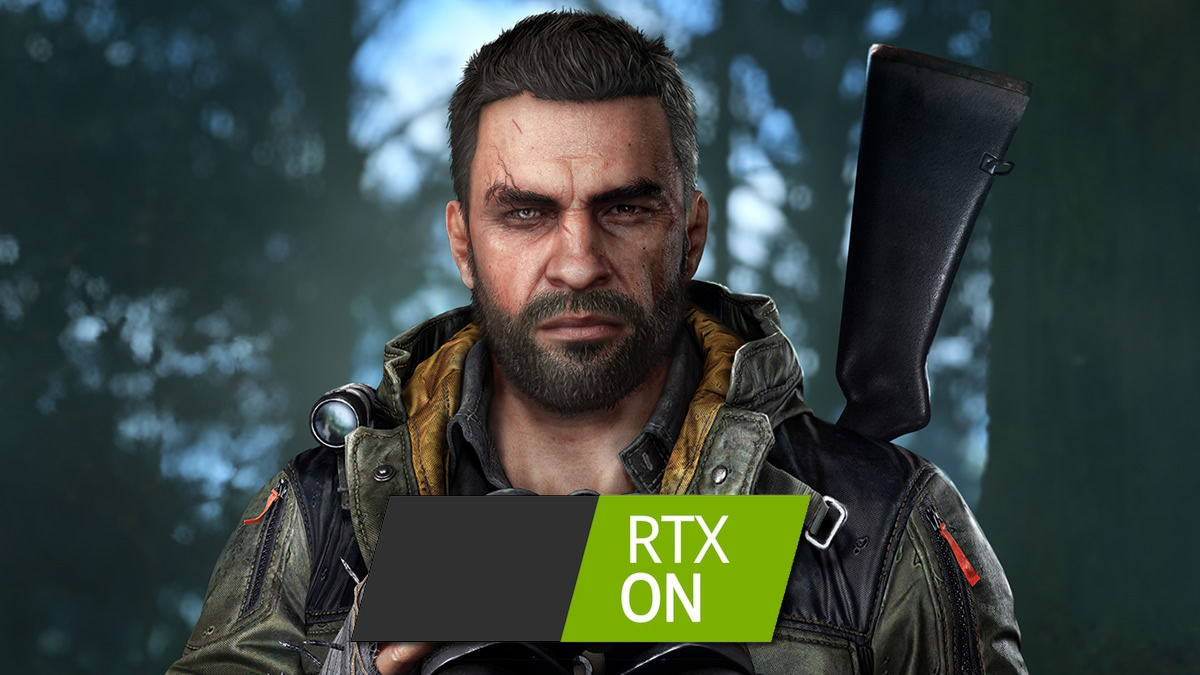
Ultra settings enabled! Dying Light: The Beast finally has ray tracing on PC
Dying Light: The Beast has received its 1.4 update, adding New Game+ to the game alongside “Legend Levels”, a higher level cap, and other improvements. With this update, Dying Light: The Beast has also received graphical upgrades, with Techland unlocking the game’s “Ultra” graphical preset, bringing ray tracing to the game.
With Ultra settings, Dying Light: The Beast now features more realistic lighting, shadows, and reflections. All of these settings are enabled with the game’s Ultra preset. However, specific ray tracing settings can be disabled using the game’s advanced video settings menu.
When ultra settings are enabled, Dying Light: The Beast will automatically enable Frame Generation to boost framerates. Below is what Techland has to say about Dying Light: The Beast’s ray tracing update.
RAY TRACING
Ray tracing is now available, bringing even more realistic lighting, shadows, and reflections to the game, allowing you to experience our immersive and visually stunning world with enhanced atmosphere and depth.
How to enable ray tracing?
The suggested way to activate Ray Tracing is to set the Video Quality Preset in your game settings to Ultra.
If you need more tweaking you can also enable or disable individual Ray Tracing options in the Advanced Video Settings menu to balance performance and visual quality.
System requirements:
A Ray Tracing capable graphics card (NVIDIA RTX, AMD RX 6000/7000 series, or Intel Arc)
At least 8 GB of video memory
16 GB recommended for 4k
Performance and Visuals
The game is designed so that all settings – from Low to Ultra – preserve the same core look and artistic style.
Ray Tracing improves reflections, lighting, and shadows, delivering more realistic visuals, though please note this may impact performance
If your system has trouble maintaining smooth performance, try selecting a preset below Ultra and tweak individual Ray Tracing settings for optimal results.
Please note when Ultra mode is enabled, Frame Generation is automatically turned on to improve frame rate.
Alongside the addition of ray tracing and new content, update 1.4 delivers a huge number of bug fixes and improvements to Dying Light: The Beast. New finishing moves had been added to bring more variety to the game. Over 200 parkour and environment navigation issues have been fixed. Over 35 performance and stability issues have also been resolved. Additionally, over 70 visual issues have also been addressed.
Full release notes for Dying Light: The Beast update 1.4 are available to read here. Until December 2nd, the game will be available with a 25% discount on Steam.
You can join the discussion on Dying Light: The Beast’s ray tracing update on the OC3D Forums.
