Big Airflow – Fractal Epoch XL PC Case Review

Up Close with the Fractal Epoch XL
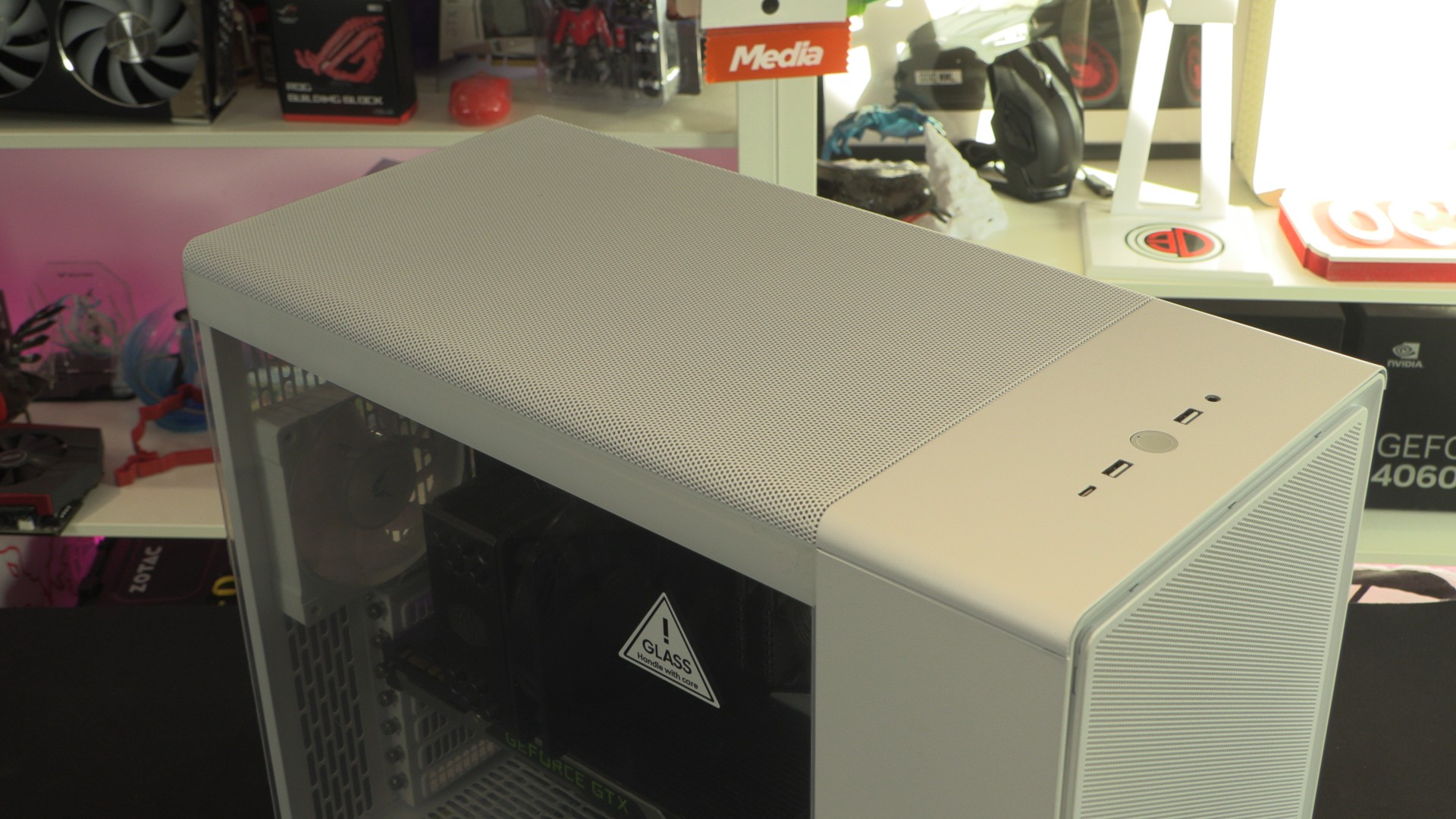
Up close with the Fractal Epoch XL
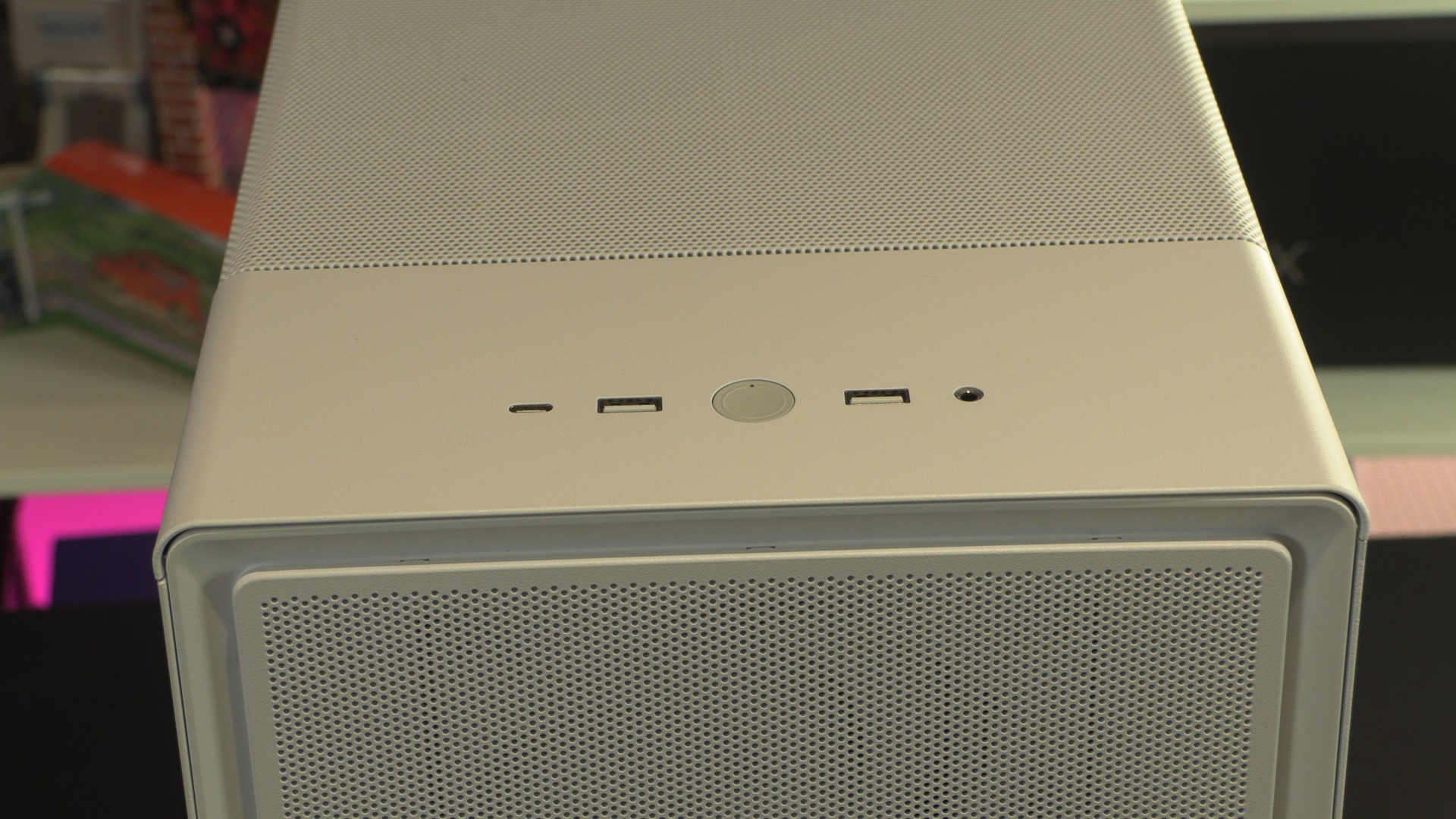
Starting at the top, we have the Fractal Epoch XL’s I/O connections. Surrounding the case’s power button are two 5 Gbps USB Type-A ports, a single 20 Gbps USB Type-C port, and an audio combo jack. The top and front of the case feature metal mesh plates that feature small perforations.
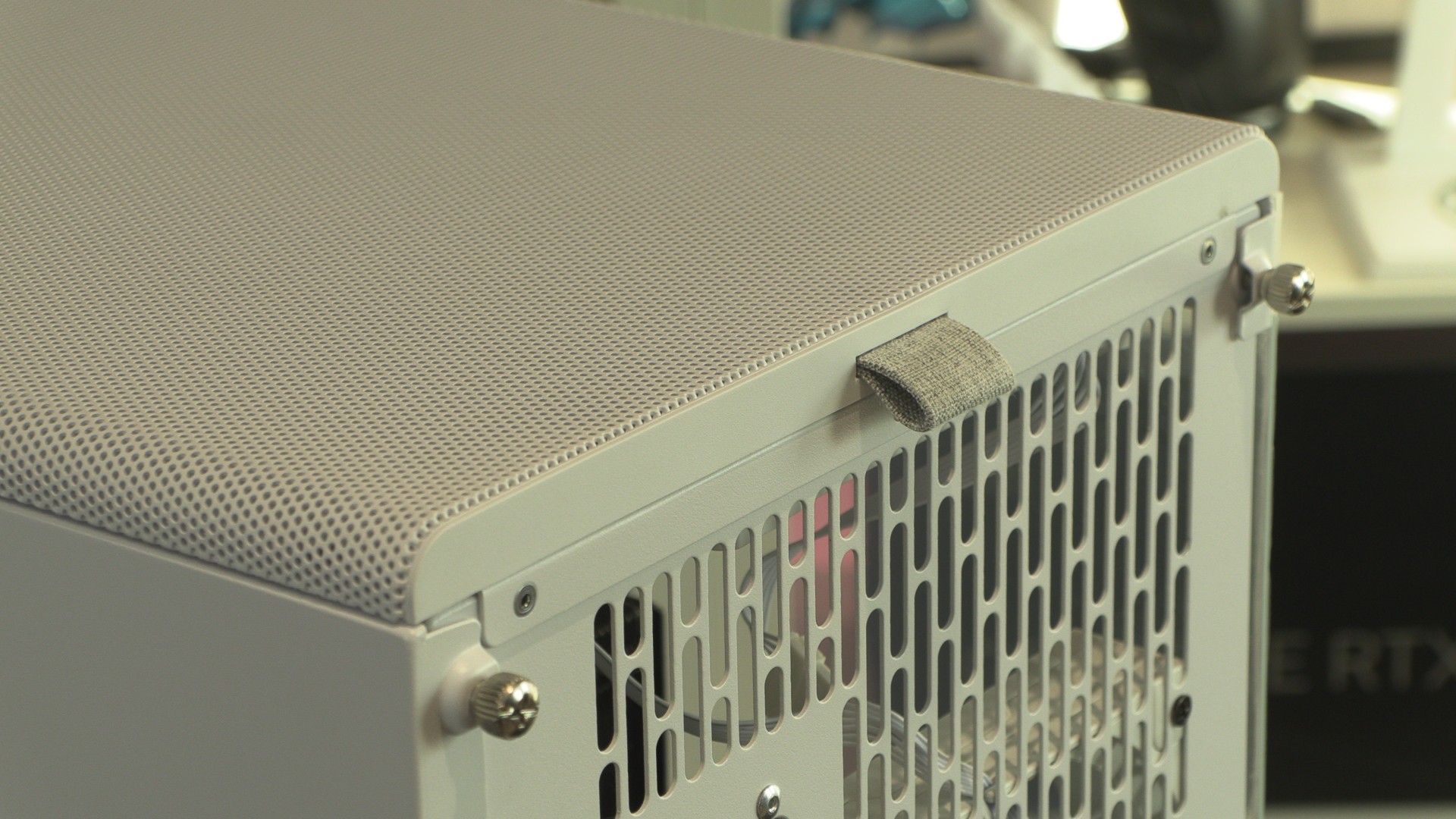
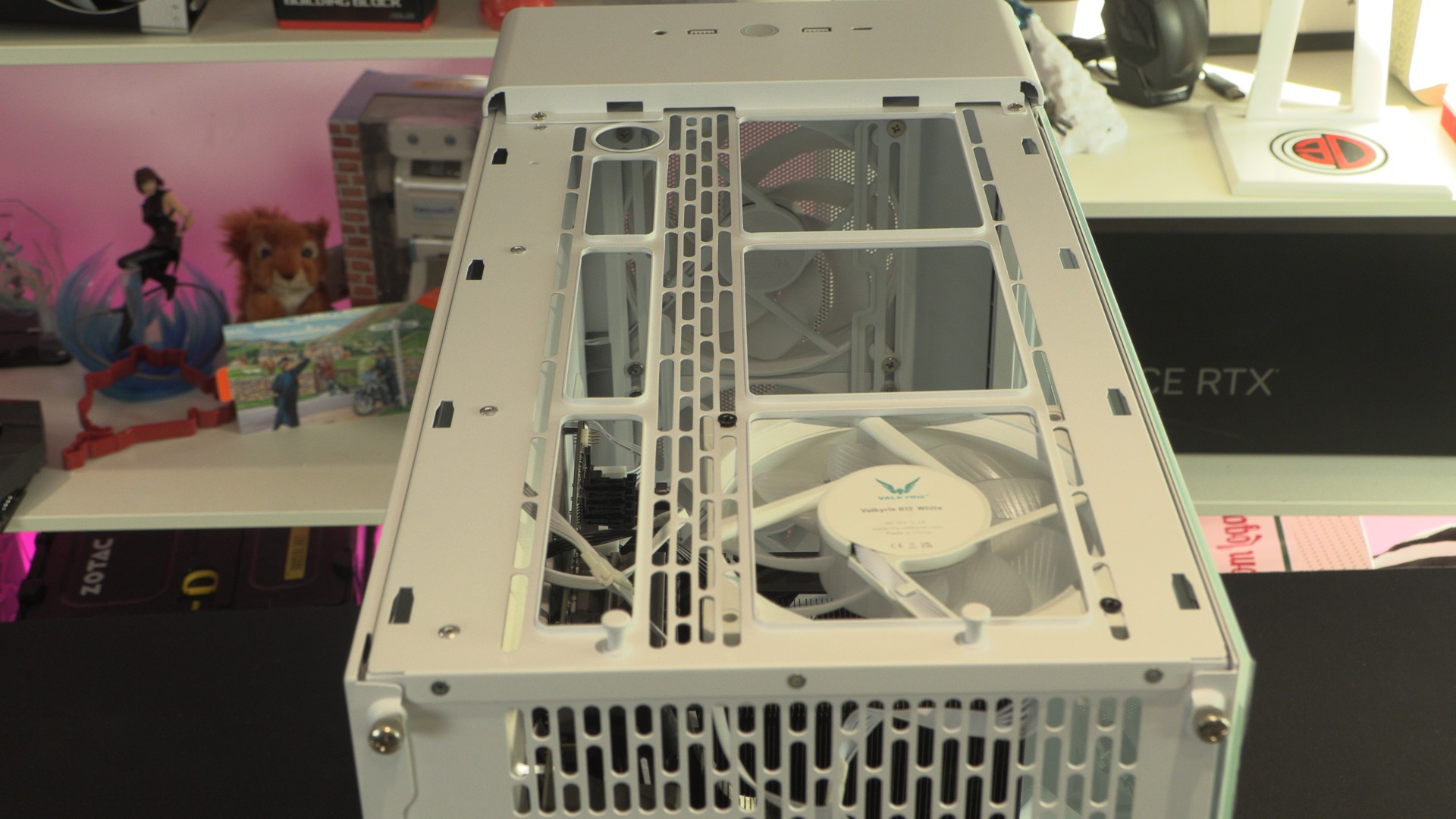
At the rear of the case, pulling the fabric tab below will remove the Epoch XL’s top panel, revealing several fan mounts.
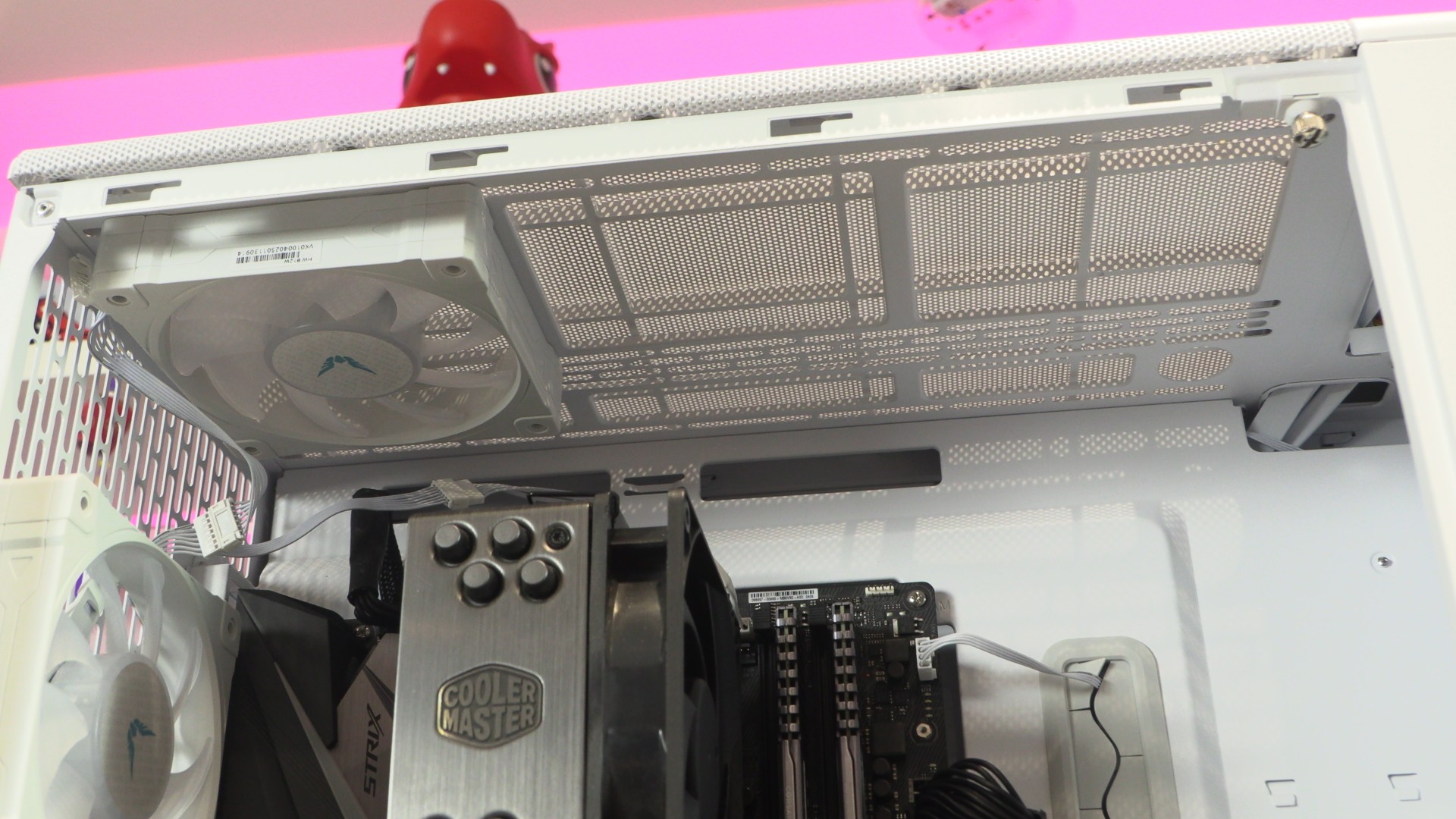
At the top of the Fractal Epoch XL are mounts for up to three 120mm fans, two 140mm fans, or two 180mm fans. Yes, this case supports 180mm fans!
Fractal Epoch XL front panel
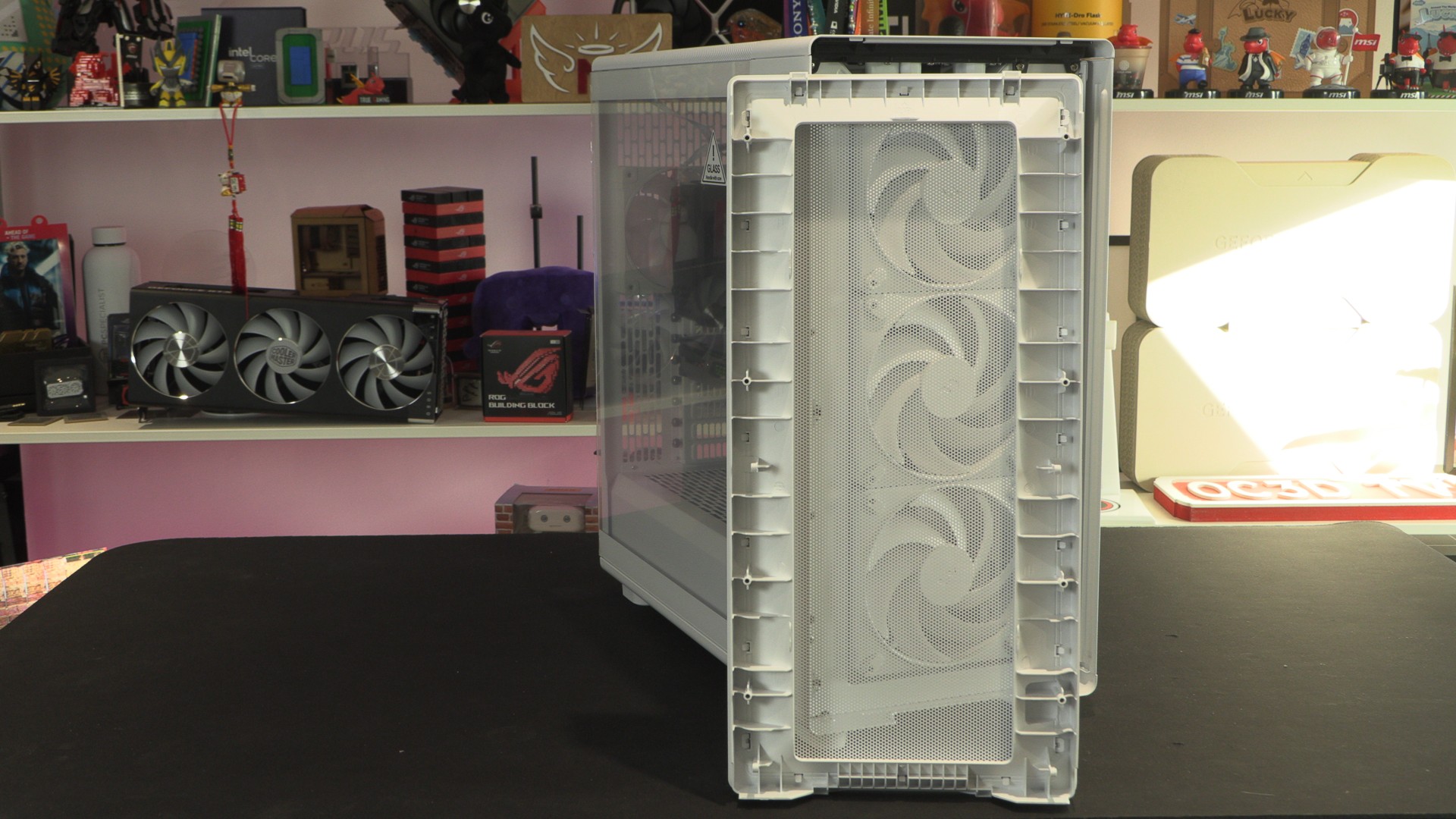
The Fractal Epoch’s front panel can be removed by simply pulling it off. This exposes the case’s three front-mounted 140mm Momentum 14 fans.
For this model of the case, Fractal’s Momentum 14 fans are non-RGB fans. However, an RGB version of this case is available that includes three RGB fans.
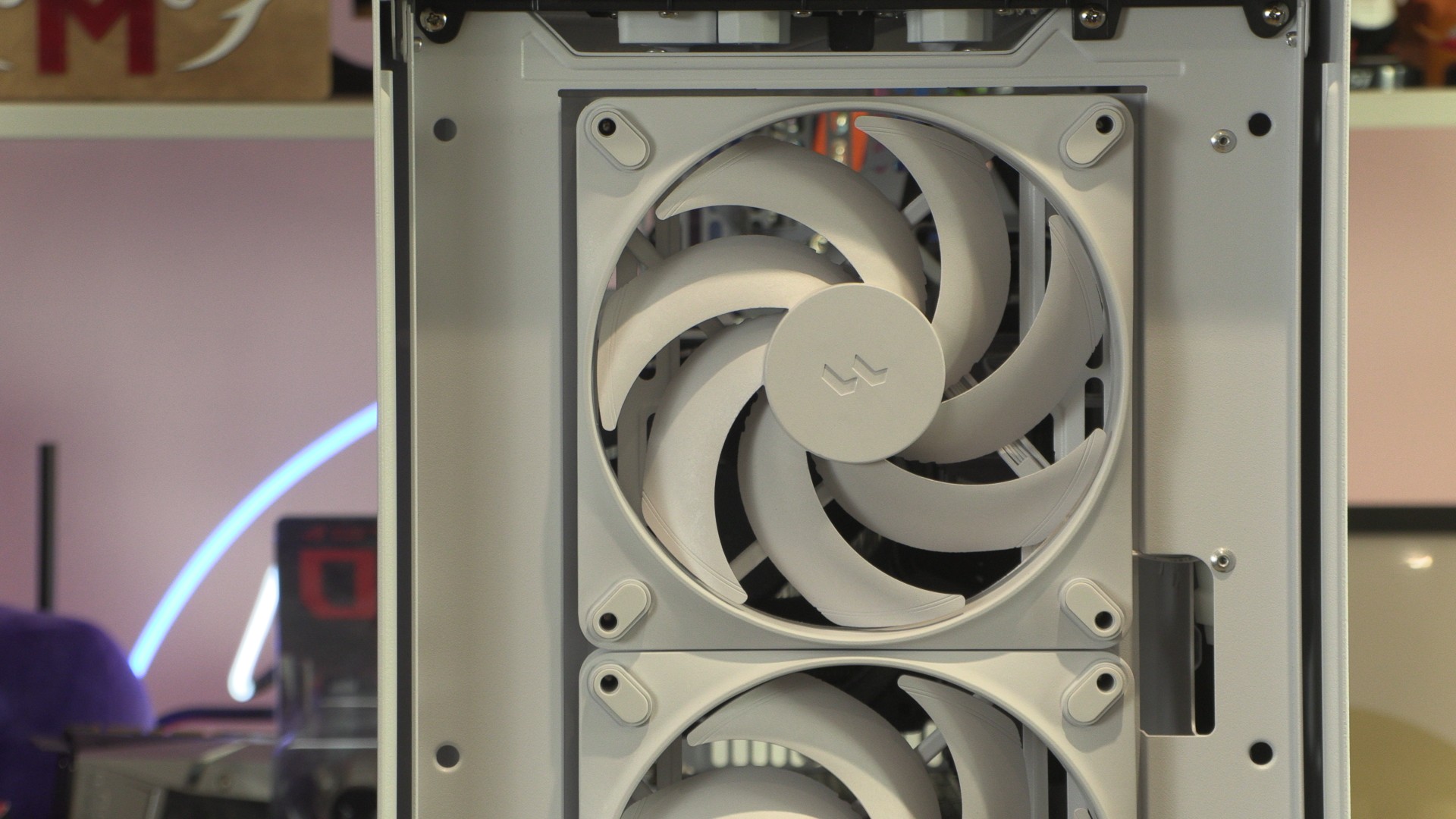
Fractal’s Momentum series is the company’s premium fan designs. They use liquid-crystal-polymer blades to deliver high airflow efficiency. This enables high levels of airflow with minimal noise. Three of these fans are included with the Fractal Epoch XL.
Rear
Much of the rear of the Fractal Epoch XL is perforated, enabling high levels of airflow. The rear of the case supports one 120mm fan. No rear fans ship with the case, so we added one for this review.
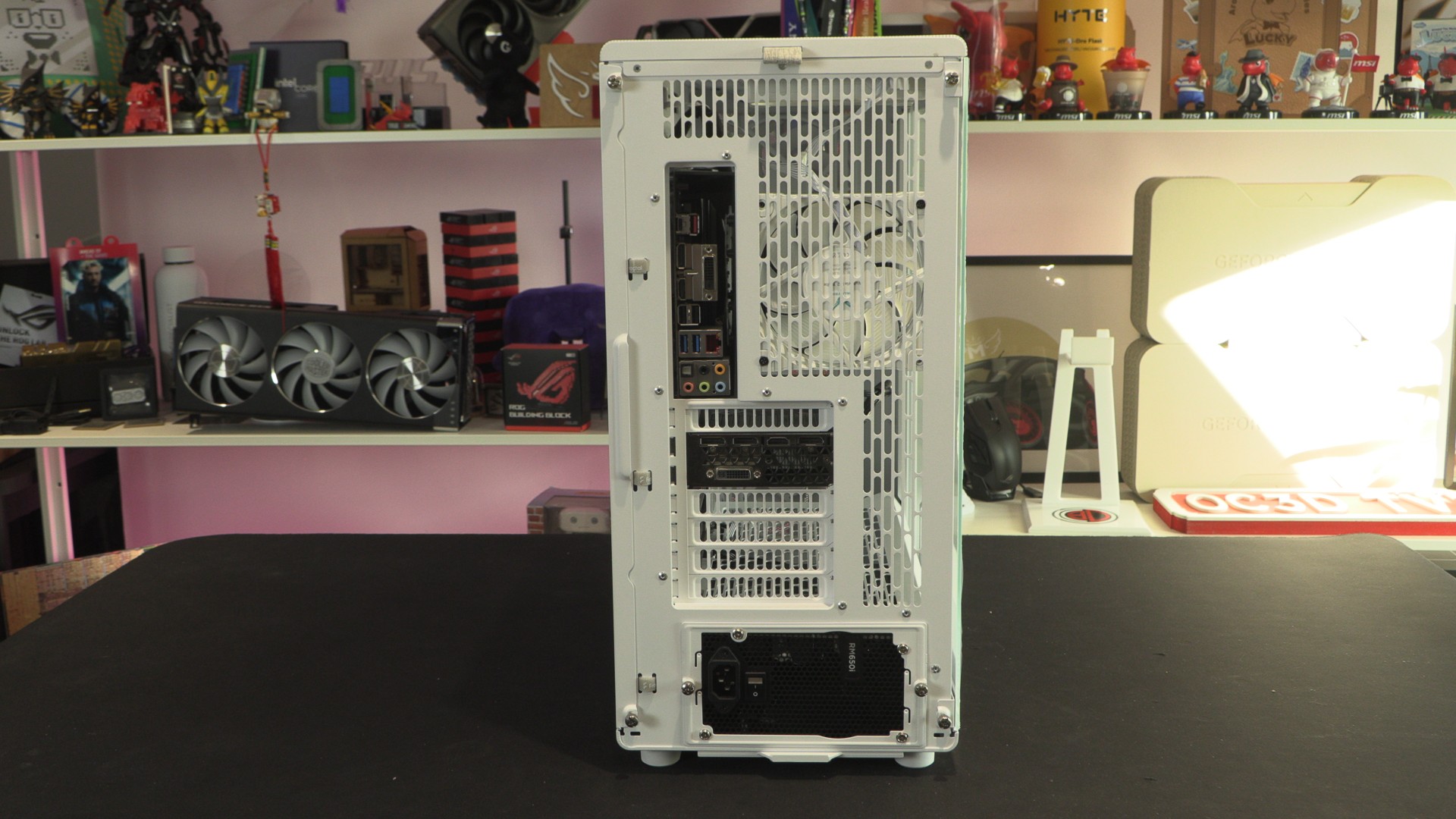
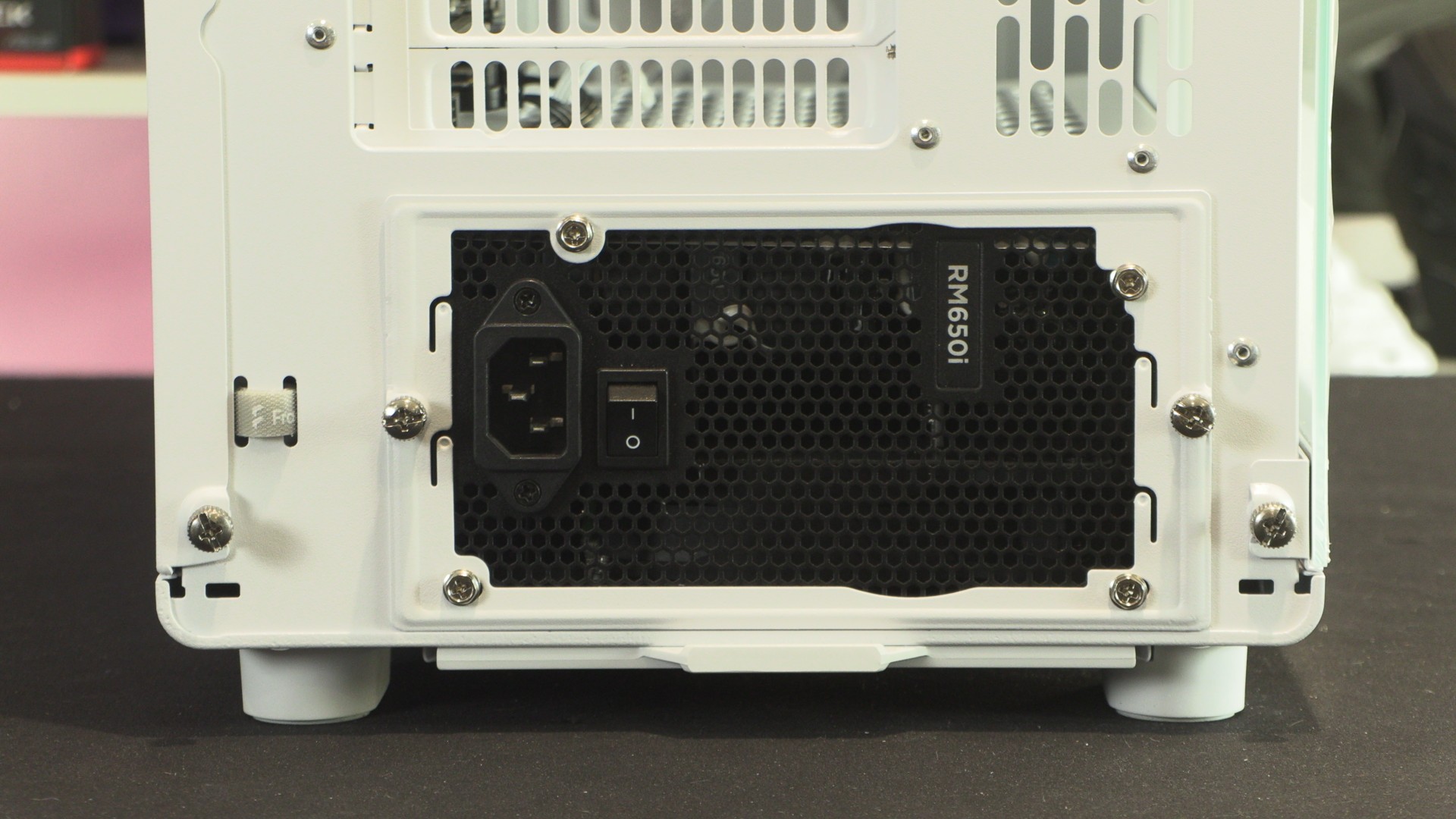
This case features a removable PSU mount. PSUs must be inserted from the rear of the case and attached using the mounting plate below.
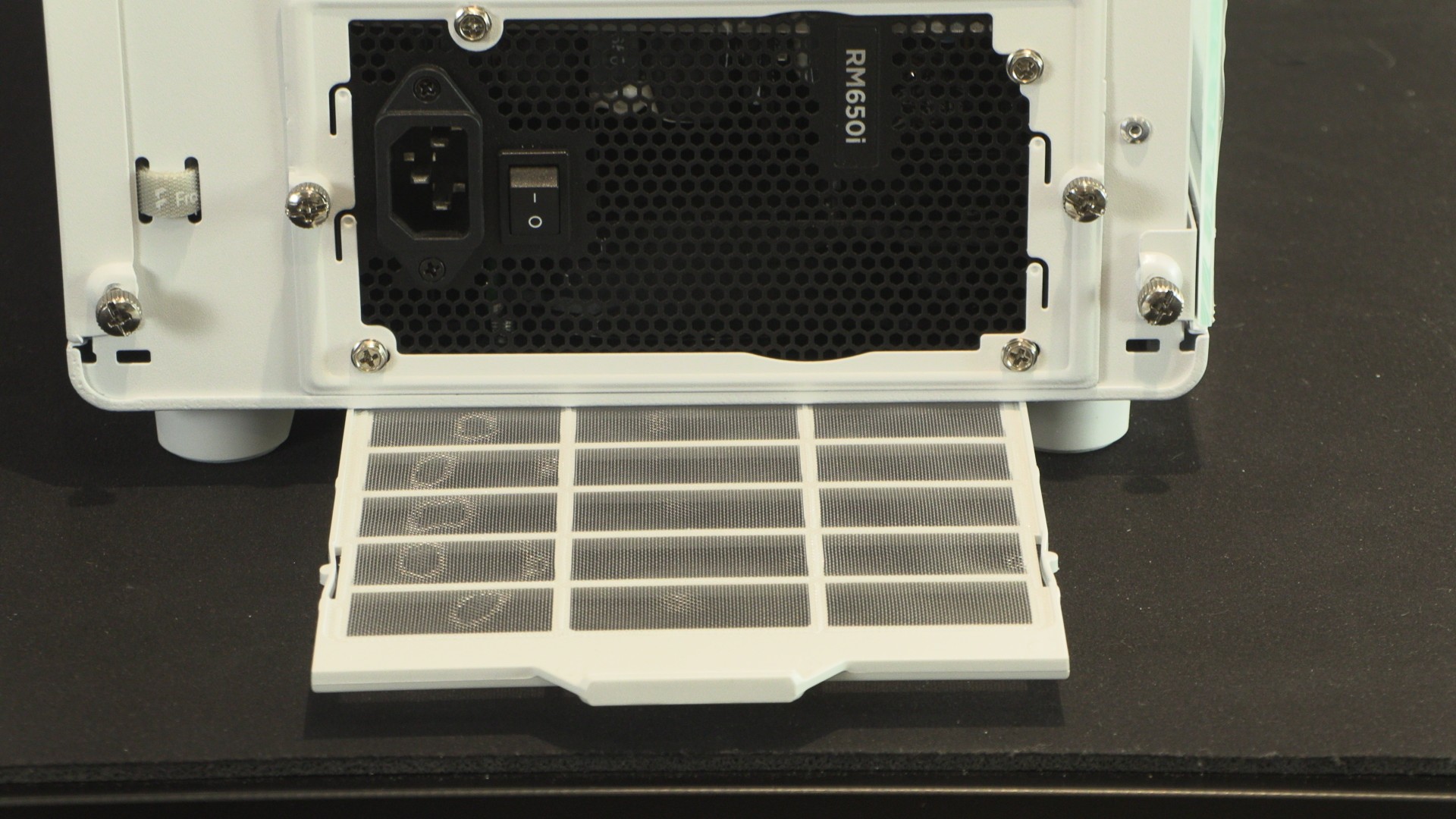
A removable dust filter prevents dust build-up within your power supply.
Side panel, and cable routing space
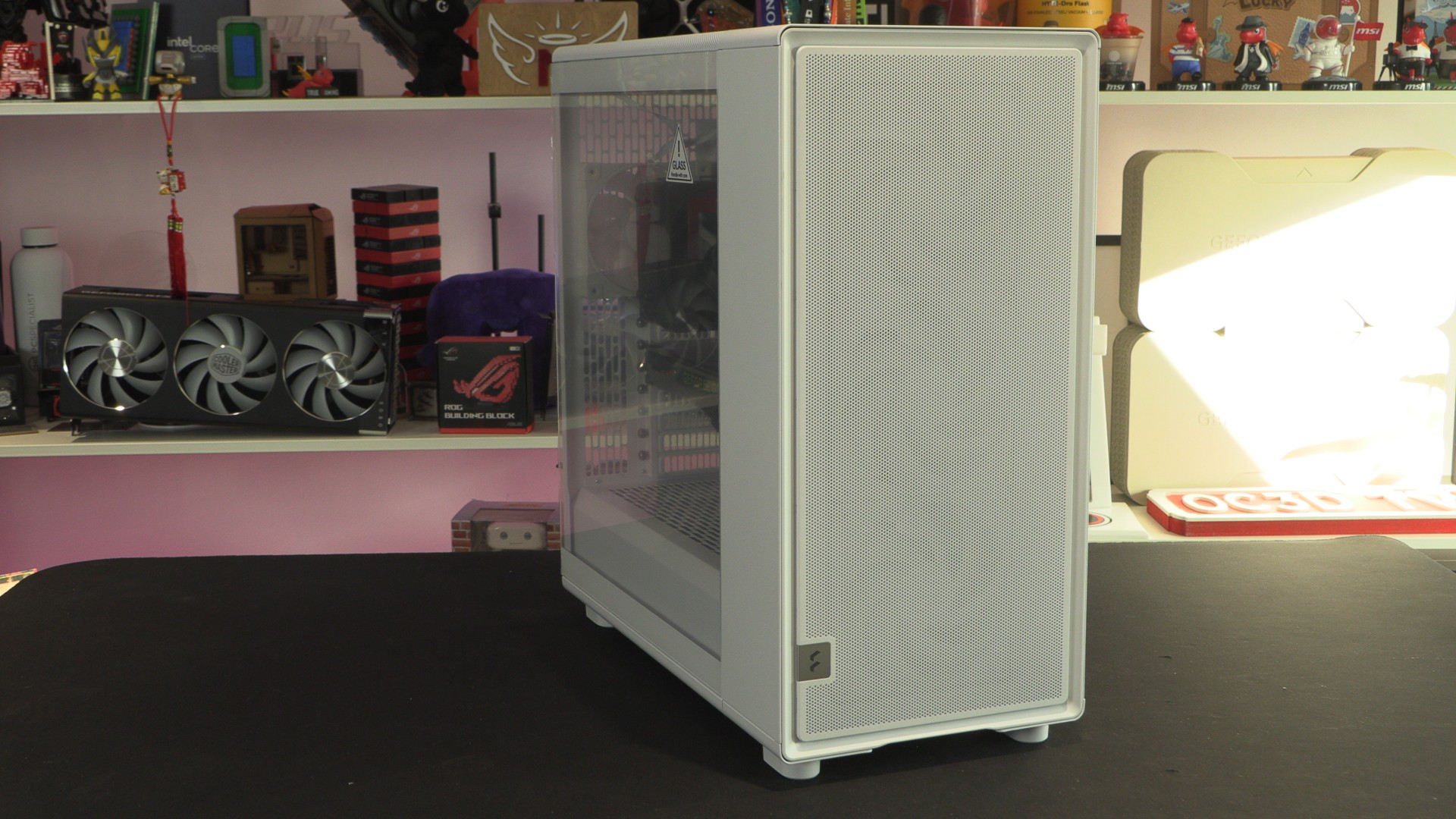
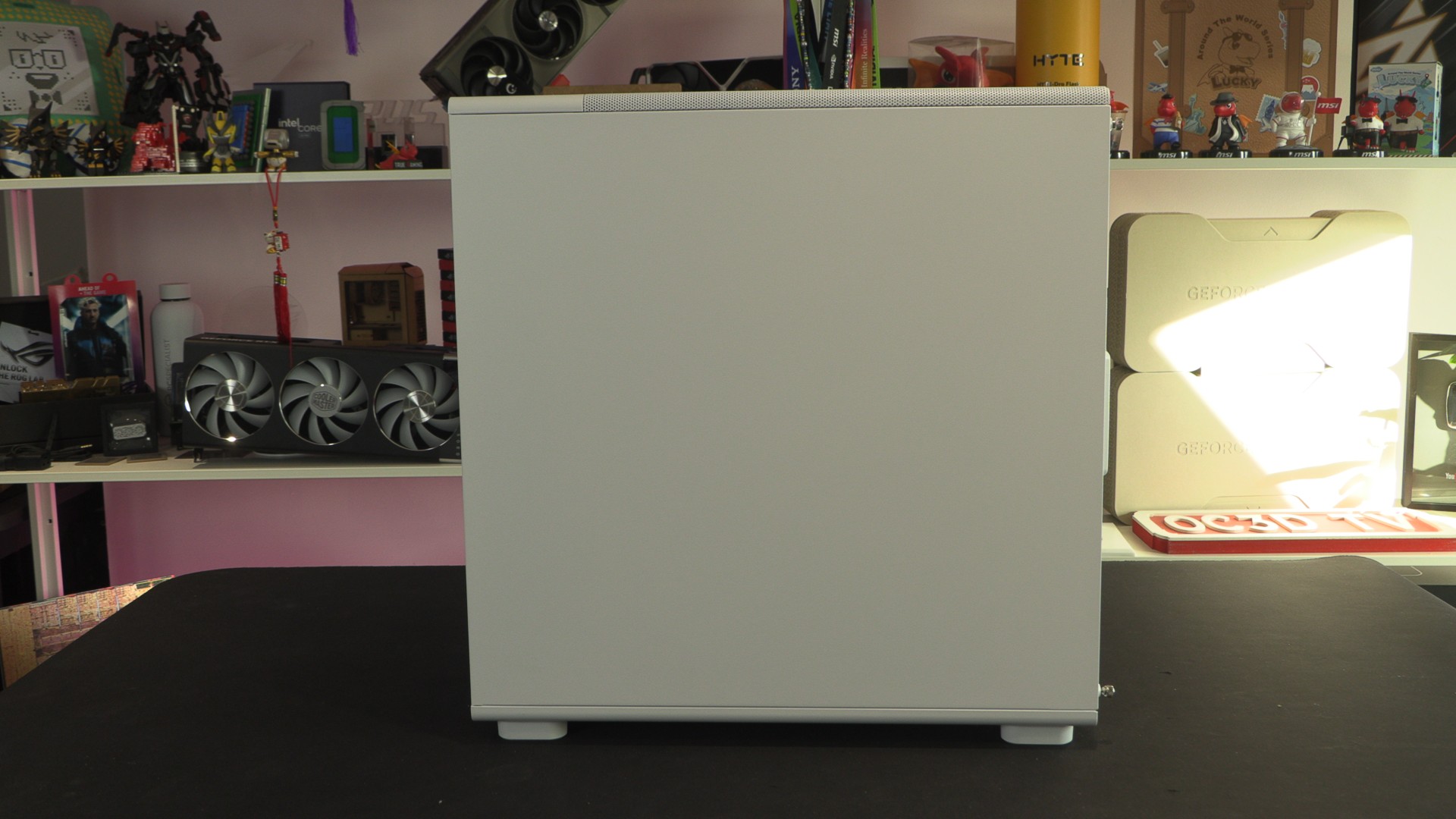
Honestly, having a plain right side panel is a novelty these days. Most modern PC cases have fans here, so their side panels are often perforated and include some mesh. The Fractal Epoch XL is delightfully old-school in this regard, relying on front-mounted fans for airflow.
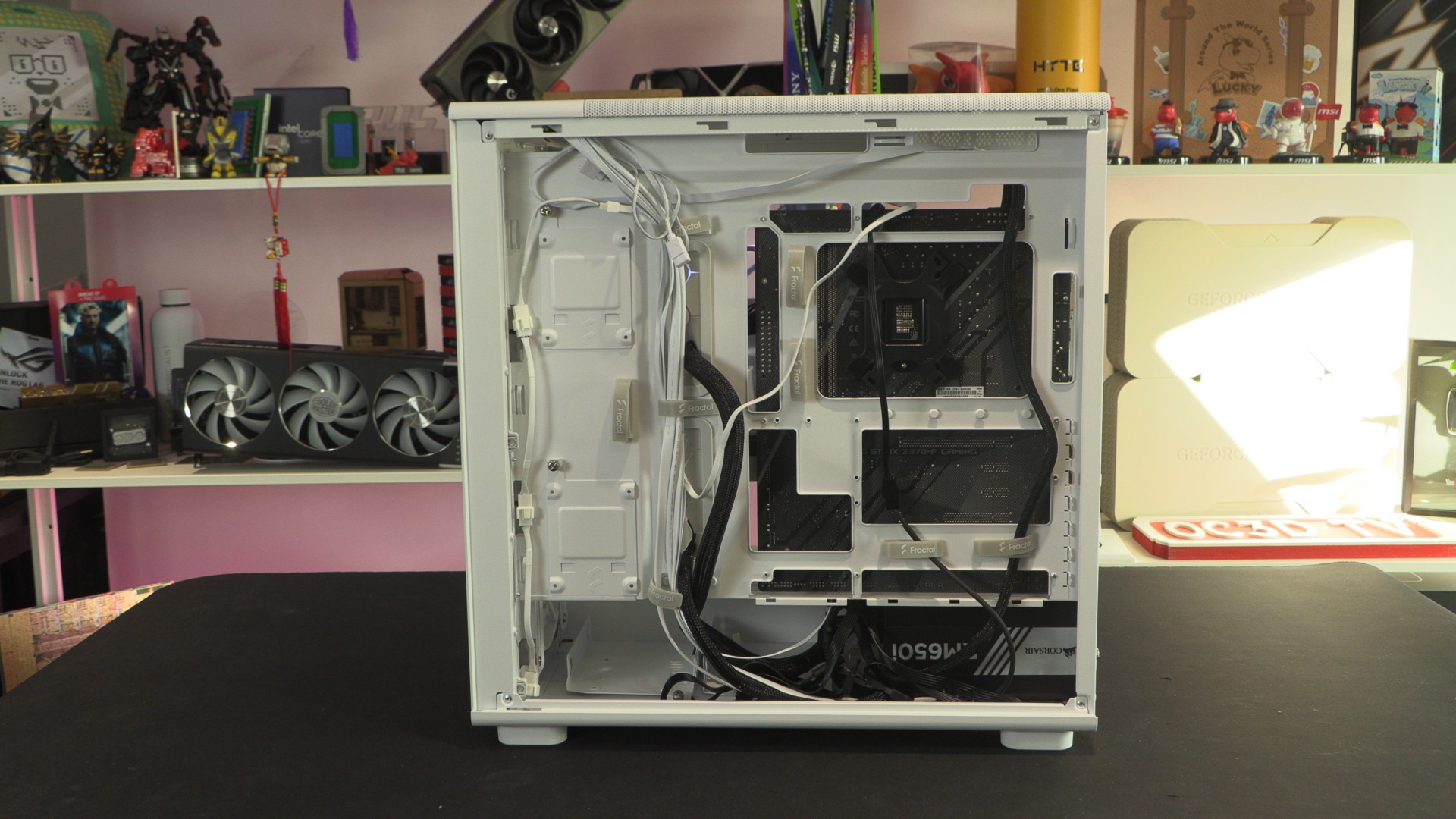
Removing the side panel reveals 37mm of cable routing space. This makes cable management a breeze. Below, we can see that the Epoch XL supports back-connect motherboards and features a large number of velcro ties. There are also two included 2.5-inch HDD/SSD mounts, and two included 3.5/2.5-inch HDD mounts.
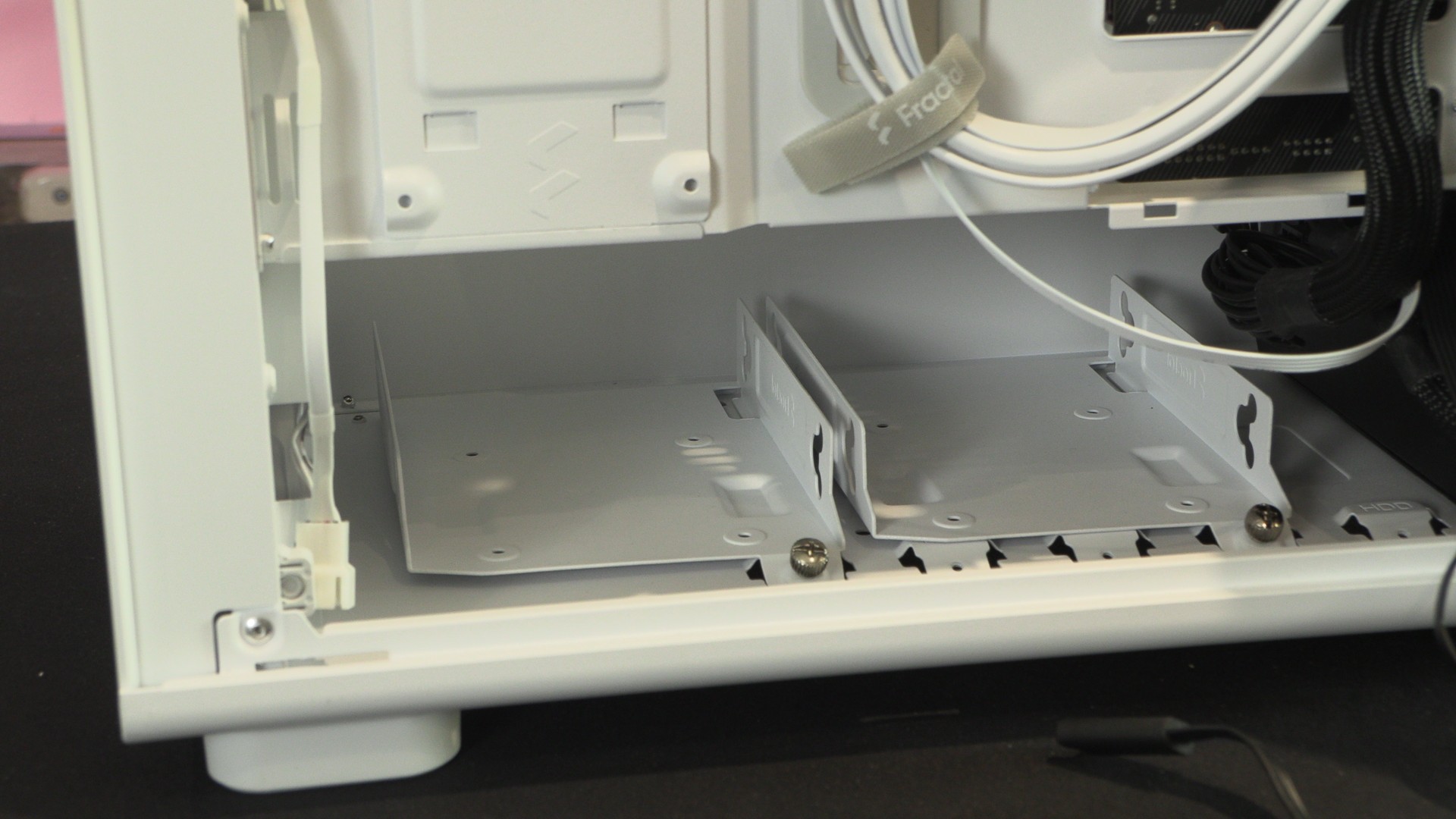
Below, we can see the two included 3.5/2.5-inch mounts within the Epoch XL. Note that with larger PSUs, only one of these mounts can be used.
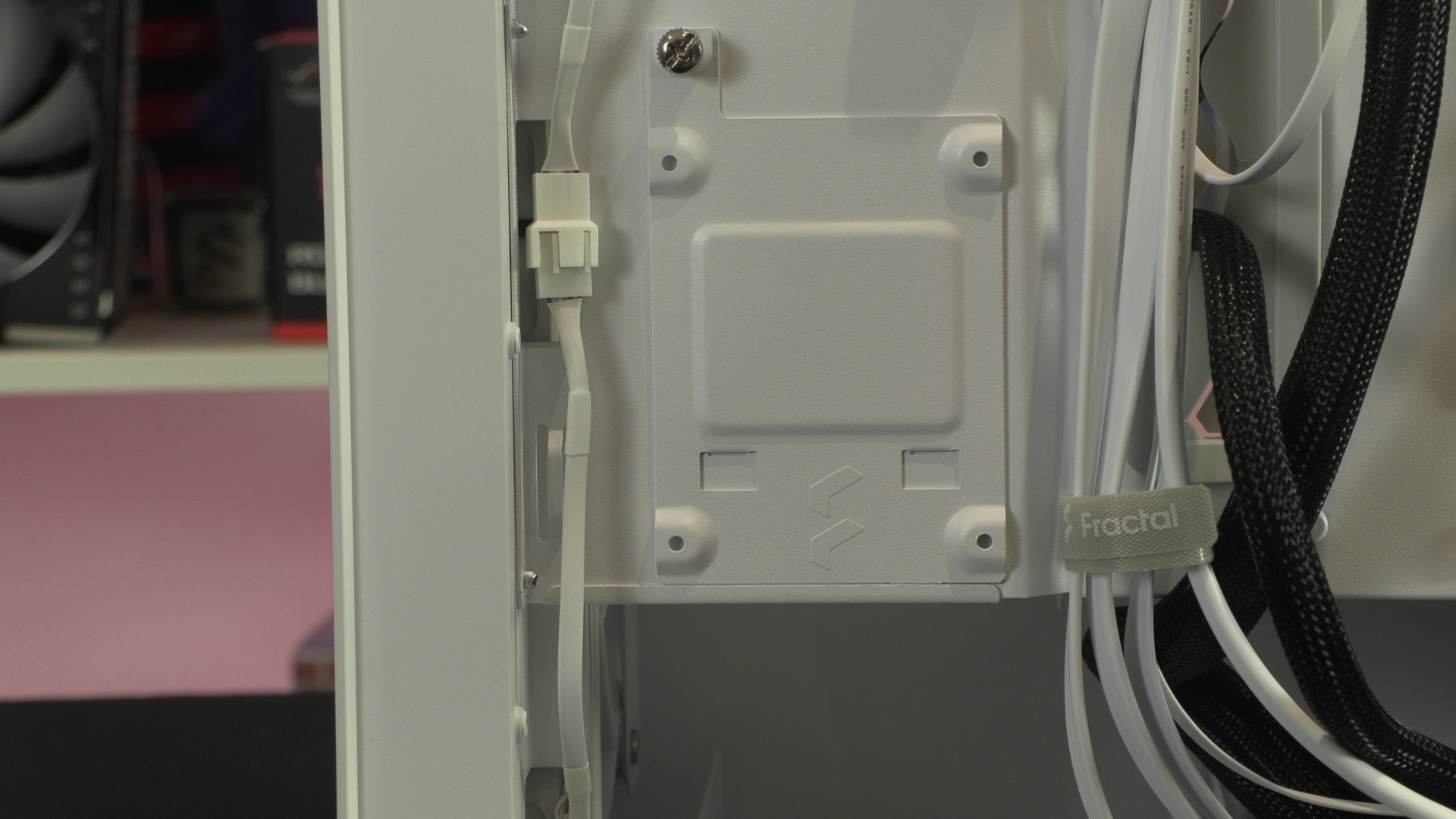
Below is one of the case’s two 2.5-inch HDD/SSD mounts.
Cable management
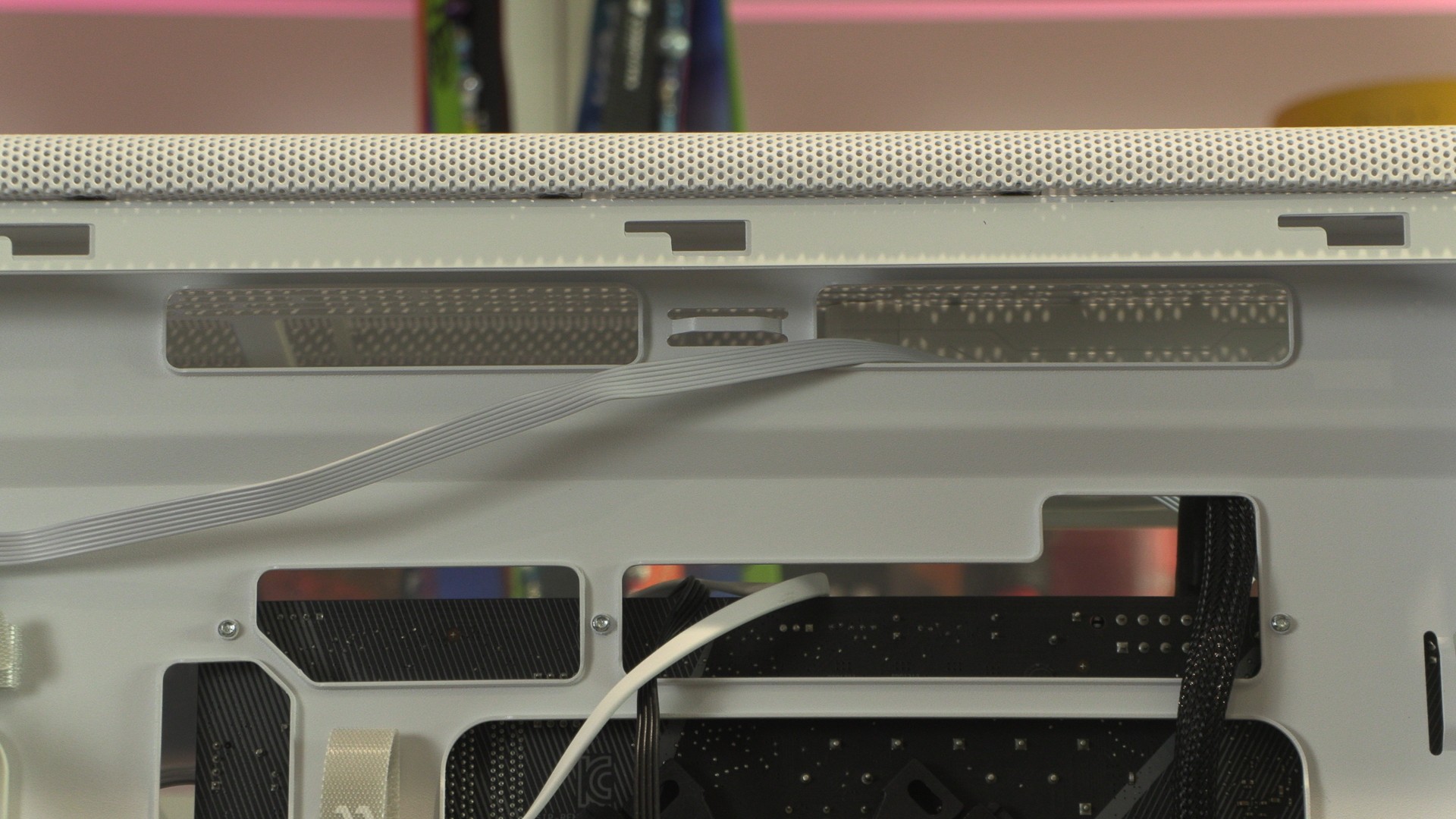
If you want an easy time managing your PC’s cables, the Epoch XL is an excellent case option. Below, we can see that users can cleanly route their 8-pin CPU power connectors through a cutout near their motherboards. Most case manufacturers do not consider this, leading to unsightly cables being highly visible inside of PCs.
The main chamber
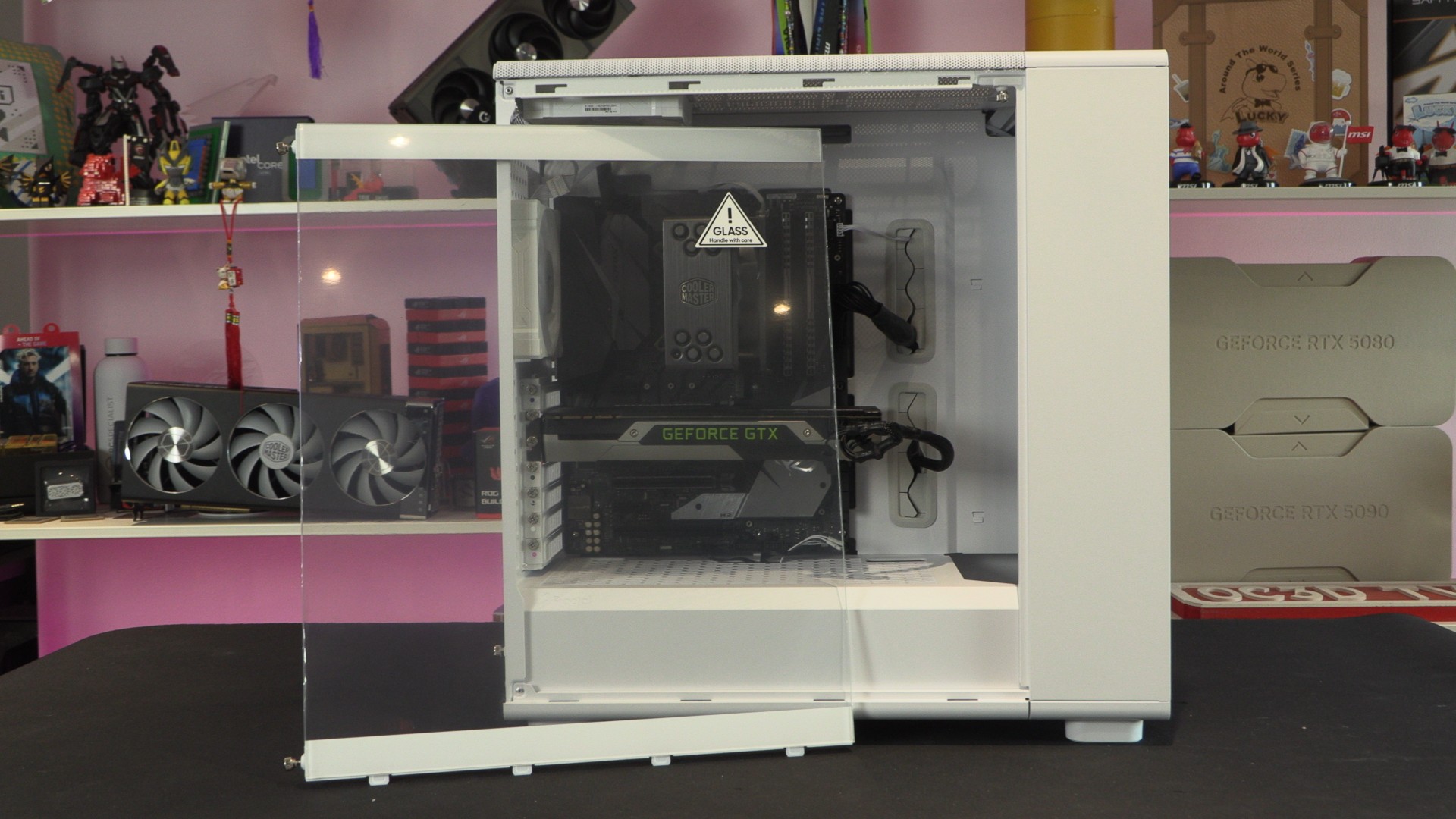
All white versions of the Fractal Epoch XL include tempered glass side panels. Only the black model has a “solid” option. This tempered glass side panel gives PC builders a clear view inside their PCs.
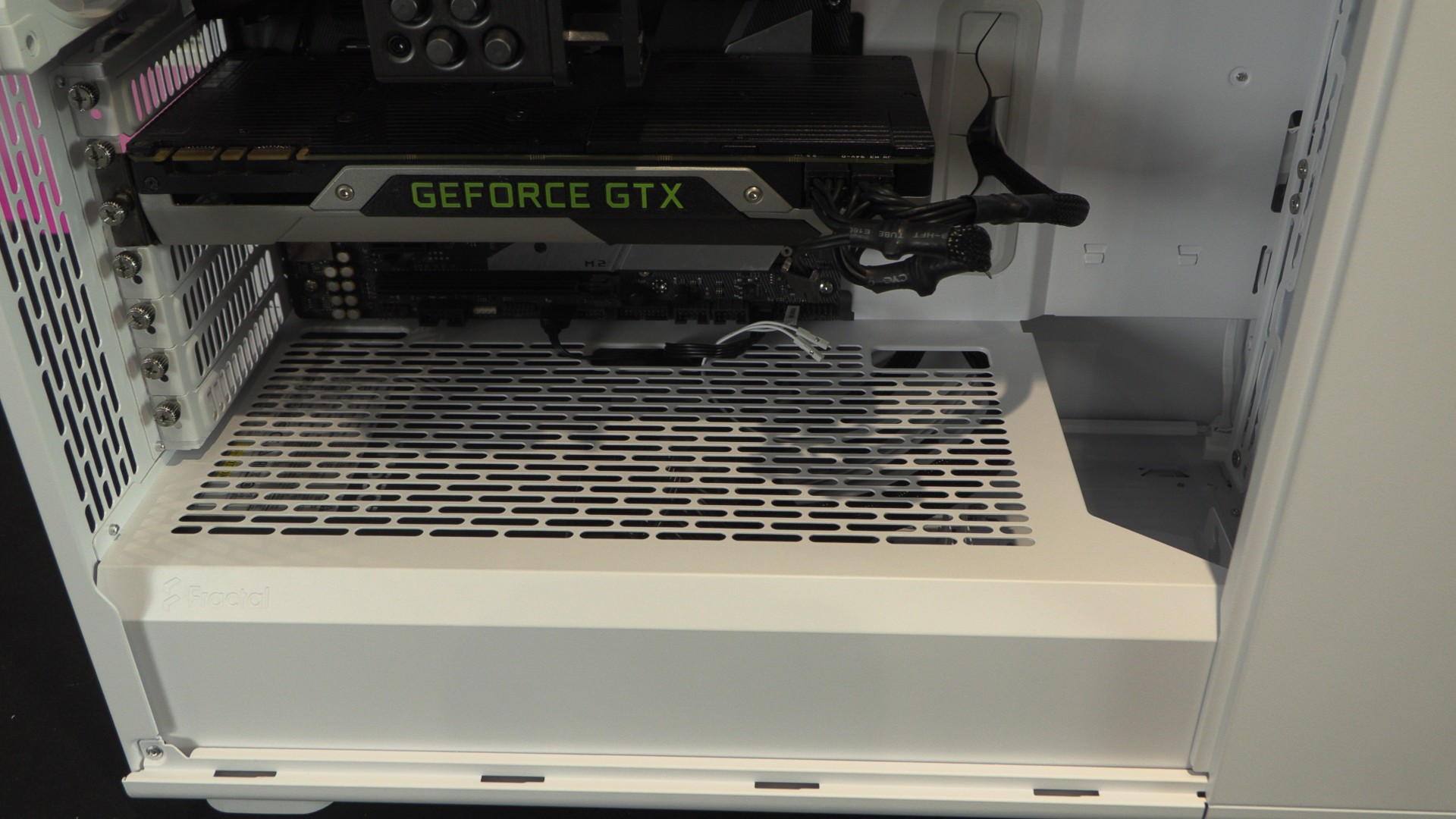
The PSU shroud of the Fractal Epoch XL is vented, though fans cannot be mounted here. Users can have their PSU fans facing up, allowing them to intake air from inside their PC.
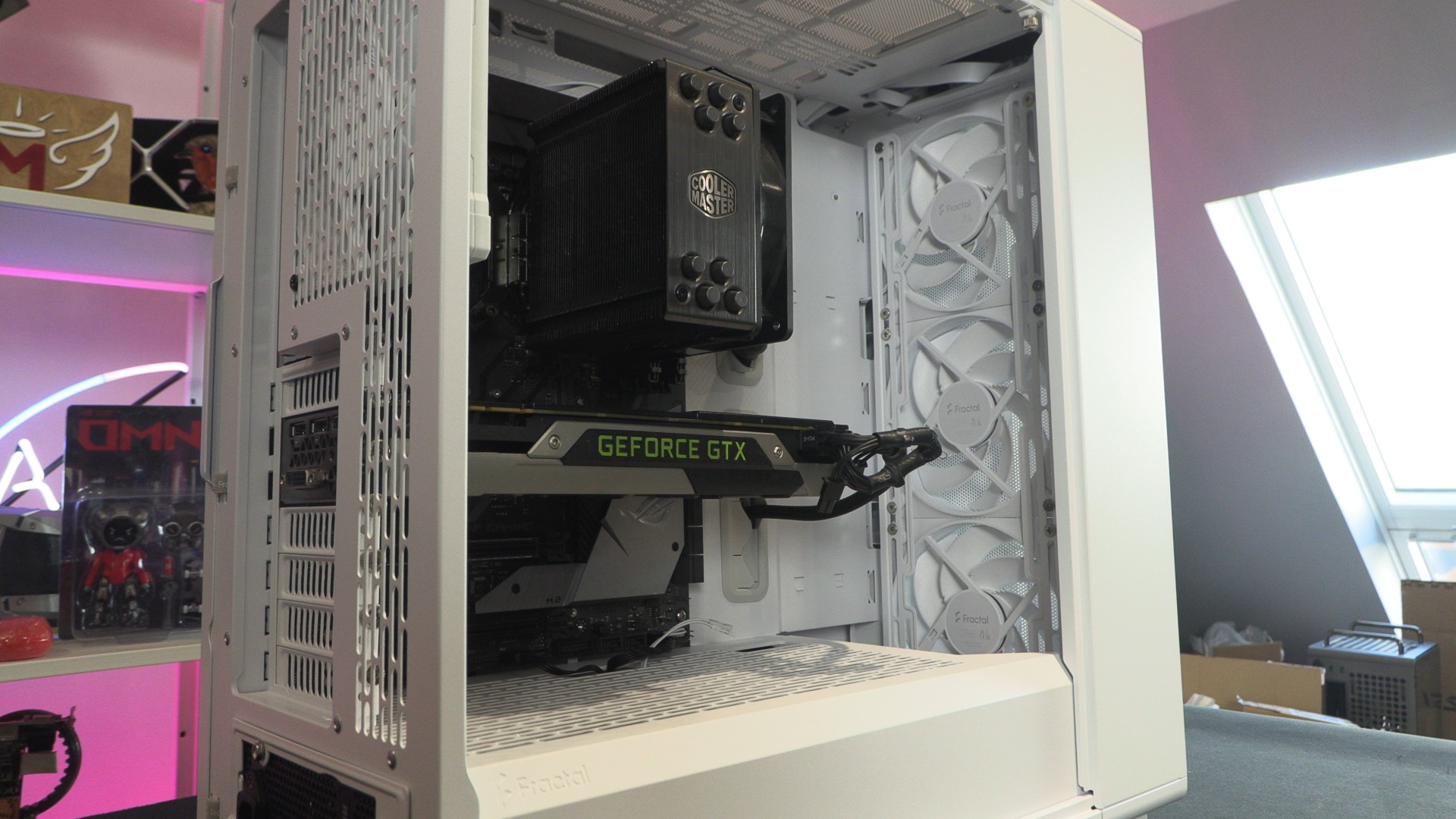
The Epoch XL’s three front-mounted 140mm fans act as this case’s primary air intake. They push air through the system, providing an ideal airflow scenario for our CPU cooler.
At the top of the Epoch is support for three 120mm fans, two 140mm fans, or two 180mm fans. Liquid-cooling radiators up to 360mm in size can be installed here. If you remove the thumb screw shown below, users can remove the Epoch XL’s white side panel, which is separate from the case’s tempered glass panel. Note that doing this can make installing liquid cooling radiators and/or large graphics cards easier.