


Cooler Master H500P Mesh White

Quick Mods and future plans
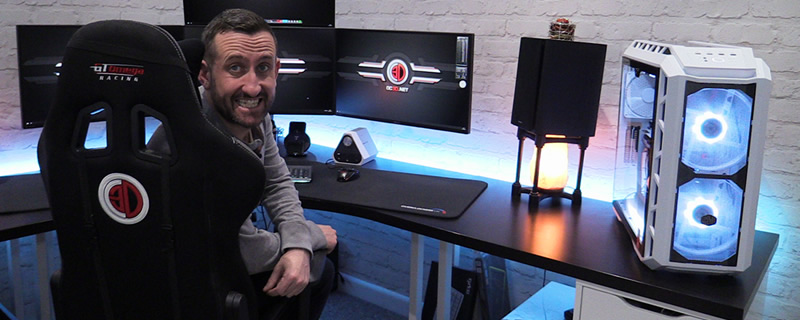
As part of Tom’s video production system, we can’t just let the case sit unmodified. We wouldn’t be OC3D if we didn’t take at least one step away outside of the norm.
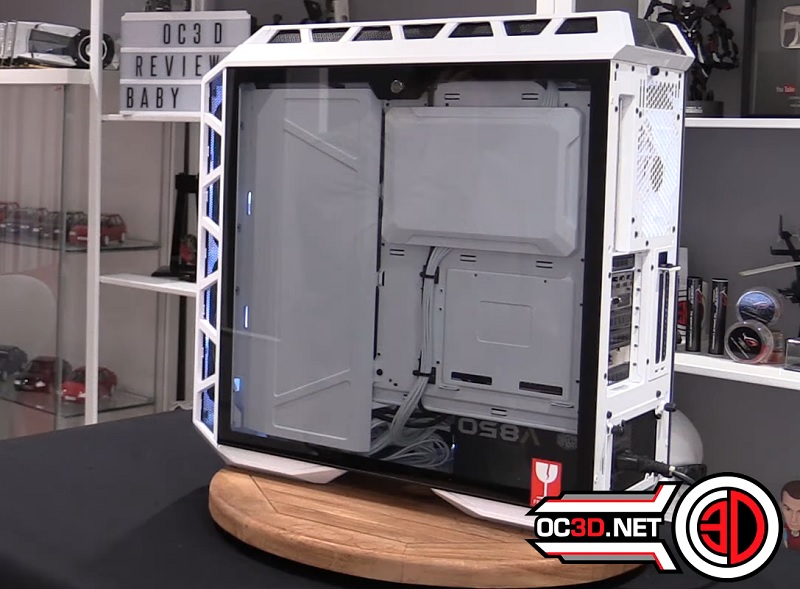
For starters we took the tempered glass window from our original H500P review sample and transferred it to the new H500P White Mesh, giving us two tempered glass side panels, revealing the clean cable management options that are offered by the H500P. Replacement or secondary tempered glass windows are available to purchase from Cooler Master allowing this modification to be done without the need for a secondary doner case.
In time there are plans to showcase something a little more special at this side of the chassis, perhaps by mounting a few SSDs or RGB LED strips behind the motherboard tray. We want to make this system as sexy as possible at all angles.
Those who are familiar with the H500P will know that Cooler Master offers two PCIe slots in this PC enclosure for a vertical GPU mount, requiring users to purchase a PCIe riser card to access the feature. We hope to install over the weekend, allowing out custom painted GTX 1080 Strix to be shown off in all of its glory.
Cooler Master offers branded riser cables on their spare parts website, which will allow purchasers to utilise the case’s mounting locations to secure the riser care in the perfect position. Spare parts are available from Cooler Master’s space parts website here.

