CoolerMaster MasterBox 5 Review

Stripped
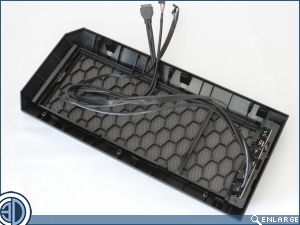
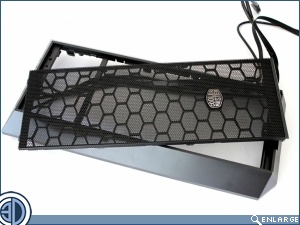
As there’s just the front panel that’s plastic, there isn’t really a lot to do to strip the case. The front panel does take a bit of getting off though as it’s held on from behind by six barbed clips, each one of which has to be pried off. If you are removing the front panel, be aware that the front I/O is hard wired to is. Thankfully, the front mesh panel can be removed without the need to remove the front panel. Simply give it a light tug from the bottom and it pops right off.
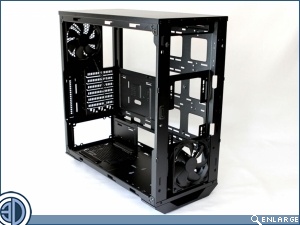
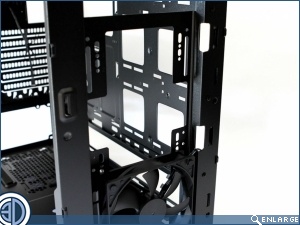
Well that’s the side panels off, the PSU cover off, the 3.5″ drive cage out and the front panel off, which is about as much as you can strip the MasterBox5. Interestingly it’s only when you’ve stripped it this far that you can really see just how much room there is in the front for radiators.