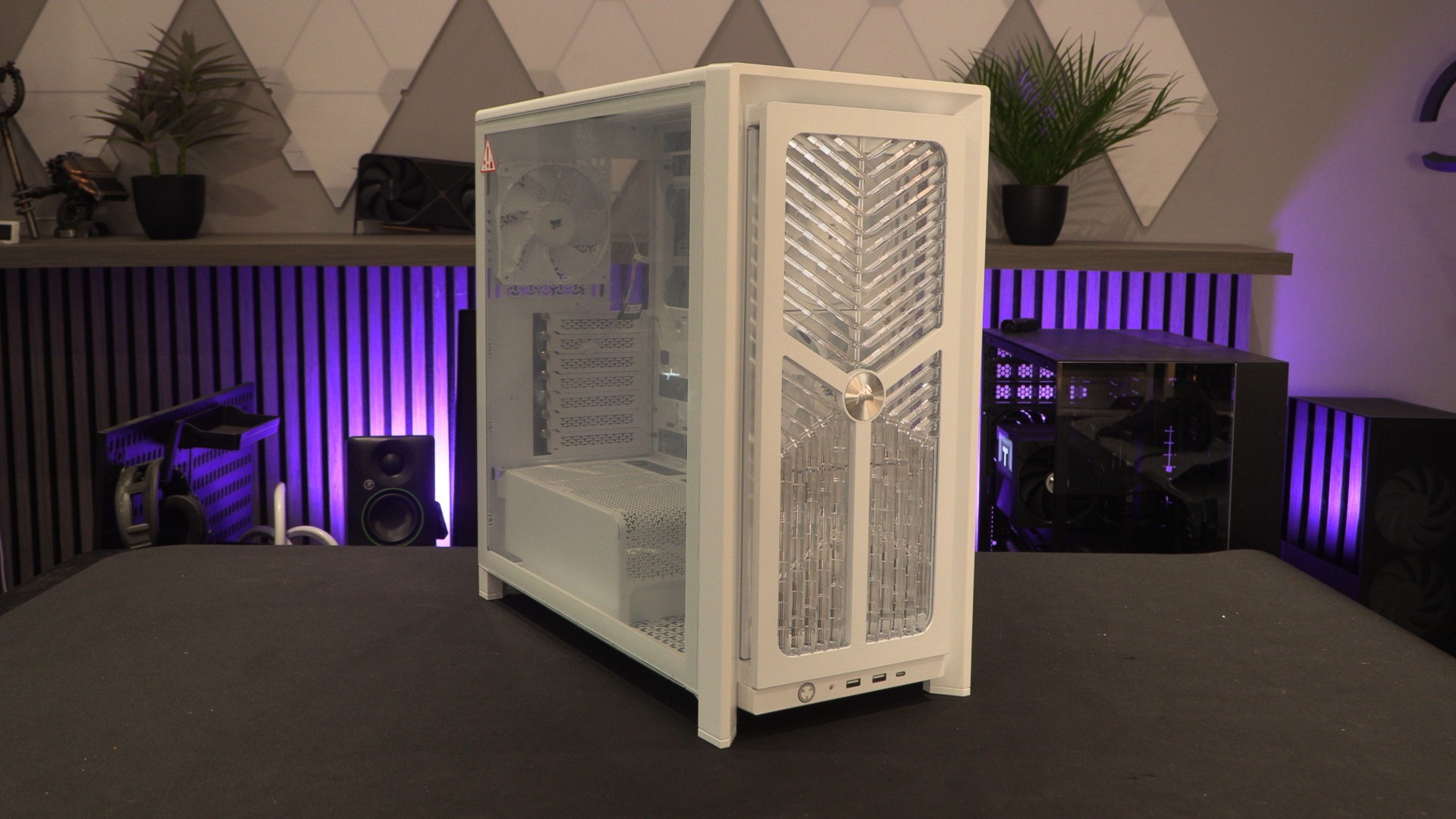
Extreme Customisation – Corsair FRAME 4000 Accessories are here!

Front Panel Options
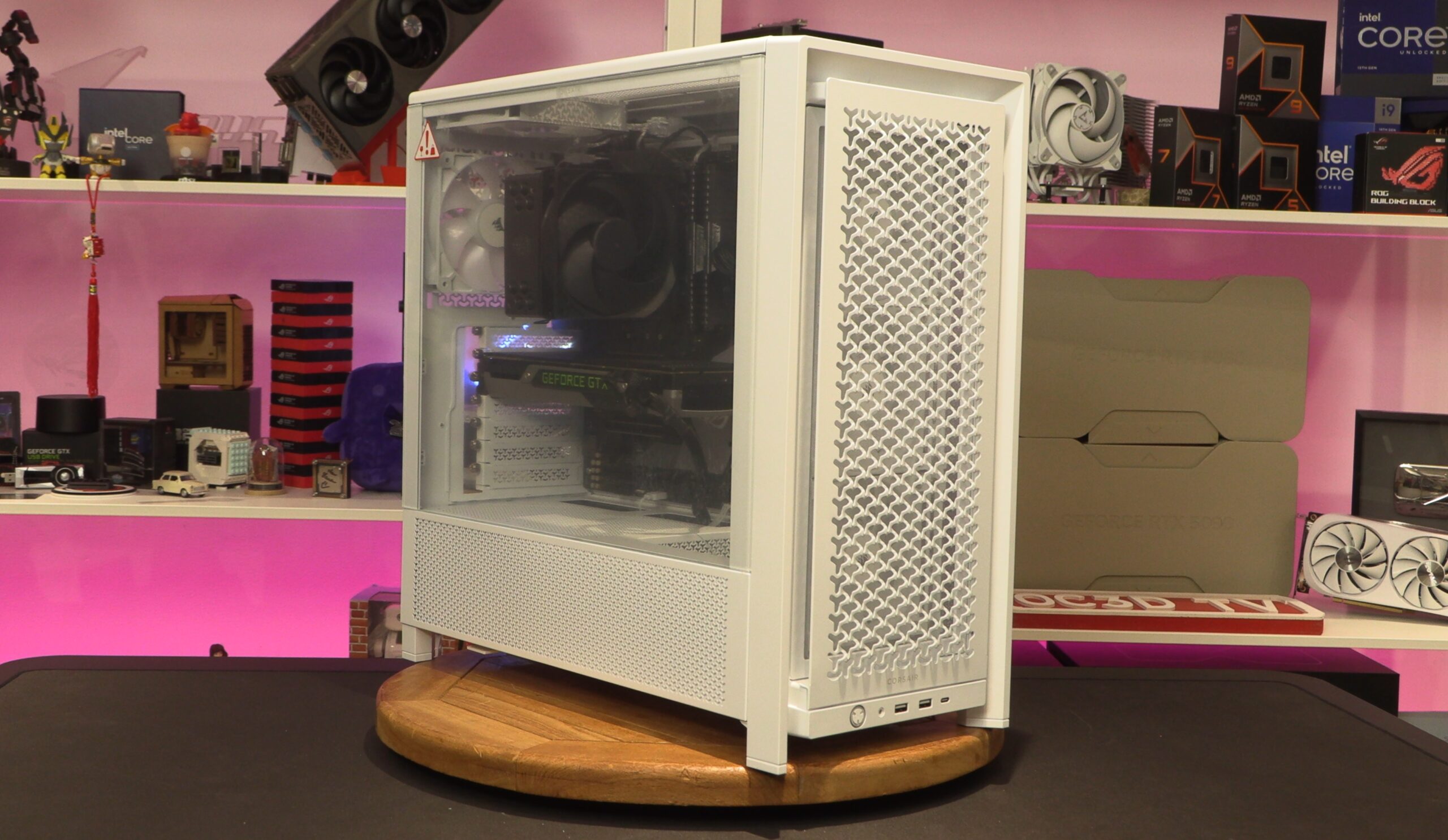
Corsair FRAME 4000 Front Panel Accessories
To start off with the basics, above you can see Corsair’s stock FRAME 4000D “FLOW” front panel. Corsair’s 3D-Y design enables 12% more airflow than the front panel of this case’s predecessor. That said, optimal airflow isn’t what everyone wants. After all, if you are building a PC, it should look the way you want.
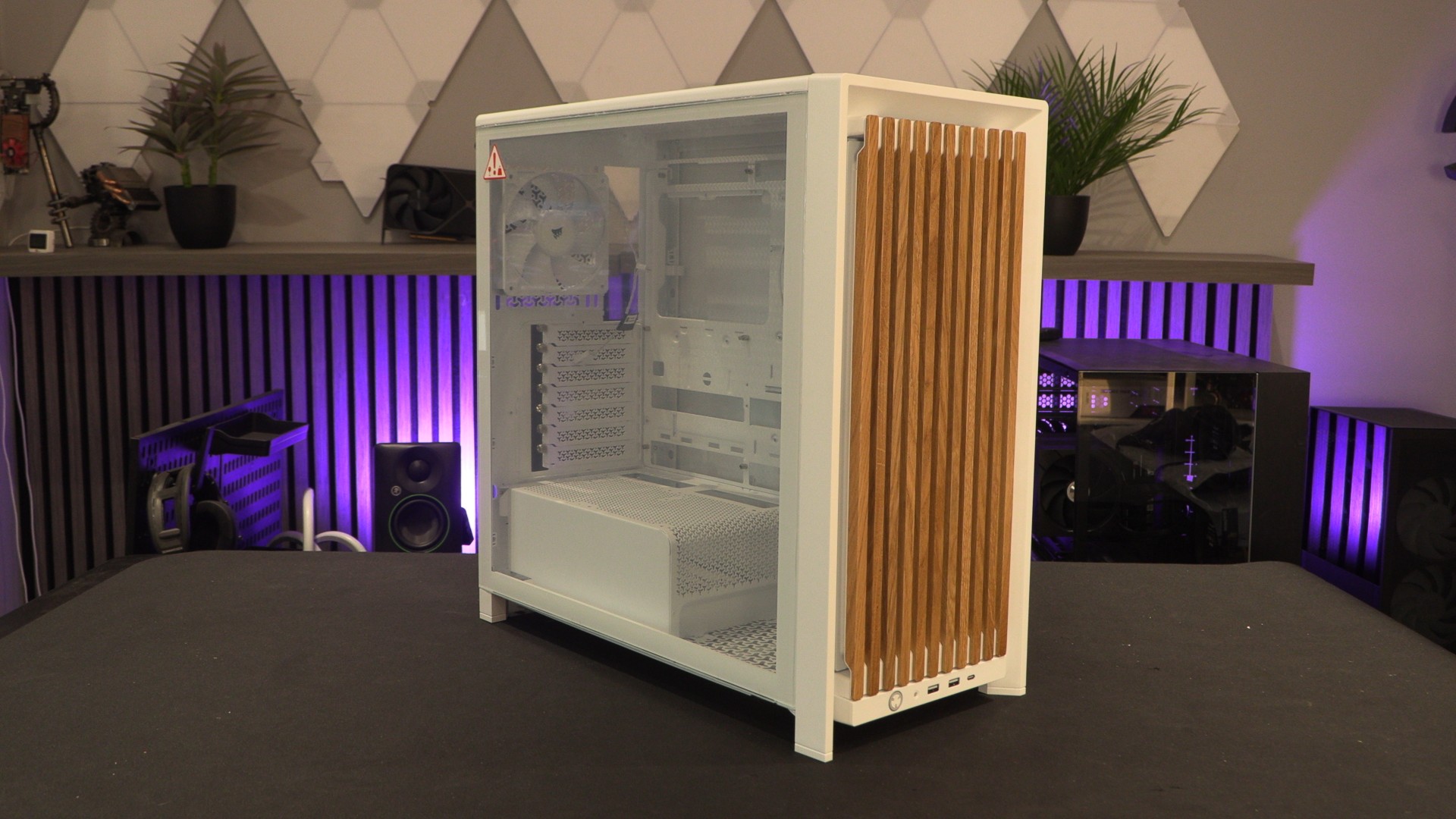
For starters, we have Corsair’s Wood Front panel. This panel is available in Walnut and Light Oak, which are intended from the Frame 4000’s Black and White versions, respectively. Just remove Corsair’s standard front panel and place the new wood version. A super easy upgrade.
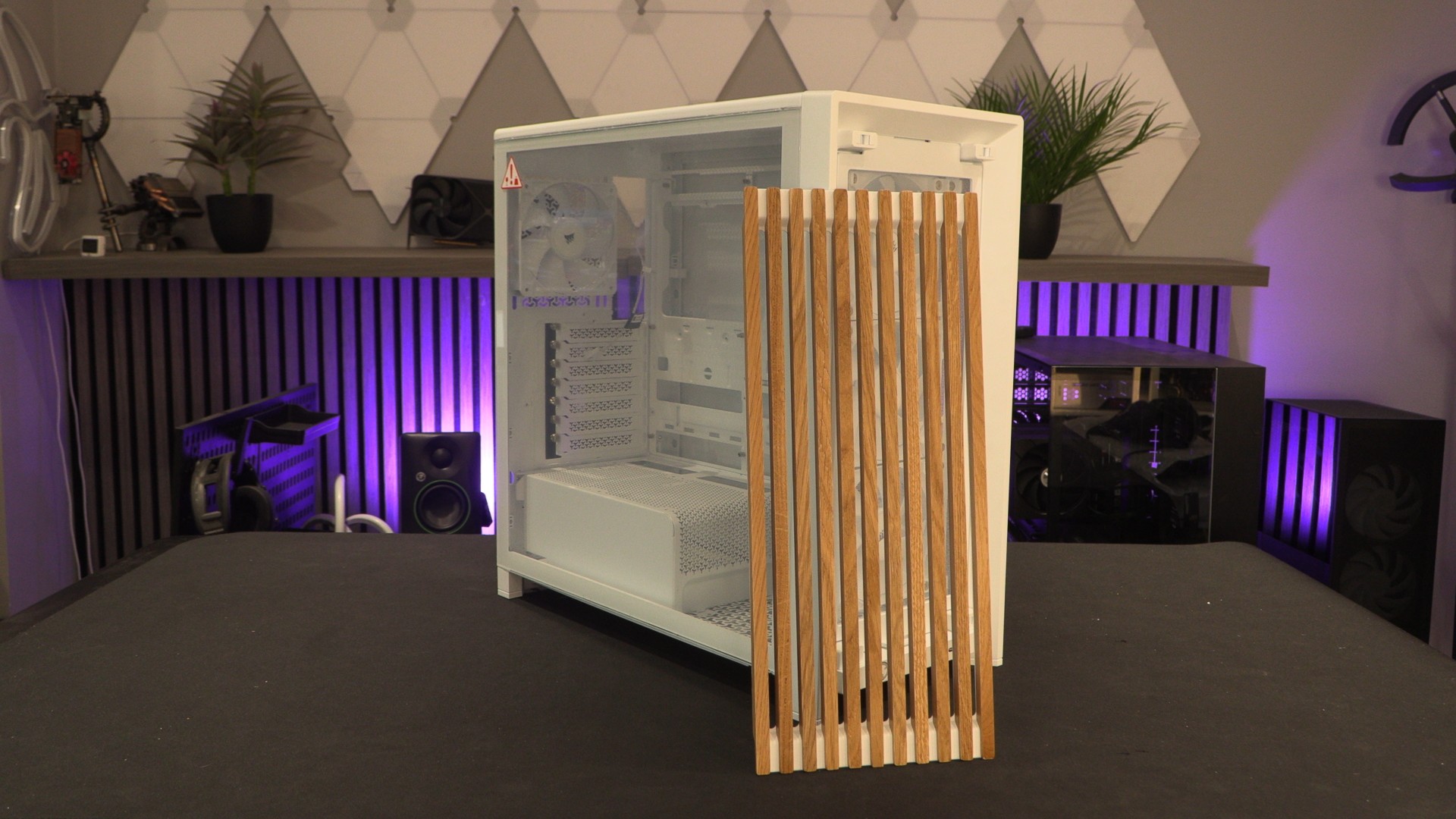
Corsair 4000 Elite Wood front panel
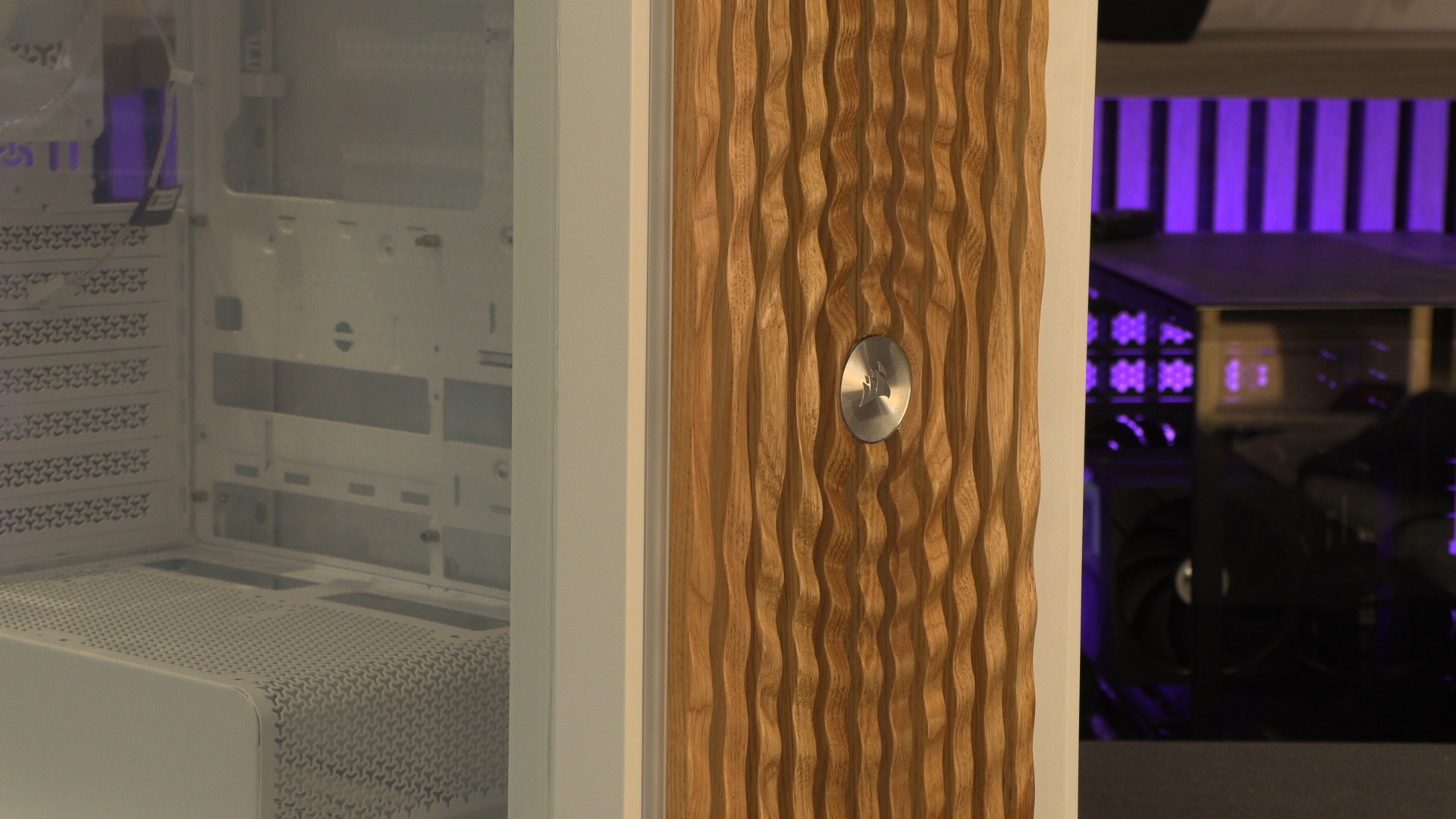
If you want something a little more unique, Corsair has also made an Elite Wood panel, which features a neat ripple effect and a machined Corsair Logo at its centre.
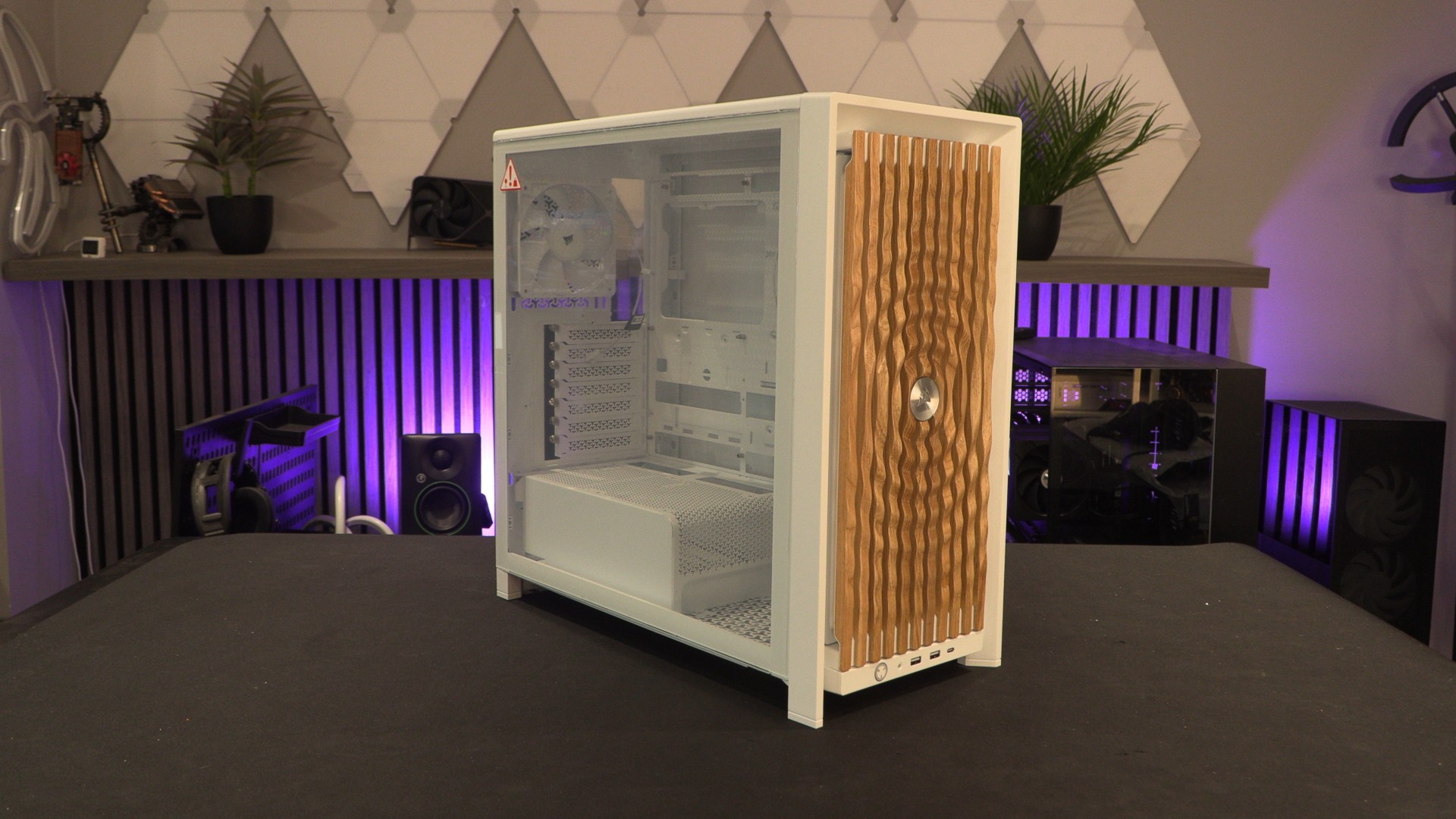
This Elite Wood panel is also available in dark walnut and light oak.
Pixelated Tempered Glass
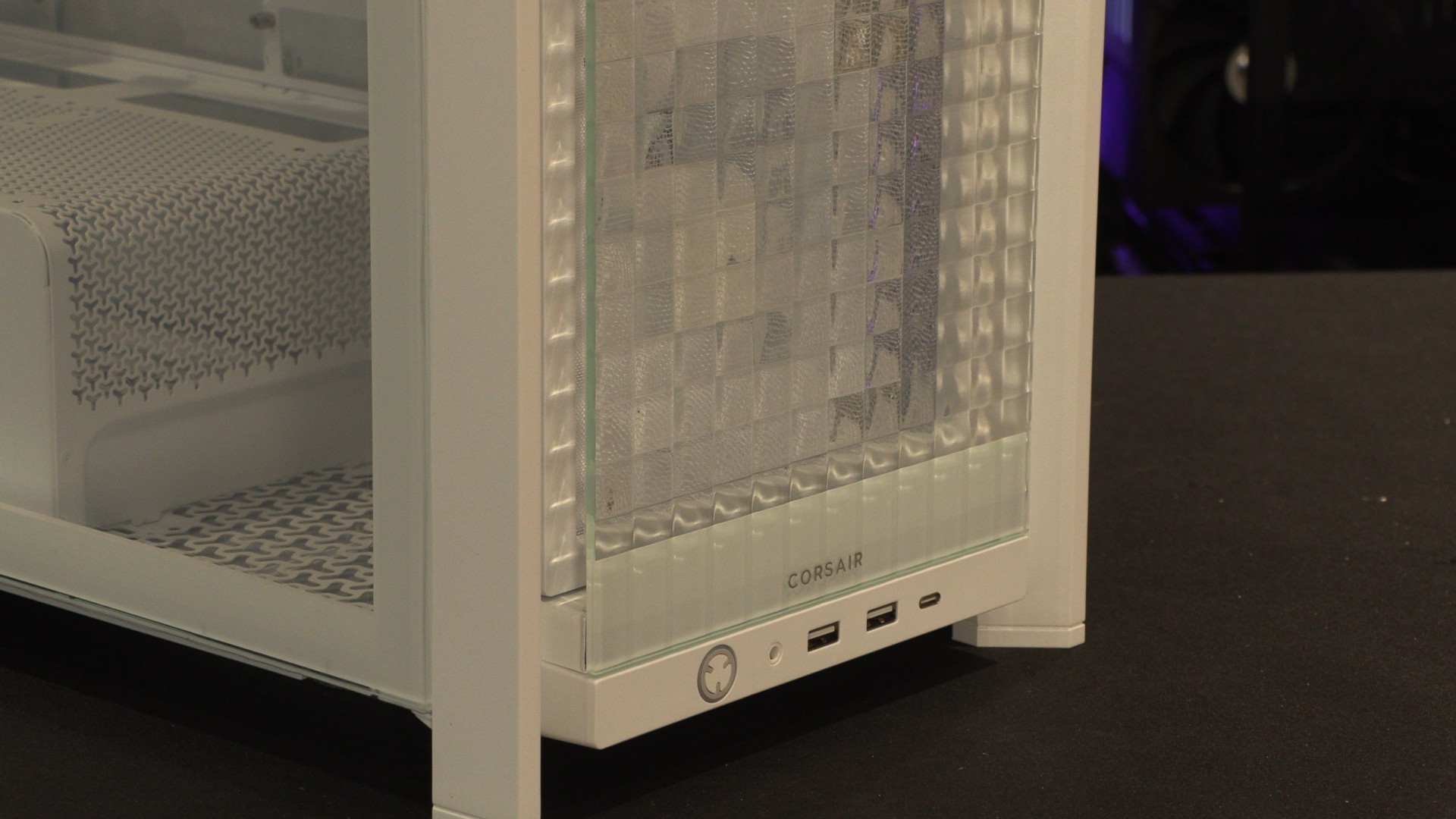
Corsair has two glass panel options for its FRAME 4000 cases. One is a flat/plain glass panel, while the other is more unique. Corsair sent us their “Pixel Glass” panel, which features a mosaic tile-inspired design that refracts light from the RGB fans behind it, delivering a pixel-art aesthetic.
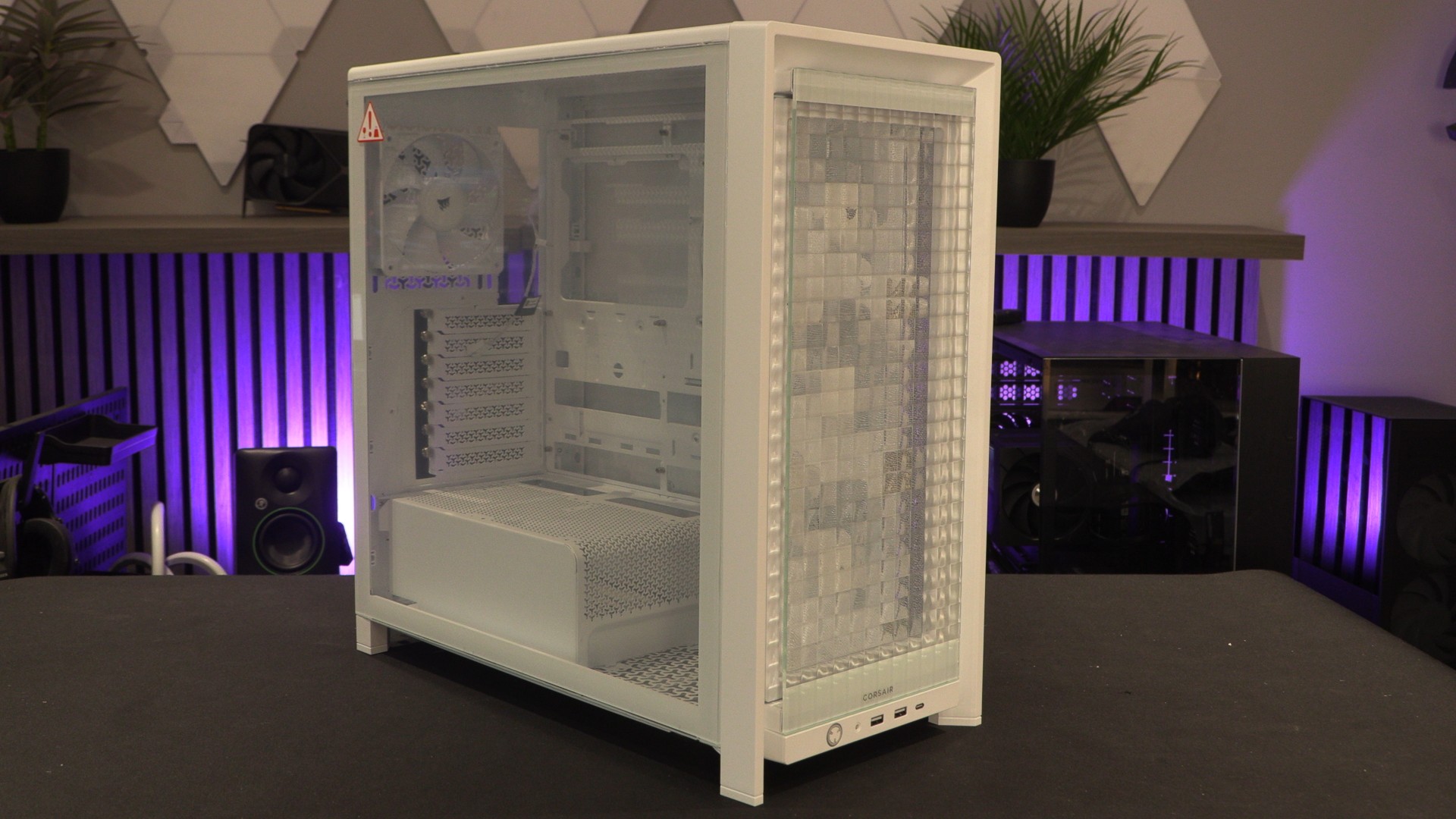
As mentioned before, these panels leave plenty of room at their sides for airflow. That said, if airflow is your focus, you shouldn’t use this panel.
FRAME 4000 RGB FLOW
For those who demand an RGB light show and strong airflow, Corsair has designed its “RGB Flow” front panel, which features RGB lighting and plenty of room for airflow. This panel was already available as part of Corsair’s FRAME 4000X PC case, but is now available as a standalone product.