Extreme Customisation – Corsair FRAME 4000 Accessories are here!

Up close with Corsair’s Frame 4000 accessories
Corsair Frame 4000 Front Panel Accessories
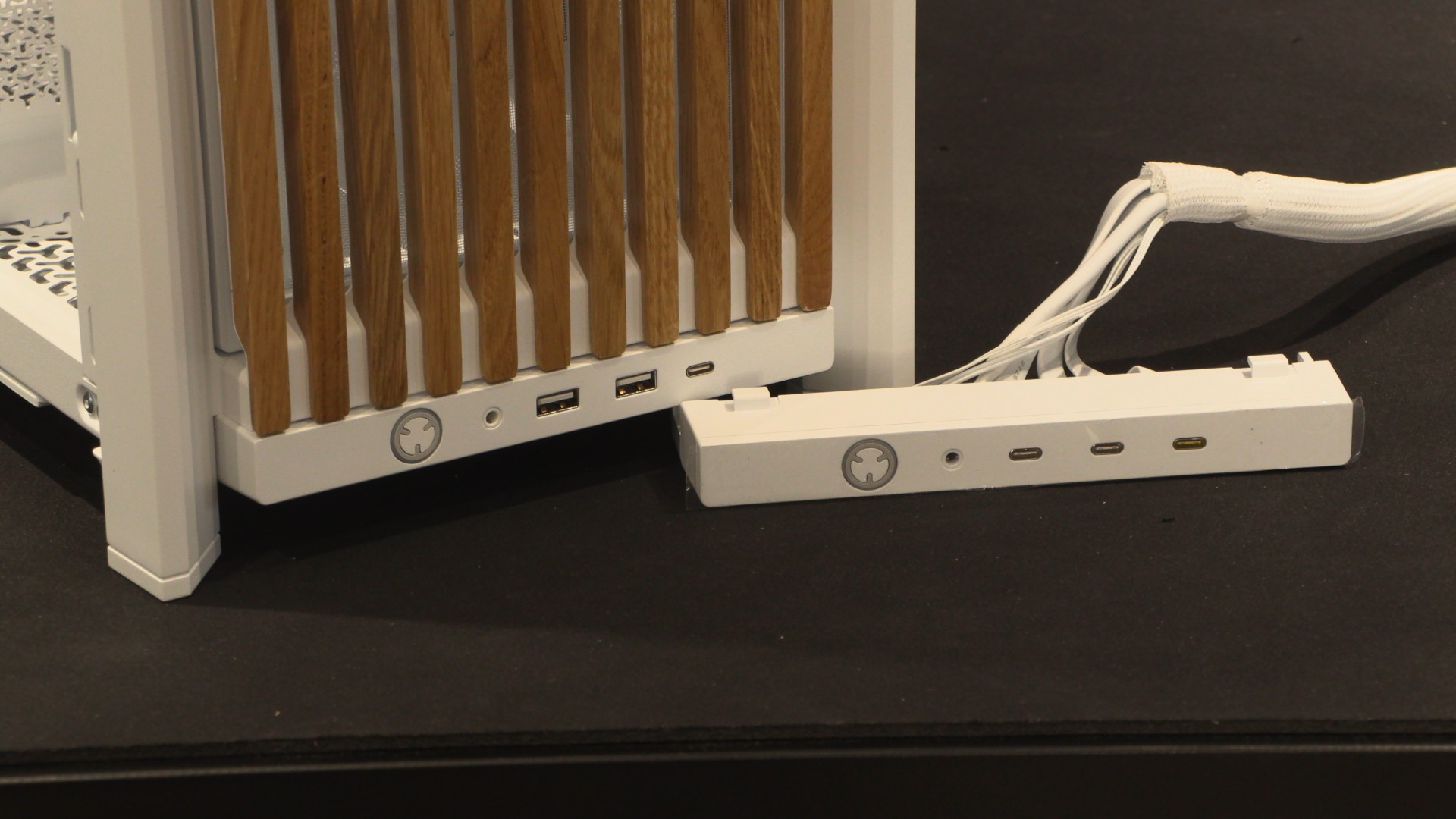
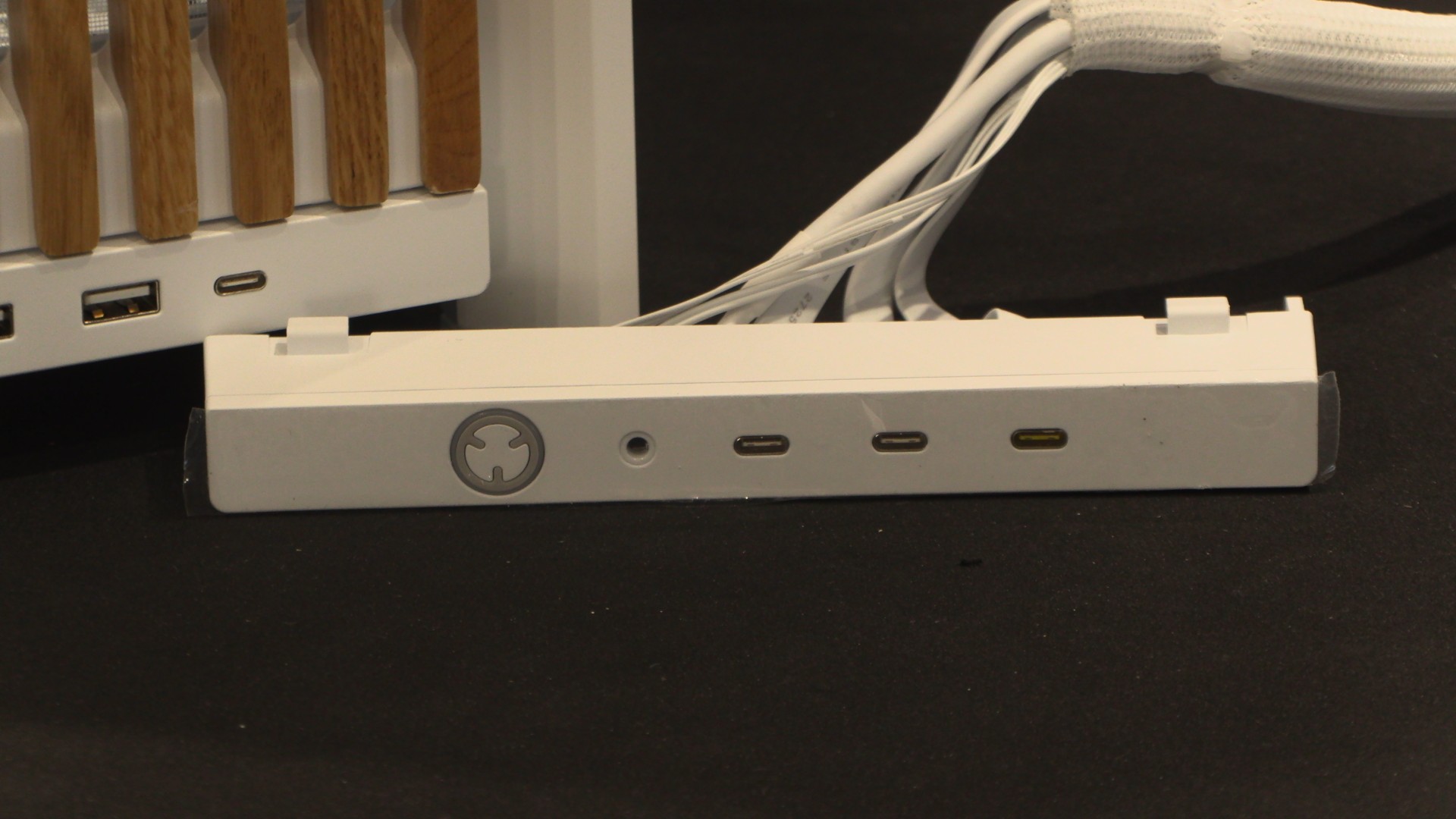
If you are a fan of USB Type-C, Corsair has a front panel upgrade for you. Corsair’s “Elite Front I/O” panel has replaced two USB Type-A ports (5 Gbps) with two USB Type-C ports (5 Gbps). This panel also uses an MX-style mechanical switch for its power button, which is ARGB-capable.
Both Corsair’s standard and elite I/O panels feature an additional USB Type-C port with USB 3.2 20 Gbps speeds. On the Elite I/O upgrade, this higher-speed port is differentiated from the other ports by its colour.
Motherboard trays
Corsair’s Frame 4000 series PC cases now have three motherboard tray options. For starters, Corsair’s standard motherboard tray is now available separately. Next, we have Corsair’s RapidRoute 2.0 motherboard tray, which features pegboard-like holes that let users tie down their cables anywhere. This enables more rapid cable management. Users could also create custom add-ons that utilise these attachment points.
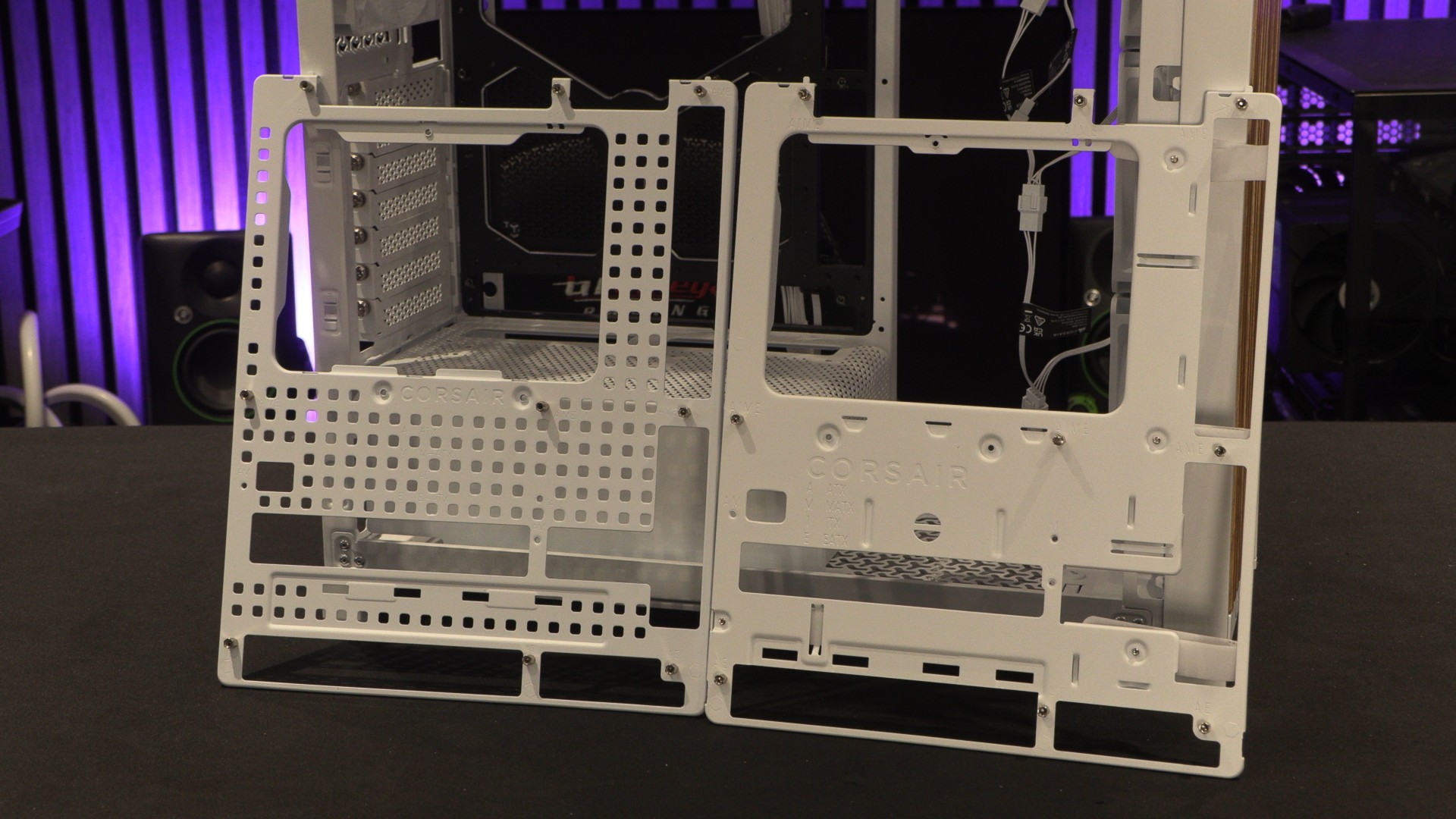
Finally, we have Corsair’s Elite motherboard tray, which brings a premium flair to this usually understated PC part. It is crafted from a single piece of aluminium and has been given a meteorite-coloured anodised coating.
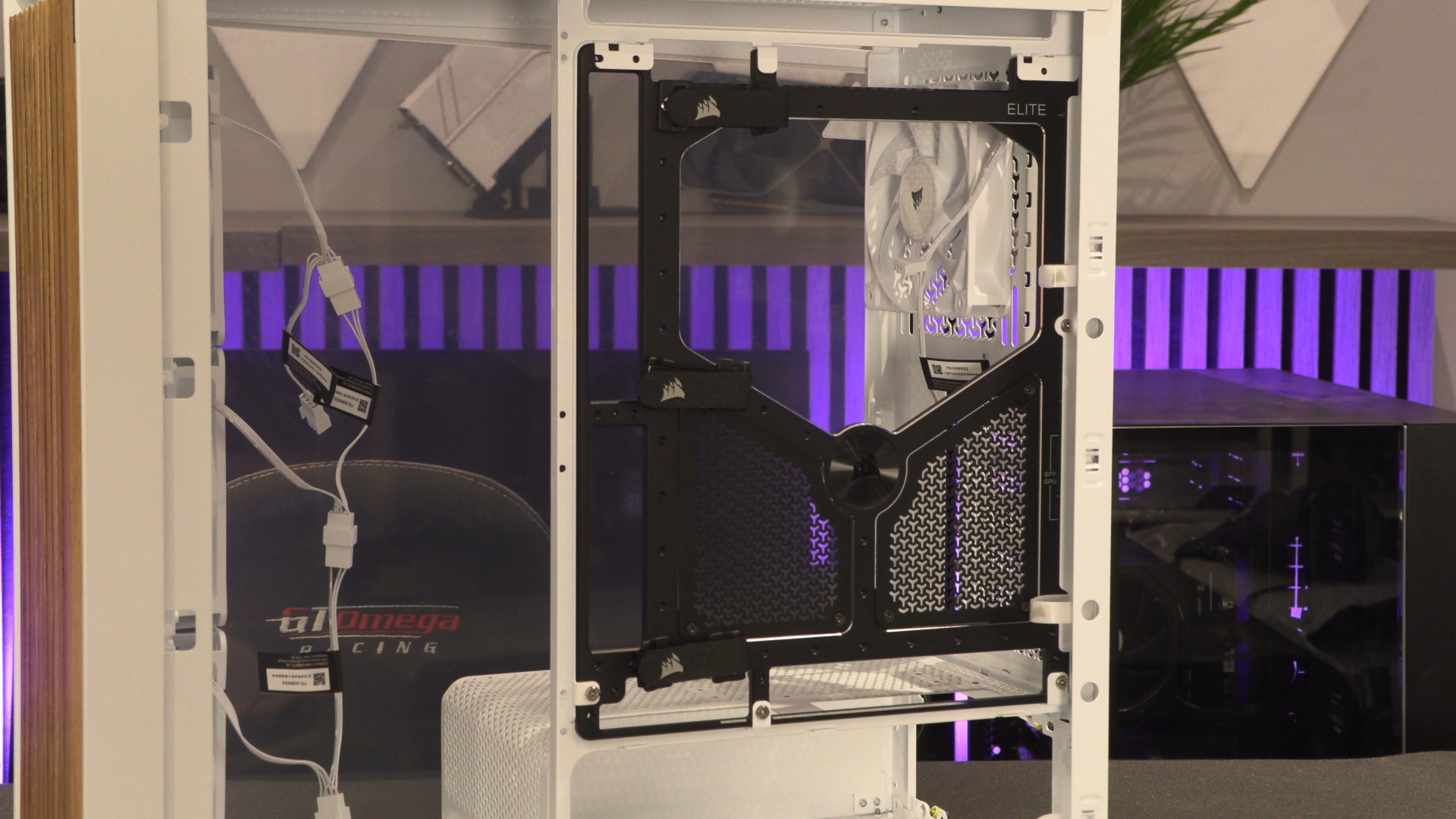
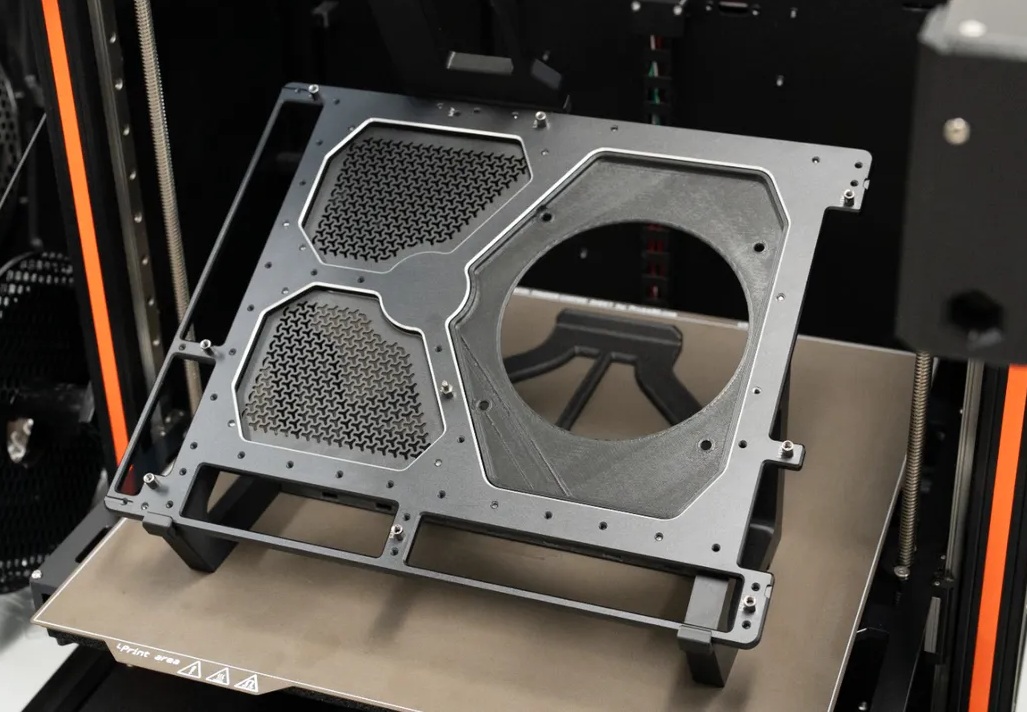
This motherboard tray can also be used to create a Corsair Elite Test Bench using free files from Printables. This allows users to test their hardware outside their PC case, making fault-finding a little easier.
Side panels
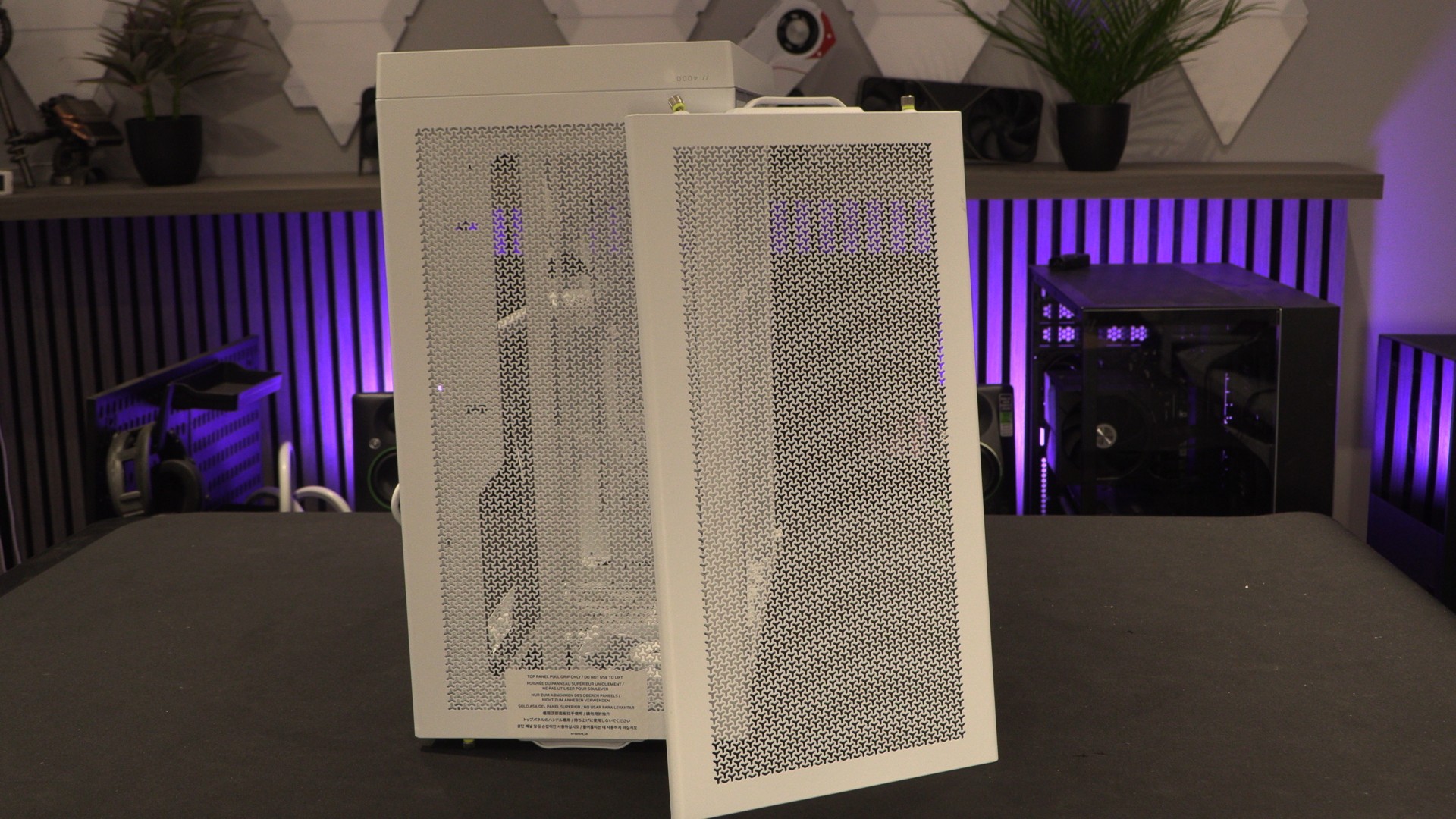
Many Corsair FRAME 4000 series cases ship with the side panel shown below, but others are available. If you don’t intend to use any side-mounted fans, your system could benefit from some of Corsair’s other side panel options.
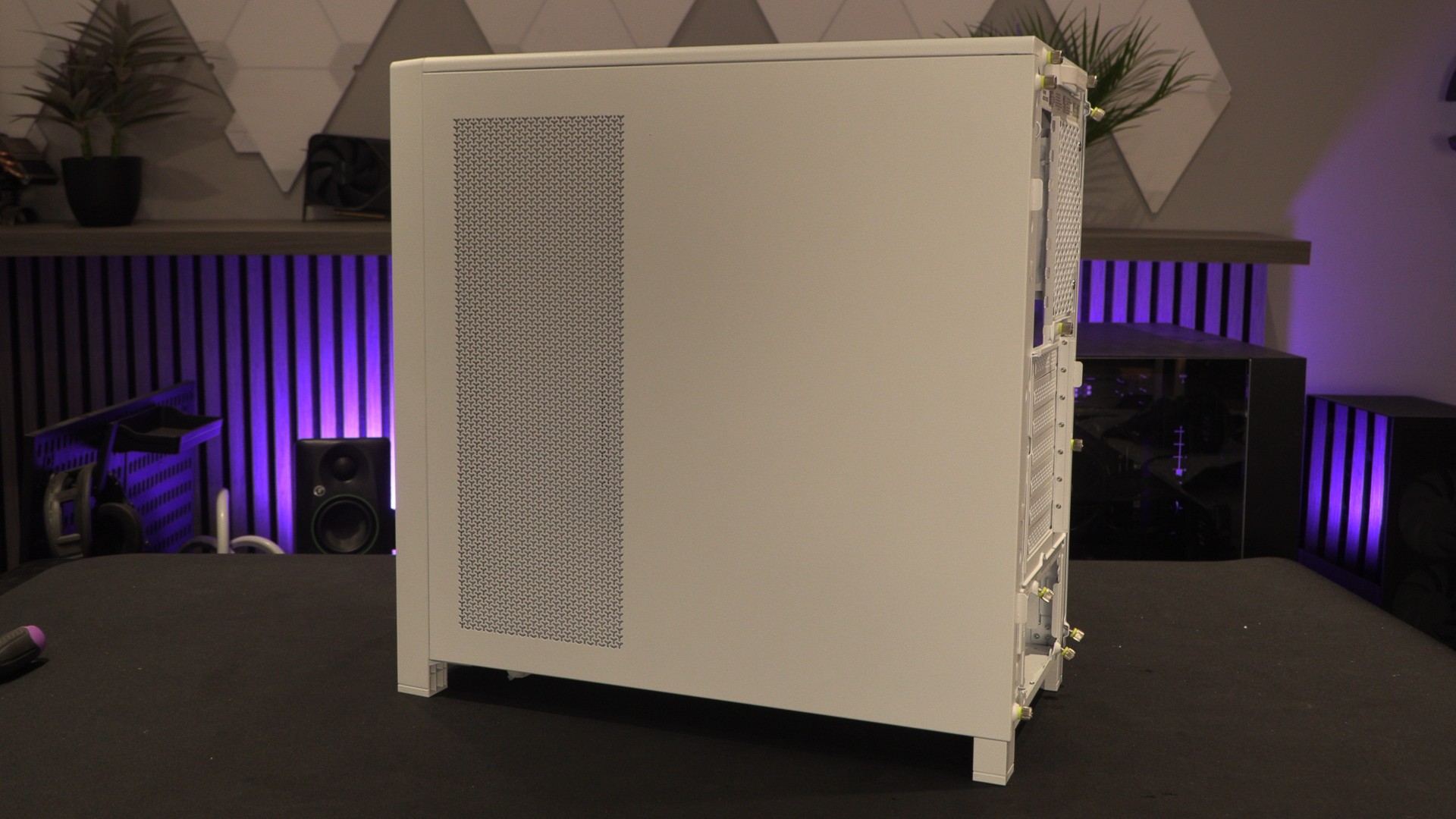
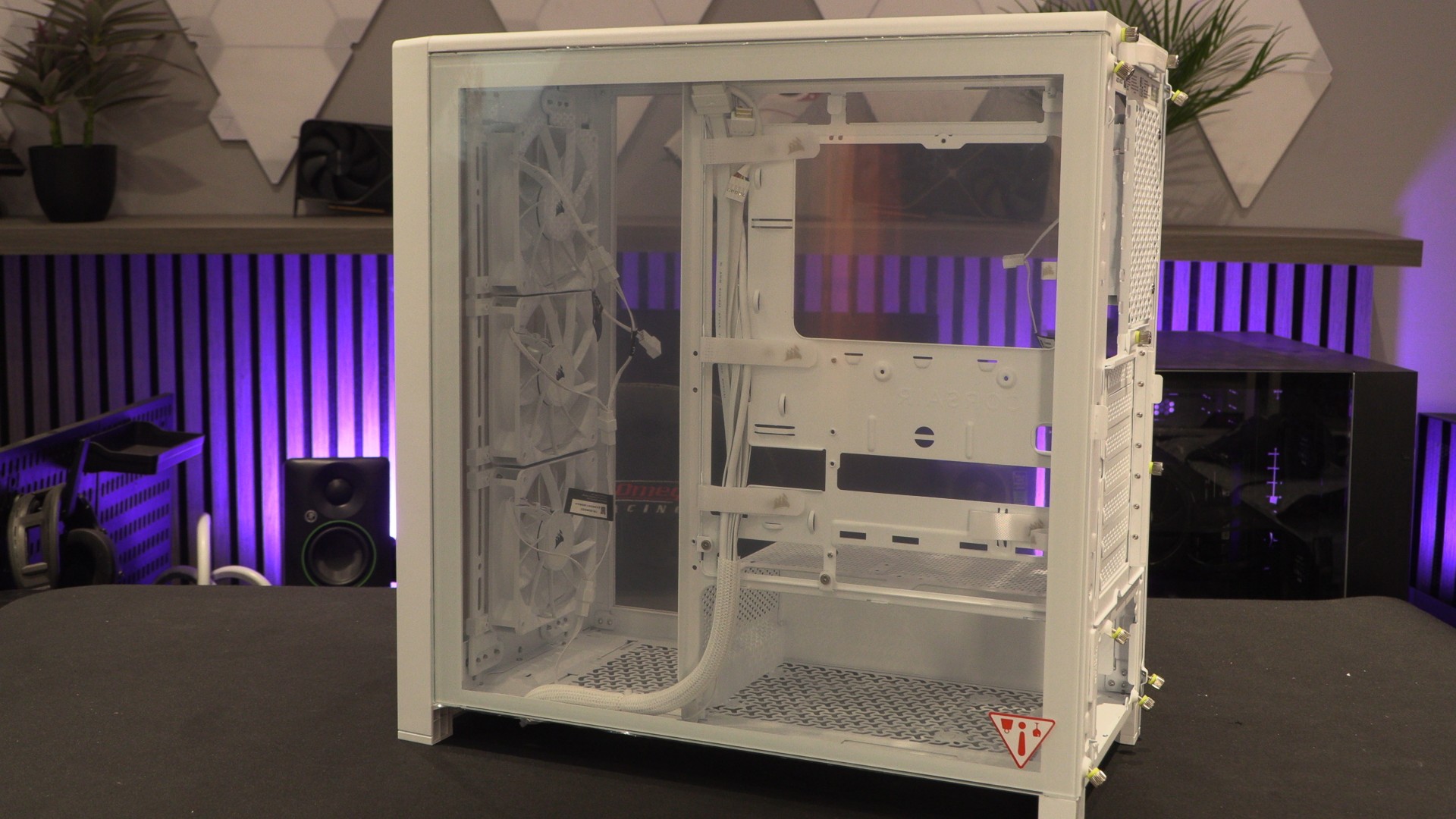
While this panel is intended for the other side of the Corsair FRAME 4000, the case’s full-length tempered glass side panel can be installed on either side. This creates a see-through area near the front of the case, which we find appealing. It would also make Corsair’s Elite motherboard tray more visible. PC builders who pride themselves on great cable management will enjoy this option!
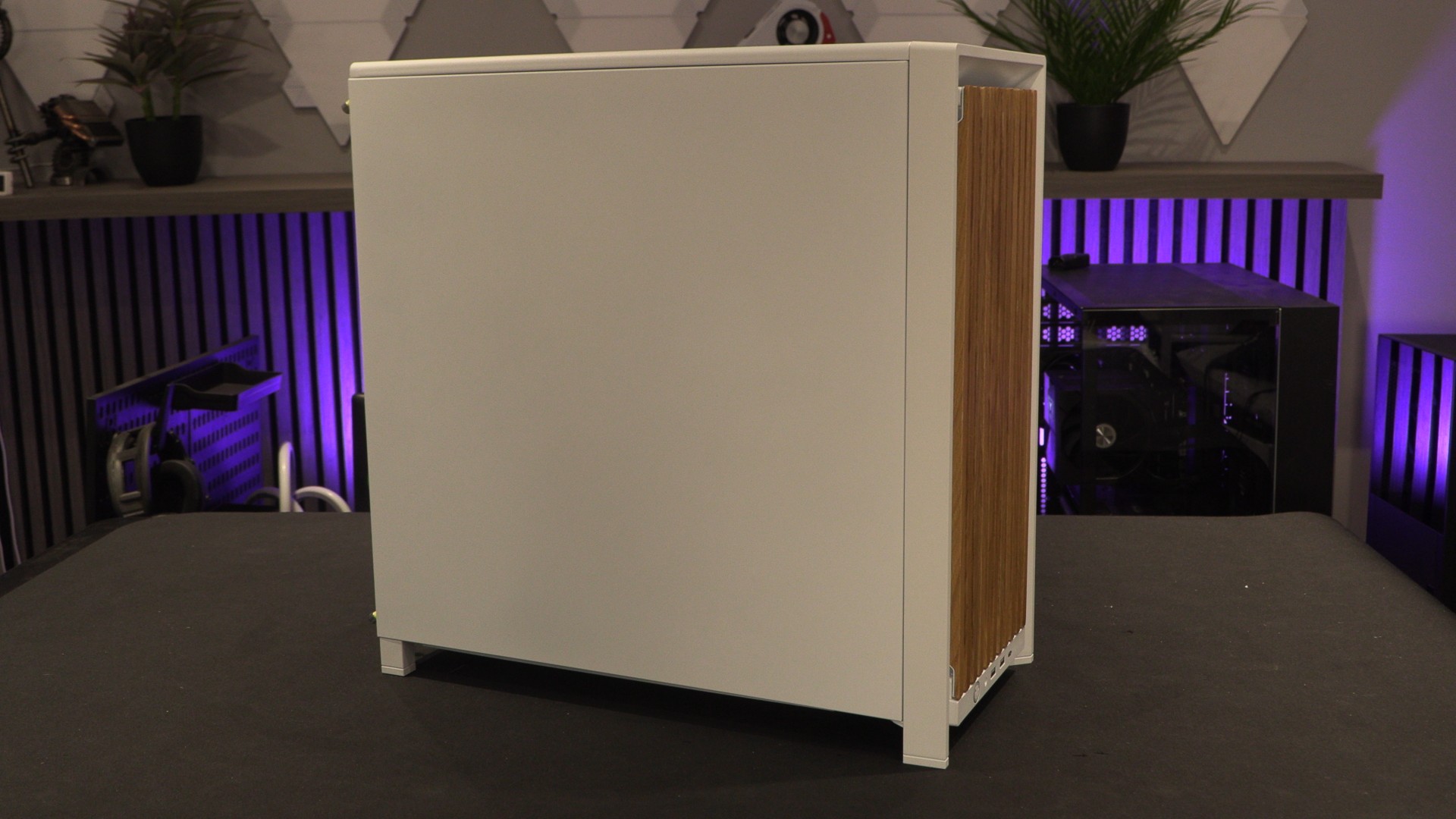
For those who want a plain aesthetic, a flat steel side panel is also available. It can also be installed on either side of FRAME 4000 series cases. This is a good option for users who want custom artwork on the side of their case. This panel is quite literally a blank canvas.
High airflow side panel
Big GPUs demand big airflow, and Corsair’s Cold Air Intake side panel lets users add three more 120mm intake fans. This allows the Frame 4000 to support up to 13 fans.
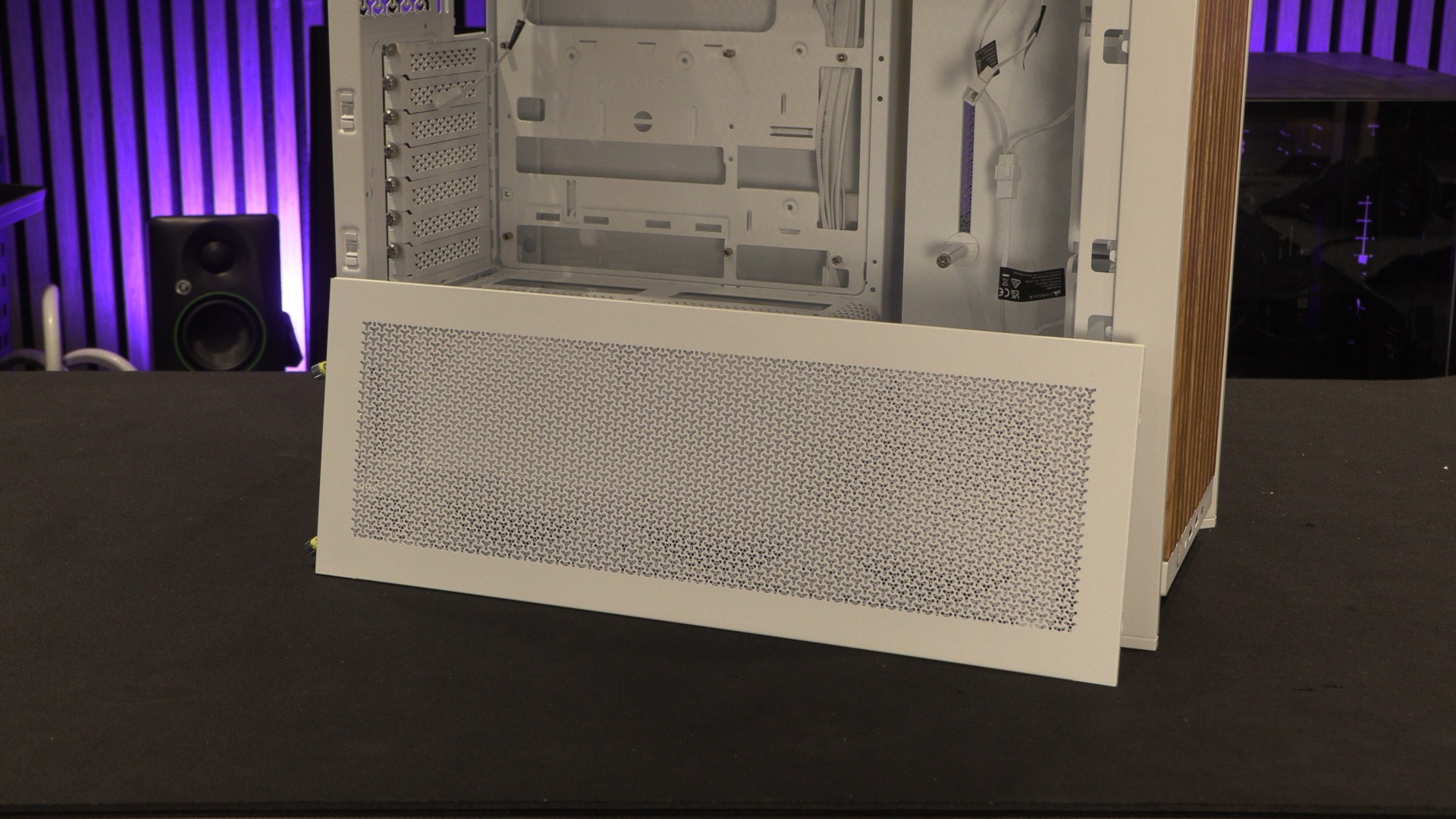
If your PC could use more airflow, it will thank you for this upgrade.
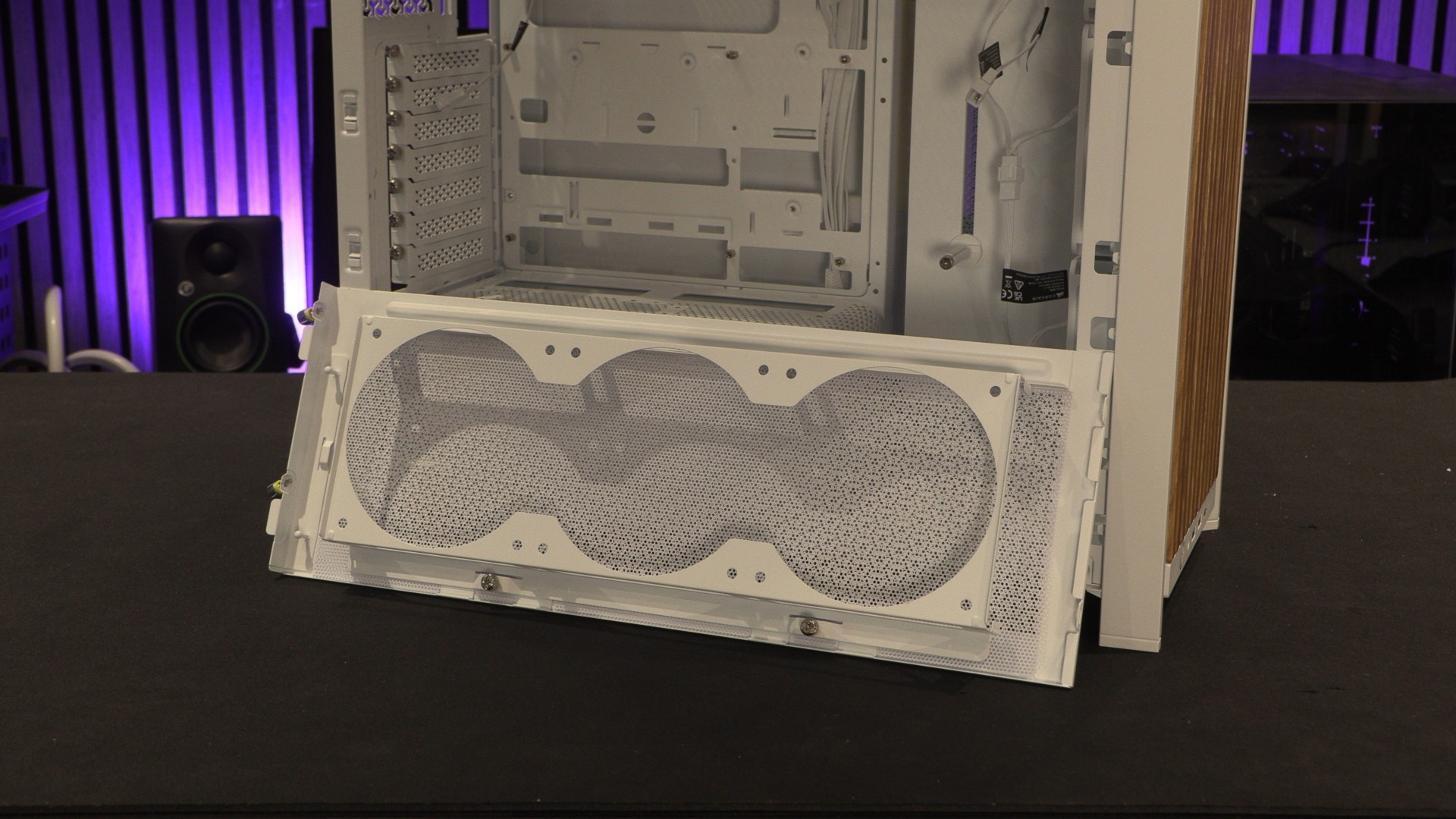
Compact PSU Shroud
Corsair’s compact and full-length PSU shrouds are now available as standalone parts. This makes it easy for users to switch between the two, or to purchase a second PSU shroud for painting or modding.
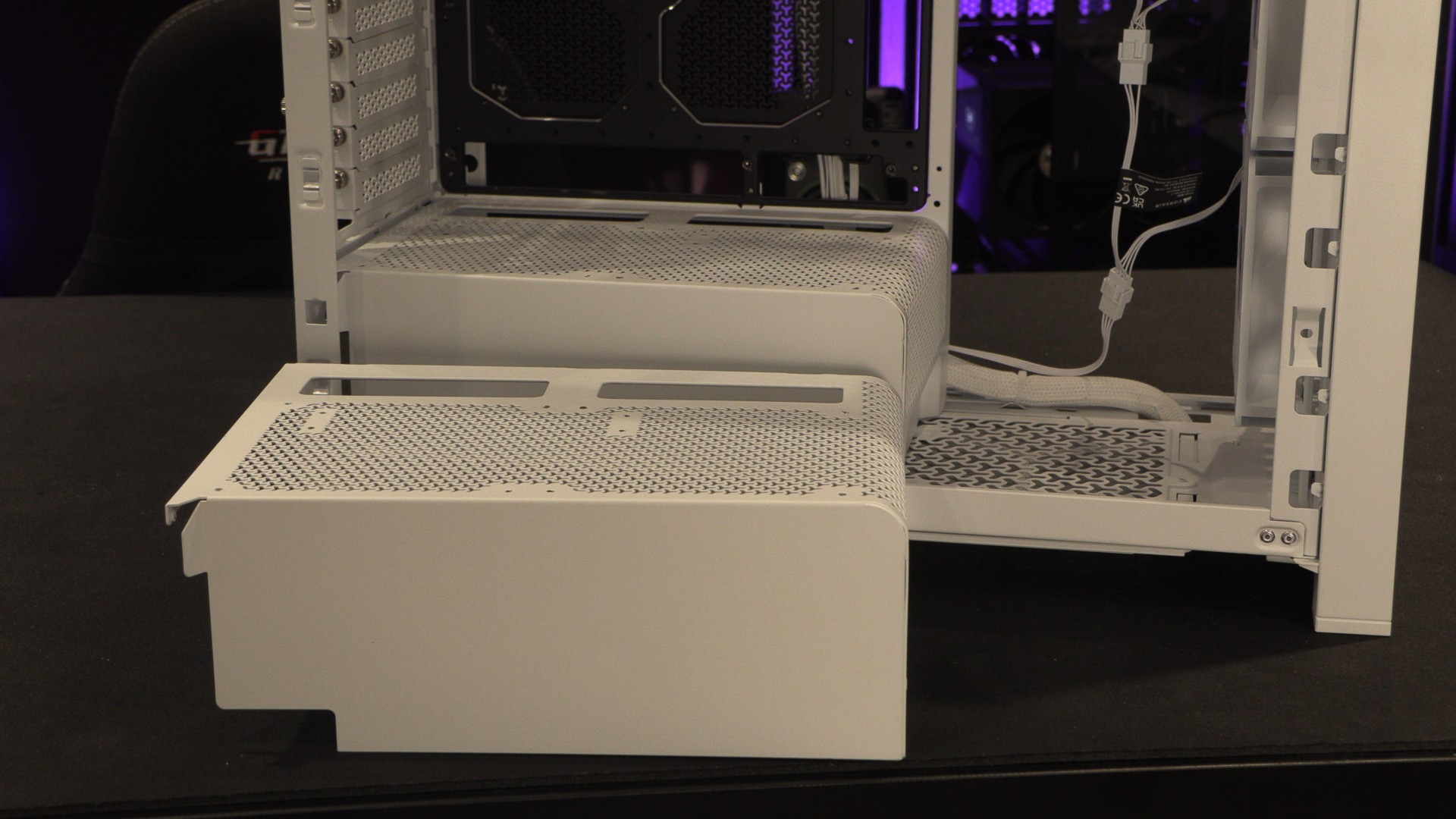
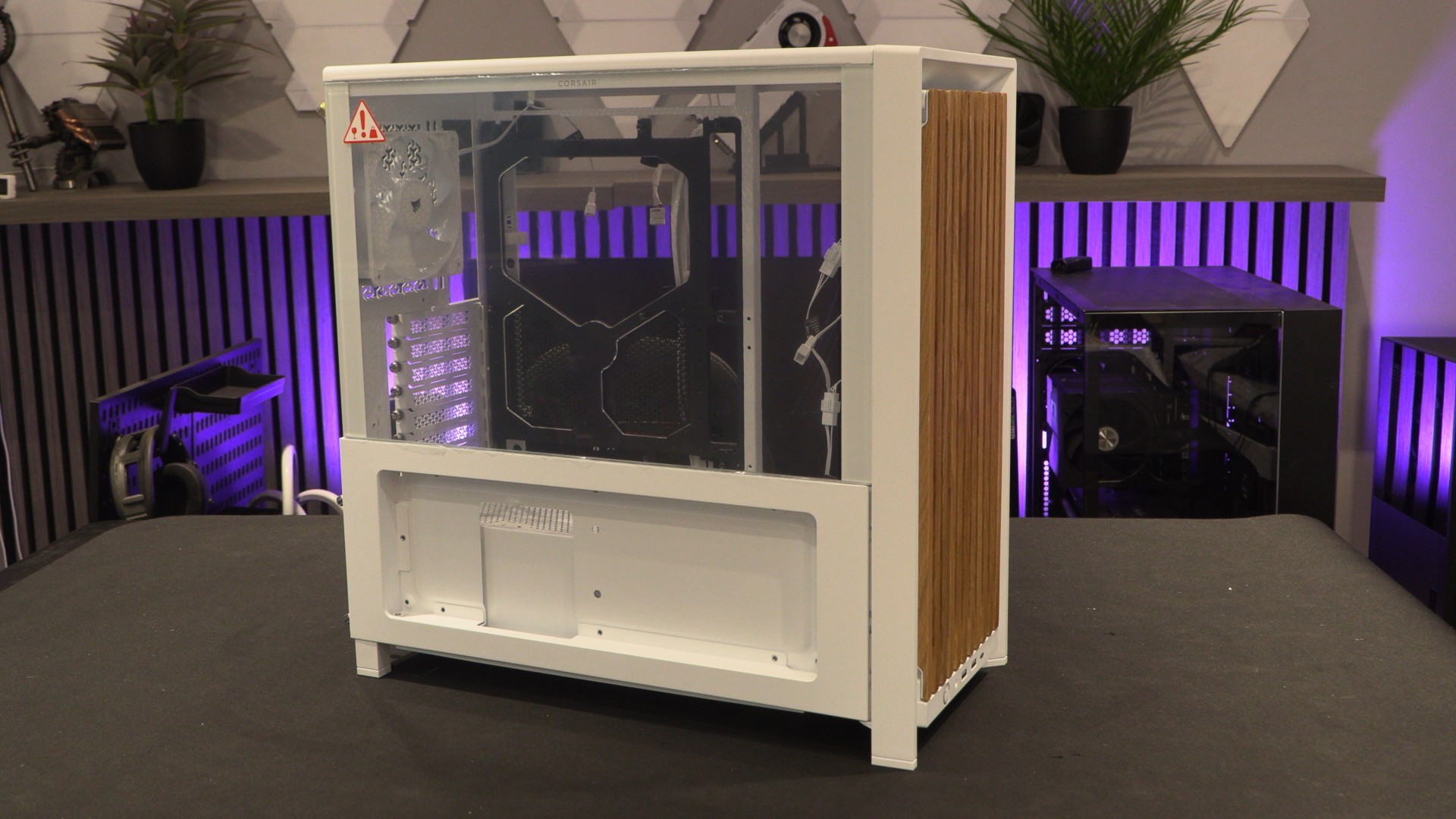
Here’s where we would install our Corsair Xeneon Edge screen, if we had one!
With the Xeneon Edge screen mount below, users can mount Corsair’s customisable LCD directly to their PC cases. Since Corsair has never sampled us with this product, we can only show this accessory in its empty state. Just imagine a fancy touch screen LCD in there…
Top panel replacement
Corsair has also made its FRAME 4000 top panel available as a standalone product. This is good news for anyone who has accidentally scratched or damaged their panels. That said, all this makes me wonder how well these panels will take to painting? Should we paint it? If so, what colour?