MSI MEG Maestro 900R PC Case Review

Up Close with the MSI Maestro 900R
We don’t like everything about the MSI MEG Maestro 900R
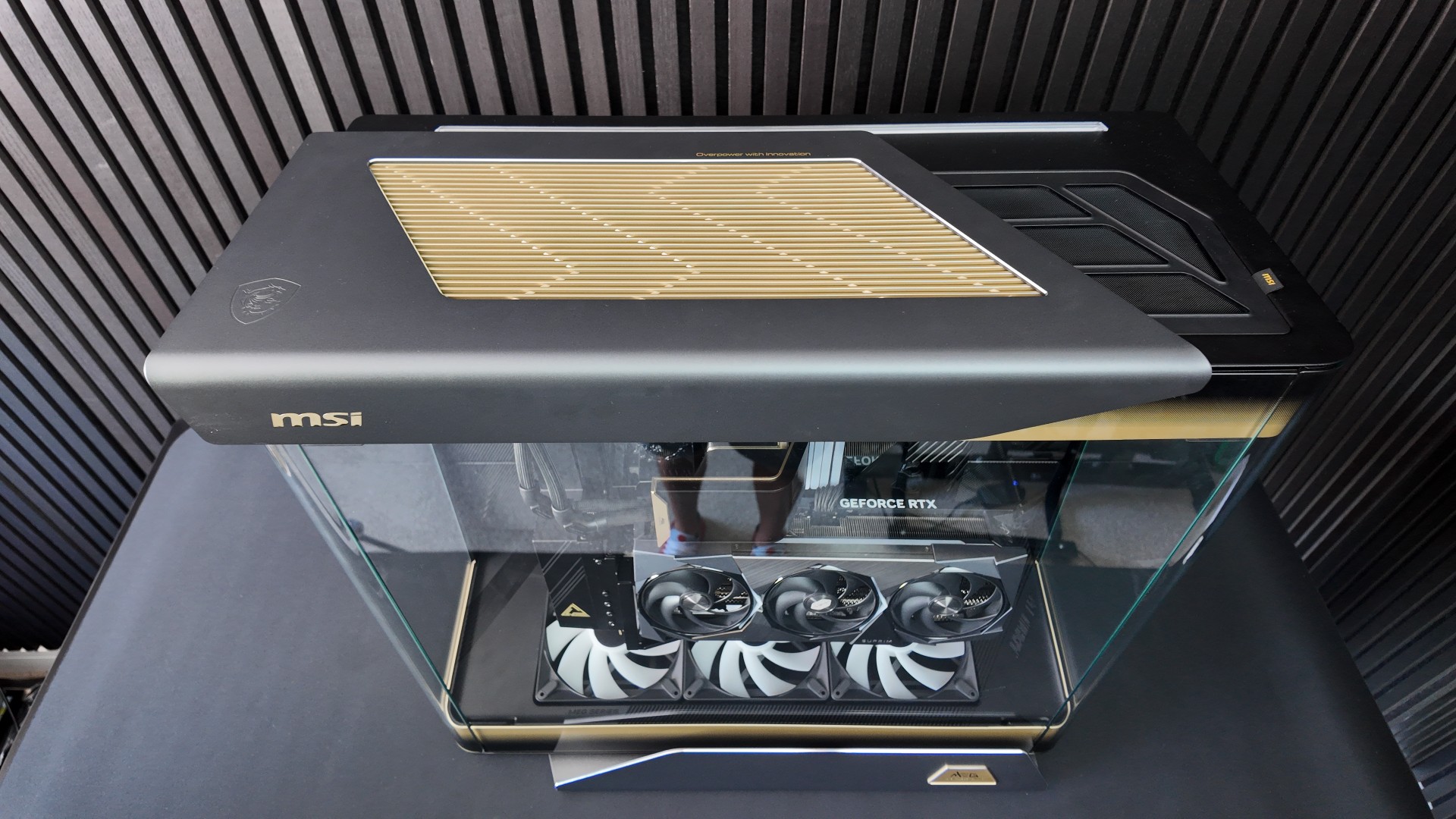
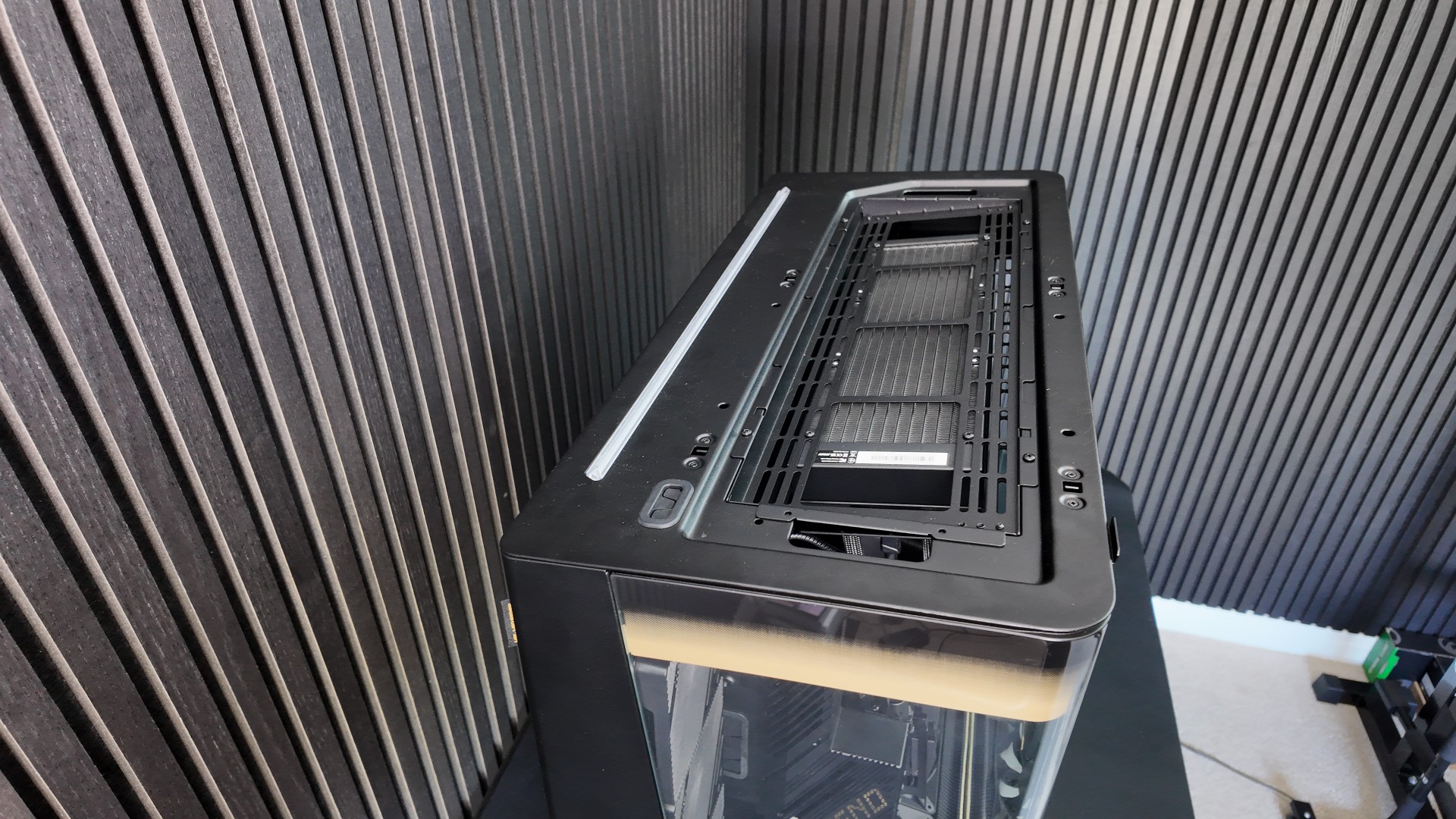
As much as we love some aspects of the MSI MEG Maestro 900R, we also dislike a few elements. The top of the 900R gives us mixed feelings. We love the large machined metal top plate and its high-quality detailing, but the dust filter underneath it, which is visible on the right, has a design that looks like it doesn’t belong on this case.
When we saw the Maestro 900R at Computex, we told MSI that this element didn’t look finished. It doesn’t have the same tight slats and other design elements as the 900R. It makes the case feel poorly thought out and cheapens it despite its premium price tag.
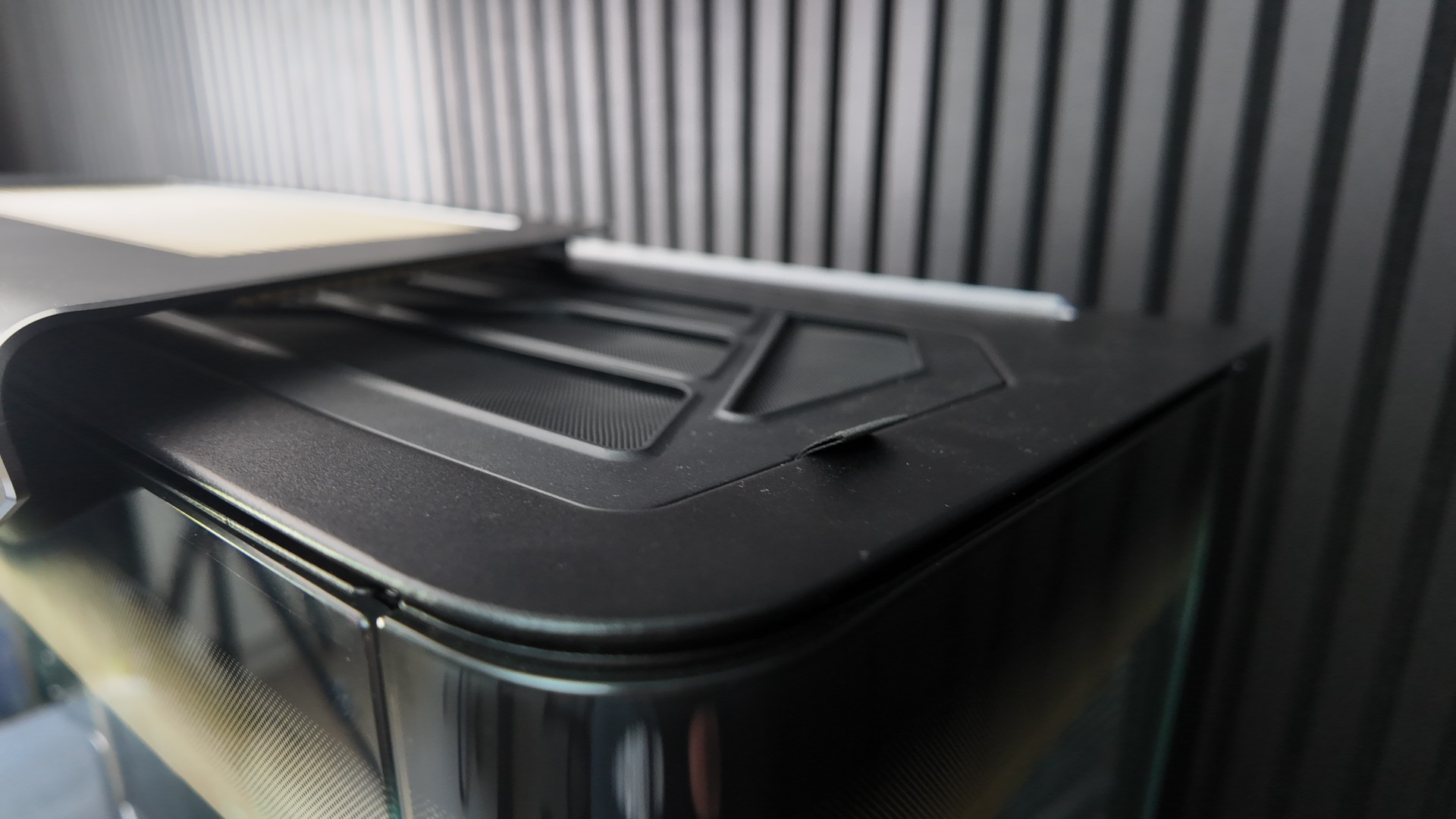
Another oddity is the case’s top light, which can illuminate the wall behind the case. It isn’t overly bright and looks nice in person. However, combined with the poor choice of top filter, it feels like MSI put a lot of thought into some elements of the 900R and minimal thought into others. It’s a mixed bag.
Top fan support
The MSI MEG Maestro 900R supports up to four fans at the top of the chassis. It can support up to four 120mm fans, three 140mm fans, or three 160mm fans. For radiators, this case supports up to a 360mm or 420mm liquid-cooling radiator. Note that this radiator bracket is tilted to increase the visibility of the fans you use.
External IO options
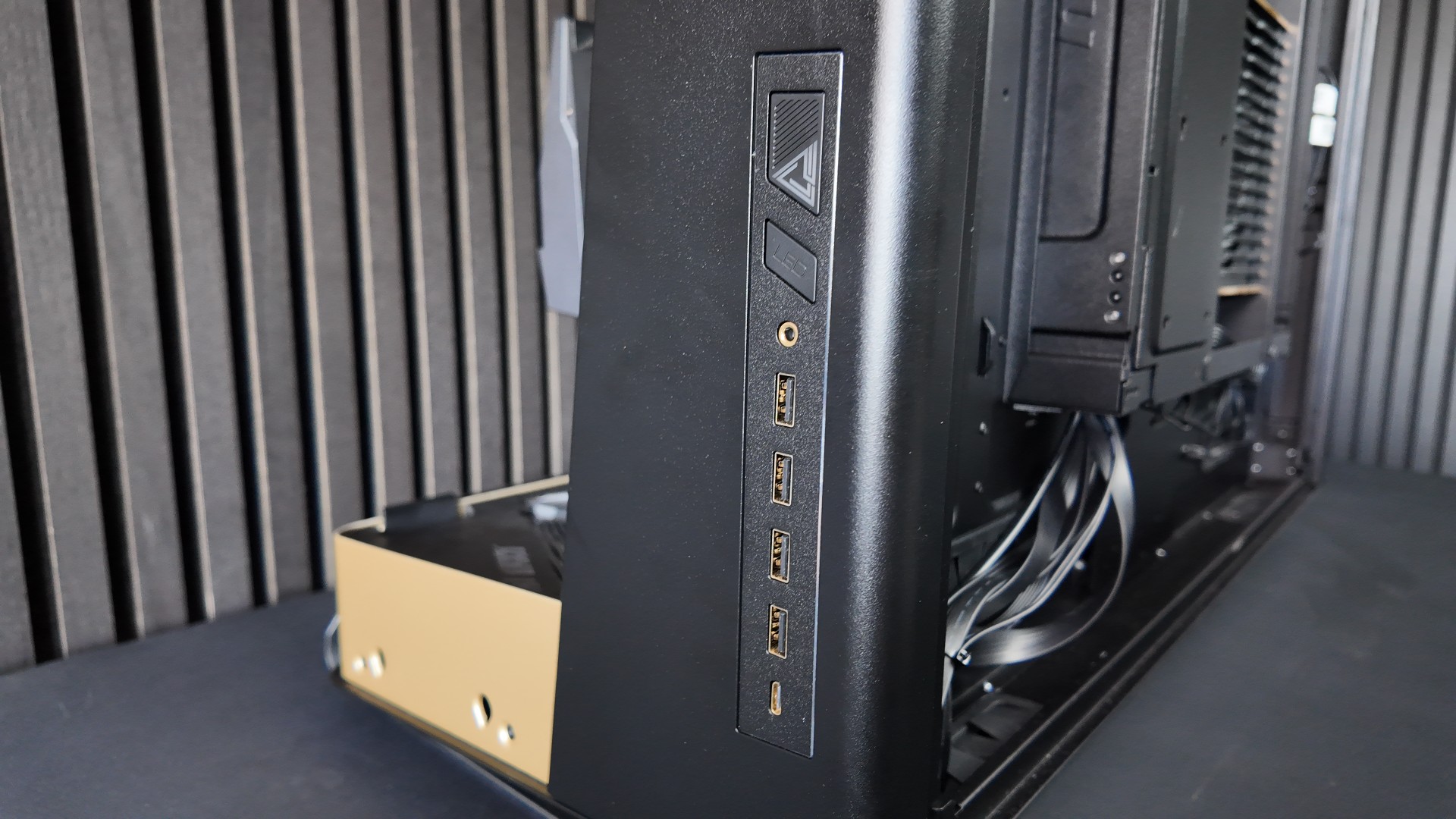
The main IO panels (see below) of the Maestro 900R can be fitted at the left or right side of the chassis. It includes a power button, an LED switch, an audio out/mic in jack, four USB 5 Gbps Type-A ports, and one USB 20 Gbps Type-C port. Note that this USB Type-C port supports up to 60W of power delivery (depending on your connected motherboard).
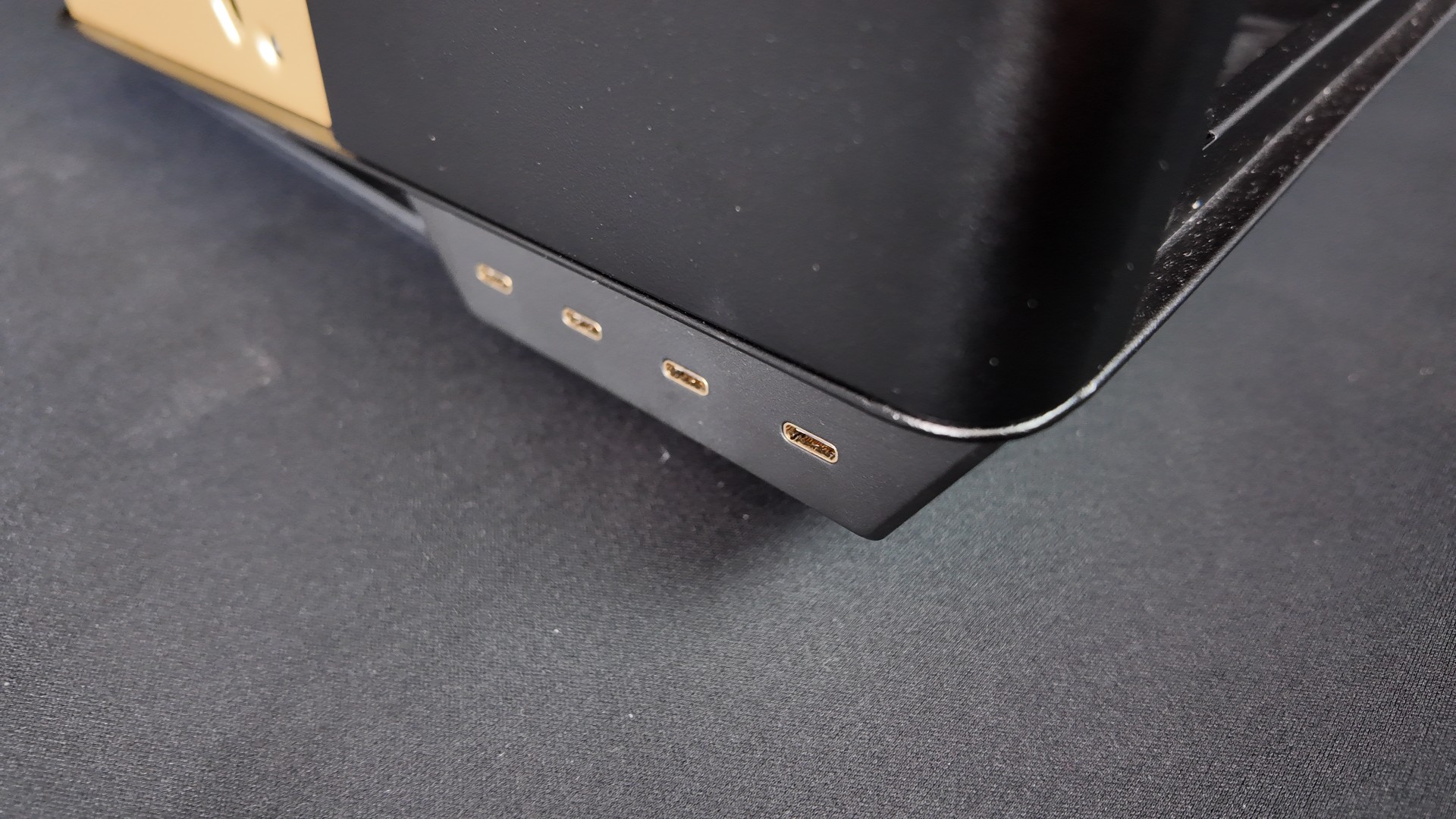
At the base of the case, an extra I/O panel features four 10 Gbps USB Type-C ports. You can also fit this on the left or right side of the case.
The rear of the MSI Maestro 900R
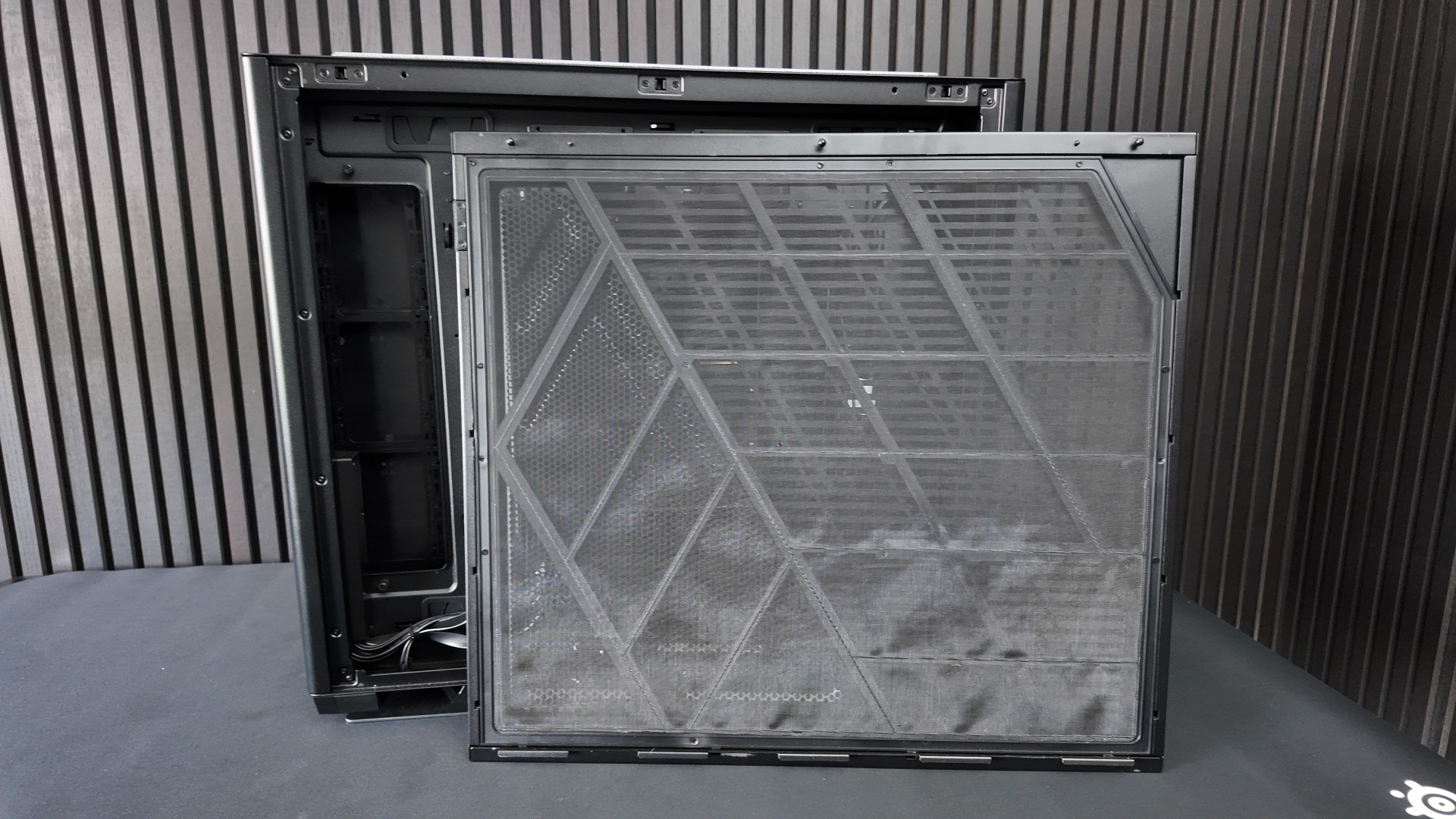
The rear panel of the MSI Maestro 900R is highly perforated, but remains highly ridged due to its embossed elements. This is necessary because this area of the case acts as the primary air intake for your PC’s PSU and as an exhaust for any fans mounted on either side of your motherboard.
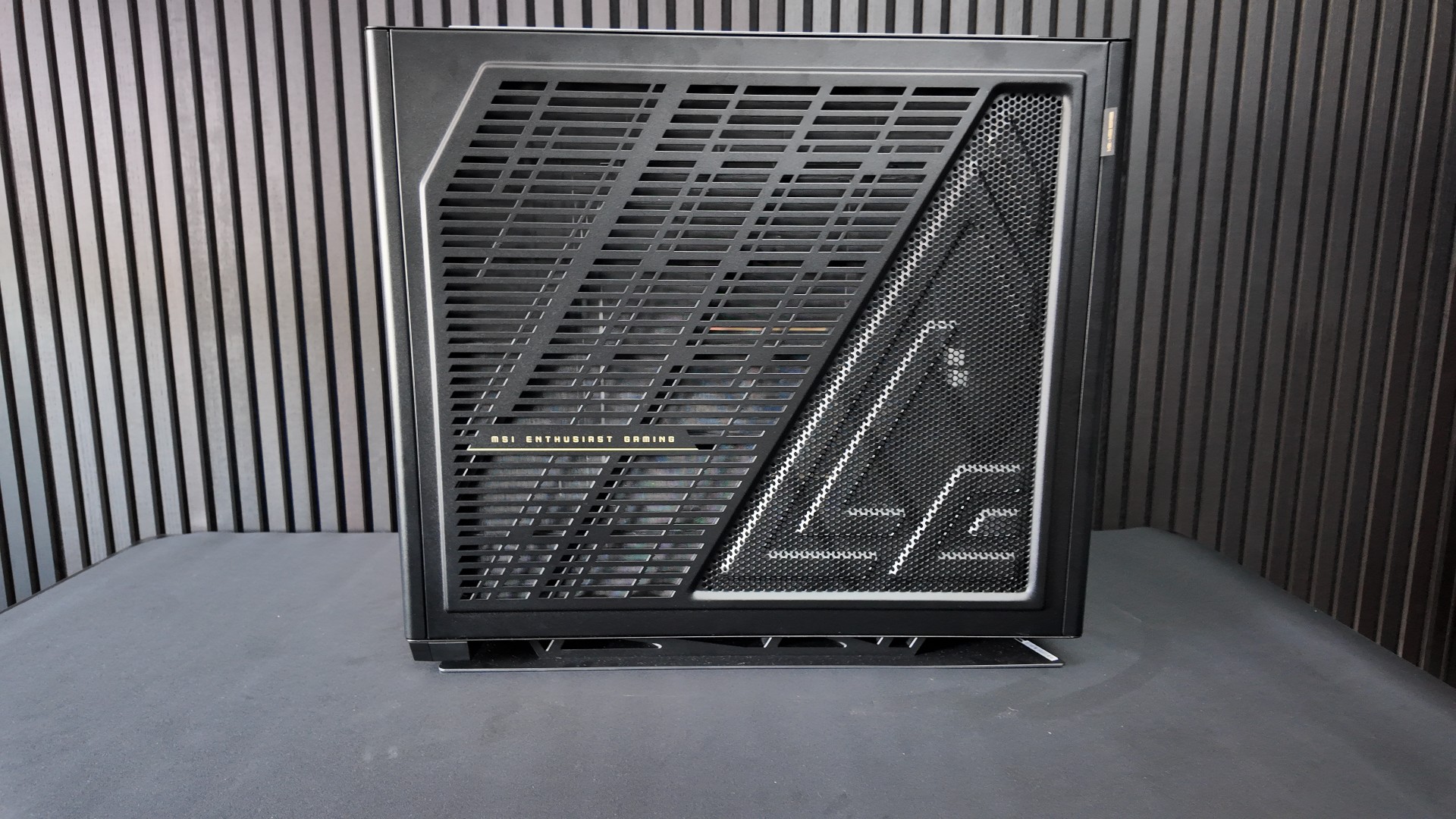
This area has a full-cover dust filter, keeping this area dust-free and easy to clean.
Lots of space, but no room for easy cable management
While the MSI MEG Maestro 900R appears to have a lot of space behind its motherboard tray, much of it is unusable. On the right and left, we have space for up to six 120mm fans, with mounting plates that can be angled to suit users’ preferences.
Yes, this case supports up to 9 2.5-inch drives or up to five 3.5-inch drives; however, using these drives is challenging. Simply put, this case has very little space for cable management, as almost all cables must run through the case’s removable motherboard tray. Despite the case’s large size, it feels cramped from a cable-management perspective. It’s like having access to a mansion, but only living in a Tokyo-style apartment inside of it.
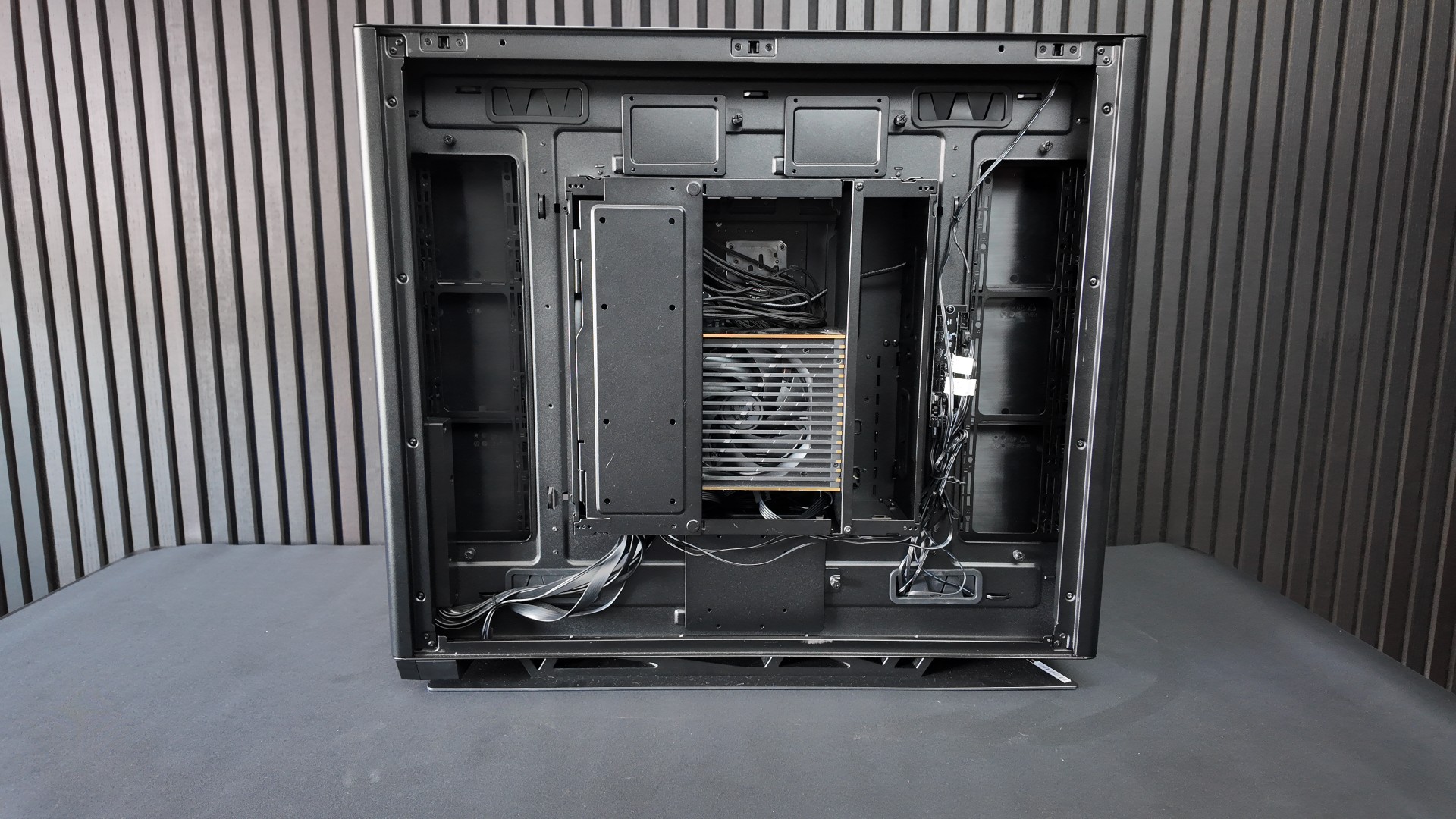
Below is the Maestro 900R’s fan/RGB controller in its stock configuration.
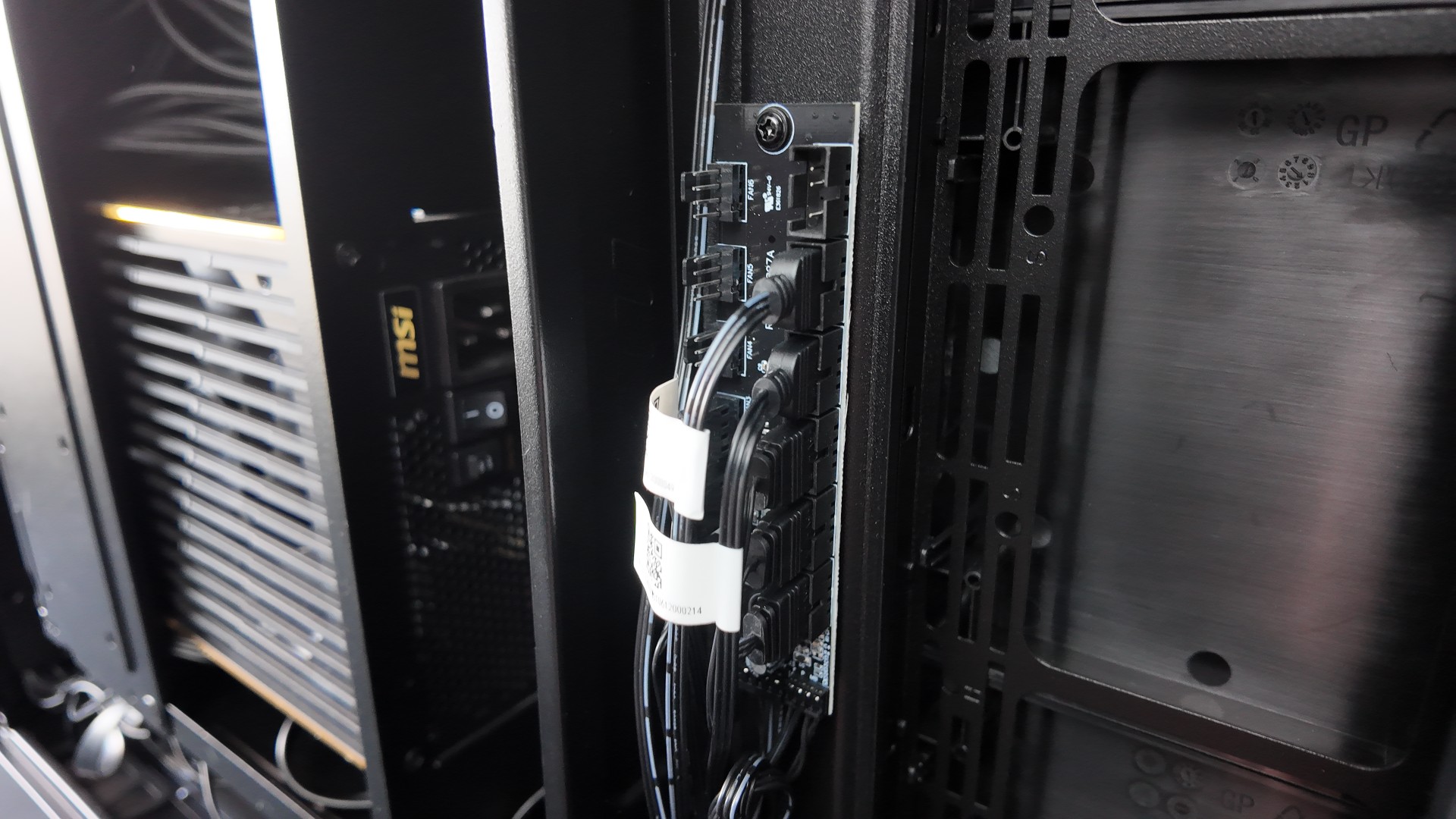
Cable management nightmare
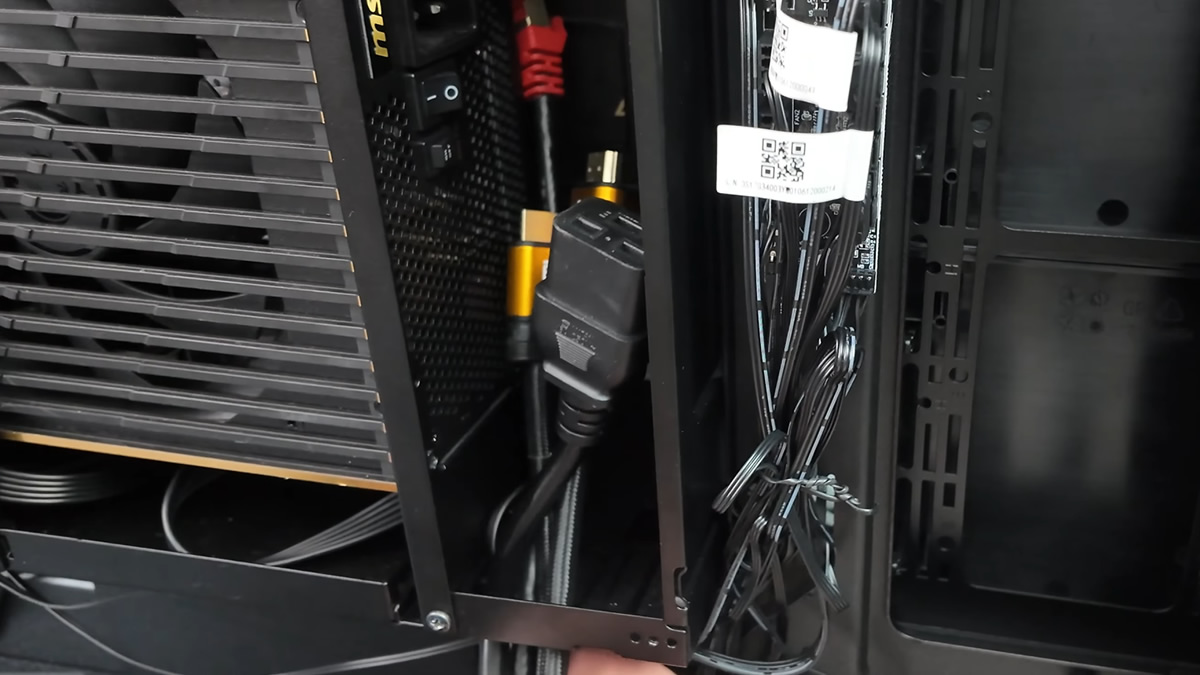
Inside the MSI MEG Maestro 900R, your PC’s PSU must fit directly behind your motherboard, and all of your PSU’s cables must be beside it. This makes attaching cables a nightmare and gives very little space for cable management. Despite this case’s EATX form factor, it works best with short power supplies and short Mini-ITX-length cables.
In our eyes, this PC case was made for a full MSI MEG gaming PC. The fact that it barely works with MSI’s MEG Ai1600T PCIe 5.0 PSU is concerning.
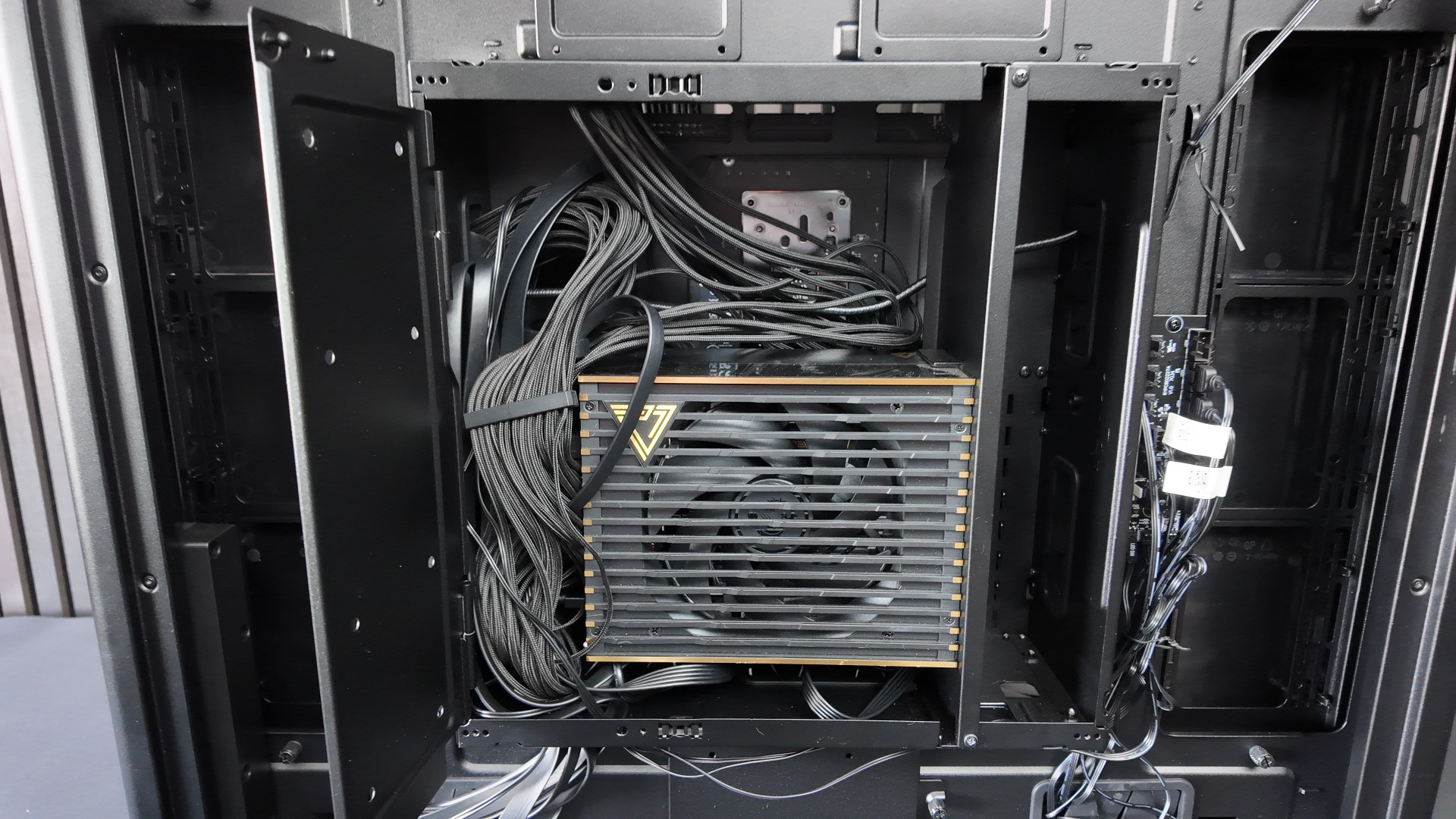
Note that all cables coming from outside the system are expected to enter the case’s motherboard tray/test bench area through this hole. It’s large enough to fit two fingers through, and even then it is a tight fit. So imagine trying to fit an external USB hub, mouse/keyboard cables, multiple displays, and your PSU’s power cable through this hole. Not a great user experience.
This hole could easily have been wider, but MSI didn’t think this through.
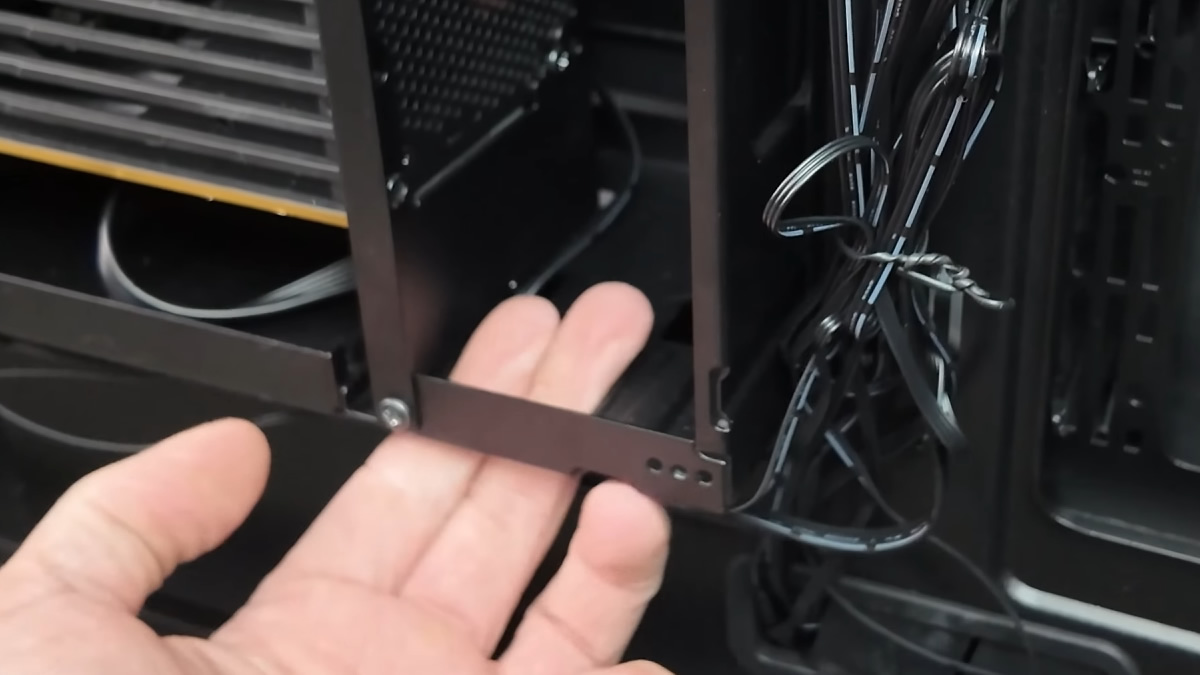
After fitting a few cables, you will find it challenging to fit many more cables in here. Not good for multi-monitor users…
Poorly designed motherboard cable covers
The left and right sides of the 900R’s motherboard tray have detachable covers that hide most of the cables going into your motherboard and graphics card. These covers are made of plastic and feel flimsy. They flex easily and often have small holes for cable routing. This makes cable management a challenge, and not something that users will want to tackle lightly.
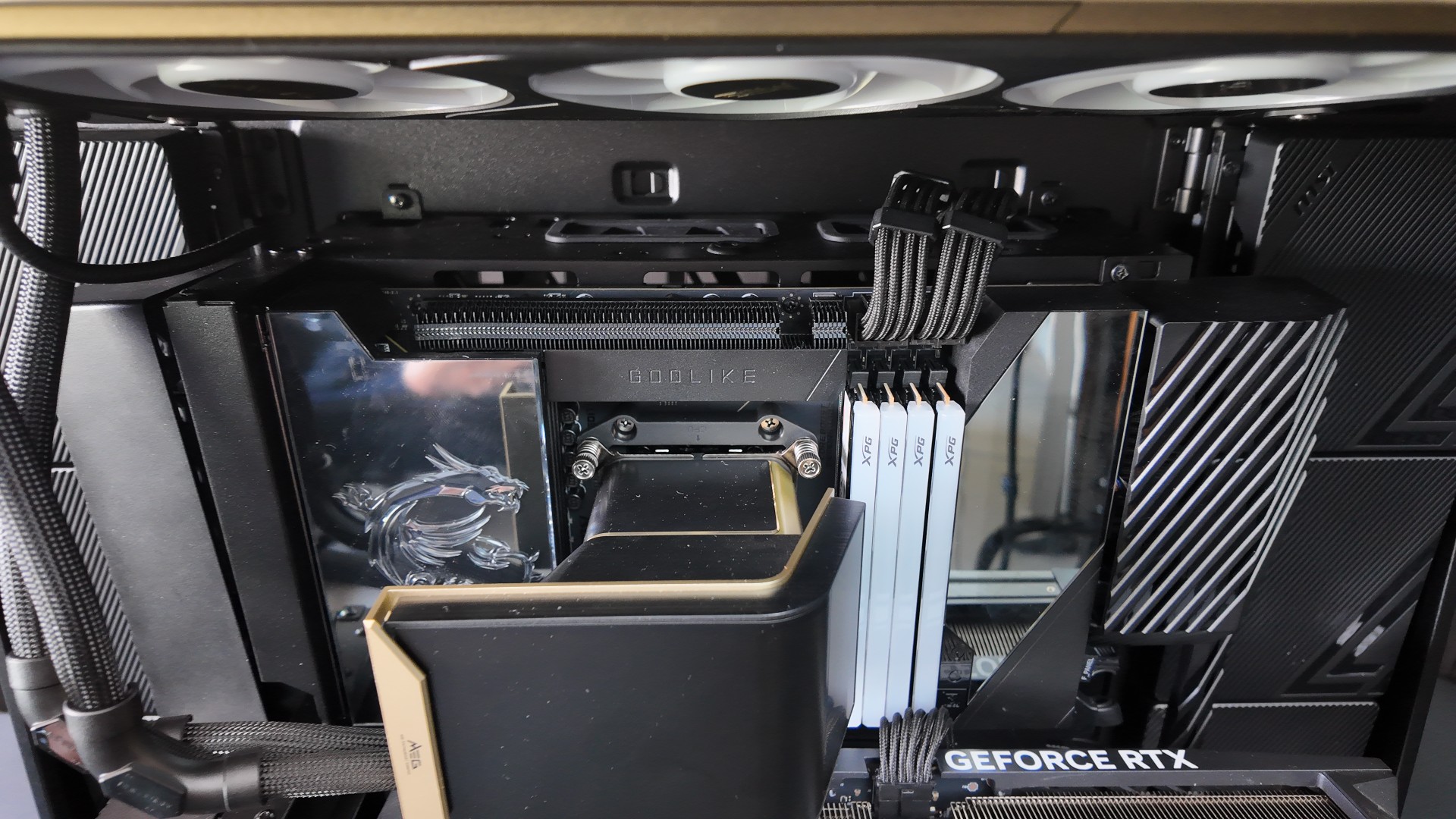
Strangely, the right motherboard cover isn’t extended far down enough to cover all of the MEG X870E GODLIKE X Edition’s primary headers. Again, this is an ill-thought-out design element, as this cover could have easily been extended a few centimeters to hide all cables that won’t be covered by your chosen graphics card.
It feels like MSI didn’t design this case with its other MEG products in mind, which is baffling given its cost and flagship status.
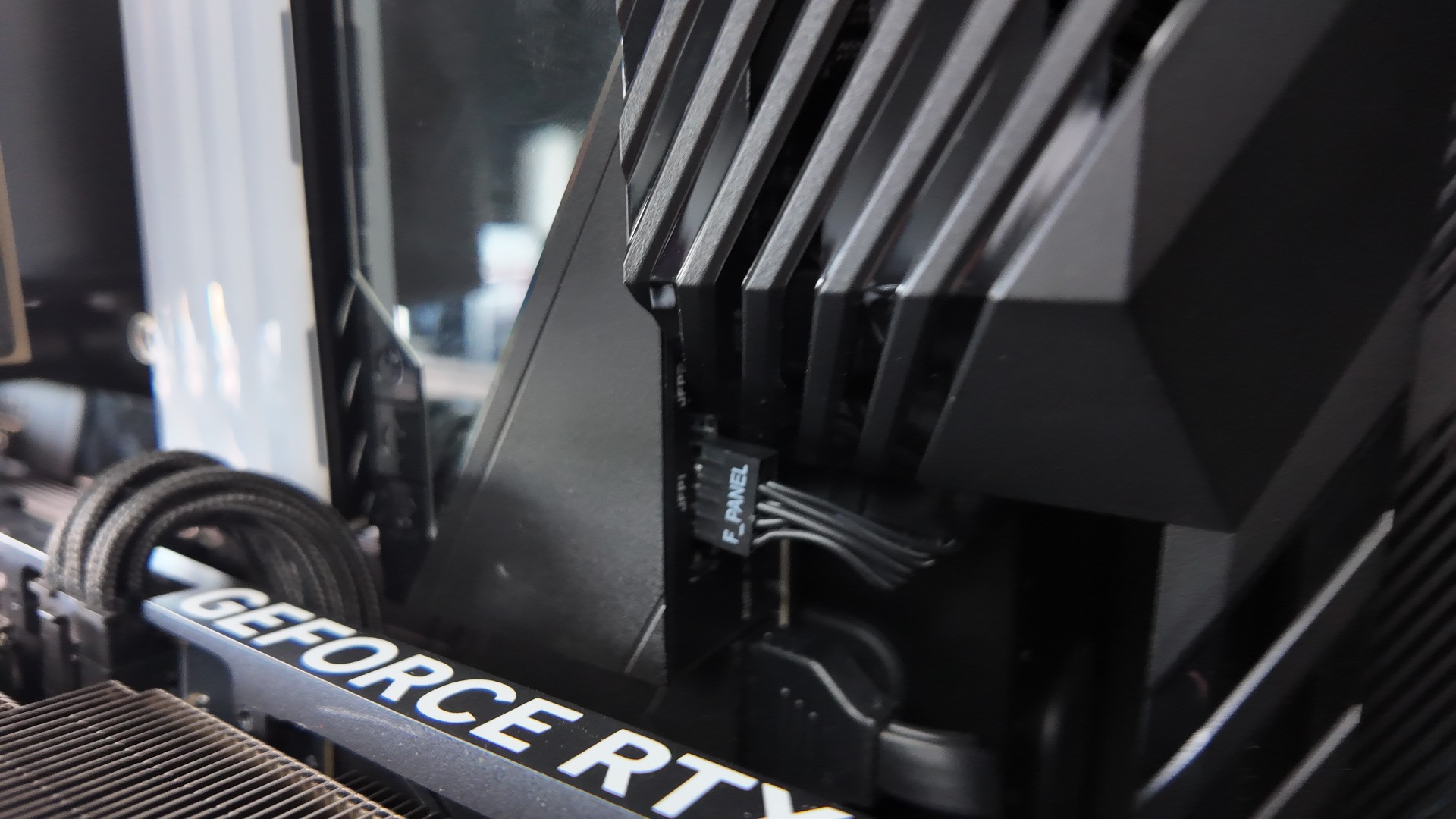
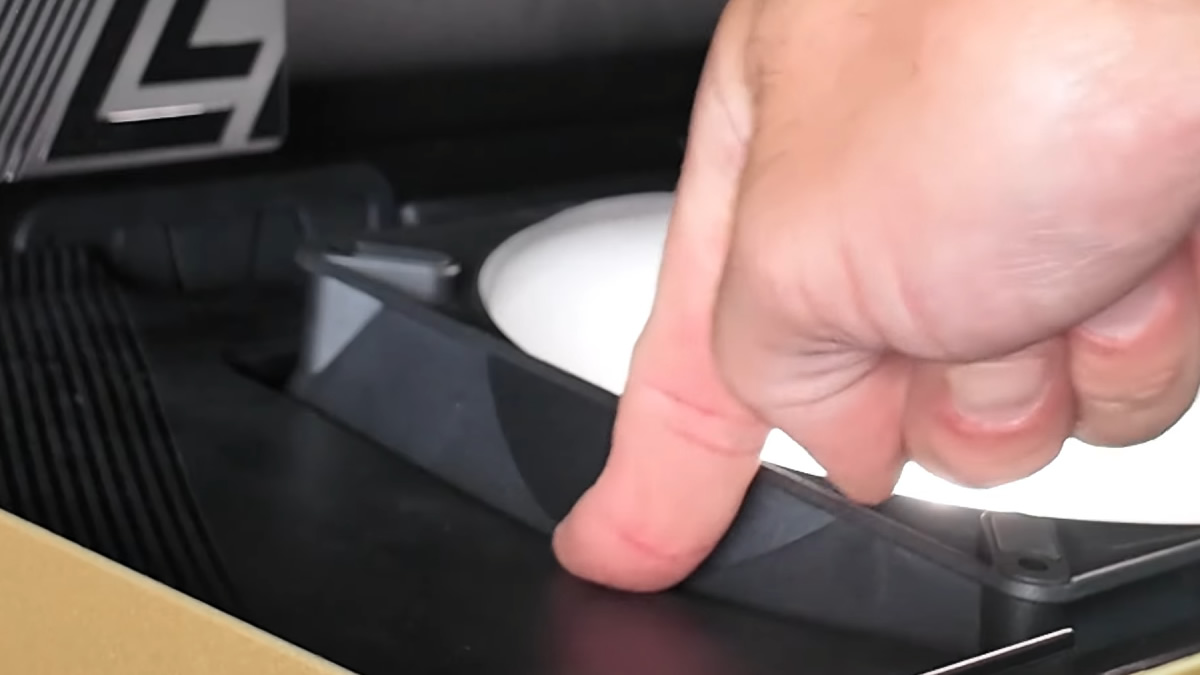
Flex Flex
The plastic elements around this case’s top- and bottom-mounted fans are also very flimsy. It doesn’t take much of a poke to make them flex, and it couldn’t have taken much more plastic to make these more rigid. For a case that’s so expensive, some elements make it feel cheap. The MSI MEG Maestro 900R can look fantastic, but building a PC inside it can be frustrating and disappointing.