MSI MPG VELOX 300R AIRFLOW PZ Case Review

Up Close
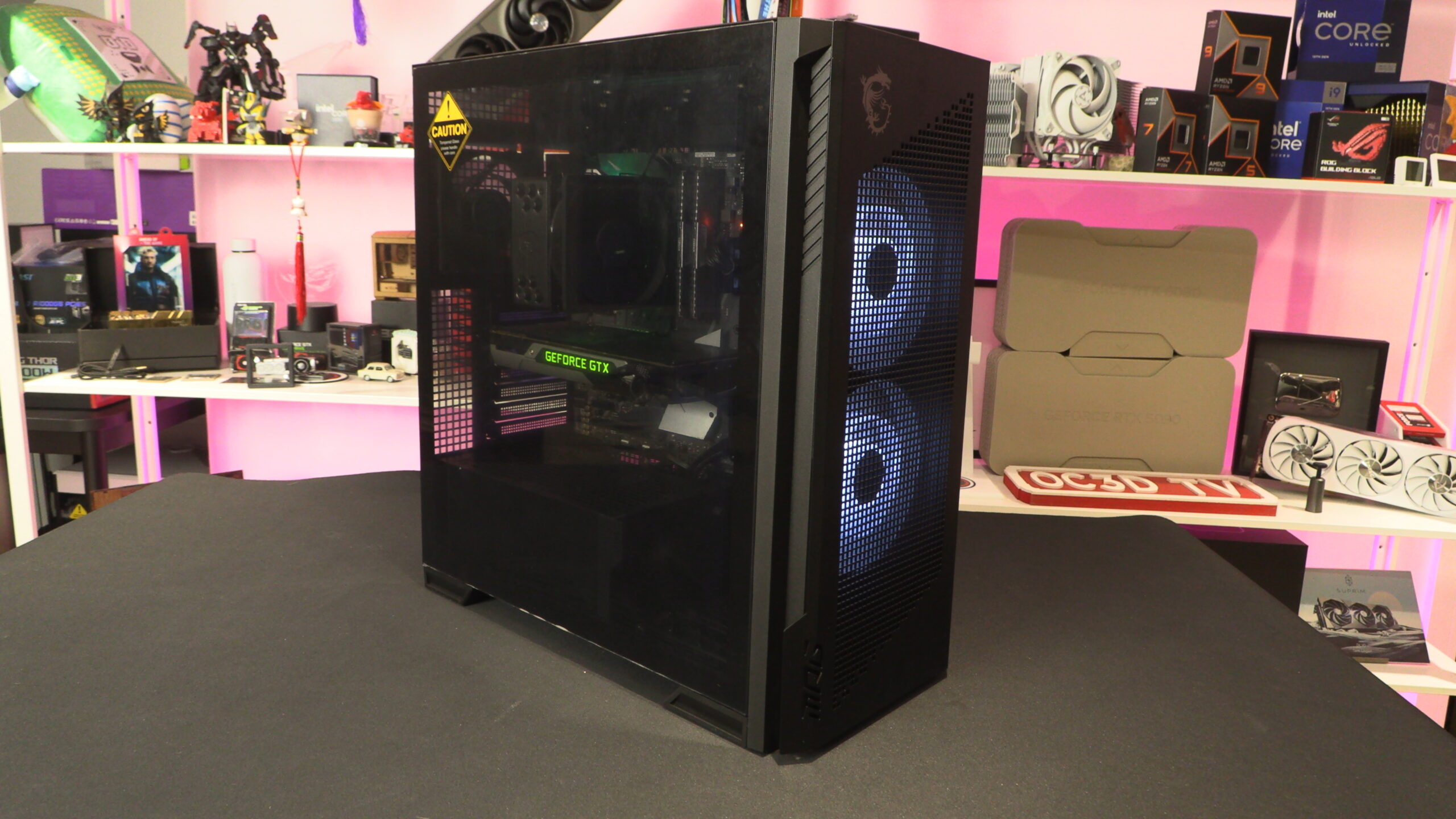
Up close with the MSI MPG VELUX 300R AIRFLOW PZ
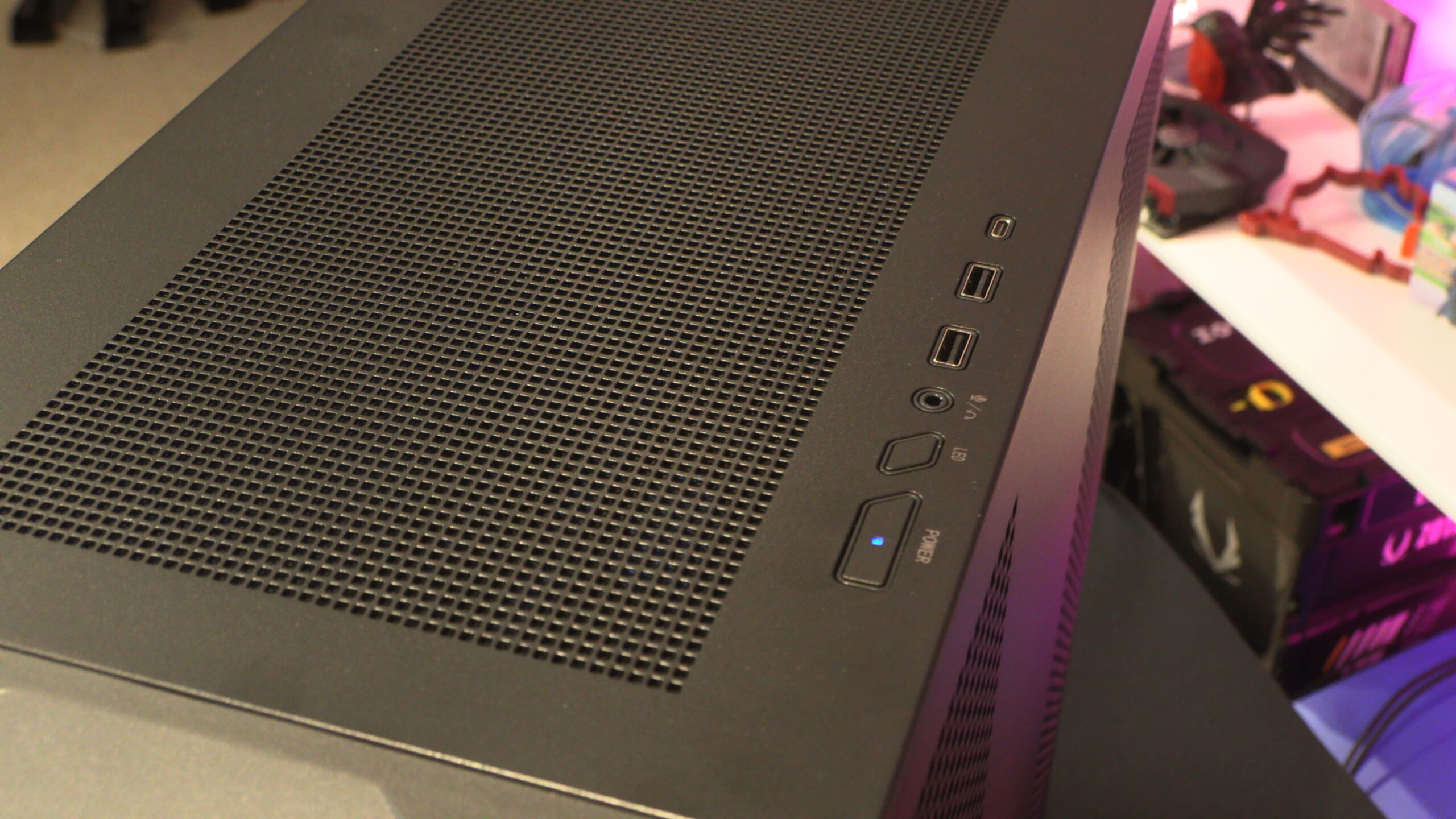
As usual, we’ll start at the top. What we have here is a power button, an LED button, an audio in/out port, two USB 5 Gbps Type-A ports, and a USB Type-C 20 Gbps port (USB 3.2 Gen 2×2). This USB 3.2 Gen 2×2 support, the case’s front I/O can support some of the fastest USB devices available. If you want faster, you need to invest in the premium USB4/Thunderbolt ecosystem.
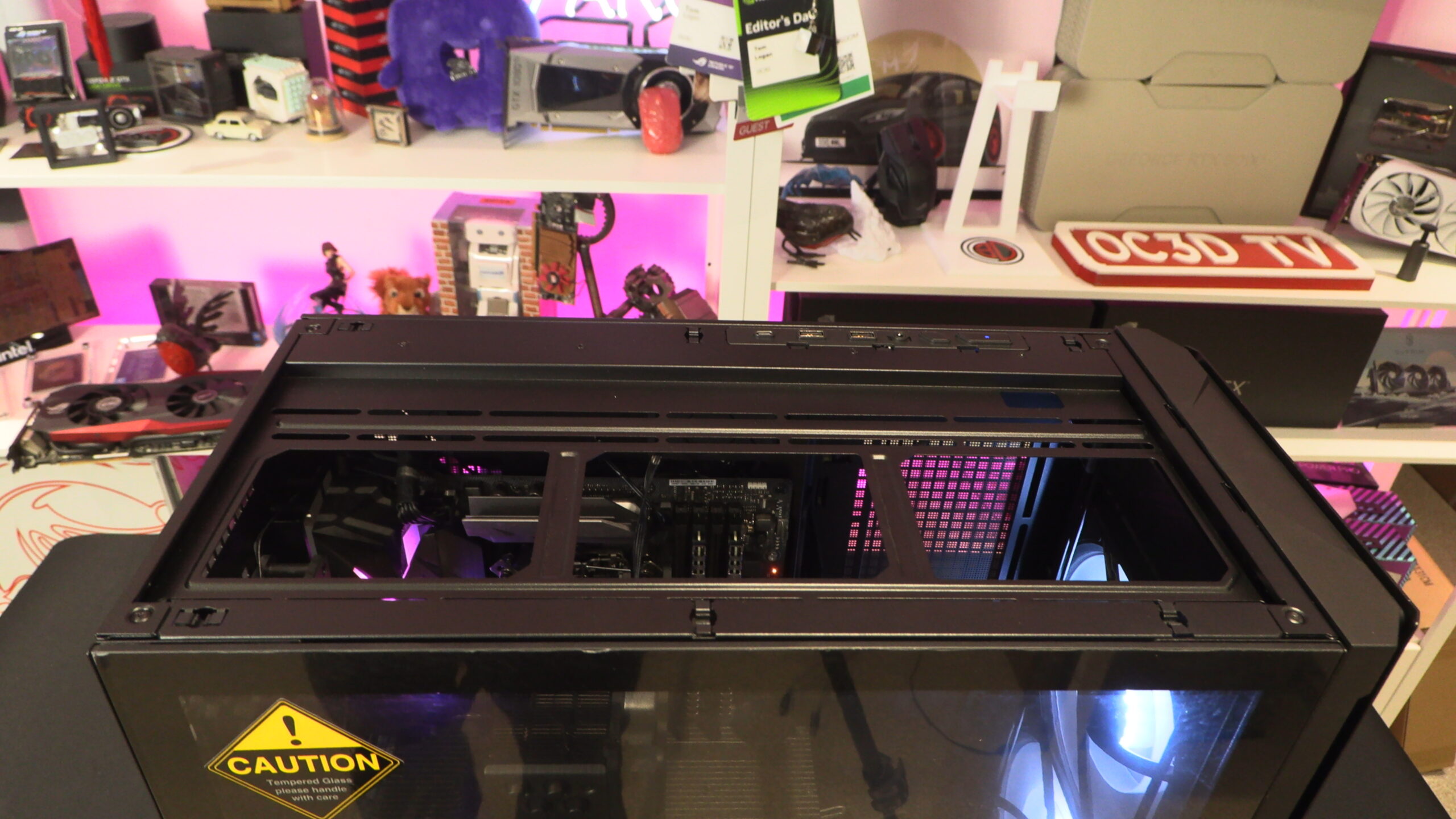
The top plate of this case can be removed to reveal a mounting plate that supports three 120mm fans or three 140mm fans. Note that the largest liquid cooling radiator that this location supports is 360mm in size. Larger 420mm liquid coolers are not supported.
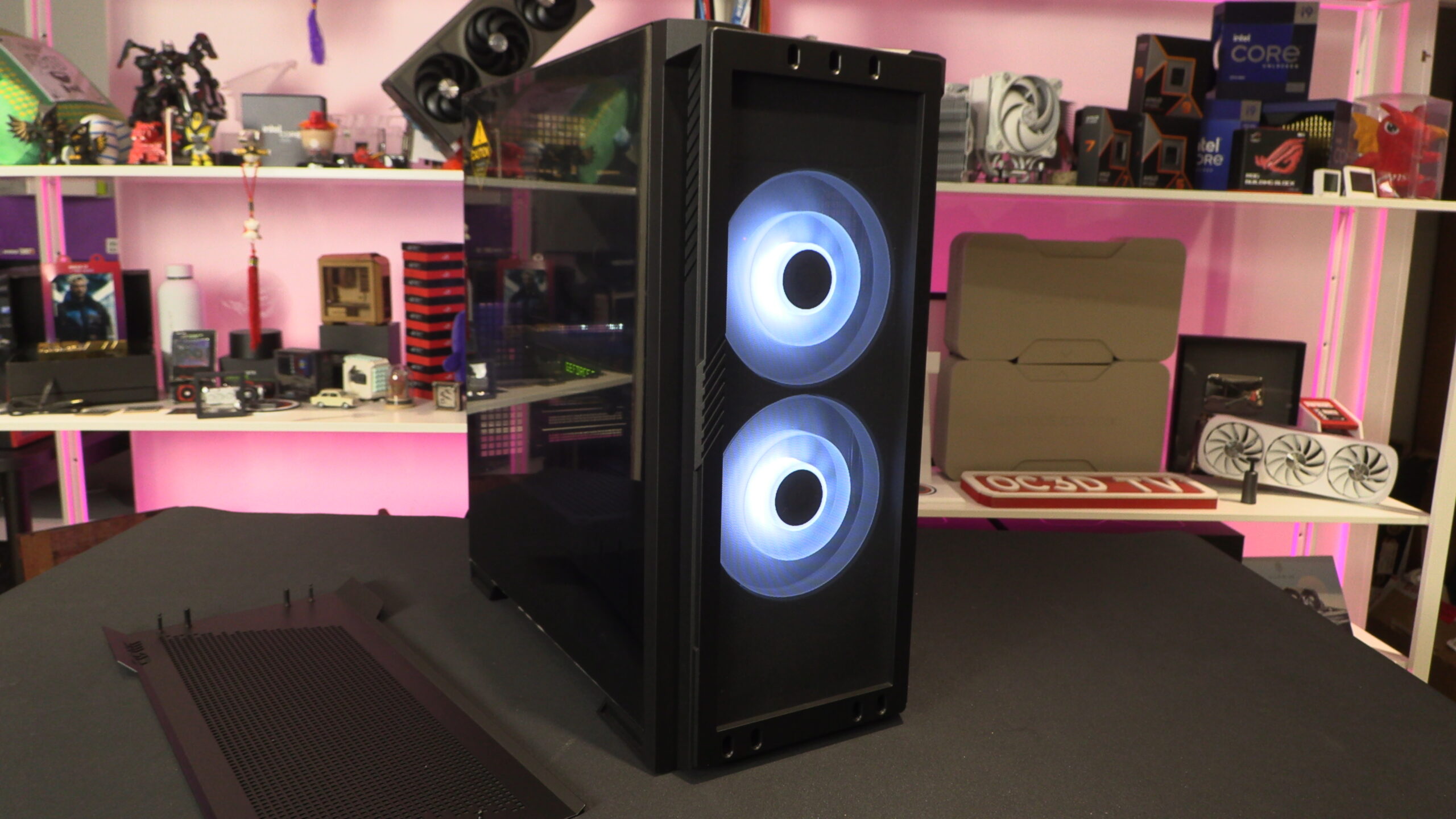
At the front of the VELOX 300R is the case’s two 160mm fans. These fans have a distinctive look thanks to their dual-layer blade design.
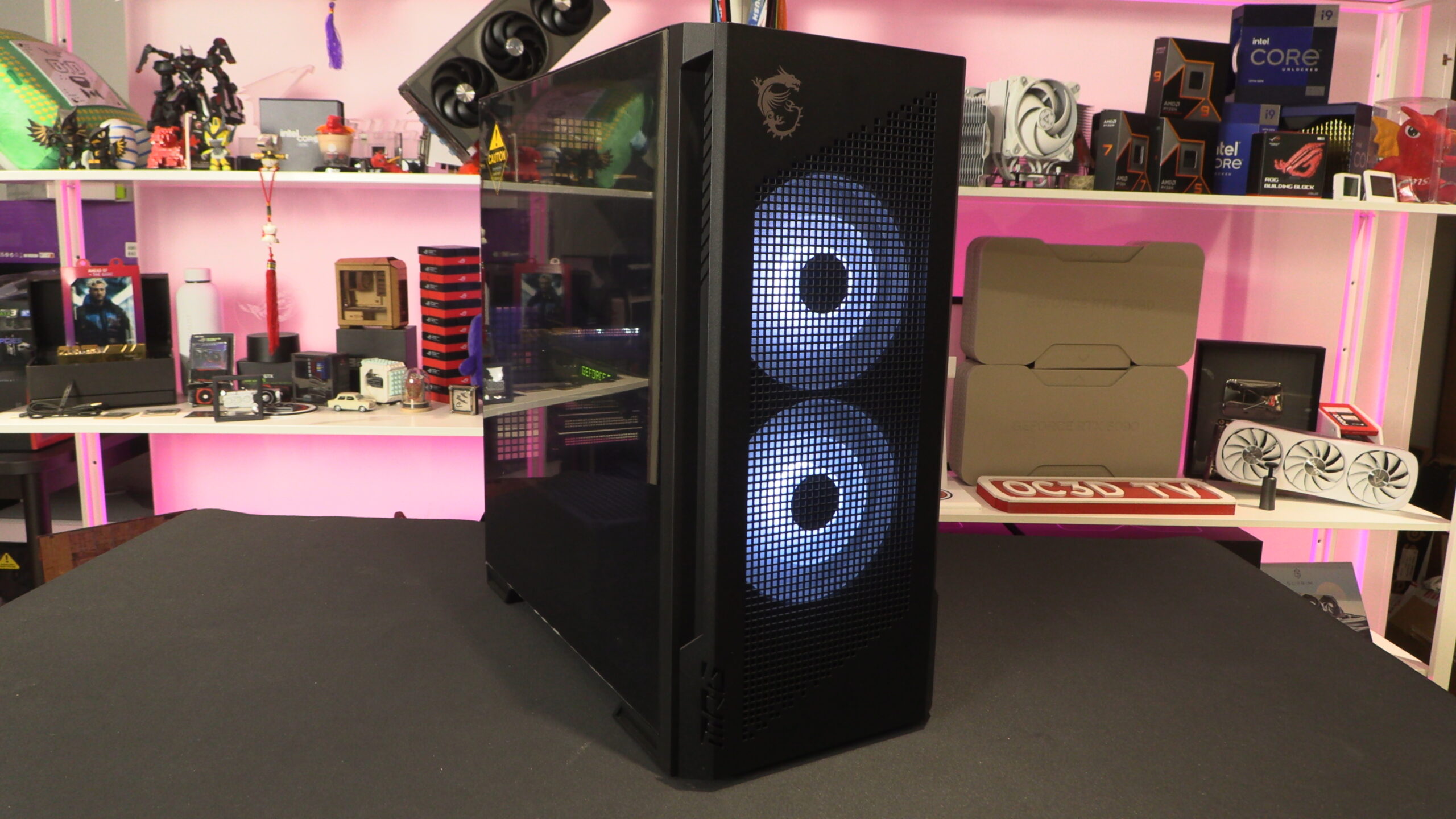
Below the case’s front plate is a dust filter which sits in front of the case’s two 160mm fans. Note that this case can also support three 120mm or 140mm fans. Like the top of the case, the largest liquid cooling radiator that this case supports is 360mm in size.
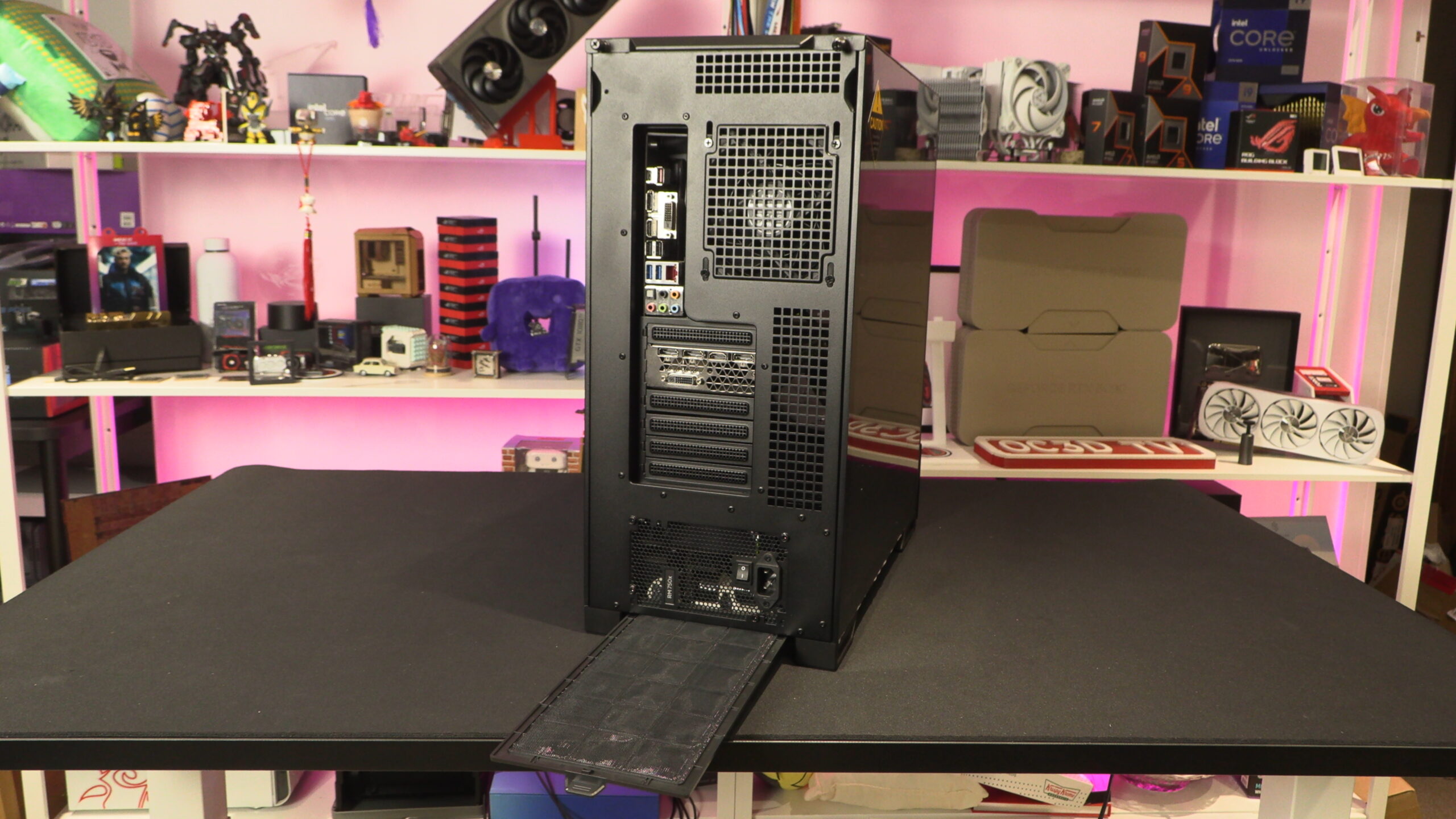
The rear of the VELOX 300R
At the rear of this case is a single 120mm fan, seven PCIe slot covers, and a standard ATX PSU mount. At the base of the case, there is a removable dust filter that is accessible from the rear of the case.
On the side of the case are two perforated areas that can enable airflow inside the case. Both of these intakes are dust filtered.
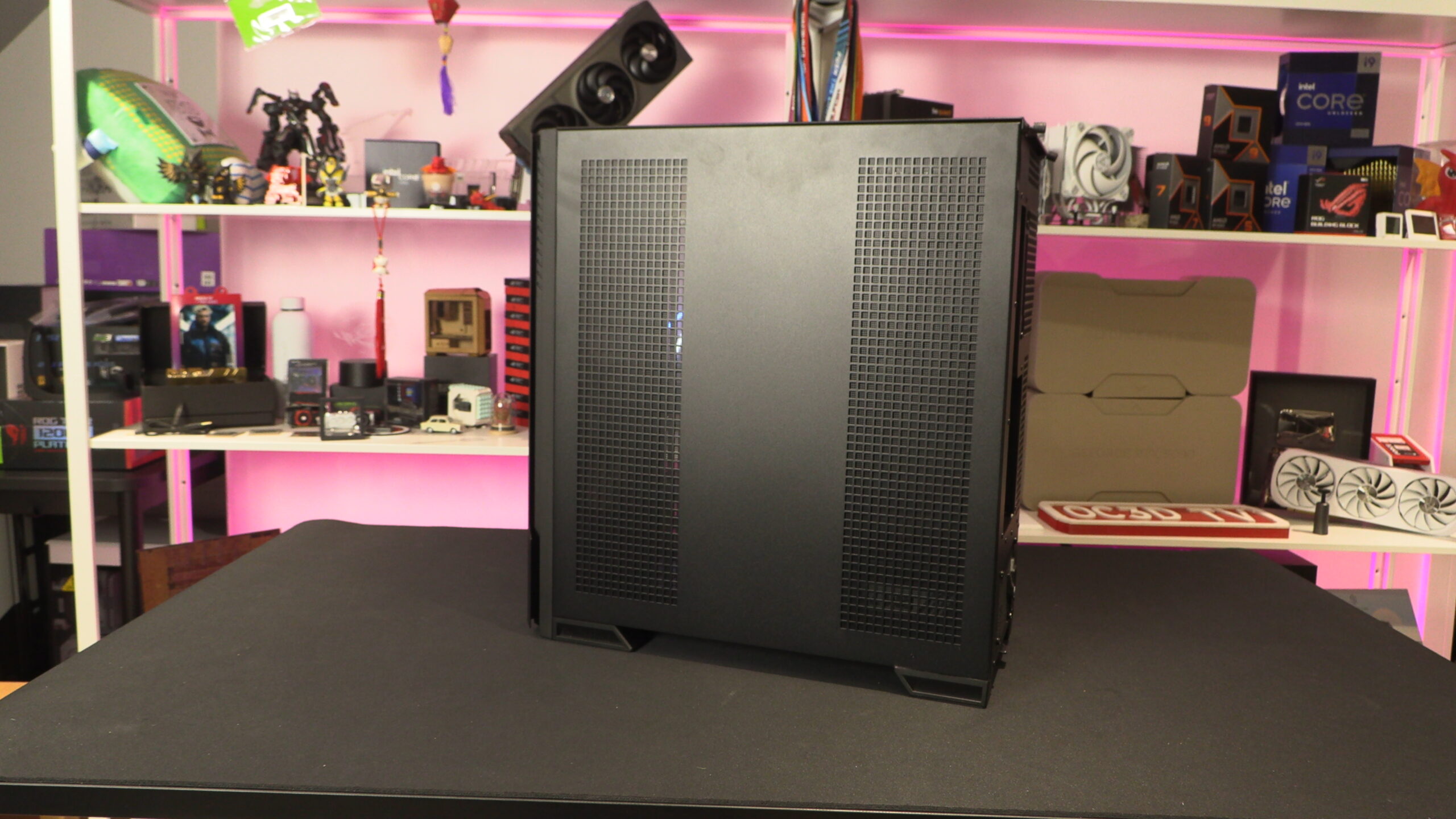
Below we can see the magnetic dust filters on the side panel of MSI’s new 300R case.
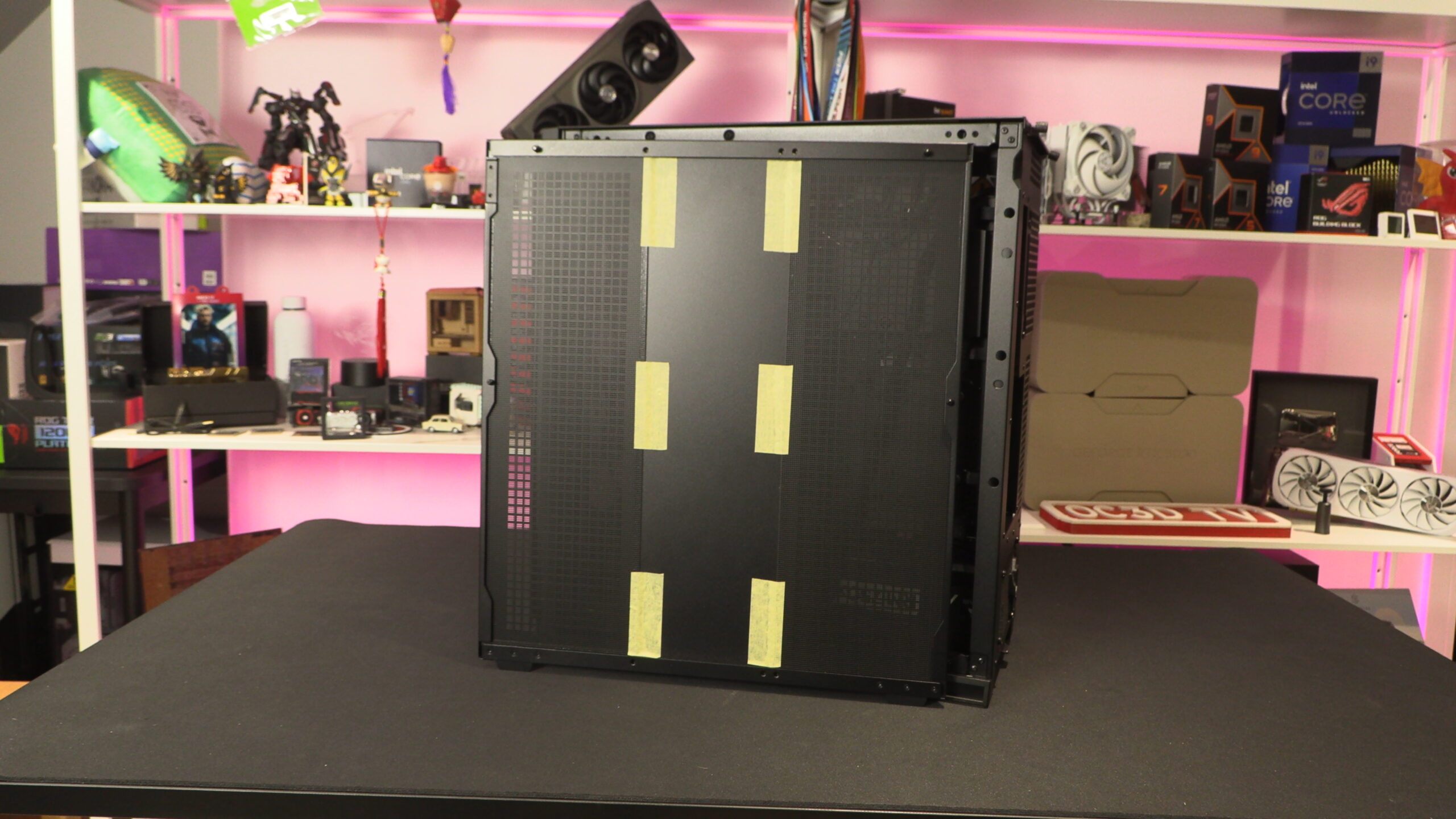
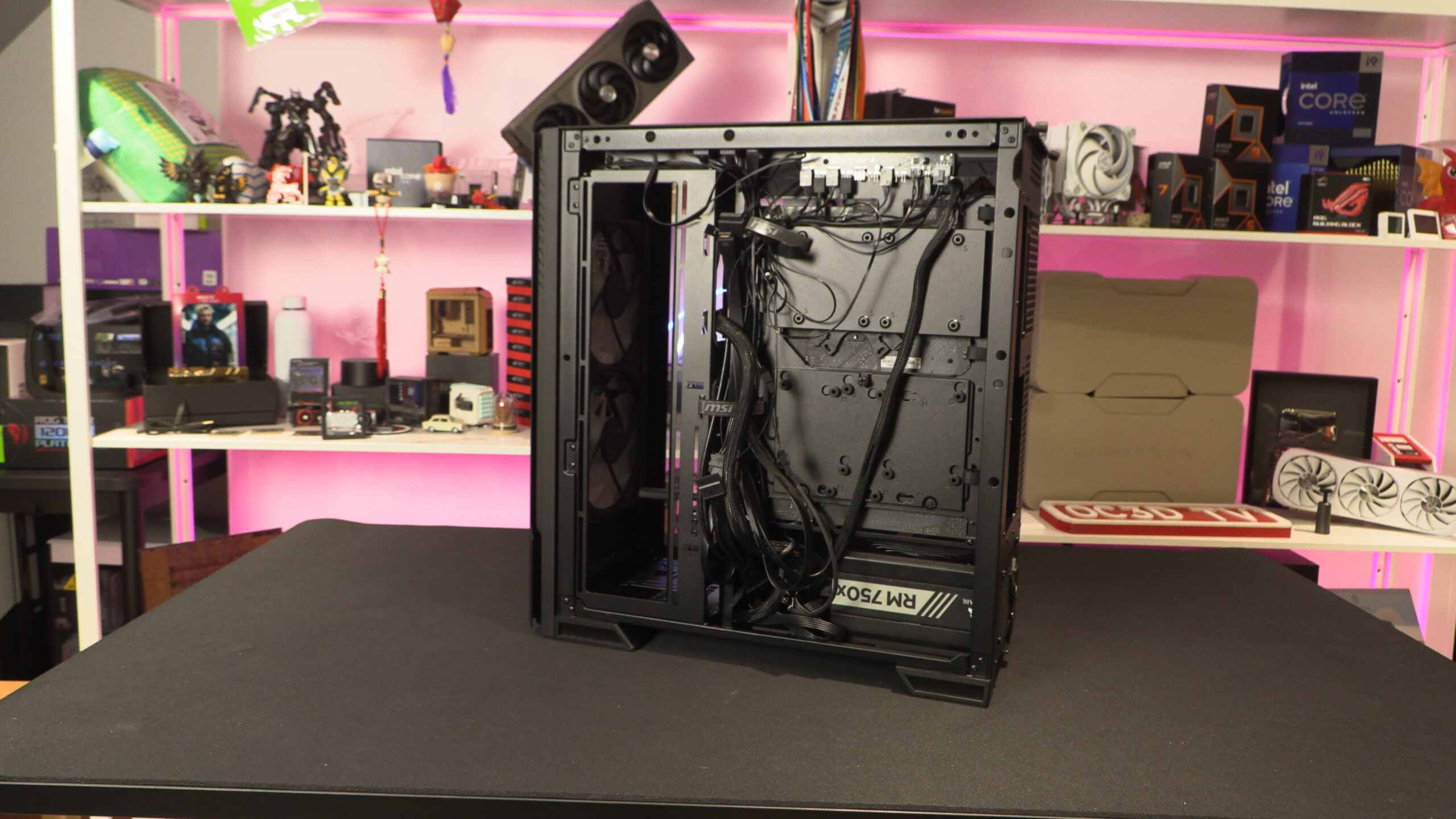
On the side of the 300R we can see space for up to three 120mm fans. This location can be used to mount a 360mm liquid cooling radiator. Inside the case, we can also see several mounting locations for 2.5-inch and 3.5-inch drives.
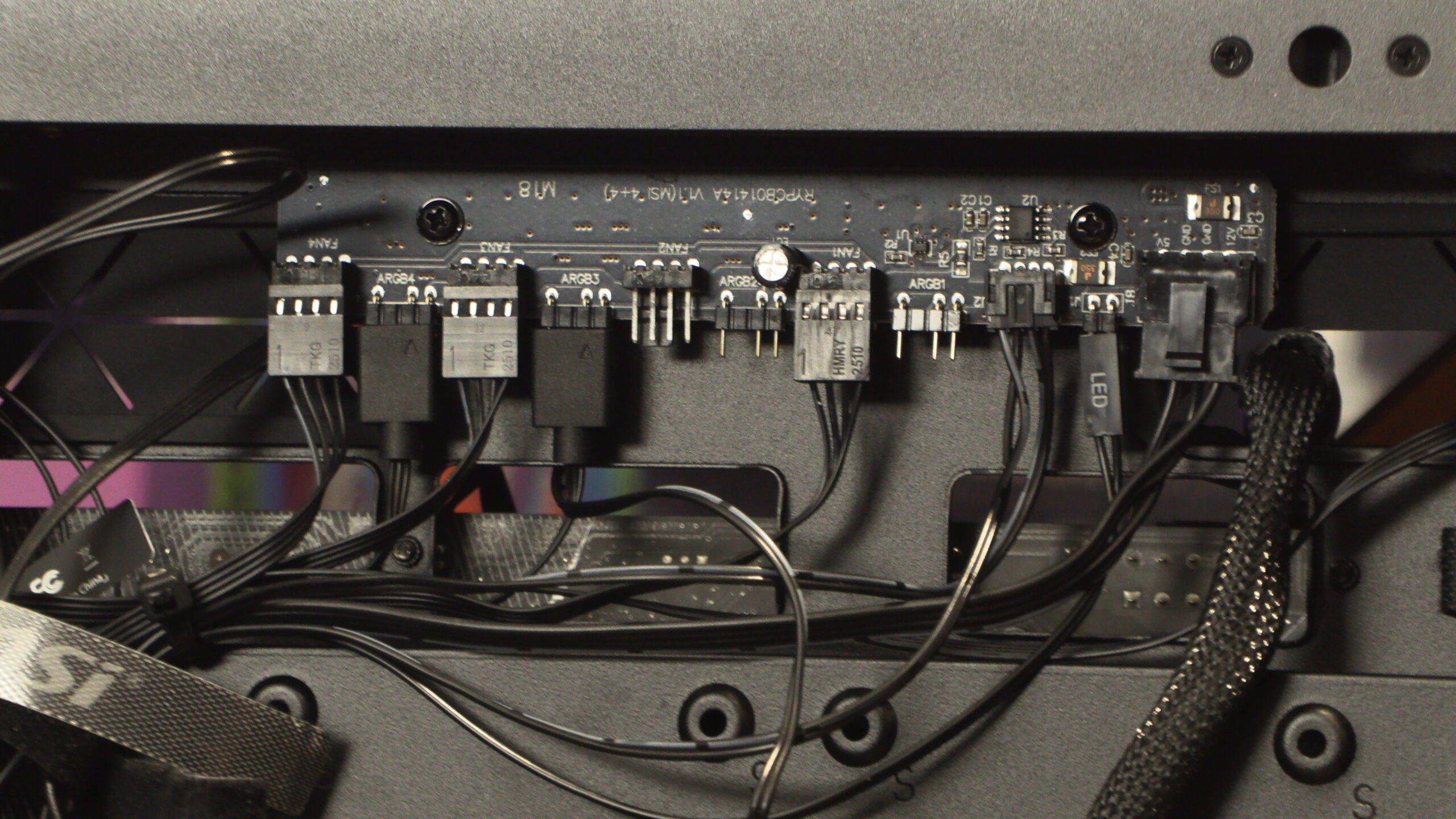
Fan hub
Inside the MSI MPG VELOX 300R AIRFLOW is a fan hub that supports up to four ARGB fans. Note that fan 1 needs to be installed for all other fans to operate. Fan 1 is required for PWM signalling and fan control.
From the main chamber of the case, MSI’s new 300R case looks pretty normal. That said, it has some neat features that are worth taking note of.
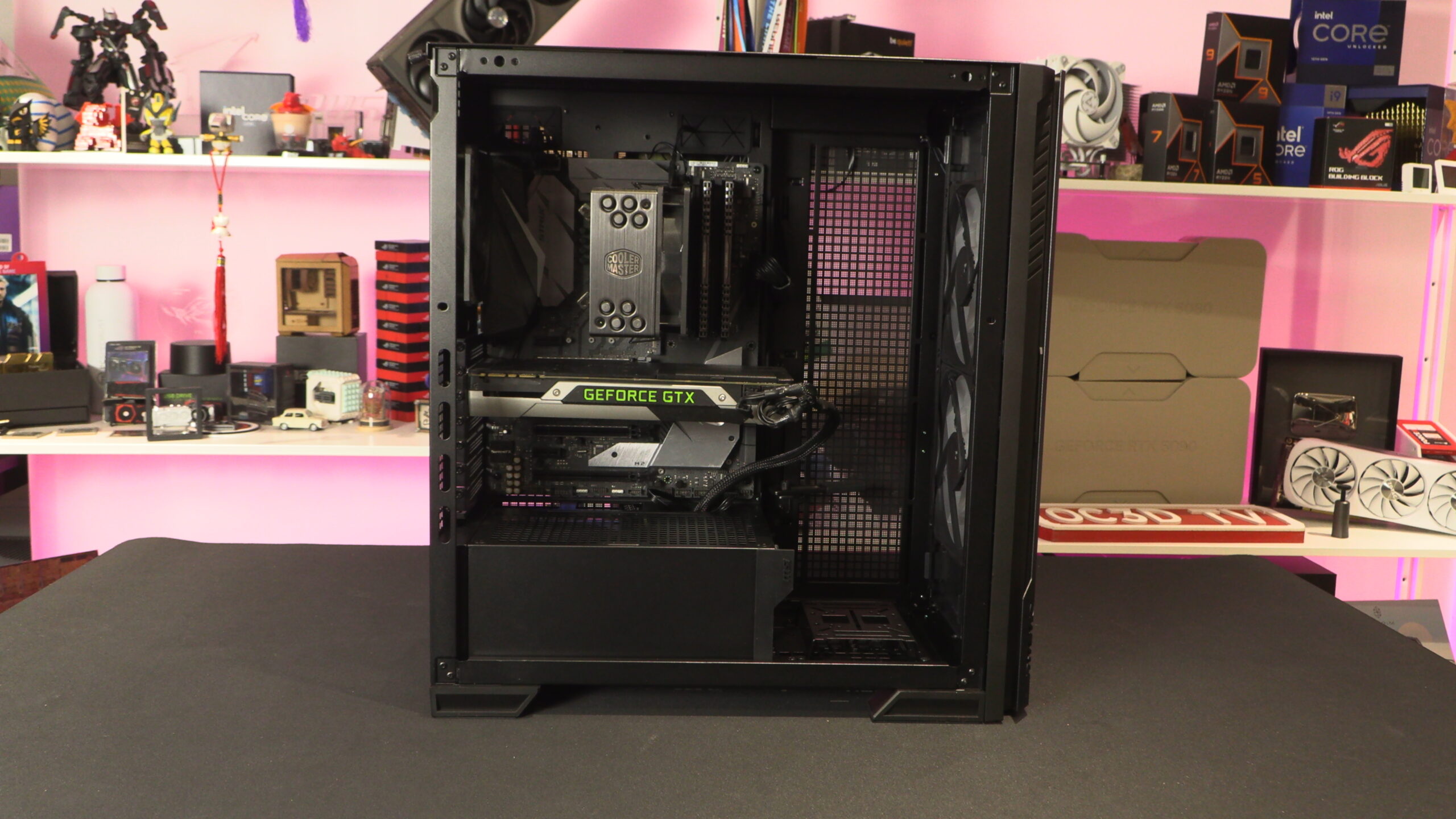
Note that the PSU shroud of this case has space for mounting two 120mm fans. These fans can push air directly at your graphics card.
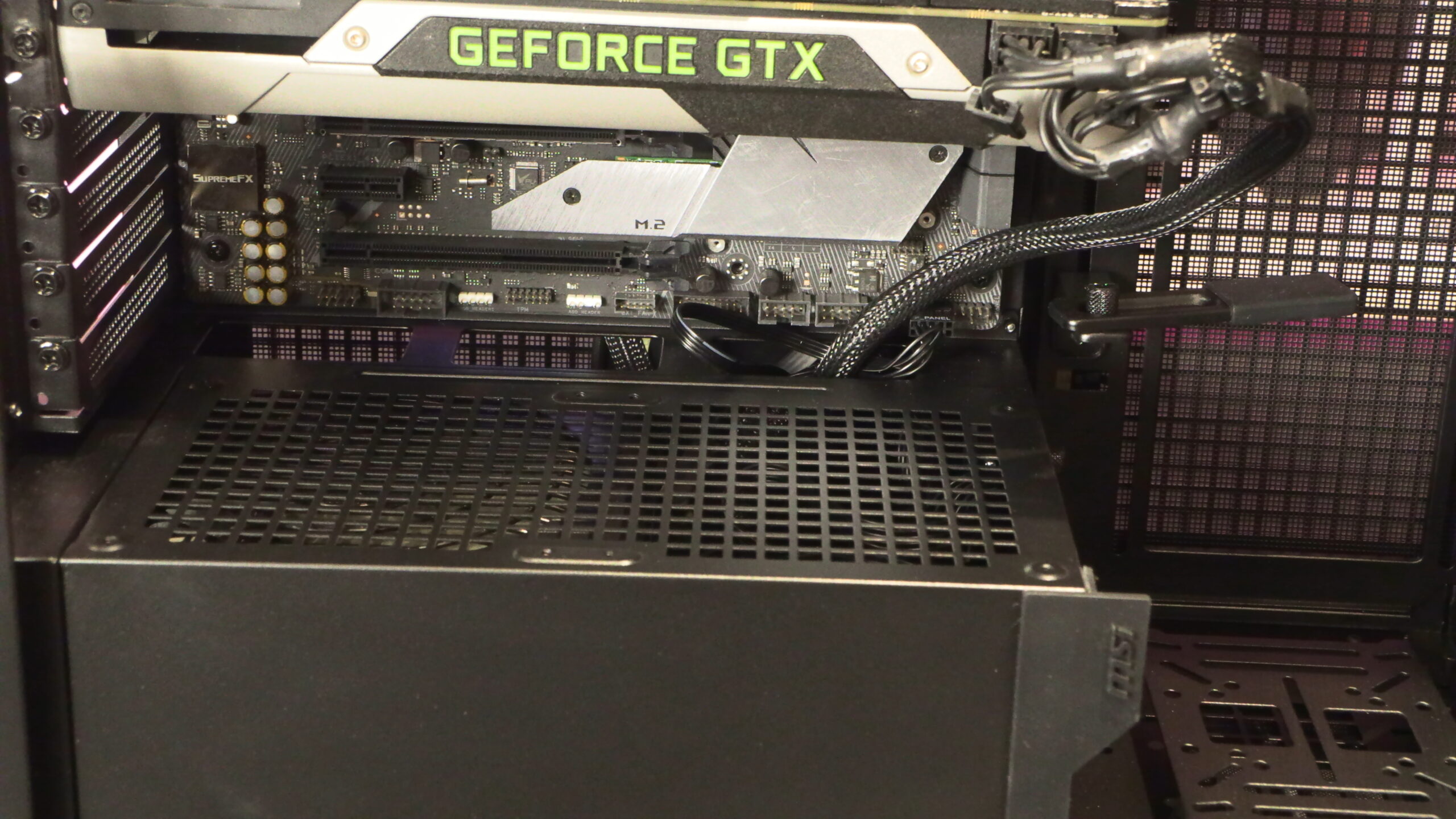
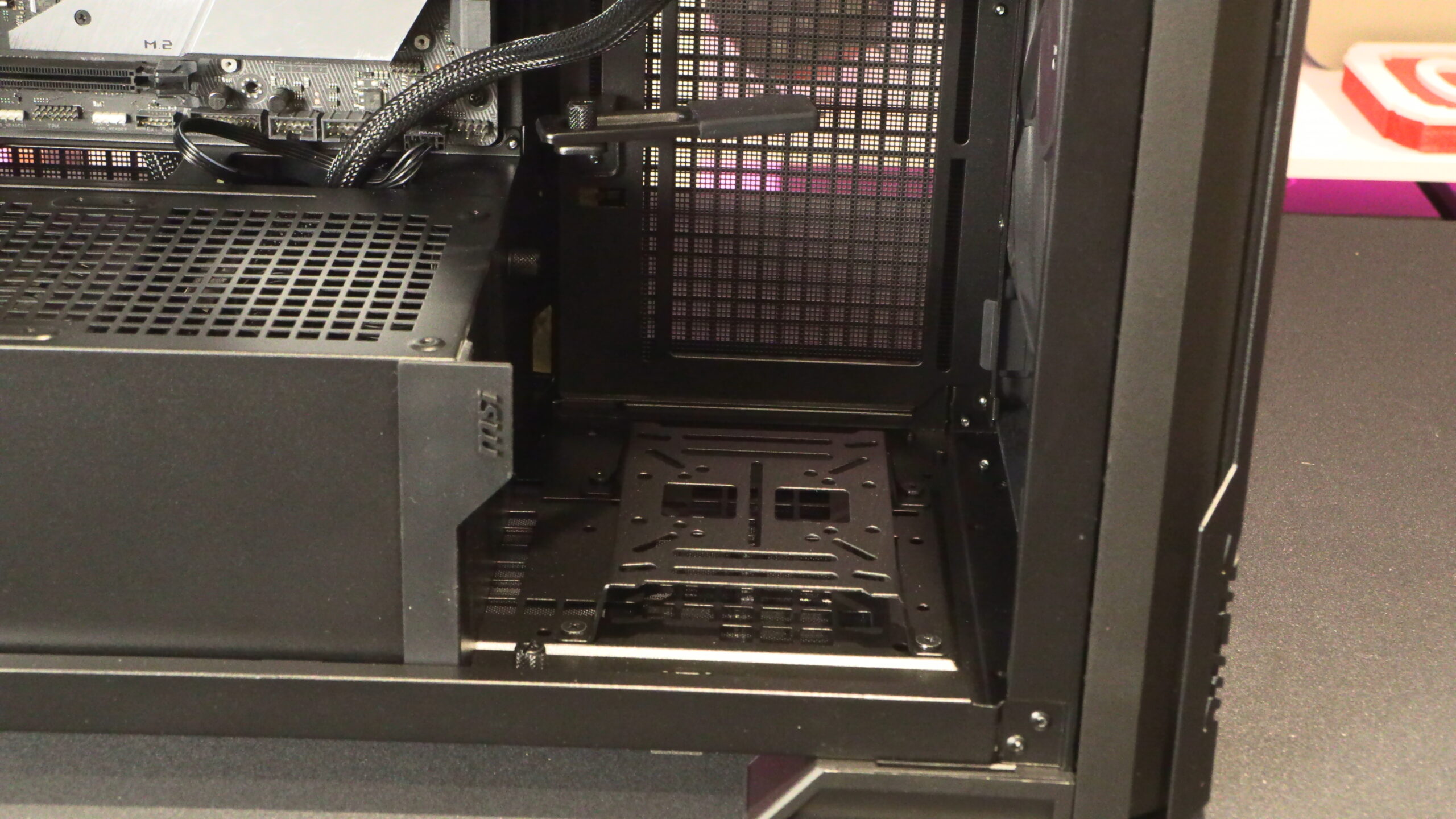
Note that this case also has an integrated GPU support, and a versatile mounting plate at its base for various pumps of other devices. Alternatively, this spot can be used to mount a 2.5-inch or 3.5-inch device.
Cable Management
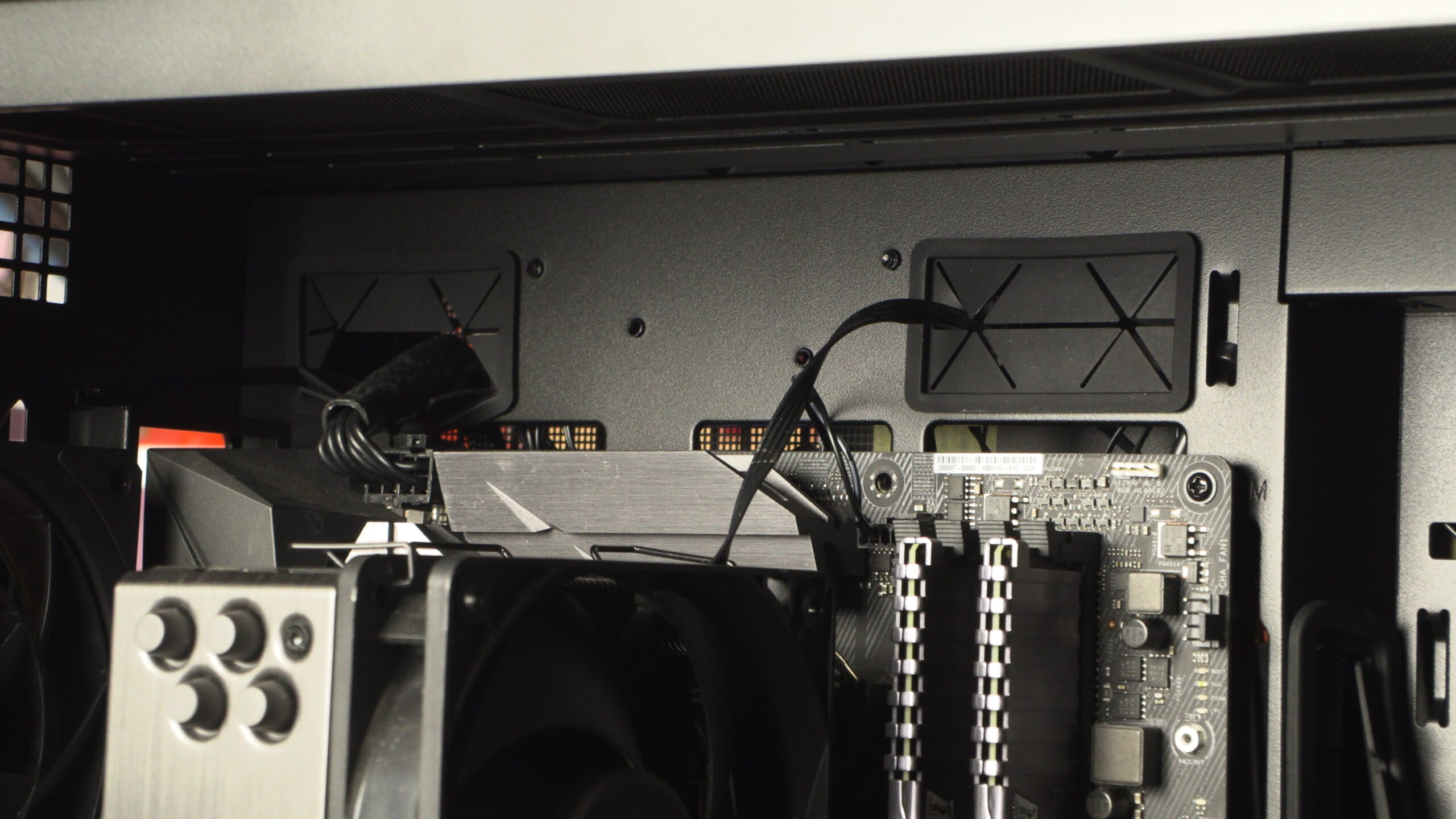
If you have a “Back-connect” motherboard, cable management is a breeze. After all, back-connect motherboards place all motherboard cable inputs behind this game’s motherboard tray. However, this case does feature traditional rubber grommets for standard motherboards, making traditional cable management possible.