Please delete this Review of NesteQ Max Zero fan controller

Up Close
The MaxZero is a 5 1/4″ bay fan controller able to provide control for up to eight fans. Finished in Black with a mirror effect front screen it’s looks are sleek and understated.
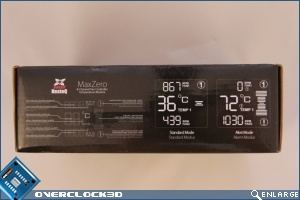
The MaxZero is securely packaged in an anti static bag nestled between to polystyrene shock absorbing retaining cushions. With the box ends giving an overview of functionality and display characteristics with regards to standard mode and alarm mode. Along with the unit itself the box also contains the requisite fixing screws, several adhesive tabs, a set of instructions and a pack of 8 adapter cables that enable the MaxZero to be used in conjunction with other fan controllers in the capacity of a pure monitoring device. The final gift from within the box is a set of Jumpers. These are used to enable and disable the audible alarm.
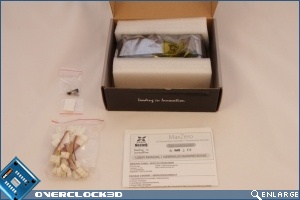
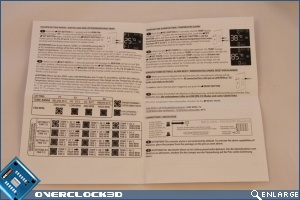
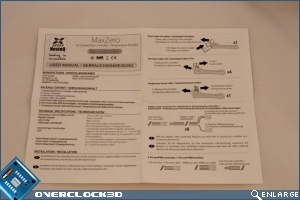
Comprehensive operating instructions are included. They’re easy to read with clear print. The instructions take you through the set up of the unit in a step by step way showing you not only how to connect the unit up, but also how to access and set the various parameters. Of note is that there are no instructions with regards to how or where to install the various temperature probes. That said, I think it NesteQ have made the fairly safe assumption that the sort of person who buys this product already has a fair idea about what they want to monitor and control, and as such will already know where the sensors are going to be located.
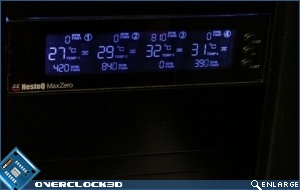
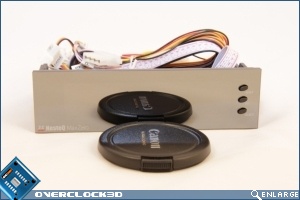
And finally we come to the unit itself. The front fascia is mirror finished, and when I say mirror finished I mean mirror finished. Unless you’ve tried yourself you have no idea how hard it is to photograph a reflective surface without including either yourself, the camera and whatever is behind you in the shot. Here I’ve used the Lens cap of my camera to show the quality of the finish. Control of the units many functions is via the 3 vertically stacked buttons on the right and side, so as this is not a touch screen unit the stunning mirror finish should remain fingerprint free for many years
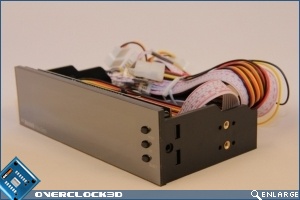
Like all fan controllers the back end of the MaxZero is a vipers nest of wires. With the vipers nest however comes generous 80cm lengths for all the fan connectors, temperature sensors and the Molex power supply input cable. 80cm should be plenty for all but the very largest cases on the market.
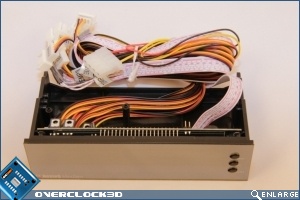
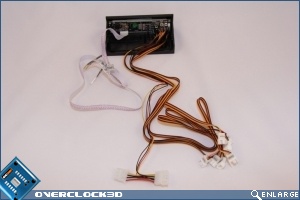
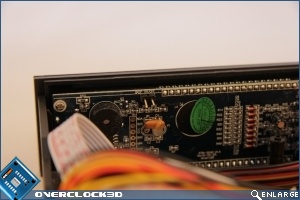
PCB surface mount quality seems to be of a reasonable standard, a few of the components do sit at rather jaunty angles, but then there’s rather a lot to cram into a small PCB space.
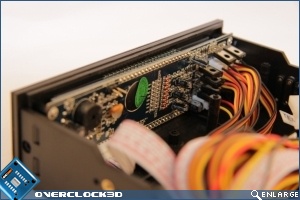
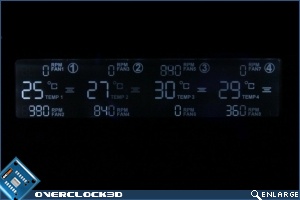
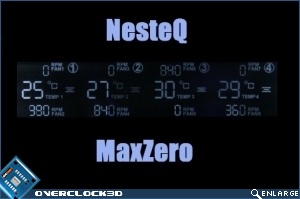
In the off position the fascia persists in it’s splendid reflective finish. Power the PC up and the display comes to life with the information displayed in a rather pleasing “old School” LCD style. the display is pale blue and does not provide for colour or brightness alteration. The screen is split into 4 areas, each area representing a group of 2 fans. Temperature and fan speeds are displayed for each of the 4 areas, along with a visual alarm area just to the right of the temperature display. The display is well set out, clear and easy to understand, however, it does not boast a great viweing andle, quickly becoming pale as you move off to the side. I suspect this may in part be due to the display being set back within the unit.