


Thermaltake MINECUBE 360 Ultra ARGB Sync CPU liquid cooler Review

Meet the Thermaltake MINECUBE
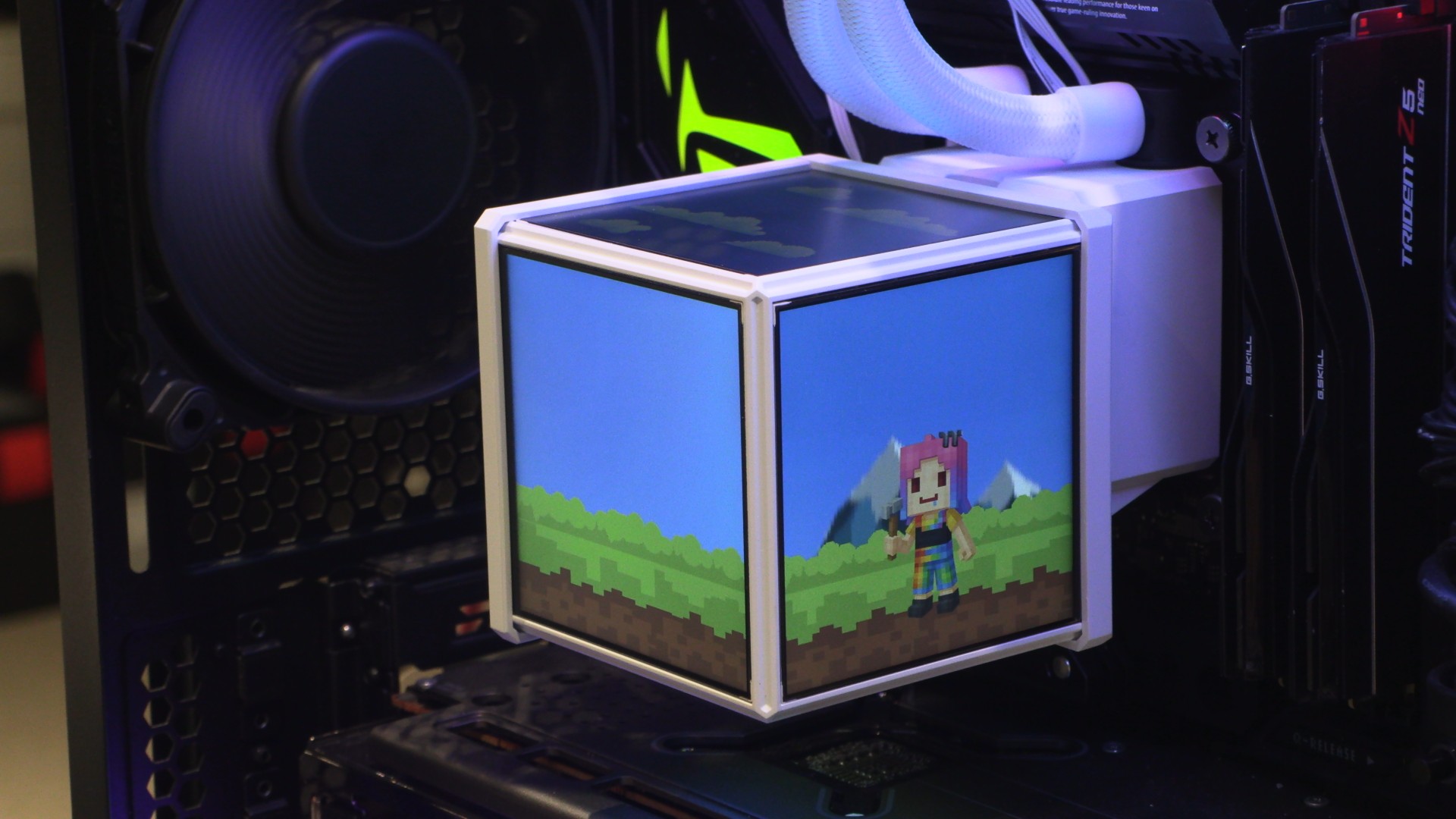
One AIO, four screens, Thermaltake takes liquid cooling aesthetics to the next level
This is our first review of a Thermaltake liquid cooler, and we’re starting with something unusual. Today, we will be looking at the Thermaltake MINECUBE 360 Ultra ARGB Sync, a liquid cooling solution that features four 3.95-inch LCD screens.
What we have here is a standard 360mm liquid cooling solution with a lot more flair than most liquid cooler designs. Its cube-like display allows different images to be viewed from each angle, allowing it to showcase more system information or more custom images. Users can even create animations that allow objects to move from one screen to another. That’s a lot more exciting than most LCD-clad liquid cooling solutions.
Lots of screens!
When most people talk about “premium” liquid cooling solutions, they are talking about a liquid cooler with one screen. If they are being fancy, they may mean one with a single, larger screen. Thermaltake has taken things to the next level with its MINECUBE cooler, adding four LCD screens to cover four out of six sides of its cubic CPU block topper. The idea is simple: four times as many screens to quadruple the fun. If nothing else, this cooler would be ideal for a Minecraft-themed PC.
Each screen on this liquid cooler has a resolution of 720 x 720, which means that it can show quite a lot of detail given its size.
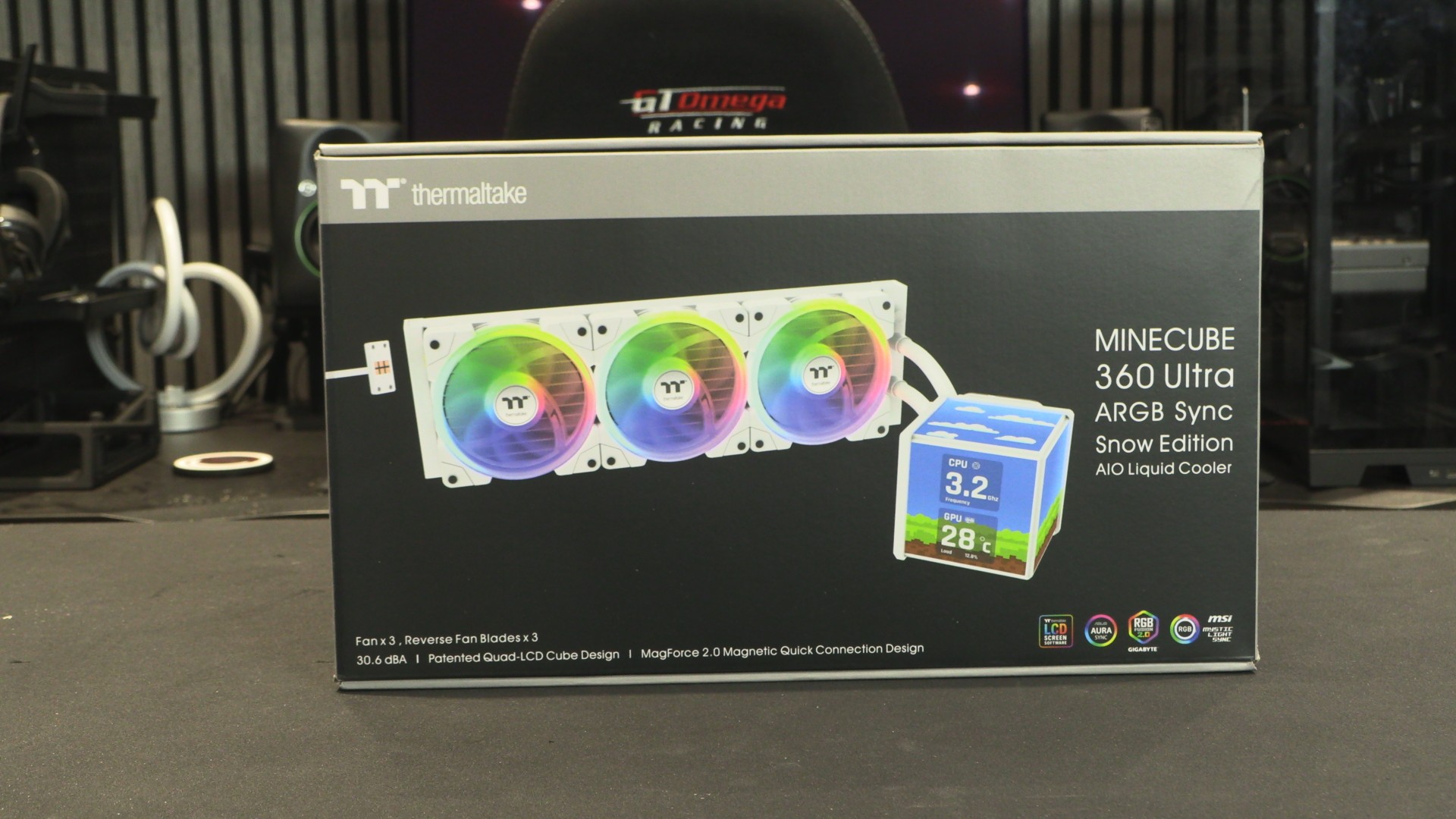
The packaging for the MINECUBE 360 Ultra is pretty standard. All three fans come pre-installed, which makes integrating this cooler into your PC a breeze. Note that this cooler ships with three additional fan blades, allowing users to use their fans as “reverse-flow” fans.
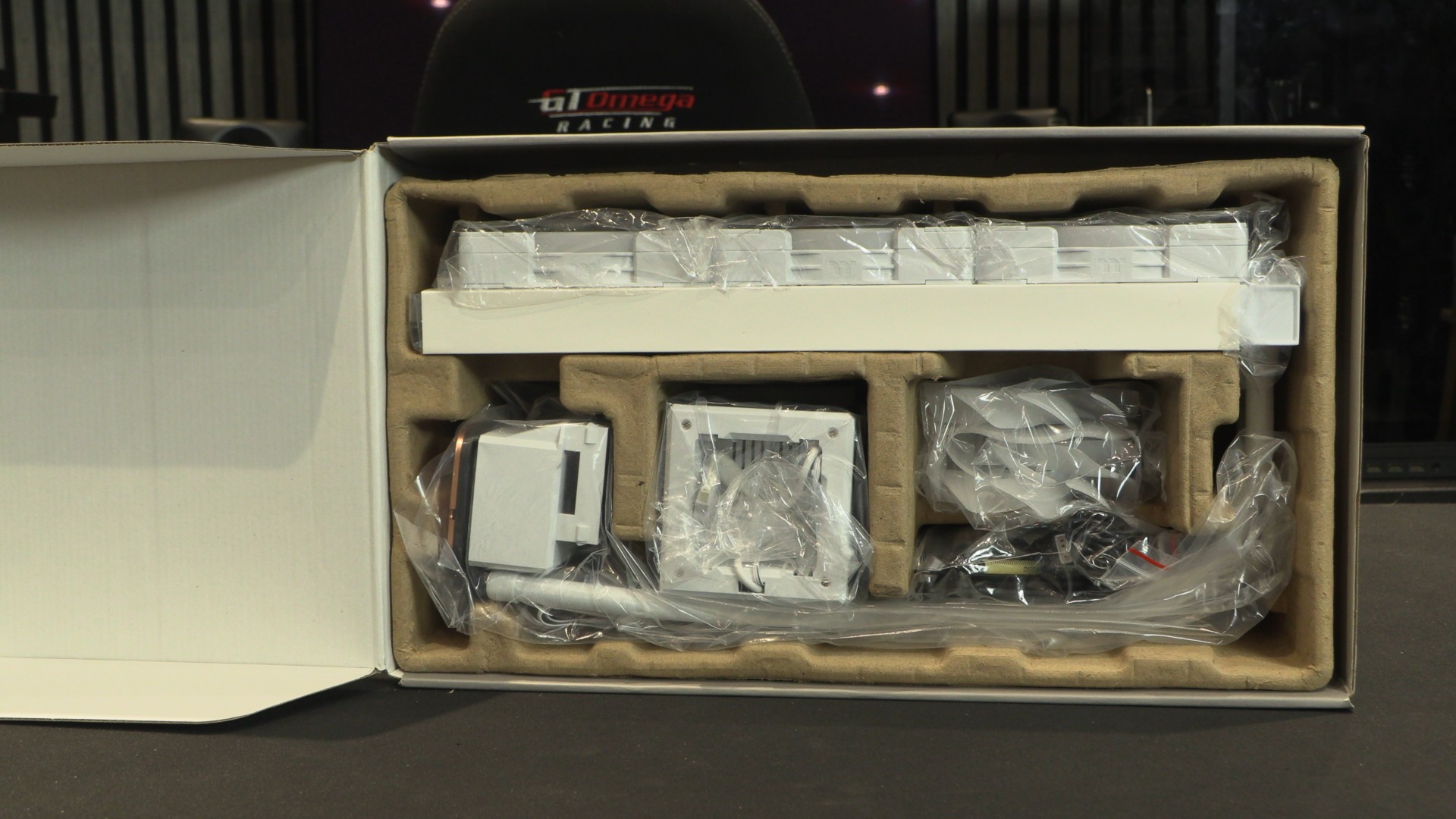
The screens!
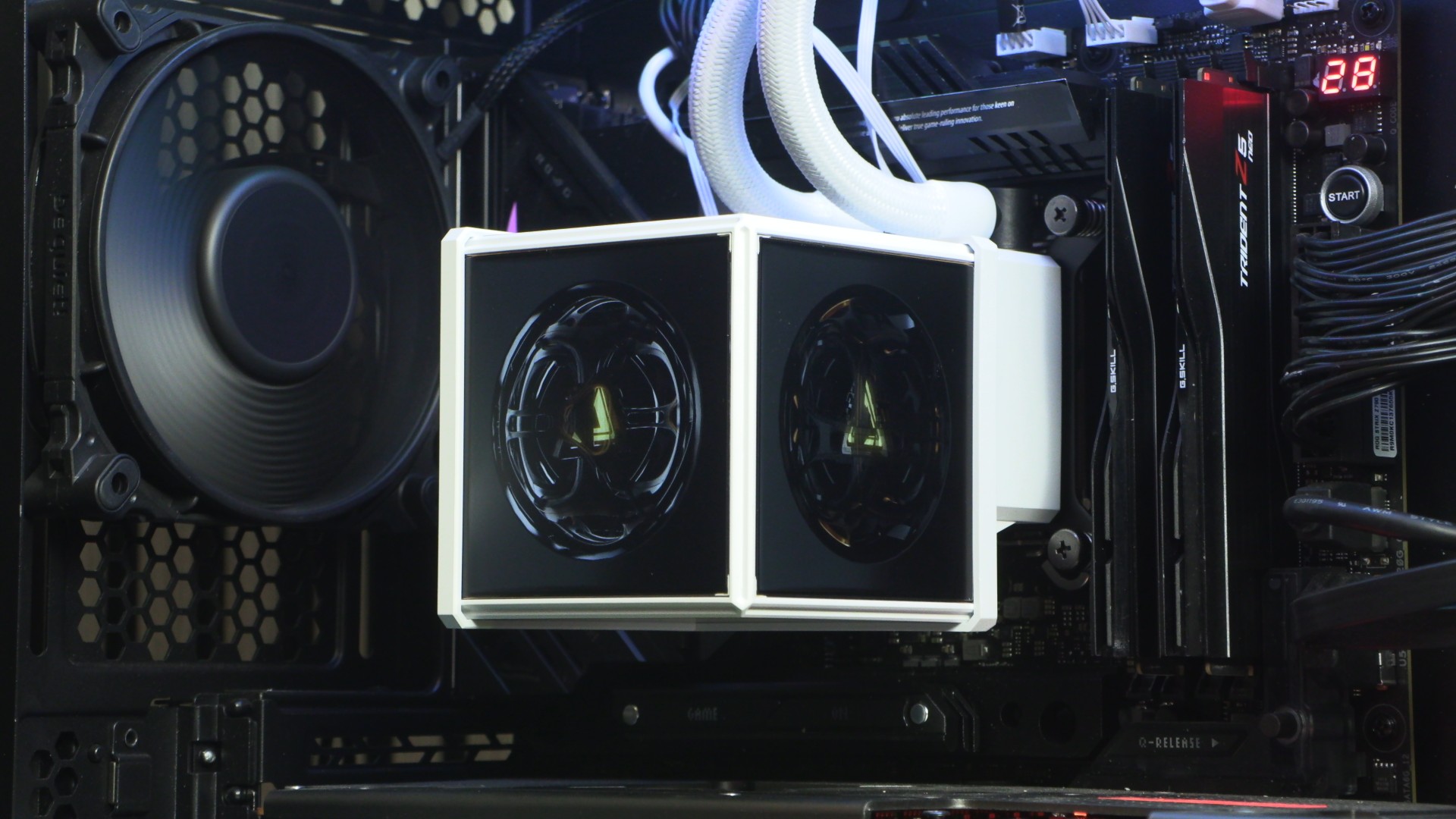
The screen unit for the MINECUBE 360 Ultra is separate from the unit’s main CPU block/pump unit. This allows the CPU water block to be mounted much more easily. Additionally, this allows the screen unit to be installed in various orientations. Users can choose where they want each screen to face. Note that this means the screens require a separate power source, which complicates cable management with this CPU liquid-cooling solution.
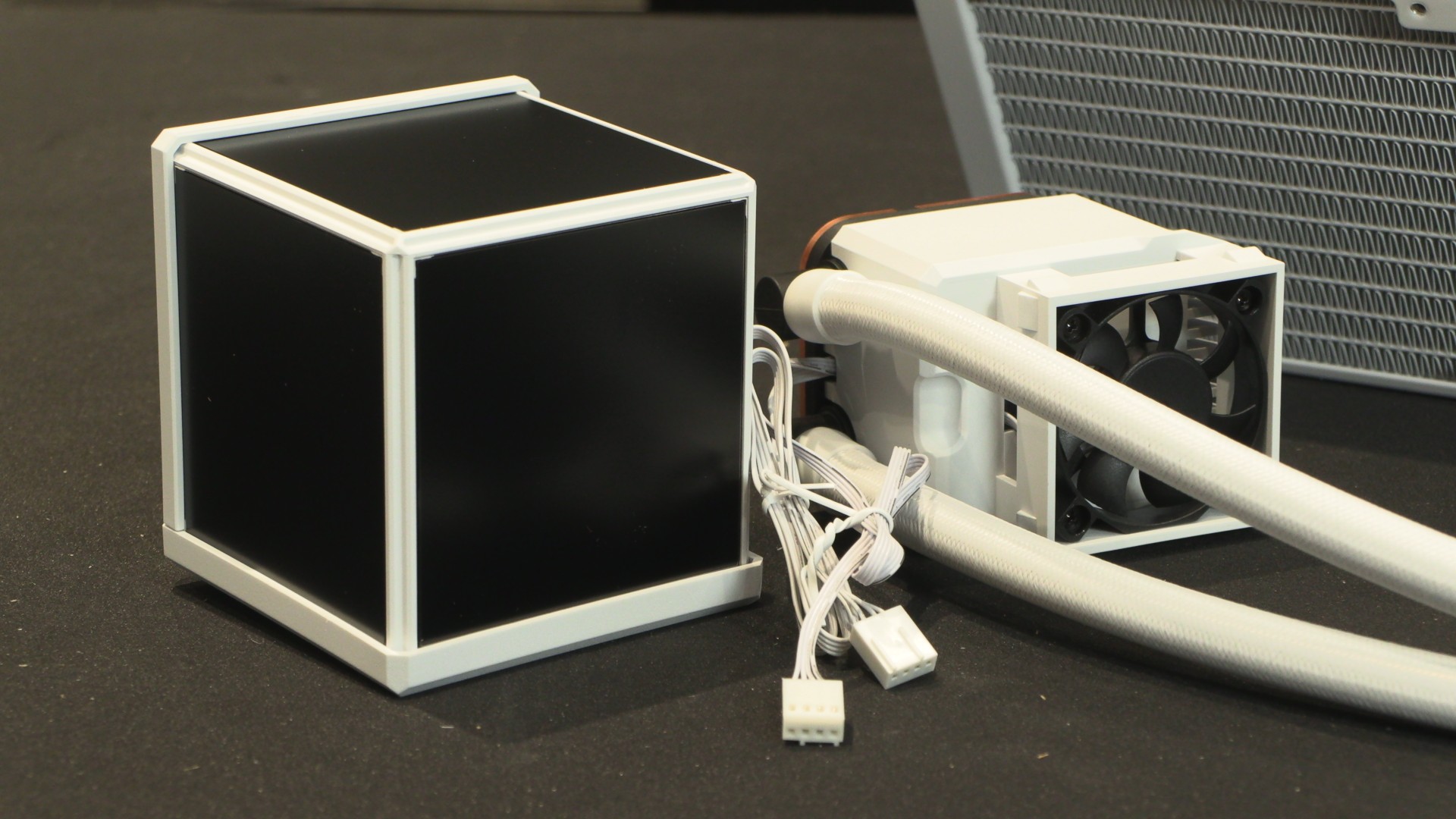
The MINECUBE 360 Ultra includes all the accessories users may need. It even includes some grease for the unit’s fans, simplifying maintenance.
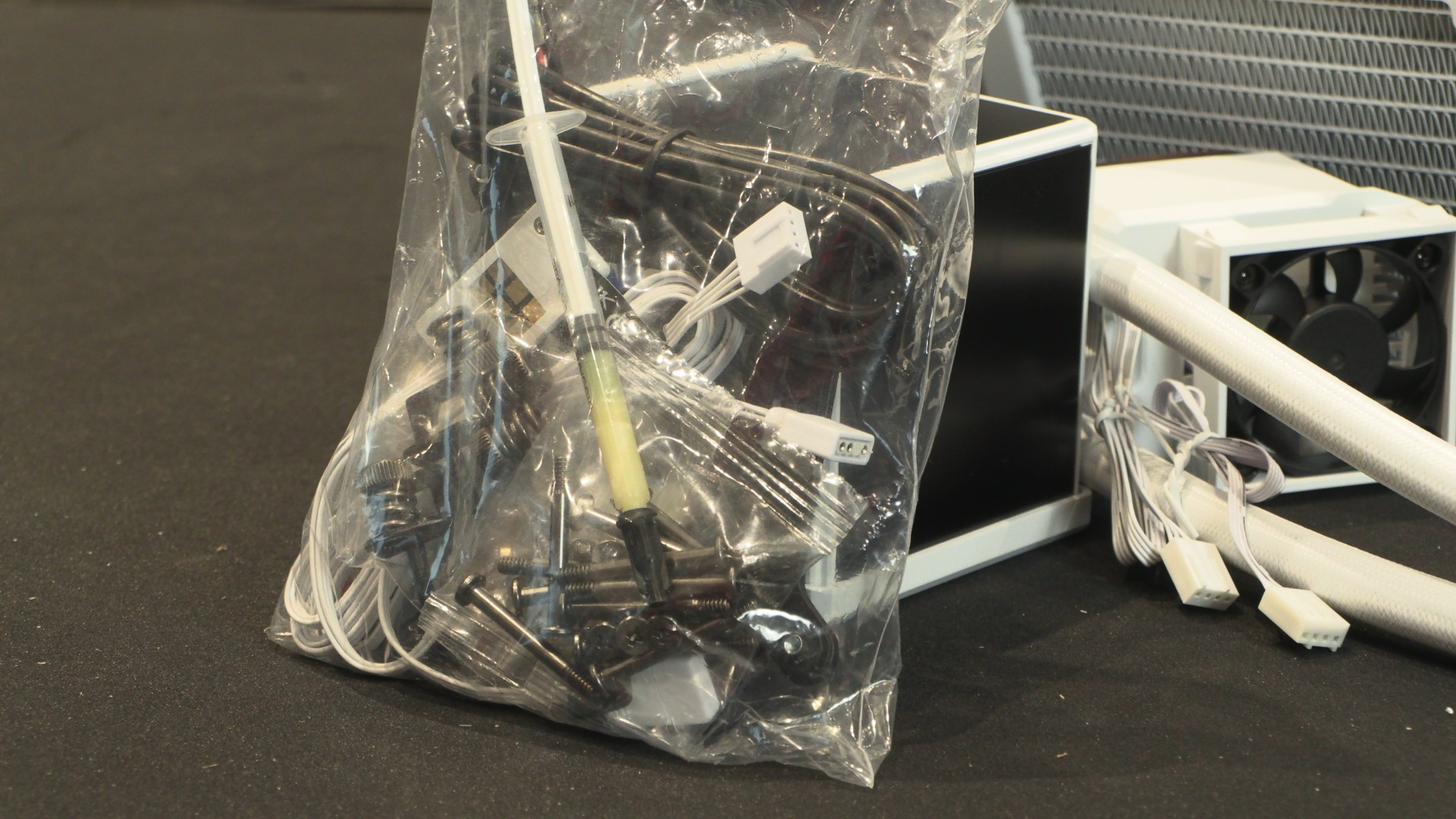
Overall, the MINECUBE 360 is an elegant liquid cooling solution. That said, its cable management is somewhat challenging, especially for the screen and CPU block/pump.
Software
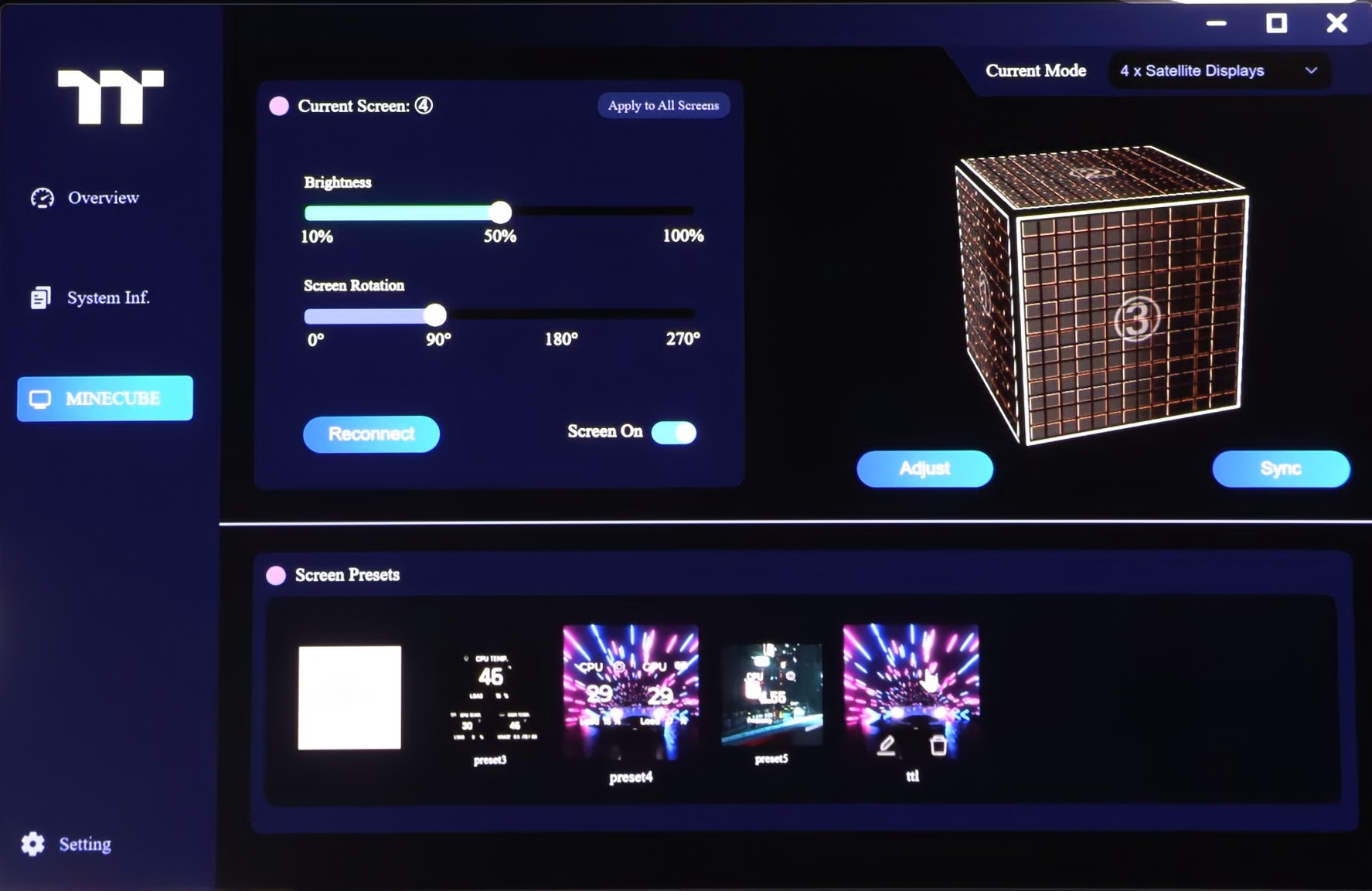
From a software standpoint, the Thermaltake MINECUBE has no major issues. All screens can be easily configured, and the software is very easy to use. This isn’t the kind of software that you will need a guide to operate. It just works.
We can quickly and easily adjust the brightness of the screen, the rotation of the screen, and the content that we place on each screen. We’ve seen many LCD-clad devices ship with bad control software, so its refreshing to see something that works this well at launch.
Fan blade customisation (Standard and reverse flow)
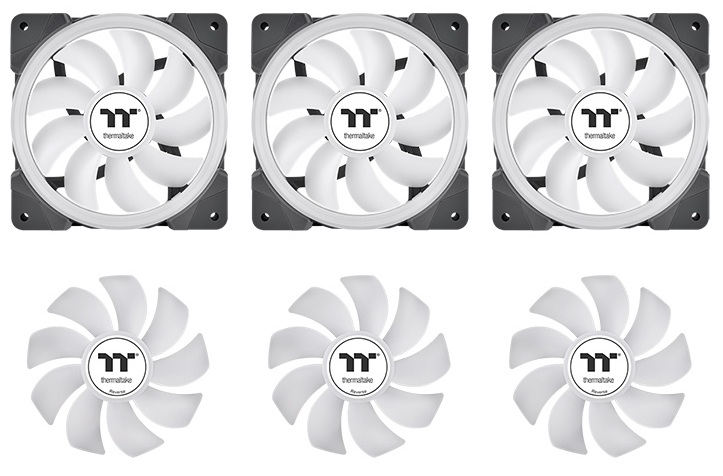
Thermaltake has provided two sets of fan blades with its MINECUBE 360 CPU cooler, allowing users to choose whether to use the fans in standard or reverse airflow. Additionally, the removable fan blade on this liquid cooler makes cleaning the fan incredibly easy.
If you want to use your liquid cooler as an air intake, this option lets you orient your fans for a more visually appealing setup if you use the cooler as an intake.
Pricing
Thermaltake’s MINECUBE 360 AIO CPU liquid cooler is now available to purchase in the UK for £279.98 through Scan Computers. The cooler is available in Black and White, with both models carrying the same price.
OC3D CPU Cooler Test Rig Specifications
Below are the specifications of our current CPU cooler test system. It uses an Intel i5-14600K CPU that operates at a fixed voltage. This ensures more stable thermal loads on a test-by-test basis and more accurate thermal benchmarking results.
CPU: Intel i5-14600K @1.27V (Fixed)
Motherboard: ASUS ROG Strix Z790-E Gaming WIFI
Case: Custom Lian Li O11 EVO XL
Memory: G.Skill Trident Z5 Neo DDR5-6000 32GB (2x16GB)
GPU: Sapphire RX 7900 GRE Nitro+
PSU: be quiet Dark Power 1,000W
Fans: 4x be quiet Silent Wings 4 fans

