ASUS B850 and B850M TUF Gaming WIFI Preview

TUF Gaming B850-Plus
TUF Gaming B850-Plus
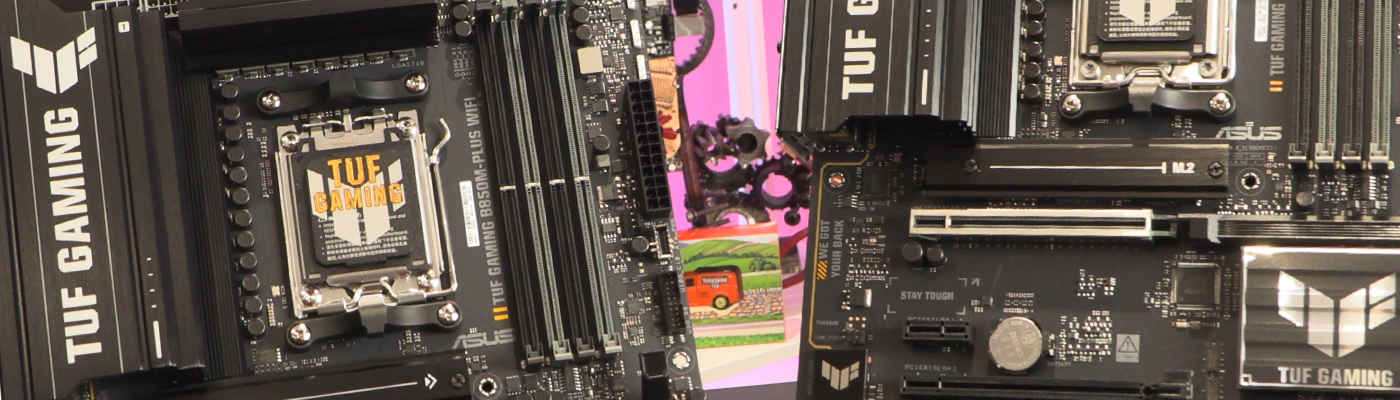
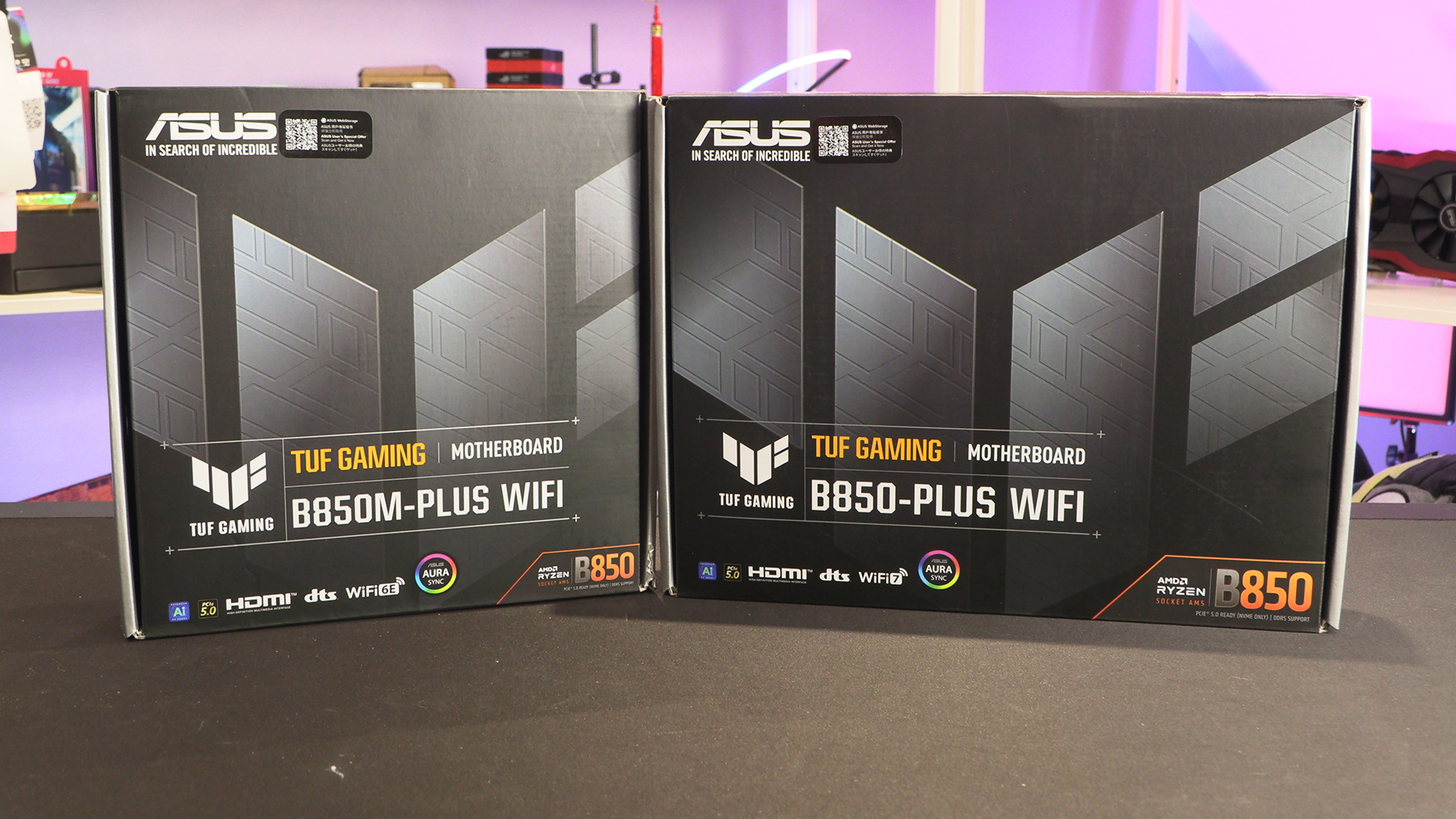
We’re going to cover the full ATX TUF here, and the mATX on the next page. They’re incredibly similar. More so than the Strix models we also reviewed today.
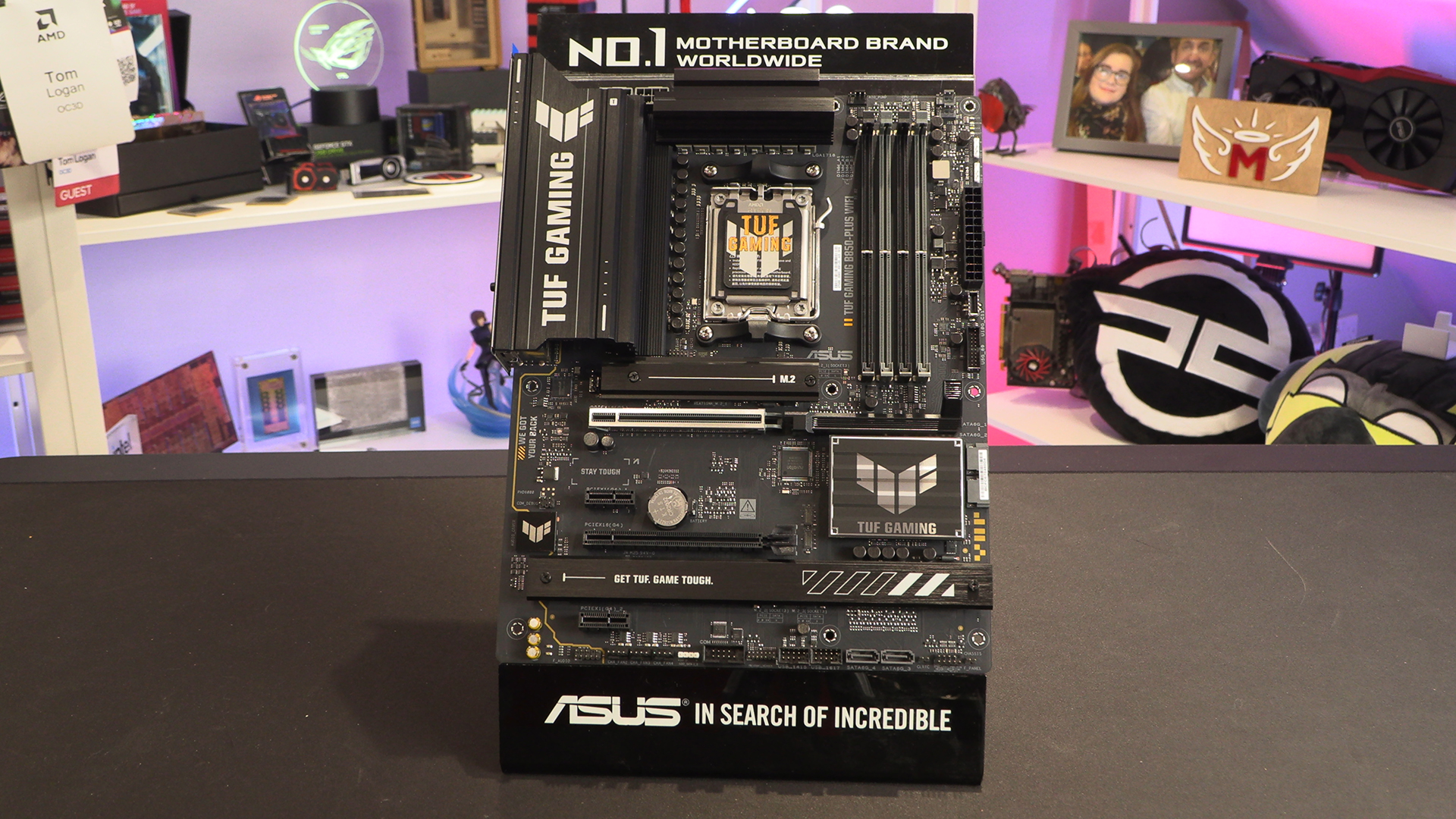
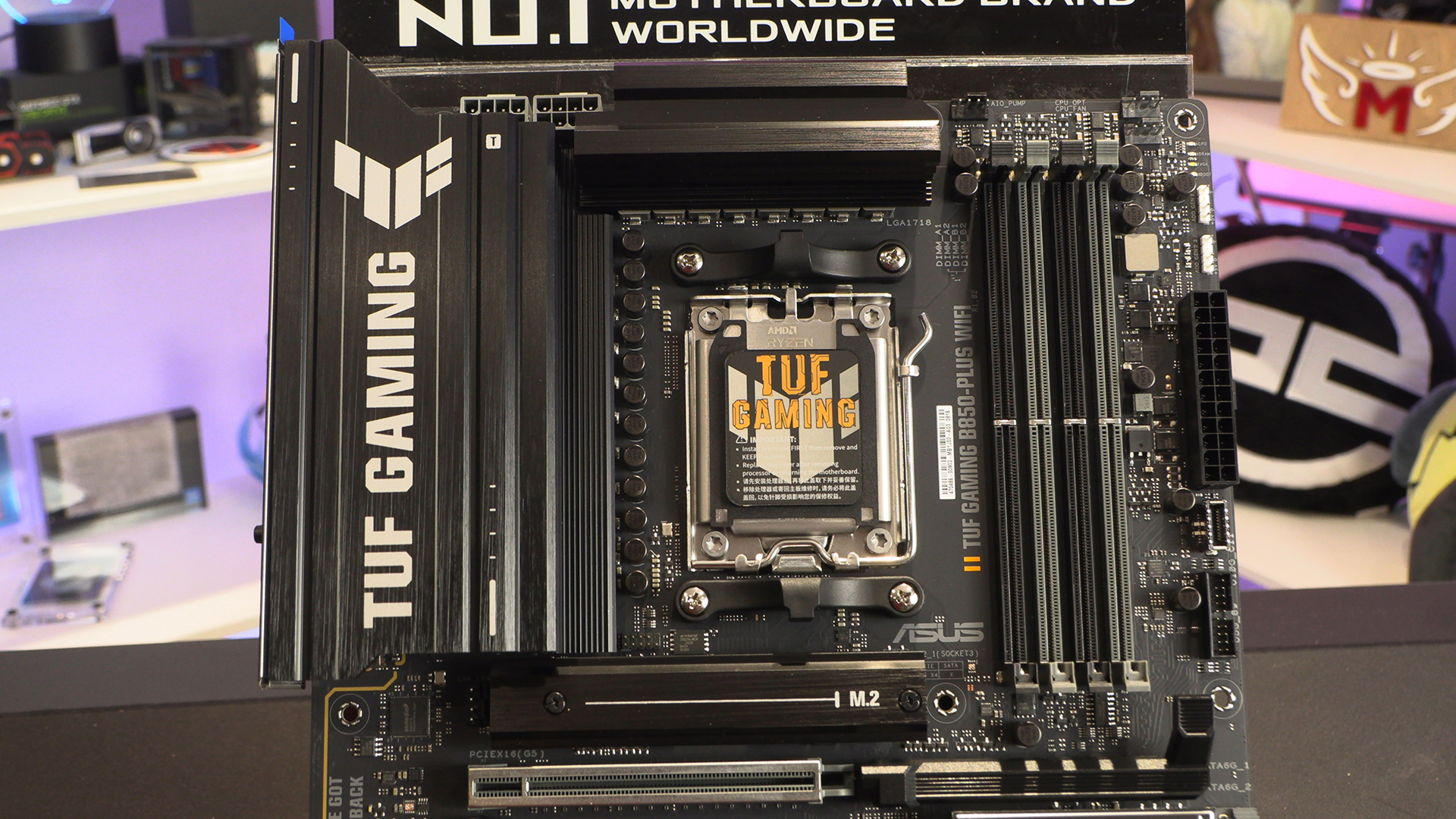
The above photograph shows the ASUS TUF B850 Gaming WiFi in its full length. Below is a little bit closer. As you can see, whilst it might not be at the peak of the ASUS range, you’re getting two 8pin ATX CPU inputs – still in grey plastic we note – and below the DIMM slots you get the wonderful easy GPU release button. The heatsink for the VRMs gives away the great value proposition the TUF offers, with just a single colour screen printed brand identifier.
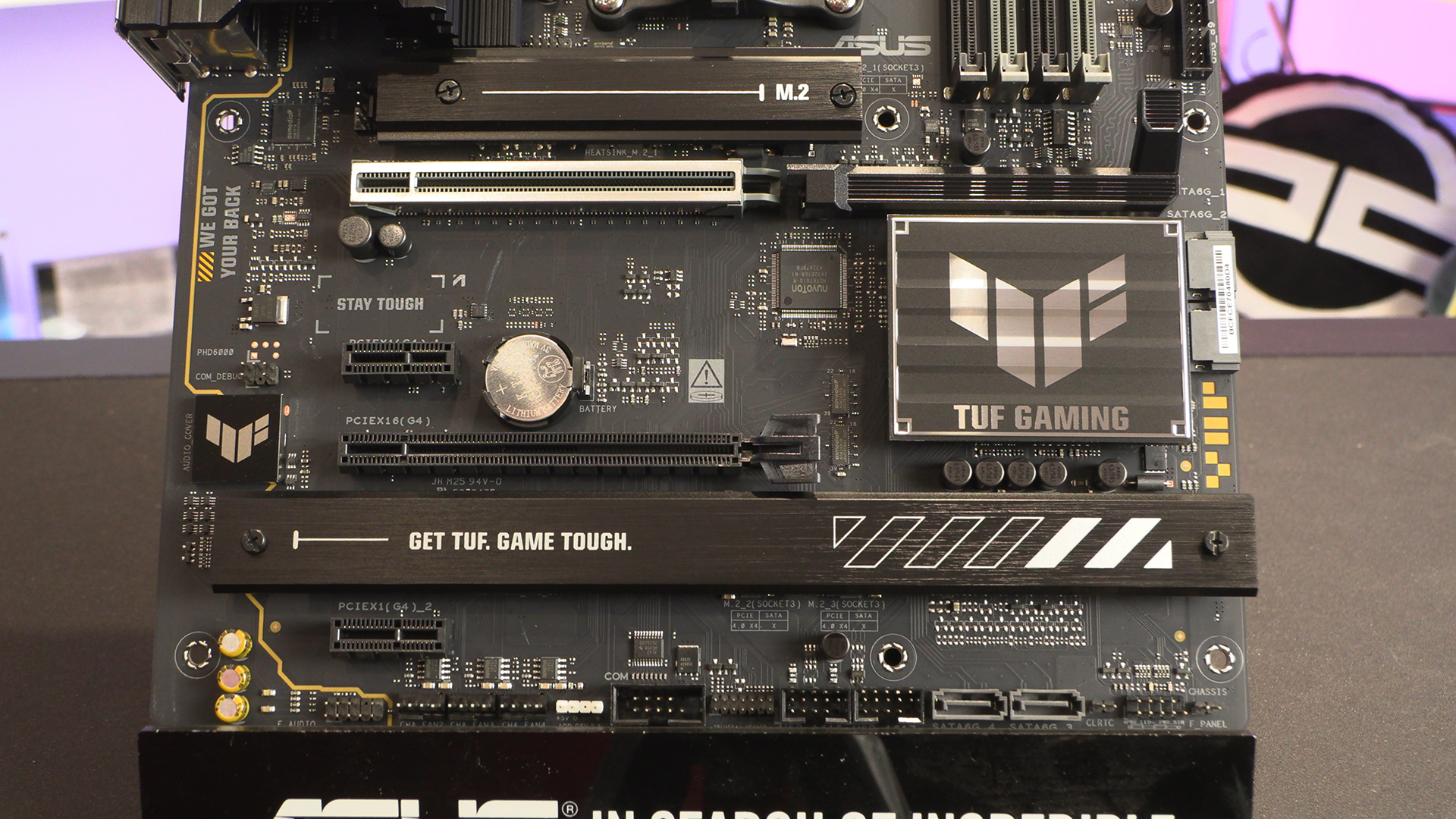
The lower half has similar clues for the experienced. No full PCB heatsink and a simple chipset and M.2 heatsink. It wont win any ‘beauty in design’ awards, but it’s not trying to. It’s just trying to be a motherboard.
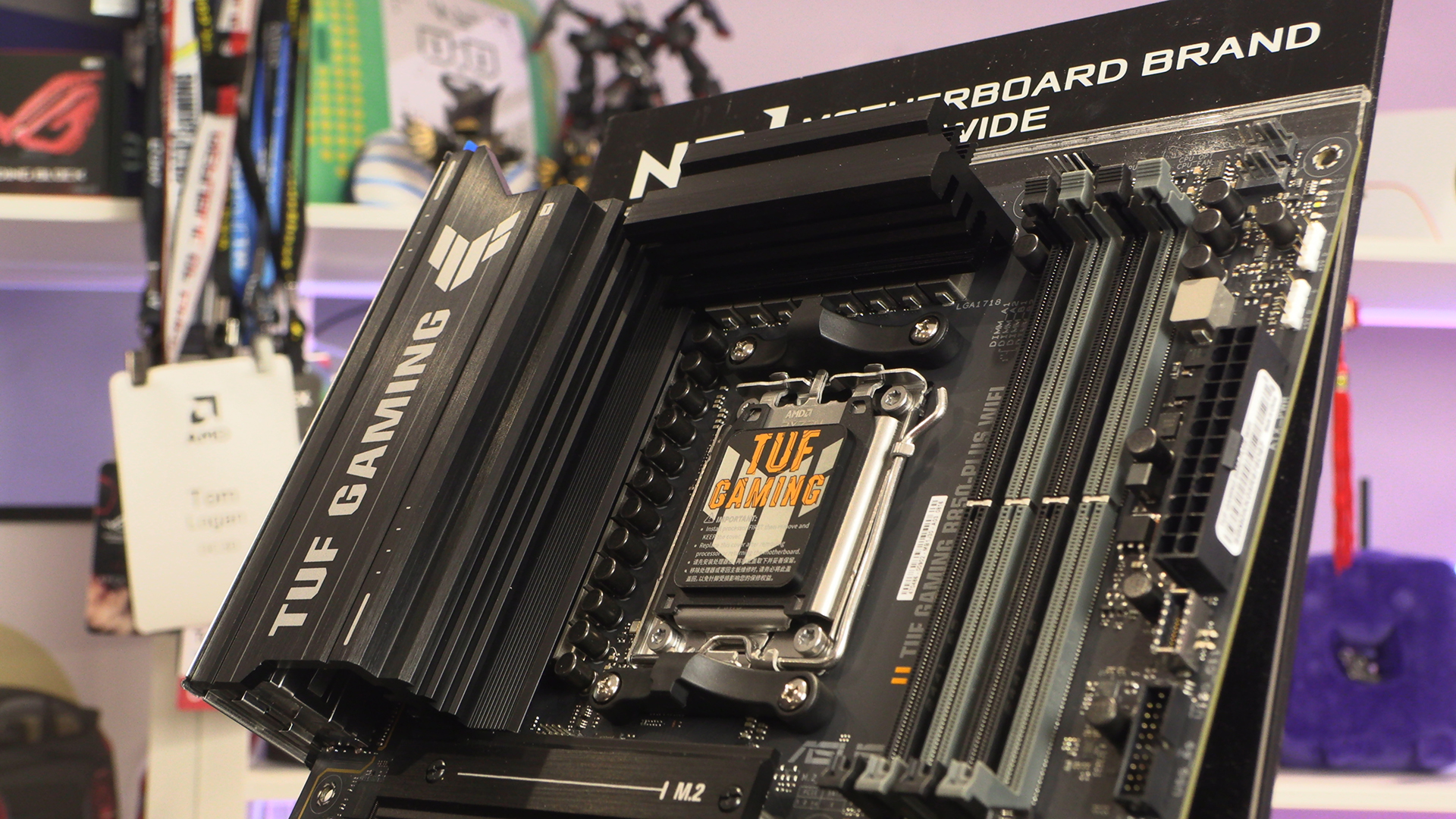
Beneath this chonky heatsink beats a 14+2+1 80A Power Stage. Perfect for any of the desktop Ryzens. Given the wild popularity of the Ryzen X3D range, it’s especially good to see that such an affordable motherboard has more than enough power on board.
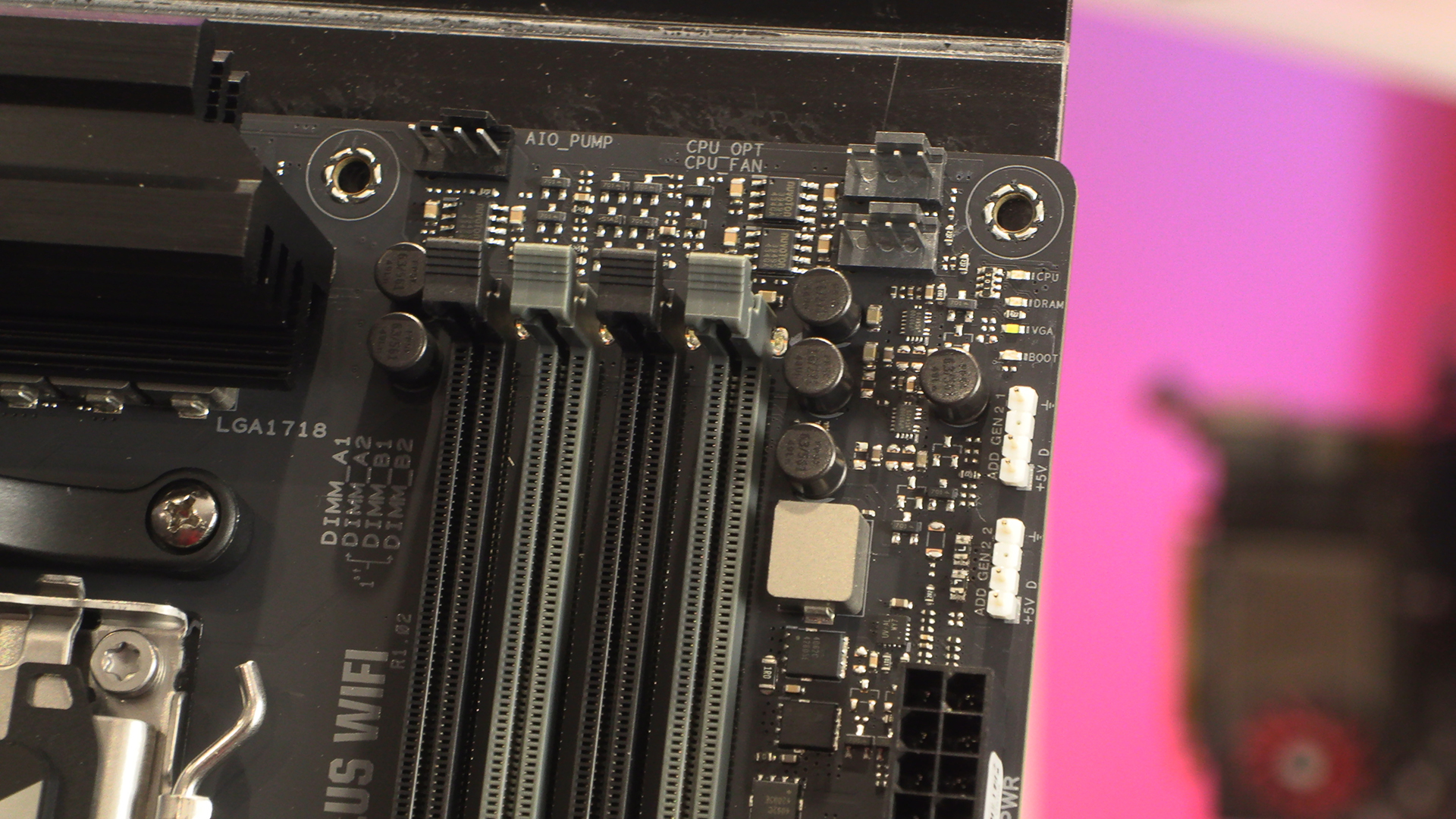
The top right corner boasts all you could need for any modern cooling solution. An AIO/Pump header ensures you can move your liquid easily if necessary, whilst the CPU and Optional fans give you plenty of scope to run either push/pull air coolers or a full size AIO. With two addressable RGB headers nearby, cabling will take the minimum of fuss.
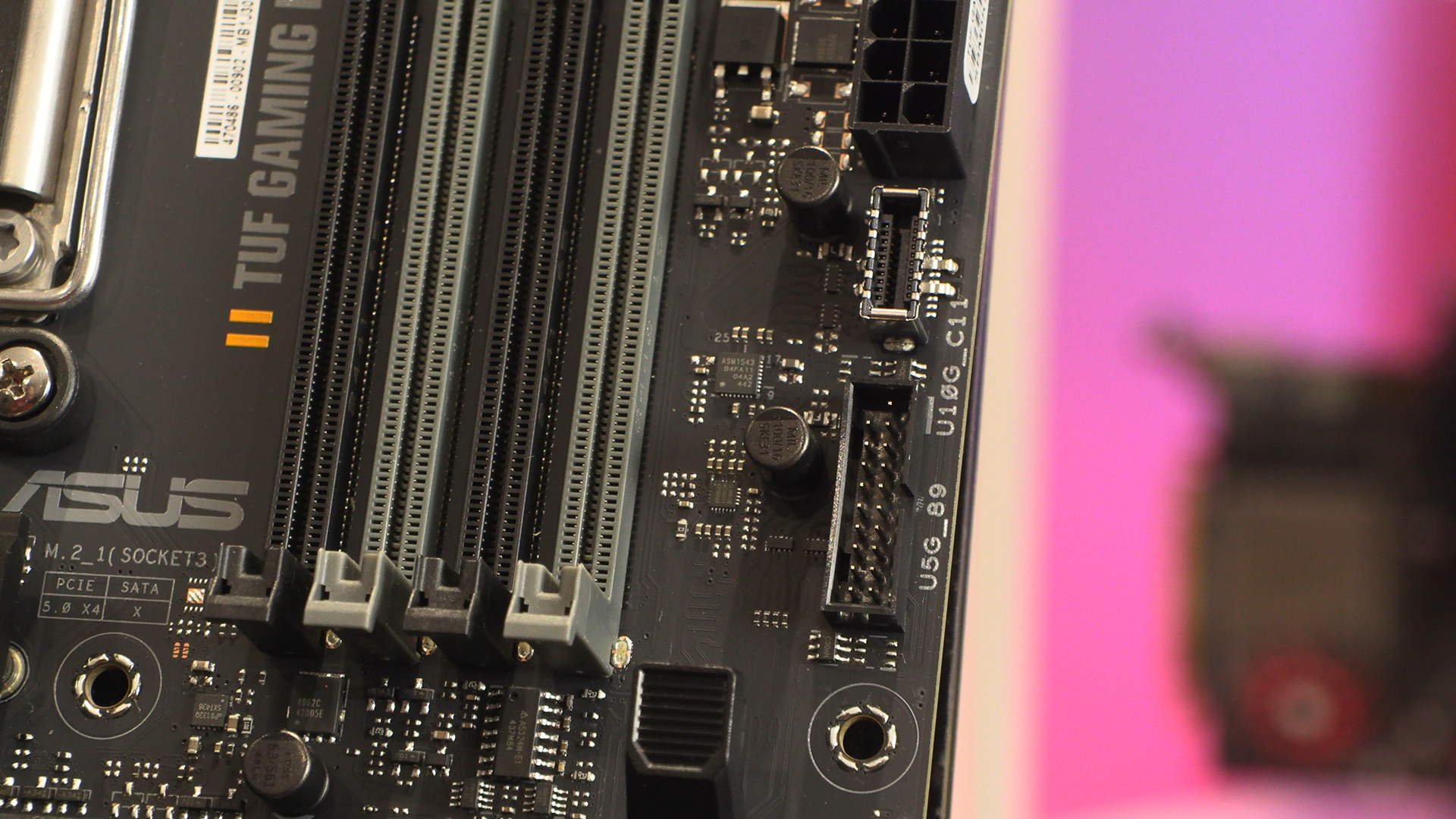
Front panel USB options make everyone’s life easier, and the TUF B850 has both Type-A and Type-C. You can also just see the GPU release latch peeking in at the bottom of the image.
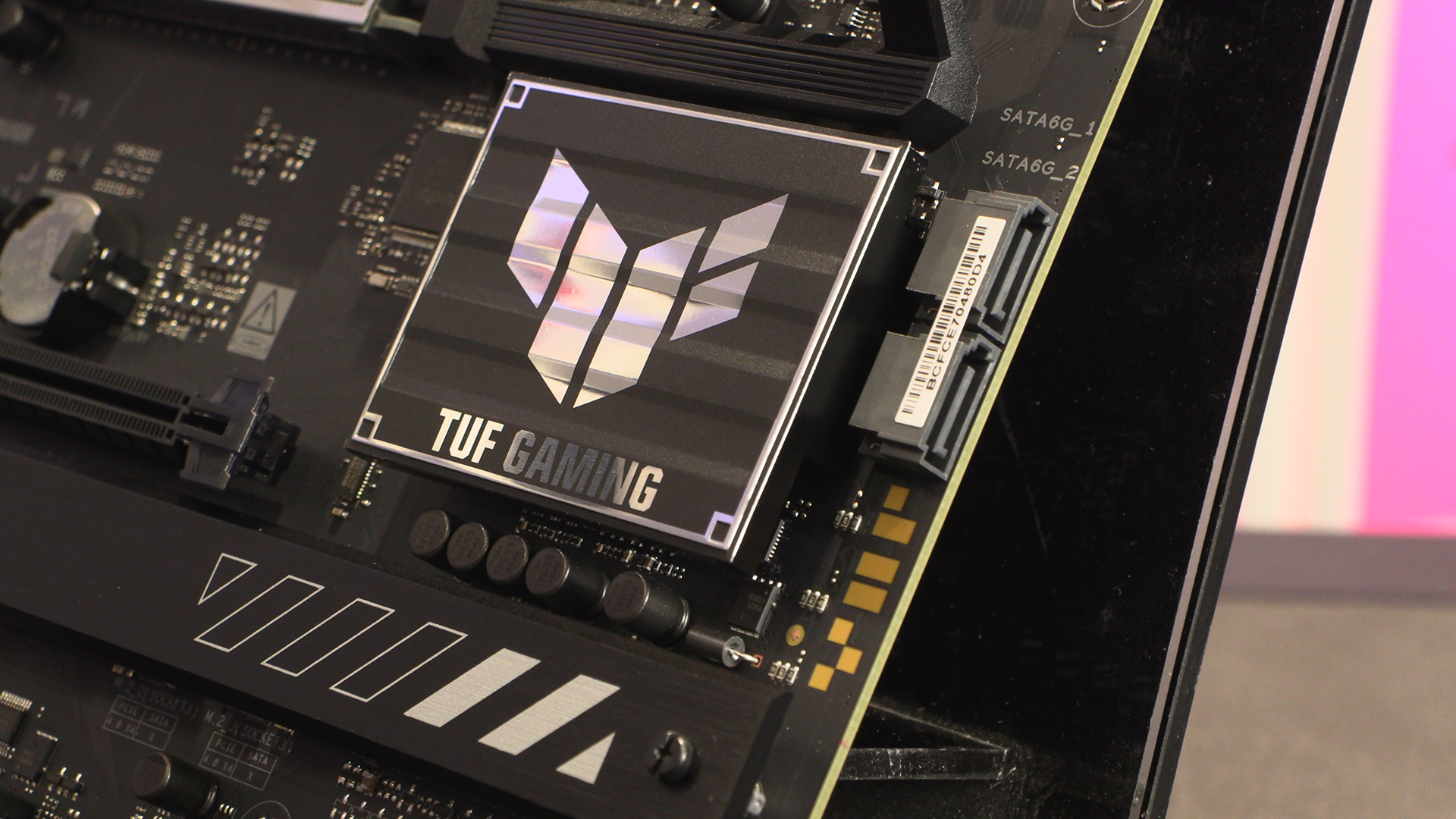
You could concentrate on the chipset heatsink if you want. Perhaps the pair of SATA ports grabs your attention. We will ask you to look closer to the 7 yellow blobs just below. They spell out – albeit stylised to the nth degree – TUF. They are also the only concession to modern onboard lighting the TUF indulges in.
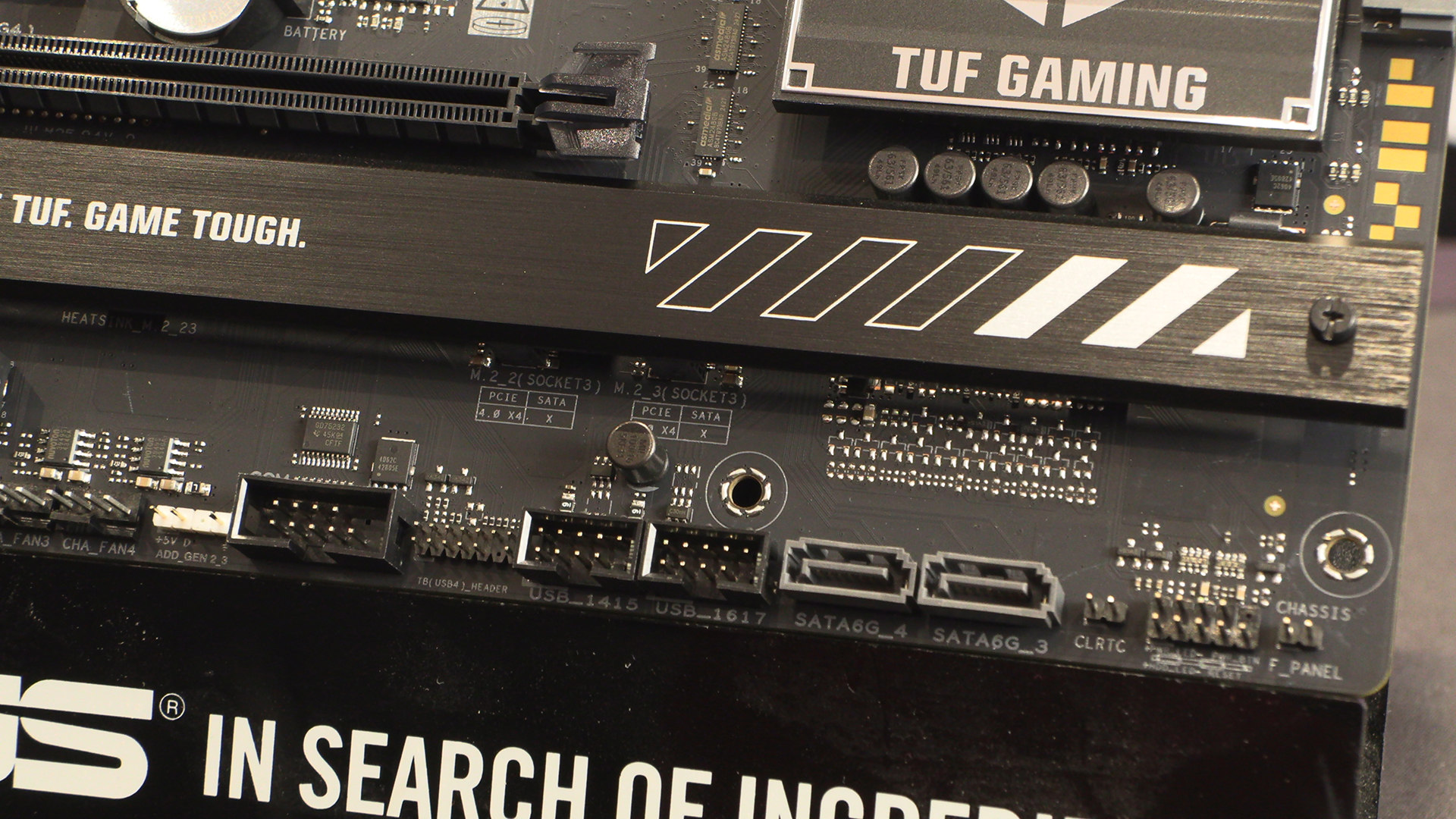
The TUF might be affordable, but ASUS aren’t cutting features to get you there. Two more SATA ports sit next to USB 2 front panel connectors. More used for RGB control than extra USB ports these days, it’s good to see the old tech having a new lease of life. Right next to those is the very latest tech in the form of the Thunderbolt USB 4 header. Speedy.
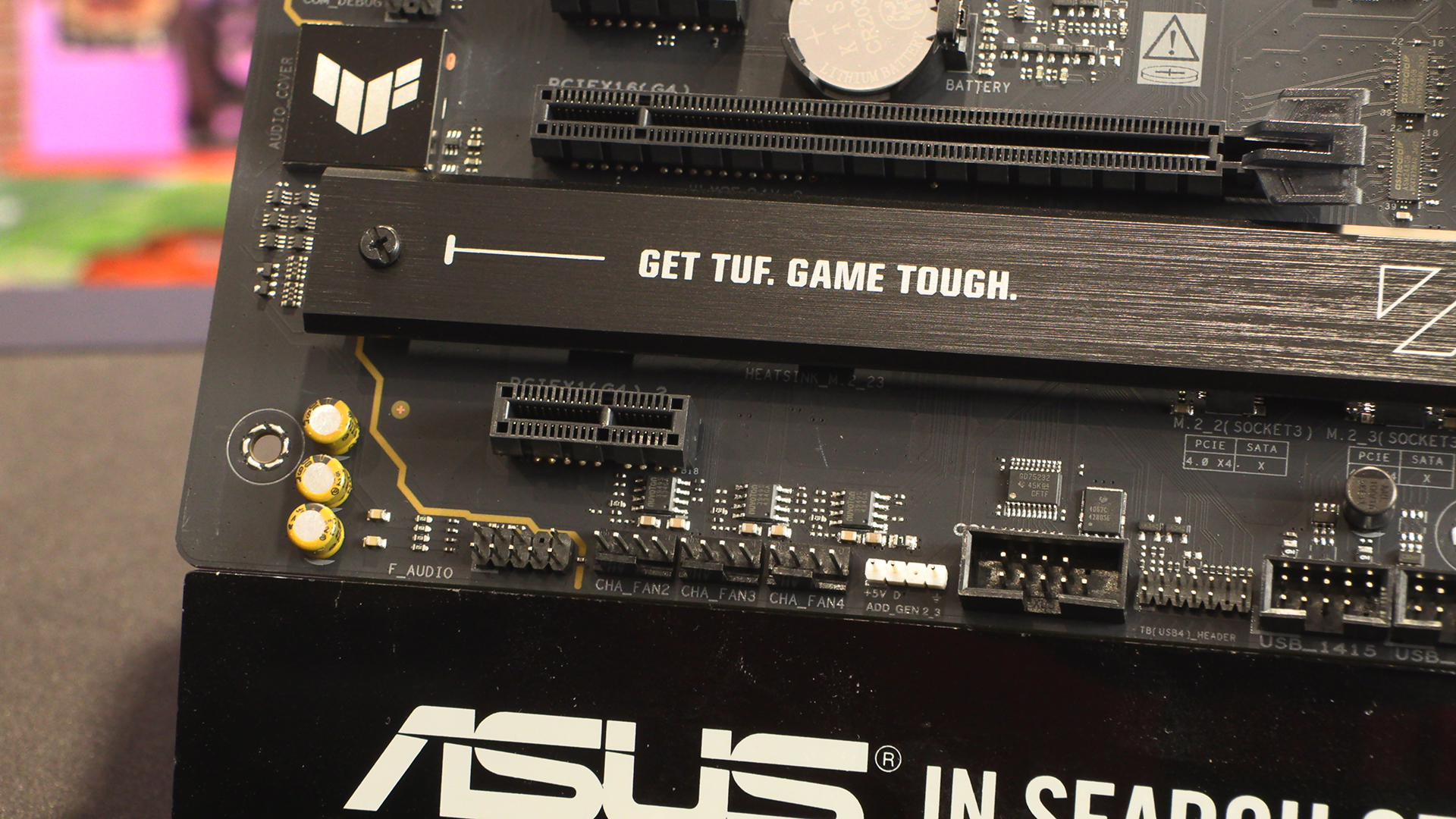
We wrap up the PCB itself with three fan headers. A lot of cases these days have moved to the all-window design and thus have taken to getting cool air in from the floor. That makes their placement here just perfect.
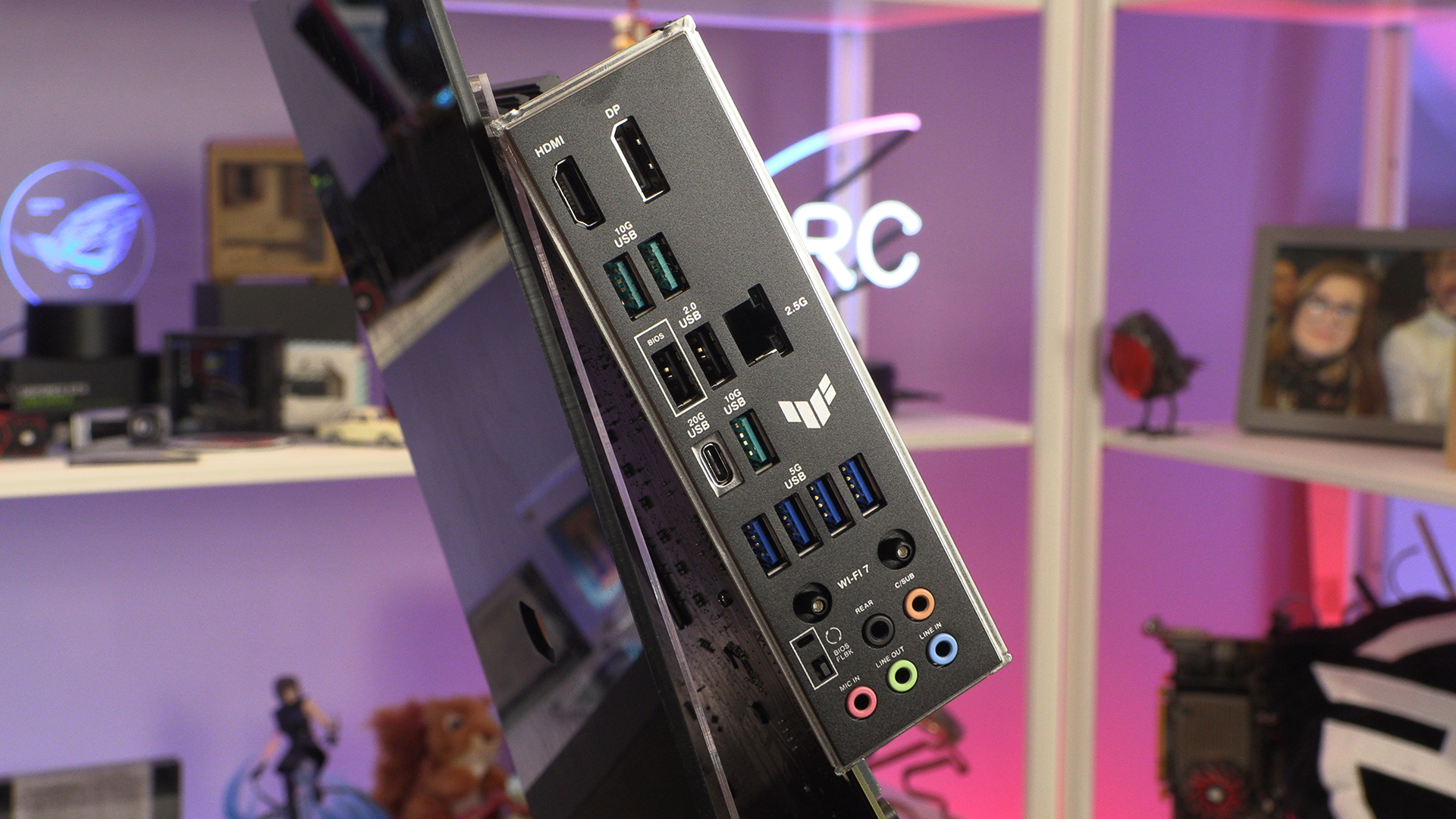
Around the back we find a TUF trademark. Namely, far more USB ports than you would imagine. Go look at the other manufacturers motherboards around this price point. All tend to leave you with 4 or 6 USB ports. Not so the TUF with 9 Type-A and 1 Type-C.